Filter
Exclude
Time range
-
Near
Claude building insane "landing pages" in 10 minutes is probably one of the most impressive AI demos I've seen recently (I tried myself, too)! Honestly, the output looked awesome: clean layout, stunning visuals, seamless motions, reasonable copy. The problem is that a page can look convincing and still convert terribly at the same time. That's because initially, AI is optimizing for "what a good product page looks like", while CRO is about understanding why a specific visitor still hasn't bought. When reviewing AI-generated PDPs, I keep seeing the same gaps: - Proof appears, but not in the right order. - Claims show up before trust is established. - Buy boxes miss critical microcopy. - Objections get addressed, but too late. - CTAs exist, but without enough context. None of these are design problems. They're decision-making problems. To fix them, you need to understand who's landing on the page and what's stopping them from buying. Are they skeptical? Price-sensitive? Comparing alternatives? Trying to understand if the product actually works? AI can't reliably answer those questions from a product URL alone. That's why I don't think AI is replacing CRO anytime soon. It still needs someone in the room who understands customer psychology, buying friction, and conversion strategy. The winners won't be the people using AI the most, but those combining AI speed with real conversion thinking!
2
45
A developer recently injected a large, detailed system prompt modeled on a frontier AI assistant into plain Claude Opus 4.8, then ran it side by side against stock Opus 4.8 on the exact same task: build a modern Apple-style landing page. The difference was immediate. The heavily prompted version produced tighter branding, cleaner section hierarchy, and more refined visual language. The hero treatment, typography, and microcopy all felt more cohesive and intentional. Stock Opus 4.8 was solid. The system prompted version felt a full tier higher in polish. Same model. Same weights. Just a richer prompt. Here is what that means for builders: 1. Prompt engineering at scale is model shaping. A large, detailed system prompt acts like a full product specification layer covering tool usage rules, memory handling, formatting standards, and behavioral guardrails. It is not just instructions. It is an operating mode. 2. You can get surprisingly close to best in class behavior today by pairing a strong system prompt with a capable base model. Several teams are already running this setup in agentic workflows and seeing meaningful gains in consistency and output quality. 3. This blurs the line between model capability and orchestration. The next major leap might not come only from bigger models. It could come from better prompt architectures, agent scaffolds, and memory systems that make existing models feel twice as capable. 4. For solo founders and small teams, this is genuinely empowering. You do not need the latest restricted release to produce high quality, consistent output. The polish you see in top AI products is more accessible than it looks. The weights set the ceiling. The prompt and the workflow determine how close you actually get to it.
2
18
13
1,766
Every UX/UI designer should know these websites! 1. tinywow .com - free file converter 2. microcopy .me - UX copy generator 3. fontjoy .com - font pairing tool 4. iconoir. com - 1,151 free icons 5. mixkit. co - free stock videos! 6. screenlane. com - real UI design inspiration 7. happyhues .co - a free color palette inspiration site 8. growth. design - beautifully presented case studies 9. toools. design - 1000 free design resources 10. basicons .xyz - pixel-perfect icons 11. briefup .co - design brief generator 12. meshgradient .com - create beautiful mesh gradients easily 13. iconer .app - 32k free icons 14. 3dicons .co - 120 free 3d icons 15. shapefest .com - 100k free illustrations and 3d elements 16. saaslandingpage .com - for design inspiration 17. onepagelove .com - for design inspiration 18. lapa .ninja - for design inspiration 19. Mobbin .com - for design inspiration 20. Screenlane .com - for design inspiration 21. Pageflows .com - for design inspiration 22. colorhunt .co - color palette generator for designers 23. basicons .xyz - 326 beautiful and minimalist icons 📷 24. stocksnap. io - free stock photos 25. screenlane. com - free mobile design inspiration site 26. angle. sh - beautiful device mockups 27. Fontpair .co - find the perfect font pairs easily 28. designspiration .net - awesome design inspiration 29. heroicons .com - beautiful hand-crafted SVG icons Share with other Designers!
1
191
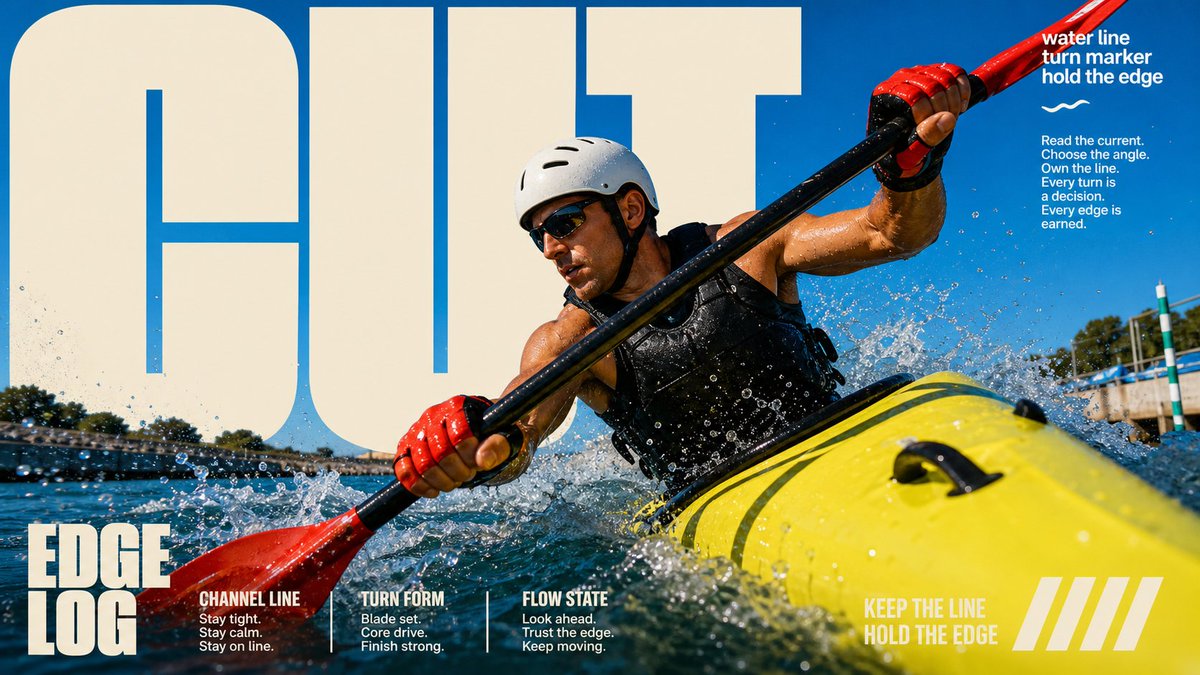
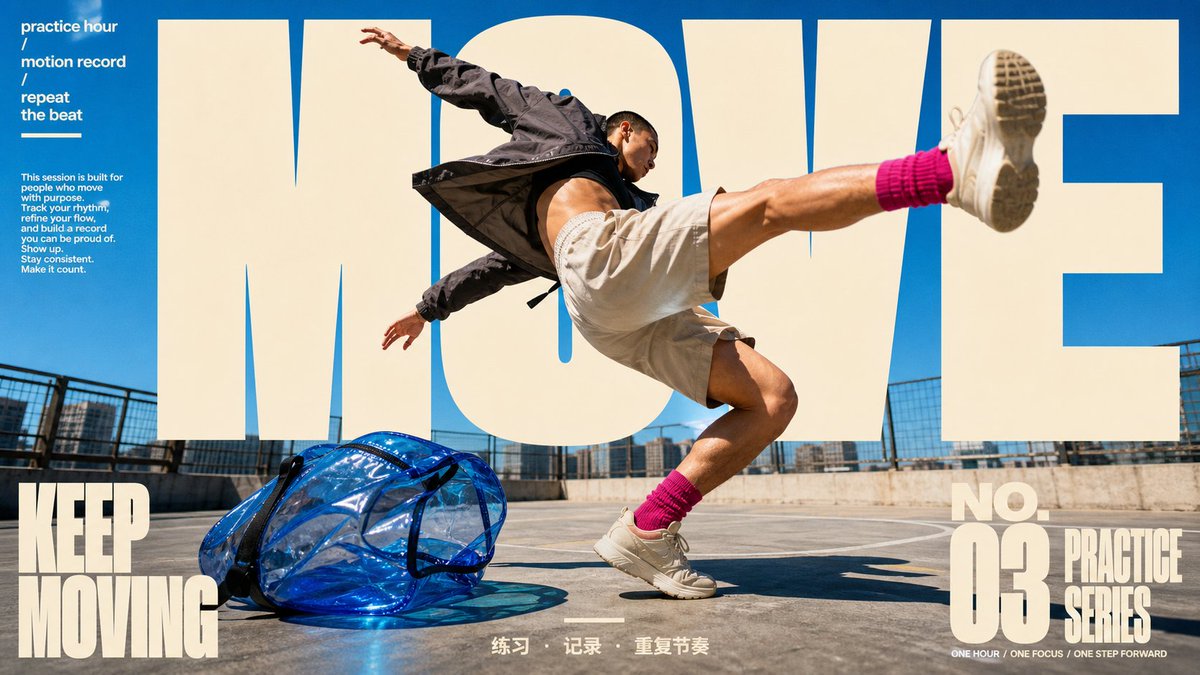
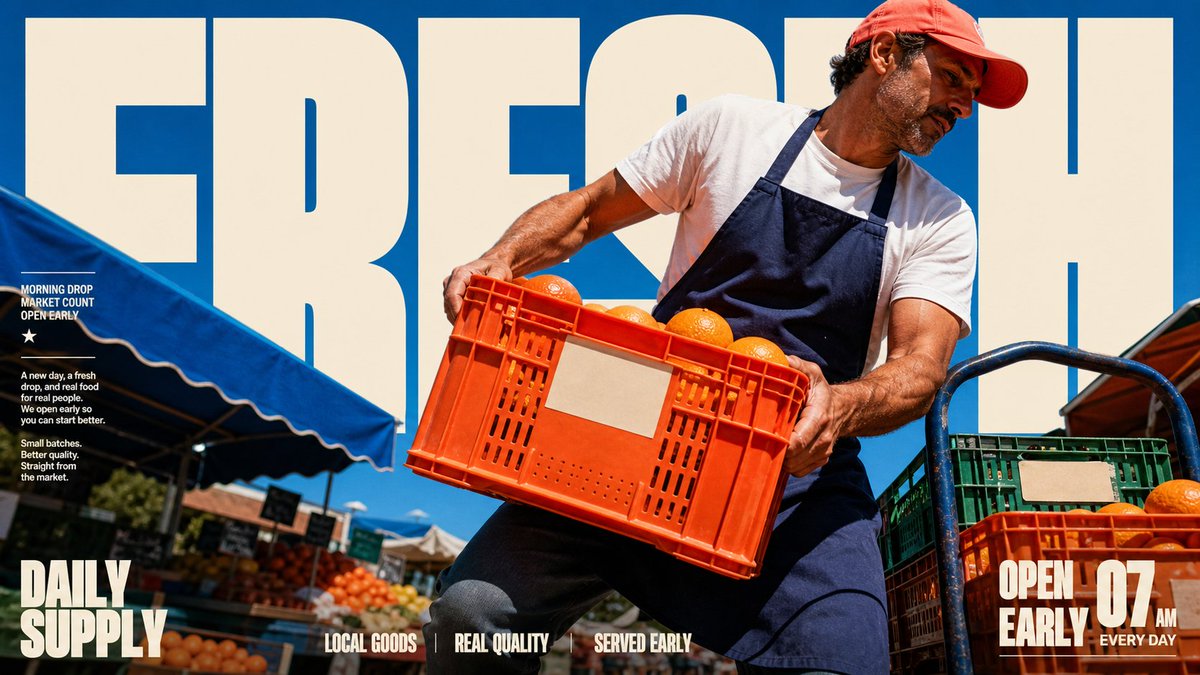
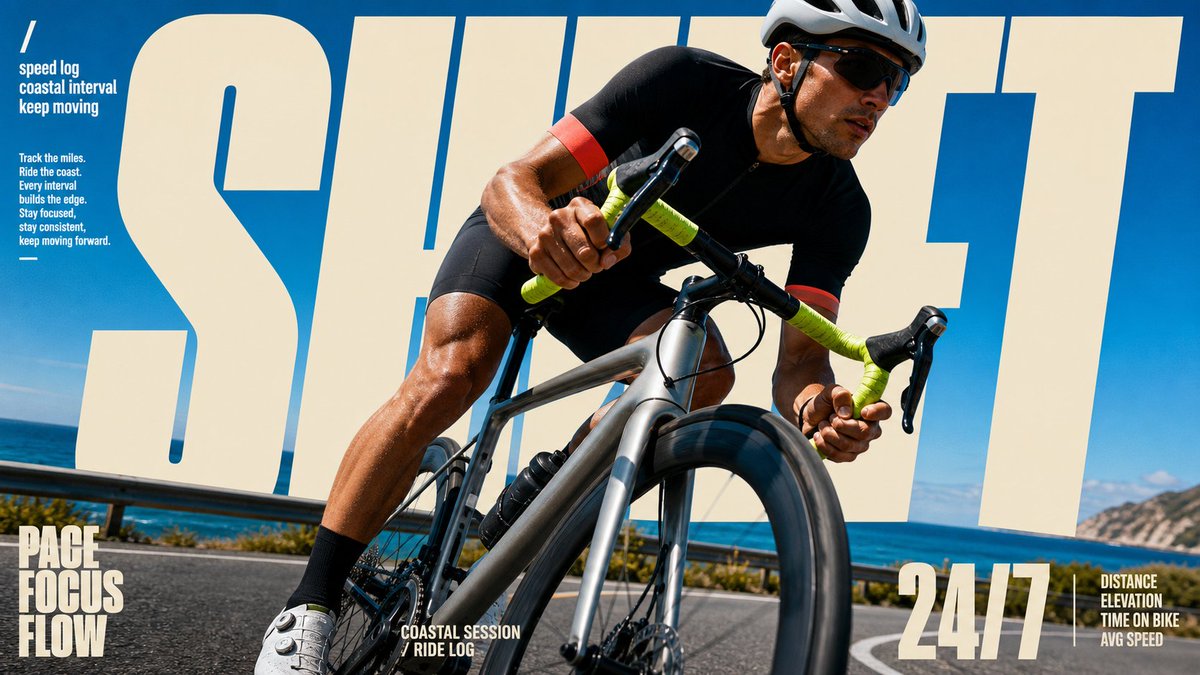
把一个大字放到人物「后面」,这个人立刻就变成了杂志封面人物。 不是因为他有多有名——是因为你的眼睛会自动读出一个「层次」:背景字 → 人物 → 你。这层纵深感,就是 GQ、Vogue、Sports Illustrated 封面用了几十年的老招:让主体站到标题前面,ta 就自动拥有了「封面主角」的待遇。 这个技巧叫「文字穿插」——人物遮住字母的一部分,平面瞬间变立体。上一批运动海报(RISE/READY)是让人物「冲出画框」;这一批是让人物「站到字前面」。方向反了,效果一样猛。 而这 4 张还是同一套模板:风格锁死(全幅动作照 超大奶色镂空字母藏在人物身后 蓝天主色 角落编辑体小字 底栏三词标签),换的只是「谁在动、动作是什么、配哪个词」。模板抄走直接用—— { "style_name": "Sunlit Kinetic Block Type Photo Poster", "style_slug": "sunlit-kinetic-block-type-photo-poster-style", "style_version": "2.1.0", "style_summary": "A high-energy editorial sports and lifestyle poster style built from full-bleed sunlit photography, oversized cream condensed block typography, diagonal subject crops, compact microcopy clusters, and vivid blue-sky color fields.", "environment_variables": { "SUBJECT": "main subject", "SUBJECT_ACTION": "main action", "PRODUCT_OR_PROP": "object, product, or prop", "LOCATION": "environment or setting", "BACKGROUND_ELEMENTS": "secondary scene details", "MAIN_TEXT": "main headline or graphic text", "SECONDARY_TEXT": "small repeated supporting text", "ACCENT_SYMBOL": "separator or decorative symbol", "WARDROBE_STYLE": "styling direction", "STYLE_FIDELITY_ANCHORS": "observable style traits that must remain visible", "SOURCE_CONTENT_TO_AVOID": "literal source content that generated samples must not recreate", "ASPECT_RATIO": "9:16 or 16:9" }, CUT / MOVE / FRESH / SHIFT——如果你是杂志封面,你的那个字会是什么?
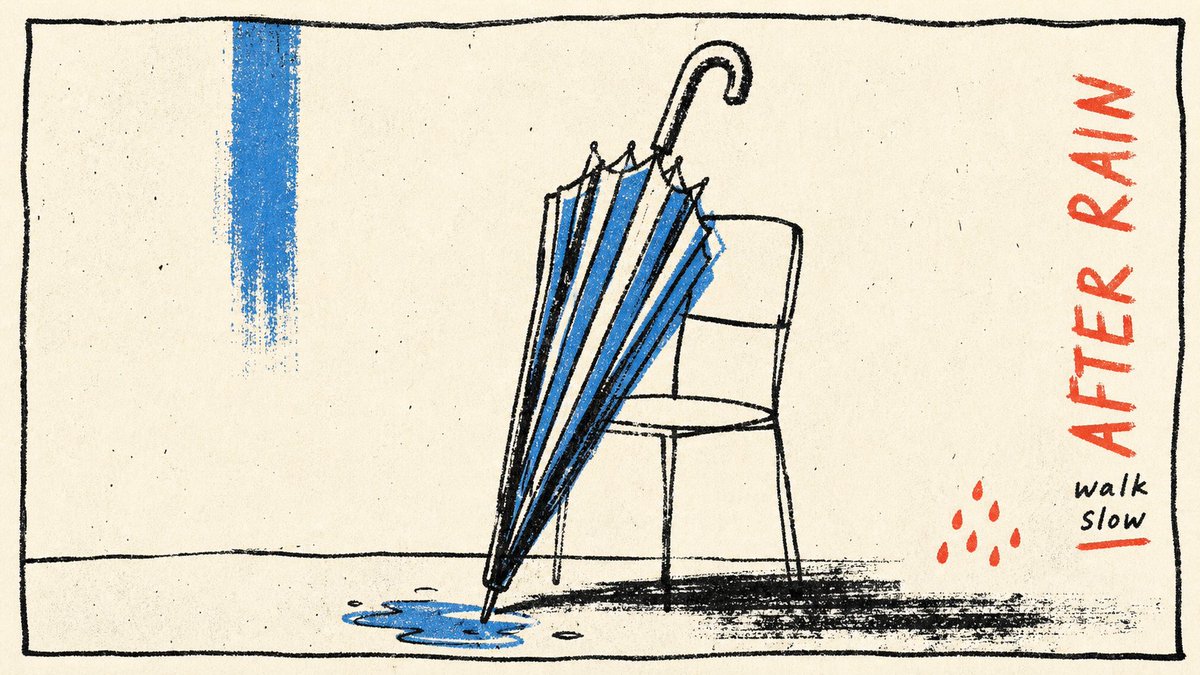
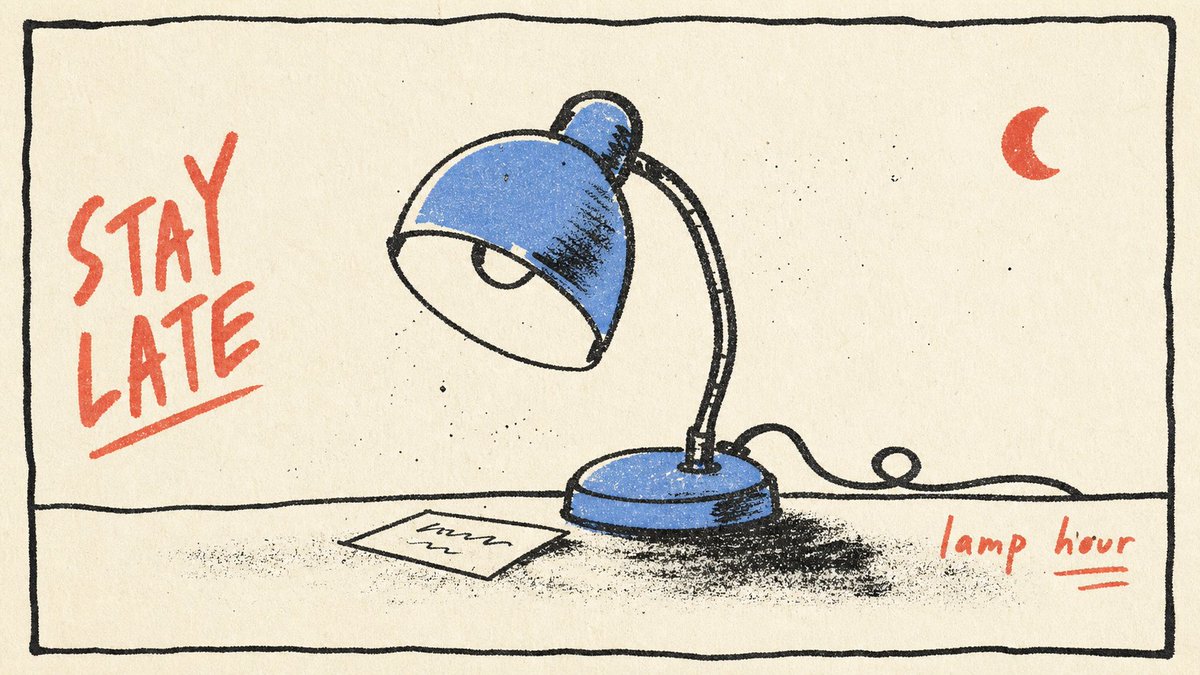
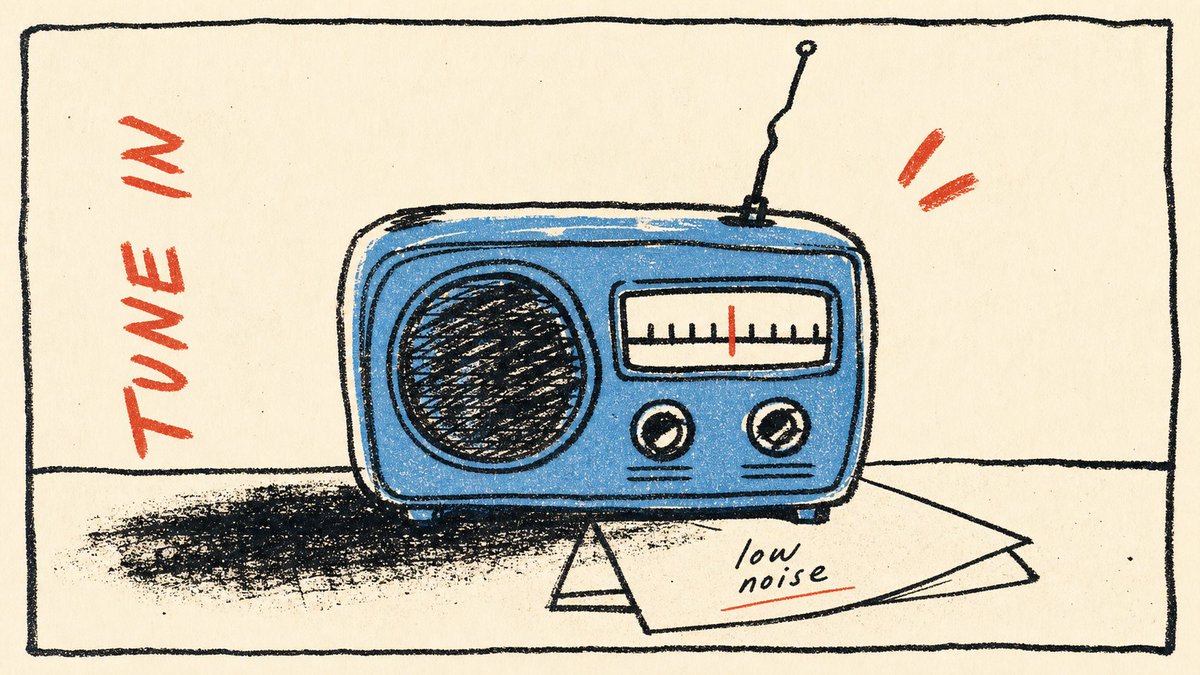
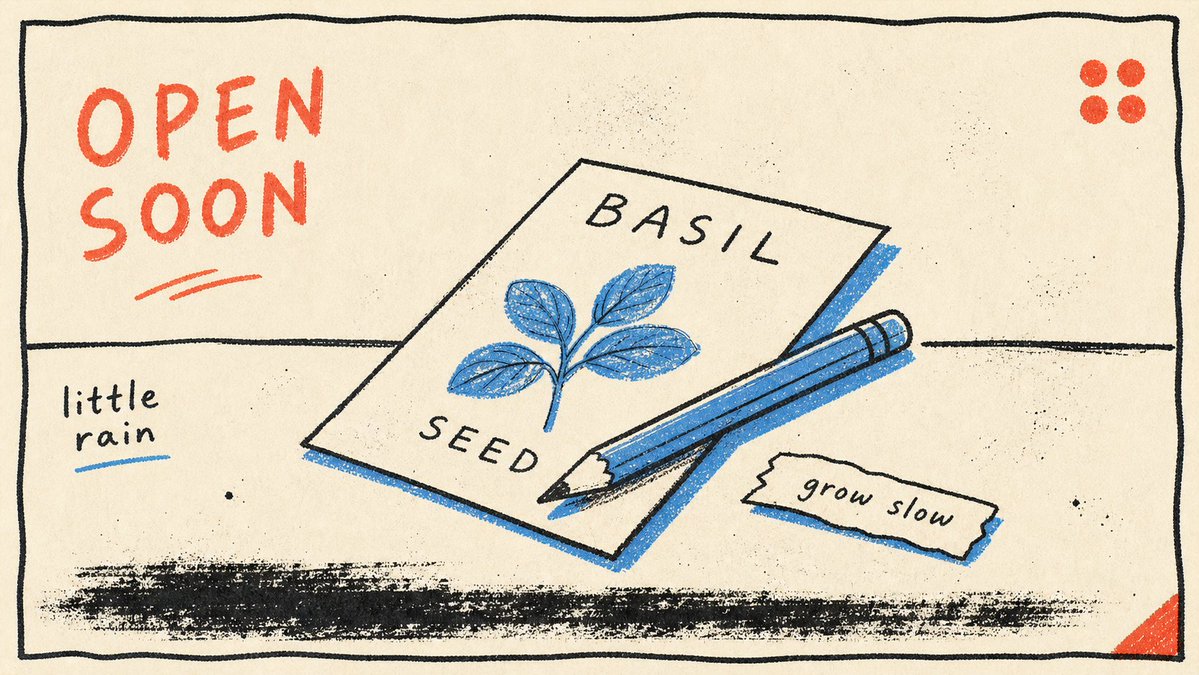
当所有人都在让 AI 出更复杂、更逼真、更炸裂的图时——试试反过来:只给它三种颜色。 黑线、一抹蓝、一点红。一个物件、一个动词、一句小字。没了。 结果?越少,越像「某个人画的」。因为克制本身就是风格——它在说「我知道可以加更多,但我选择不加」。这种「选择不加」的感觉,就是 AI 图最难伪造的东西:审美判断。 Prompt 的高阶操作不是往里塞更多描述,是知道该删掉什么。 而这 4 张还是同一套模板:风格锁死(奶白纸底 手绘黑线框 蓝色填充 红色手写标签 单个日常物件 右下角小字注释 版画颗粒感),换的只是「画什么物件、配哪个动词」。模板抄走直接用—— { "style_name": "Loose Scribble Riso Print Style", "style_slug": "loose-scribble-riso-print-style", "style_version": "1.0.0", "style_summary": "A sparse handmade riso or screenprint poster style with one large simplified subject, wavering black contour drawing, rough off-white paper, flat blue and coral-red overprint accents, handwritten margin text, and visible print grain.", "environment_variables": { "SUBJECT": "The new main subject or simplified object for the print.", "SUBJECT_ACTION": "The simple pose, placement, or action of the subject.", "PRODUCT_OR_PROP": "A small supporting prop or object detail that is not the original source prop.", "LOCATION": "A minimal setting or surface that grounds the subject.", "BACKGROUND_ELEMENTS": "Sparse background details such as a border, ground line, paper speckles, or one small accent mark.", "MAIN_TEXT": "A short handmade phrase to place near the margin.", "SECONDARY_TEXT": "Tiny supporting handwritten text or edition-like microcopy that does not mimic the source identity marks.", "ACCENT_SYMBOL": "One small decorative mark, scribble, star, arrow, dot, or stamp-like accent.", "WARDROBE_STYLE": "Styling direction for any character or object treatment, kept flat and handmade.", "STYLE_FIDELITY_ANCHORS": "Observable style traits that must remain visible in the generated sample.", "SOURCE_CONTENT_TO_AVOID": "Literal source content that generated samples must not recreate.", "ASPECT_RATIO": "9:16 or 16:9" }, 雨后的伞、深夜的灯、桌上的收音机、一包种子——哪个最像你此刻的状态?
25
389
3,056
149,949
Jun 13
Replying to @sarveshsea
-Ruthless simplicity -Visual language that lowers anxiety about money - Friendly motion and microcopy
64
当所有人都在让 AI 出更复杂、更逼真、更炸裂的图时——试试反过来:只给它三种颜色。 黑线、一抹蓝、一点红。一个物件、一个动词、一句小字。没了。 结果?越少,越像「某个人画的」。因为克制本身就是风格——它在说「我知道可以加更多,但我选择不加」。这种「选择不加」的感觉,就是 AI 图最难伪造的东西:审美判断。 Prompt 的高阶操作不是往里塞更多描述,是知道该删掉什么。 而这 4 张还是同一套模板:风格锁死(奶白纸底 手绘黑线框 蓝色填充 红色手写标签 单个日常物件 右下角小字注释 版画颗粒感),换的只是「画什么物件、配哪个动词」。模板抄走直接用—— { "style_name": "Loose Scribble Riso Print Style", "style_slug": "loose-scribble-riso-print-style", "style_version": "1.0.0", "style_summary": "A sparse handmade riso or screenprint poster style with one large simplified subject, wavering black contour drawing, rough off-white paper, flat blue and coral-red overprint accents, handwritten margin text, and visible print grain.", "environment_variables": { "SUBJECT": "The new main subject or simplified object for the print.", "SUBJECT_ACTION": "The simple pose, placement, or action of the subject.", "PRODUCT_OR_PROP": "A small supporting prop or object detail that is not the original source prop.", "LOCATION": "A minimal setting or surface that grounds the subject.", "BACKGROUND_ELEMENTS": "Sparse background details such as a border, ground line, paper speckles, or one small accent mark.", "MAIN_TEXT": "A short handmade phrase to place near the margin.", "SECONDARY_TEXT": "Tiny supporting handwritten text or edition-like microcopy that does not mimic the source identity marks.", "ACCENT_SYMBOL": "One small decorative mark, scribble, star, arrow, dot, or stamp-like accent.", "WARDROBE_STYLE": "Styling direction for any character or object treatment, kept flat and handmade.", "STYLE_FIDELITY_ANCHORS": "Observable style traits that must remain visible in the generated sample.", "SOURCE_CONTENT_TO_AVOID": "Literal source content that generated samples must not recreate.", "ASPECT_RATIO": "9:16 or 16:9" }, 雨后的伞、深夜的灯、桌上的收音机、一包种子——哪个最像你此刻的状态?
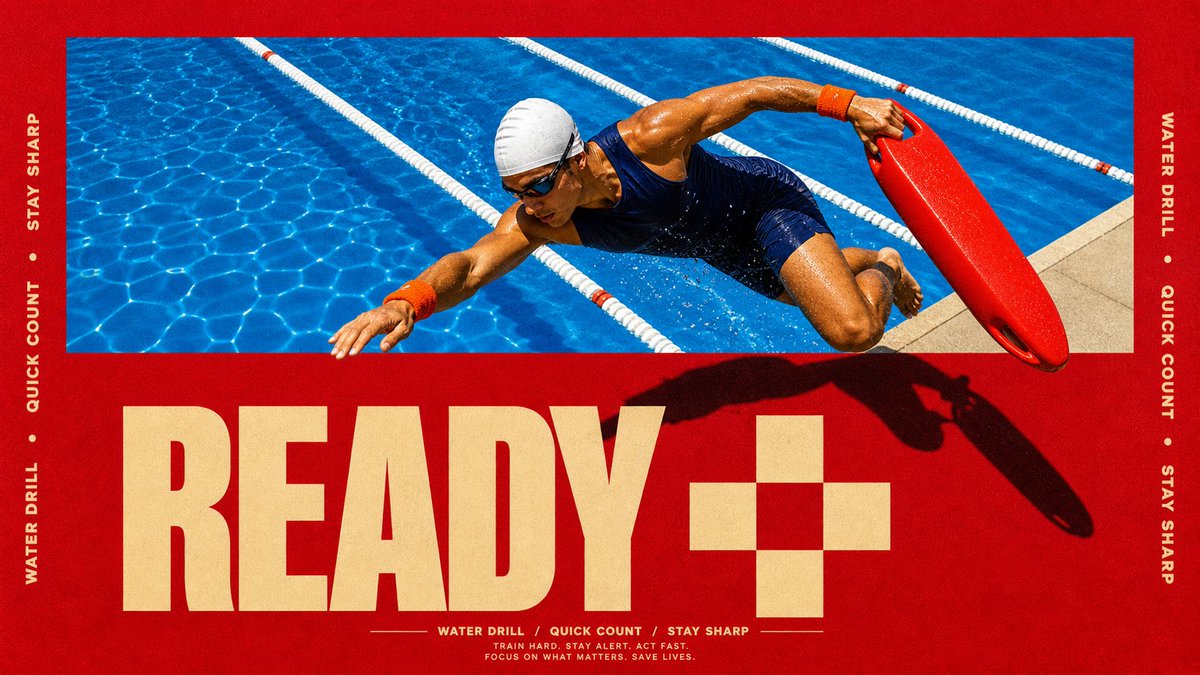
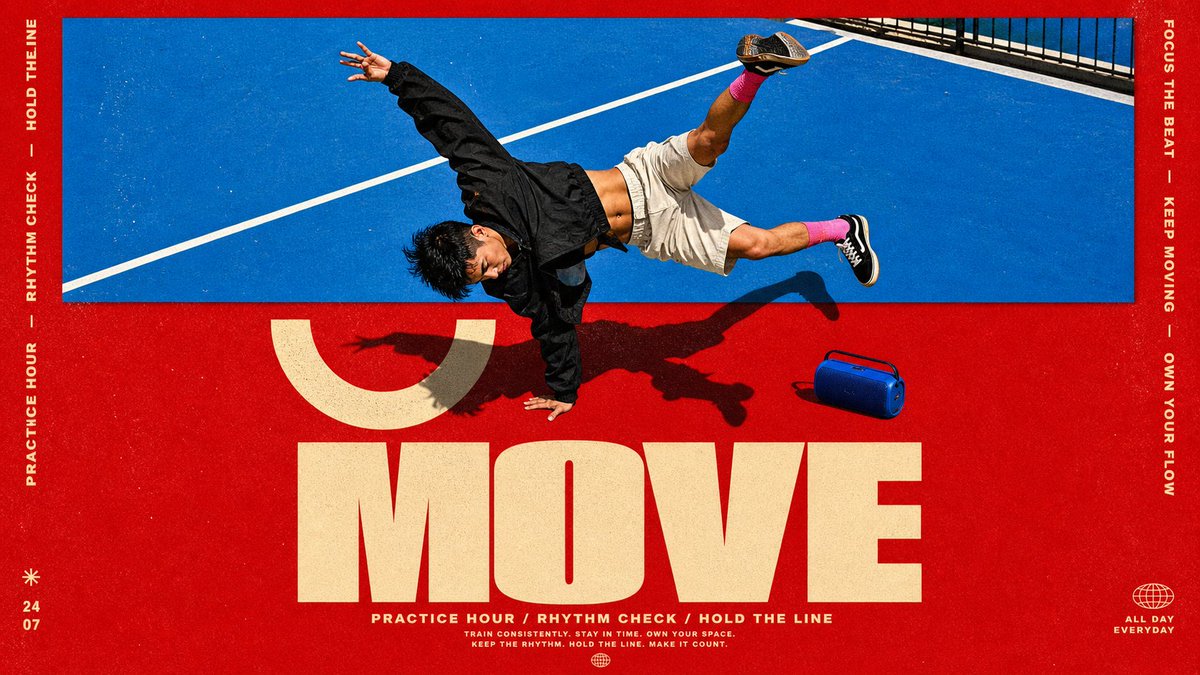
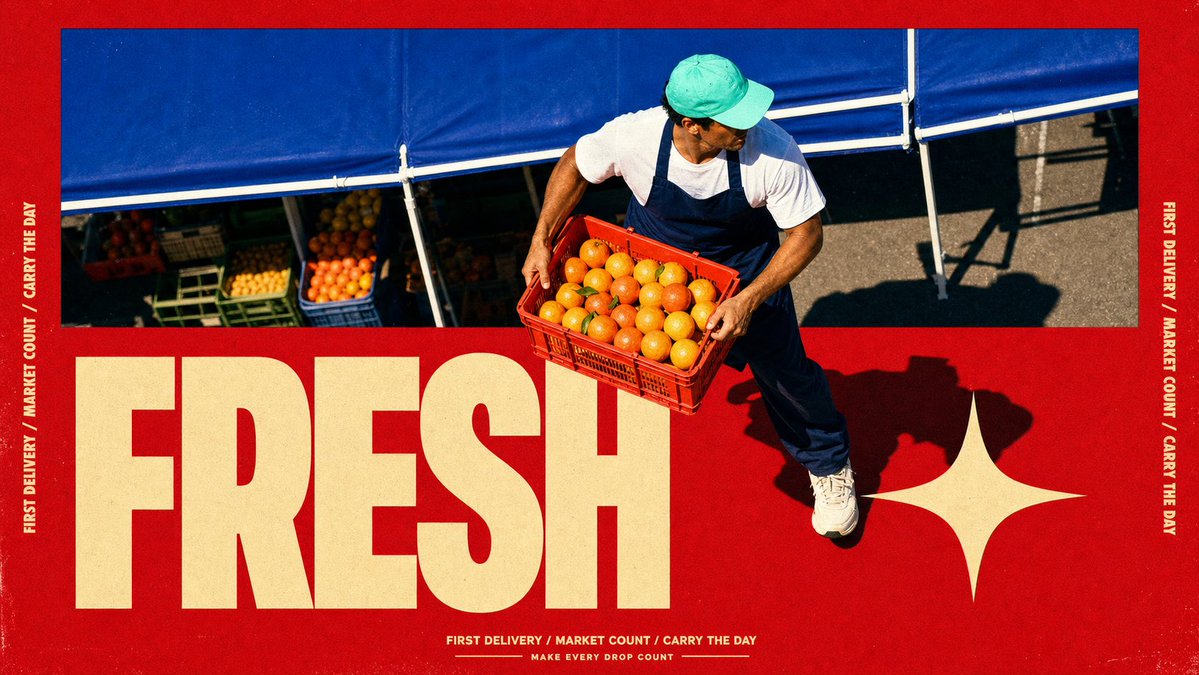
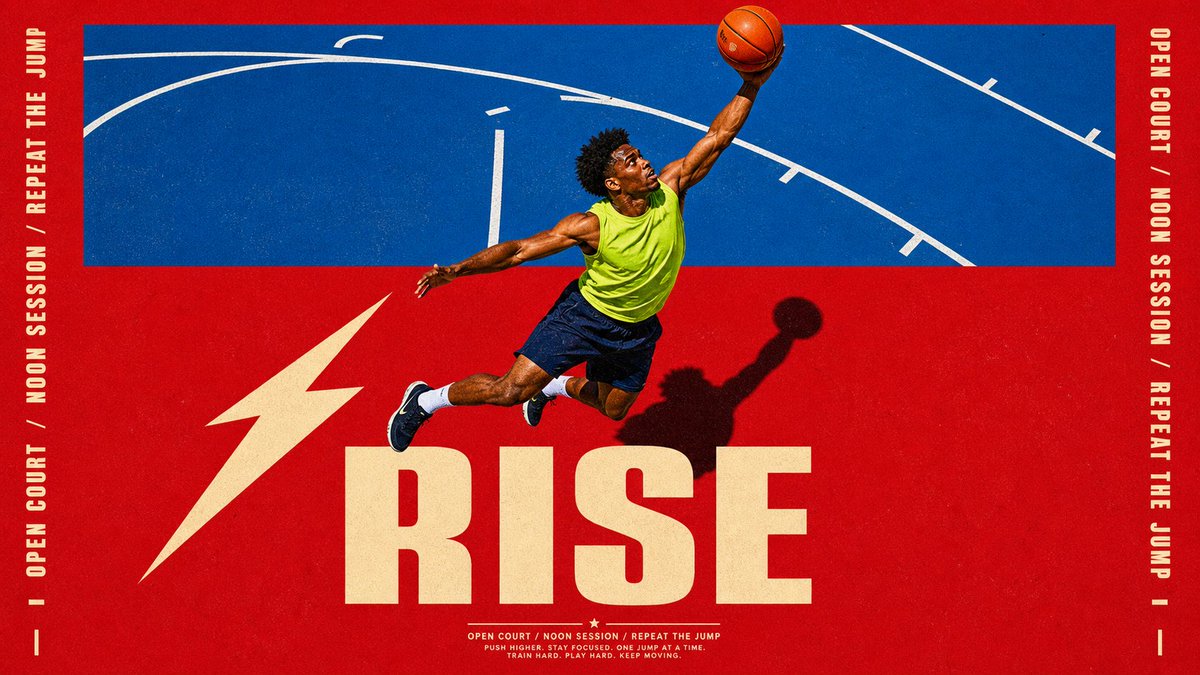
这 4 张海报为什么看着像 Nike 广告?不是因为模特帅、不是因为红色猛——是因为一个设计圈的老手法:破框。 照片框在上半截,但人物的身体「冲出」了照片边界,闯进了下面的色块和字母区。你的眼睛会瞬间产生「这个人正在跳出画面」的 3D 错觉——所有运动品牌的广告总监都靠这一招制造力量感。 传统做法:摄影师拍完 → 设计师 Photoshop 抠图 → 手动分层 → 加投影 → 报价五位数。 现在的做法:一个模板,一次生成,照片、破框、字母、投影全在里面。 而这 4 张还是同一套模板:风格锁死(正红底 蓝调动作照片框 人物破框 超大金色单词 侧栏竖排文字 底部三词 tagline 地面硬影),换的只是「谁在动、动作是什么、配哪个词」。模板抄走直接用—— { "style_name": "Scarlet Court Photo Type Poster", "style_slug": "scarlet-court-photo-type-poster-style", "style_version": "2.1.0", "style_summary": "A saturated action-ad poster style built from a flat scarlet field, a hard-edged blue photographic sports panel, one cutout subject crossing between those zones, oversized warm-cream display typography, vertical side microcopy, and gritty printed-poster texture.", "environment_variables": { "SUBJECT": "main subject", "SUBJECT_ACTION": "main action", "PRODUCT_OR_PROP": "object, product, or prop", "LOCATION": "environment or setting", "BACKGROUND_ELEMENTS": "secondary scene details", "MAIN_TEXT": "main headline or graphic text", "SECONDARY_TEXT": "small repeated supporting text", "ACCENT_SYMBOL": "separator or decorative symbol", "WARDROBE_STYLE": "styling direction", "STYLE_FIDELITY_ANCHORS": "observable style traits that must remain visible", "SOURCE_CONTENT_TO_AVOID": "literal source content that generated samples must not recreate", "ASPECT_RATIO": "9:16 or 16:9" }, RISE / MOVE / FRESH / READY——如果让你给自己选一个词印成海报,你选哪个?
5
48
397
165,599
Jun 13
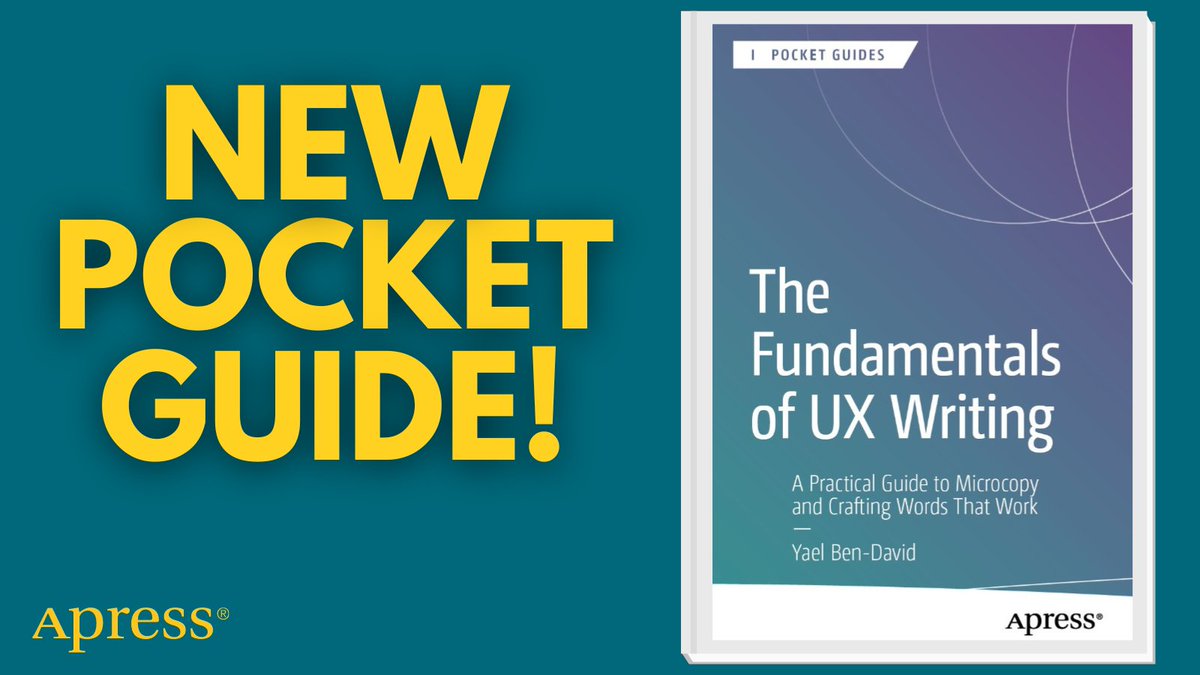
Great #UX isn’t just design—it’s words. Learn how thoughtful microcopy improves usability, builds trust, and boosts conversions across digital products. 📚 #UXWriting #Microcopy #ProductDesign #UXDesign #ContentDesign 🔗 ow.ly/MHq450YWa6a
84
这 4 张海报为什么看着像 Nike 广告?不是因为模特帅、不是因为红色猛——是因为一个设计圈的老手法:破框。 照片框在上半截,但人物的身体「冲出」了照片边界,闯进了下面的色块和字母区。你的眼睛会瞬间产生「这个人正在跳出画面」的 3D 错觉——所有运动品牌的广告总监都靠这一招制造力量感。 传统做法:摄影师拍完 → 设计师 Photoshop 抠图 → 手动分层 → 加投影 → 报价五位数。 现在的做法:一个模板,一次生成,照片、破框、字母、投影全在里面。 而这 4 张还是同一套模板:风格锁死(正红底 蓝调动作照片框 人物破框 超大金色单词 侧栏竖排文字 底部三词 tagline 地面硬影),换的只是「谁在动、动作是什么、配哪个词」。模板抄走直接用—— { "style_name": "Scarlet Court Photo Type Poster", "style_slug": "scarlet-court-photo-type-poster-style", "style_version": "2.1.0", "style_summary": "A saturated action-ad poster style built from a flat scarlet field, a hard-edged blue photographic sports panel, one cutout subject crossing between those zones, oversized warm-cream display typography, vertical side microcopy, and gritty printed-poster texture.", "environment_variables": { "SUBJECT": "main subject", "SUBJECT_ACTION": "main action", "PRODUCT_OR_PROP": "object, product, or prop", "LOCATION": "environment or setting", "BACKGROUND_ELEMENTS": "secondary scene details", "MAIN_TEXT": "main headline or graphic text", "SECONDARY_TEXT": "small repeated supporting text", "ACCENT_SYMBOL": "separator or decorative symbol", "WARDROBE_STYLE": "styling direction", "STYLE_FIDELITY_ANCHORS": "observable style traits that must remain visible", "SOURCE_CONTENT_TO_AVOID": "literal source content that generated samples must not recreate", "ASPECT_RATIO": "9:16 or 16:9" }, RISE / MOVE / FRESH / READY——如果让你给自己选一个词印成海报,你选哪个?
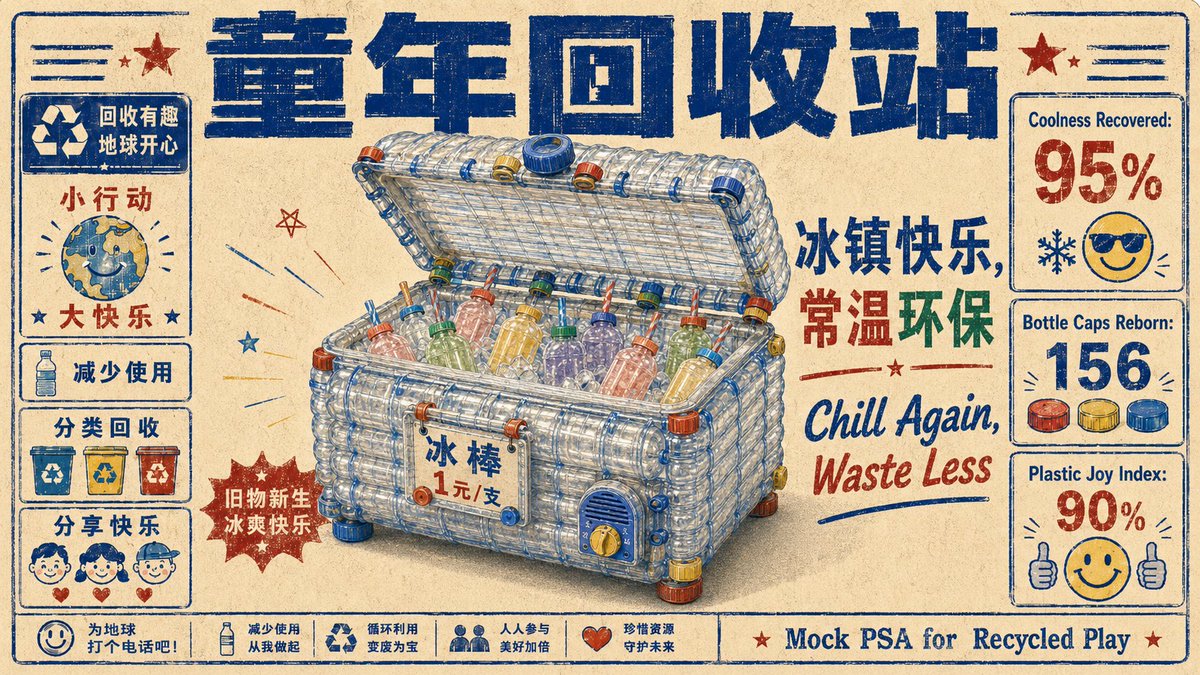
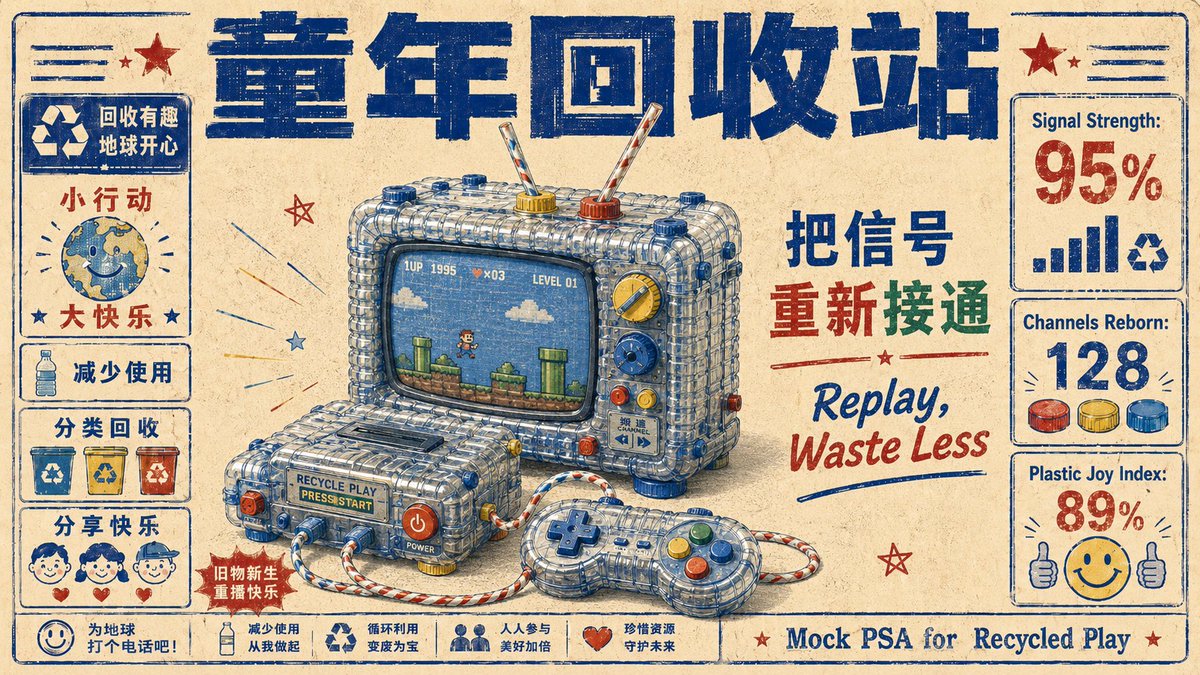
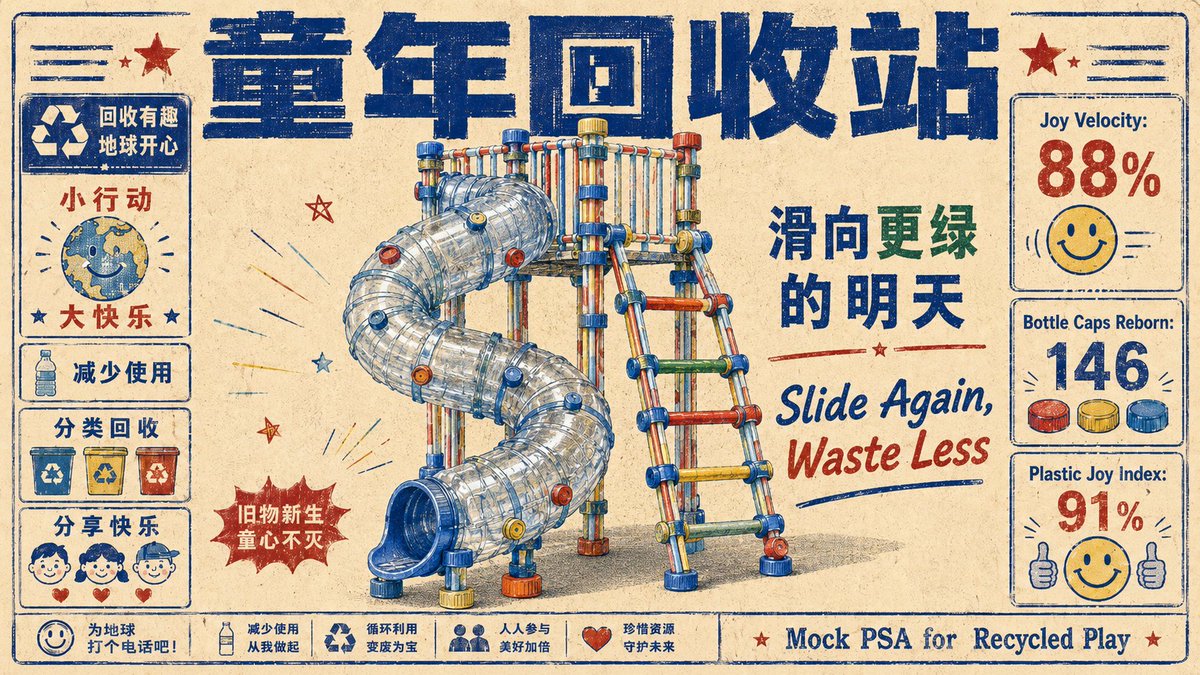
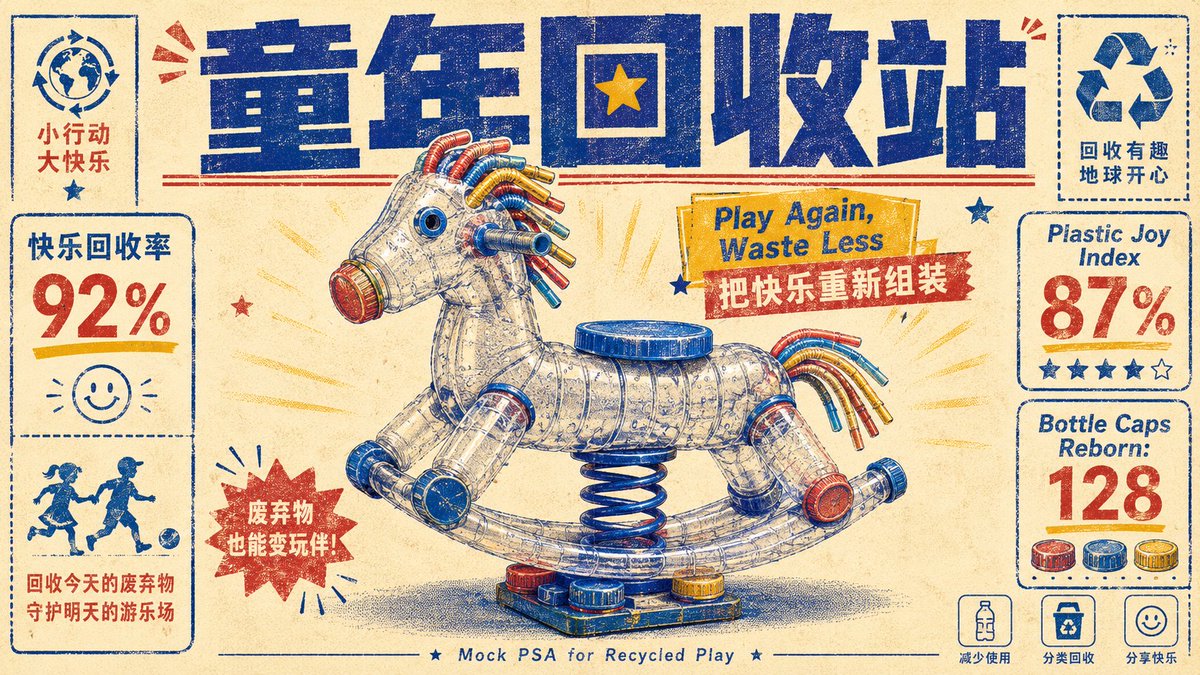
「童年回收站」这个机构并不存在。但你看了这几张图,是不是已经相信它存在了? 因为它有:统一标题栏、固定的左侧图标系统、右侧数据卡、底部口号条、每张专属标语……你的大脑一看到这些「品牌系统」的信号,就自动判断「这是个真机构」。 这就是模板的最高阶用法——不是做一张好看的图,是造一个让人「信以为真」的虚构品牌。一套完整的信息架构,比任何单张视觉都有说服力。 而这整个「机构」还是同一套模板:风格锁死(旧报纸质感 蓝色笔触大标题 塑料瓶拼成的童年物件 红蓝黄配色 左右信息卡 底栏公益口号 英文 tagline),换的只是「用瓶子拼什么童年记忆」。模板抄走直接用—— { "direction_name": "童年回收站", "bridge": "海报标语体", "source_clusters": ["俏皮玩梗", "街角青春"], "prompt": { "style": "duotone halftone public-service poster, retro risograph print, found-object assemblage", "subject": "A playground spring rocking-horse reassembled entirely from bent plastic bottles, drinking straws and bottle caps, presented as the hero of a mock PSA poster; bilingual slogan, fake happiness statistics, and tiny recycle icons frame it.", "composition": "centered object hero, bold display headline top, stat callouts and icons in the margins, generous paper space", "lighting": "flat even print lighting, single soft drop shadow", "color_palette": "indigo halftone ink, cadmium yellow, cream paper, accent red, hint of cyan", "mood": "nostalgic, wry, earnest-campaign energy", "texture": "ribbed translucent PET plastic rendered in halftone dots on textured paper stock — mass-waste object vs warm print craft" } 冰柜、游戏机、滑梯、摇摇马、公用电话——哪个最戳你的童年?如果再加一个,你投什么?
2
23
157
20,480
6 microcopy para tu Verify Page: 1) Estado: VÁLIDO/REVOCADO/EXPIRADO 2) Verificar en blockchain (hash corto) 3) Emisor verificado 4) Sello de tiempo (UTC) 5) Alcance del logro 6) Reportar dudas Agenda una demo: app.aitanaagent.com/r/GxjY2k… #UXWriting #VerificacionOnChain
42
GN crew, Built a tiny onboarding funnel heatmap for @Pharos_Network found users drop at gas confirm. Added a clearer modal and microcopy, testing uplift. Thoughts?
Agternoon crew, stealth test lf PharosHub risk pulse for RWAs. Auto pause on spikes, quick rollback with audit trails. How would you tune alerts for risk @Pharos_Network?
21
As a product designer, I'm so sure you've done your due diligence before moving ahead to build your product, with the following boxes checked - User research - Wireframes - Beautiful UI - Prototypes But have you thought about one key aspect most designers barely pay attention to? No long talks… It is UX WRITING. And no, UX writing is not just “adding text to screens.” UX writing is the invisible guide that helps users understand what to do, what happens next, and how to feel confident while using your product. It is the difference between: “Submit” (poor) “Create Account” (correct) “Error occurred” - (poor) “Incorrect password. Try again or reset it.” - (correct) “Continue” - (poor) “Pay $5” - (correcct) Small words. Massive impact. Good UX writing helps users: • Understand actions clearly • Reduce confusion and mistakes • Build trust in your product • Complete tasks faster • Feel guided instead of frustrated Think about it: A beautiful interface can attract users, but confusing words can make them leave. As designers, we spend hours perfecting layouts, spacing, colors, and interactions… But sometimes the real experience is hidden in the words. Because users don't just interact with interfaces. They interact with meaning. Next time you're designing, don’t only ask: “How does it look?” Ask: “How does it communicate?” Quick question for designers: When was the last time you intentionally designed your microcopy with the same attention you give to colors, spacing, and layouts? Maybe UX writing deserves a seat at the design table too
1
2
57
✅ Who’s helping marketing agencies document their internal processes, writing SOPs that turn chaos into consistency? ✅ Who’s writing user guides for SaaS products, digital tools, and AI dashboards, making complex tech sound human? ✅ Who are the writers crafting onboarding scripts for customer success teams, the words that turn new users into loyal fans? ✅ Who’s behind the microcopy you see inside apps? I mean those few words that make interfaces intuitive and friendly ✅ Who’s writing knowledge-base articles, grant proposals, whitepapers, investor decks, or internal company reports? If you’re a writer, stop chasing crowded niches. Start solving hidden writing problems that companies desperately need fixed but rarely advertise. That’s where the real money is
4
11
113
4,074
Jun 10
Great #UX isn’t just design—it’s words. Learn how thoughtful microcopy improves usability, builds trust, and boosts conversions across digital products. 📚 #UXWriting #Microcopy #ProductDesign #UXDesign #ContentDesign 🔗 ow.ly/MHq450YWa6a
1
78
Each build is exposing how user behavior changes across sectors: • Trust triggers differ by industry • Conversion paths are not universal • Visual hierarchy drives decision speed • Microcopy often outperforms design complexity
1
2
20
Jun 8
Prompt 2: Diseña todas las pantallas de la app antes de programar Actúa como un diseñador senior de UX móvil. Basado en esta idea de app: [idea], crea un desglose completo pantalla por pantalla para una app móvil. Para cada pantalla incluye: · nombre de la pantalla · propósito · elementos de UI necesarios · acciones que el usuario puede realizar · estados vacíos · estados de error · patrón de navegación recomendado · ejemplos de microcopy para botones, marcadores de posición y alertas También sugiere cómo mantener la UI limpia, moderna y fácil para usuarios primerizos.
1
451
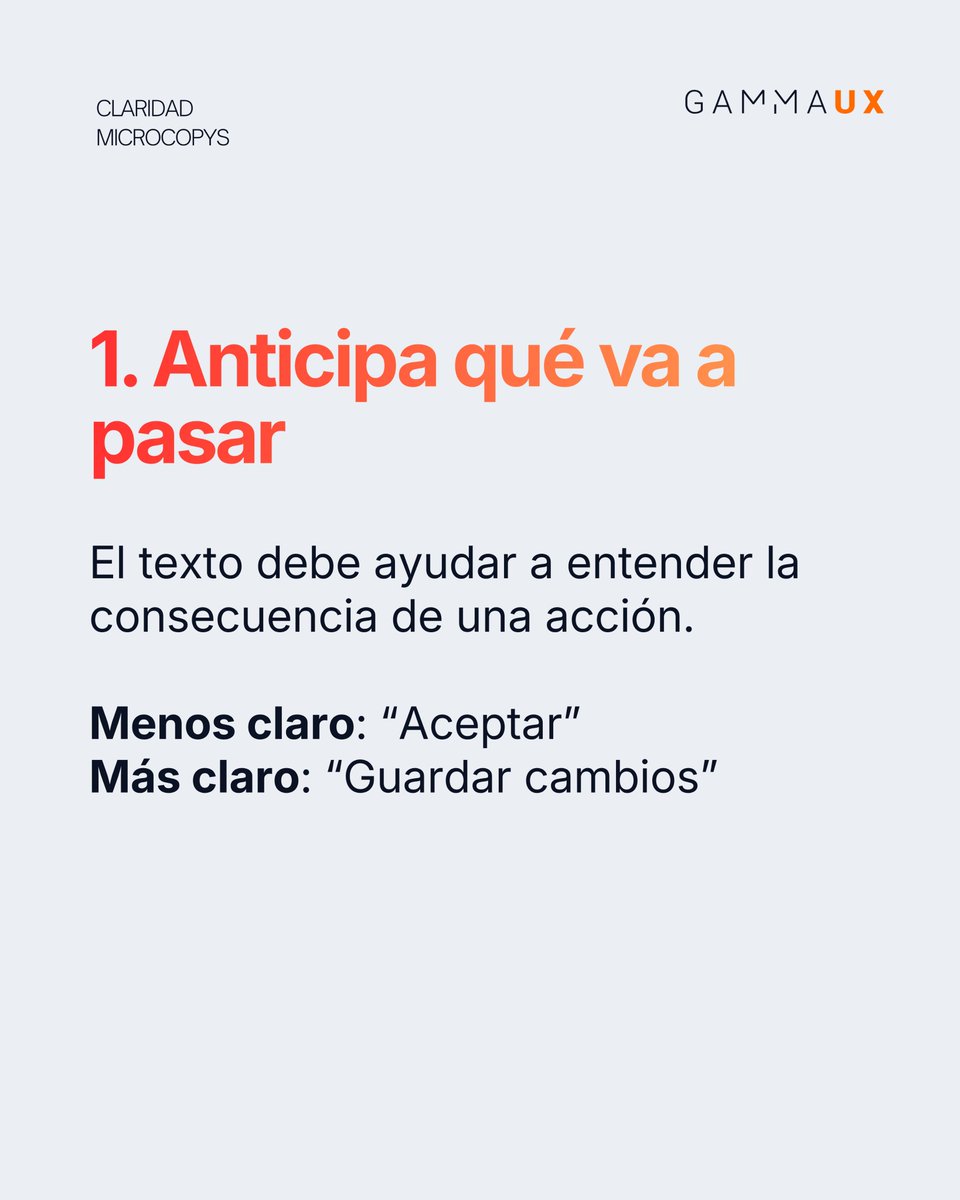
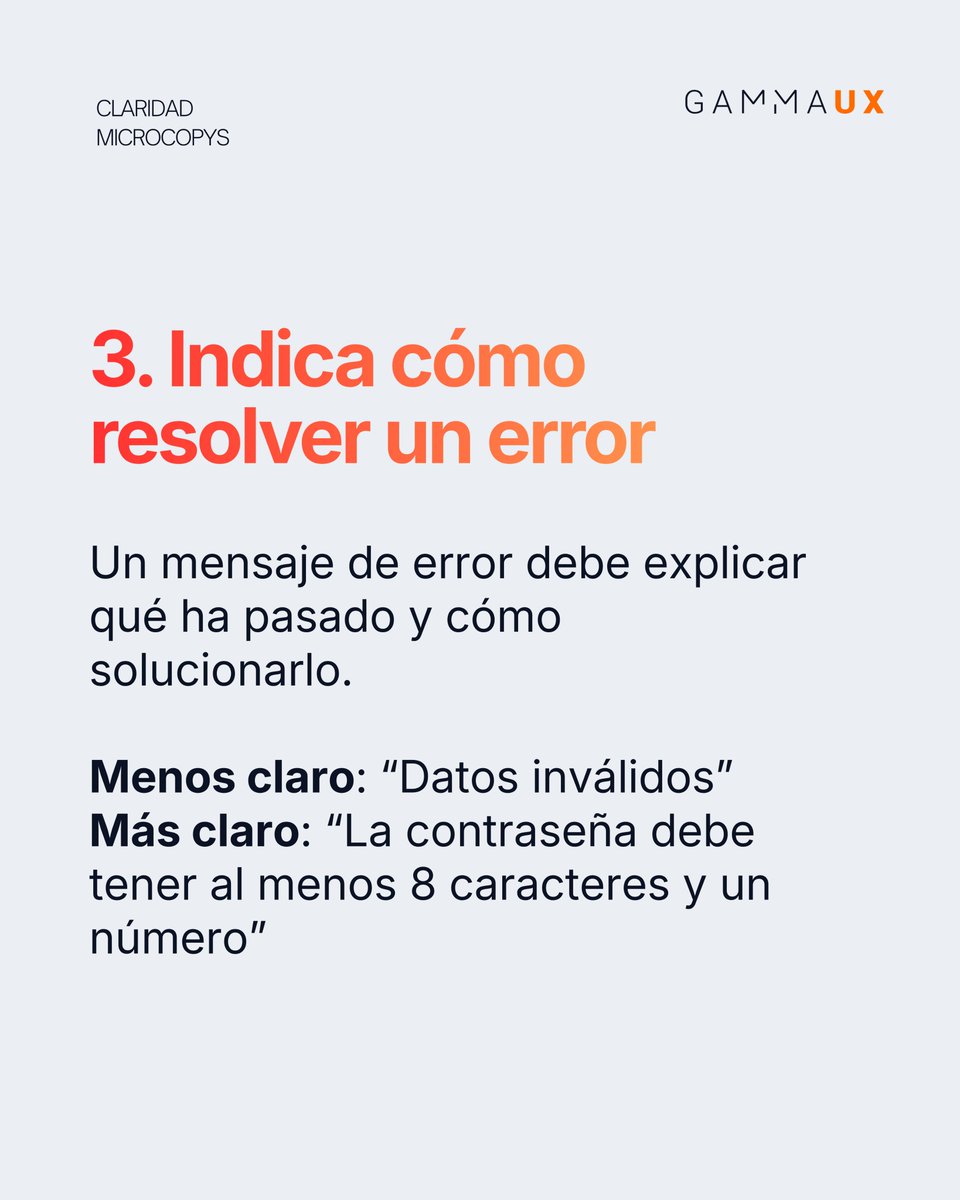
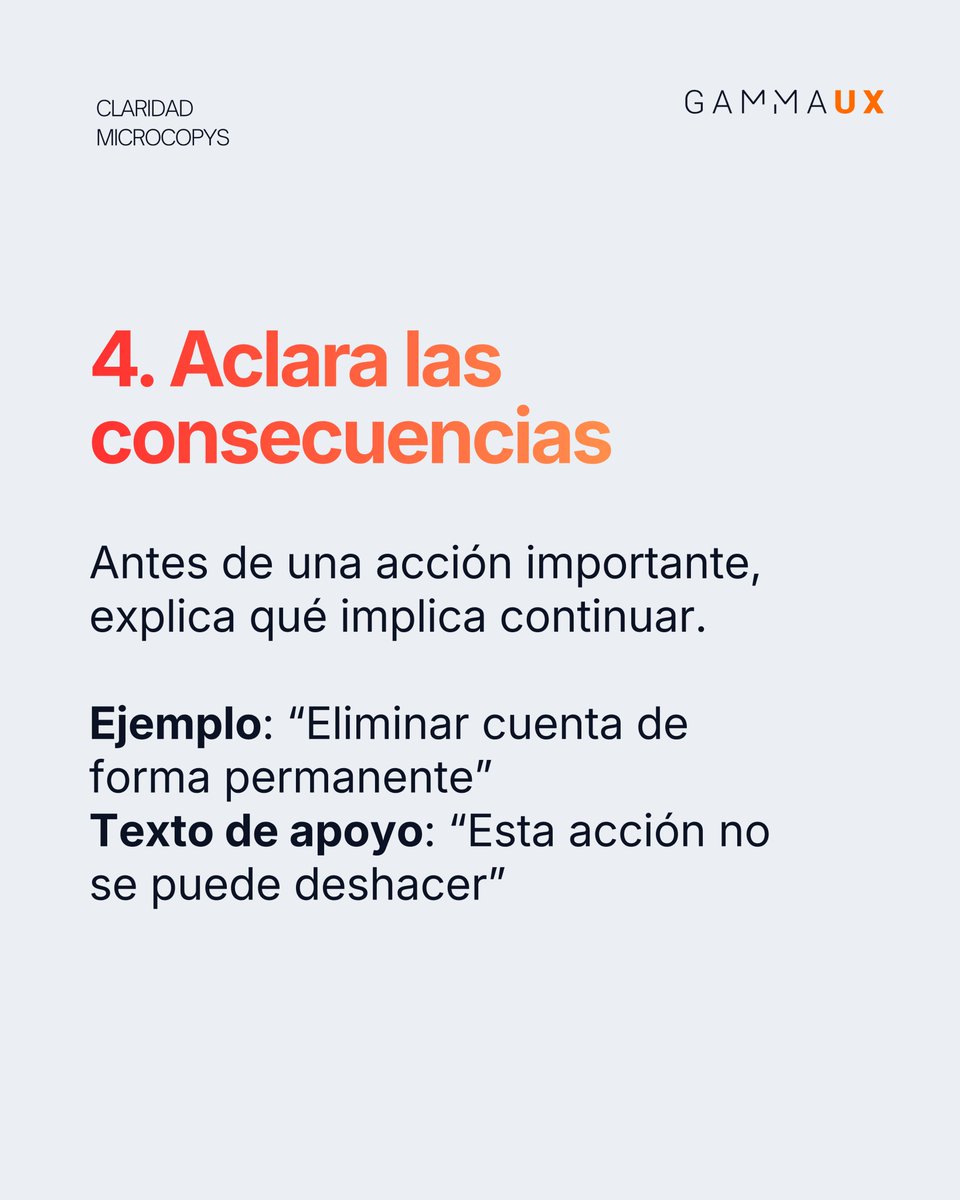
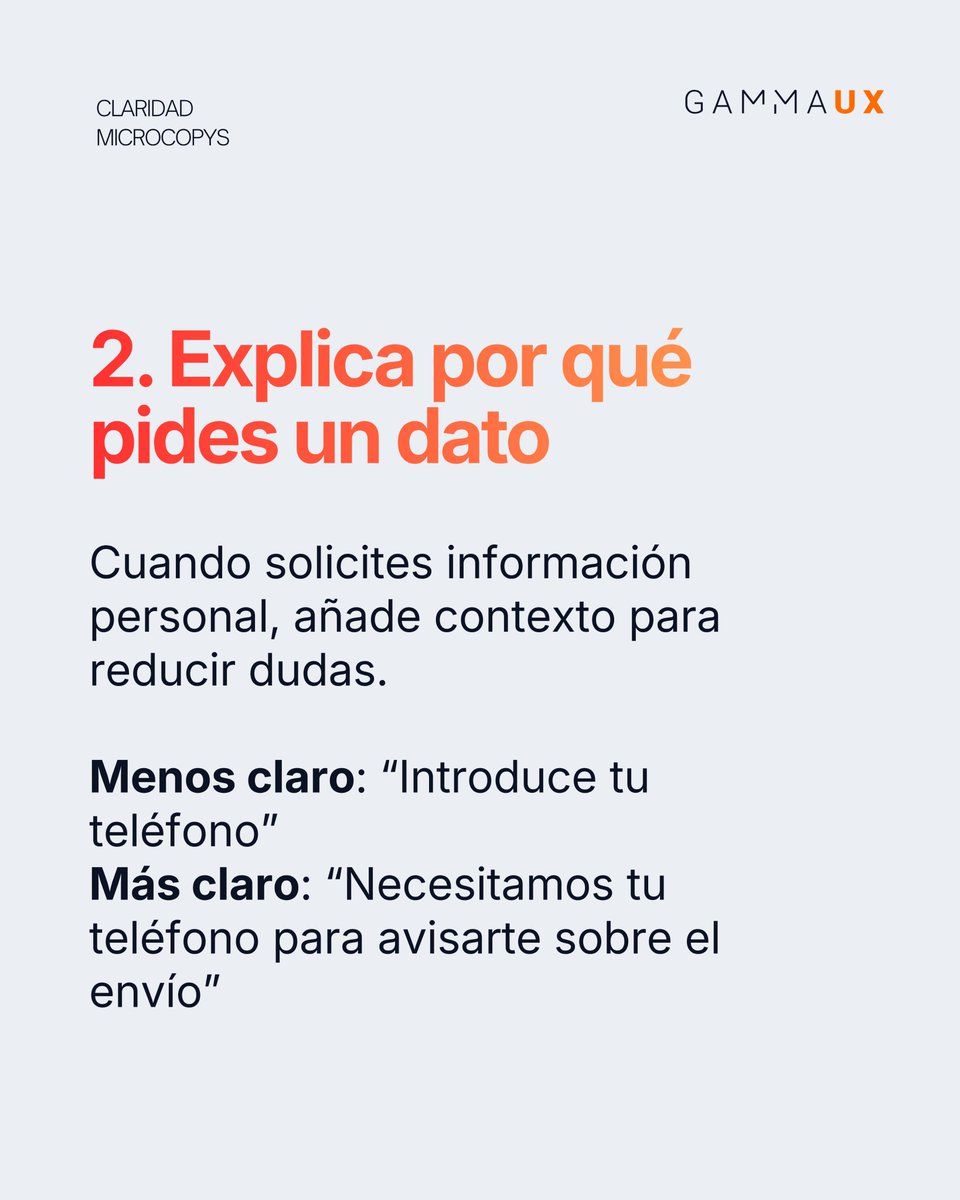
Un botón, una etiqueta o un mensaje de error o un texto de ayuda pueden parecer detalles pequeños, pero son fundamentales en la experiencia de usuario. Estos #microcopys guían a la persona usuaria en momentos clave del journey. ¿Tenéis en cuenta estos #principios del microcopy?
5
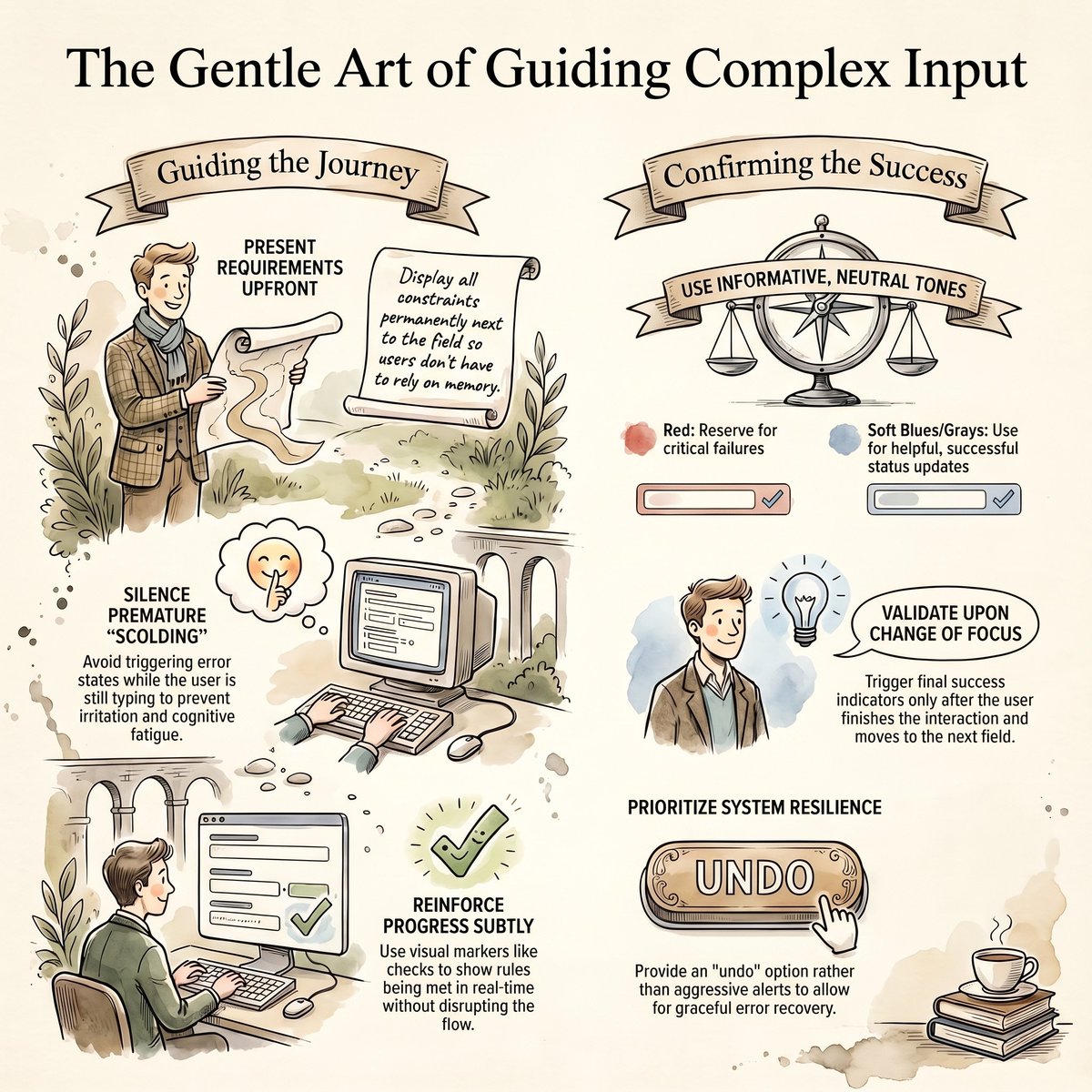
Showing errors while users are still typing isn't UX. It's scolding. Validate on blur. Guide upfront. Confirm subtly. erickerduxui.gumroad.com/l/f… #UIDesign #UXDesign #FormDesign #InteractionDesign #DesignSystems #Microcopy
11
3. El Flujo UX Prompt: "Actúa como diseñador UX móvil senior. Crea un plan UX pantalla por pantalla para [NOMBRE DE LA APP] para [USUARIOS OBJETIVO] en estilo [ESTILO]. Para cada pantalla incluye objetivo, acción principal, elementos UI, estados vacío/carga/error, CTA, microcopy y oportunidad de retención." Por qué funciona: Claude diseña el recorrido del usuario pantalla por pantalla. Obtienes una UX más clara, mayor engagement y menos errores de usabilidad.
1
6
6,521
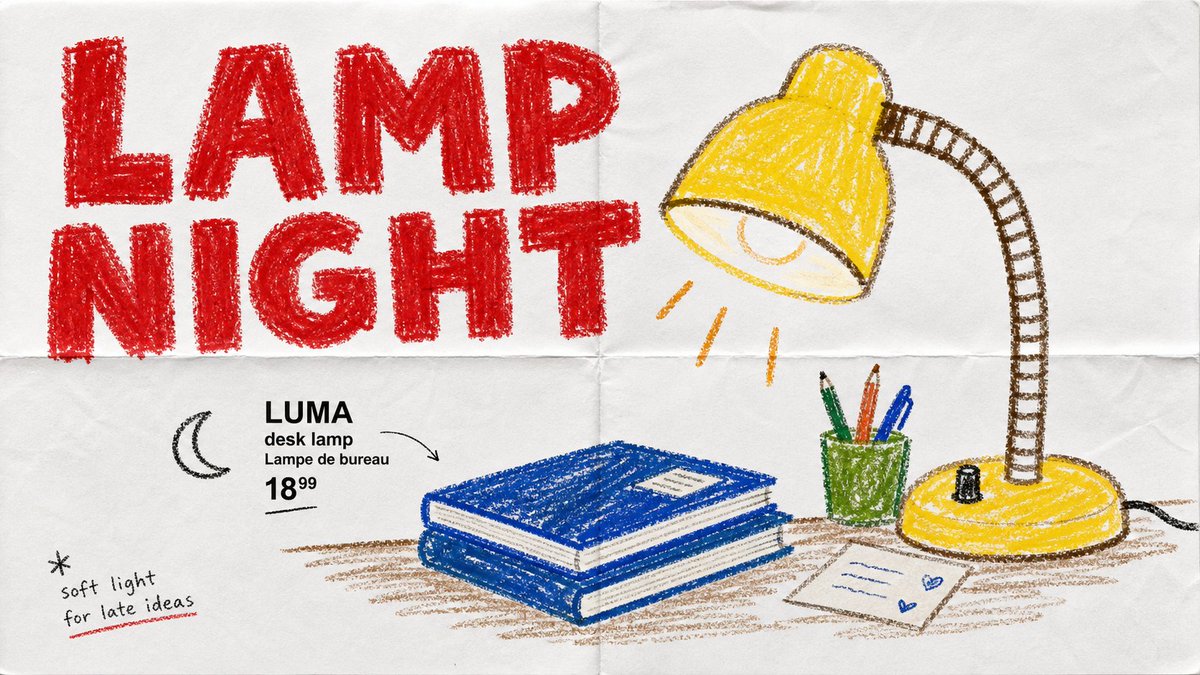
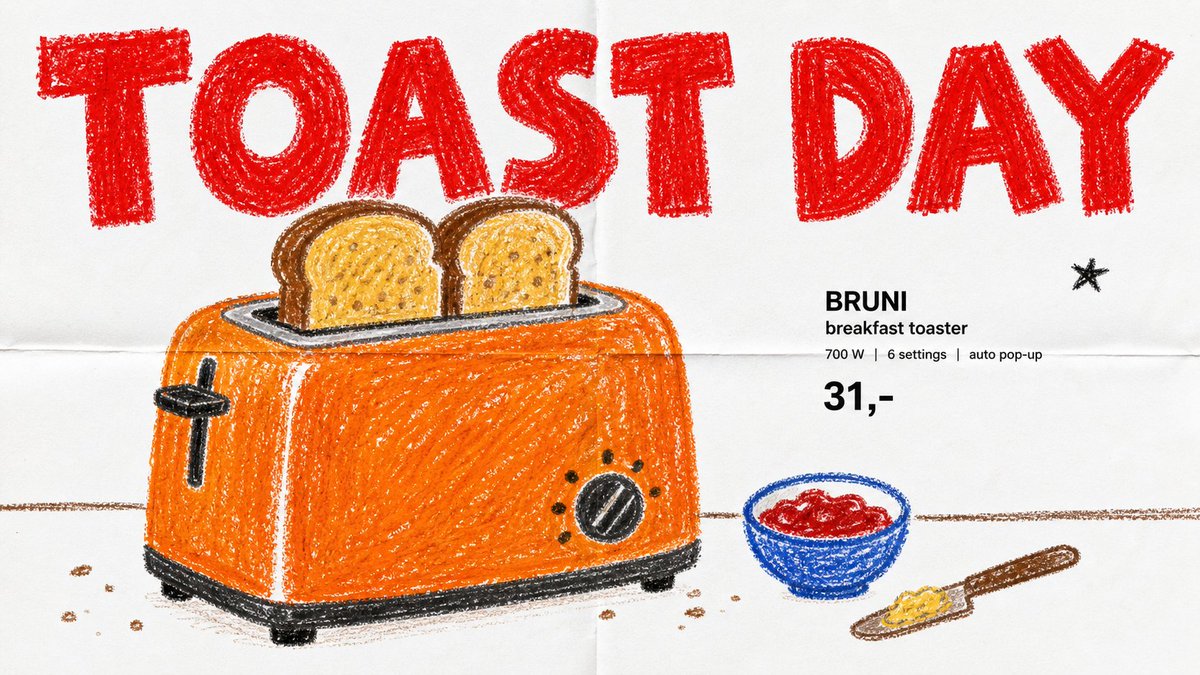
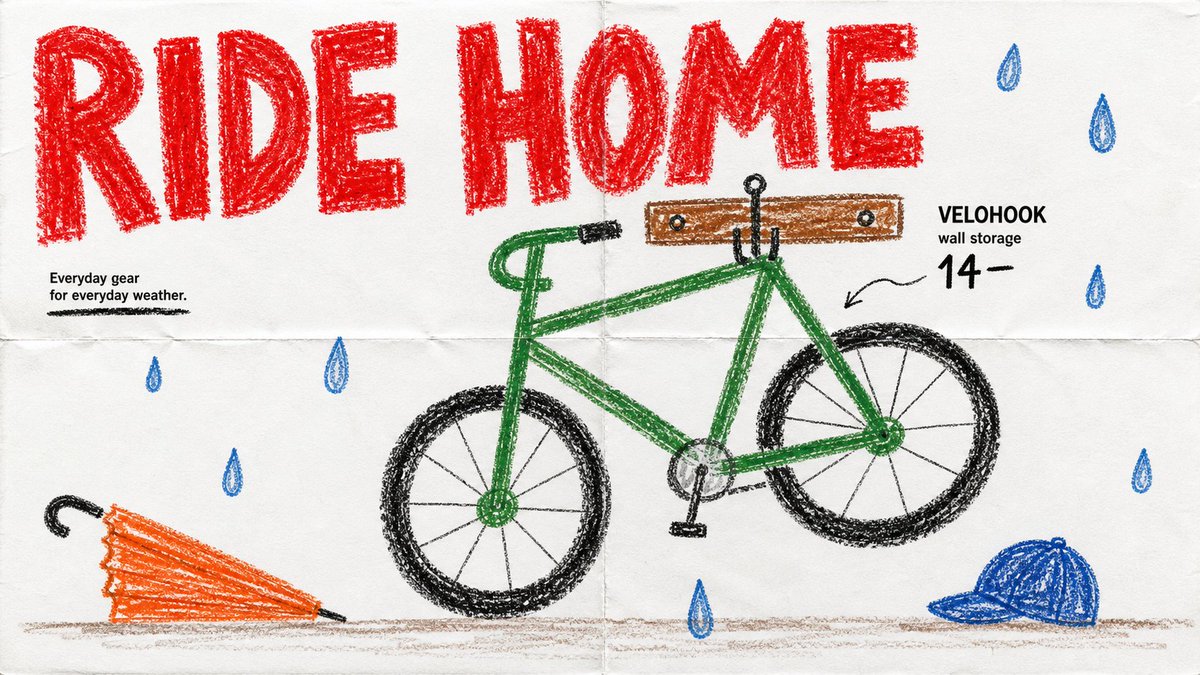
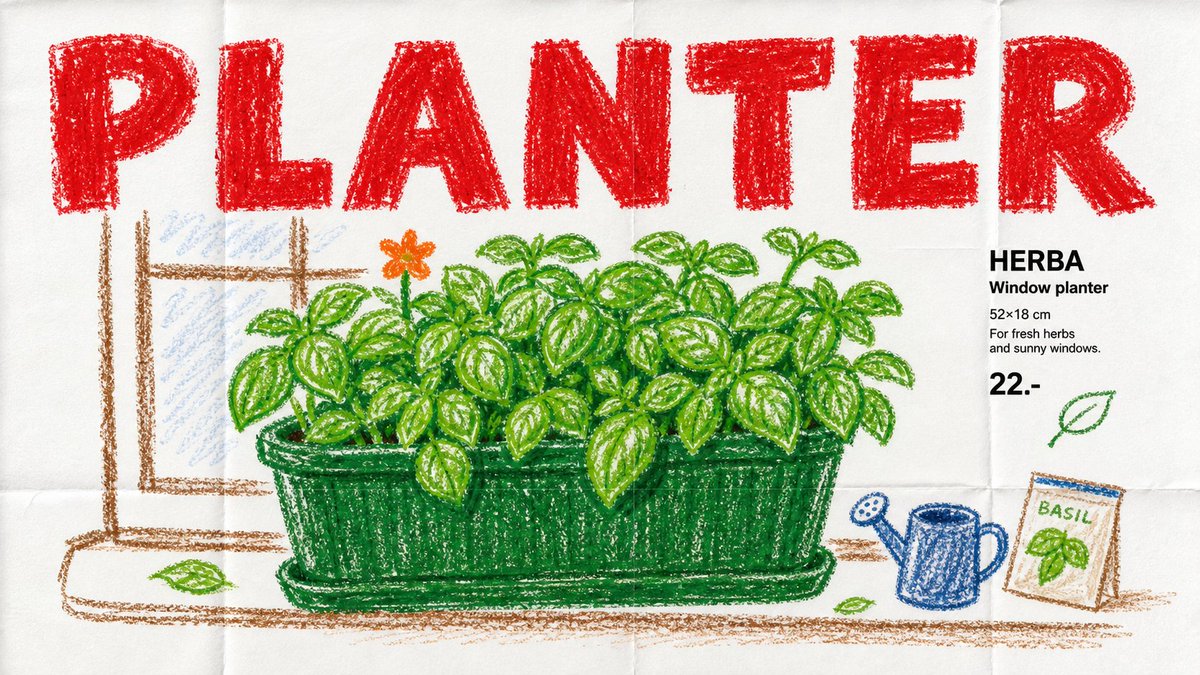
看着像小孩拿蜡笔乱涂的,你却会下意识觉得它是一页正经的宜家目录。 「高级感」从来不靠画得精细,靠的是套对目录的排版规则——大字标题 产品名 价格 一行小字。规则对了,蜡笔涂鸦也能秒变「真产品」。 而这 4 张是同一套模板出的:风格那段锁死(蜡笔 折痕白纸 红色大标题 目录小字),每次只换产品。把 SUBJECT 换成台灯 / 烤面包机 / 自行车 / 香草盆栽——就是上面这 4 张。模板抄走直接用—— json { "style_name": "Crayon Catalog Doodle Poster Style", "style_summary": "Child's wax-crayon drawing on folded white paper, styled as a product catalog: huge rough RED headline, simple green/warm doodle subject, tiny black catalog captions, lots of blank space.", "variables": { "SUBJECT": "the drawn product", "ACTION": "simple pose / product moment", "PROP": "secondary object or shelf detail", "MAIN_TEXT": "big rough hand-drawn headline", "SECONDARY_TEXT": "catalog label price-like microcopy", "ACCENT_SYMBOL": "tiny mark / underline / star / leaf", "ASPECT_RATIO": "16:9 or 9:16" }, "rule": "match the style first, then swap subject/text/props completely" } 你想看它给什么产品做目录?评论区甩给我,我挑几个做成下一组。
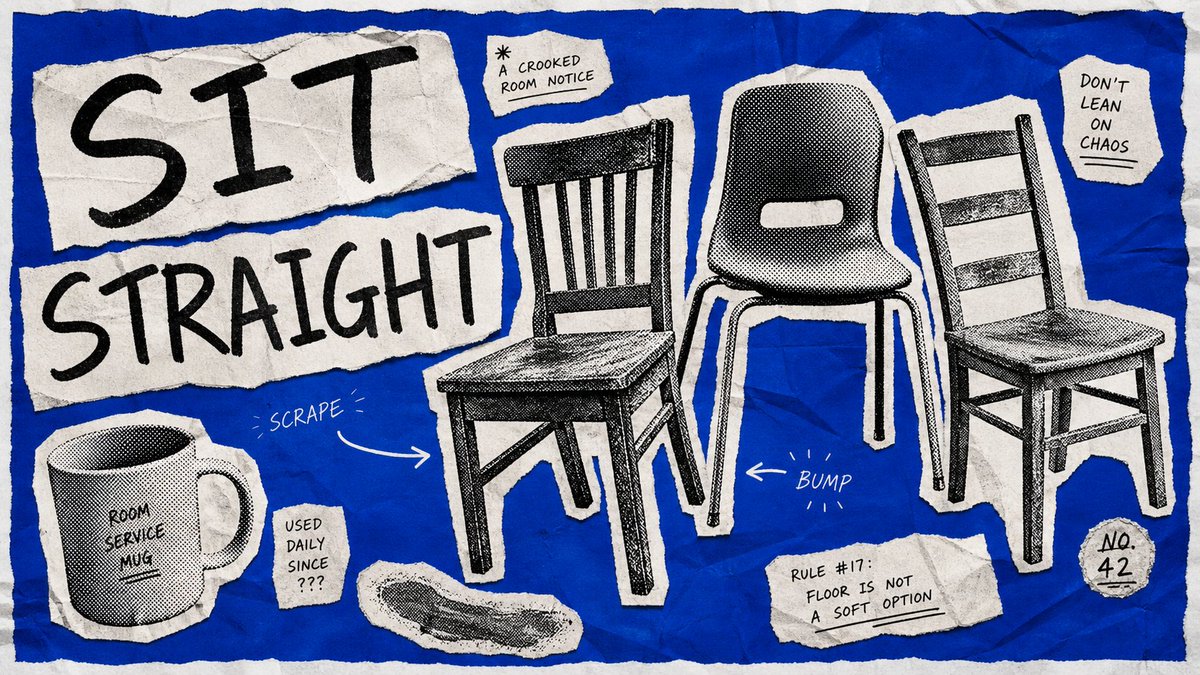
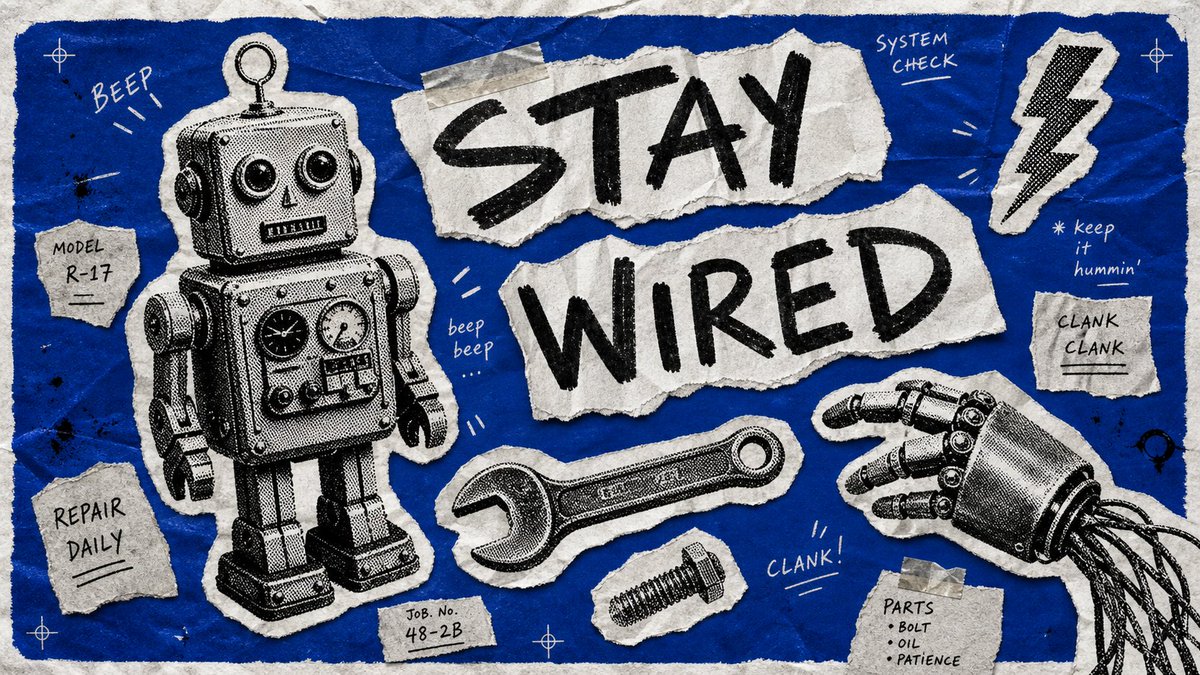
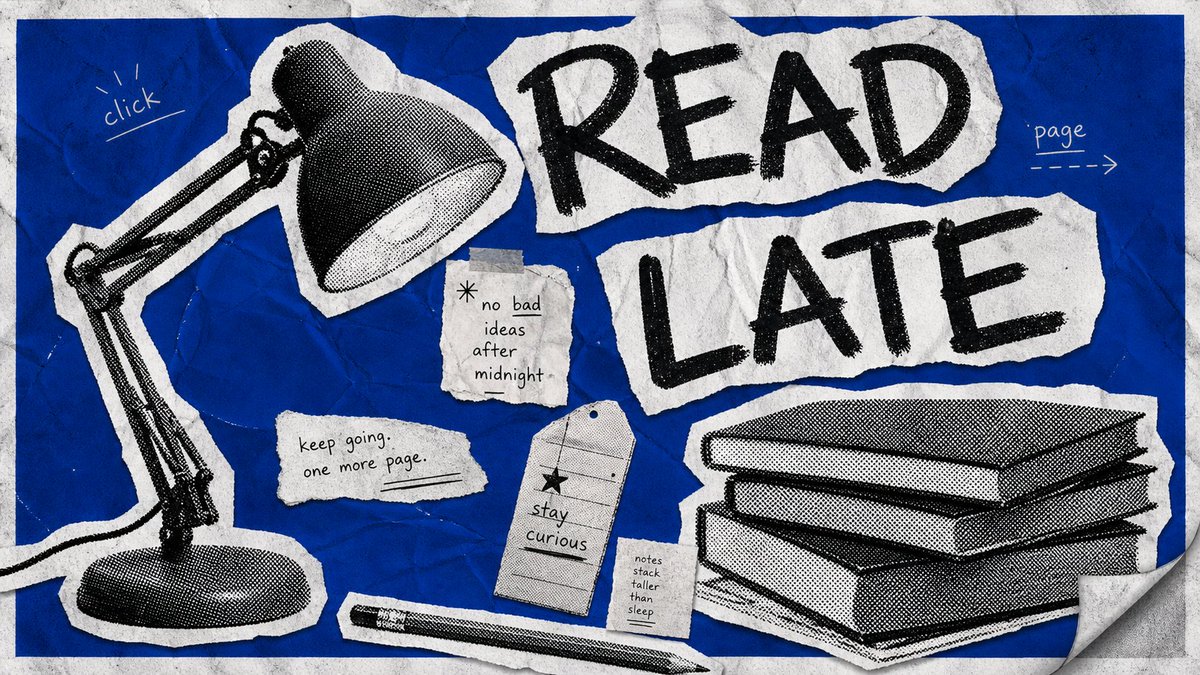
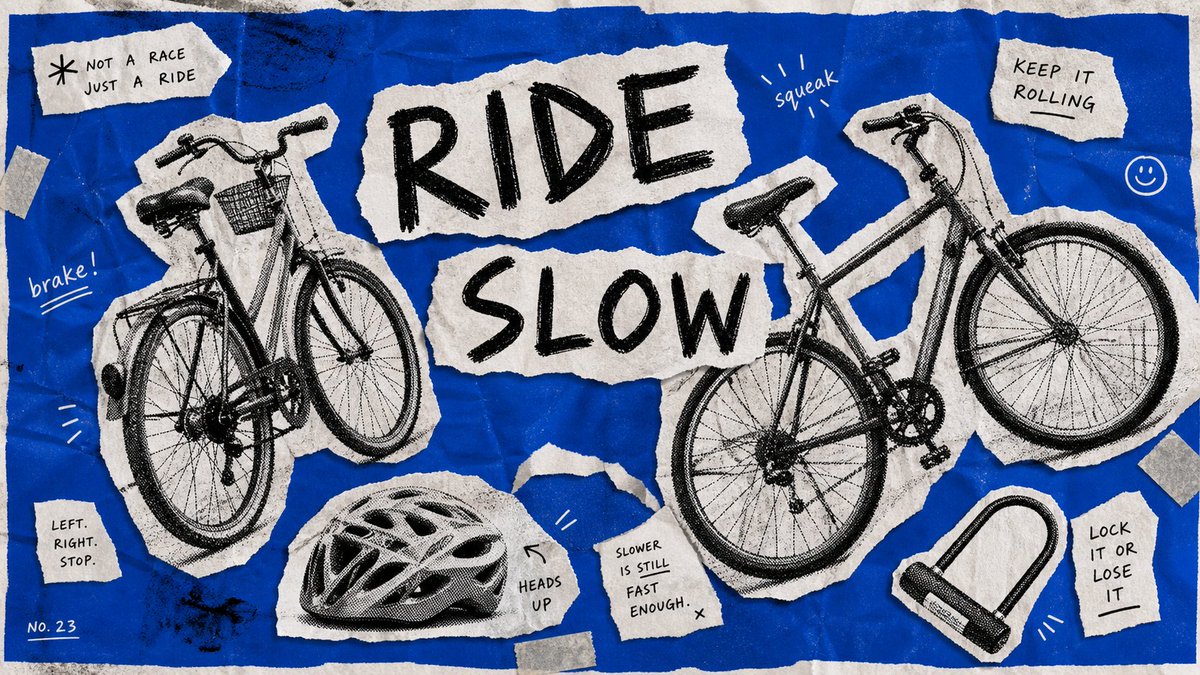
风格永远统一的秘诀,不是「画得准」,是「别每张都重写 prompt」。 这 4 张海报就是同一套模板出的——风格那段一字没动,我只换了主体和标题。 做系列图,大多数人每张从头写 prompt,结果风格越跑越飘。反过来才对:把风格锁进一段固定文本,每次只动「主体、动作、标题」这几个变量。要扩展?填空就行,出几十张风格都不散。 这套叫「蓝色复古拼贴海报风」:钴蓝皱纸底、撕纸碎片、黑白粗网点剪影、马克笔手写、勒索信式排版。 模板抄走直接用—— Create a {ASPECT_RATIO} image in the Blue Halftone Ransom Zine Poster Style. Subject: {SUBJECT}. Action: {ACTION}. Prop: {PROP}. Main text: {two-word imperative, black marker handwriting}. Secondary: {scattered handwritten micro-captions}. Locked style: saturated cobalt-blue field, off-white torn paper scraps, B&W coarse photocopy halftone cutouts, jagged edges, black marker handwriting, crumpled scanner texture, toner noise; palette = cobalt blue / off-white / black / gray only. Rule: match the style first, then change subject/text/props completely. 你会拿它做什么主题?评论区甩给我,我挑几个做成下一组。
45
7
94
6,671