
How to make a brick stove without machines—just simple tools, skill, and traditional craftsmanship. 🧱🔥 Pure hands-on work from start to finish!
#BrickStove #TraditionalSkills #Handmade #NoMachine #Craftsmanship #DIY
1
10

Jun 12
Tios no sabéis usar la IA de verdad, le abres el puerto 22 y le dices a tu ia favorita que te haga el trabajo. No hace falta configurar nada. Que te monte entorno grafico y nomachine y tailwin y a tomar por saco.
6


Jun 10
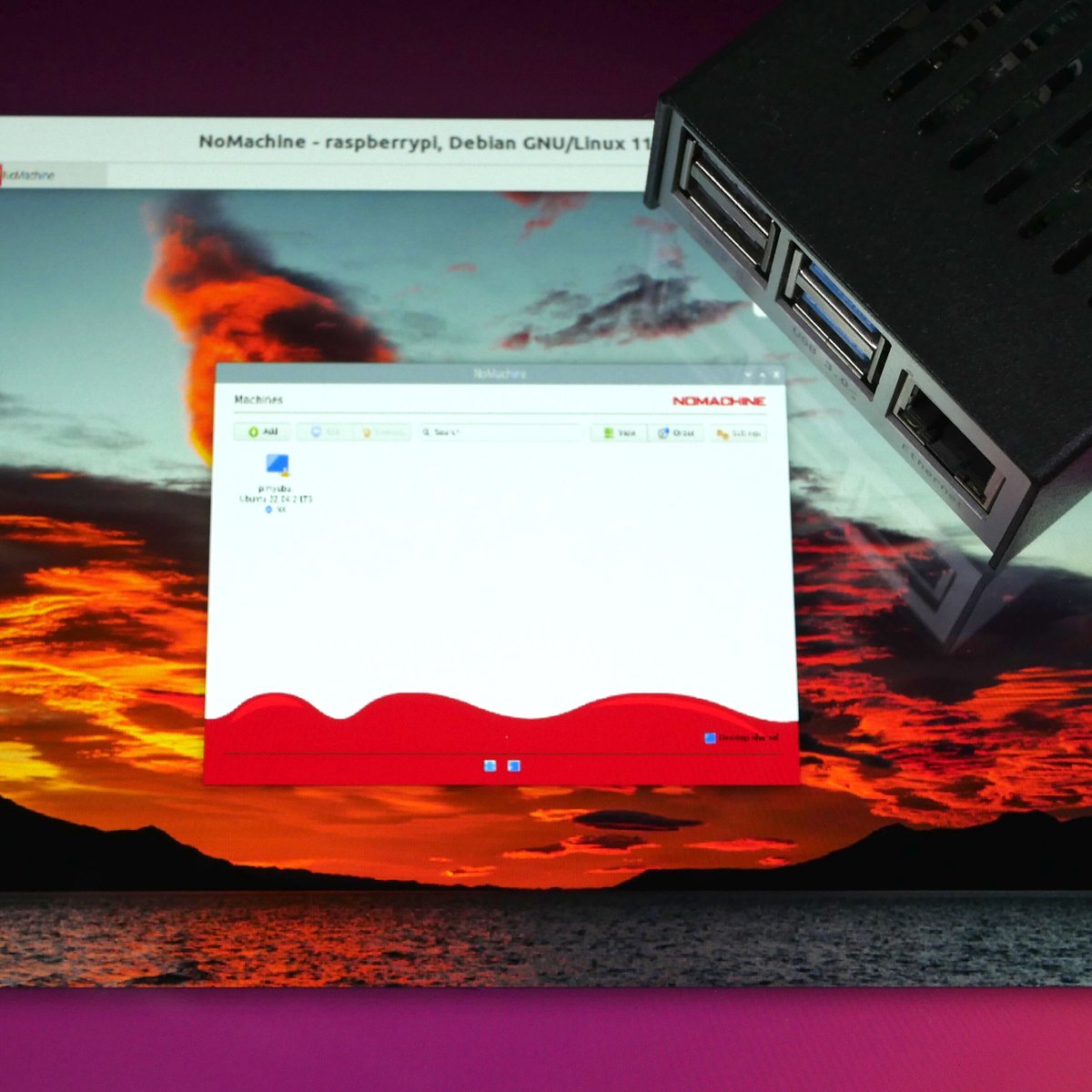
Easily install and use NoMachine to access your Raspberry Pi’s desktop remotely like a pro.
Tutorial: pimylifeup.com/raspberry-pi-…
1
83

Jun 10
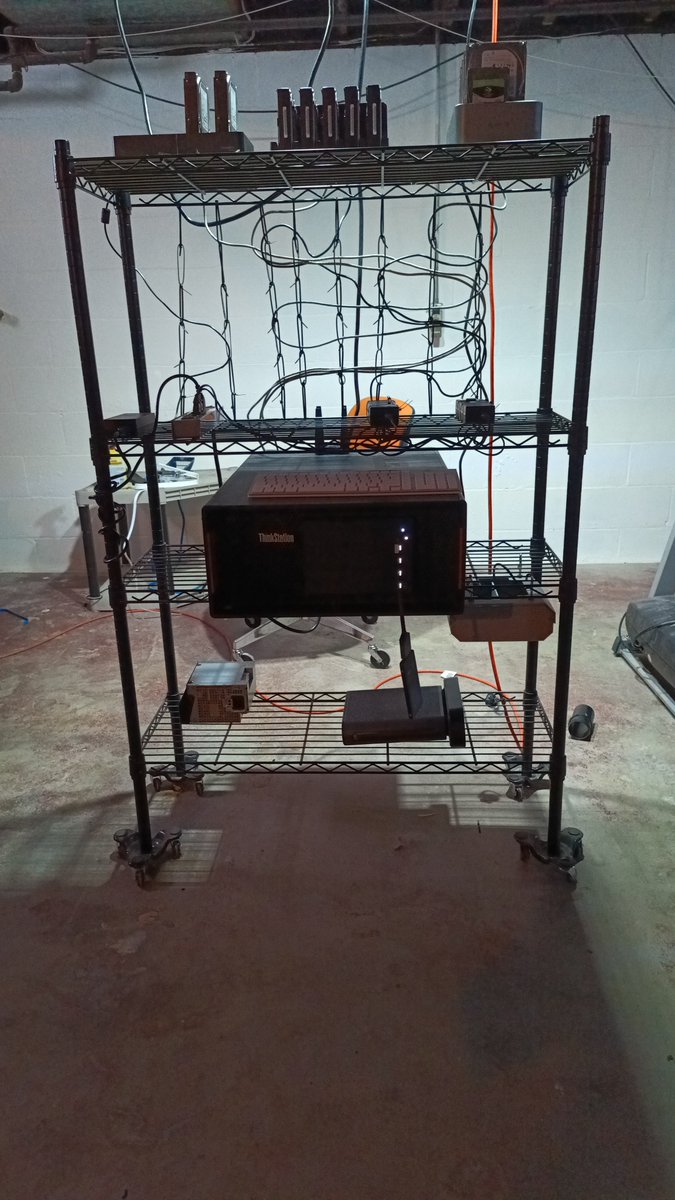
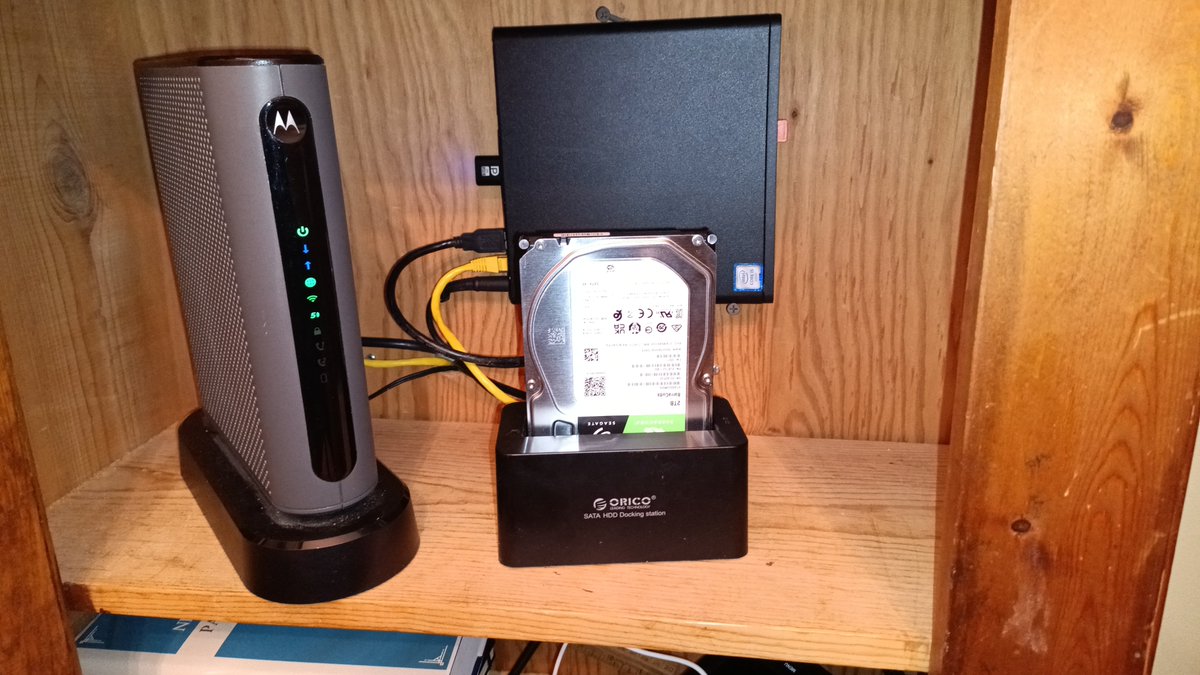
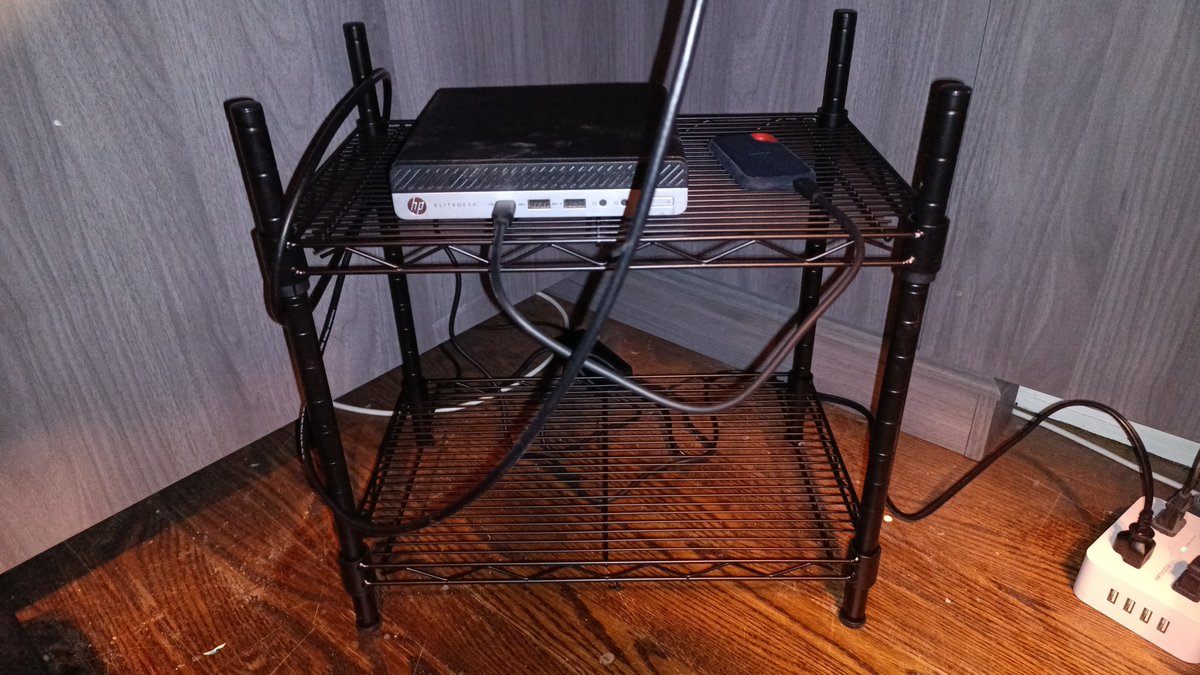
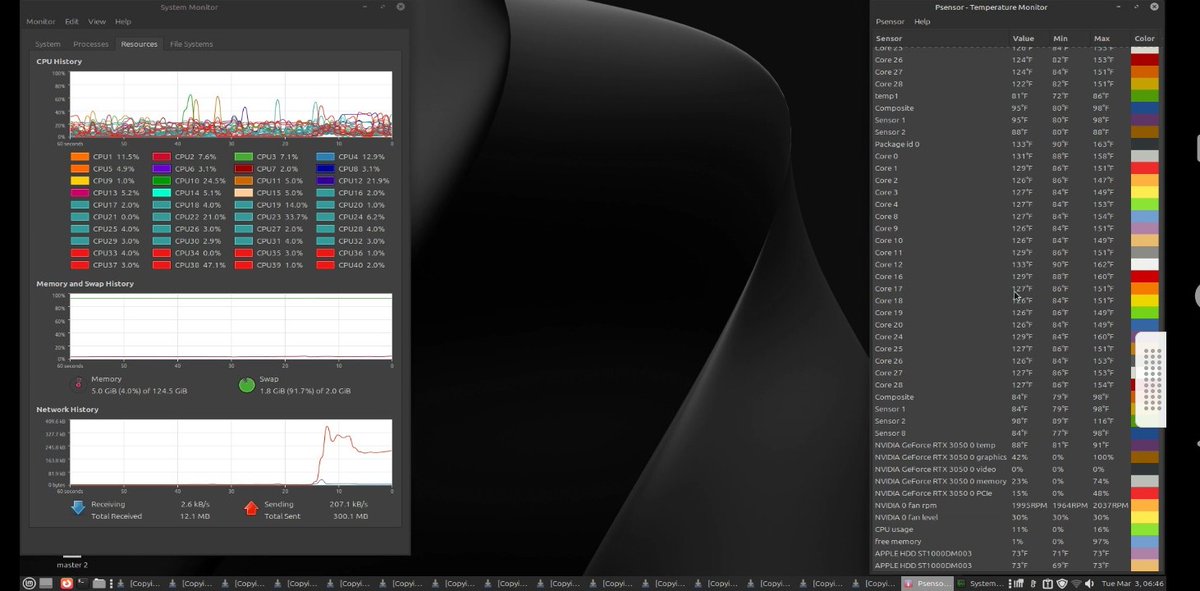
In my basement I have the #ANTICLOUD, in my clients cabinet and under my other clients desk they have the mini version of what's in my basement. All three run on linux mint, they are controlled by nomachine and make adhoc 2.4 ghz wifi and they are not connected to the web.
1
3
786

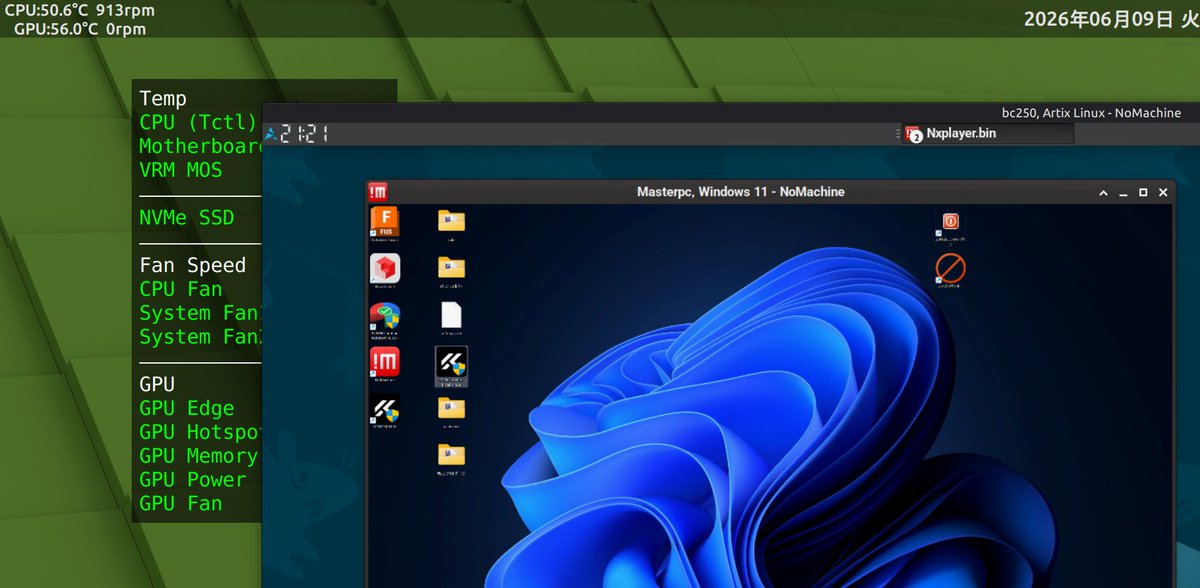
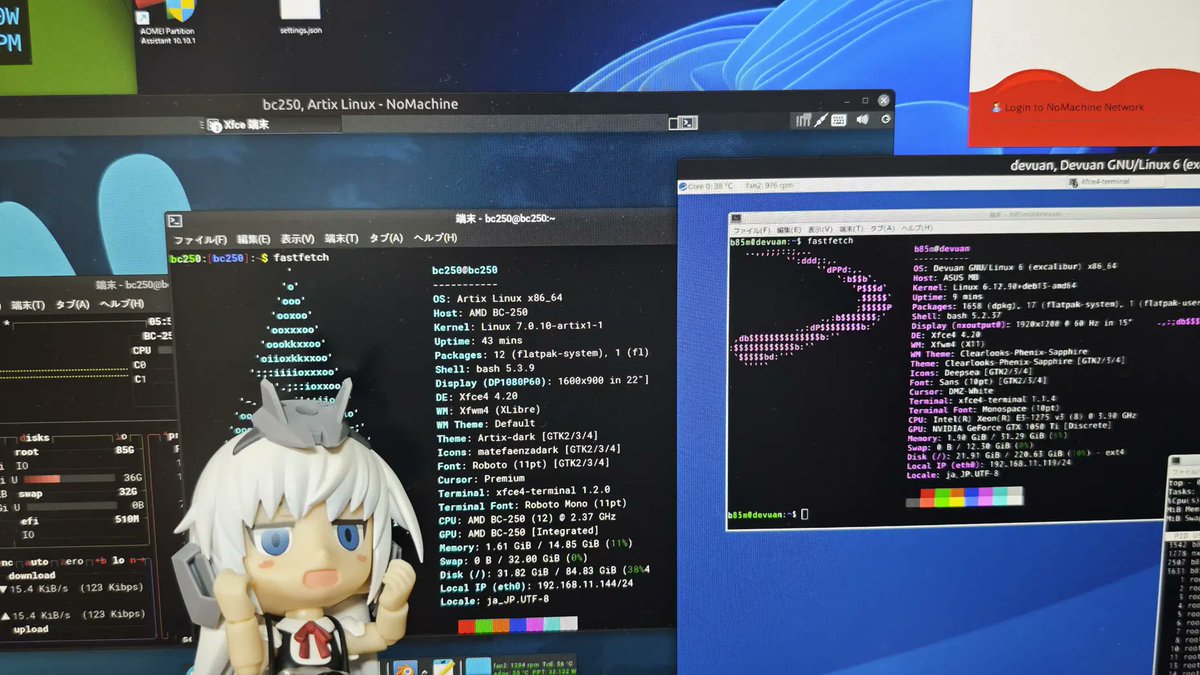
Man, I just love SSH. Superstable and robust, set up in a pinch. Easy to harden. Full desktops are nice and all, but ... even RustDesk is gonna bitch occasionally. Wayland support is flaky. NoMachine has its quirks, too, and is even worse with Wayland. Always set up SSH first.
1
128


May 29
We've just released version 9.6.3 This maintenance release provides improvements targeting USB device handling, file transfer reliability, authentication, and web access security. Full announcement: kb.nomachine.com/SU05X00276
#NoMachine #RemoteAccess #Security

ALT Graphic announcing NoMachine 9.6.3 is out now, featuring a cardboard box with the NoMachine logo and a globe icon, on a white background with coloured corner accents.
1
2
145
May 26
Not hard to do, an old laptop can do the same thing in my basement. What's in my basement makes it's own wifi vs being connected to my wifi. Runs on linux mint and I can control it by way of nomachine.
2
34

May 22
Did they never hear about nomachine, screen/tmux (for text), and running the client on your desktop at home? My stuff runs on my 48 cores at home and I use the laptop to connect to it.
3
1,126

Oh buddy. It is a GAME CHANGER. Just started using it 2 weeks ago myself.
Also recommend @NoMachine to compliment it.
2
195

May 14
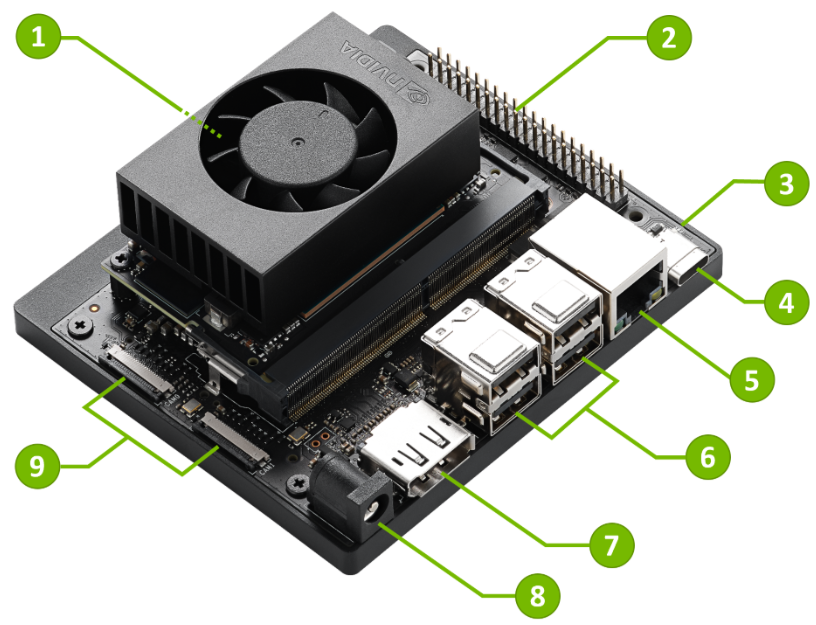
Here's my idea. Mount the Jetson board (or a compatible carrier) inside your Dell case using 3D-printed mounts, extra PSU power, and USB/Ethernet passthrough. People do this for custom mini PCs. See below.
(Examples of the Jetson board and custom mini PC cases people build around it.) Practical Ways to Run It "in a Shell" on Your Desktop This is the easier and more common approach—treat the Jetson as a networked AI companion:
Remote Desktop / Shell Access Run the Jetson headless (no monitor) and connect via SSH for terminal/shell access.
For full GUI: Set up VNC (x11vnc or RealVNC), RDP (xrdp), or NoMachine. Access it seamlessly from your Windows desktop like a virtual machine window.medium.comTools like Dataplicity or simple port forwarding make it feel integrated.
Networked AI Workloads:Run local LLMs, image gen, or vision models on the Jetson (via Ollama, TensorRT, etc.).
Call it from your main PC using APIs, Python scripts, or tools like ssh remote execution.
Great for offloading heavy AI tasks while your Dell handles everyday work.
Other Integration Ideas:USB/Ethernet bridging for direct communication.
Docker or containerized services on the Jetson exposed to your desktop.
3
44
12,292
May 13
NoMachine 9.5.7 is out! This latest update delivers important security fixes, performance improvements, and enhanced certificate support, keeping your remote access fast, stable, and secure.
Learn more: kb.nomachine.com/SU05X00274
#NoMachine #RemoteAccess #IT #CyberSecurity

ALT Graphic announcing NoMachine 9.5 is out now, featuring a cardboard box with the NoMachine logo and a globe icon, on a white background with coloured corner accents.
2
2
120

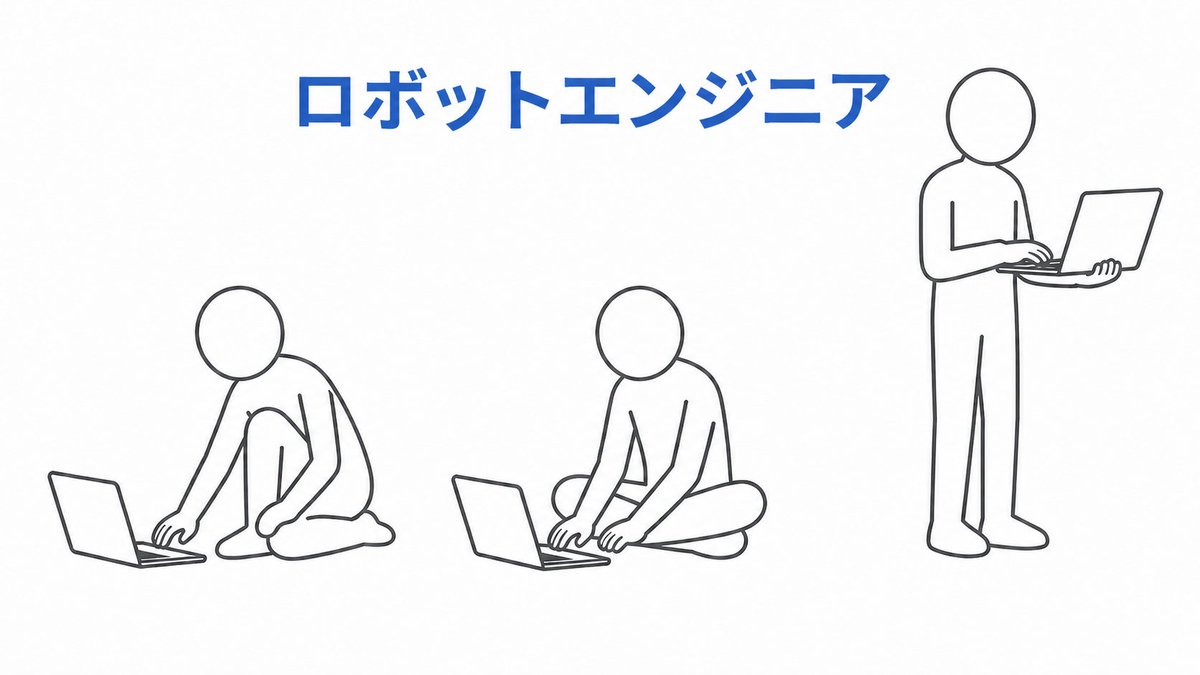
いつも思うんだけど、ロボコン勢はなんでnomachineを使わないの?
姿勢悪いと健康に悪影響だよ‼️

2
10,202

Apr 19
Dietpi XFCE (mejor que LXQt) si lo necesitas con NoMachine para acceder al escritorio remoto si quieres
Más ligero, rápido y fácil para hacer ciertas cosas (Dietpi-software te instala mucho software del tirón). Basado en Debian.
Luego Docker Dockhand y a vivir
1
20
5,569


개인 공유기 DMZ 설정 후 포트포워딩 같은 다양한 방법도 있지요. proxmox 3000 -> 80 포트로 사용한다던지, nomachine, rustdesk, anygate 로 3중화로 접속합니다.
4
969