
Mar 24
プレゼンテーションモードの紹介がありました。いい動画ですね。前にも案内があった気がするのですが、NotionHQ からは出てなかったですかね。
#Notion #PresentationMode

ICYMI: we shipped Presentation Mode!
Open any page, press Present, and you’ve got a deck. Your slides were hiding in plain sight.
2
490

10 Oct 2025
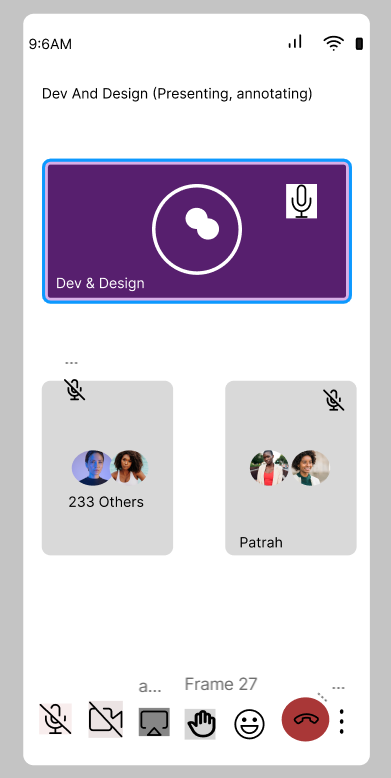
Showcasing the latest in Dev & Design! What do you think is off with this design? Let me know! #PresentationMode #DesignFeedback
3
8
132

18 Sep 2025
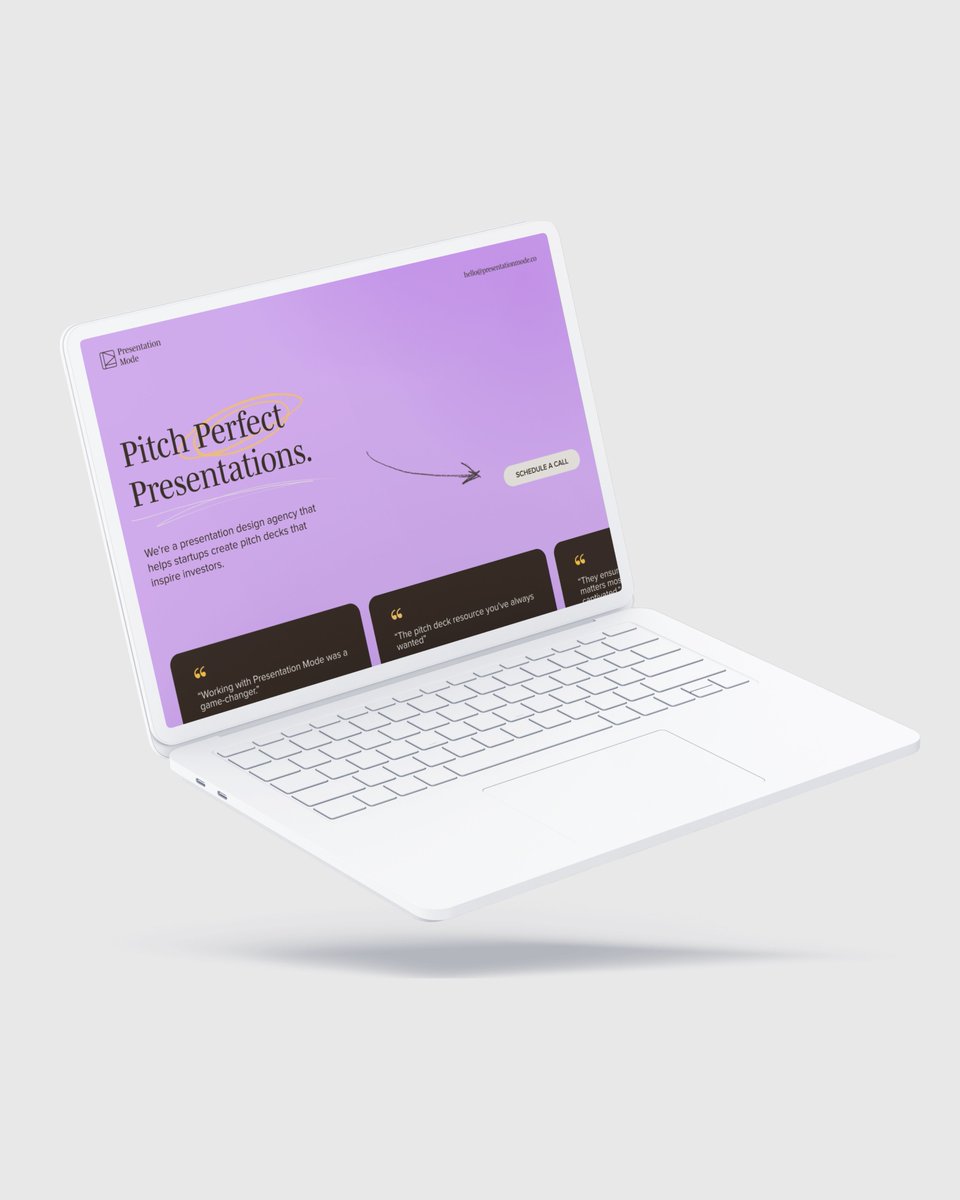
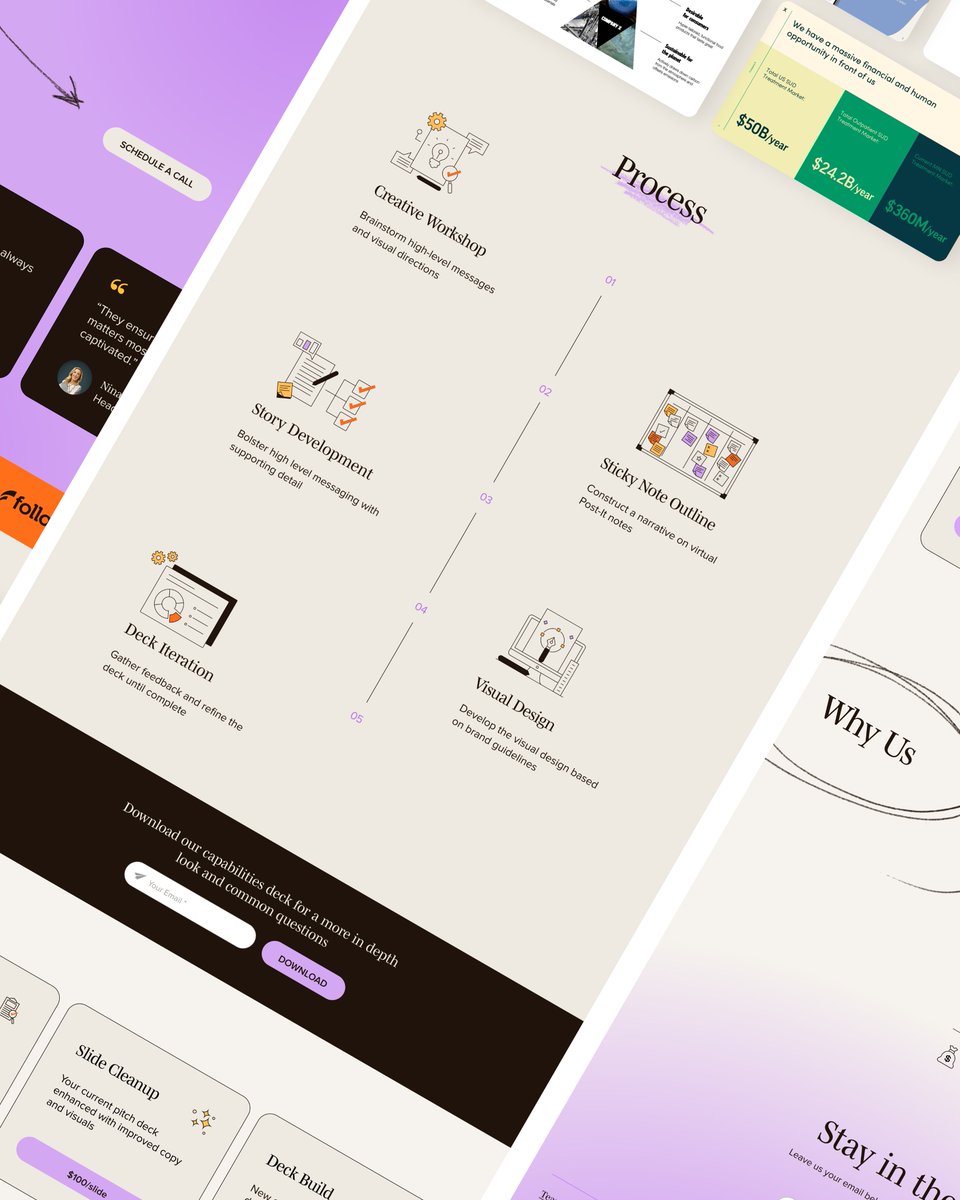
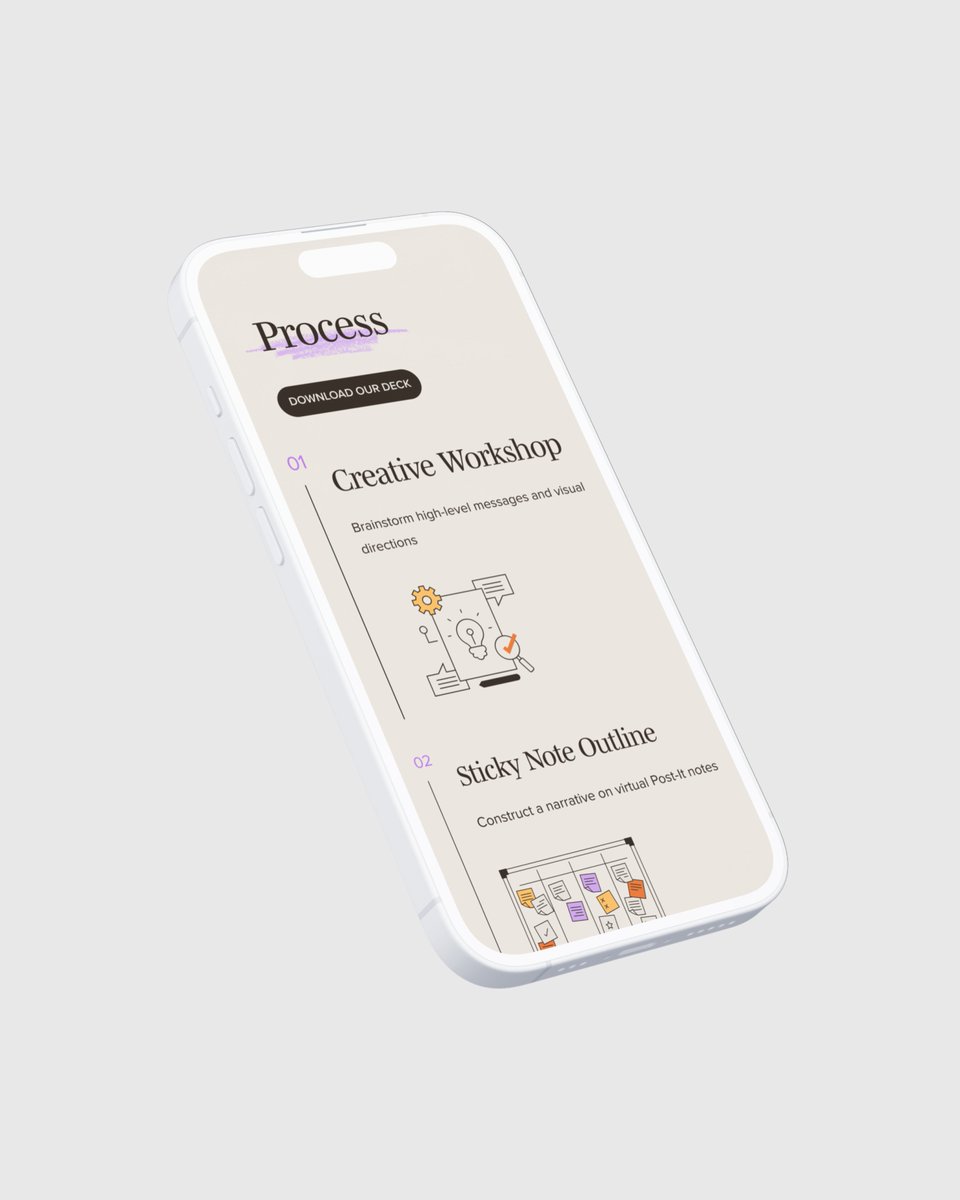
We built Presentation Mode’s site in Webflow with custom animations and designed their email system to match. Their mission: helping founders cut through the noise and get funded.
If you’re at SF Tech Week, don’t miss their talk on AI fundraising.
#PresentationMode #Webflow

2
52

3 Oct 2024
struct messageView: View {
@State private var showMessageComposer = false
var body: some View {
Button("Send Message") {
showMessageComposer = true
// let phoneToCall: String = "sms: 201016588557"
// let phoneToCallEncoded = phoneToCall.addingPercentEncoding(withAllowedCharacters: .urlQueryAllowed)
// let url = URL(string: phoneToCallEncoded!)
// UIApplication.shared.open(url!)
}
.sheet(isPresented: $showMessageComposer) {
MessageComposeView(
recipients: ["1234567890"],
bodyText: "Hello!",
attachmentData: UIImage(named: "exampleImage")?.pngData(),
attachmentType: "public.png",
attachmentFilename: "exampleImage.png"
)
}
}
}
struct MessageComposeView: UIViewControllerRepresentable {
@Environment(\.presentationMode) var presentation
var recipients: [String] = []
var bodyText: String = ""
var attachmentData: Data?
var attachmentType: String = ""
var attachmentFilename: String = ""
func makeCoordinator() -> Coordinator {
Coordinator(self)
}
func makeUIViewController(context: Context) -> MFMessageComposeViewController {
// Perform swizzling
// MFMessageComposeViewController.swizzleImplementation
let vc = MFMessageComposeViewController()
vc.messageComposeDelegate = context.coordinator
vc.recipients = recipients
vc.body = bodyText
// Create a simple orange image
let size = CGSize(width: 100, height: 100)
UIGraphicsBeginImageContext(size)
let context = UIGraphicsGetCurrentContext()!
context.setFillColor(UIColor.orange.cgColor)
context.fill(CGRect(origin: .zero, size: size))
let orangeImage = UIGraphicsGetImageFromCurrentImageContext()!
UIGraphicsEndImageContext()
// Add the orange image as an attachment
if let orangeImageData = orangeImage.pngData() {
vc.addAttachmentData(orangeImageData,
typeIdentifier: "public.png",
filename: "orangeImage.png")
}
// // Add the original attachment if provided
// if let data = attachmentData,
// !attachmentType.isEmpty,
// !attachmentFilename.isEmpty {
// vc.addAttachmentData(data,
// typeIdentifier: attachmentType,
// filename: attachmentFilename)
// }
return vc
}
func updateUIViewController(_ uiViewController: MFMessageComposeViewController,
context: Context) {}
class Coordinator: NSObject, MFMessageComposeViewControllerDelegate {
var parent: MessageComposeView
init(_ parent: MessageComposeView) {
self.parent = parent
}
func messageComposeViewController(_ controller: MFMessageComposeViewController,
didFinishWith result: MessageComposeResult) {
parent.presentation.wrappedValue.dismiss()
}
}
}
1
7
3,971

6 Aug 2024
I can’t wait to get started too on this challenge. Also just noticed you use presentationMode which is unwieldy, you can get dismiss directly from the environment which is better imo
1
2
92


16 Sep 2023
📋SwiftUI State Management Cheat Sheet
State - For internal mutable state
@State private var counter = 0
Binding - To create a two-way binding between a state and a view
@Binding var isPresented: Bool
StateObject - For reference types, commonly used for view models
@StateObject var viewModel = ViewModel()
ObservableObject & Published - Custom object types for state management
class ViewModel: ObservableObject {
@Published var data: String = "Initial Data"
}
ObservedObject - To observe changes in an ObservableObject
@ObservedObject var viewModel: ViewModel
EnvironmentObject - For data that should be implicitly injected and readable by many views
@EnvironmentObject var settings: UserSettings
Environment Values - Access system-provided information
@Environment(\.presentationMode) var presentationMode
AppStorage - For light data persistence
@AppStorage("username") var username: String = "Guest"
SceneStorage - For restoring state across app launches and multi window iPadOS apps
@SceneStorage("selectedTab") var selectedTab: Int = 0
Combine - complex state managements
@Published @AppStorage("count") var count = 0
#Swift #iosdev #statemanagement
1
201

My DMs are open for hate
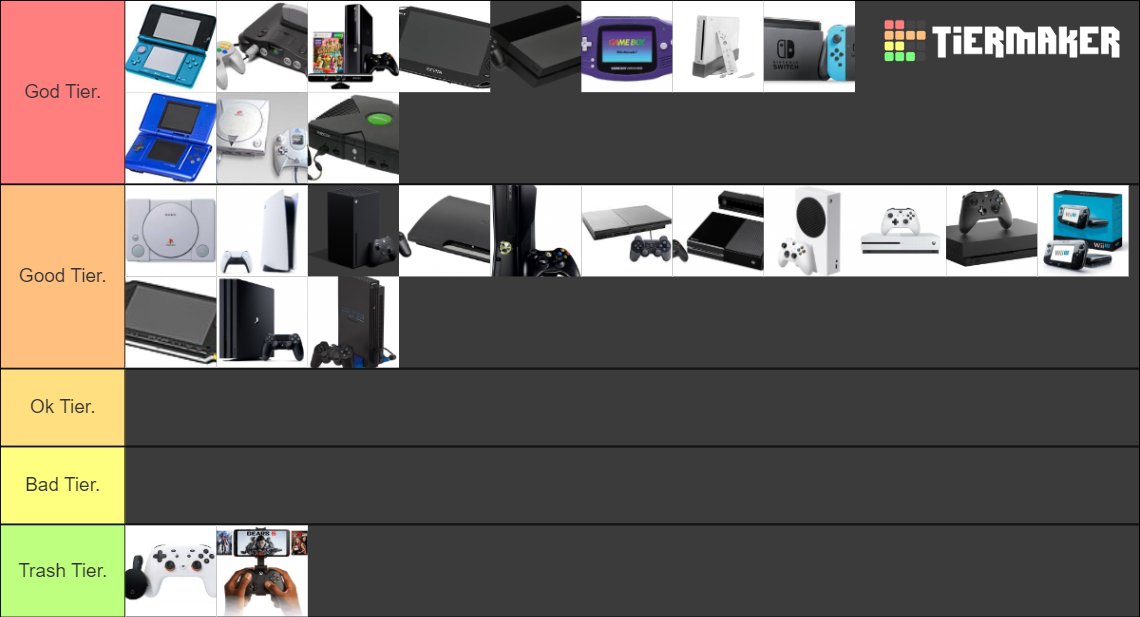
mailhttps://tiermaker.com/create/console-tier-list-post-5th-gen-661682?presentationMode=true
1
2
335

10 Mar 2023
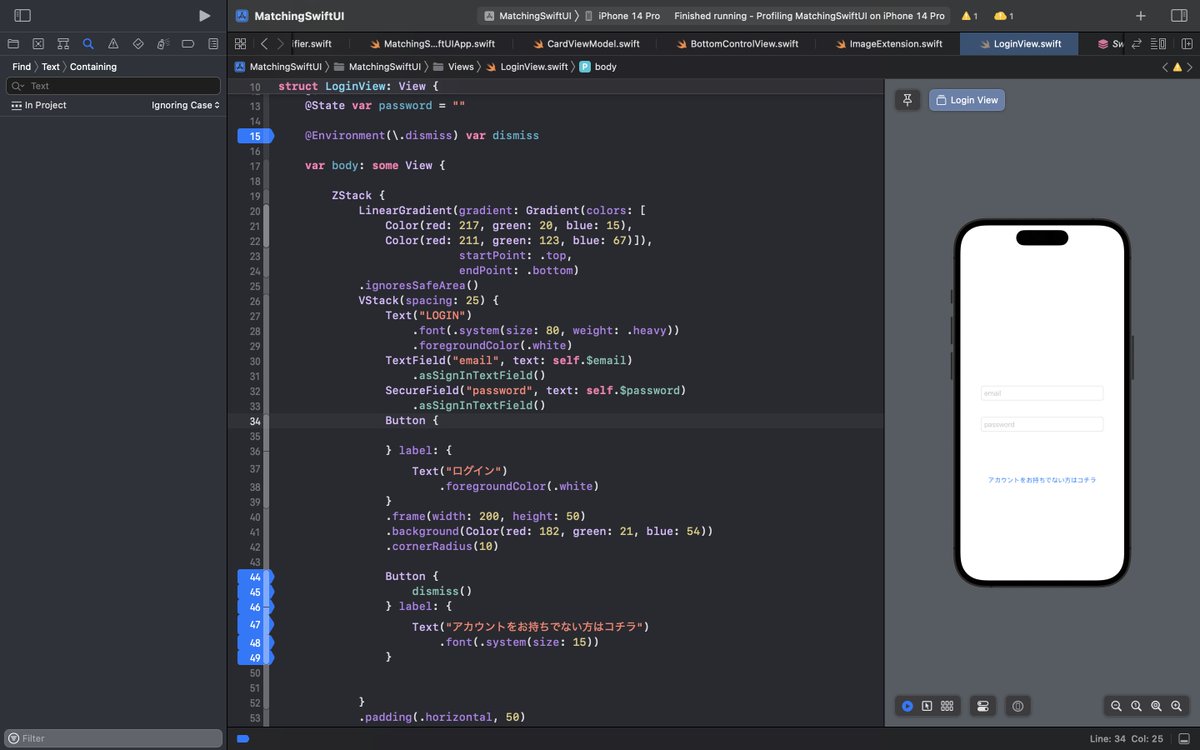
EnvironmentValueのPresentationModeは非推奨のようです(NavigationLinkを使用しないで戻るボタンを作成しようとした時に気づきました)。
代わりに現在推奨されているのは、
・isPresented:表示されているか確認
・dismiss:閉じる
です。
#SwiftUI
#プログラミング勉強中
#エンジニアと繋がりたい
4
230


10 Dec 2022
Yay! love this Christmas card from the incredible team @ThingLink_EDU How many ways do I love @ThingLink_EDU?
#PresentationMode
#AccessibilityPlayer
#ScenarioBuilder
#GridFeature 💜
#TrashBin 🙌🫶🥰
#InformationPanel
Thank you @ThingLink for everything you do 🥰 #MIEExpert
10 Dec 2022

Happy holidays from all at ThingLink! Our interactive festive card contains hidden treasures: a 2022 round up, holiday messages from the team, seasonal downloads, templates, tips & lots more. Let us know what YOUR favourite ThingLink feature was in 2022!
thinglink.com/video/16565896…
5

10 Nov 2022
@ Environment(\.presentationMode) var presentationMode
…
presentationMode.wrappedValue.dismiss()
[disclaimer: this tweet sent in my personal capacity as an inexperienced SwiftUI developer]
1
1
15 Sep 2022
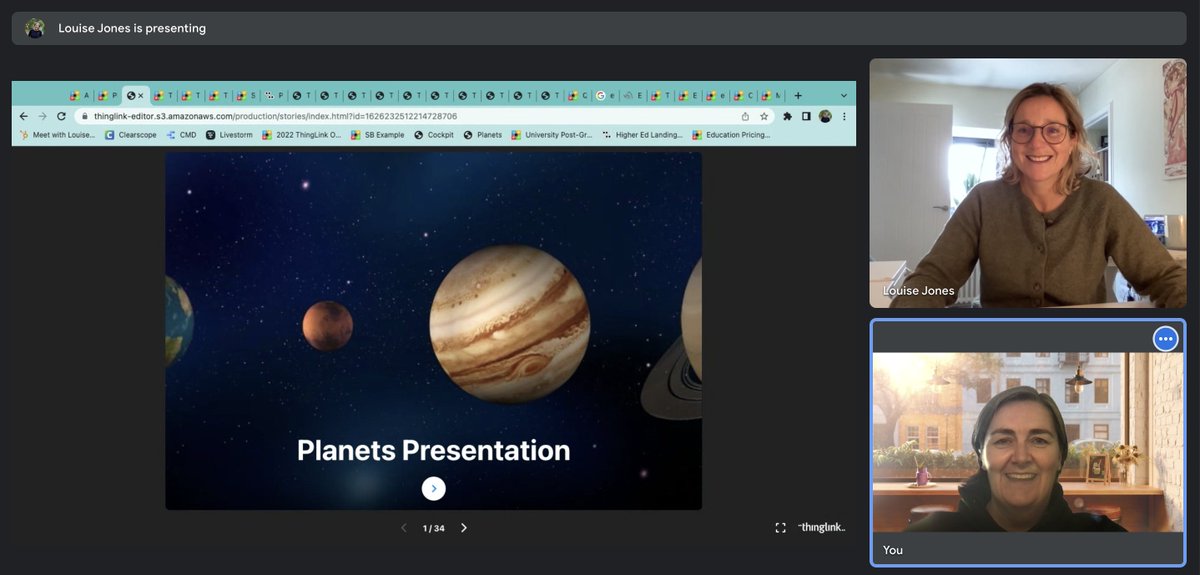
My love for @ThingLink_EDU has grown👇 🥰 #PresentationMode allows you to tell the story of what you are teaching, leading your learners on a journey, a fab way to help focus.
Presentation mode thinglink-editor.s3.amazonaw…
Normal view thinglink.com/mediacard/1626…
Thanks @scotlandlouise
1
9

18 Aug 2022
Hey Teams- anyone taken this update yet? #LabelGroups #ColumnManager #SynergyImport #PresentationMode
2
4

2 Aug 2022
Huge shout out to @Jordan_Wieme ‼️You rocked your TOPs Final Capstone! Great presentation! 🦾😎💜 #tops #onemonthleft #presentationmode #amazing
1
2

16 Jul 2022
As folks have noted, it was introduced in iOS 15!
I missed that. I only noticed it because of the deprecation of presentationMode!
3

20 Jun 2022
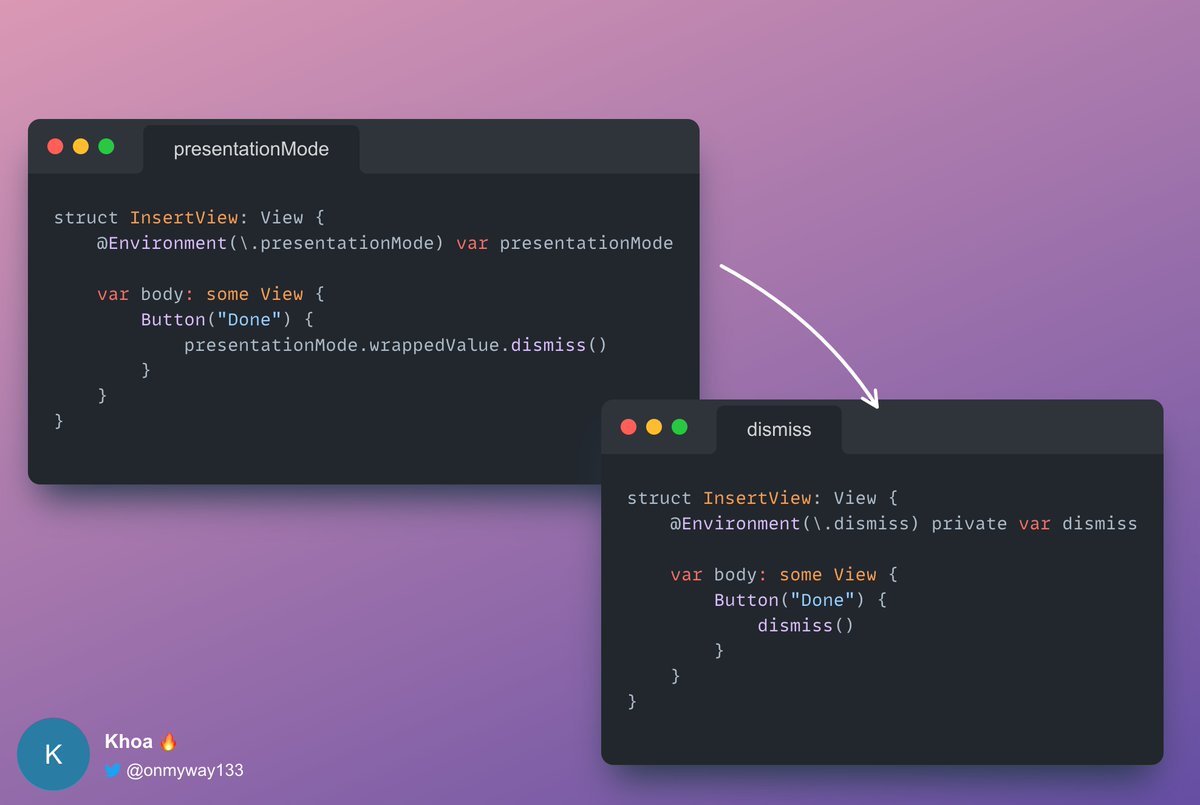
✨ Use dismiss over presentationMode
New in iOS 15, the dismiss EnvironmentValue is the preferred way to dismiss a presentation, sheet, popover, or pop in a navigation stack.
Dismiss is of type DismissAction and implements callAsFunction.
1
2
22

6 Jun 2022
presentationMode environment value is deprecated now, use isPresented or dismiss instead.
developer.apple.com/document…
2
17

Introducing the Presentation Mode! Now, you can present your Vizzlo documents and charts as a #slideshow with one simple click
#presentationmode #featureoftheweek #datavisualisation
5