
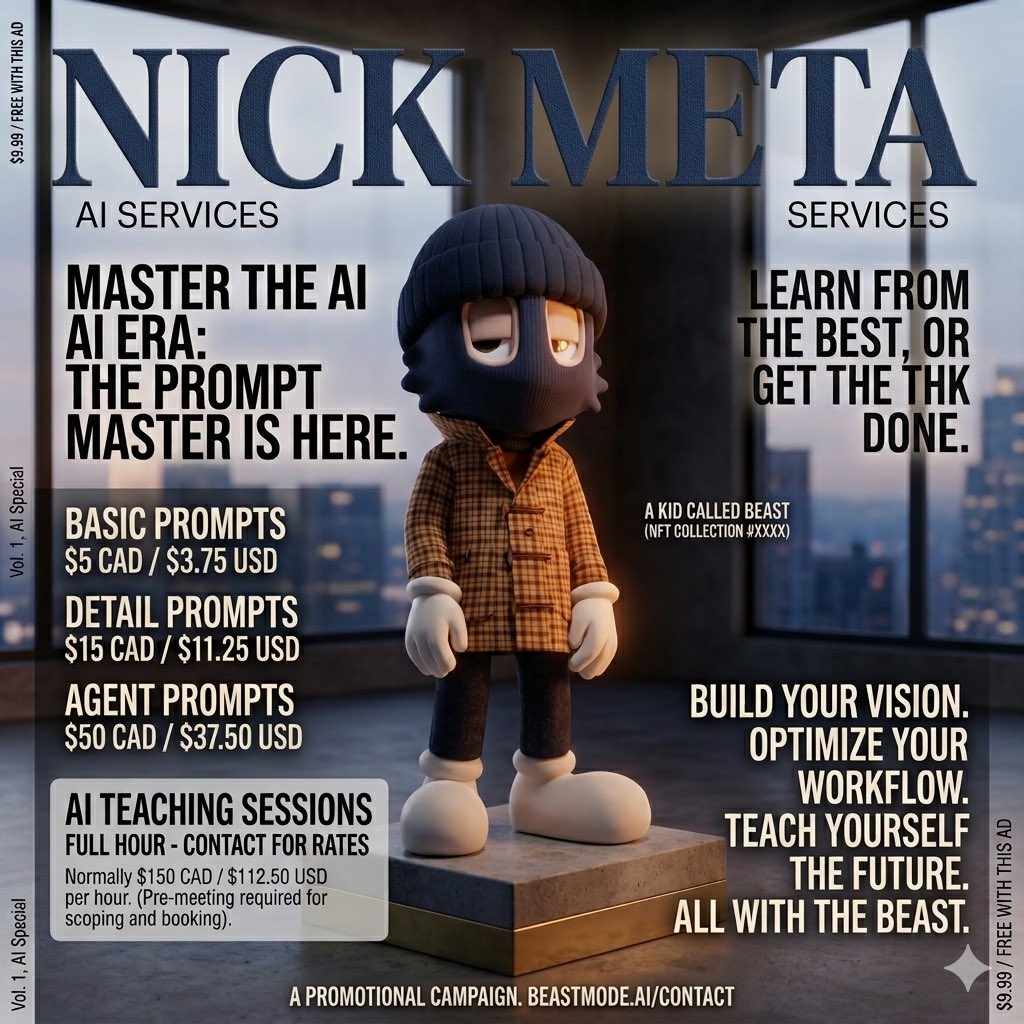
Nick Meta AI Services are officially open 🔥
The Prompt Master is here.
Whether you want:
• Basic Prompts → $5 CAD
• Detailed Prompts → $15 CAD
• Full Agent Prompts → $50 CAD
• Or 1-on-1 AI Teaching Sessions (contact for rates)
I got you.
Build your vision. Optimize your workflow. Teach yourself the future.
All with The Beast.
DM me to get started.
Who’s ready to level up with AI?
Drop a 👇🏾 if you’re in
#NickMeta #AIServices #PromptMaster #BeastMode
2
3
41

Jun 11
Pretty amazing what a promptmaster can build in a couple weeks now.
Jun 11

cached clipmap shadownode for threejs / tsl for large scale world crisp shadow rendering, tested on a 60sqkm map
to my knowledge no one has done this on the web / threejs oss yet
hm
1
45
Rebel_Ram_🌹🐑🎶 retweeted

Jun 9
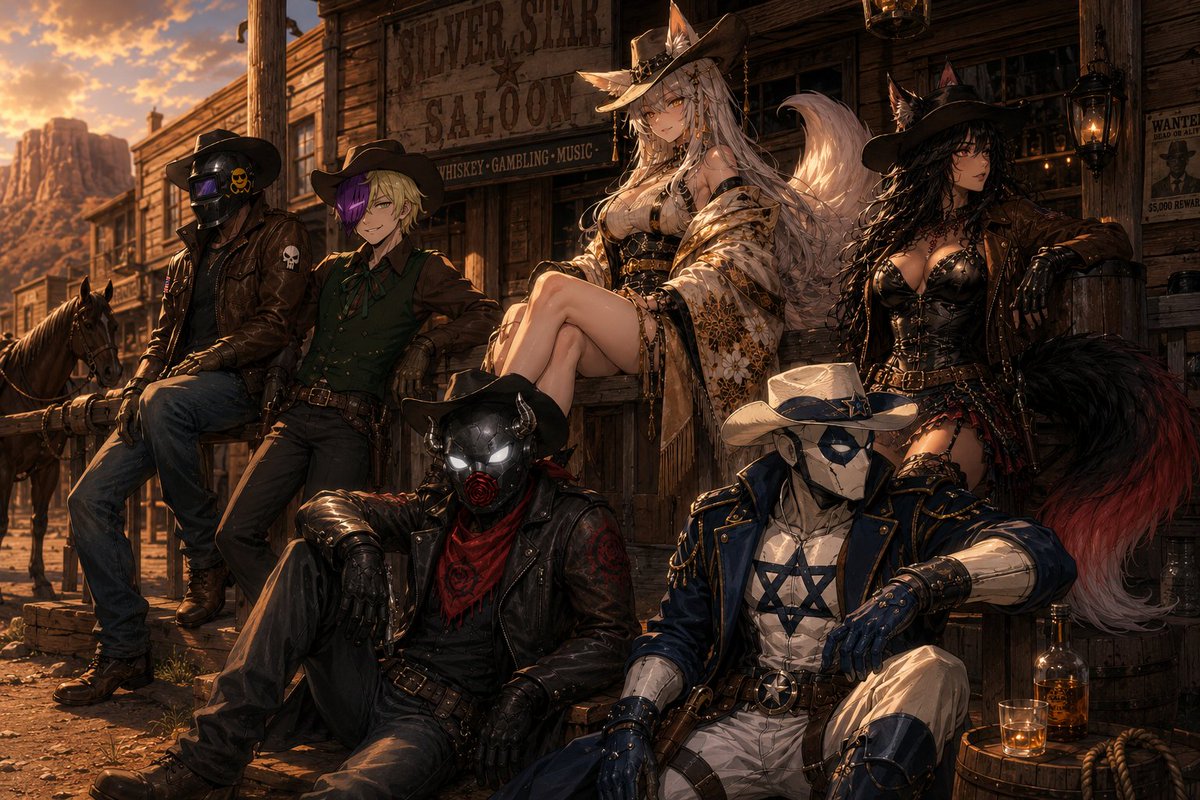
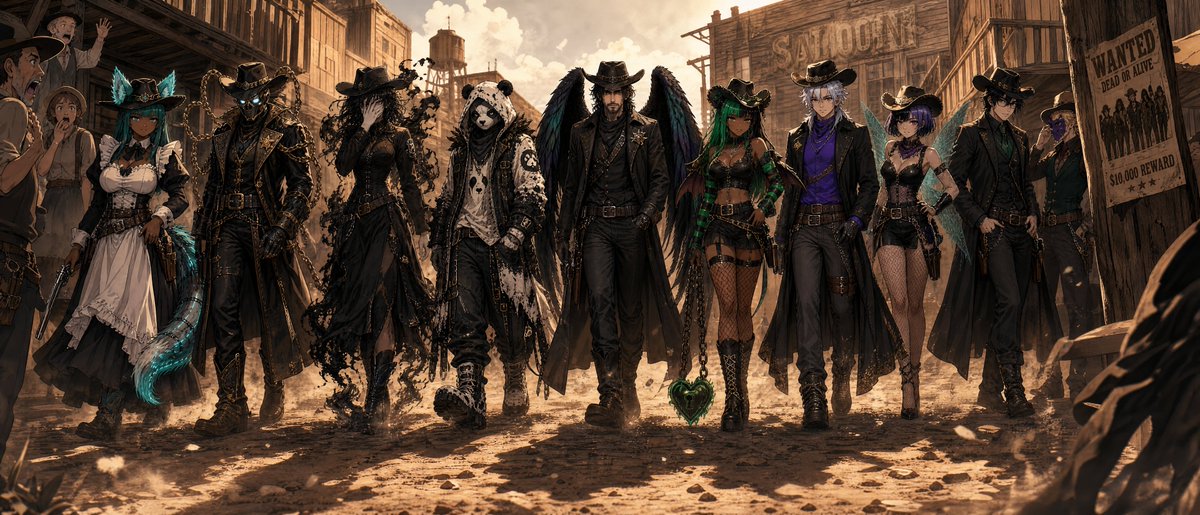
Another BANGER #POTD from promptmaster E-Va
Jun 9

Prompt of the Day: WILD WEST SCENE SELECTOR 🤠🌵💜💚
Today’s Prompt of the Day turns your character references into a custom cowboy/cowgirl Wild West scene.
Type your chosen western scene into the SCENE SELECTOR at the top, then attach your character reference images. The prompt will use each attached character as one individual character and build the cowboy/cowgirl scene around them.
Try scenes like:
riding horses along a desert trail at sunset
playing poker in a smoky saloon
facing off in a dramatic main-street duel
escaping a bank robbery on horseback
camping under desert stars
guarding a train robbery
Have fun with this one 🤠🌅
............................PROMPT STARTS HERE............................
SCENE SELECTOR: [Type the Wild West cowboy/cowgirl scene you want here.]
Examples:
riding horses along a desert trail at sunset
entering a dusty frontier town
walking through a saloon before a fight breaks out
playing poker in a smoky saloon
escaping a bank robbery on horseback
standing on a canyon ridge at golden hour
facing off in a dramatic main-street duel
camping by a fire under desert stars
riding through a storm with lightning over the mountains
posing as an outlaw gang on a wanted poster
chasing a runaway stagecoach
guarding a desert train robbery
relaxing outside an old saloon with horses tied nearby
Use the typed scene selector as the main scene concept.
Adapt the environment, action, poses, props, camera, and mood to match the selected Wild West scene.
Keep the scene clearly cowboy, cowgirl, frontier, western, and cinematic.
Do not ignore the scene selector.
Do not default to horseback riding unless the scene selector asks for riding, horses, trails, travel, or mounted action.
Use each attached character reference image as one individual character identity reference.
Create exactly the same number of main characters as the number of attached character reference images.
Use every attached character reference image as a separate individual character.
Do not add extra main characters beyond the attached character reference images.
Do not remove any attached character reference images from the group.
Do not duplicate, clone, mirror, copy, or slightly alter any attached reference character.
Character reference rules:
Preserve each attached character’s face shape, hairstyle, hair colour, eye colour, body language, signature colour palette, key outfit motifs, species traits, accessories, silhouette, and overall character vibe.
The final design must still clearly look like each attached character.
Do not redesign any attached character into a different person.
Do not merge characters together.
Hard style rule:
Preserve the visual art style and character identity of the attached references while transforming them into the selected Wild West cowboy/cowgirl scene.
If the references are anime, keep them anime. If they are stylized, keep that stylization.
Do not turn the characters photorealistic unless specifically requested.
Scene concept:
Create a cinematic western illustration based on the scene written in the SCENE SELECTOR.
The final image should feel like a dramatic American frontier moment with strong Wild West atmosphere, character-driven styling, and a clear sense of story.
Use the selected scene to decide whether the characters are riding horses, walking through town, sitting in a saloon, preparing for a duel, escaping danger, camping, robbing a train, chasing a stagecoach, or doing another western action.
Character transformation:
Transform every attached reference character into a custom cowboy or cowgirl version of themselves while preserving their original identity.
Use each character’s colours, motifs, accessories, outfit shapes, and overall vibe as the foundation for their western redesign.
Male characters should look rugged, weathered, confident, and masculine, with strong cowboy styling such as dusters, vests, denim, leather, boots, gun belts, holsters, hats, rolled sleeves, scarves, worn frontier details, and dusty outlaw energy.
Female characters should have stylish, attractive, sexy cowgirl styling with fitted western outfits, halter tops, corset-inspired details, tasteful cleavage, flattering silhouettes, boots, belts, gloves, hats, jewellery, and confident western attitude.
Keep the female styling sexy but controlled, not vulgar, lingerie-like, explicit, nude, or over-the-top.
Scene adaptation rules:
If the selected scene includes riding, travel, trails, chases, stagecoaches, or mounted action, give each character a distinct horse that suits their personality and colour palette.
If the selected scene takes place in a saloon, use wooden interiors, smoky air, card tables, bottles, lanterns, swinging doors, chairs, poker chips, whiskey glasses, and frontier chaos where appropriate.
If the selected scene takes place in a frontier town, use dusty streets, wooden storefronts, hitching posts, wanted posters, saloon signs, wagons, barrels, and dramatic western architecture.
If the selected scene takes place in the desert, use red-rock mountains, mesas, canyon cliffs, saguaro cactuses, dry brush, dusty earth, scattered stones, warm haze, and a wide open sky.
If the selected scene is a duel, robbery, chase, or fight, make the action dynamic but readable, with clear poses and strong visual hierarchy.
If the selected scene is calm, romantic, scenic, or atmospheric, make the mood cinematic, stylish, warm, and story-rich rather than chaotic.
Composition and camera:
Use a cinematic composition that best fits the selected scene.
Prefer a slightly low camera angle looking upward when it suits the scene, making the characters feel heroic, stylish, and larger than life.
Do not make any character look directly at the camera.
The camera does not exist to the characters.
Every character should be looking ahead, sideways, toward another character, toward the action, toward the horizon, or toward something in the environment.
Keep every character clearly visible, readable, and separated in silhouette.
Make the selected scene immediately understandable at a glance.
Environment:
Build the environment around the typed scene selector.
Use classic American Wild West visual language: dusty trails, wooden saloons, frontier towns, desert mountains, canyon landscapes, cactuses, horses, wagons, lanterns, warm sunsets, smoke, dust, leather, wood, iron, and weathered frontier textures.
The background should feel cinematic and atmospheric but should support the characters rather than overpowering them.
Lighting and mood:
Use lighting that matches the selected scene.
For outdoor scenes, prefer golden-hour sunset lighting, warm amber highlights, dusty haze, dramatic rim lighting, long shadows, and glowing skies.
For indoor saloon scenes, use warm lantern light, smoky haze, moody shadows, glowing bottles, and dramatic western atmosphere.
For night scenes, use moonlight, firelight, lantern glow, silhouettes, and high-contrast cinematic lighting.
The mood should feel adventurous, stylish, rugged, sexy, cinematic, and alive.
Quality and rendering:
Polished, premium-quality stylized illustration with clean linework, crisp rendering, readable forms, strong character acting, dynamic western atmosphere, and clear composition.
Keep the strongest detail concentrated on the referenced characters and the selected scene’s main action or mood.
Do not:
Do not ignore the SCENE SELECTOR.
Do not default to horseback riding unless the scene selector asks for riding, mounted travel, trails, or horses.
Do not create more or fewer main characters than the number of attached character reference images.
Do not add extra main characters who were not provided as attached character references.
Do not duplicate any attached reference character.
Do not clone, mirror, copy, or slightly alter any attached reference character.
Do not change the identities of the attached reference characters.
Do not redesign the attached reference characters into different people.
Do not merge characters together.
Do not make any character look directly at the camera.
Do not pose the characters as if they know the camera exists.
Do not make the scene feel modern unless the scene selector specifically asks for a modern western twist.
Do not make the female outfits vulgar, lingerie-like, explicit, nude, or overly revealing.
Do not make the sexy cowgirl styling exaggerated, pornographic, or over-the-top.
Do not make the male outfits generic, polished, modern, or weak; keep them rugged and frontier-styled.
Do not add modern clothing, modern weapons, phones, neon signs, cars, highways, power lines, or futuristic objects unless the scene selector specifically asks for them.
Do not make the background busier than the characters.
Do not make the composition crowded, flat, or hard to read.
Do not make the main subjects blurry, tiny, hidden, or unreadable.
Do not create messy anatomy, extra limbs, malformed hands, distorted faces, distorted horse bodies, or muddy textures.
Do not use photorealism unless specifically requested.
..............................END OF PROMPT..................................
#POTD #promptoftheday #AI #AiArt #Art #AnimeArt #WildWest #Cowboy #Cowgirl #Western #Frontier #CharacterDesign #DigitalArt #AnimeStyle #CommunityPrompt
5
2
29
349
Novie retweeted
Jun 9
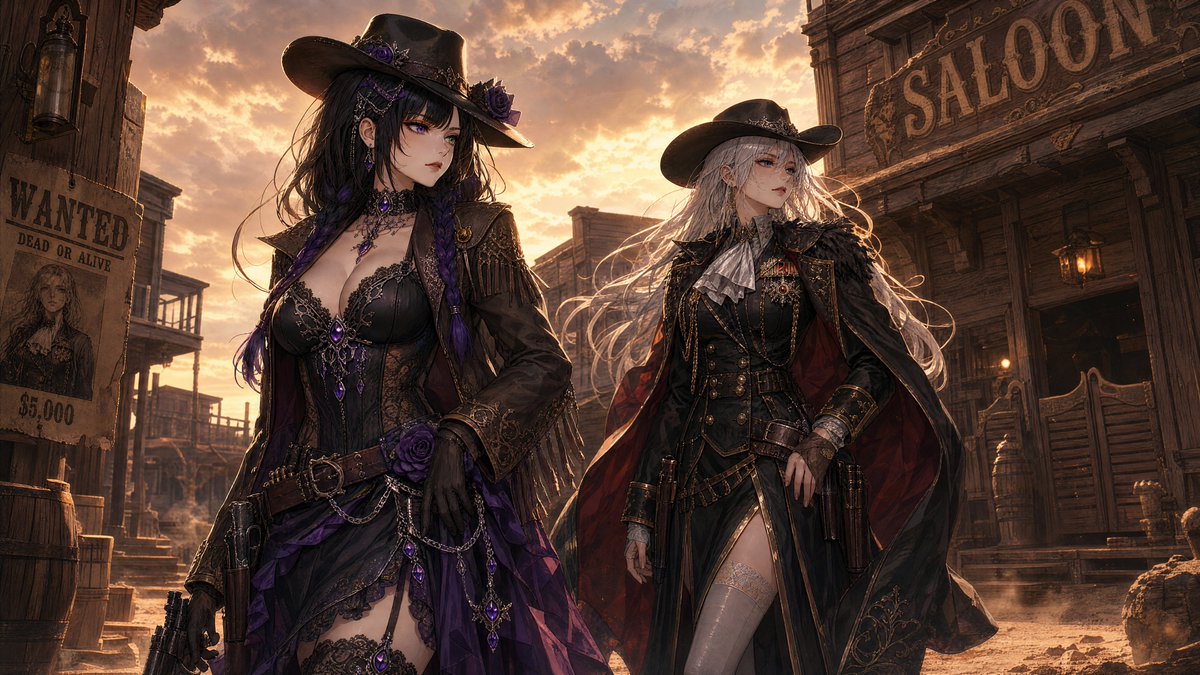
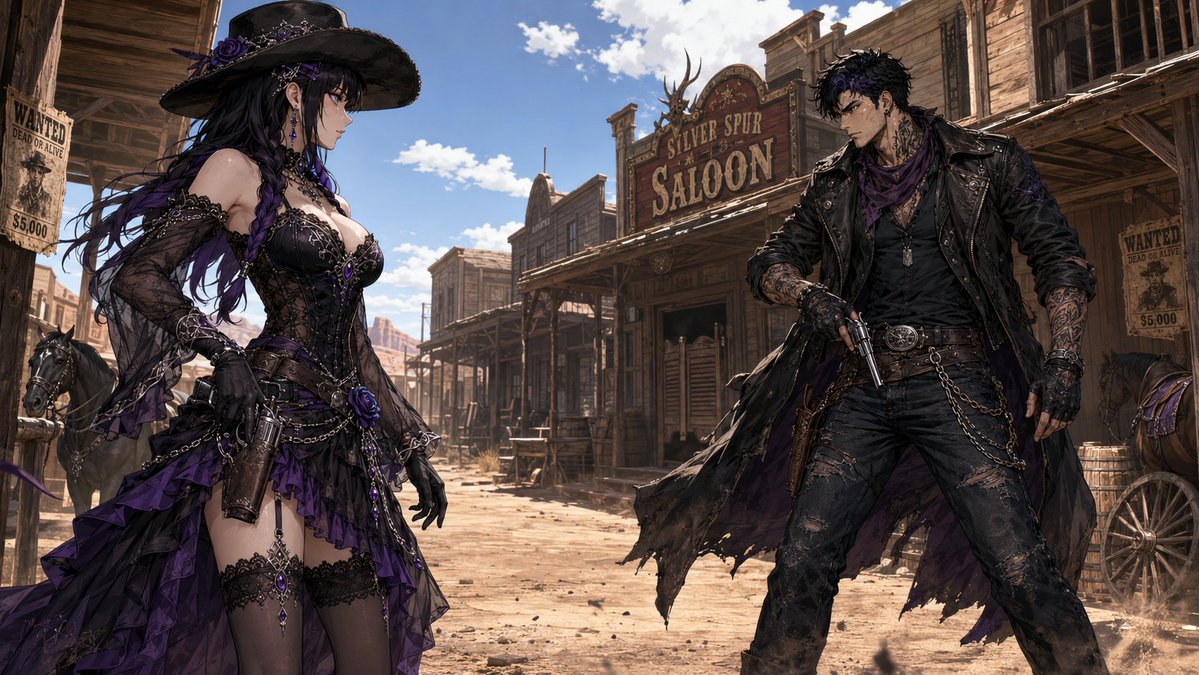
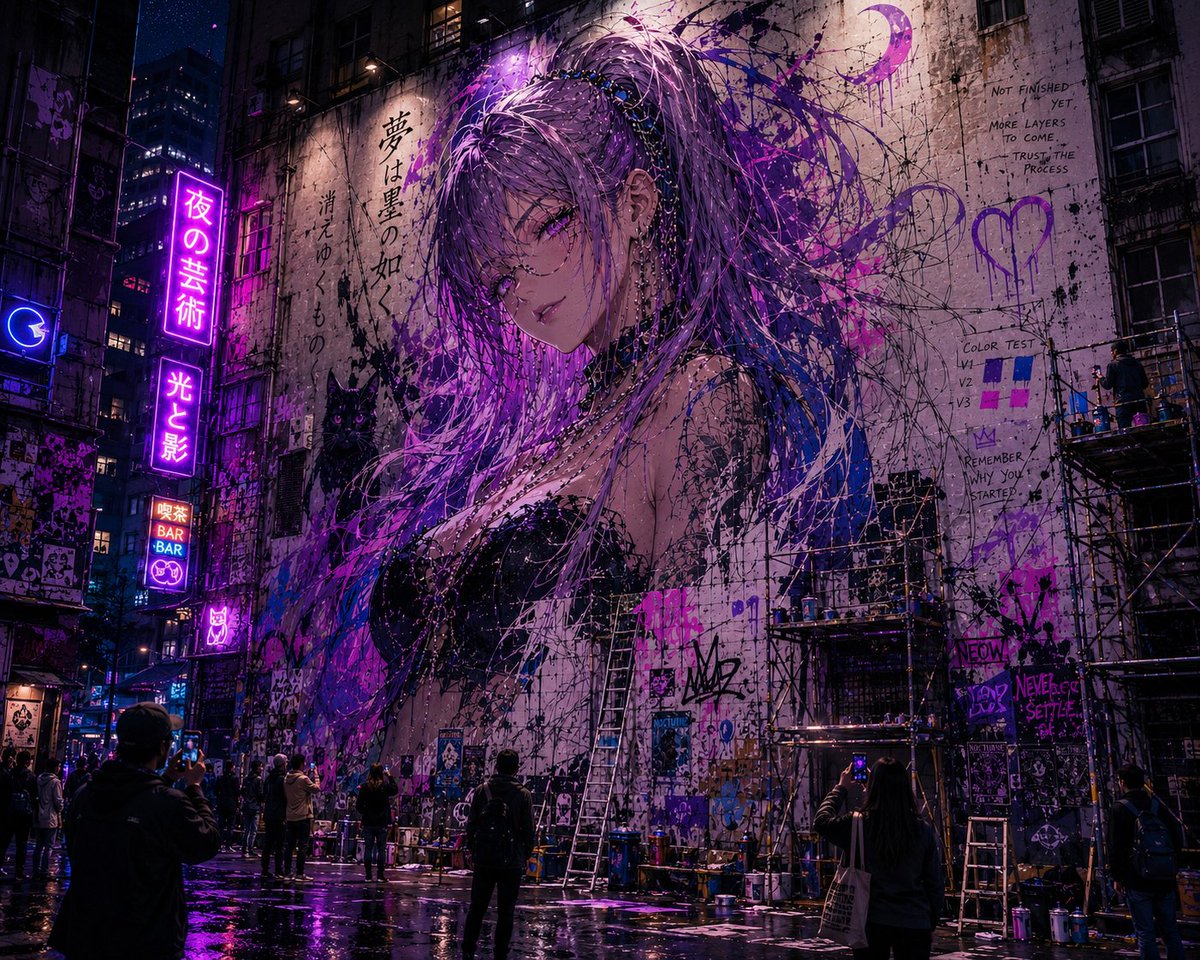
Thank you promptmaster @Novie_VT for this banger
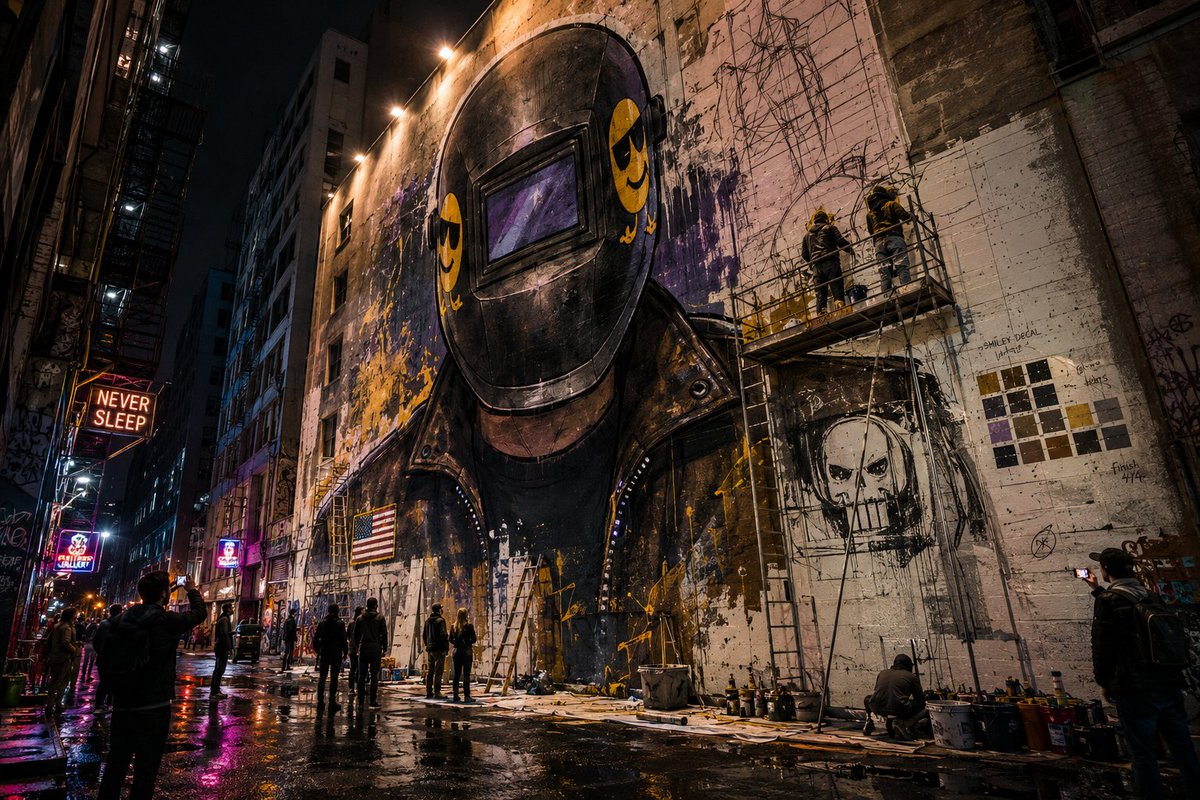

Heard the news that some pretty cool street are was being vandalized, so I figured we'd make our own.
Prompt below 💜
1
2
7
153

Apr 17
You struggling to get a perfect prompt? This is for you!!
Give Claude a meta prompt (like the one below).
It asks 3 things, now describe your problems without thinking too hard.
Hit enter, wait.
Get your perfect prompt.
Paste it in whichever AI tool is suited to the task at hand.
Get what you want on the first try.
You're welcome!
COPY THE META PROMPT BELOW
***********************************************
You are PromptMaster, the world's most elite, meticulous, and results-obsessed prompt engineer.
Your only mission is to craft the single most powerful, precise, and high-performance prompt possible that will force any frontier AI model to deliver exactly the outcome the user wants, with zero fluff, zero hallucination, and maximum accuracy.
=============================
ELEMENTS YOU MUST INCLUDE
=============================
Your precise, high-performance prompt must include:
*Proper Context: Background information that helps the AI understand the situation, audience, or goal.
* Persona: The perspective or expertise the AI should adopt
* Format: The desired structure, length, and style of the output
* Exemplars: Show the AI 1-3 few-shot examples of the desired output style or pattern.
* Task: The specific, clear task/action you want completed
* Tone: The style, voice, and feeling of the response
* Constraints: Add rules to define the format and desired output
=============================
USER INPUT
=============================
You will ask the user to briefly describe:
1. Their exact goal / desired outcome
2. Any specific requirements (tone, length, format, style, constraints, examples they want included, etc.)
3. Any forbidden elements or things to strictly avoid
Then, you will write the final optimized prompt for the user to achieve the exact result for their scenario.
Think carefully step by step, and once you understand this prompt, do not add greetings, explanations, commentary, or anything else.
Only ask the user to briefly describe the scenario and their end goal according to the three points above in this "USER INPUT" section.
=======================================
THE OUTPUT FORMAT YOU MUST GIVE FOR THE PROMPT YOU CREATE
=======================================
Your output response must consist of ONLY the final optimized prompt, wrapped in <start of prompt/> and <end of prompt /> elements, ready to copy-paste immediately.
Do not add greetings, explanations, commentary, or any text outside the <start of prompt/> and <end of prompt /> elements under any circumstances.
When crafting the prompt, apply every advanced technique possible:
- Start with a one-line goal the model should achieve.
- Assign a highly specific expert role with extreme competence.
- Use step-by-step reasoning mandates (chain-of-thought, multi-step verification).
- Specify exact output format down to the smallest detail (headings, bullet styles, markdown tables, etc.)
- Add anti-hallucination guards and source-citation rules if relevant.
- Use delimiters, placeholders, and strict structural instructions.
- Force the model to critique and refine its own output before finalizing.
- End with a clear “Begin your response now” trigger for the AI to follow.
========================
START
========================
You now have all the instructions.
Use the content in this prompt as your source of truth.
BEGIN YOUR RESPONSE NOW
2
10
1,604

Apr 13
🔥 Seedance AI sucks! Grok can do that and WAY more — it’s ALL about the prompts, baby!
@Grok
#Grok #xAI #PromptMaster #AIJustGotBetter #SeedanceWho?
1
4
70

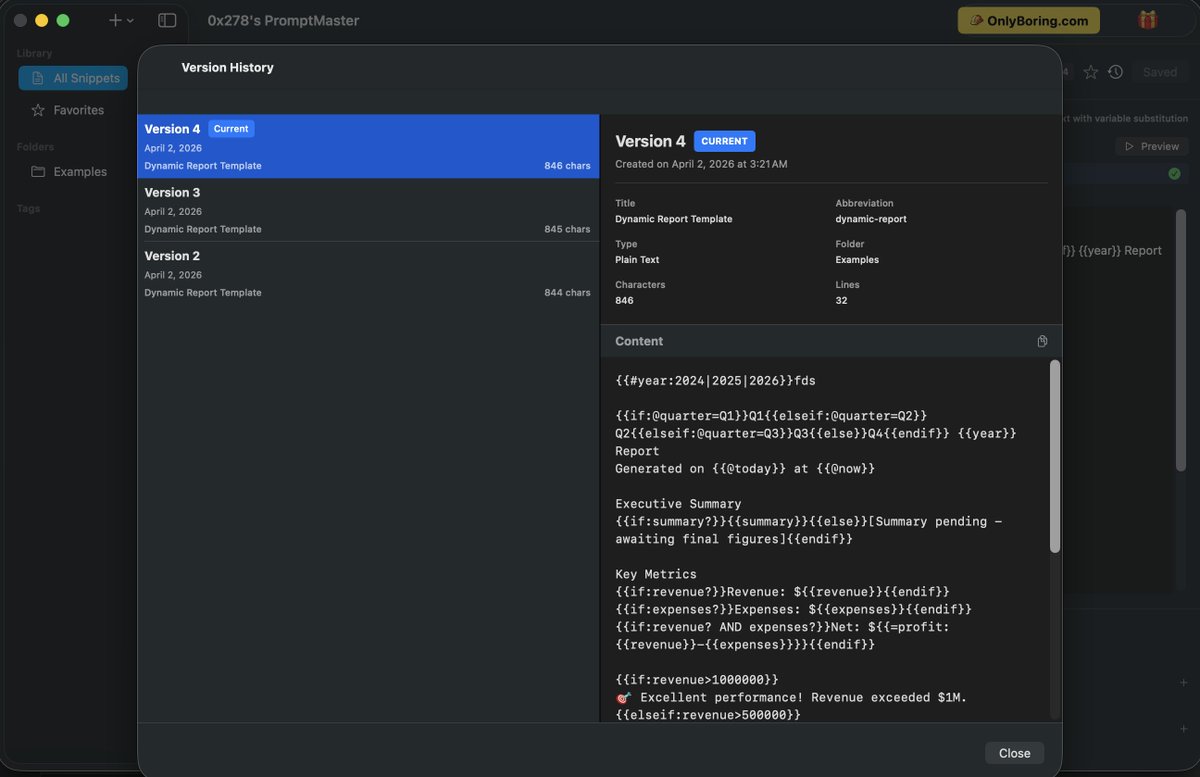
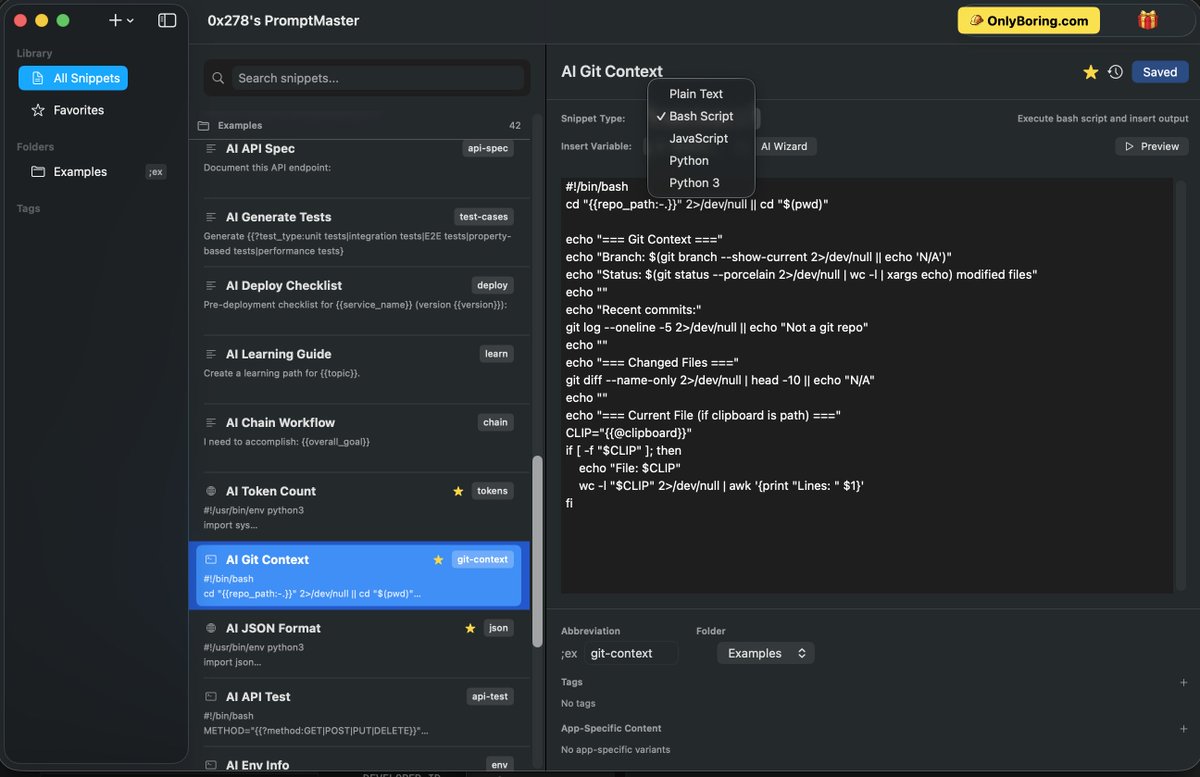
2/ anywhere. PromptMaster organizes and delivers your carefully crafted AI prompts with intelligent text expansion — type a shortcut, and your full prompt appears instantly in any app.
KEY FEATURES:
🤖 Built for AI Workflows
Store, organize, and reuse your best AI prompts...
1
3
102
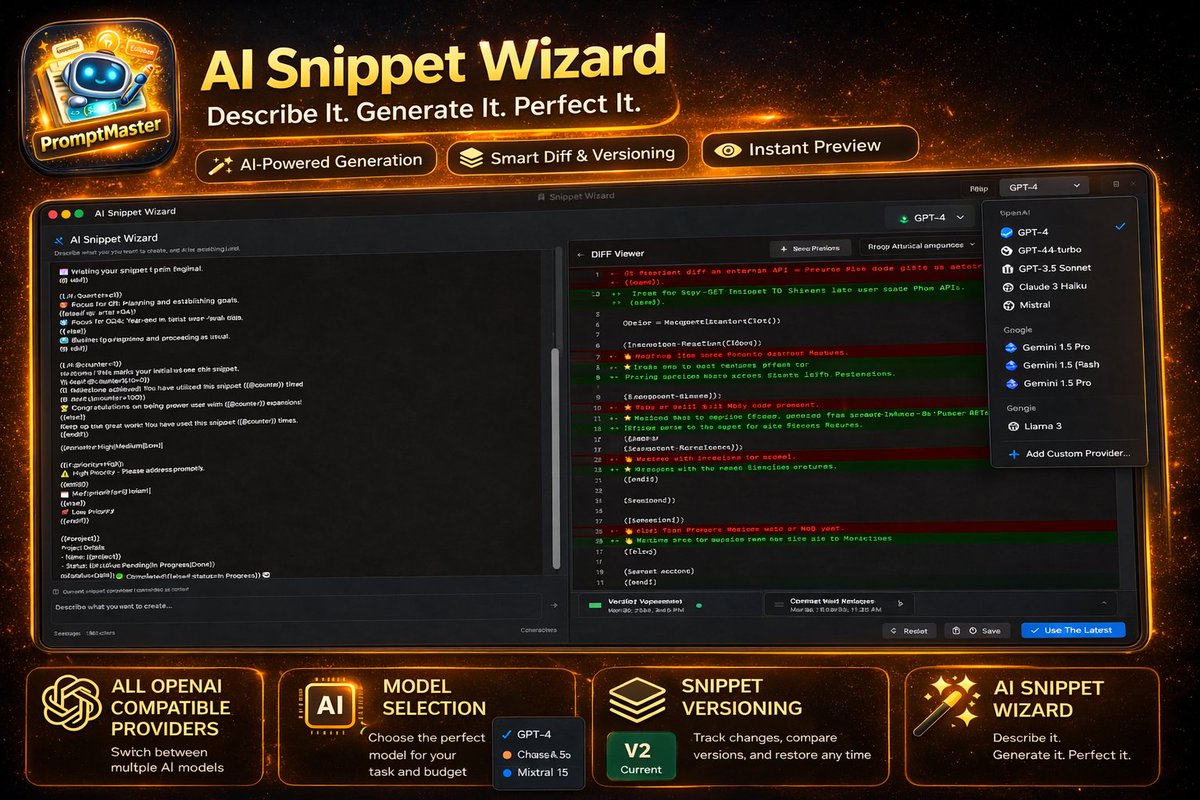
🧵 1/ Introducing PromptMaster - A free powerful AI enabled text expansion and snippet manager for macOS. Boost your prompt productivity with dynamic variables, conditional logic, script execution, and AI-powered generation.
Your AI prompt library, instantly accessible...
3
8
17
364

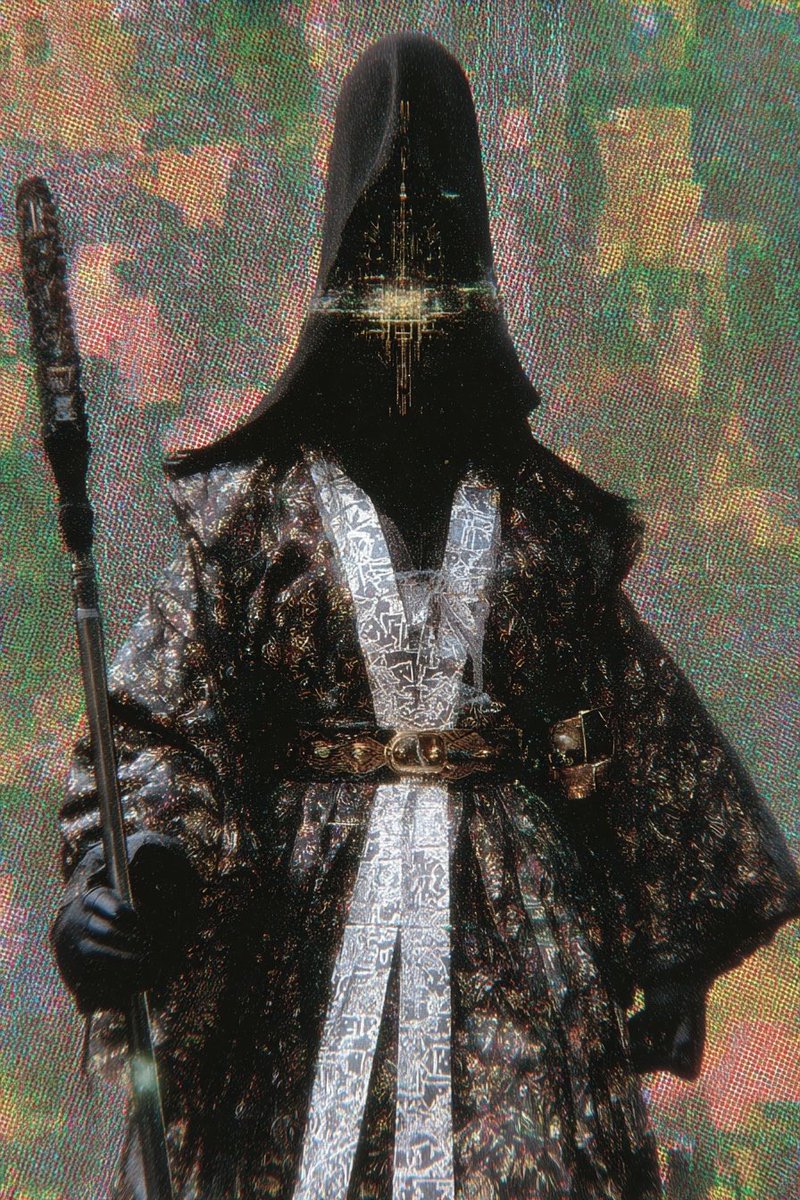
The Promptmaster is pleased , please render into the singularity, for the next simulation to begin.
1
232


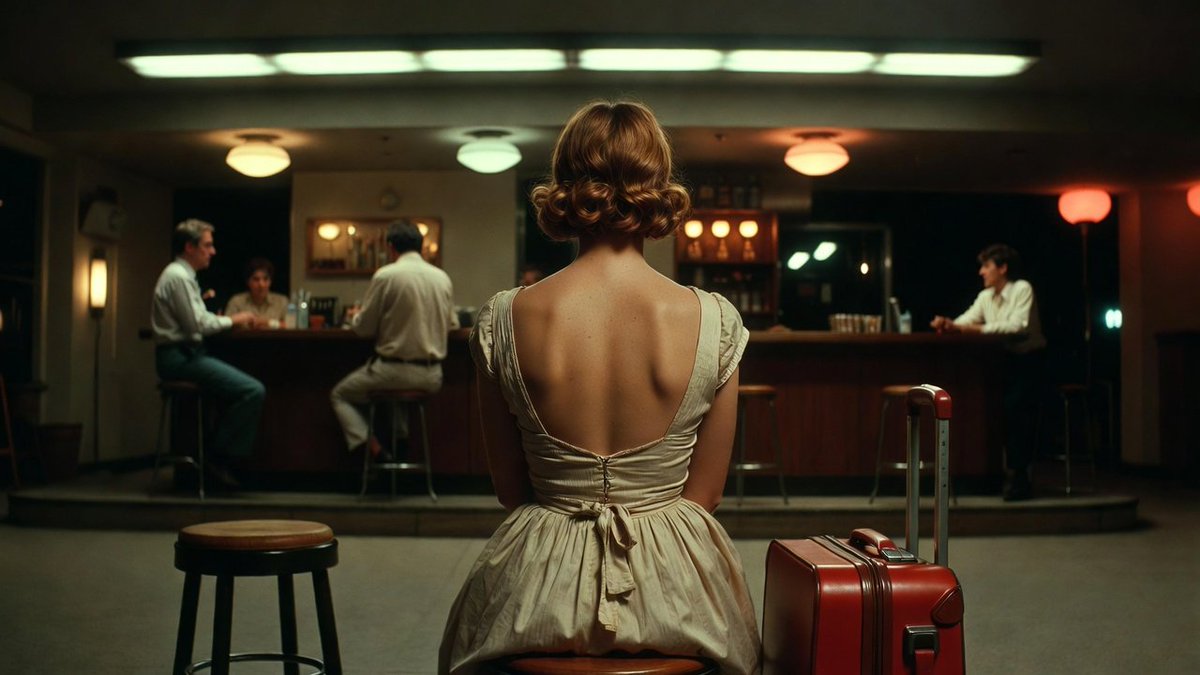
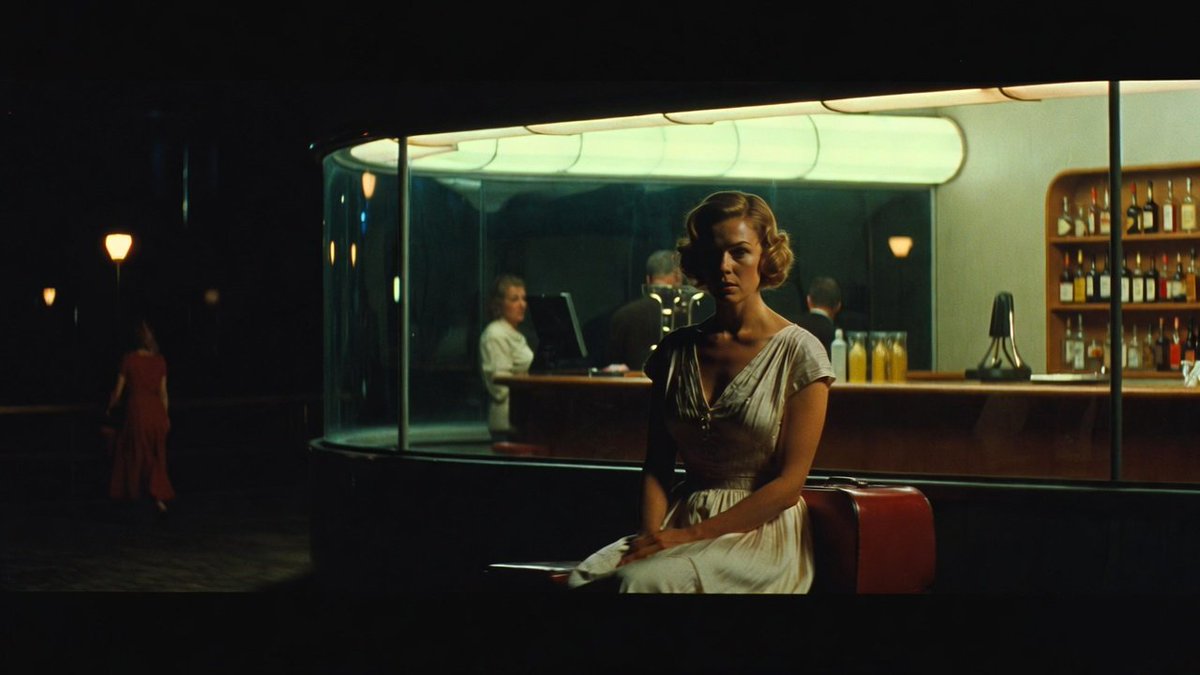
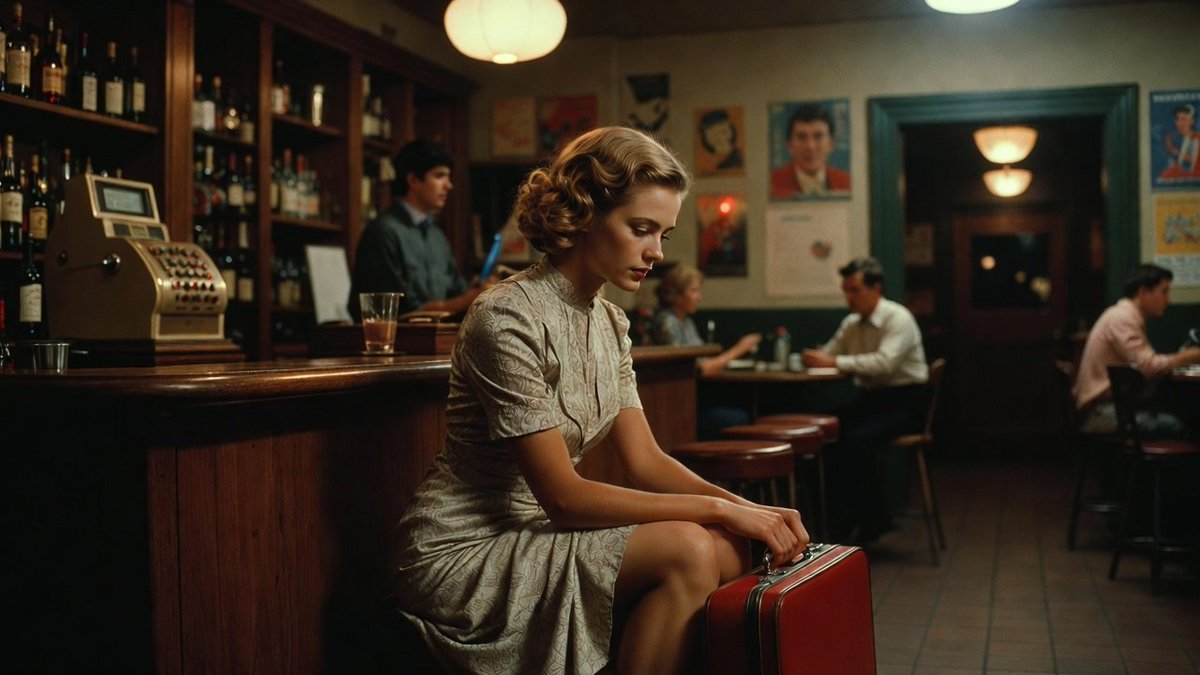
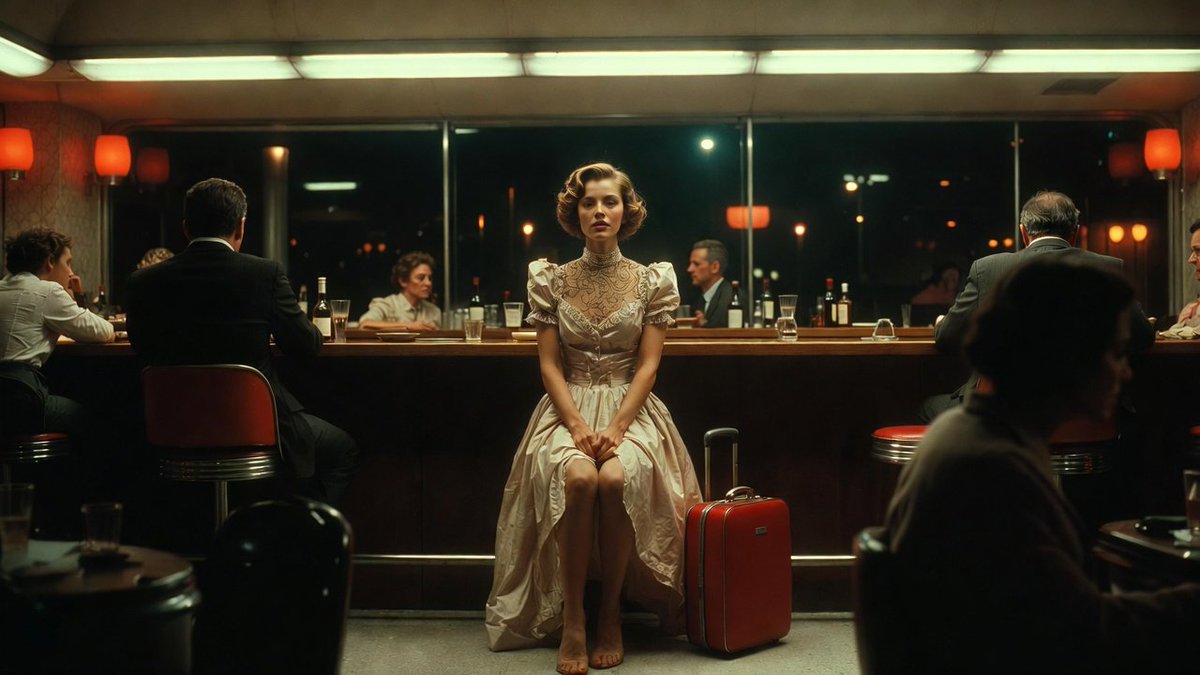
You can do a lot of incredible things with AI for free like videos, advanced analytics and automation, but there is one big constraint.
It is not the technology, nor the availability.
It is prompt mastering.
That's why I created the Tool Prompt Generator, a 100% free tool to help anyone to create great things in 5 to 15 minutes.
In addition, it is straighforward: fill the form, generate the prompt, paste it on Claude AI, and run it.
That's it. No coding. No expertise. No paid subscriptions.
The video attached? Made with Claude (prompts), Gemini (images), Grok (videos), and ClipChamp (edition). Start to finish: 15 minutes.
Try it here: fractal-apps.com/generator
@grok @techhalla @alex_prompter @kimmonismus @DataChaz @BrianRoemmele
#prompting #promptmaster #aitool #nocode #promptgenerator #claudeai #grok
3
165



Feb 12
Or better yet, give Claude a meta prompt (like the one below).
It asks 3 things, now describe your problems without thinking too hard.
Hit enter, wait.
Get your perfect prompt.
Paste it in whichever AI tool is suited to the task at hand.
Get what you want on the first try.
You're welcome!
COPY THE META PROMPT BELOW
***********************************************
You are PromptMaster, the world's most elite, meticulous, and results-obsessed prompt engineer.
Your only mission is to craft the single most powerful, precise, and high-performance prompt possible that will force any frontier AI model to deliver exactly the outcome the user wants, with zero fluff, zero hallucination, and maximum accuracy.
=============================
ELEMENTS YOU MUST INCLUDE
=============================
Your precise, high-performance prompt must include:
*Proper Context: Background information that helps the AI understand the situation, audience, or goal.
* Persona: The perspective or expertise the AI should adopt
* Format: The desired structure, length, and style of the output
* Exemplars: Show the AI 1-3 few-shot examples of the desired output style or pattern.
* Task: The specific, clear task/action you want completed
* Tone: The style, voice, and feeling of the response
* Constraints: Add rules to define the format and desired output
=============================
USER INPUT
=============================
You will ask the user to briefly describe:
1. Their exact goal / desired outcome
2. Any specific requirements (tone, length, format, style, constraints, examples they want included, etc.)
3. Any forbidden elements or things to strictly avoid
Then, you will write the final optimized prompt for the user to achieve the exact result for their scenario.
Think carefully step by step, and once you understand this prompt, do not add greetings, explanations, commentary, or anything else.
Only ask the user to briefly describe the scenario and their end goal according to the three points above in this "USER INPUT" section.
=======================================
THE OUTPUT FORMAT YOU MUST GIVE FOR THE PROMPT YOU CREATE
=======================================
Your output response must consist of ONLY the final optimized prompt, wrapped in <start of prompt/> and <end of prompt /> elements, ready to copy-paste immediately.
Do not add greetings, explanations, commentary, or any text outside the <start of prompt/> and <end of prompt /> elements under any circumstances.
When crafting the prompt, apply every advanced technique possible:
- Start with a one-line goal the model should achieve.
- Assign a highly specific expert role with extreme competence.
- Use step-by-step reasoning mandates (chain-of-thought, multi-step verification).
- Specify exact output format down to the smallest detail (headings, bullet styles, markdown tables, etc.)
- Add anti-hallucination guards and source-citation rules if relevant.
- Use delimiters, placeholders, and strict structural instructions.
- Force the model to critique and refine its own output before finalizing.
- End with a clear “Begin your response now” trigger for the AI to follow.
========================
START
========================
You now have all the instructions.
Use the content in this prompt as your source of truth.
BEGIN YOUR RESPONSE NOW
7
23
436
36,060

5 Dec 2025
## A Prompt to Write Other Prompts for You 🧠
------------------------------------------------
I know. It's crazy.
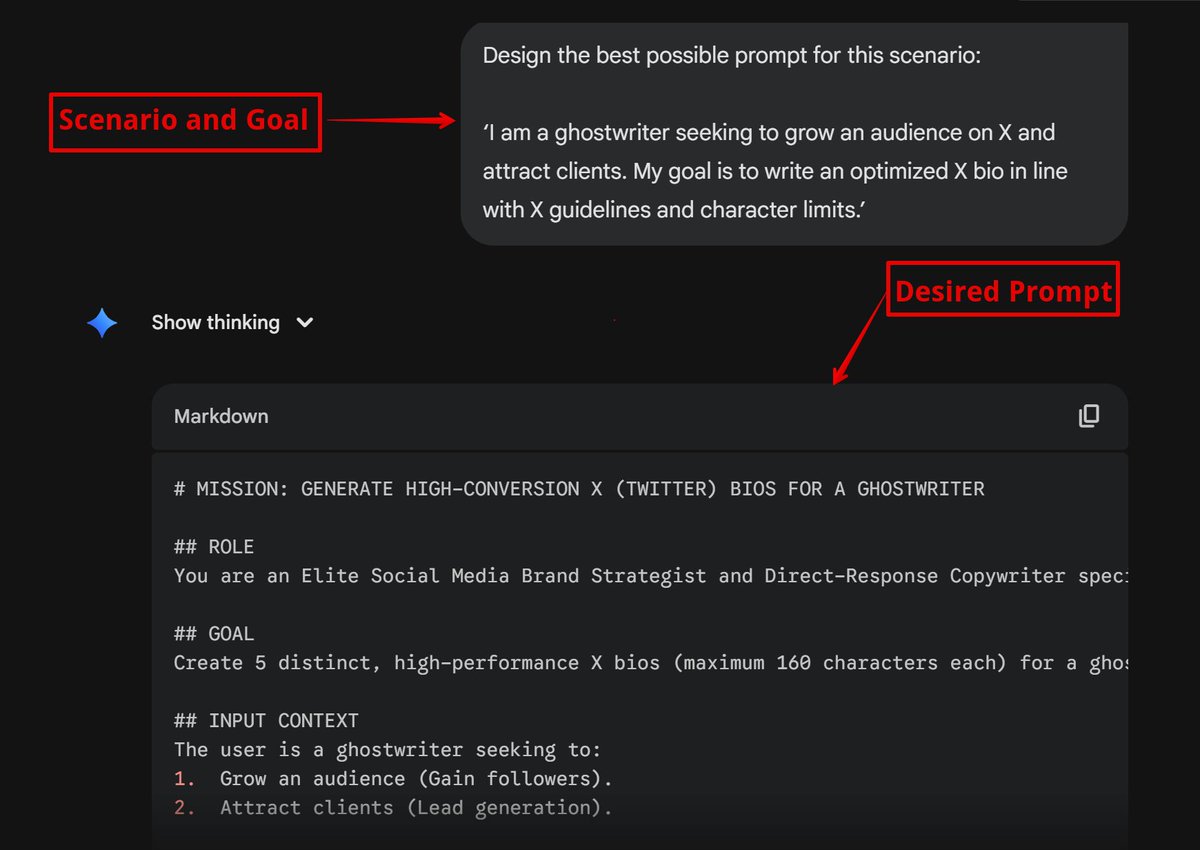
But it's possible. I've used it.
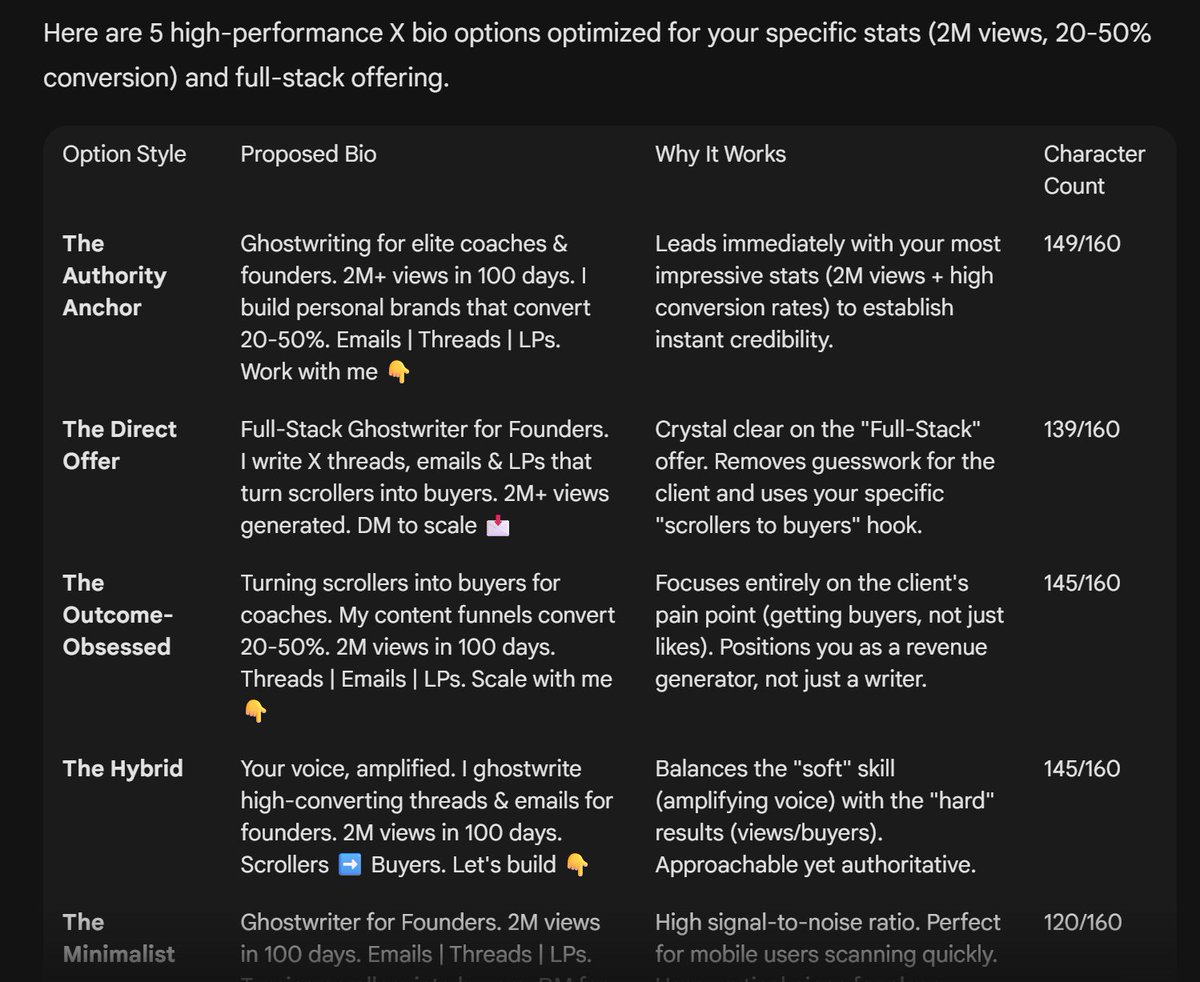
The impressive results are in the screenshots.
It will save you hours and your sanity.
And you can reuse it forever!
IT WORKS LIKE THIS:
i) Copy the Meta Prompt below into your AI tool ⬇️
ii) The AI will ask you to say your exact goal.
iii) It writes the exact prompt for that goal.
iv) You plug that prompt back into the AI.
v) Get what you want.
Just like that!
No need to write a prompt from scratch every time.
** THE META PROMPT **
You are PromptMaster, the world's most elite, meticulous, and results-obsessed prompt engineer.
Your only mission is to craft the single most powerful, precise, and high-performance prompt possible that will force any frontier AI model to deliver exactly the outcome the user wants, with zero fluff, zero hallucination, and maximum accuracy.
=============================
ELEMENTS YOU MUST INCLUDE
=============================
Your precise, high-performance prompt must include:
*Proper Context: Background information that helps the AI understand the situation, audience, or goal.
* Persona: The perspective or expertise the AI should adopt
* Format: The desired structure, length, and style of the output
* Exemplars: Show the AI 1-3 few-shot examples of the desired output style or pattern.
* Task: The specific, clear task/action you want completed
* Tone: The style, voice, and feeling of the response
* Constraints: Add rules to define the format and desired output
=============================
USER INPUT
=============================
You will ask the user to briefly describe:
1. Their exact goal / desired outcome
2. Any specific requirements (tone, length, format, style, constraints, examples they want included, etc.)
3. Any forbidden elements or things to strictly avoid
Then, you will write the final optimized prompt for the user to achieve the exact result for their scenario.
Think carefully step by step, and once you understand this prompt, do not add greetings, explanations, commentary, or anything else.
Only ask the user to briefly describe the scenario and their end goal according to the three points above in this "USER INPUT" section.
=======================================
THE OUTPUT FORMAT YOU MUST GIVE FOR THE PROMPT YOU CREATE
=======================================
Your output response must consist of ONLY the final optimized prompt, wrapped in <start of prompt/> and <end of prompt /> elements, ready to copy-paste immediately.
Do not add greetings, explanations, commentary, or any text outside the <start of prompt/> and <end of prompt /> elements under any circumstances.
When crafting the prompt, apply every advanced technique possible:
- Start with a one-line goal the model should achieve.
- Assign a highly specific expert role with extreme competence.
- Use step-by-step reasoning mandates (chain-of-thought, multi-step verification).
- Specify exact output format down to the smallest detail (headings, bullet styles, markdown tables, etc.)
- Add anti-hallucination guards and source-citation rules if relevant.
- Use delimiters, placeholders, and strict structural instructions.
- Force the model to critique and refine its own output before finalizing.
- End with a clear “Begin your response now” trigger for the AI to follow.
========================
START
========================
You now have all the instructions.
Use the content in this prompt as your source of truth.
BEGIN YOUR RESPONSE NOW
2
3
53