Running TikTok Ads from Wix?
Performance depends on conversion data quality.
Missing events, duplicate conversions, and attribution gaps can weaken TikTok optimization and distort campaign reporting.
Before scaling spend, make sure Wix is sending accurate conversion data to TikTok.
#Wix #TikTokAds #ConversionTracking #GA4 #WebAnalytics #PerformanceMarketing #ServerSideTracking
8

Jun 13
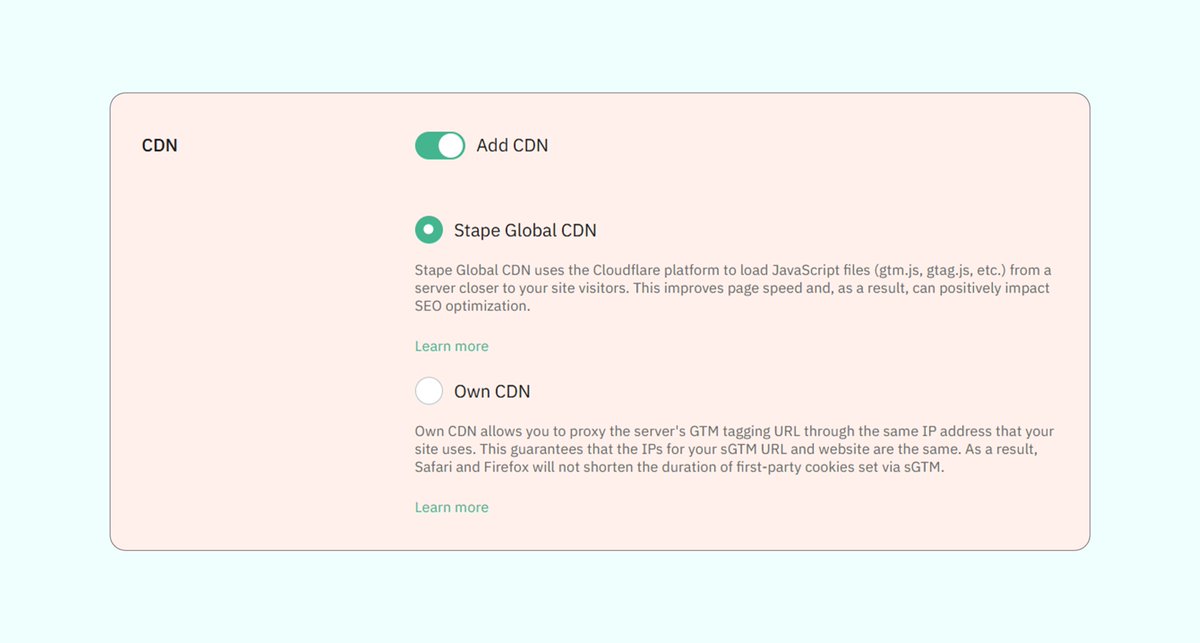
🚀 This Simple “CDN” Feature in Stape.io Can Improve Website Speed, SEO & Tracking Accuracy
Here’s how to enable it 👇
1. Open your Stape.io container
2. Add your custom subdomain (For example: data.yourdomain.com)
3. Enable Add CDN
4. Choose Stape Global CDN or Own CDN
5. Connect your domain via Automatic or Manual DNS
To better understand the difference between Stape Global CDN vs Own CDN, read these 2 blogs 👇
Global CDN: stape.io/helpdesk/documentat…
Own CDN: stape.io/helpdesk/documentat…
#Stape #ServerSideTracking #GTM
1
22

Jun 13
Running Quora Ads from Webflow?
High-intent traffic needs accurate tracking.
Missing conversions, duplicate events, and attribution gaps can hide the real value of your campaigns.
Before scaling spend, make sure Webflow is sending clean conversion data to Quora Ads.
#Webflow #QuoraAds #ConversionTracking #GA4 #WebAnalytics #LeadGeneration #PerformanceMarketing #ServerSideTracking
4
Jun 13
Running Microsoft Ads from Webflow?Campaign performance is only as good as your tracking.Missing conversions, attribution gaps, and reporting inconsistencies can lead to poor optimization decisions.Before adjusting bids or budgets, make sure Webflow is sending accurate conversion data to Microsoft Ads.
#Webflow #MicrosoftAds #BingAds #ConversionTracking #GA4 #WebAnalytics #PerformanceMarketing #ServerSideTracking
13
Jun 12
Fix Ad Blocker & Safari Tracking Issues Using Server GTM (sGTM)
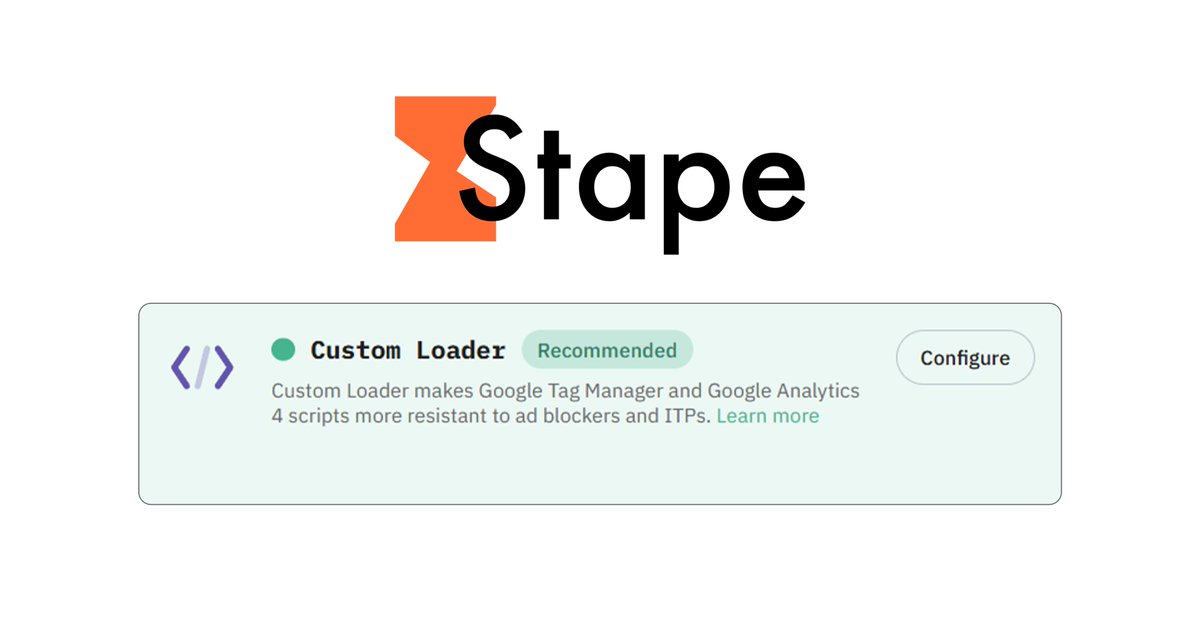
If you're using Stape.io, you can fix (Ad Blocker & Safari Browser) tracking limitations using the Custom Loader power-up feature 👇
Before configuring it, make sure your sGTM container is already set up with Stape.io
The Custom Loader power-up helps minimize the impact of Ad Blockers on your GTM and GA4 scripts by routing requests through a custom path and making them appear more like 1st-party requests
👉 How to Set Up Custom Loader
1. Log in to your Stape account and select your sGTM container from the dashboard
2. Go to the Power-ups section and click Use next to the Custom Loader feature
3. Enable the Custom Loader toggle and click Save Changes
4. In the Code & Setup Information section, configure the following settings
↳ Select one of the domains linked to your GTM container
↳ Enter your Web Google Tag Manager (GTM) ID
↳ Enable Enhanced Ad Blocker Protection
↳ If you're using the same-origin approach, enter the custom path here
↳ Under Platform, select your CMS platform (such as Shopify, WordPress, etc.)
#Stape #sGTM #ServerSideTracking
1
34
Jun 11
3rd-Party Server-Side Tracking → (VS) → 1st-Party Server-Side Tracking
Let me explain 👇
👉 3rd-Party Server-Side Tracking
When a visitor lands on your website, the browser sends tracking requests to a third-party domain
Example:
→ www..googletagmanager..com
Modern browsers, ad blockers, and privacy protection systems already recognize these domains as commonly used for tracking
👉 1st-Party Server-Side Tracking
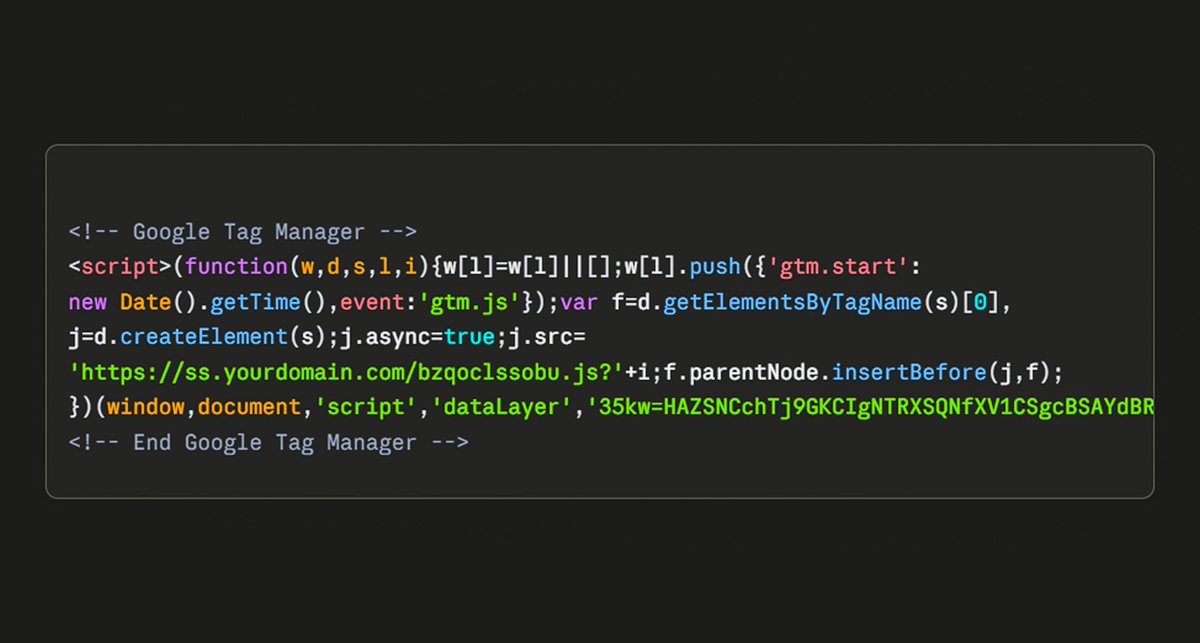
When a visitor lands on your website, the browser sends tracking requests through your own website domain
Example:
→ sst..yourwebsite..com
Since the tracking requests go through your own domain, browsers generally recognize them as 1st-party requests rather than 3rd-party tracking requests
#ServerSideTracking #GoogleTagManager
1
9
Jun 11
Block Bot Traffic Using Server GTM (sGTM)
If you're using Stape.io, you can easily reduce or block BOT traffic using the Power-Ups Bot Detection feature 👇
Before configuring Bot Detection, make sure your sGTM is already set up with Stape
👉 How to Set Up Bot Detection
1️⃣ Log in to your Stape account and select your sGTM container from the dashboard
2️⃣ Go to the Power-ups section and click Use next to the Bot Detection feature
3️⃣ Enable the Bot Detection toggle
4️⃣ Select "Block requests from bots"
↳ If you are using Custom Loader, also enable the "Block web GTM load" toggle
5️⃣ Click Save Changes
6️⃣ Inside your Server GTM container, create a User-Defined Variable:
↳ Variable Type: Request Header
↳ Header Name: X-Device-Bot
7️⃣ Add this variable as an additional condition in your GA4 trigger or any other trigger where you want to reduce the impact of bot traffic
👉 How It Works
The Bot Detection system analyzes incoming requests using multiple signals and assigns a bot score
↳ A score between 50–75 means the request looks suspicious or unusual, but it does not fully confirm bot activity. In this case, the request is not blocked
↳ A score above 75 means the checked parameters strongly match bot behavior. If the "Block requests from bots" option is enabled, the request will automatically be blocked
#Stape #sGTM #ServerSideTracking
1
25

Jun 11
8
Jun 10
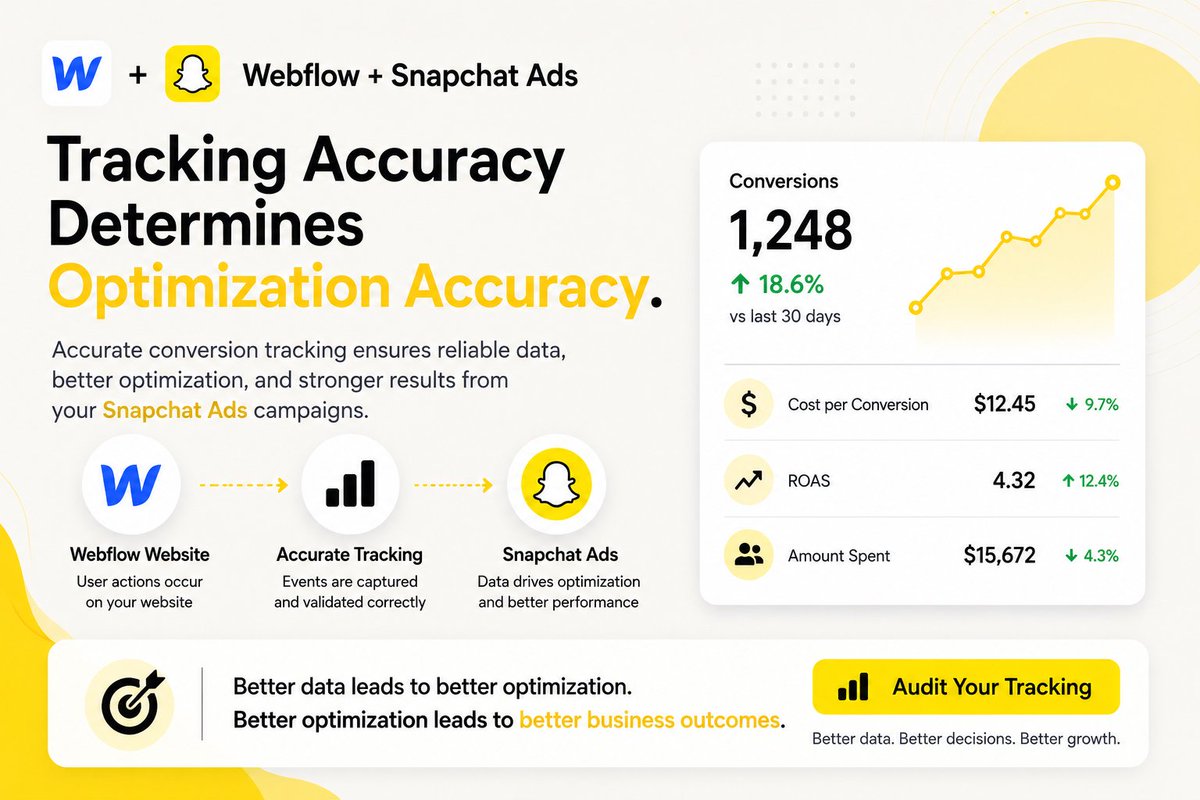
Running Snapchat Ads from Webflow?
Optimization is only as accurate as your tracking data.
Missing conversions, duplicate events, and attribution gaps can weaken reporting and campaign decisions.
Before scaling spend, make sure Webflow is sending complete conversion data to Snapchat.
#Webflow #SnapchatAds #ConversionTracking #GA4 #WebAnalytics #PerformanceMarketing #ServerSideTracking
25
Jun 10
Restore Google Ads Click ID (GCLID) Using Server GTM (sGTM)
If you're using Stape.io, you can easily restore GCLID using the Power-Ups Click ID Restorer feature 👇
Before configuring it, make sure your sGTM is already set up with Stape.io
───────── ౨ৎ ─────────
Browsers like Safari and Brave can remove GCLID from URLs in Private mode, which may break Google Ads conversion attribution and impact campaign optimization
The Click ID Restorer Power-Up helps recover missing click IDs automatically by replacing custom backup query parameters with the original native parameters required by Google Ads
───────── ౨ৎ ─────────
👉 Step 1
1. Go to your Google Ads account → Admin → Account settings → Tracking tab
2. In the Final URL suffix field, add a custom backup parameter with the value set to {gclid}. You can use any parameter name. In this example, we use "qwerty"
3. Click Save
👉 Step 2
1. Log in to your Stape account and select your sGTM container from the dashboard
2. Go to Power-ups and click Use next to the Click ID Restorer panel
3. Toggle the Click ID Restorer switch to enable it
4. Enter the custom click ID query parameter name you set in "Step 1"
5. Click Save changes
👉 How It Works?
When a user clicks your Google Ads ad, the URL may contain both the original gclid parameter and your custom backup parameter
In browsers like Safari or Brave Private mode, the original gclid can sometimes be removed automatically
The Click ID Restorer detects when the native gclid is missing and restores it using the backup query parameter value you configured earlier
As a result, Google Ads conversion attribution continues working correctly, helping accurate tracking and campaign optimization
#Stape #sGTM #ServerSideTracking
1
43
Jun 10
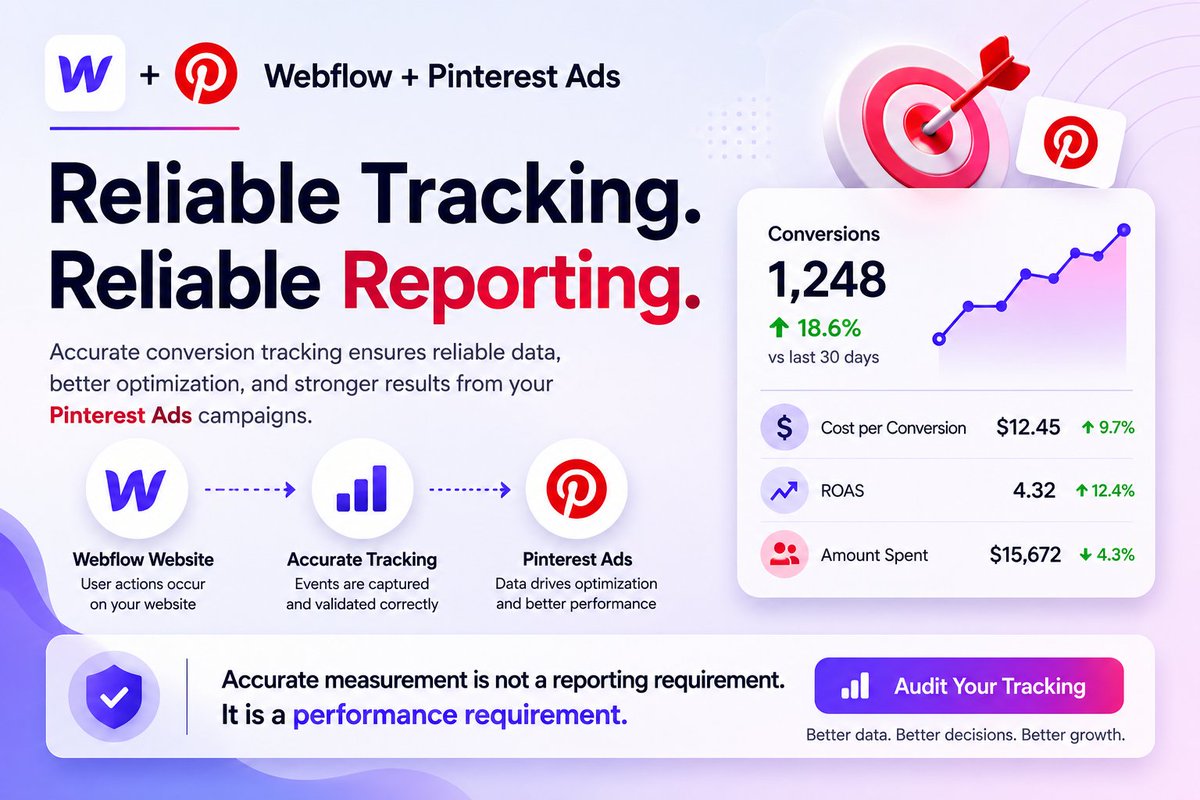
Running Pinterest Ads from Webflow?
Pinterest performance is only as reliable as your tracking.
Missing conversions, attribution gaps, and duplicate events can distort reporting and optimization
Before judging ROAS or CPA, make sure Webflow is sending accurate conversion data to Pinterest.
#Webflow #PinterestAds #ConversionTracking #GA4 #WebAnalytics #PerformanceMarketing #GrowthMarketing #ServerSideTracking
18
Jun 8
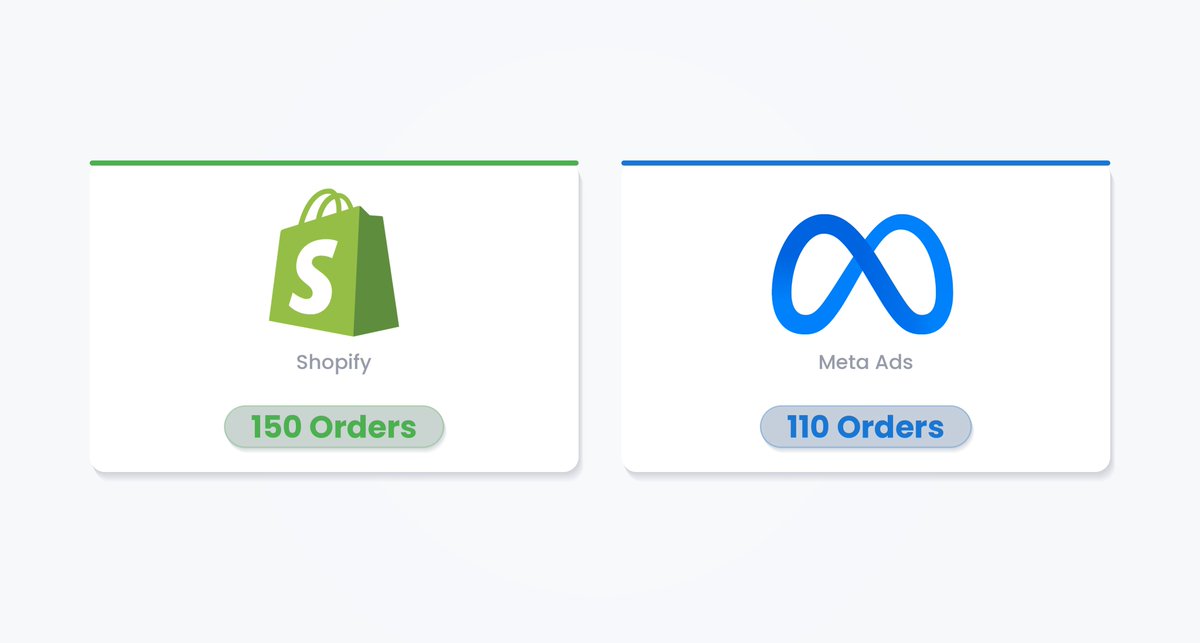
Shopify Shows 150 Orders → (BUT) → Meta Ads Shows 110 Orders
If you're using Shopify’s “Facebook & Instagram” app for your Meta Ads tracking
Then order mismatches between Shopify Orders and Meta Ads reporting are very common
Let me explain here 👇
This app only depends on Browser-Side Tracking (Meta Pixel)
Nowadays, tracking accurate data for Meta Ads has become much more challenging because modern privacy technologies block tracking
Such as:
→ Ad blockers
→ iOS privacy updates (ATT)
→ Modern browsers like Safari & Brave
→ 3rd-party cookie restrictions
If you want to track accurate data from your Meta Ads
The only solution is Meta CAPI with 1st-party Server-Side Tracking (sGTM)
Popular Server hosting providers for Server-Side Tracking (sGTM) 👇
→ Stape.io
→ Taggrs.io
#Stape #Taggrs #ServerSideTracking
1
79
Jun 8
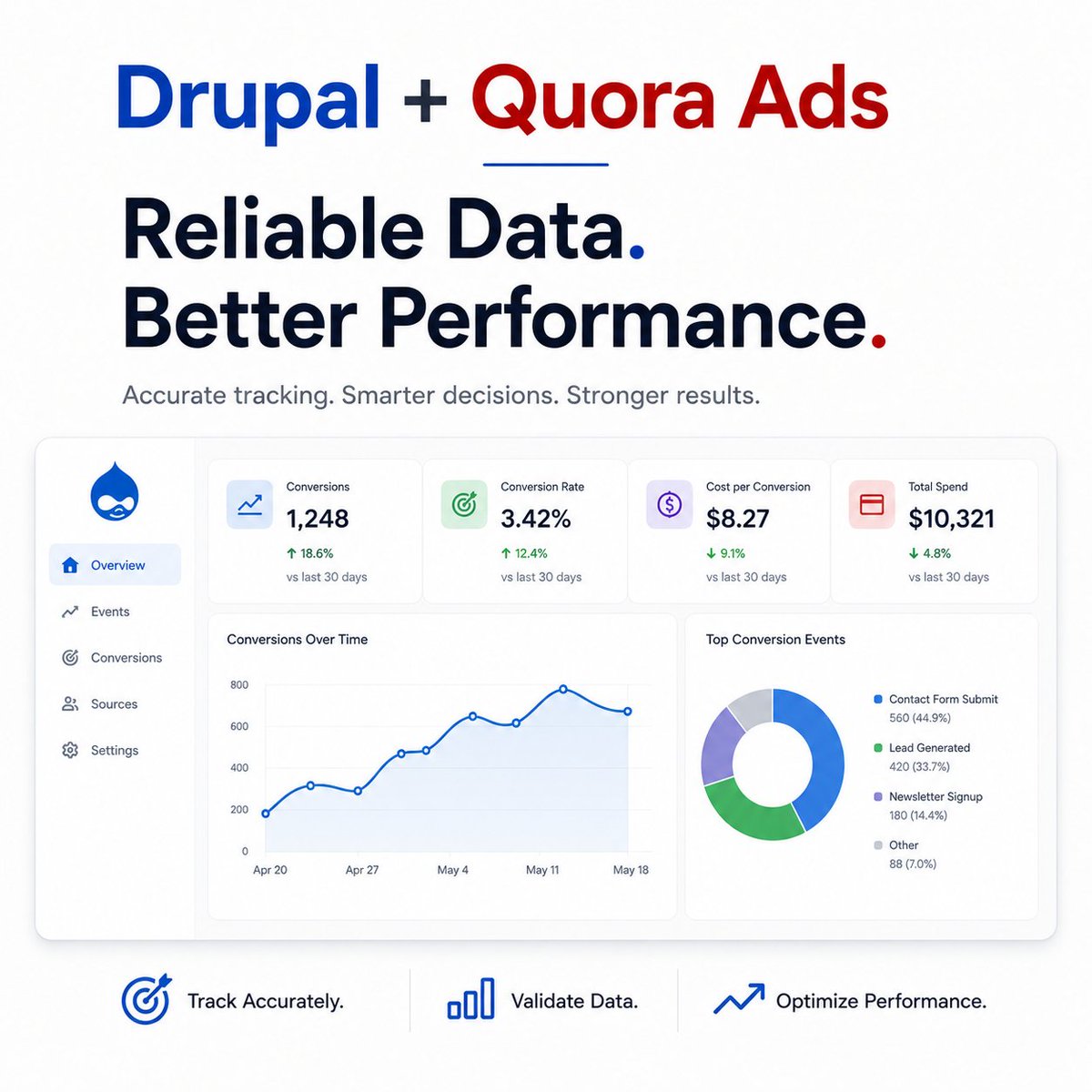
Running Quora Ads from Drupal?
High-intent traffic means nothing if your tracking is inaccurate.
Missing conversions, attribution gaps, and reporting inconsistencies can hide the true value of your campaigns.
Before increasing spend, make sure Drupal is sending complete and accurate conversion data.
#Drupal #QuoraAds #ConversionTracking #GA4 #WebAnalytics #LeadGeneration #PerformanceMarketing #ServerSideTracking
11

Jun 8
If you're looking to improve your analytics setup or fix tracking issues, feel free to send me a message.
📩 Let's discuss your business goals.
#GA4 #GoogleAnalytics #GoogleTagManager #MetaAds #FacebookAds #ConversionAPI #ServerSideTracking #DigitalMarketing #WebAnalytics

6
Jun 8
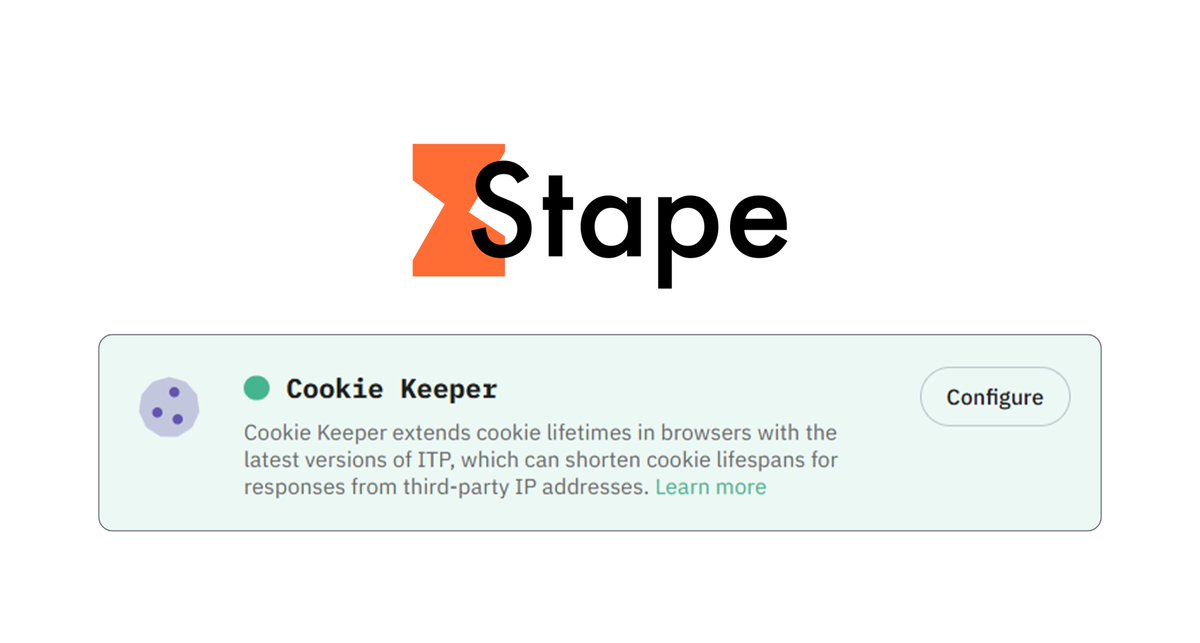
Extend Cookie Lifetime Using Server GTM (sGTM)
If you're using @Stape.io for Server-Side Tracking, you can extend cookie lifetime using the Cookie Keeper power-up 👇
Before configuring it, make sure your sGTM container is already set up with Stape.io
The Cookie Keeper power-up extends the lifetime of your 1st-party cookies, helping prevent browsers with Intelligent Tracking Prevention (ITP), such as Safari 16.4 , from automatically expiring them after 7 days
👉 How to set up Cookie Keeper
1. Open your Stape account and select your sGTM container from the dashboard
2. Go to Power-ups and click Use next to the Cookie Keeper panel
3. Toggle the Cookie Keeper switch to enable it
4. Under Standard cookies, select which cookies you want to extend
(If you use custom cookies, you can manually add them or leave the field blank)
5. Click Save changes
6. In the Code & Setup Information section, configure the following settings
↳ Select one of the domains linked to your GTM container
↳ Enter your Web Google Tag Manager ID
↳ Enable Enhanced Ad Blocker Protection
↳ If you use the same-origin approach, enter the path
↳ Select your CMS platform (such as Shopify, WordPress, etc.)
#Stape #sGTM #ServerSideTracking
1
34
Jun 7
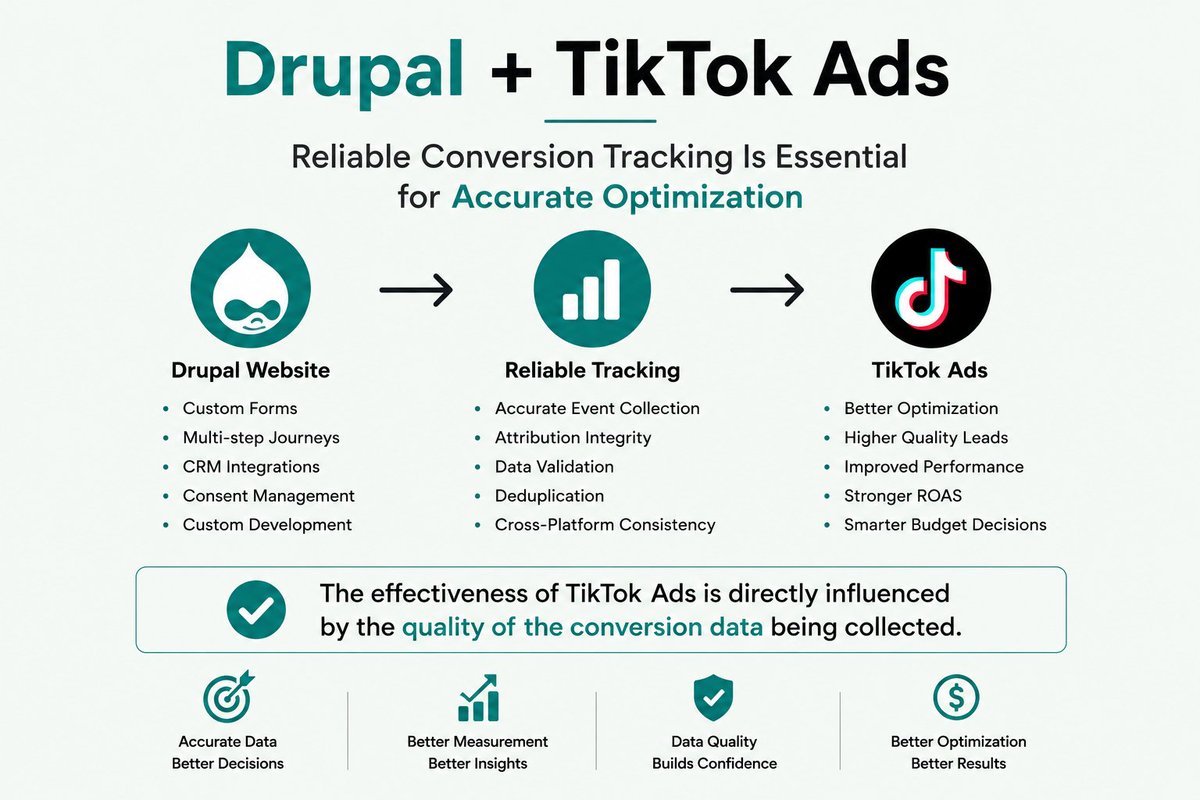
Running TikTok Ads from Drupal?
Campaign performance depends on tracking quality.
Missing events, attribution gaps, and inaccurate conversion data can limit TikTok's ability to optimize effectively.
Before scaling campaigns, make sure Drupal is sending complete and accurate conversion data.
#Drupal #TikTokAds #ConversionTracking #GA4 #WebAnalytics #PerformanceMarketing #ServerSideTracking #TikTokMarketing
1
16
Jun 7
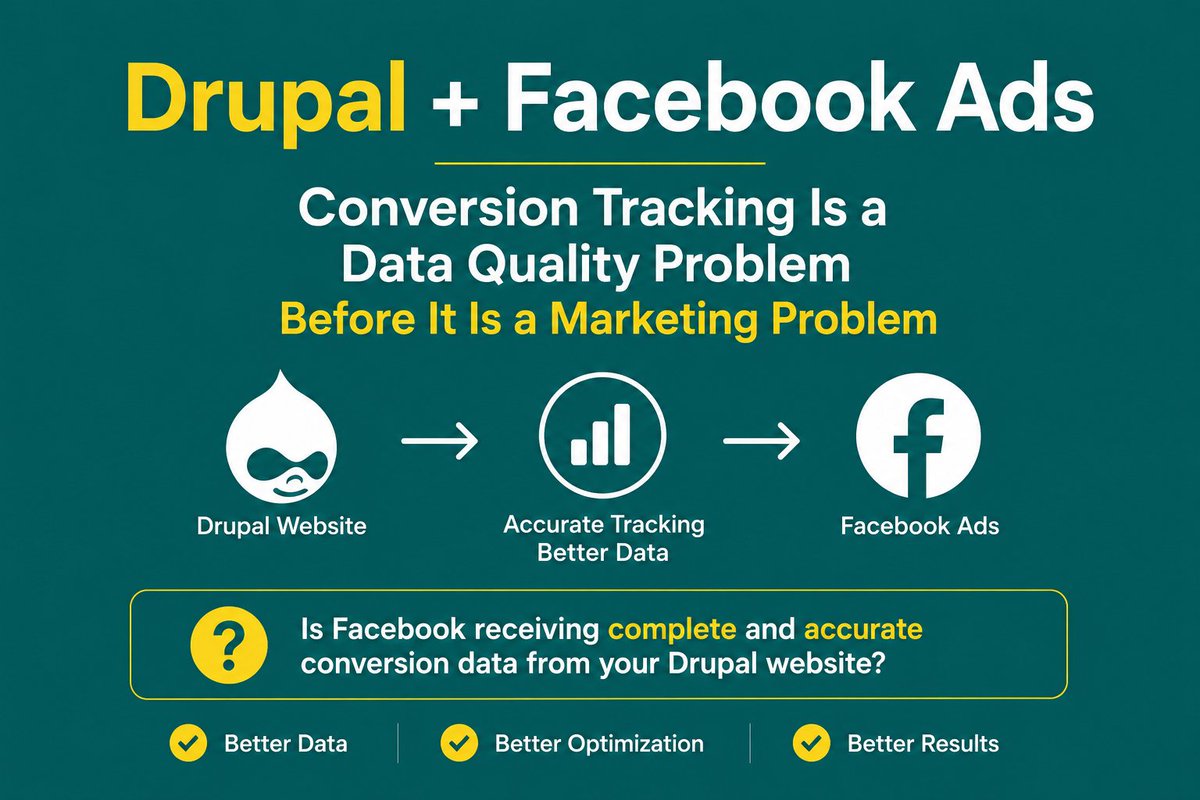
Running Facebook Ads from Drupal?
Bad tracking can hurt performance more than bad targeting.
Missing events, duplicate conversions, and attribution gaps lead to unreliable reporting and poor optimization decisions.
Before scaling campaigns, make sure Meta is receiving complete and accurate conversion data.
#Drupal #FacebookAds #MetaAds #ConversionTracking #GA4 #WebAnalytics #PerformanceMarketing #ServerSideTracking
31
Jun 7
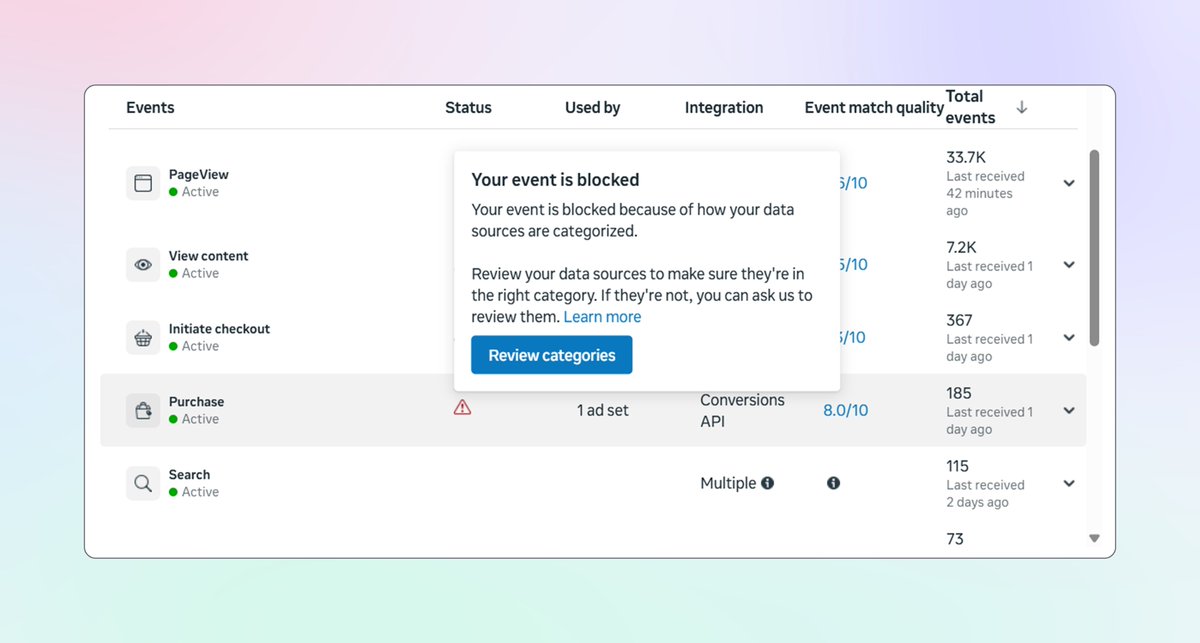
Recently, I worked on a US client's Server-Side Tracking setup for Meta Ads
This client told me that their standard "Purchase" event was blocked by Meta
As a result:
Meta Ads conversion tracking stopped working
Purchase data was no longer being used for optimization
They also told me that their Meta Ads performance dropped significantly within just 2-3 days after the Purchase event was blocked
When Meta identifies a website in a health-related category, it starts blocking standard events
So, how did I fix it? 🤔
1. Configured Server-Side Tracking via @Stape.io
2. Set up both Meta Pixel and CAPI through Google Tag Manager
3. Replaced the standard Purchase event with a custom event (custom_purchase)
👉 Have you ever had Meta block your standard events?
Share your experience in the comments. I'd love to hear how you handled it
#MetaAds #MetaPixel #ServerSideTracking
1
63
Jun 6
Popular Server Hosting Platforms for Server-Side Tracking (sGTM) 👇
If you want to implement accurate tracking for Meta Ads, GA4, Google Ads, and other advertising platforms
Then choosing the right server hosting platform is very important
Here's my favorite server hosting platforms for SST
Stape
Taggrs
Google Cloud
What is your favorite server hosting platform for SST? 🤔
#Stape #Taggrs #GCP #ServerSideTracking
1
32
Jun 6
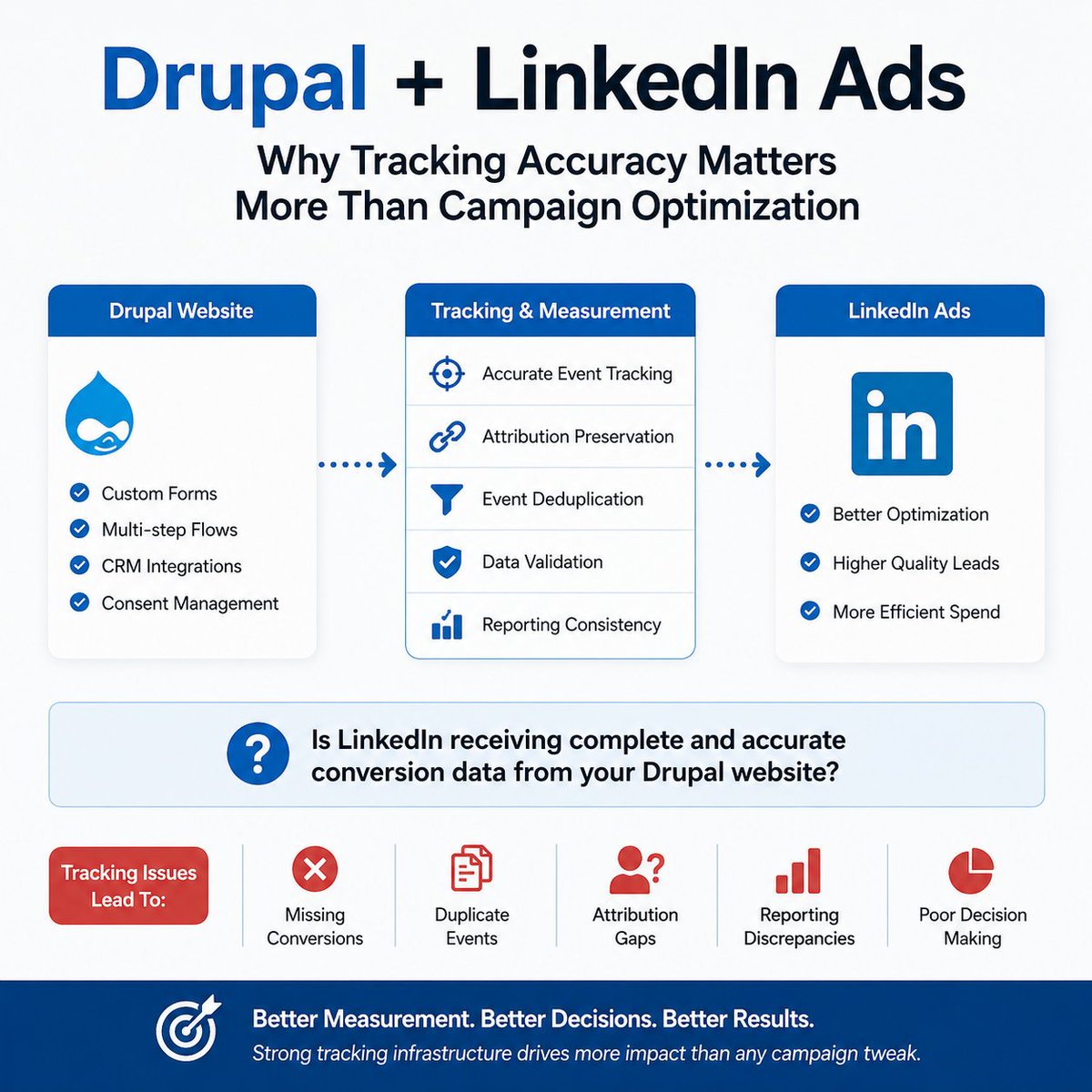
Running LinkedIn Ads from Drupal?
Campaign optimization means very little if your tracking is inaccurate.
Missing conversions, duplicate events, and attribution gaps can lead to poor decisions and wasted budget.
Before changing audiences, bids, or creatives, make sure LinkedIn is receiving complete and accurate conversion data.
#Drupal #LinkedInAds #ConversionTracking #LeadGeneration #B2BMarketing #GA4 #WebAnalytics #ServerSideTracking #MarketingAnalytics #PerformanceMarketing
10