
23 Jun 2025
Day 63 – Dreaming Big & Building Small (for Now)
Today marks Day 63 of building my app, BenMakesDataEasy — and the vision is starting to feel real. What began as just a simple idea is slowly shaping into something that could radically improve how people interact with Power BI workspaces.
My first mission is simple:
Make it effortless to search through your entire Power BI workspace’s semantic models — no coding, no installation, just the click of a button. That's it. If I can help someone instantly find the measure, table, or transformation they’re looking for, I’ve already added value.
I’ve been that person — scrolling through layers of Power Query steps, scanning dozens of fields, or trying to remember where a calculated column lives. It’s frustrating. And with Power BI being so flexible (read: chaotic), especially in self-service environments, it’s easy to lose track of what’s in your models. That’s why this is my starting point.
But that’s just phase one. From here, I want to build in AI features (maybe using Microsoft’s MCP servers), forecasting tools, operational support, process improvement features, and possibly even integrations with other BI tools like Tableau. The possibilities are endless, and I love dreaming about where this could go.
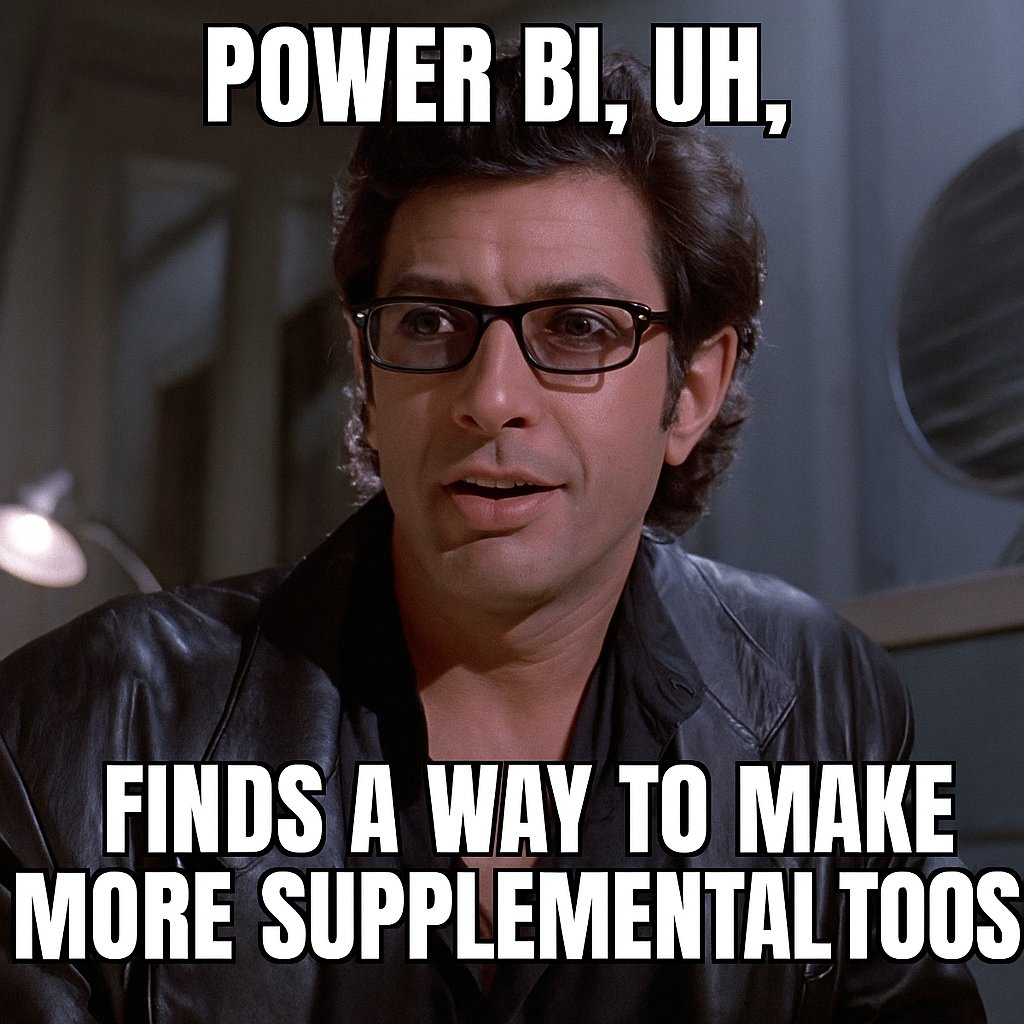
✏️ Today’s Blog: Brainstorming Supplemental Tools for Power BI
Today’s all about ideas — what else could I build to really enhance the Power BI development experience?
If you work with Power BI or Microsoft Fabric, I’d love your thoughts. I’m starting with real pain points I’ve experienced, but I know there are a lot more. Let’s build the wishlist.
1. Refresh Optimization & Scheduling Insights
What if you could easily visualize all your dataset refresh schedules — and get suggestions for better timing based on usage patterns or failures?
Even better: trigger refreshes (or even single-table refreshes) with one click, right from the app.
2. Power BI Ecosystem Health Dashboard
Power BI gives teams autonomy — but autonomy without visibility can get messy fast.
What if you had a dashboard that showed:
Datasets that haven’t been used in months
Models with broken references
Orphaned queries or disconnected tables
Areas with heavy model bloat or refresh lag
This wouldn’t be about controlling development — it’d be about empowering it with better awareness.
3. Object Lineage & Usage Tracing
If you’ve ever tried to rename a measure or retire a column, you know the fear of breaking something downstream.
I want to build a tool that instantly shows you where a field or measure is being used across all your reports.
4. Report Error Monitoring (w/ Playwright)
I’ve been playing with Microsoft Playwright to detect broken visuals and errors inside reports.
Imagine that integrated into the app: a live dashboard that tells you which reports failed to load, which pages threw errors, and where to start troubleshooting.
5. Browser Tools for Semantic Model Editing
Now that semantic models can be edited in the browser, I think there’s room for lightweight developer tools like:
Model navigation and visual inspection
Relationship audits
Quick-access measure previews
Performance and pattern checks
Think of it like browser DevTools, but for your data model.
6. Search for Report Objects Across the Workspace
This is one I’m really excited about.
What if you could search your workspace for a specific object inside a report — a visual title, a page name, or a particular metric — and see where it’s being used?
“Where is the KPI card titled ‘Total Revenue’?”
“Which reports have a slicer using the ‘Region’ field?”
“Where is the ‘Customer Satisfaction’ metric being visualized?”
It’s like a developer search engine for your Power BI reports — to quickly locate, preview, and navigate the elements that matter.
There are more ideas on my whiteboard (and probably in random notes I have all over the place), but this is where I’m starting. I want to build supplemental tools — not to replace Power BI or Fabric, but to amplify the experience for anyone building and managing content inside them.
Now I’d love your input:
If you’re working in Power BI or Fabric, what are the things that slow you down?
What do you wish you could click once and instantly understand?
What’s the one nagging task you keep saying “I wish there was a tool for that”?
Send me a message or drop a comment. I’m building this out loud and in the open — for all of us trying to make data work easier, cleaner, and smarter.
Let’s build something better — together.
—Ben
#BenMakesDataEasy #PowerBI #Fabric #DataTools #AppBuildJourney #SemanticModels #PowerQuery #WorkspaceSearch
21 Jun 2025

Day 62 – The Grind, the Breakthrough, and the Excitement Ahead
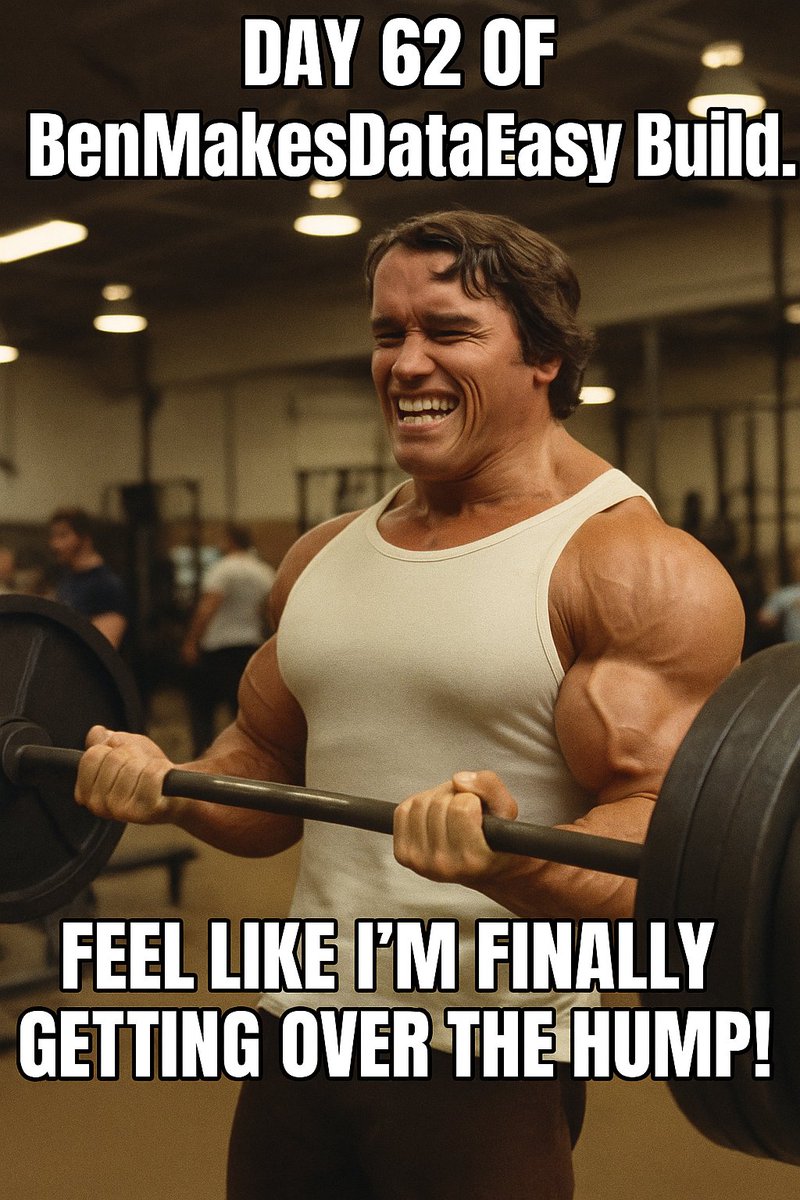
P.S. that is an AI picture of me with Arnold's head placed on it ; ) Man, AI is really good!! ha
Today’s one of those days where I finally feel the clouds lifting a bit. For a while now, I’ve been deep in the weeds working on my app’s security layer—and it’s been a lot. Not just technically, but mentally. The unknowns were piling up: how much work it would really take, how many new things I’d have to learn, the weight of wanting to get this thing submitted to AppSource, and the 100 other tasks I’ve got bouncing around in my brain.
But here’s the thing: grit pays off.
I didn’t give up. I kept showing up, chip by chip, line by line, and today I feel like I finally broke through. The security pattern I’ve been refactoring across the app is in place (for the most part), and I can finally see light at the end of this tunnel. That doesn’t mean the work’s done—but this was one of the heavier lifts, and it feels like I’ve crested a major hill.
Tonight, I’ll keep pushing forward, hopefully wrapping up a few more of the backend details. Then I’ll shift gears toward documentation and setting up automation for critical incidents—stuff that’s not always fun but absolutely essential.
What’s really fueling me is the idea of launching. Actually launching. I’m not just building something for fun—this is real, and it’s meant to help real Power BI developers and teams. Once I cross that line, I can turn more attention to marketing, iterating on features, and leveling up the user experience.
Lately, I’ve also been thinking a lot about how to augment the app with AI integrating with MCP servers. I saw a post from @kurtbuhler that got me excited—there’s so much movement happening with Fabric, AI integration, and the whole Power Platform ecosystem. I’ve got a lot to learn in this area, both in terms of how the tech works and how to approach it securely. But wow, the potential here is incredible. Imagine being able to plug into tenant data securely and smartly assist users without having to constantly reinvent the wheel. Game-changer.
There’s so much being built right now by Microsoft in the Fabric/Power BI space, it’s hard to keep up—but I love it. I want to take a few days soon just to dream. To brainstorm new tools, new add-ons, new layers that could integrate seamlessly with what Power BI developers and admins are already doing. My goal isn’t to replace anything—it’s to supplement the Power BI ecosystem and make it easier for teams to work smarter, faster, and more confidently in the cloud.
If you're a Power BI developer, admin, or enthusiast who’s been in the trenches managing workspaces, publishing reports, and trying to create order from the chaos, I think you’ll really connect with what I’m building. I’ve been there too. That’s exactly why I started this app in the first place.
This whole process has been a wild ride. Exhausting at times, but honestly? Incredibly fun. I’m learning every single day, and it’s deeply satisfying to know I’m building something that could really make a difference.
If you’re interested in seeing a demo—or just want to chat about Power BI, workspace management, or the future of Fabric—drop me a DM. I’d love to connect and get your feedback.
Let’s keep building. 💪
1
2
838

🔍 Did you know that the global search feature in Creately lets you find workspaces in a snap! 🫰🌍
Hold down Ctrl F (Windows) or Cmd F (Mac), enter any keyword from the workspace that you are searching for & select the relevant workspace that appears in the list of search results 💻
You will be guided to that specific workspace, zooming in on the exact shape, text, or model the words are contained in! 🎯🔎
#ProductivityTools #WorkspaceSearch #Creately #Diagramming #SmartSearch
1
6
293

2 Jul 2018
Fancy a cocktail with your coworking space, madam? ift.tt/2IJRP5g #workspacesearch Via SOSOfficeSearch
22 Nov 2017
Search Office Space Employee of the Month: Francesca Cooper-Isow ift.tt/2hVs9LT #workspacesearch Via SOSOfficeSearch
1

16 Nov 2017
@ClassicoP @WorkSpaceSearch - thanks to my top engaged members this week :) (🚀 via commun.it/grow-your-follower…)
1
1
15 Nov 2017
#CoworkingEU: The European Coworking Conference 2017 ift.tt/2AIUIzP #workspacesearch Via SOSOfficeSearch
15 Nov 2017
Thanks for the mention for @BEoffices @WorkSpaceSearch we are excited for today’s announcement regarding our acquisition of @headspacegroup
15 Nov 2017

BE Offices launches next expansion phase with acquisition of Headspace Group BE Offices today announces the next... fb.me/1W7tmvioJ
1
1
18 Oct 2017
18 Oct 2017
Infographic: Your guide to serviced offices BE Offices brings you its guide to the serviced office sector - from... fb.me/2fTPciGBa
1
1
29 Aug 2017
UK serviced office take-up more than doubles in first half of 2017 ift.tt/2iG8LSi #workspacesearch Via SOSOfficeSearch
1
16 Aug 2017
10 famous offices from the movies ift.tt/2wfN6Wf #workspacesearch Via SOSOfficeSearch
1
1
16 Aug 2017
Thanks @WorkSpaceSearch for the mention for @BEoffices
15 Aug 2017
BE Offices delivers 24% uplift in turnover and breaks £30m for first time Business Environment Holding Ltd, owner... fb.me/8Ydik4lxN
1
2
2

13 Jul 2017
Hey @Allwork_space @WorkSpaceSearch @PBCenters_SEA, Thanks for being top engaged community members this week :)
1
26 Jun 2017
The Coworking Diaries #7 – The Boutique Workplace Co Tagwright House ift.tt/2sdlNqf #workspacesearch Via SOSOfficeSearch
1
13 Jun 2017
11 May 2017
5 ways to promote your startup in the media ift.tt/2pB4SfC #workspacesearch Via SOSOfficeSearch
1
10 May 2017
The Coworking Diaries #4 – Spaces Oxford Street ift.tt/2qrmBLH #workspacesearch Via SOSOfficeSearch
2

31 Mar 2017
1
28 Feb 2017
Private and shared offices: the best of both ift.tt/2m7aIYP #workspacesearch Via SOSOfficeSearch
1
18 Jan 2017
Exclusive: i2 Open Two New Serviced Offices In London ift.tt/2jnkMZH #workspacesearch Via SOSOfficeSearch
1
1