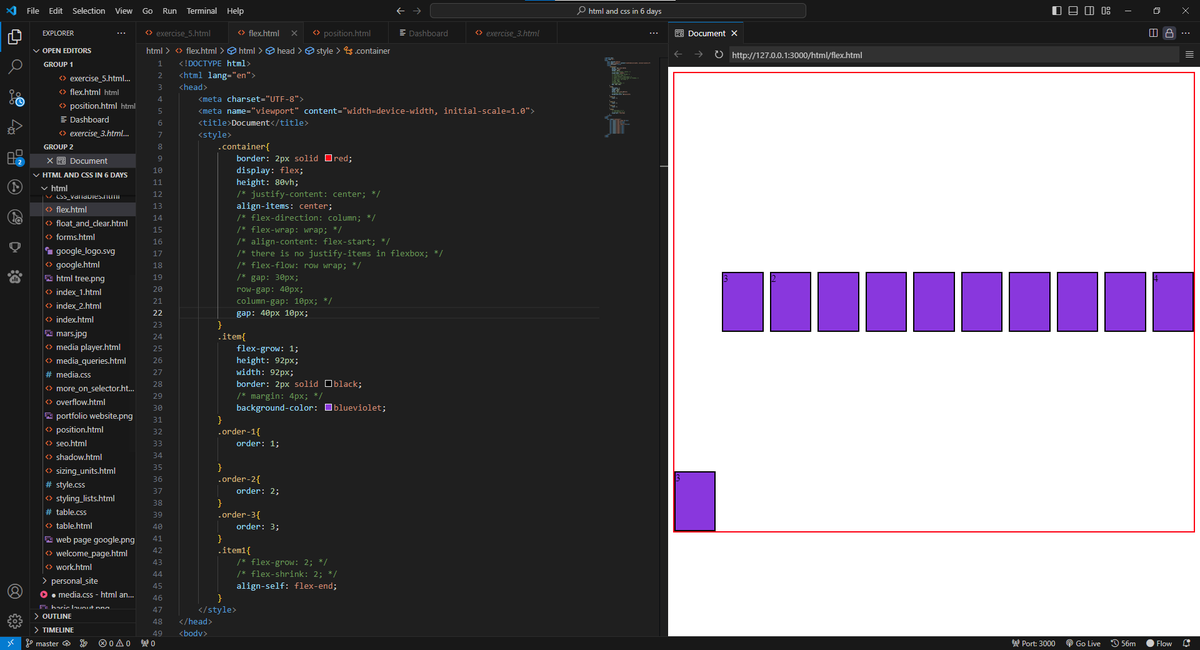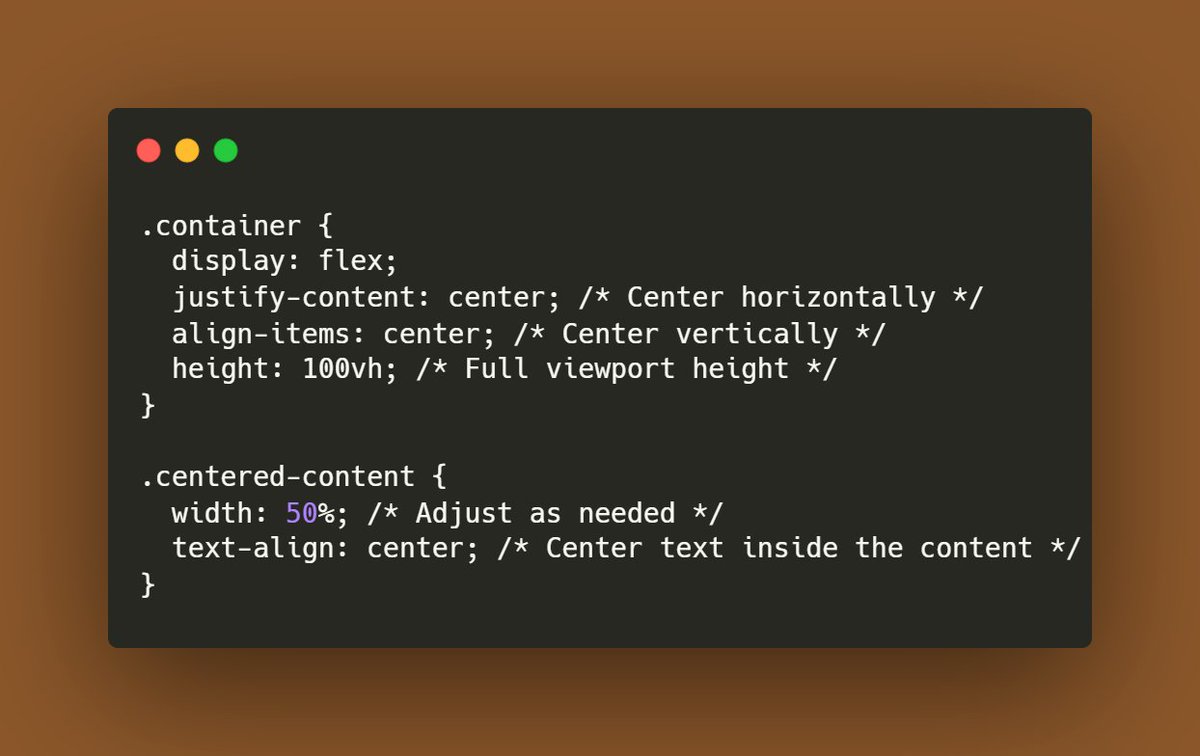
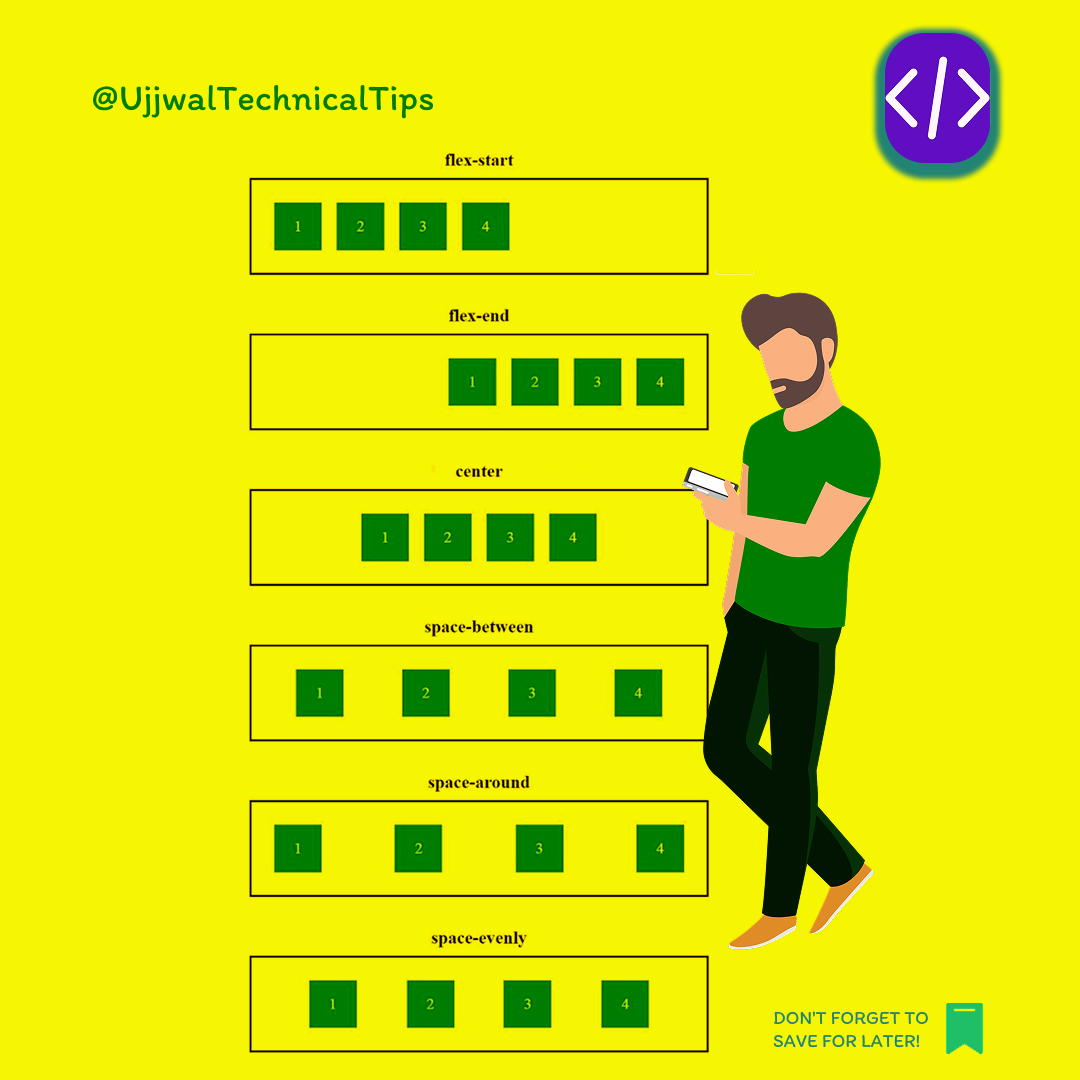


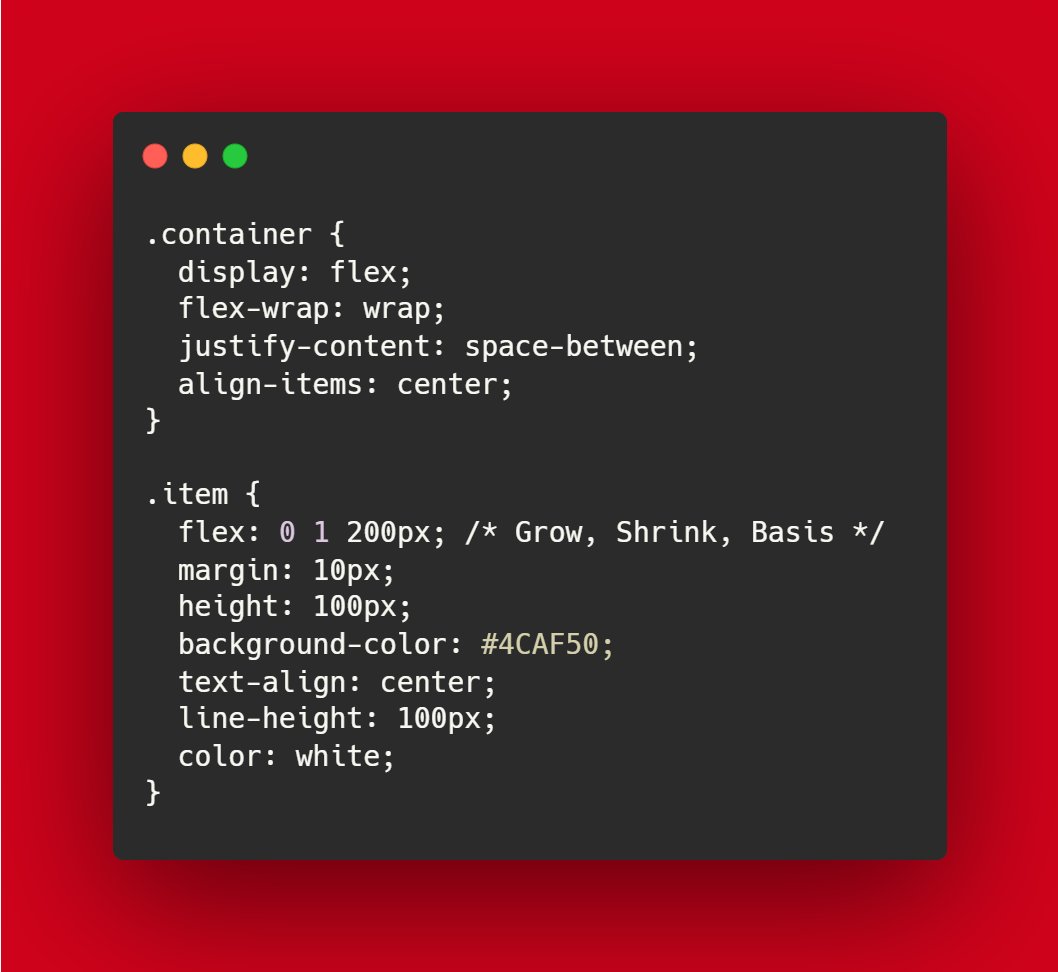

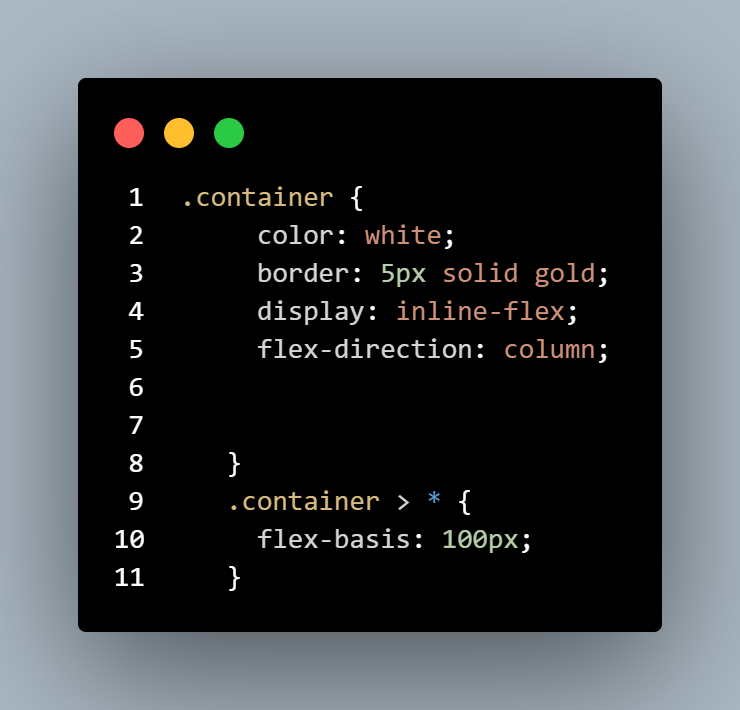

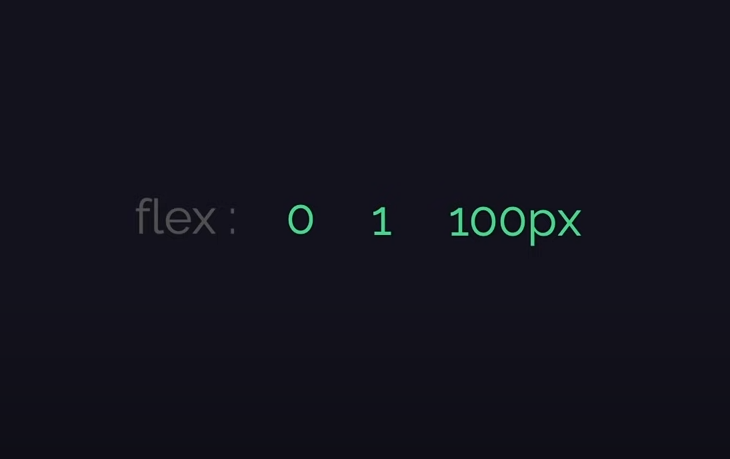
ALT grow: 0 What it means: The flex item will not grow to fill the available space in the flex container. If there's extra space, this item will stay the same size as defined by its basis or content size. shrink: 1 What it means: The flex item can shrink if necessary to avoid overflow. If the container has less space than required, this item will shrink to fit the available space, but other items may shrink as well, depending on their shrink values. basis: 100px What it means: The initial size of the flex item is set to 100px. This is the default size before applying the grow or shrink factors. If there’s no space constraint, the item will be 100px wide or tall (depending on the flex direction). #CSSFlexbox #FrontendDevelopment #WebDesign #CSS3 #WebDevelopment #FlexboxLayout #ResponsiveDesign #CodingTips #CSSGrid #LearnCSS #FlexboxTutorial #WebDevTips #UIdesign #HTMLandCSS #FlexGrowShrinkBasis #FlexboxInAction