
#customAPI integration allows for integration with enterprise technology such as #WatsonxOrchestrate
8

Jun 12
Technically with the #API features at #Enterprise level you should be able to. You would just need an enterprise #Vigil account. #customapi
16


Mar 20
Every workflow is unique - your APIs should be too.
Ficode builds custom APIs that integrate smoothly, automate tasks and support scalability.
#APIDevelopment #CustomAPI #Ficode

1
3
24

Introducing Wallet Connection tracker: Onchain Wallet Analysis 1.0
Find and check Relationship between wallets: Sybil Proof. I built a small tool that shows on-chain receipts between wallets.
No WalletConnect Required.
⚡Visit:
tracker.mztacat.xyz/ [working on the SSL]
- Drop 2 or more addresses
- Check relationship (see if you've ever sent EVM token between them
- Use CustomAPI for bulk analysis (optional)
-- 📚Features --
- Multi-wallet comparison (up to 20 addresses)
- Interactive graph visualization
- Export to JSON/CSV
☺️ Still fixing some bugs among others, drop review and comments if you find one.

Working on something cool, you'll love the tool.
I think that's a missing part I haven't really seen a simplified part out here,
It may be full of bugs but I'll keep optimizing and 'calling a fren' if need be on the complex part.
\Interesting weeks ahead.

190
72
893
87,094
📢 We've added the ability to clip your Twitch streams through chat!
You no longer need to go through the work of setting up a customapi connection, you may now simply enable "!clip" in your default commands. That's it!
Available at fossabot.com!
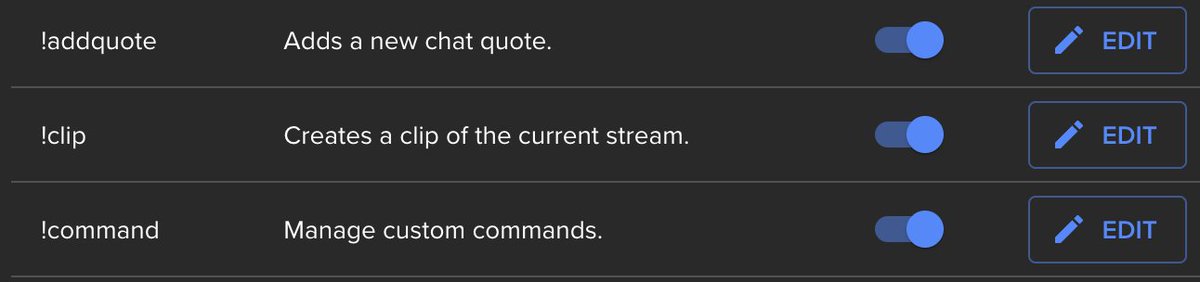
ALT Screenshot showing the !clip command with a description of "Creates a clip of the current stream." It is enabled with a toggle switch.
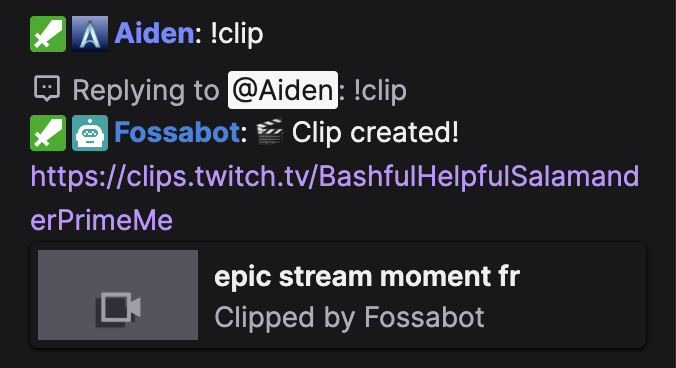
ALT User "Aiden" typing !clip in chat. Fossabot responds with a message containing a link to the newly created clip.
2
1
28
6,288

13 Aug 2025
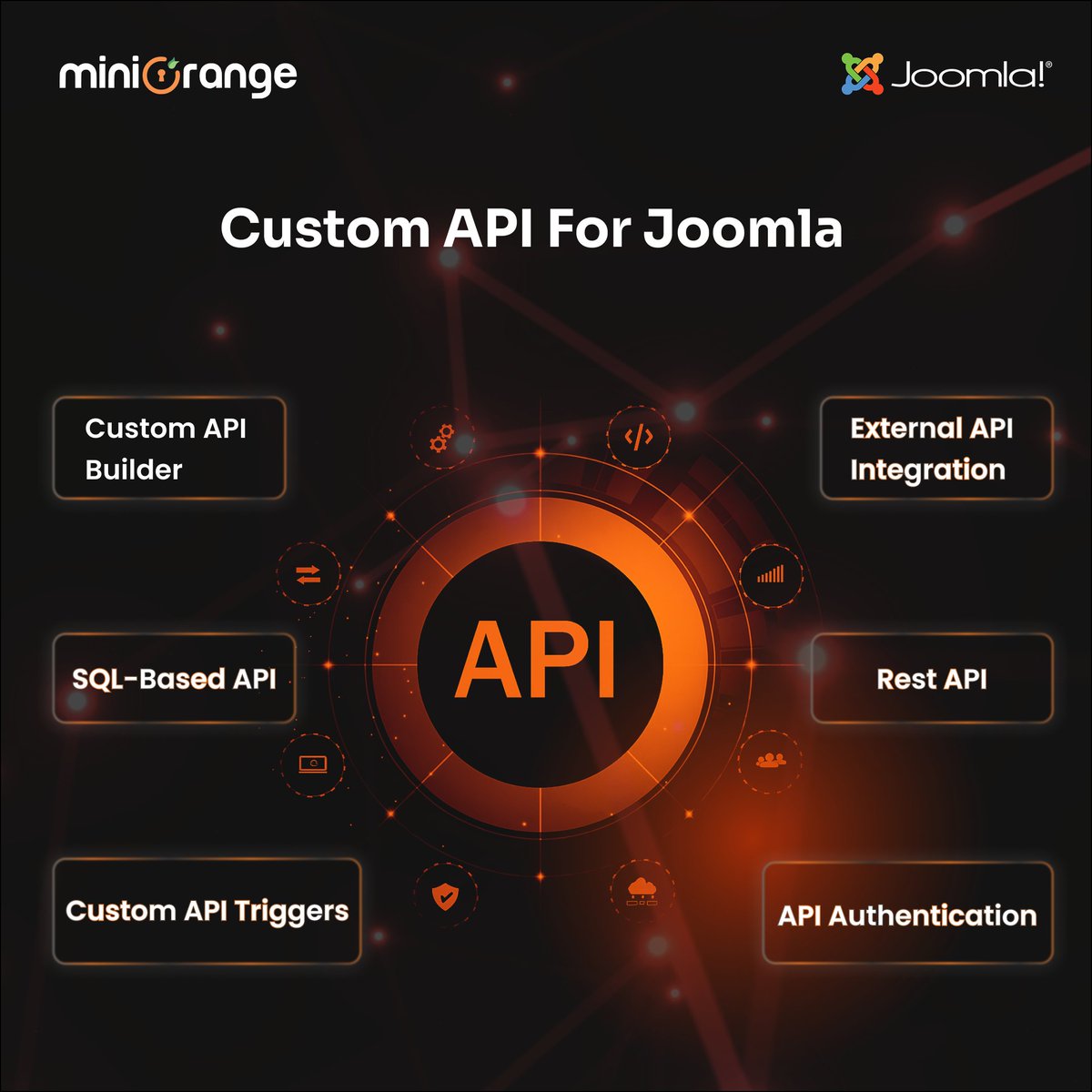
𝗘𝗮𝘀𝗶𝗹𝘆 𝗘𝘅𝘁𝗲𝗻𝗱 𝗮𝗻𝗱 𝗜𝗻𝘁𝗲𝗴𝗿𝗮𝘁𝗲 𝗬𝗼𝘂𝗿 𝗝𝗼𝗼𝗺𝗹𝗮 𝗦𝗶𝘁𝗲 𝘄𝗶𝘁𝗵 𝗖𝘂𝘀𝘁𝗼𝗺 𝗔𝗣𝗜𝘀.
Looking to expand your Joomla site's functionality or connect it with third-party apps? The 𝗖𝘂𝘀𝘁𝗼𝗺 𝗔𝗣𝗜 𝗣𝗹𝘂𝗴𝗶𝗻 𝗳𝗼𝗿 𝗝𝗼𝗼𝗺𝗹𝗮 by miniOrange lets you create REST APIs, secure them with authentication.
You can fetch, update, or delete Joomla data all without complex backend coding, supporting users, articles, custom fields, and more.
Perfect for developers, agencies, or anyone wanting to unlock Joomla’s full potential with flexible API integrations.
𝗟𝗲𝗮𝗿𝗻 𝗺𝗼𝗿𝗲 & 𝗴𝗲𝘁 𝘀𝘁𝗮𝗿𝘁𝗲𝗱 𝗻𝗼𝘄:
plugins.miniorange.com/custo…
#Joomla #APIs #WebDevelopment #JoomlaPlugin #CustomAPI #miniOrange #OpenSource #RESTAPI
1
2
58

2 Aug 2025
Just blogged 📢: Dataverse: C# extension to simplify how to get Custom API Input
Create an extension to get the input of the Custom API easily!
temmyraharjo.wordpress.com/2…
#csharp #dataverse #customapi #dynamicscrm #microsoft #powerplatform #cleancode
2
3
116

3 Apr 2025
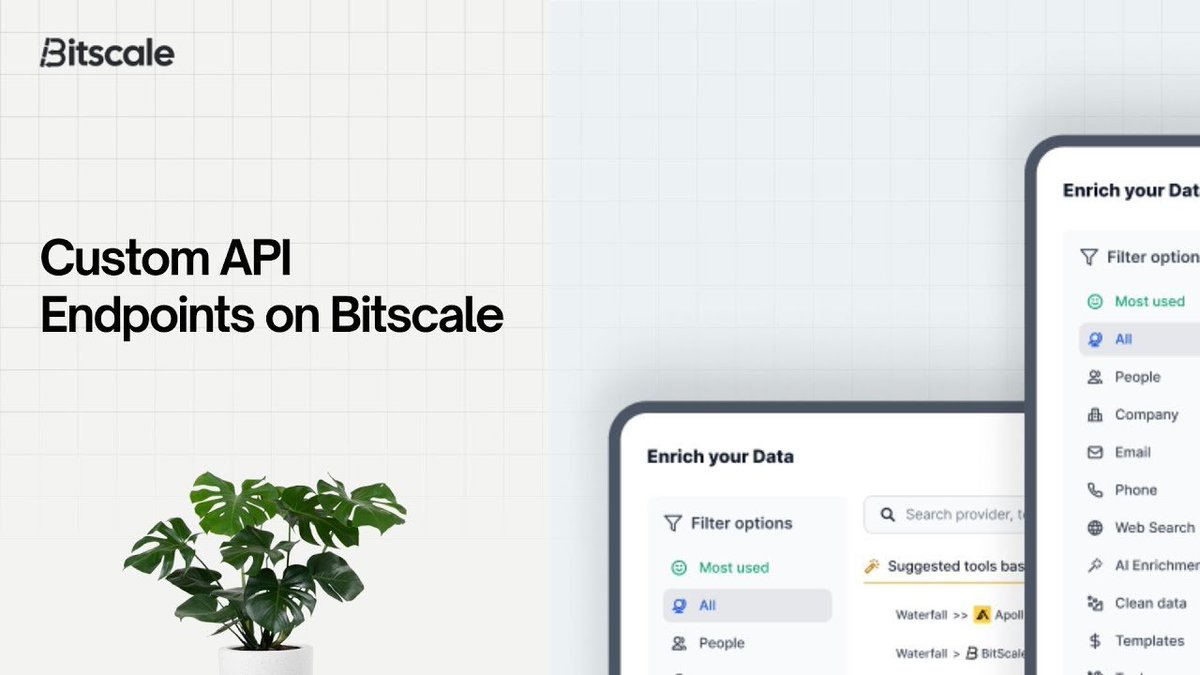
Setting #CustomAPI Endpoints on #Bitscale | Lead Enrichment | B2B Outbound - rite.link/Kofr 👈🏼 #DeepSeek #AI doesn't do this, so compare #Enrichment #APIs on price and quality.
1
2
39

24 Mar 2025
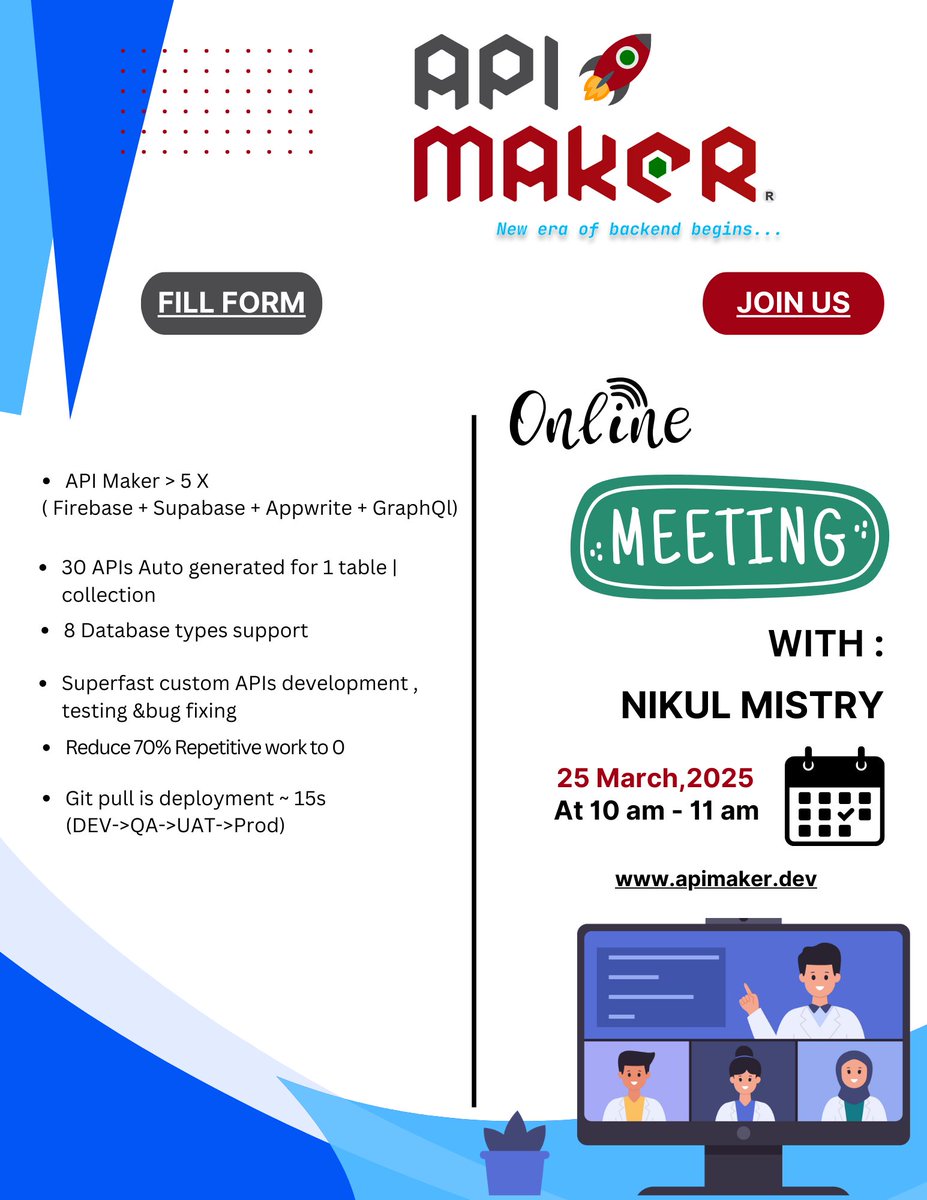
API Maker-New era of backend begins... 🚀 Please fill the form and join the demo of API Maker on 25th March 2025 between 10:00 AM to 11:00 AM.
🚀Meeting Link - meet.google.com/fxi-akvy-nvf
🚀form link - forms.gle/PFhsKJGU6Jd8DMFr8…
🚀Website - apimaker.dev
#apimaker #backend #framework #javascript #nodejs #backenddevlopment #apigenerator #letsconnect #Trending #database #customapplication #customapi #SoftwareDevelopment
6
355

28 Feb 2025
💡 Learn how to create a "graph" client for your own API to power custom Microsoft 365 solutions!
Let @svrooij show you how to integrate APIs for seamless custom functionality.
📺 Watch the demo here → msft.it/6015Uhzex
#Microsoft365Dev #CustomAPI

2
5
643
23 Feb 2025
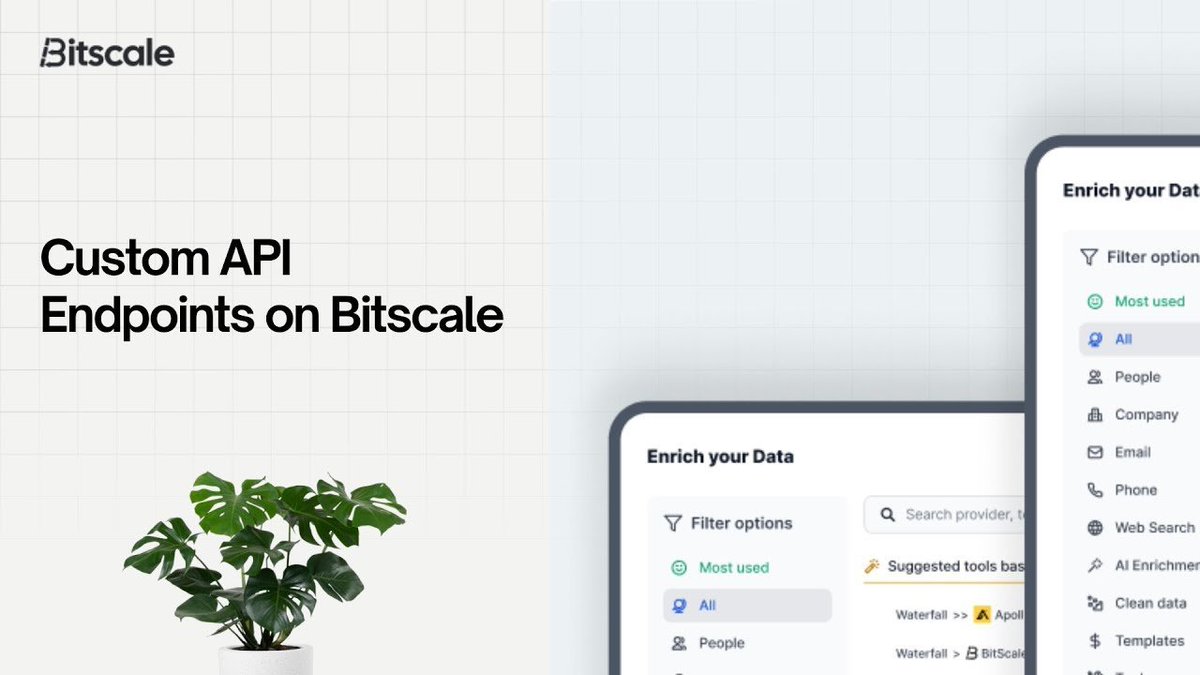
Setting #CustomAPI Endpoints on #Bitscale | Lead Enrichment | B2B Outbound - rite.link/Kofr 👈🏼 #DeepSeek #AI doesn't do this, so compare #Enrichment #APIs on price and quality.
1
2
35

24 Jan 2025
💡 Learn how to create a "graph" client for your own API to power custom Microsoft 365 solutions!
Let @svrooij show you how to integrate APIs for seamless custom functionality.
📺 Watch the demo here → youtu.be/rtwFC4wCDYE
#Microsoft365Dev #CustomAPI

1
9
378

13 Jan 2025
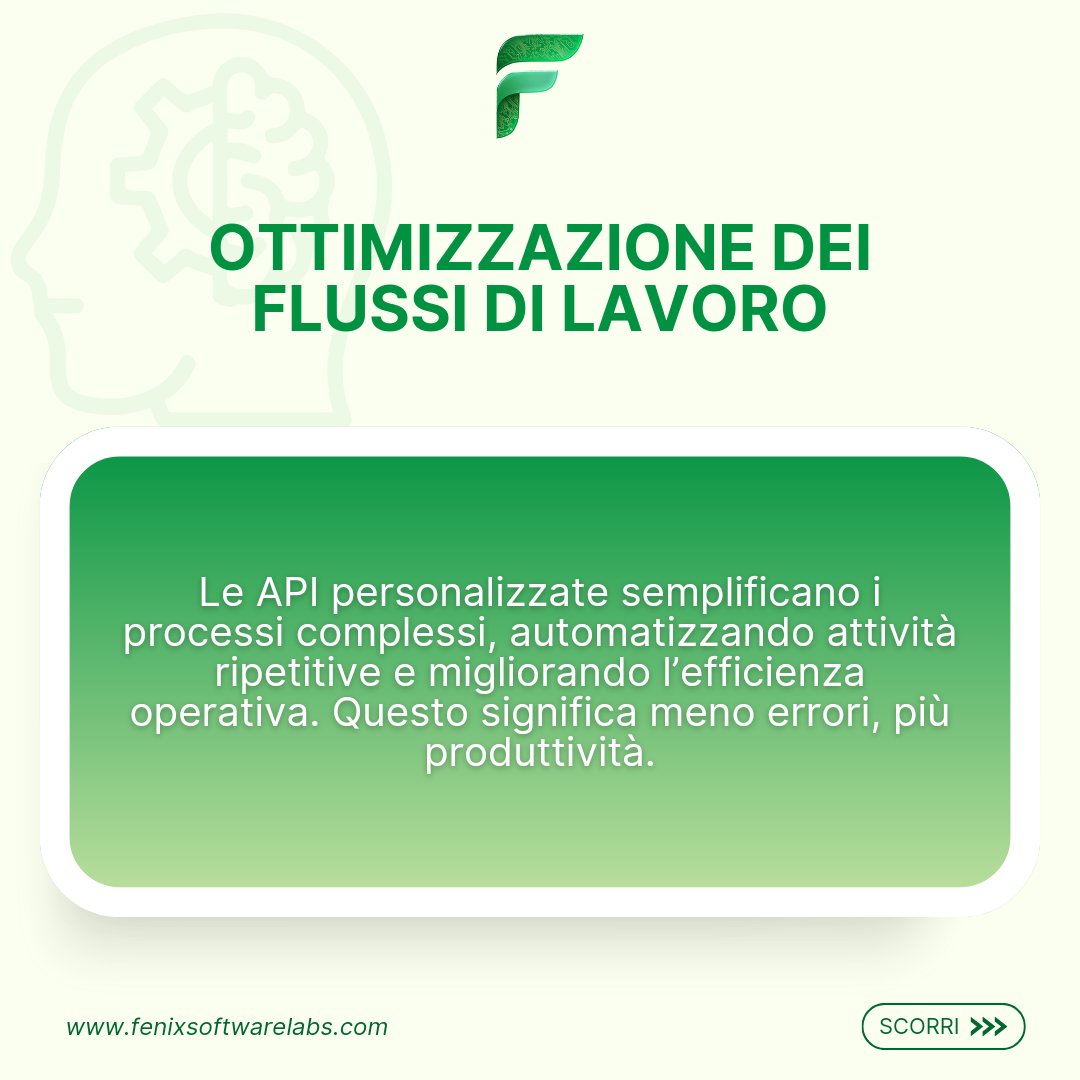
Con le API personalizzate di Fenix, semplifica i tuoi processi, integra i tuoi sistemi e ottimizza i flussi di lavoro. La tua crescita digitale inizia qui. Scopri di più!
#FenixSoftwareLabs #CustomAPI #BusinessGrowth



4
21

8 Jan 2025
Unlock the Power of Salesforce Custom APIs! Build secure,scalable, seamless integrations to empower your business with real-time data flow and system connectivity. #salesforce #customapi #dataintegration #apisecurity #genufytechworks #genufy #cera #nextgenforyou #crm #internship

1
2
111

5 Jan 2025
Grok' says use this to identify and unfollow bots:
CommanderRoot offers a suite of tools primarily aimed at Twitch streamers to manage their channel's security and user interactions, especially regarding bots and follow scams. Here's how you can use CommanderRoot based on the information available:
Basic Usage:
Access the Website:
Head to the CommanderRoot website (twitch-tools.rootonline.de).
Login with Twitch:
You'll need to log in using your Twitch account to access the tools. This authorizes CommanderRoot to interact with your Twitch account.
Navigate the Tools:
Once logged in, you'll see various tools designed for different purposes:
Follower Remover:
This tool allows you to remove bot followers. There's an option to block known follow bots preemptively using the blocklist manager. If you encounter a bot, you can report it or suggest improvements to the tool via GitHub issues or by contacting CommanderRoot on platforms like Mastodon or Bluesky.
Blocklist Manager:
This feature helps in managing your blocklist. You can block users known to be bots or scammers, ensuring they don't follow or interact with your channel.
Chat Ban Manager:
For those dealing with spam or unwanted chat interactions, this tool can help manage bans across multiple channels you moderate or own, with features like setting reasons for bans or only banning in channels currently live.
Using Specific Tools:
To Remove Bot Followers:
After logging in, go to the "Follower Remover" section. Here, you can initiate a scan to identify and remove known bot accounts. This process might take some time if you have many followers, so it's advisable to do this when you're not planning to go live soon.
For Blocking Known Bots:
Use the blocklist manager to import or manage lists of known bots. This can help prevent new bot accounts from following you in the future.
Dealing with Bot Raids:
If you're experiencing a bot raid, tools from CommanderRoot, combined with Stream Deck, can help you manage and react to these situations more effectively by automating certain actions.
Additional Tips:
CustomAPI with Blocklist Buddy:
If you're tech-savvy, you can set up custom commands in your streaming software like Nightbot or Streamlabs to check if a new follower is a known bot using CommanderRoot's known bot list through services like Blocklist Buddy.
Community Feedback:
CommanderRoot values feedback, so if you encounter issues or have suggestions, you can interact directly via GitHub, Mastodon, or other platforms mentioned.
Remember, while CommanderRoot's tools are primarily for Twitch, the concepts of managing bots and scammers can be applied broadly to other platforms with some adaptation. Always ensure you're following the platform's terms of service when using such tools.
x.com/i/grok/share/0WYMiVsAv…
1
6
132

Dataverse: Create Custom API to retrieve data of requiredattendees/optionalattendees on #Appointment table @temmy_raharjo
bit.ly/4gzJ7ab
#CustomAPI #Dataverse #PowerAutomate
2
118

12 Sep 2024
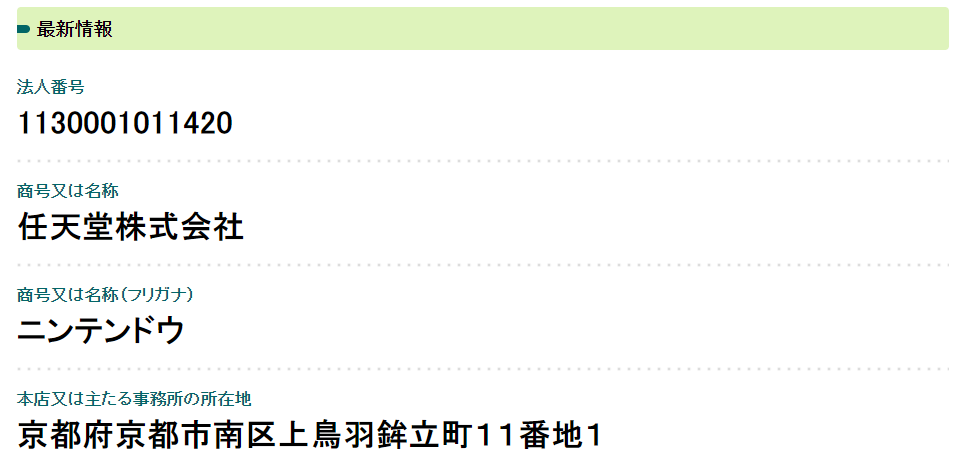
new project: Hōjin Bangō Custom APIs (Japanese Corporate Number)
crmanswers.net/2024/09/new-p…
#customapi #dataverse #houjinbangou #japan #powerautomate #taxnumber
4
12
1,859

14 Aug 2024
Create custom API for your blockchain projects by talented Blockchain Developer!
Join for hire!
Check details! go.fiverr.com/visit/?bta=148…
#Blockchain #API #Ethereum #CardanoNFT #Solana #SmartContract #blockchaindeveloper #Crypto #NFT #SmartContracts #webdevelopment #customapi

2
36

22 Jul 2024
that feeling when you're working with a klaviyo client who built a custom API for their onboarding so they can assign "preferred language" variables to each user but because you used to be a dev you realize they are passing the variable through trigger filters and not as a custom property so the variable is only accessible through the branch of customAPI triggers so you confirm the issue with Klaviyo support and write a bullet point guide to the dev on how to fix it so you look cool af in front of your client and you feel good knowing you're overdelivering like fuck
2
2
159