29 Aug 2023
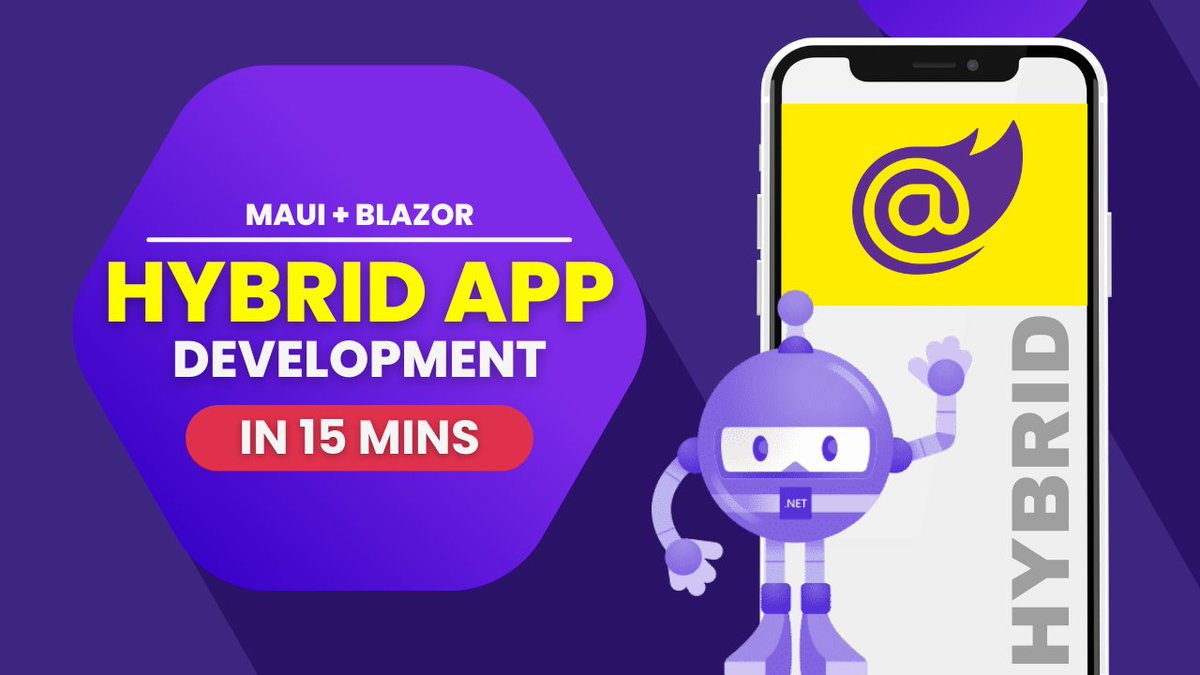
MAUI Hybrid App - MAUI Blazor Hybrid Apps | .NET MAUI
youtube.com/watch?v=cZtcAuy0…
#Dotnet #dotnetmaui #androiddev #iosdev #mobileappdevelopment #dotnet2023
2
102

28 Aug 2023
¿Quieres descubrir las posibilidades de aprovechar las bibliotecas nativas desarrolladas en C/C dentro de aplicaciones web utilizando .NET Blazor y #WebAssembly?
¡No te lo pierdas en esta sesión que @davilovick presentó en la #dotNET2023! 💻
eu1.hubs.ly/H056Brw0
4
566

30 Jul 2023
I'd like to share a recent puzzle I solved involving Visual Studio and Docker Compose.
I've been working with a service that needs to do some setup work when running locally. It generates and shares certificates, creates users, sets permissions, and more. To handle these tasks, I developed a suite of bash scripts. I'm a firm believer in plug-and-play projects - clone it, run it, and you're good to go!
When I tried to run this service through Visual Studio using Docker Compose, I hit a wall. The logs from my bash scripts were nowhere to be found, and other services that depended on this one refused to start.
The interesting thing is, when I ran Docker Compose outside of Visual Studio, everything worked like a charm. This led me to discover that the auto-generated docker-compose.vs.debug.g.yml file in Visual Studio overrides the ENTRYPOINT to keep the container running to be able to attach the debugger. Essentially, a helpful feature was unintentionally blocking my custom scripts.
Unfortunately, there's no perfect fix for this yet (see this open issue on Microsoft's DockerTools GitHub repository: github.com/microsoft/DockerT…). However, by adding another docker-compose.vs.debug.yml override file and tweaking the metadata, I was able to bypass the issue and get my service up and running.
So if you ever encounter a similar ENTRYPOINT override challenge in Visual Studio, remember this post! For more details on customizing the debug compose file, check out the official docs: learn.microsoft.com/en-us/vi…
#visualstudio #dockercompose #docker #dotnet2023 #lessonslearned #codecraftingtips
1
1
35

12 Jul 2023
#dotnet2023 Progresión de compilación de #wasm desde #emscripten a #WASI enabled #wasm #wasmtime y el #dotNET SDK
youtube.com/watch?v=DQqRYdWG… en ESPAÑOL. 🇪🇸
3
10
1,186

4 Jul 2023
Created a more in-depth video for BlogFodder, showing more of my little plugin based #Blazor blog engine. If you are interested in Blazor then please spin it up and have a poke around. It's free and completely open source. Currently in alpha. #Dotnet #dotNET2023
1
2
386

4 Jul 2023
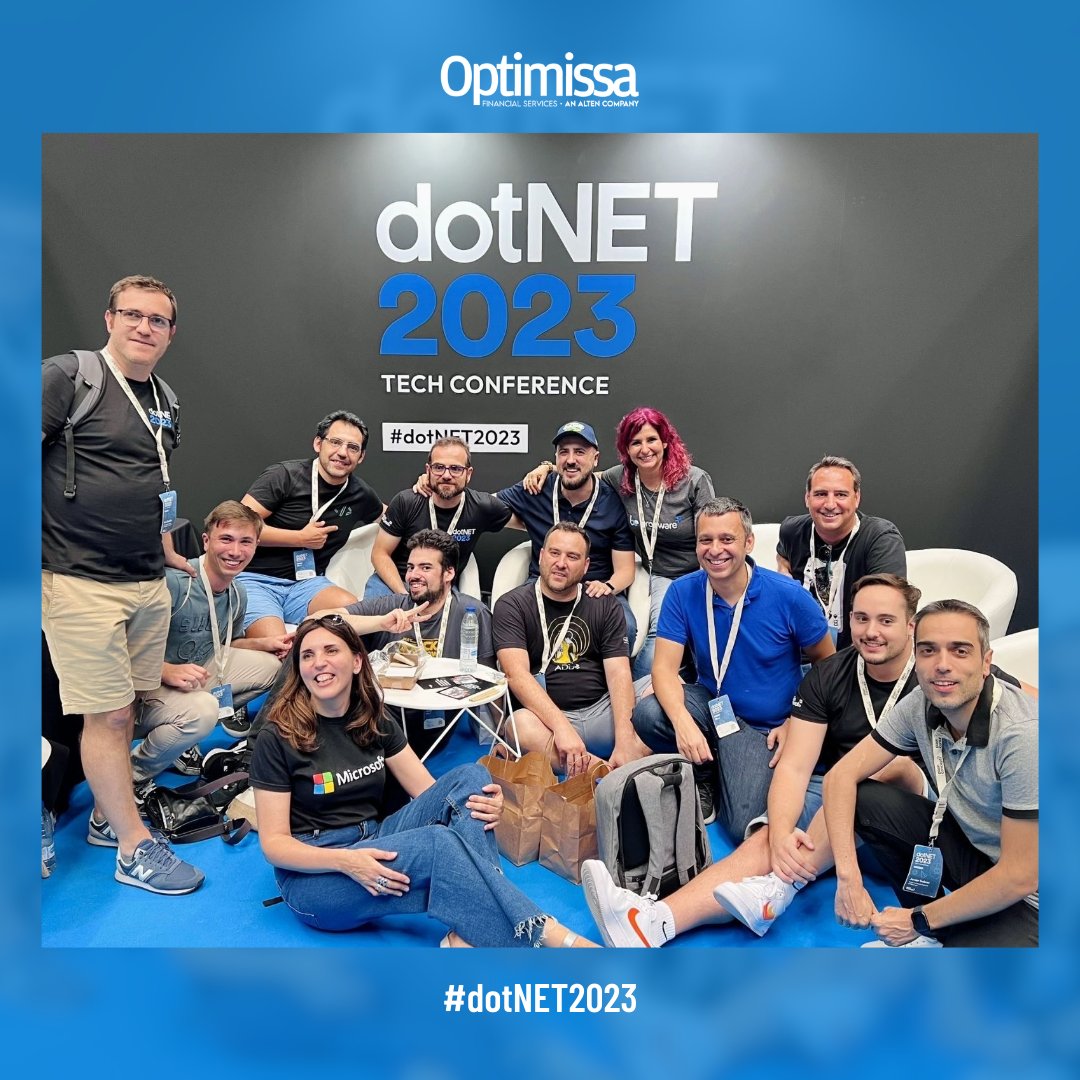
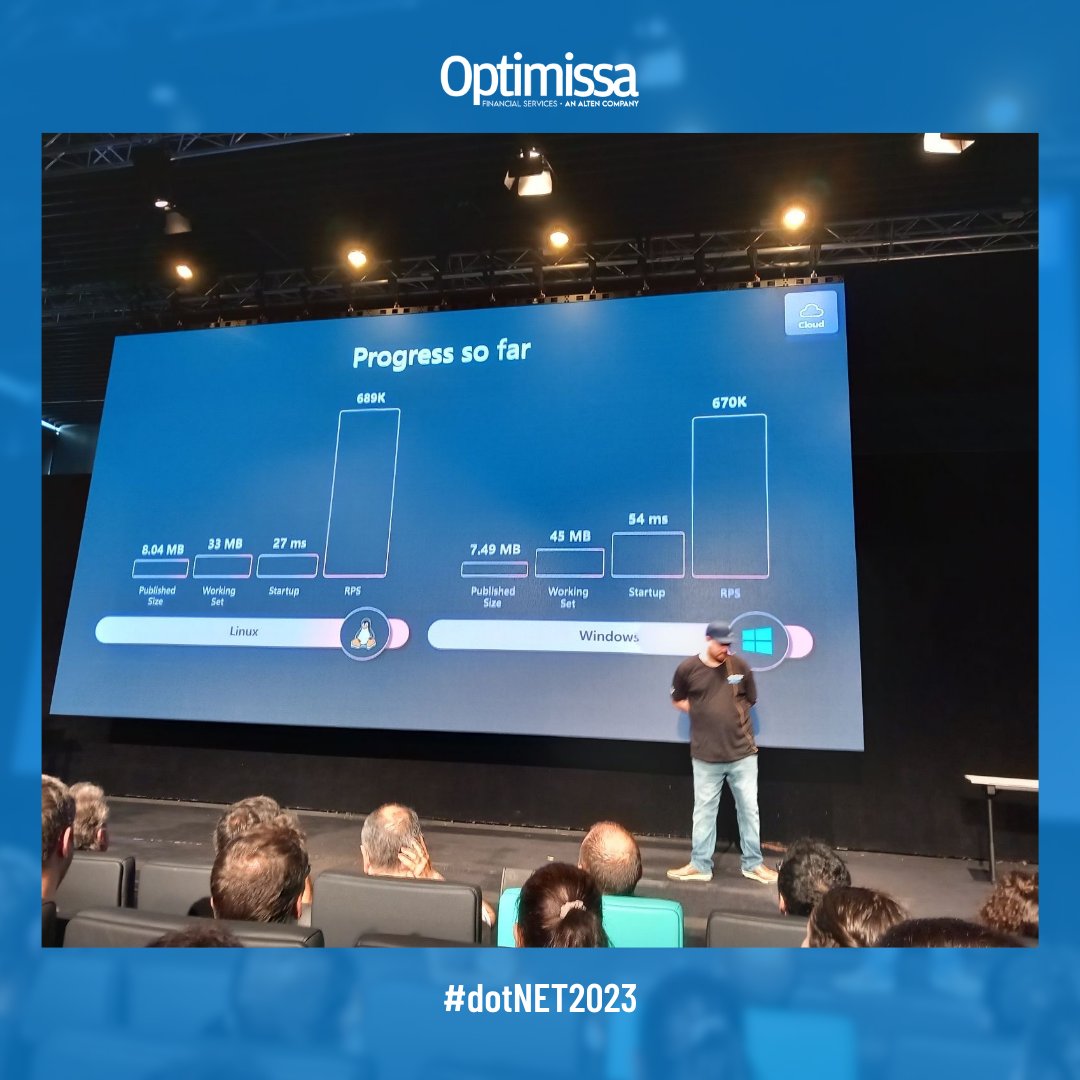
Hemos pasado un día increíble en #dotNET2023 un evento con más de 800 asistentes y 25 exponentes en donde nos hemos podido poner al día con lo ultimo en el mundo #tech 👩💻
Así lo hemos pasado 👆
#tech #Optimissa #dotNET2023 #innovacion #techie
1
2
190


3 Jul 2023
Kudos a @lfraile que es el verdadero alma máter de la #DotNet2023 en la sombra ;)
Lo pasamos muy bien con @SanzMargaret y @svg153
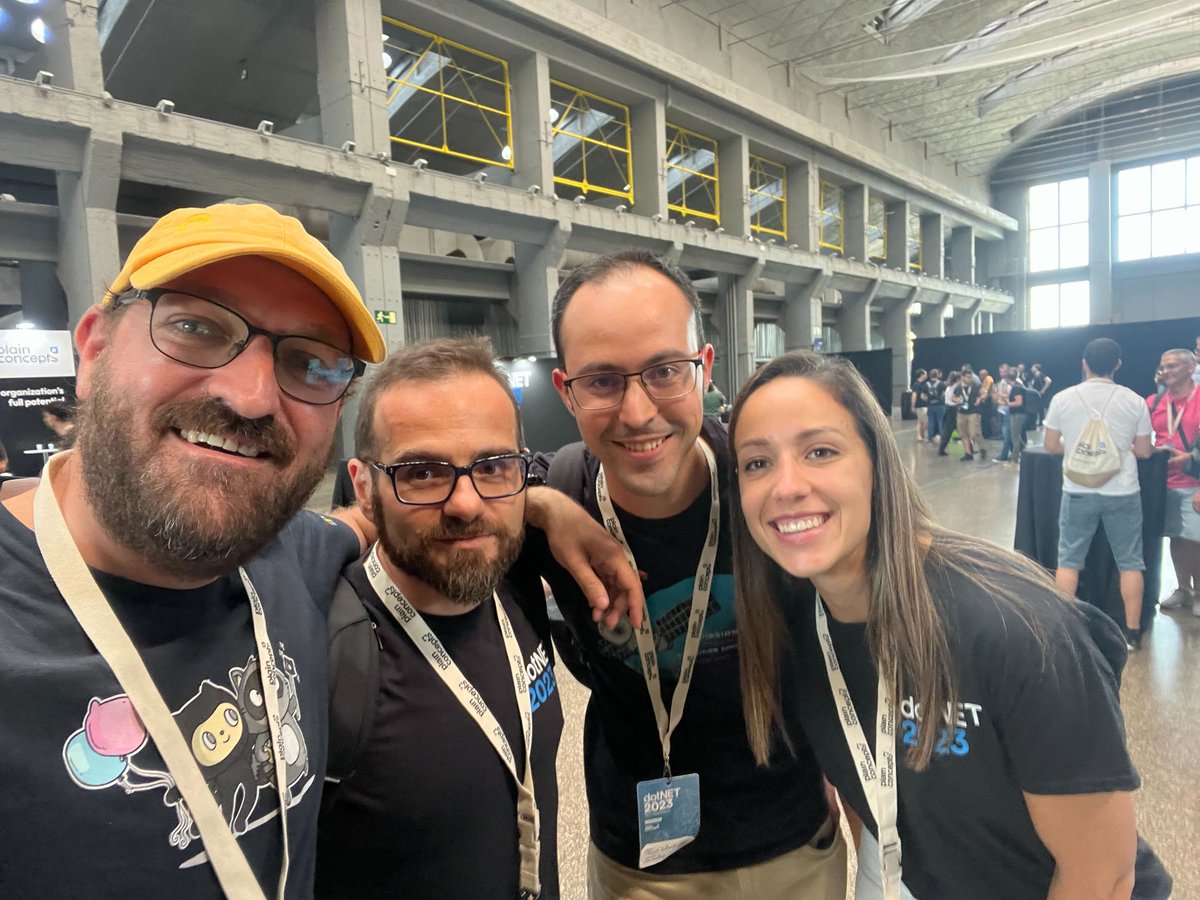
ALT Cuatro personas posando para la foto con camisetas oscuras
2
2
14
771

3 Jul 2023
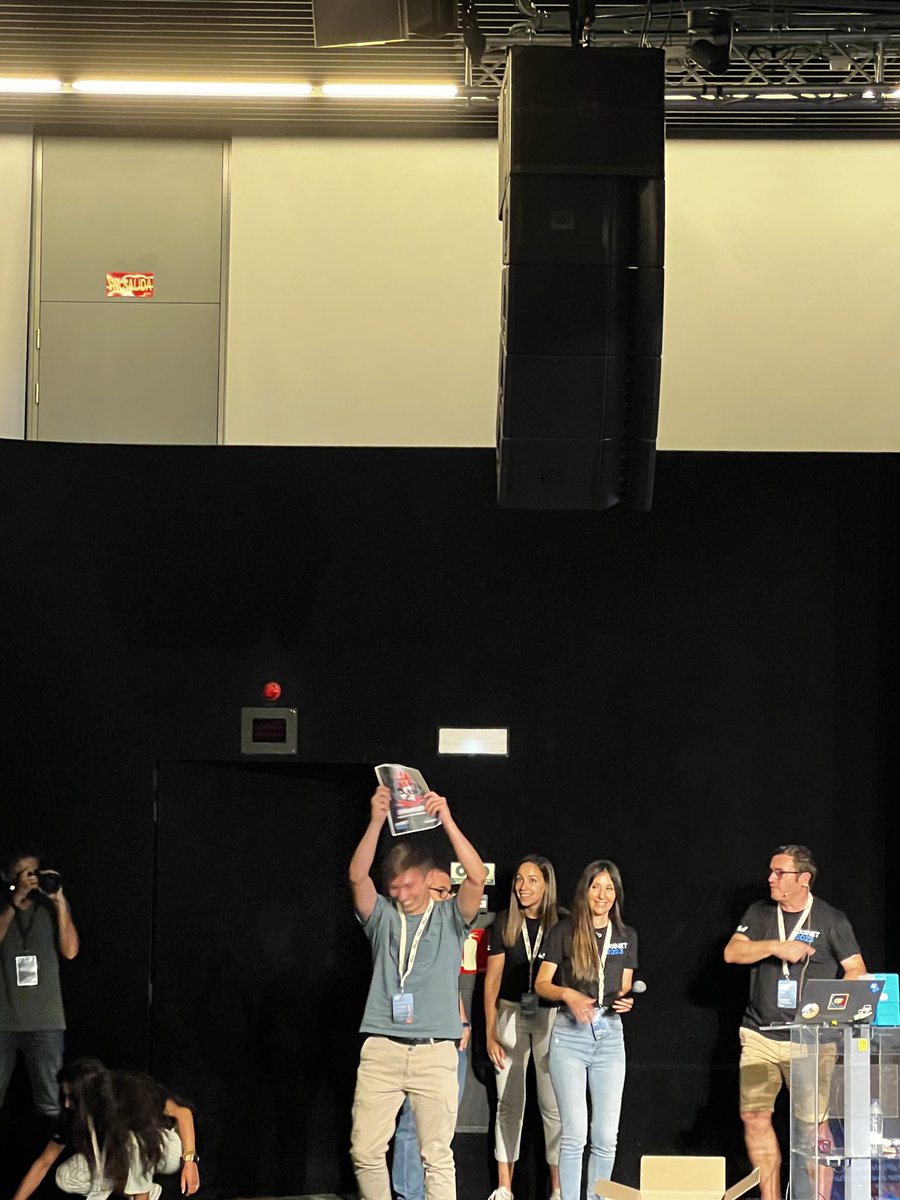
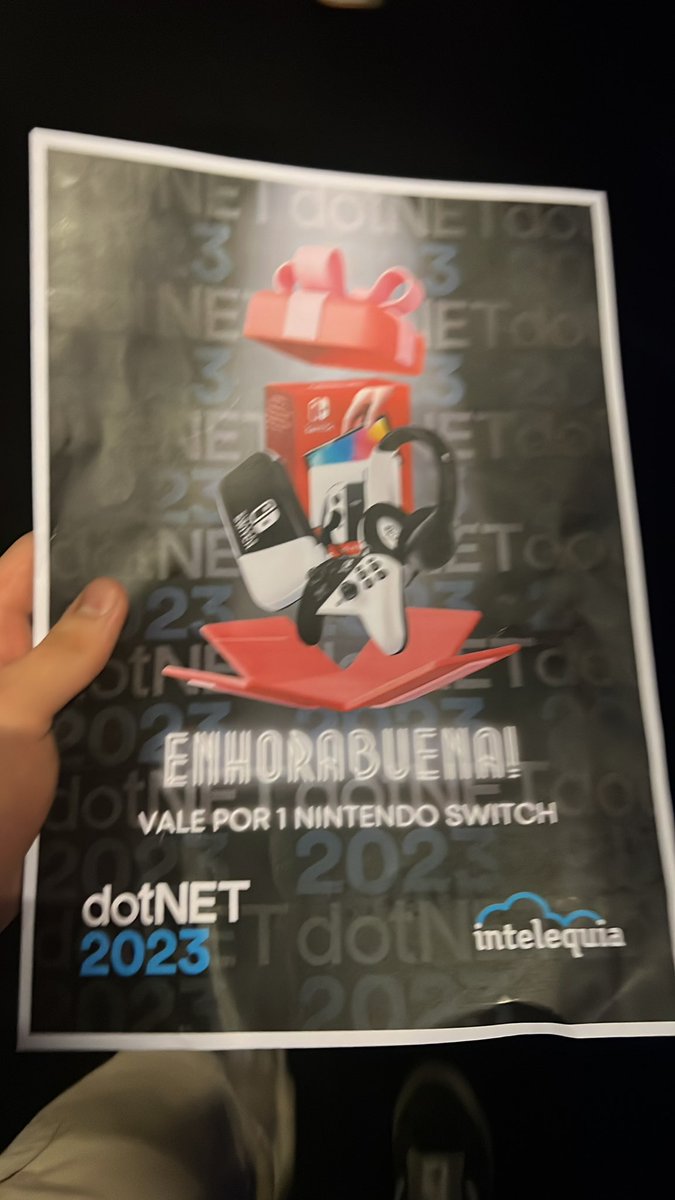
¡¡Enhorabuena @alexsaca_dev 👏!! Nos alegra que hayas disfrutado de la #dotNet2023 y ahora... lo mejor 🎮😎

1
2
2
441

2 Jul 2023
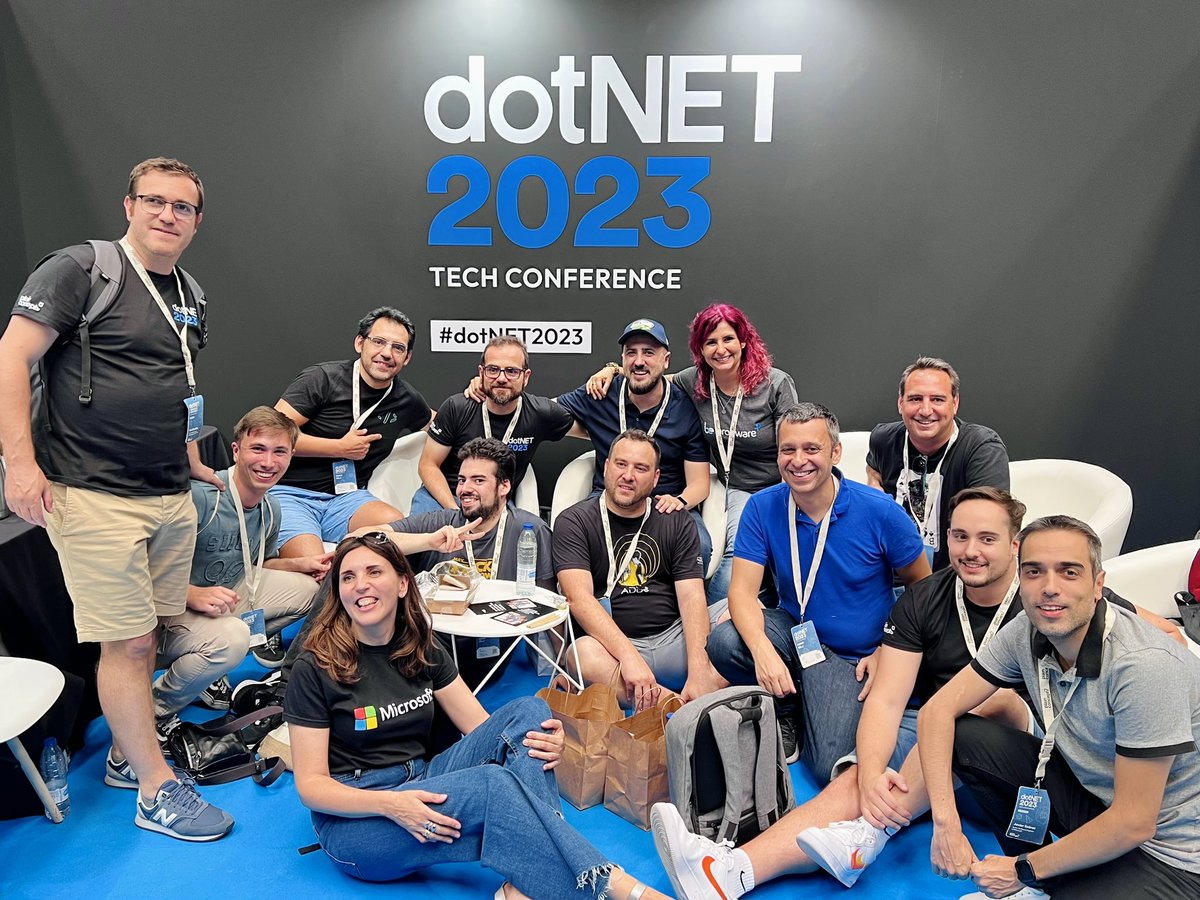
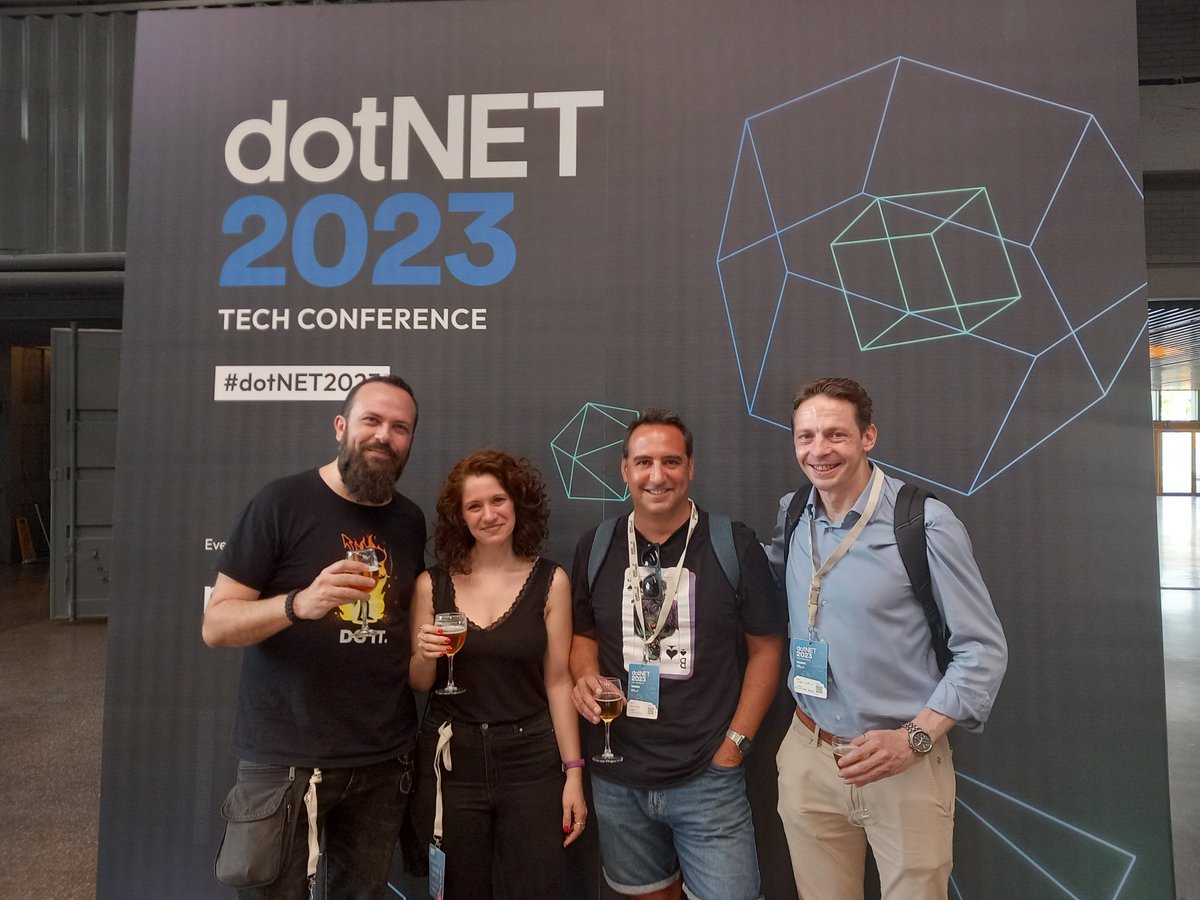
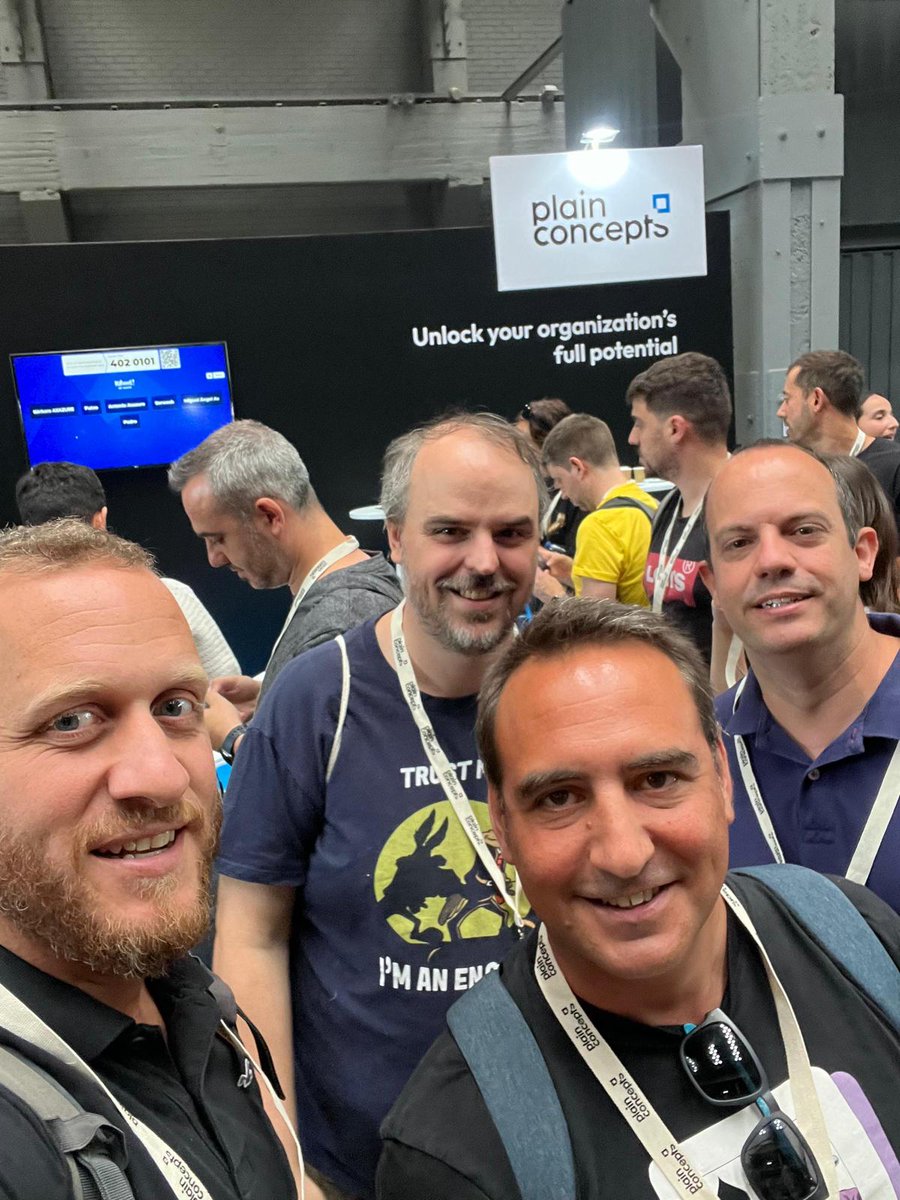
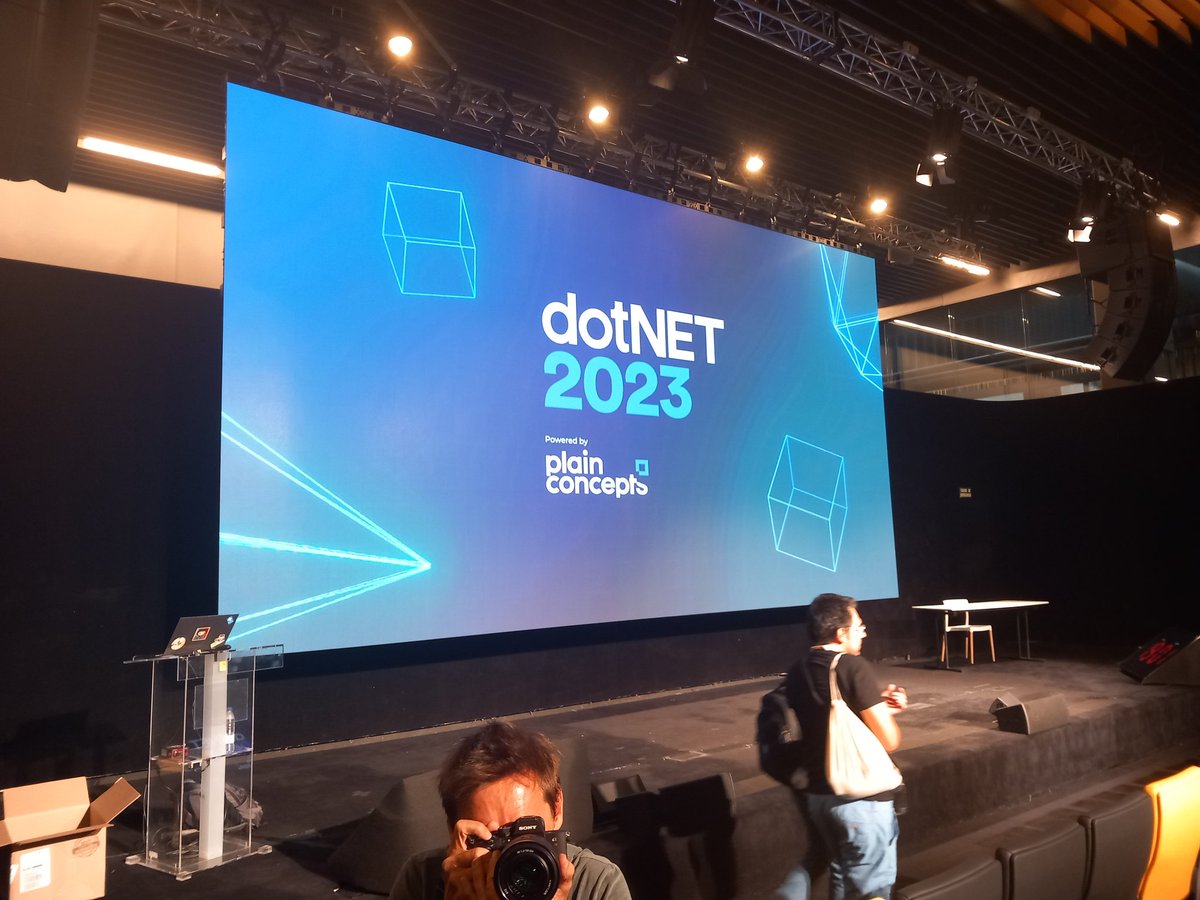
#dotNET2023 gran evento y día maravilloso con gran compañía. Gracias a @plainconcepts por la organización y a @optimissa por el apoyo y permitirnos la asistencia
1
3
10
844

1 Jul 2023
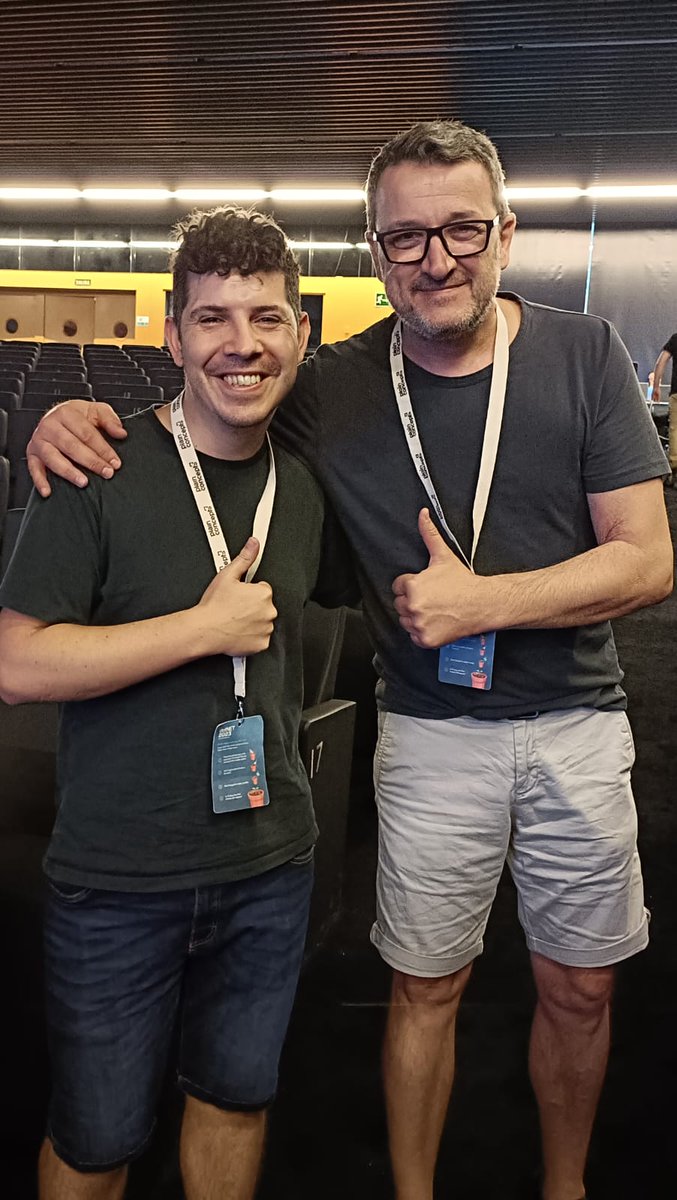
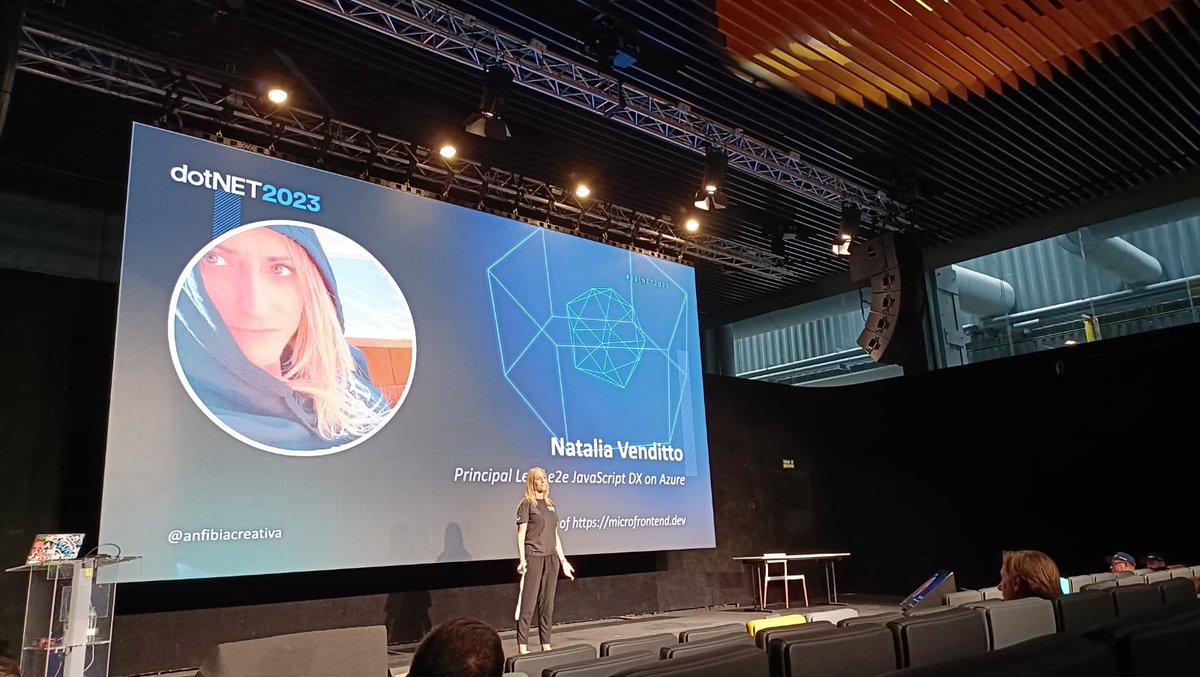
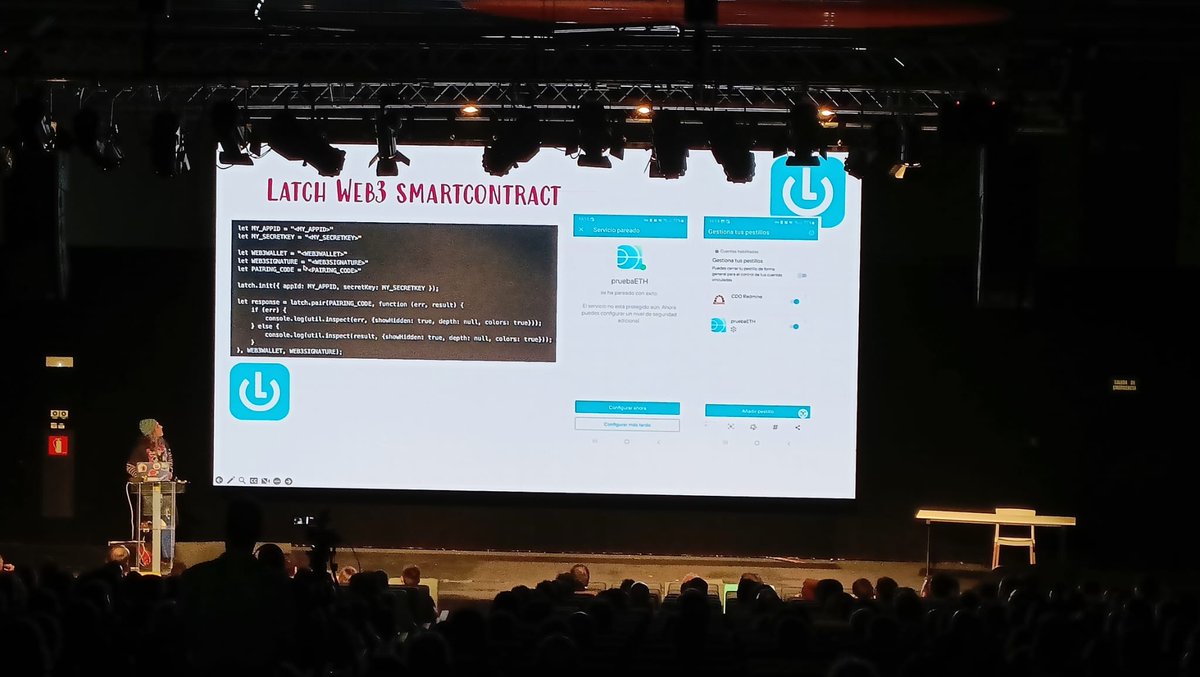
Molt contents d'assistir a la @dotNetConfSpain, bons continguts i ponents, contents de veure que anem pel bon camí amb les solucions aplicades als clients i que utilitzem la tecnologia correcta i sempre, sempre, apostant pels estàndards.
#dotnet2023 @midudev @chemaalonso
1
2
6
445

30 Jun 2023
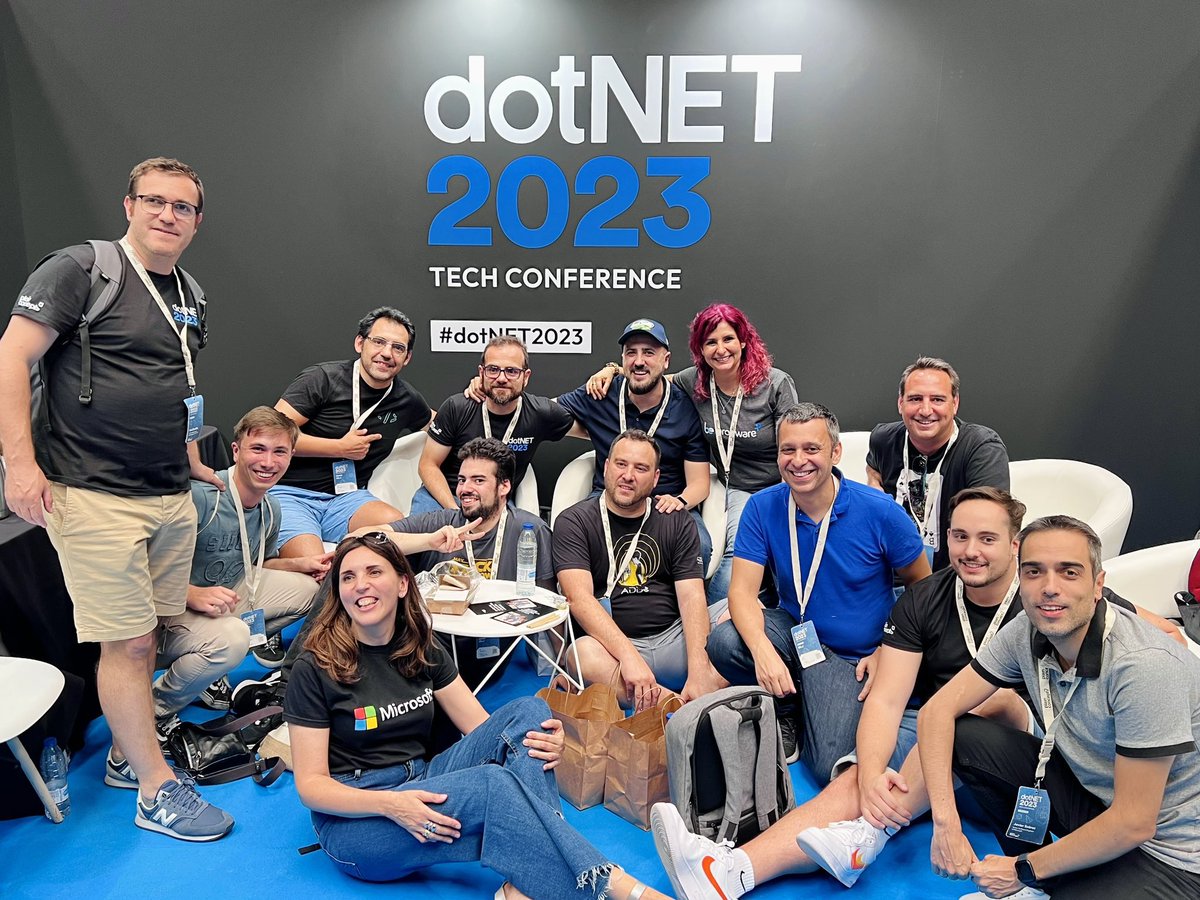
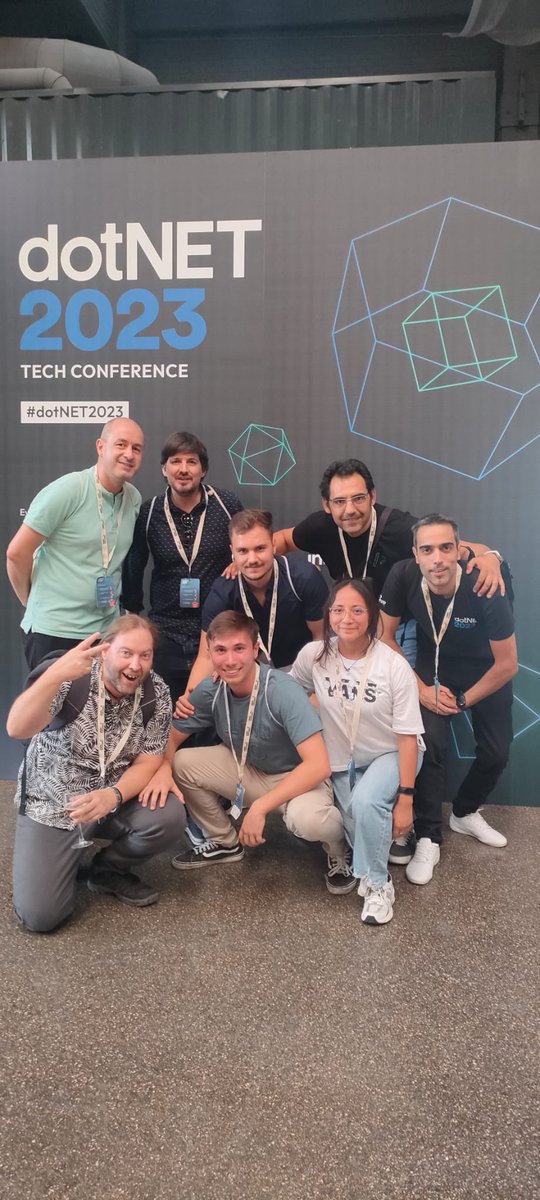
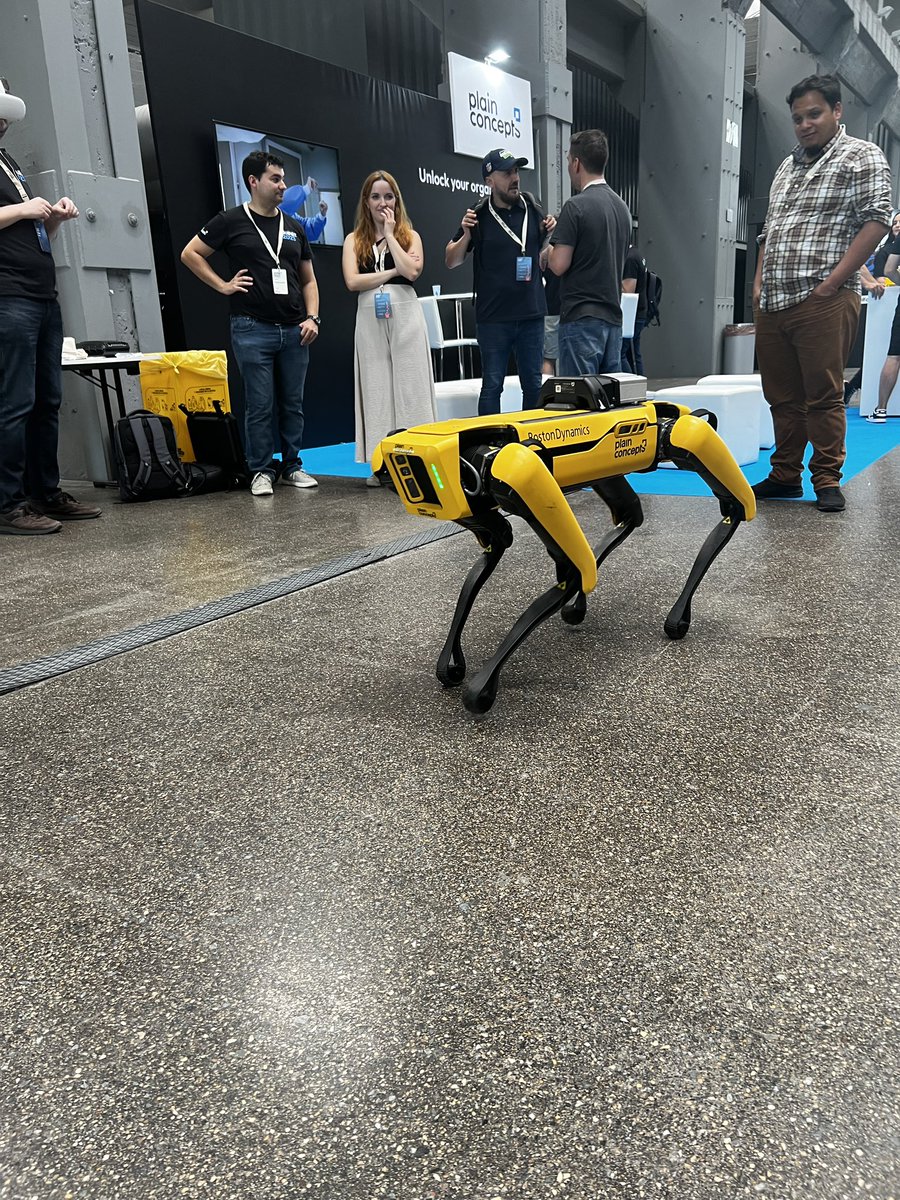
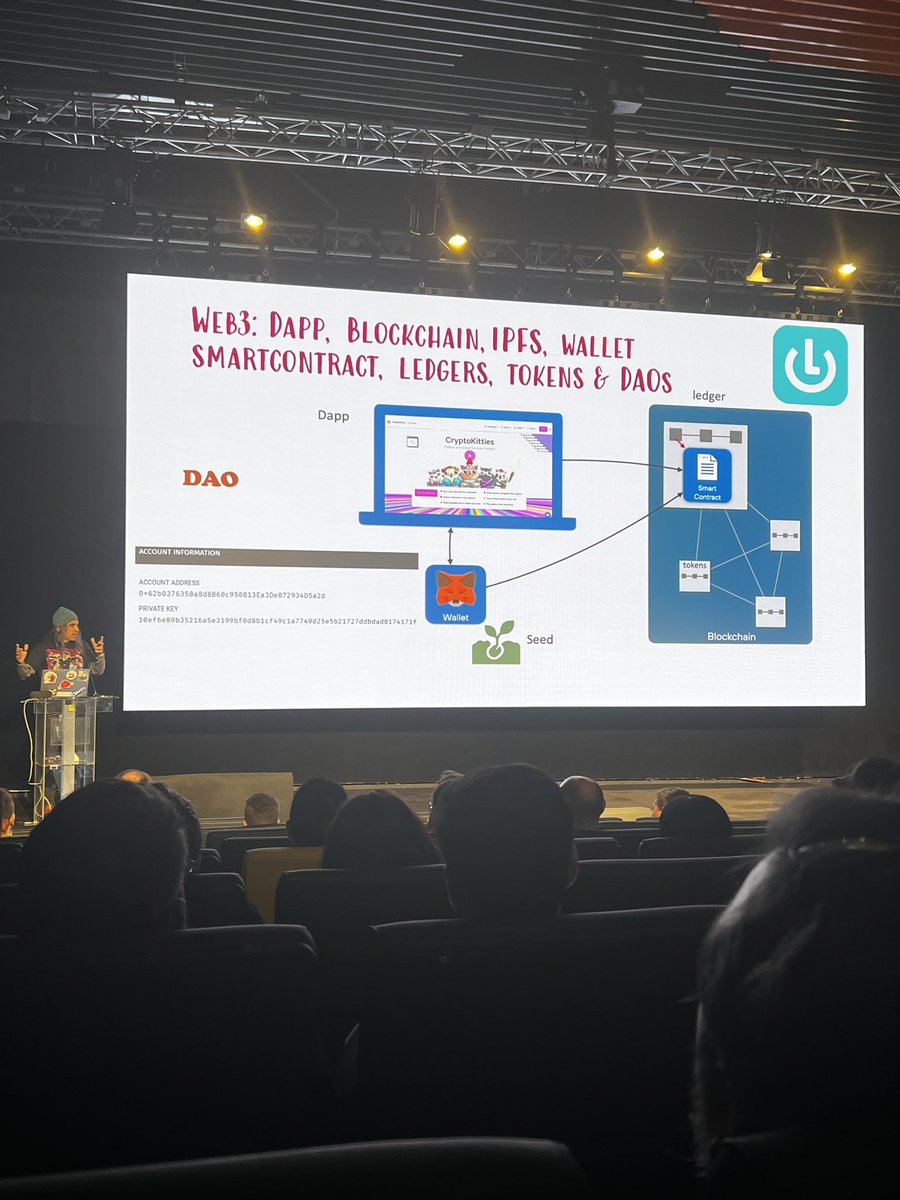
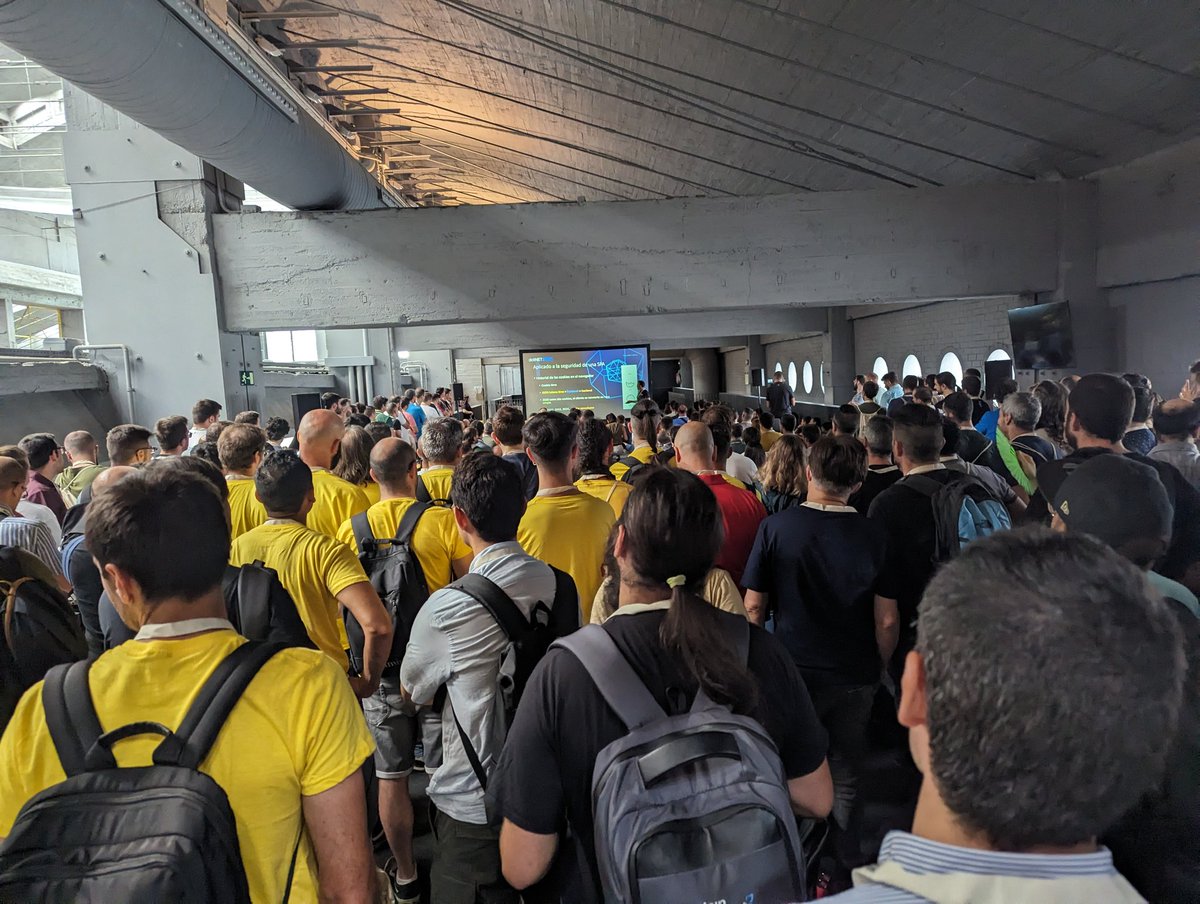
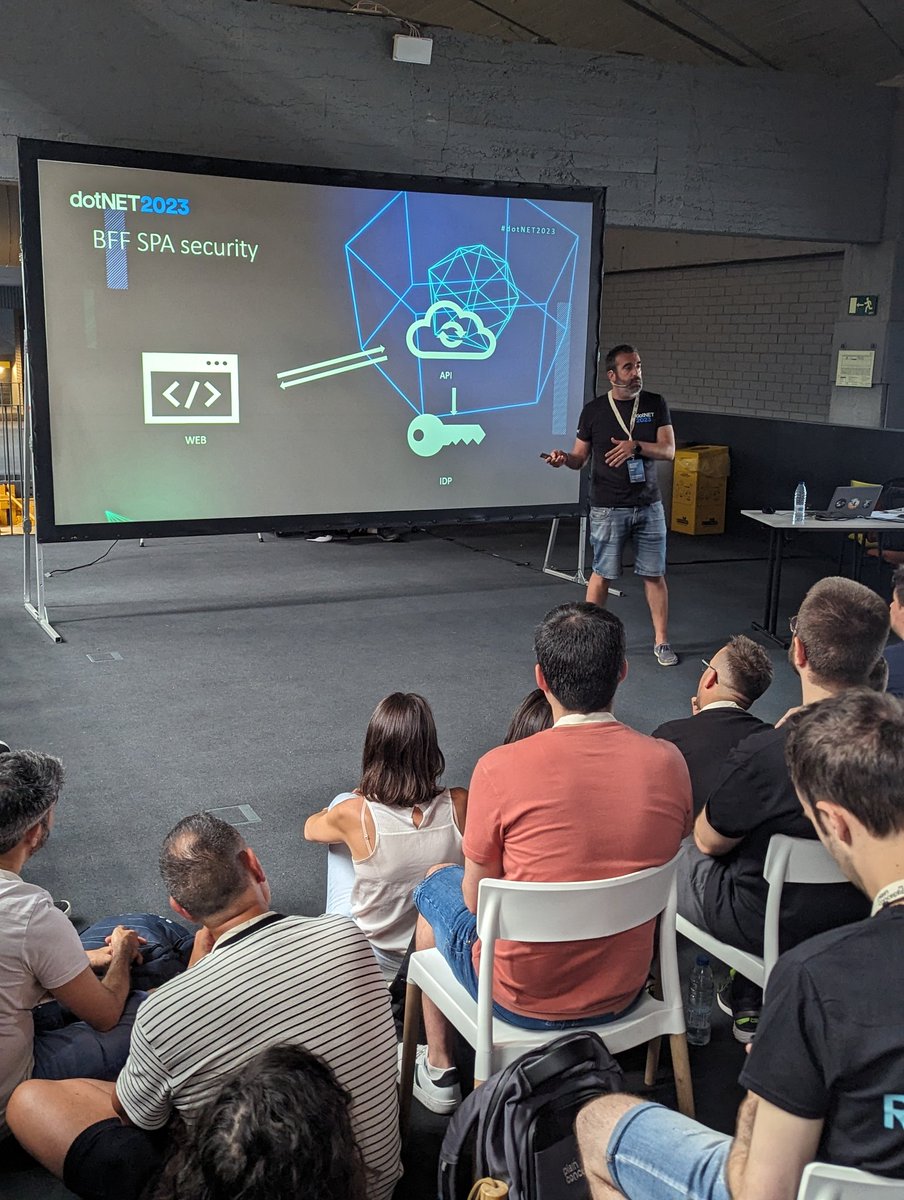
Muchísimas gracias a @plainconcepts por organizar este pedazo de evento. Rodeado de gente muy grande🔝. Nos vemos el año que viene!!! #dotNET2023
1
4
13
1,322

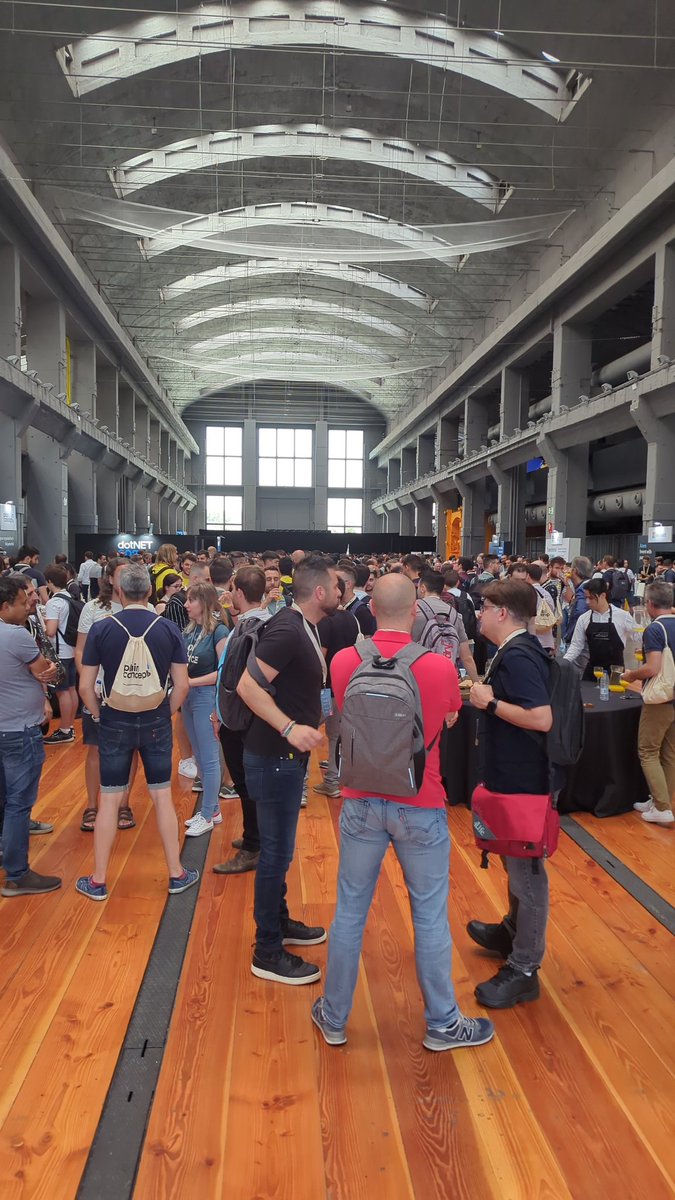

30 Jun 2023
29 Jun 2023

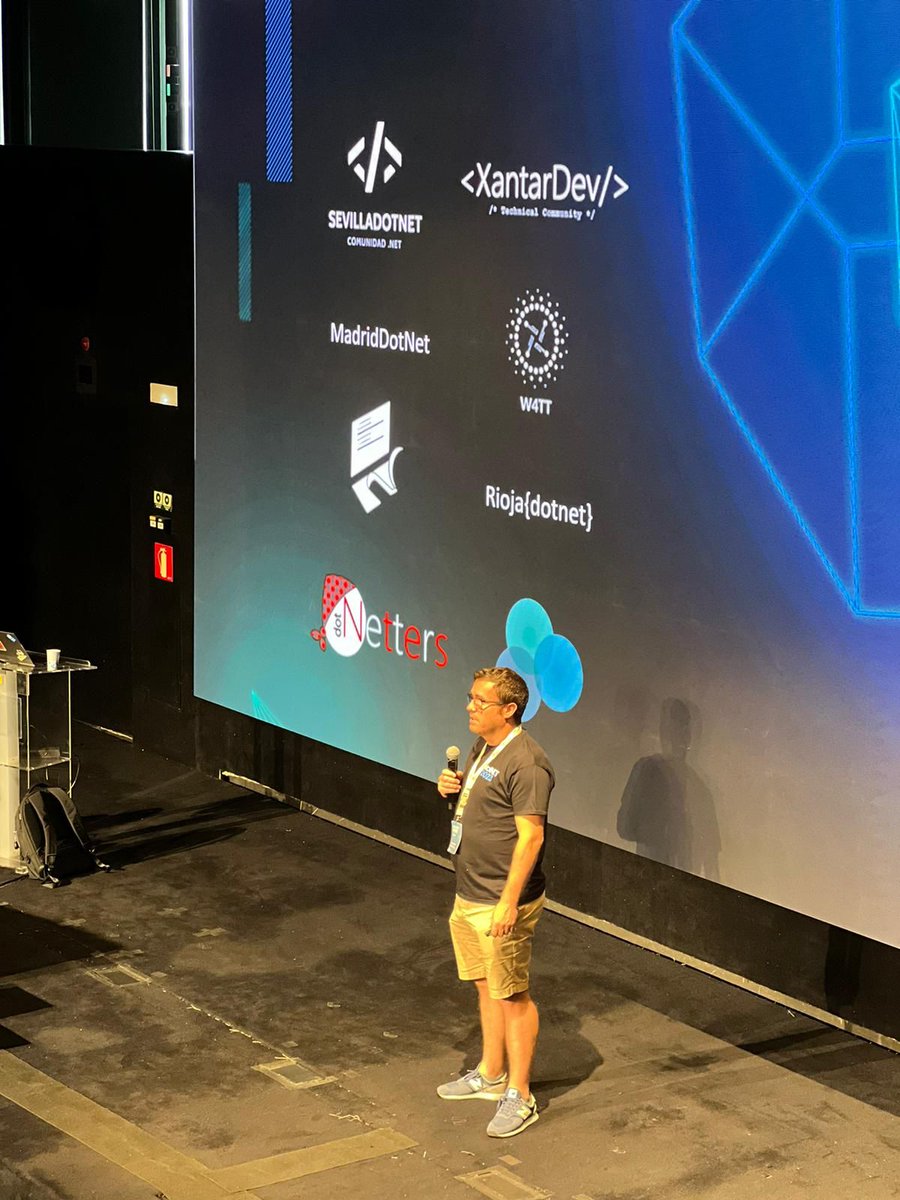
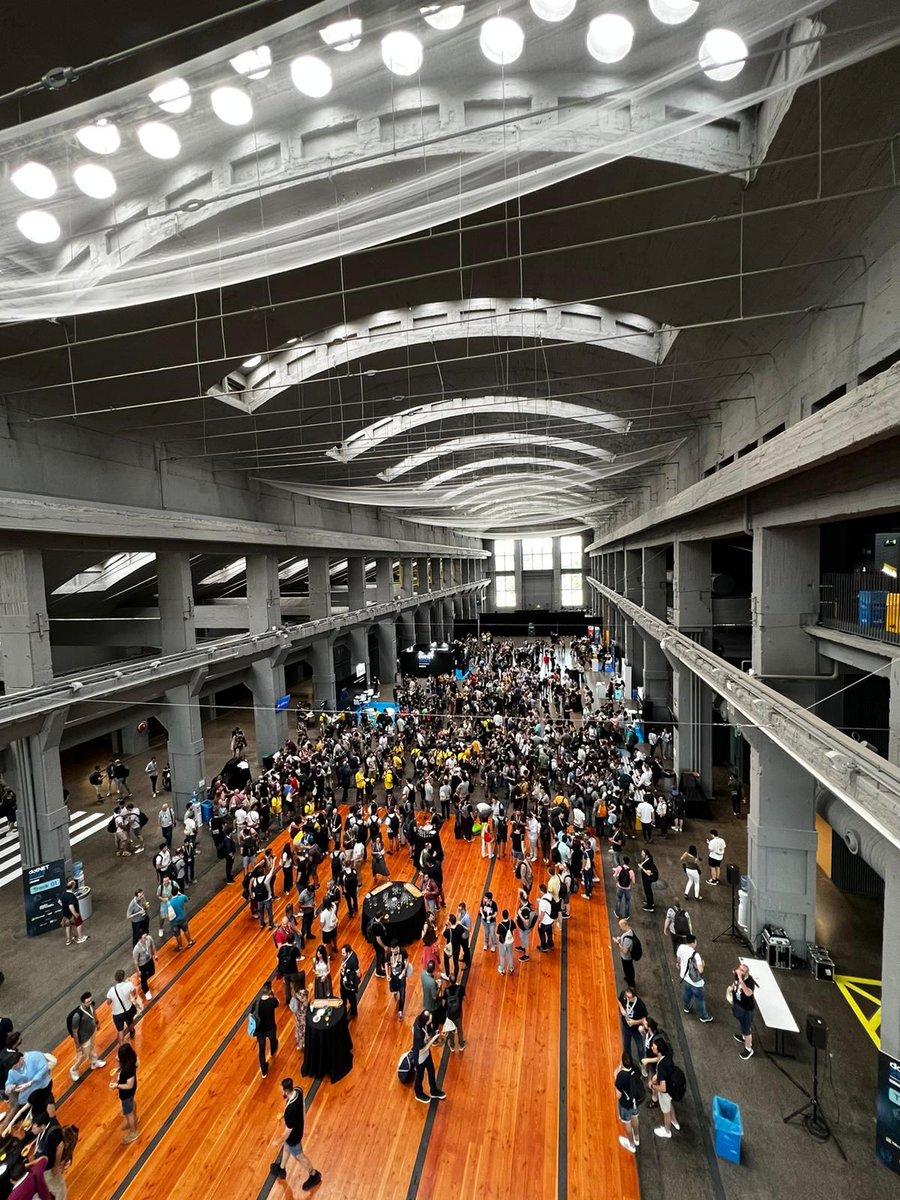
Bueno... pues parece que ya acabo el día!!! orgulloso de todos los compañeros que hicieron posible la #dotnet2003, no los voy a nombrar porque son muchos, y a todos los ponentes del evento #proud #plainconcepts 🔝🥹

2
531

29 Jun 2023
Muy interesante y dinámico el workshop de @ematde y Manuel Rodrigo Cabello en la #dotNET2023 . Unos notebooks muy sencillos de seguir en el que hemos jugado con LLMs en OpenAI utilizando Azure :) Así da gusto! 💡
2
5
322

29 Jun 2023
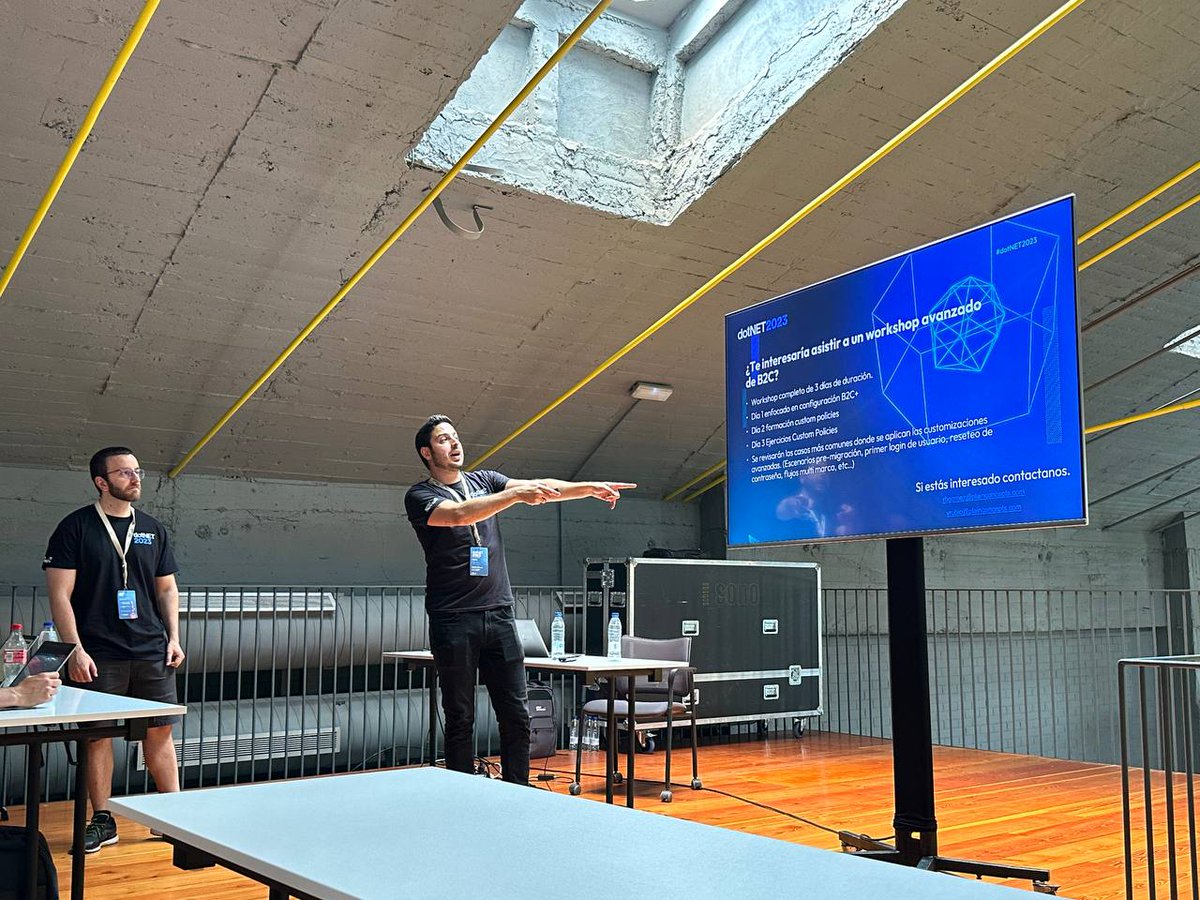
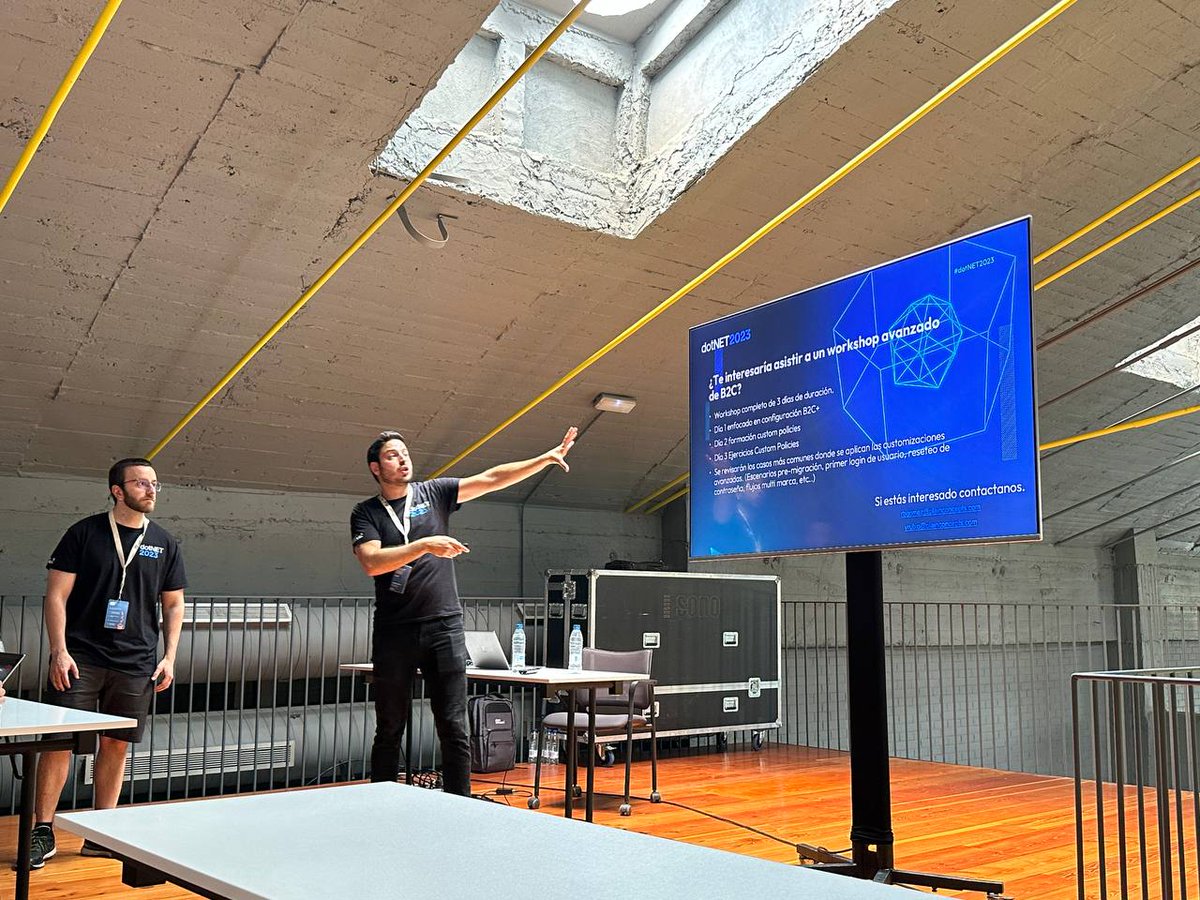
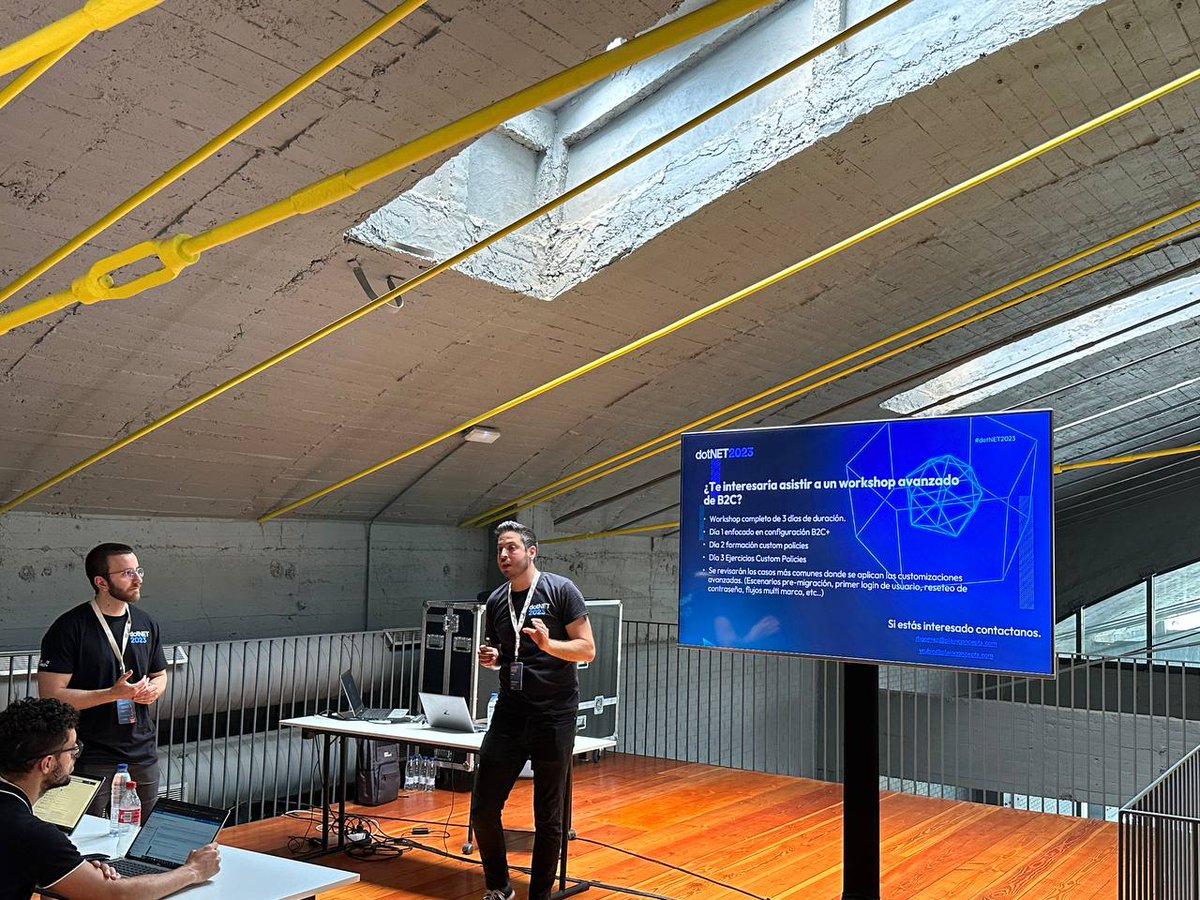
Hoy he tenido la suerte de poder participar en la #dotNET2023 haciendo un workshop de #azureB2C con mi compañero Victor Rubio.Espero que sea la primera de muchas! Muchas gracias a @plainconcepts y sobre todo a @_unaizc_ por el empuje y la motivación de estar donde quiero estar.
1
3
8
665

29 Jun 2023
Madre mía! Me había perdido esto. Disfrutad mucho la #dotNET2023 y por supuesto, tenemos que montar algo!
2
61

29 Jun 2023
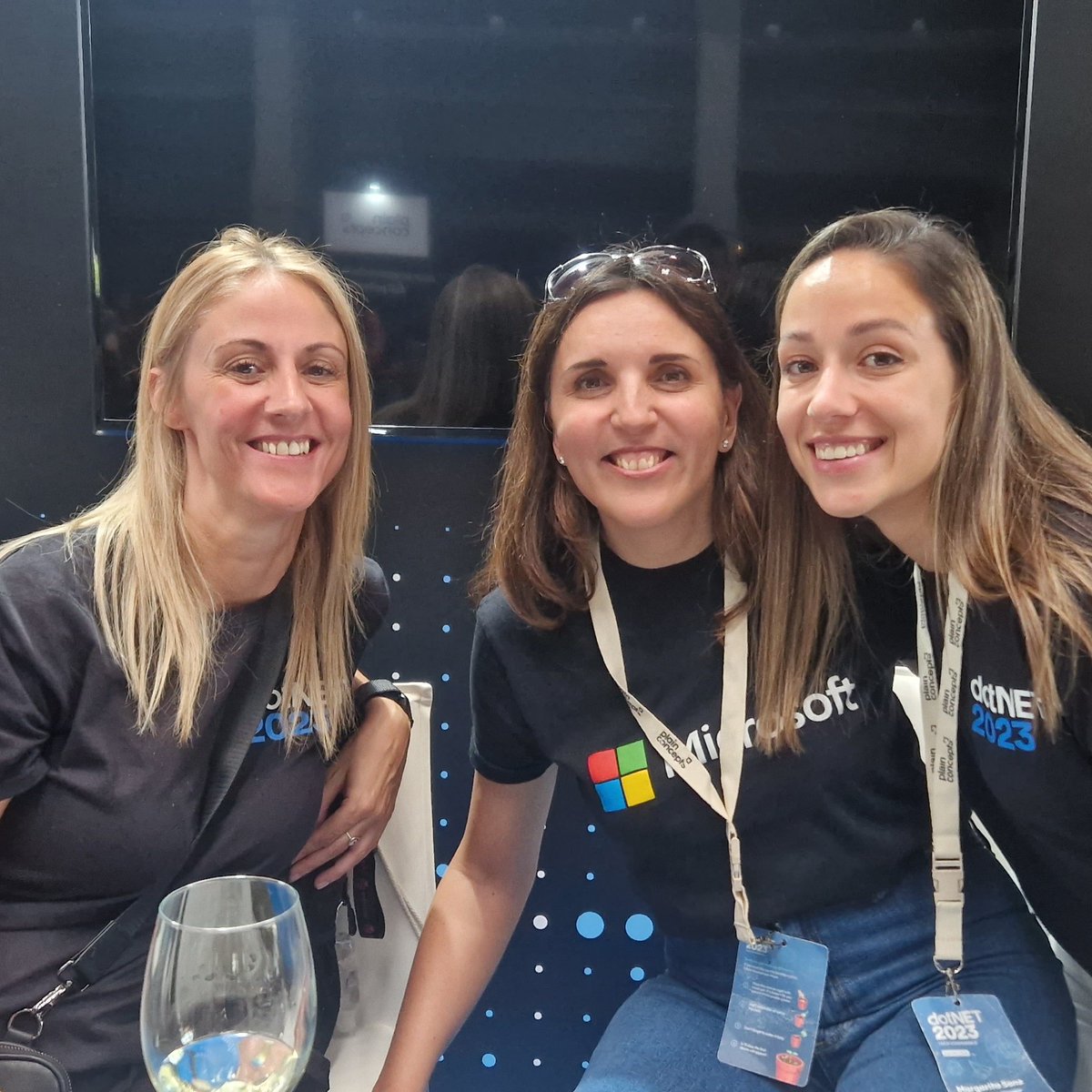
Yep I took this nice pic of 3 great #WomenInTech: @AnfibiaCreativa @crisgherrero & @SanzMargaret #dotNET2023
4
12
1,078

29 Jun 2023
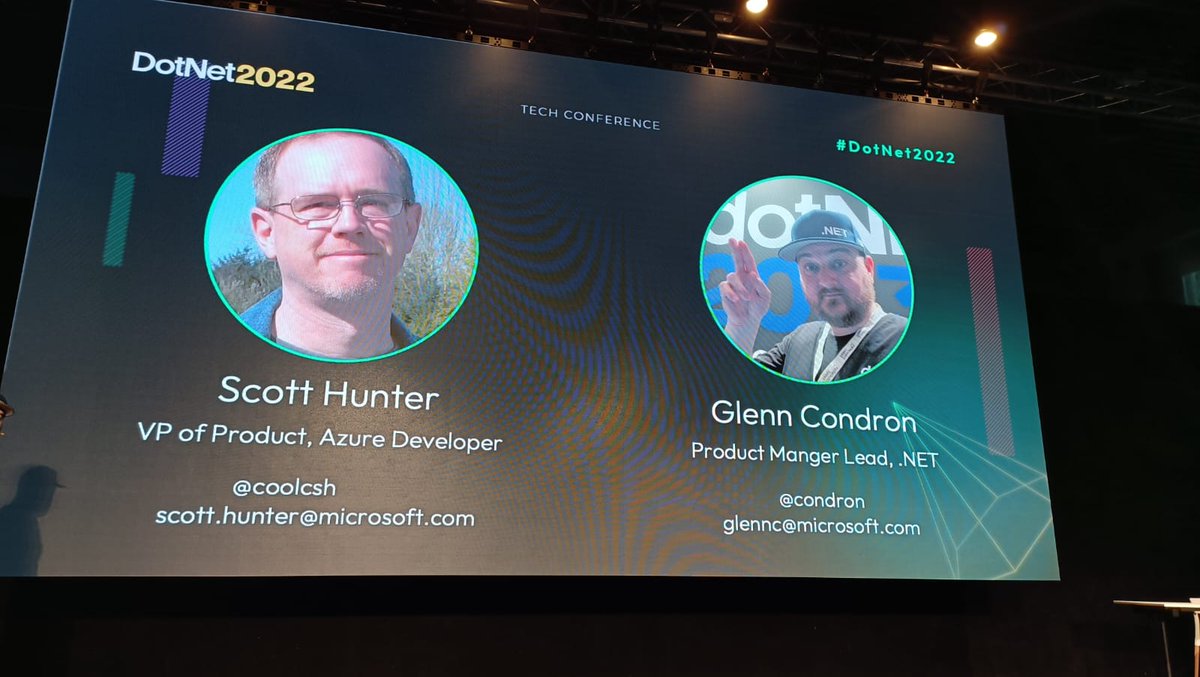
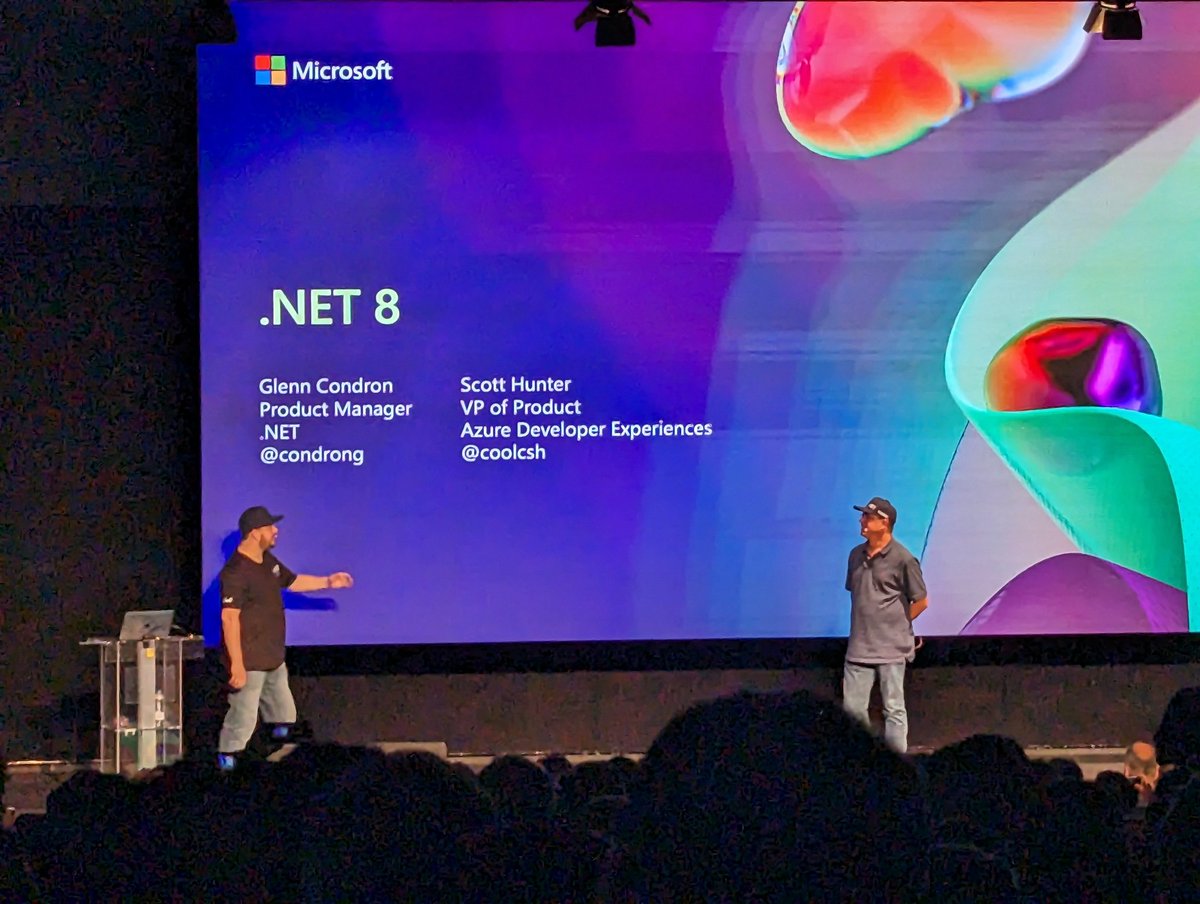
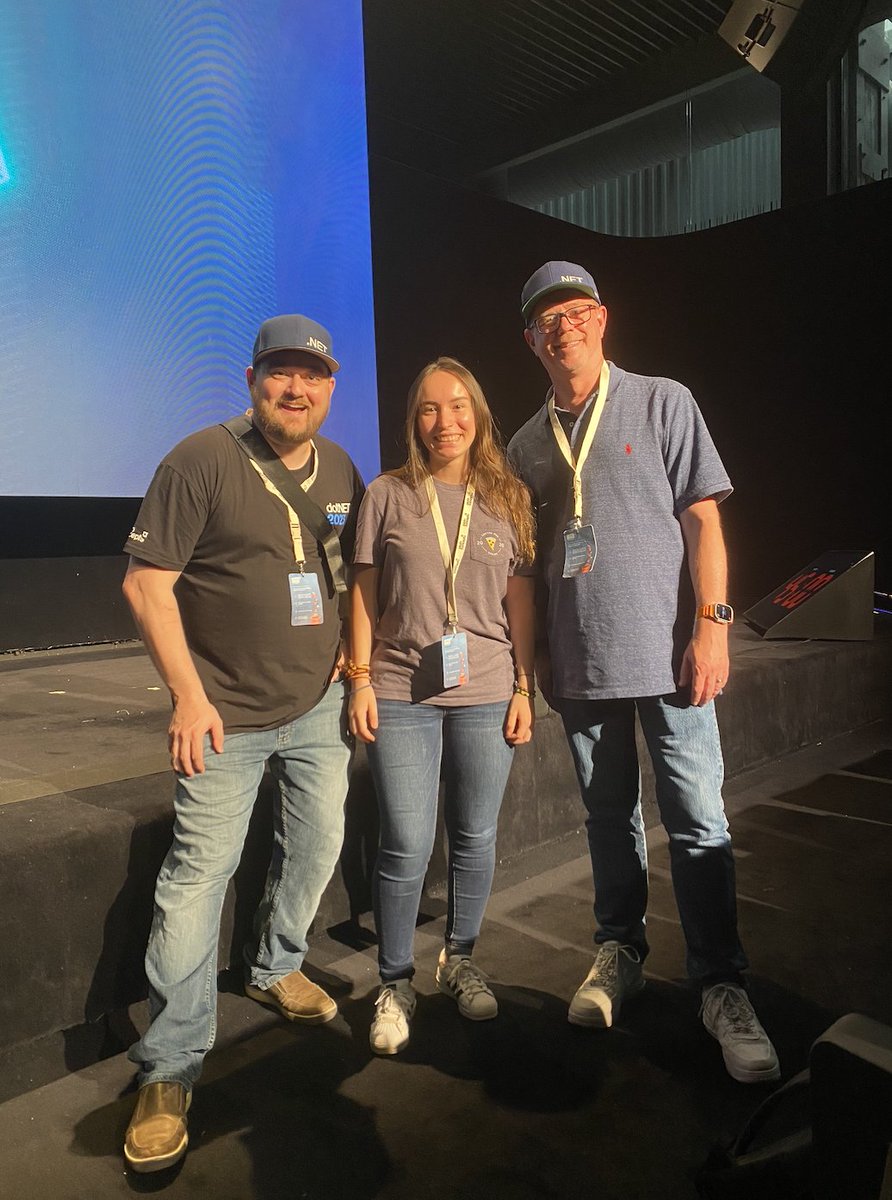
It was a pleasure to meet Scott Hunter, Director of Program Management @ Microsoft (@coolcsh), and Glenn Condron, Product Manager @ Microsoft (@condrong).
Their talks about @dotnet and its new upcoming updates were very useful. Looking forward to see what's ahead #dotNET2023
1
7
807