

6 Nov 2025
How to Earn the Swarm Role — Full Node Setup Guide
The Swarm role is one of the most respected technical roles in the @gensynai ecosystem. It’s given to contributors who go beyond engagement, those who run compute nodes that actually help power Gensyn’s decentralized AI network.
Running a Swarm node means you’re part of the infrastructure itself, your machine helps train and verify AI models in a trustless, distributed environment.
Here’s a complete walkthrough on how to get started, from preparing your system to running your first node.
Device/System Requirements:
Before you begin, make sure you have:
1️⃣A computer or VPS (Virtual Private Server) running Linux or macOS.
2️⃣At least 8 CPU cores, 32GB RAM, and 100GB free storage.
3️⃣A stable internet connection.
4️⃣You’ll also need a USD card (for VPS payment), a VPS provider, and an SSH terminal to connect to your server.
Tools You’ll Need:
1️⃣ USD Card — for payments
You can get one from exchanges like @binance or @Bybit_Official.
I personally use @Bybit_Official USD card.
Simply log in to Bybit → go to Card Services → apply → and you’ll receive a virtual USD card instantly.
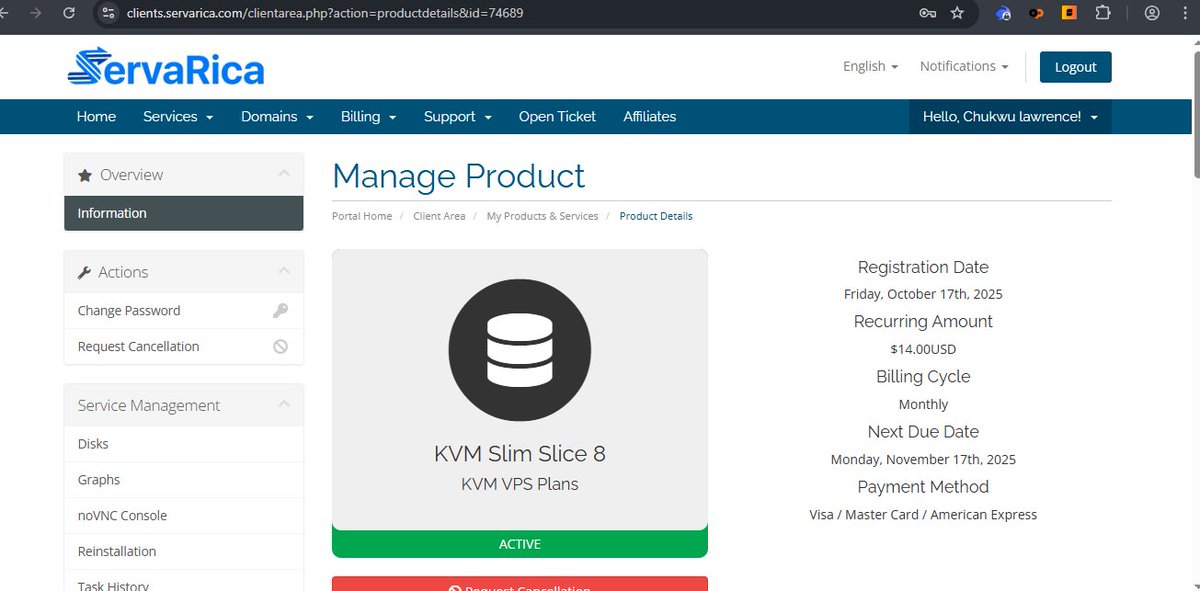
2️⃣ VPS Provider — where your node will run
Reliable VPS providers include @servarica, @ContaboCom, and @Hetzner_Online.
I recommend @servarica, which offers solid uptime at around $14 USDT/month (the cheapest).
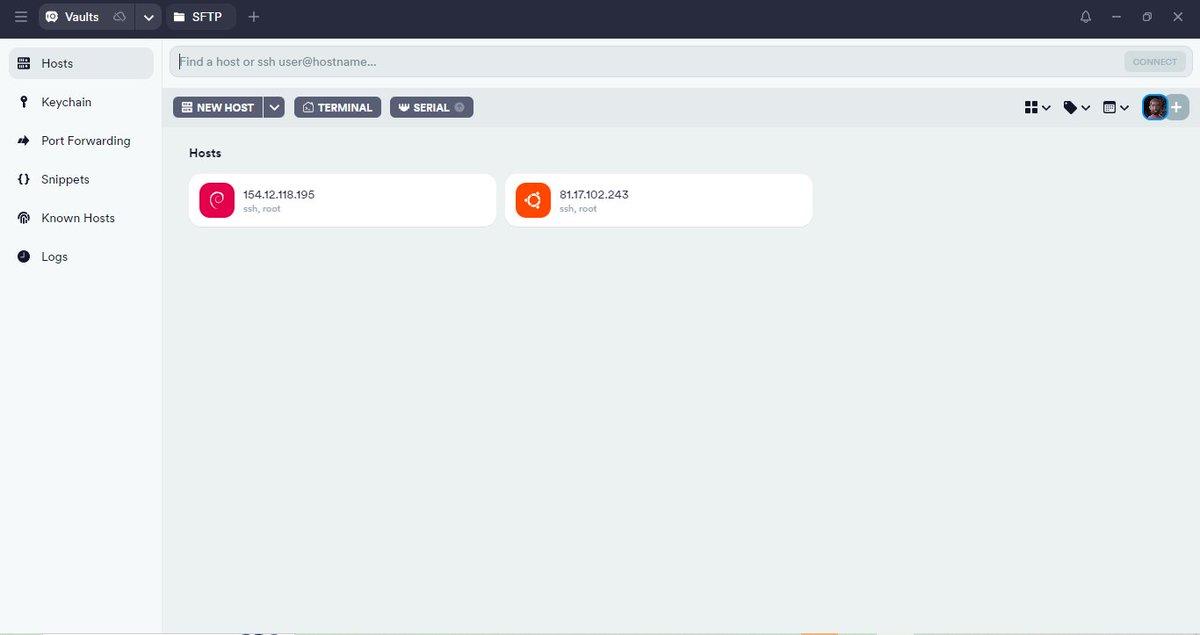
3️⃣ Termius (or any SSH terminal) — for remote connection
Install Termius on your system or mobile, connect using your VPS IP address, username, and password. Once connected, you’re ready to begin setup.
4️⃣Then you are set
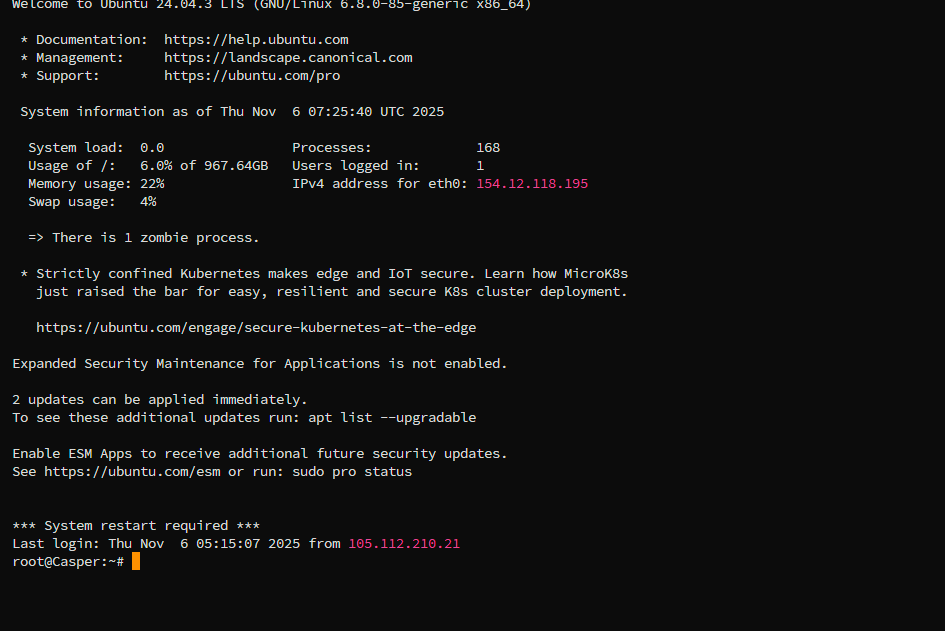
Once your VPS is ready and you have your login credentials (IP, username, and password), open your terminal or Termius and connect to it:
N/B: Your VPS Credentials will be sent to the email you bought it with, so you will be having the IP address, Name and Password...
5️⃣Then Using this Github: github.com/morsyxbt/Gensyn-A…
Taking it more Further:
Pre-Requirements
Before you can run the node, you need to install some essential tools like Python, Node.js, npm, Yarn, Git, and a few utilities.
Install Python and Other Tools
For Linux/WSL:
sudo apt update && sudo apt install -y python3 python3-venv python3-pip curl wget screen git lsof
Check your Python version:
python3 --version or node -v
Note, if did not have NoteJs Install it by:
curl -fsSL deb.nodesource.com/setup_20.… | sudo -E bash - && sudo apt update && sudo apt install -y nodejs
Check your node version:
node -v
Start the Node (Linux/Mac):
Now, it’s time to launch your node and connect to the Gensyn network.
1️⃣ Create a screen session (VPS only):
screen -S gensyn
git clone github.com/gensyn-ai/rl-swar…
3️⃣ Navigate to the folder:
cd rl-swarm
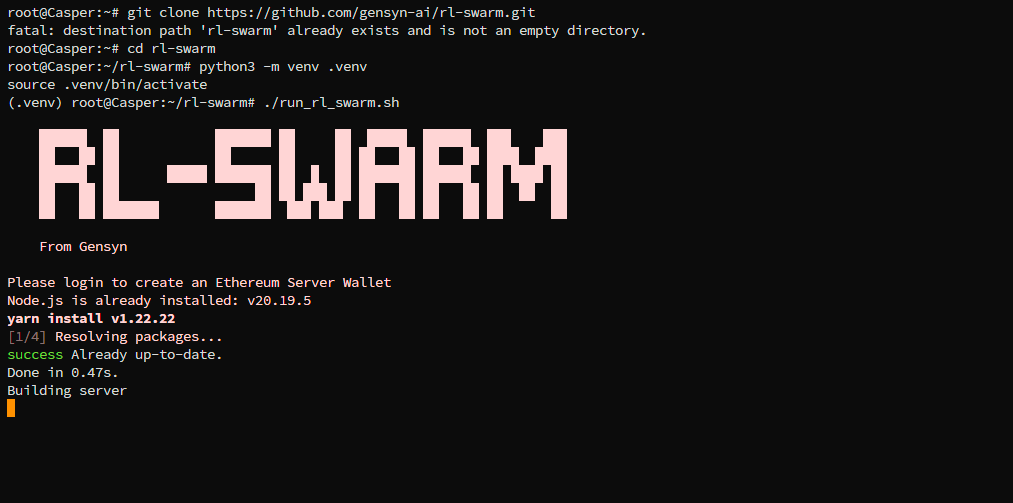
4️⃣ Create and activate a virtual environment:
python3 -m venv .venv
source .venv/bin/activate
5️⃣ Run the Swarm Node:
./run_rl_swarm.sh
5 Nov 2025

How to Get the Hugging Face Role in @gensynai:
Artificial intelligence has grown into a massive ecosystem, and one of the biggest names behind that growth is @huggingface. It’s the home of thousands of AI models, datasets, and developers who share tools that help shape the future of machine learning. Think of it as a giant open lab where people all over the world upload, improve, and experiment with models that anyone can access.
Hugging Face believes AI should be open, transparent, and collaborative. This same spirit connects perfectly with @gensynai vision, building a decentralized AI infrastructure where anyone can contribute computing power, data, or skill to strengthen the global AI network.
Now, let’s talk about how this partnership spirit shows up inside @gensynai Discord.
What the Hugging Face Role Means:
In @gensynai Discord, the Hugging Face role is a special recognition for members who are part of that open AI ecosystem. It identifies you as someone contributing to the collaborative AI effort, a link between @gensynai decentralized compute and @huggingface’s open models.
Getting the role isn’t about having a big wallet or fancy hardware. It’s about participation, curiosity, and a willingness to learn and share. Once you have the role, you’re not just a Discord member, you’re part of the bridge connecting decentralized computing and open-source AI.
How to Get the Role:
The process is very simple.
If you already have a @huggingface profile, all you need to do is verify it inside the @gensynai Discord.
But if you don’t yet have a Hugging Face account, here’s exactly how to do it:
1️⃣ Head to the @gensynai Discord server.
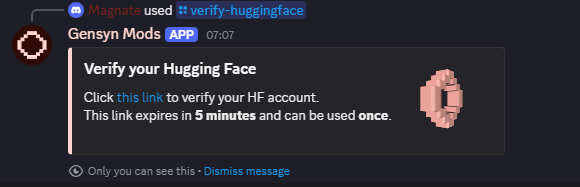
2️⃣ In any command channel, type /verify-huggingface — the bot will bring you a link.
3️⃣ Click the link the bot sends to you.
4️⃣ Register if you haven’t yet, you can use your email or sign in directly with Google.
5️⃣ Once registered, head back to the bot.
6️⃣ You’ll be asked to provide your Hugging Face profile link (for example: huggingface.co/yourusername) and the email linked to your account.
7️⃣ Submit your details and wait for verification.
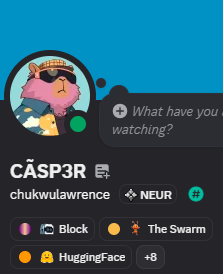
8️⃣ Once approved, you’ll automatically receive the HuggingFace 🤗role on Discord.
After you’ve been verified and the role appears, you’ll unlock access to more channels and community updates. From there, keep engaging, share insights, join discussions, and contribute where you can.
This role is more than a tag, it’s your first real connection to the world of decentralized AI collaboration. You’re now part of a network that believes in building AI for everyone, powered by blockchain and open participation.
Next: We will diving deep on how to get THE SWARM role.
@Bigsomto @PempareWeb3 @orcasignals @dac_flamez @gensynai @a16zcrypto @SamuraiKai1
@ClementDelangue @frankwan @gensyn_hub
@SplezzzK
3
5
140

1 Aug 2024
Scott Hiaasen, one of Saunders' attys, refs FL Statutes prohibiting candidates from running with a name used to confuse voters. He notejs that Maureen Scott lives 300 miles away and falsely claimed she lived in Miami in her filing paperwork. Adds there's a family money issue.
1
2
351

15 Jun 2024
I've been on many projects where there were solutions more suited for a task, but we used NoteJS/Electron because that's what the other devs know.
1
77


4 Feb 2024
सबसे अच्छी श्रद्धा दीदी है फ्री में सब पढ़ा देती है आसान और सरल भाषा में वो हिंदी मीडियम में यूट्यूब चैनल पर जाइए
backend and frontend
HTML CSS JavaScript, Python notejs
कुछ लोगों का रोना चालू हो जाएगा कि कॉलेज वाले तो प्लेसमेंट देते है अगर आप कॉलेज से हो तो आपके लिए वीडियो नहीं है एक वीडियो गरीब बच्चों के लिए है जिनके पास पैसे नहीं है
1
4
79

20 Mar 2023
My bro @mdwasimali280 from voice club is hiring for a full stack developer
Min of 1year experience in flutter and knowledge of backend tech mongdb and notejs.
Voice club is an amazing startup to work with, their traction and revenue per day is off the charts.
2
1
7
629

14 Aug 2022
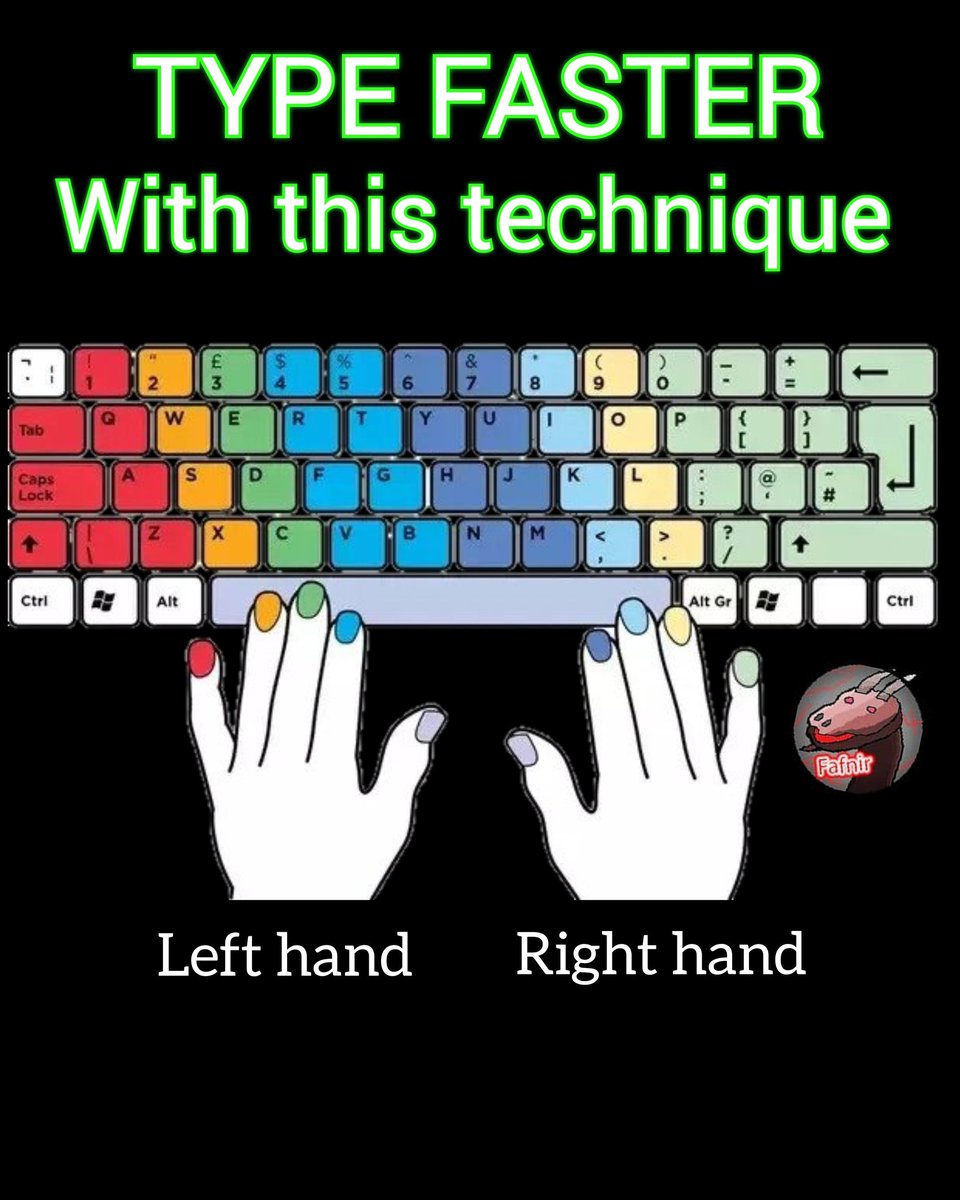
Do you know? Follow to see useful information 👑 Like❤️ #programming #coding #fafnirgames #algorithms #java #python #php #css #github #frontenddeveloper #backenddeveloper #webdevelopment #developers #javascript #hack #hacking #html #memes #unity #SQL #notejs #type #keyboard
2
15
17
13 Aug 2022
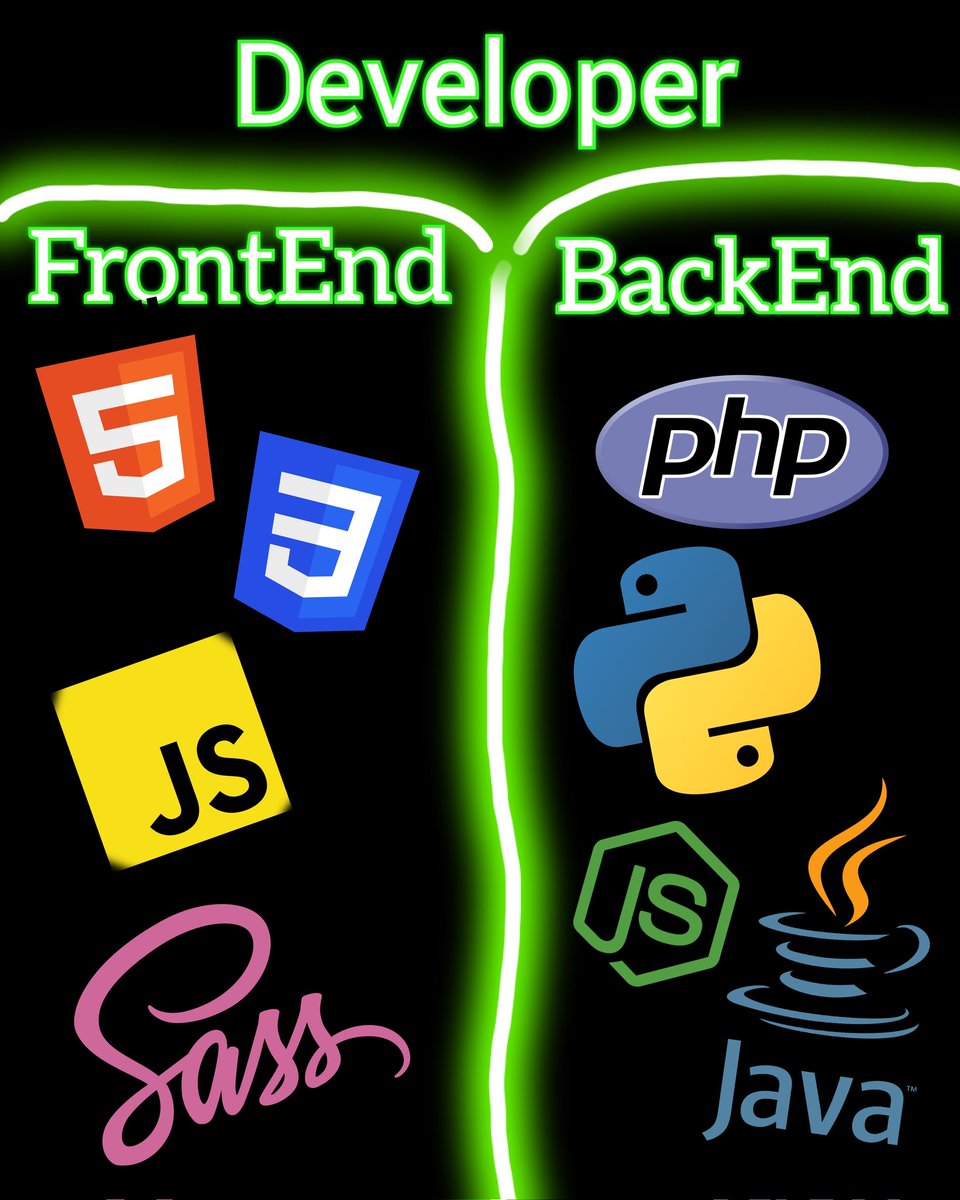
Like , follow , comment , share with your friends Useful information ! #programming #coding #fafnirgames #algorithms #java #python #php #css #gif #github #frontenddeveloper #backenddeveloper #webdevelopment #developers #javascript #hack #hacking #html #memes #unity #sass #notejs
4
4
12 Aug 2022
Like, follow, comment, share with your friends! Useful information! #programming
#coding #fafnirgames #algorithms #java #python #php #css #gif #github #frontenddeveloper #backenddeveloper #webdevelopment #developers #javascript #hack #hacking #html #memes #unity #sass #notejs
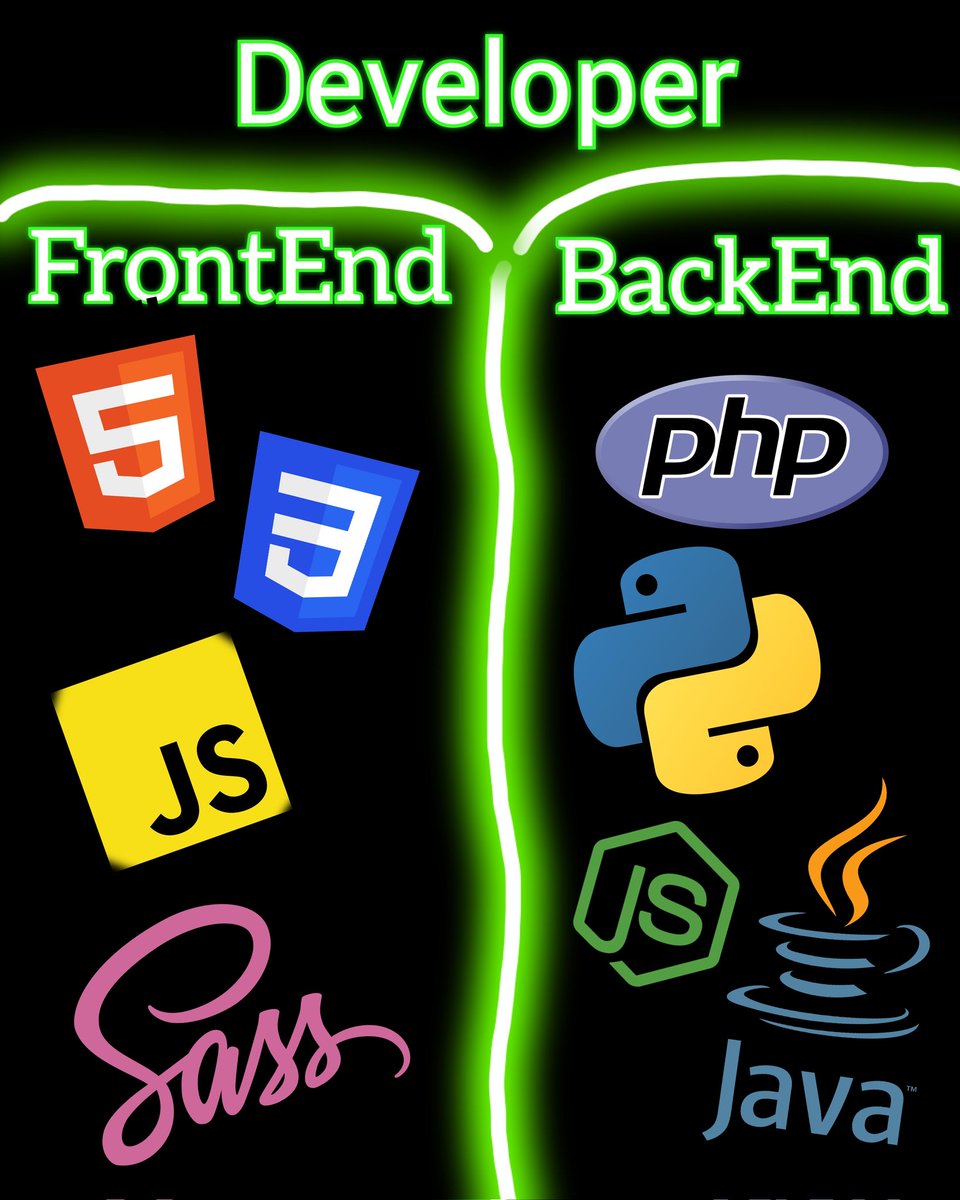
3
6

10 Jan 2021
All webinars in one place and on demand!
#HCLDigitalSolutions #nocode #lowcode #100DaysOfCode #datascience #ai #iot #bot #Devcommunity #flutter #python #womenintech #30DaysOfCode #coding #javascript #github #notejs #HCLDomino # via.socxo.net/PbEdf1ECGmBUP
28
10
6 Jan 2021
Improve your conversation rates!
#HCLDX #HCLUnica #100DaysOfCode #flutter #datascience #ai #bot #codenewbie #DevCommunity #python #serverless #womenintech #30DaysOfCode #javascript #github #notejs #powerapps #womenwhocode via.socxo.net/oj85UYLSj2Vsm
5 Jan 2021

The seamless integration between #HCLDX and HCL Unica Discover now provides the ability to understand better how users are accessing your content and helps you take action.
Start improving your conversion rates today! hclsw.co/va50bc
1
8
2
6 Jan 2021
Explore the latest HCL Domino case studies, webinars, product resources, and more!
#HCLDomino #Dominoforever #100DaysOfCode #datascience #serverless #womenintech #DevCommunity #flutter #python #coding #poerapps #30DaysOfCode #notejs via.socxo.net/4V3aHa0sVWOcN
5 Jan 2021
Don't experience FOMO🙁!
Dive into our HCL Domino Resource Library to find #videos, case studies, #whitepapers, #webinars and more! hclsw.co/zmuq-o #dominoforever

2
1
6 Jan 2021
All our content on demand!
#HCLDomino #HCLDominoVolt #HCLSametime #HCLConnections #100DaysOfCode #flutter #nocode #lowcode #notejs #ai #python #javascript #coding #github #powerapps #30DaysOfCode #HCLVoltMX #iot #apple #microsoft # via.socxo.net/kyGdSQjczJ7uE
5 Jan 2021
Join us for these awesome #webinars so we can help you solve challenges, unite disparate systems, automate every day, and realize the power of the possible. hclsw.co/rl5402
#DigitalSolutionsAcademy

8
5
5 Jan 2021
Low-code/no-code platforms are revolutionizing the software industry!
#nocode #lowcode #serverless #100DaysOfCode #datascience #flutter #python #ai #iot #javascript #github #notejs #computing #womenwhocode #powerapps #30DaysOfCode via.socxo.net/ZO6QCyvSQ4vCE
13
16

5 Jan 2021
Best free resources to learn Node.js
A bunch of resources
stackoverflow.com/questions/…
#github #DEVCommunity #100DaysOfCode #CodeNewbies #CodeNewbie #note #notejs #javascript #Developer #beginners
2
2
5 Jan 2021
Best free resources to learn Node.js
github.com/maxogden/art-of-n…
#github #DEVCommunity #100DaysOfCode #CodeNewbies #CodeNewbie #note #notejs #javascript #Developer #beginners
1
2
5 Jan 2021
Best free resources to learn Node.js
30 days Node.js Tutorial For Beginners
nodejsera.com/30-days-of-nod…
#github #DEVCommunity #100DaysOfCode #CodeNewbies #CodeNewbie #note #notejs #javascript #Developer #beginners
5
2
5 Jan 2021
Best free resources to learn Node.js
> Its original documentation is a gem
nodejs.dev/learn
#github #DEVCommunity #100DaysOfCode #CodeNewbies #CodeNewbie #note #notejs #javascript #Developer #beginners
2
1
5 Jan 2021
Best free resources to learn Node.js
>
@traversymedia
's node.js crash course
youtube.com/watch?v=fBNz5xF-…
#github #DEVCommunity #100DaysOfCode #CodeNewbies #CodeNewbie #note #notejs #javascript #Developer #beginners
2