
INSYDIUM has released the NeXus for Blender beta, bringing its GPU-accelerated simulation system to Blender users for the first time.
The beta introduces a wide range of tools for particle, fluid, fire, and crowd-style simulations, all running on the GPU for faster iteration. Artists get access to systems like nxFluids for FLIP/APIC liquid sims, nxExplosiaFX for fire and smoke, nxFlock for behavior-based motion, and a full set of emitters, forces, constraints, and meshing tools designed for real-time feedback in the viewport. The focus is on giving artists fast, interactive control over complex motion and simulation workflows without leaving Blender.
It’s a major expansion of INSYDIUM’s ecosystem, especially for users who previously relied on Cinema 4D for NeXus tools.
#Blender #NeXus #INSYDIUM #3DArt #CGI #VFX #GameDev #Simulation #Procedural #DigitalArt
80.lv/articles/insydium-rele…
70

May 21
Take a first look at nxFluids FLIP / APIC in Blender - live playback with no cache required, real-time adjustments, viscosity solver, sticky objects and a crown splash generator for fast fluid sims.
Watch on YouTube - youtu.be/sfFKrgZ8m3U
#Blender #b3d #INSYDIUM #b3dNeXus
2
17
170
13,592
May 11
INSYDIUM NeXus - Rebuilt for Blender.
Discover the power of nxFluids SPH for creating granular effects to large-scale liquid simulations with boundless setups and live interaction.
This isn’t a port. It’s a shift.
Watch on YouTube - youtu.be/7tF_TrzS-oI
#Blender #b3d #INSYDIUM
3
6
83
5,528

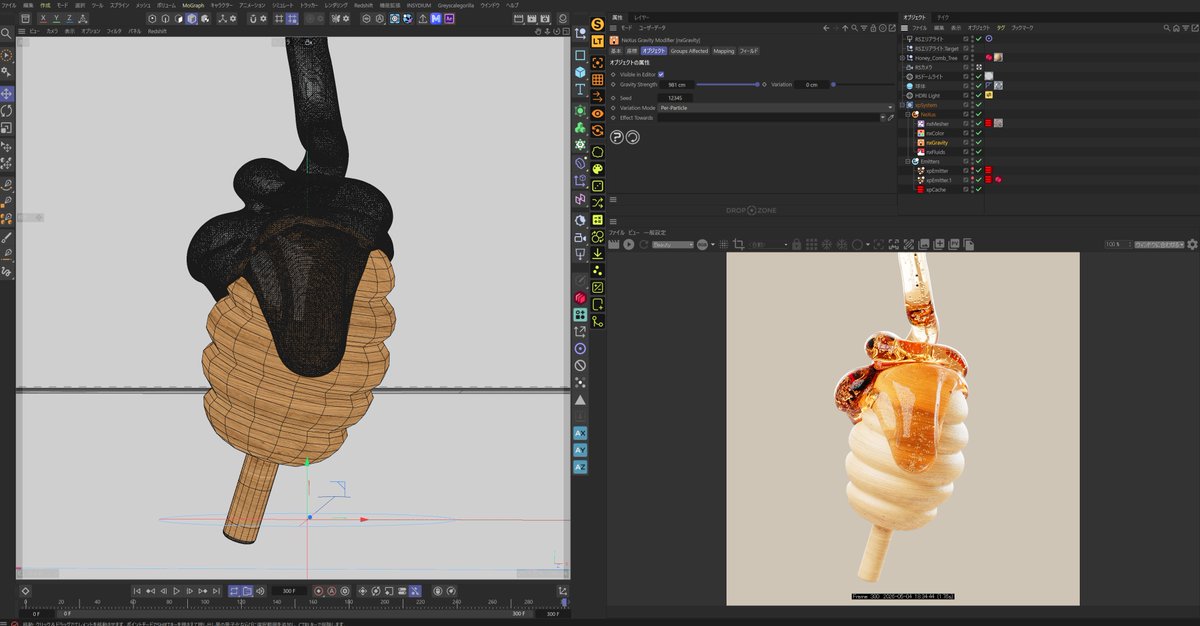
6
269
Apr 30
INSYDIUM NeXus - Rebuilt for Blender.
nxFluids PBD - real-time fluid adjustments, multiple emitters, color blending, interactive colliders and our new GPU liquid viewport.
This isn’t a port. It’s a shift.
Go to YouTube - youtu.be/237qLRuBZlA
#Blender #b3d #INSYDIUM #NeXus
1
2
41
2,194
Mar 17
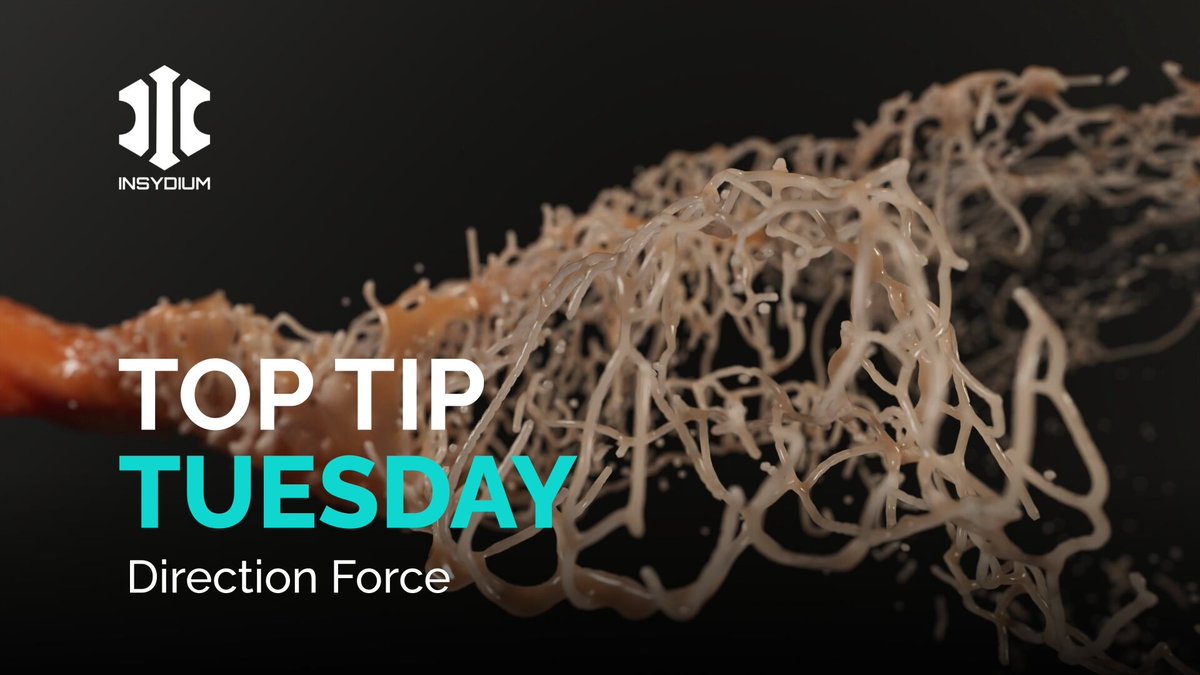
This top Tip harnesses the nxFluids PBD solver alongside nxTurbulence, nxColor and nxDirection creating an art-directable, tendrilled fluid stream before adding the nxMesher for render.
Watch on YouTube - youtu.be/pbO2aDK4to8
#INSYDIUM #NeXus #TopTipTuesday #Training #Fluids
8
887
Mar 3
This week, we’re simulating soft whip ice cream! Using an animated spline as the emitter source, we create accurate, realistic ice cream using nxFluids, before adding the nxMesher to finish.
Watch on YouTube - youtu.be/ooB36pUD8Ys
#INSYDIUM #TopTipTuesday #Fluids

8
617
Feb 3
This week we use nxFluids to create chocolate dripping on ice cream. nxFluids in APIC, nxQuestion, nxBlend & Mapping are used to create the liquid to solid simulation then head in to Redshift to render.
Watch on YouTube - youtu.be/VCGNxYZt21k
#INSYDIUM #TopTipTuesday #Fluids

1
5
610
Jan 6
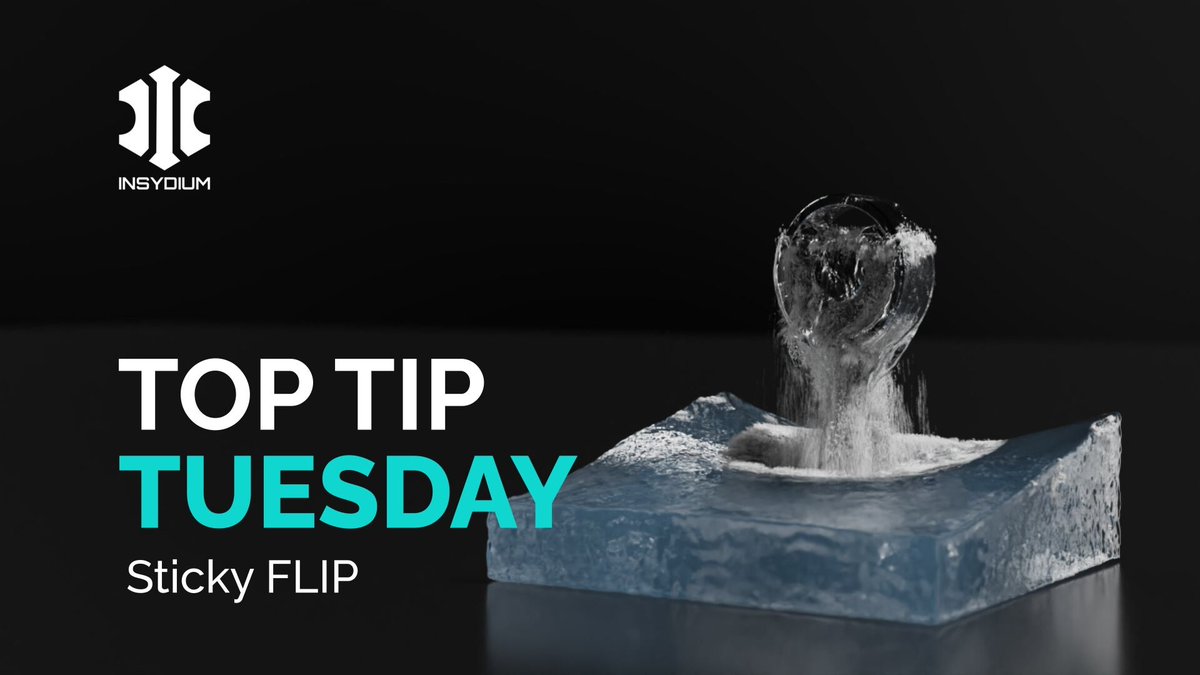
The first Top Tip of the year and we’re exploring nxSticky with nxFluids FLIP!
Using simple geometry, an xpEmitter & nxFluids, we create a basic but realistic object rising out of the sea simulation.
Watch on YouTube - youtu.be/brhdU9ibnow
#INSYDIUM #NeXus #TopTipTuesday
1
2
649
16 Dec 2025
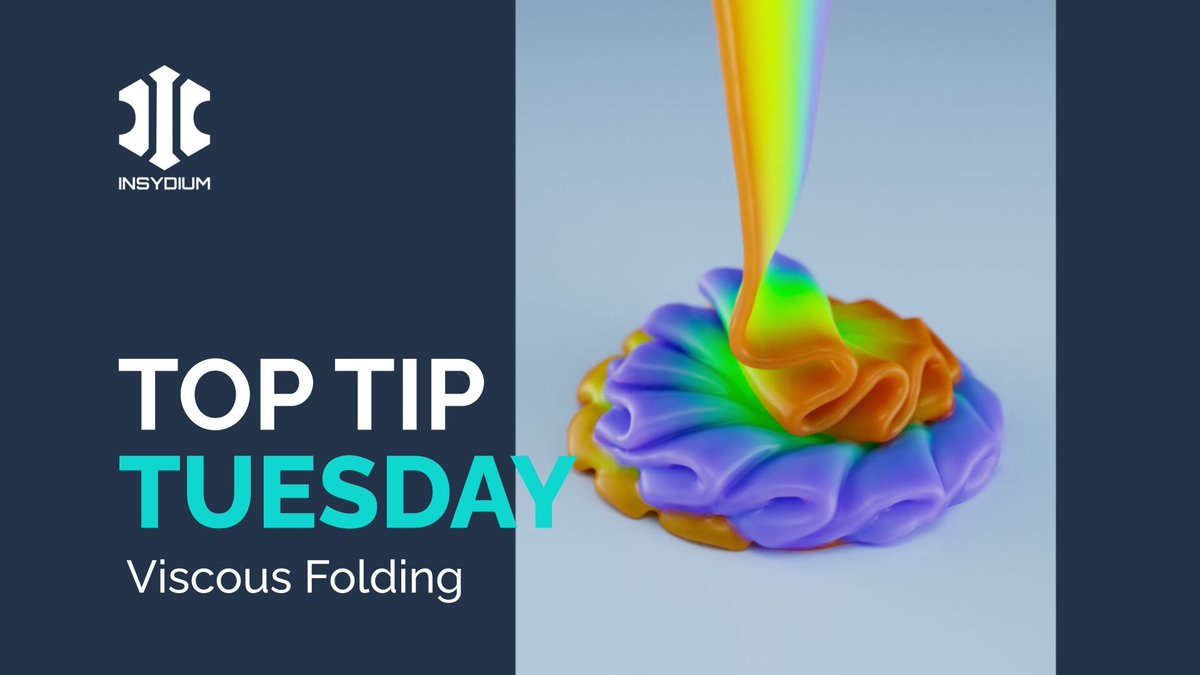
Create a folding viscous ribbon of liquid with nxFluids in FLIP mode.
Explore the viscosity solver, use data-mapping to control folding through scene gravity & finish with GPU meshing for smooth, color-rich results.
Watch on YouTube - youtu.be/uadAsfGPo1Y
#INSYDIUM #NeXus
1
16
927
9 Dec 2025
This week’s Tip uses the updated nxFluids tools to create a detailed crown splash. Use an xpEmitter in Flip mode, shape the effect with the nxSplash modifier & finish with the new GPU nxMesher for a realistic mesh
Go on YouTube - youtu.be/S4Bfw_hb9AI
#INSYDIUM #NeXus #TopTip

1
10
1,674

8 Dec 2025
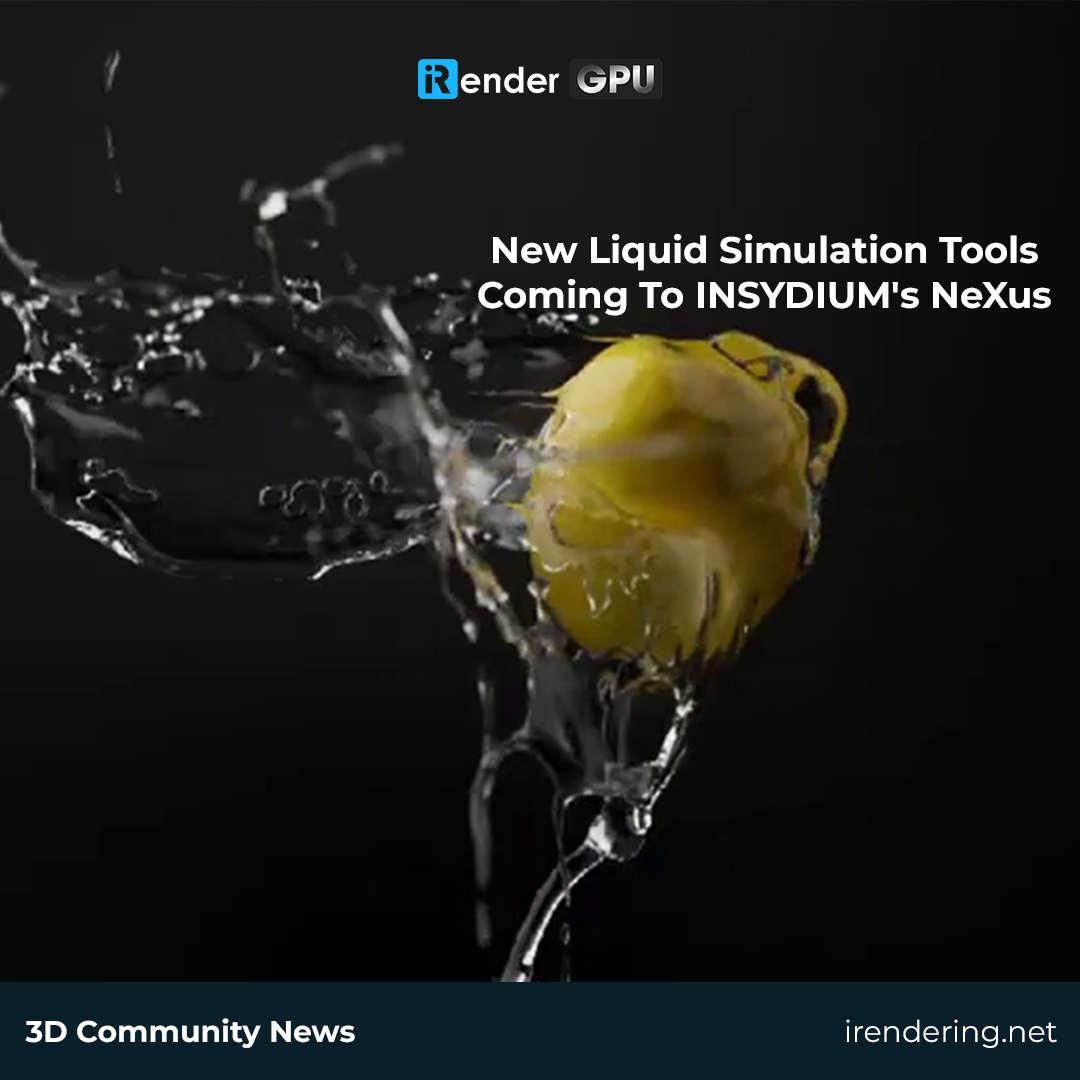
💧 𝐈𝐍𝐒𝐘𝐃𝐈𝐔𝐌 𝐅𝐮𝐬𝐞𝐝 𝟐𝟎𝟐𝟓 𝐓𝐞𝐜𝐡𝐧𝐢𝐜𝐚𝐥 𝐏𝐫𝐞𝐯𝐢𝐞𝐰 𝐢𝐬 𝐡𝐞𝐫𝐞!
INSYDIUM just dropped a new preview of Fused 2025, showcasing major upgrades for Cinema 4D artists, especially in NeXus.
💠 𝐧𝐱𝐅𝐥𝐮𝐢𝐝𝐬 now supports FLIP & APIC solvers for next-level liquid effects: viscosity, sheeting, surface tension & more.
💠 𝐧𝐱𝐌𝐞𝐬𝐡𝐞𝐫 brings GPU-powered, smooth, flicker-free liquid meshing with layered smoothing and advanced outputs.
💠 𝐧𝐱𝐒𝐩𝐥𝐚𝐬𝐡 lets you create procedural crown splashes with intuitive controls.
A big leap for C4D simulations - and it looks incredible. 🚀
👉 More details: insydium.ltd/products/nexus/
________
iRender - We focus on people and the joy of creation.
🌐 irendering.net
🎬 youtube.com/iRenderOfficial
#irender #renderfarm #render #rendering #3Drendering #INSYDIUM #NeXus #Cinema4D
1
3
242
18 Nov 2025
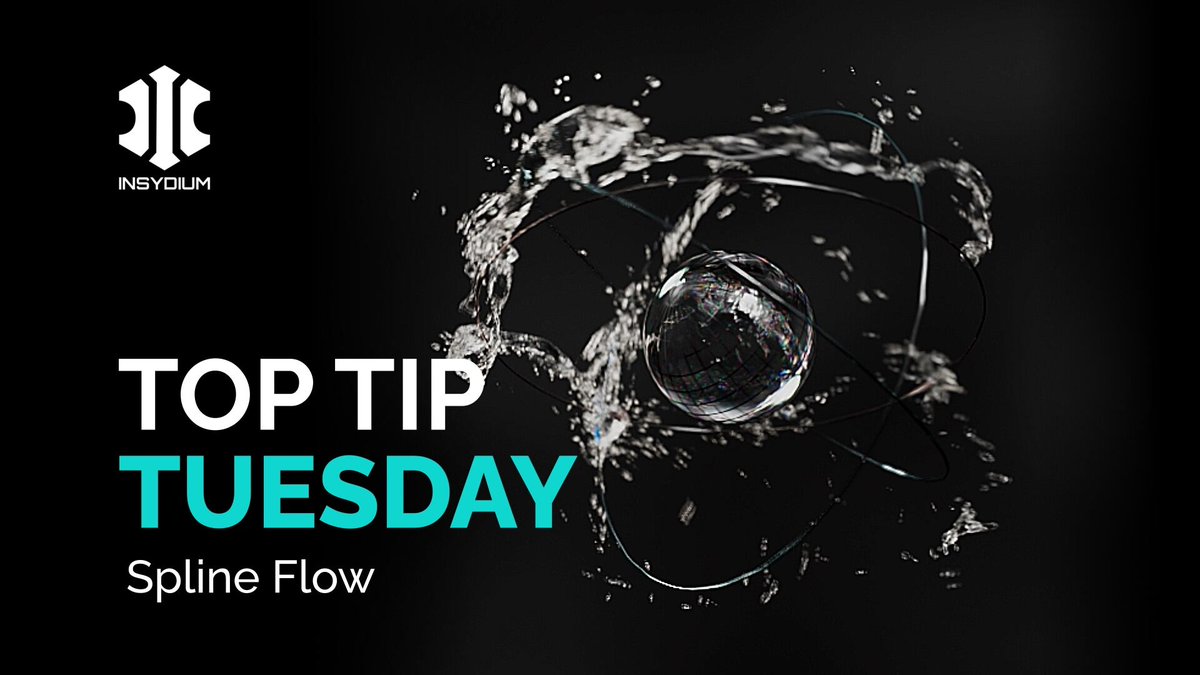
Today we dive into the new nxFollowGeo modifier in spline mode! Watch how we guide particles along animated splines, layer motion for control and chaos and turn it all into a dynamic nxFluids simulation.
Watch on YouTube - youtu.be/5Ra6keP2ZgE
#INSYDIUM #NeXus #TopTipTuesday
1
15
1,251
28 Oct 2025
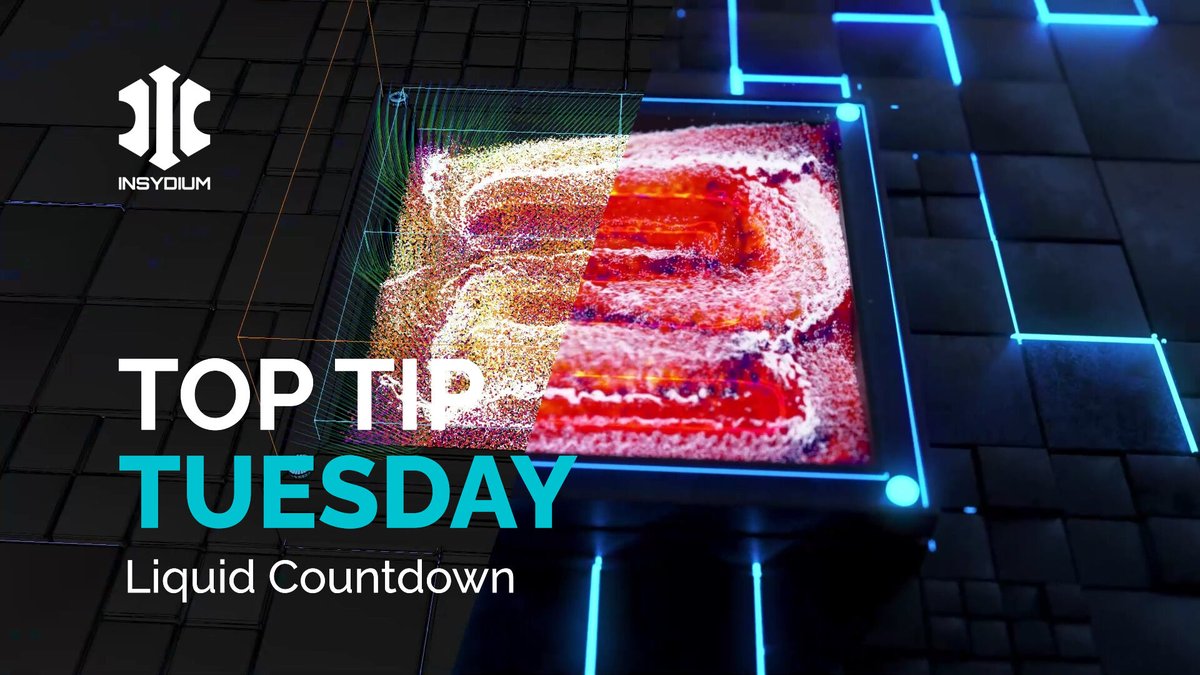
Create a liquid countdown with nxFluids! Using xpFlowField, fluid particles flow towards and along animated number splines forming a dynamic countdown effect. Add nxFoam for an extra layer of detail and realism
Watch on YouTube - youtu.be/C_fXmAUTb2Q
#INSYDIUM #NeXus #Fluids
4
560
5 Aug 2025
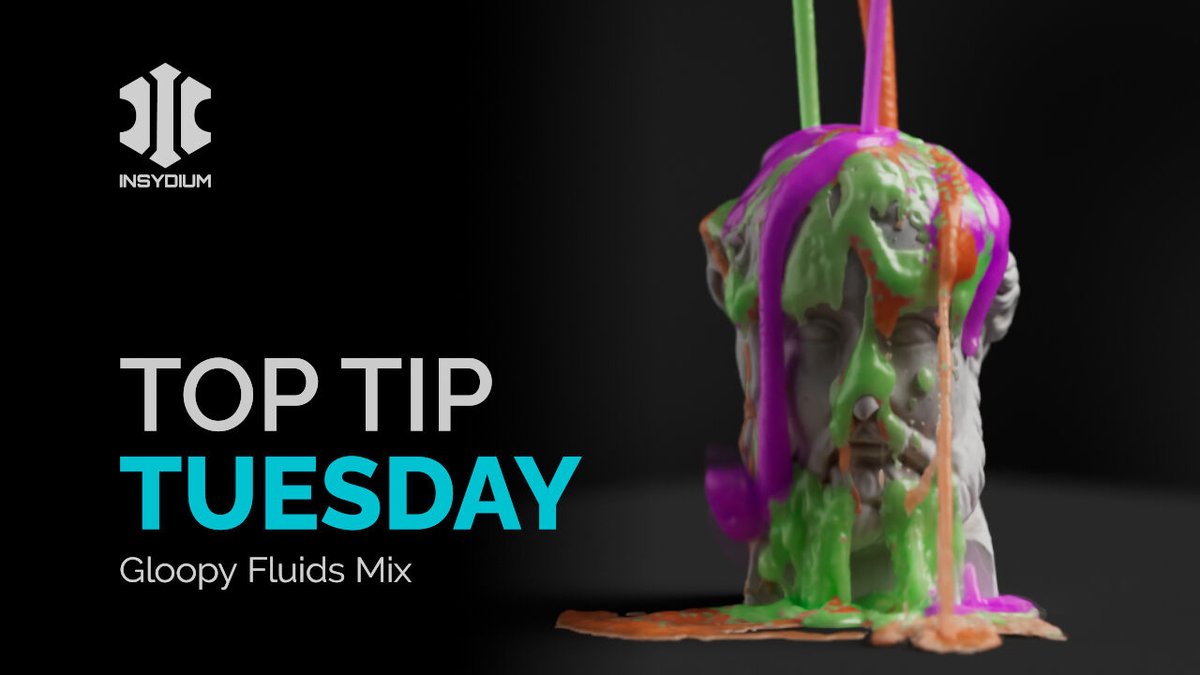
This Tip sets up a gloopy fluid sim using X-Particles and NeXus. Use nxFluids for the base sim, add nxConstraints for viscosity control & data map different viscosity levels across multiple emitters
Watch on YouTube - youtu.be/14SqrdO1c6o
#INSYDIUMFused #NeXus #TopTipTuesday
7
541
27 Mar 2025
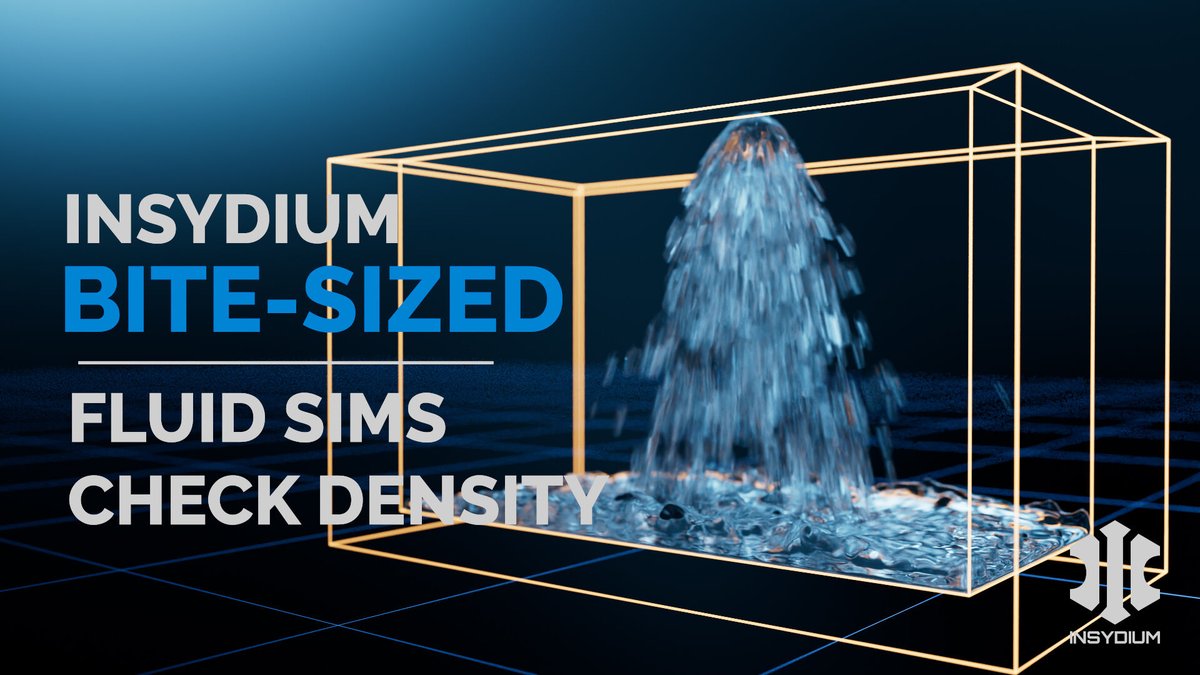
This week, we’re diving into the Check Density setting in nxFluids! By controlling particle density on birth, you can achieve a smooth, natural fluid stream while keeping your sim stable.
Watch on YouTube - youtu.be/0b6vrPWXjQg
#INSYDIUM #NeXus #BiteSized #Cinema4D #Fluids
6
610
25 Mar 2025
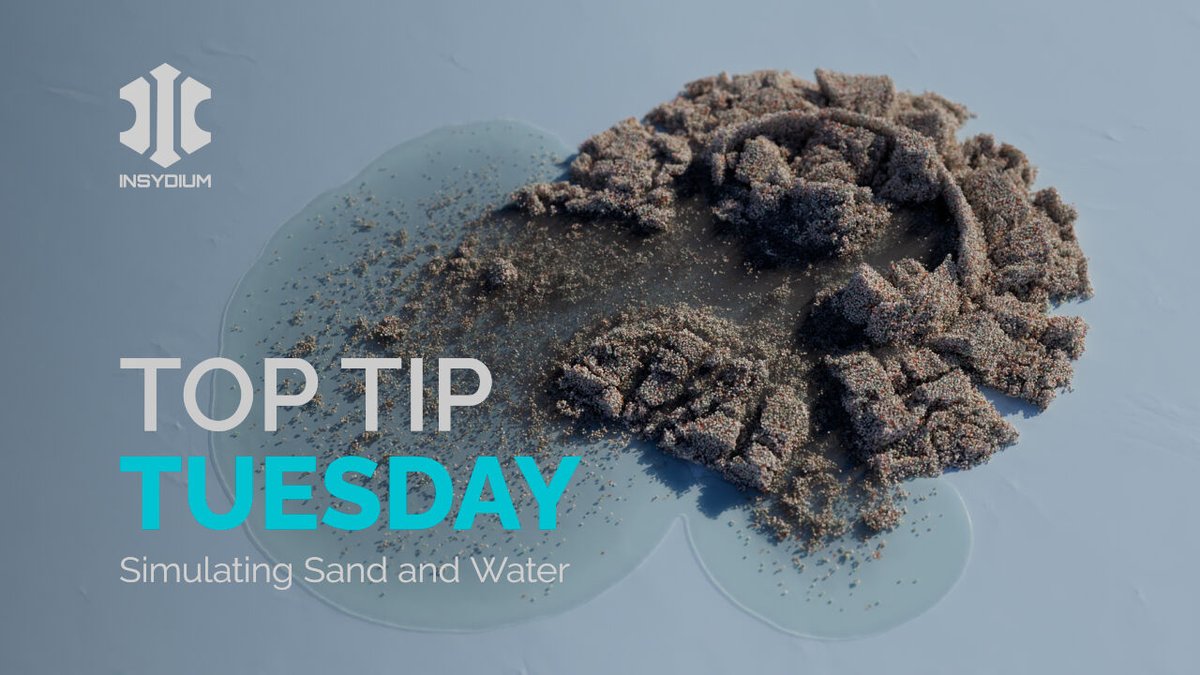
In this Top Tip we create two fluid simulations - crumbling sand and pouring water using X-Particles & NeXus! Learn how to use nxFluids tags to make these fluid types interact in the same scene
Watch on YouTube youtu.be/JvAcrBQDDvw
#INSYDIUM #XParticles #NeXus #C4D #Fluids
2
14
816

28 Jan 2025
25
1,185
1 Nov 2024
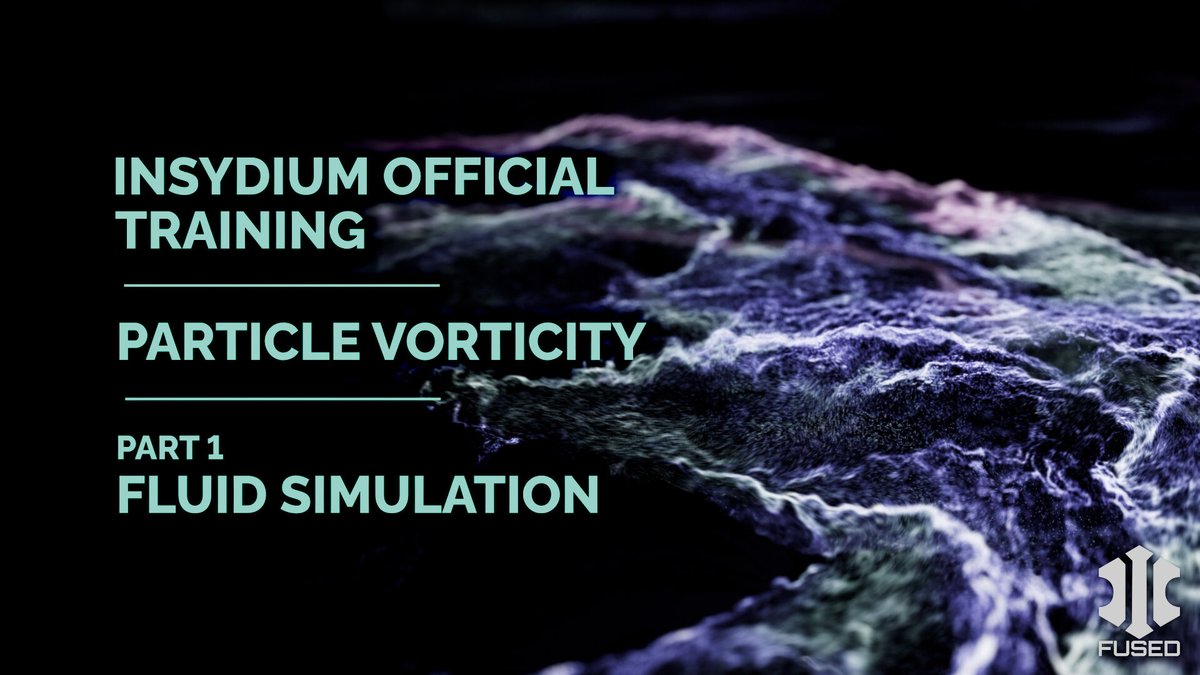
Generate a high-energy dynamic fluid simulation, using NeXus particles together with a combination of modifiers.
Watch on YouTube - bit.ly/4eW0e5v
#NeXus #nxColor #nxFoam #nxFluids #nxGravity #nxKill #nxVorticity #nxRotate #TerraformFX #tfRock #xpJoin #xpCache
2
8
1,403