3 Dec 2024
Generate unlimited emitter copies, repositioning them in your scenes. Learn to offset the animation of copied simulations and rescale them to add stylistic variation, flexibility and control.
Watch on YouTube - bit.ly/3ZhE7Qp
#NeXus #nxTurbulence #xpCache
1
5
516
4 Nov 2024
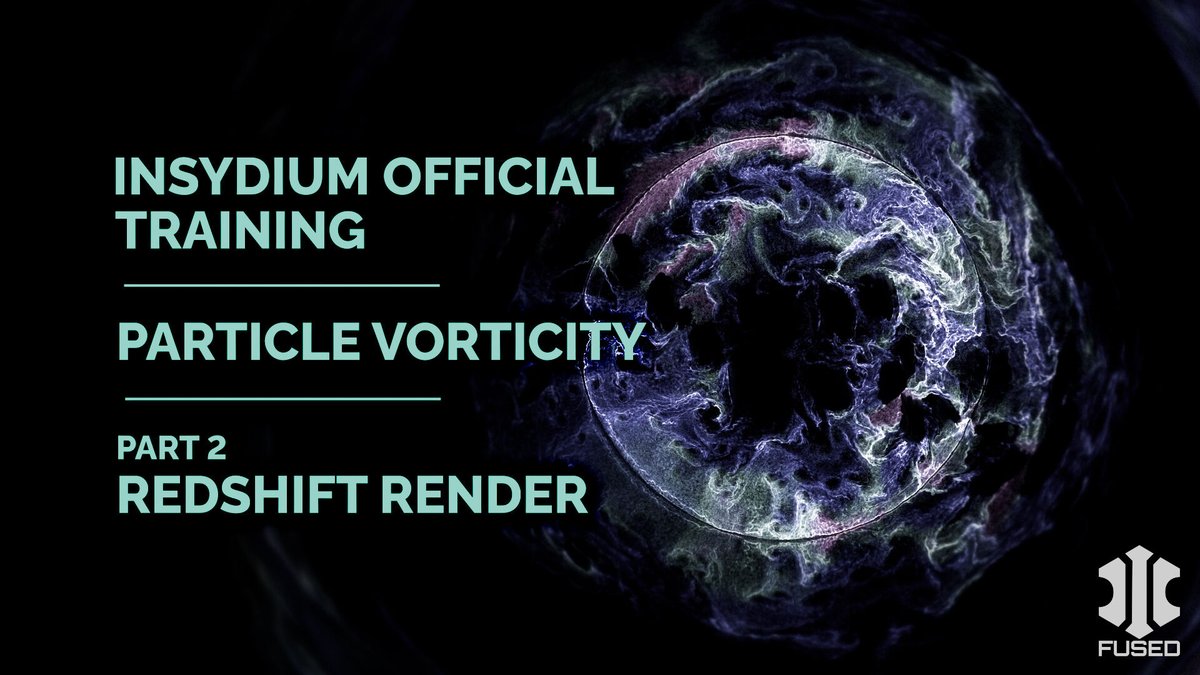
Watch the second part of this tutorial. Set up the scene for render with Redshift, add a custom material, generate test renders, use After Effects, and create speed ramps for slow-motion effects.
Watch on YouTube - youtu.be/hK1BxHqw4QU
#NeXus #xpCache #Redshift #AfterEffects
1
7
753
1 Nov 2024
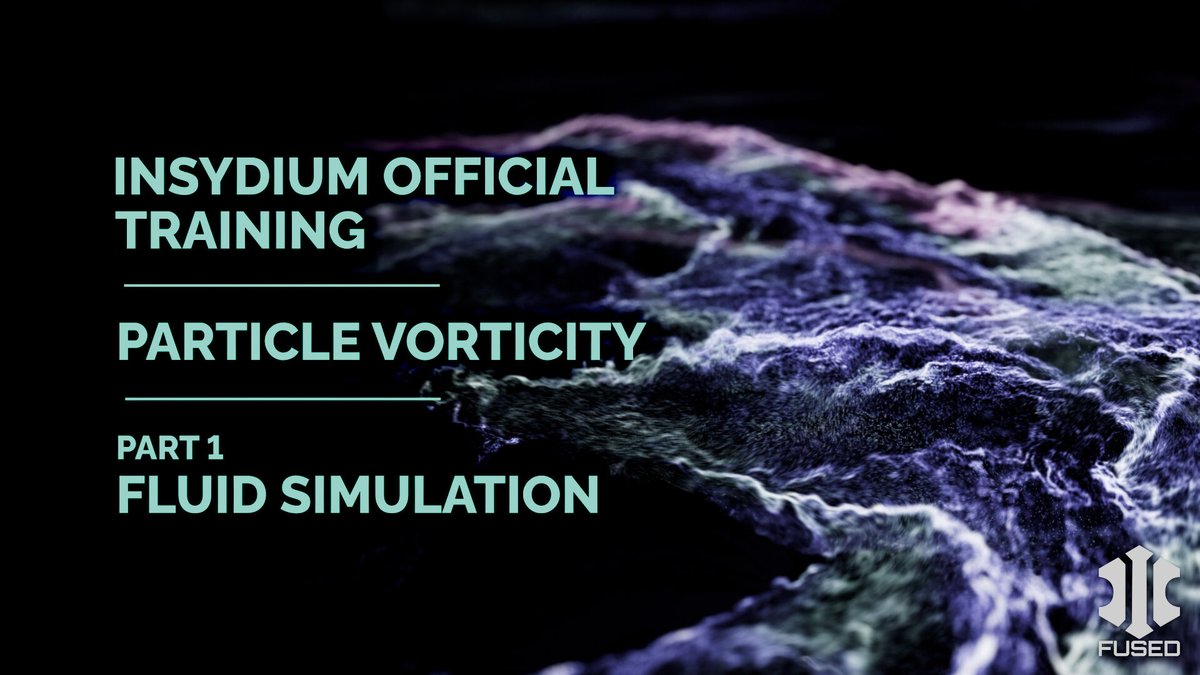
Generate a high-energy dynamic fluid simulation, using NeXus particles together with a combination of modifiers.
Watch on YouTube - bit.ly/4eW0e5v
#NeXus #nxColor #nxFoam #nxFluids #nxGravity #nxKill #nxVorticity #nxRotate #TerraformFX #tfRock #xpJoin #xpCache
2
8
1,403
29 Oct 2024
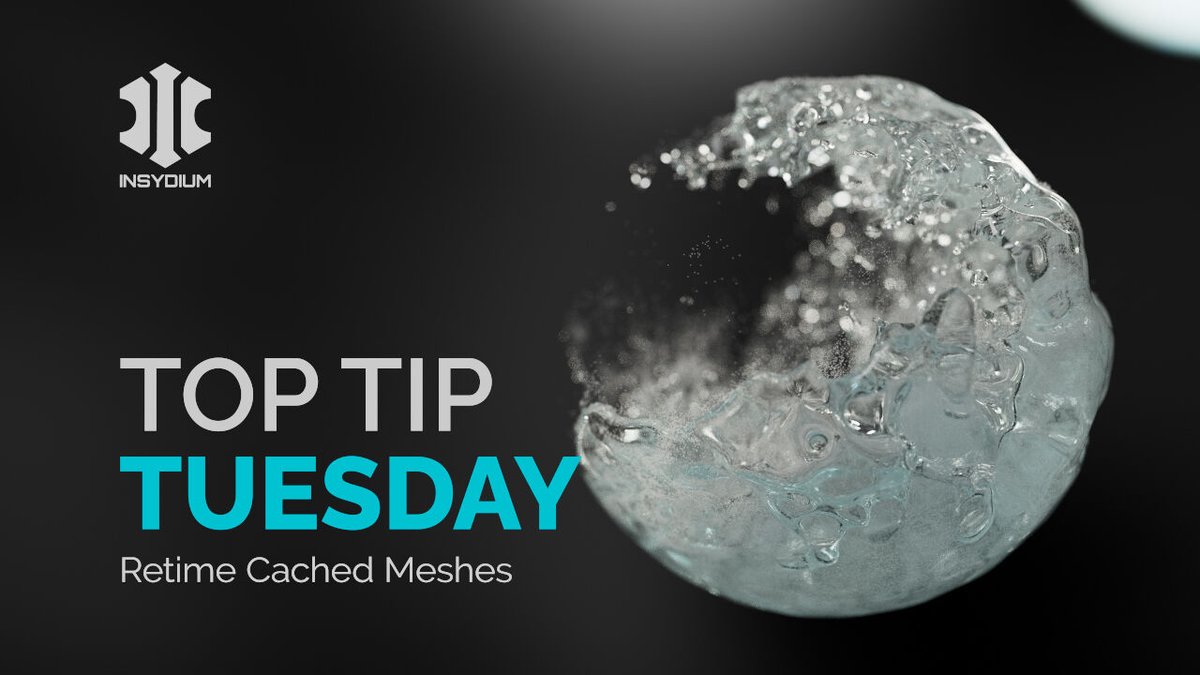
Retime cached meshes in today’s Top Tip. Using xpOpenVDBMesher & caching without overwriting the original particle data, create a smooth, slow-motion fluid mesh that matches the animation of the particle simulation.
Head to YouTube - bit.ly/4dZtmra
#XParticles #xpCache
1
12
1,004
8 Oct 2024
Create a colorful fluid plant flow simulation in today’s Top Tip Tuesday, using NeXus and Taiao.
Watch on YouTube - bit.ly/4gNt5dH
#NeXus #nxFluids #nxConstraints #nxGravity #nxAttract #nxDrag #Taiao #toPlant #xpCache
1
9
944
24 Sep 2024
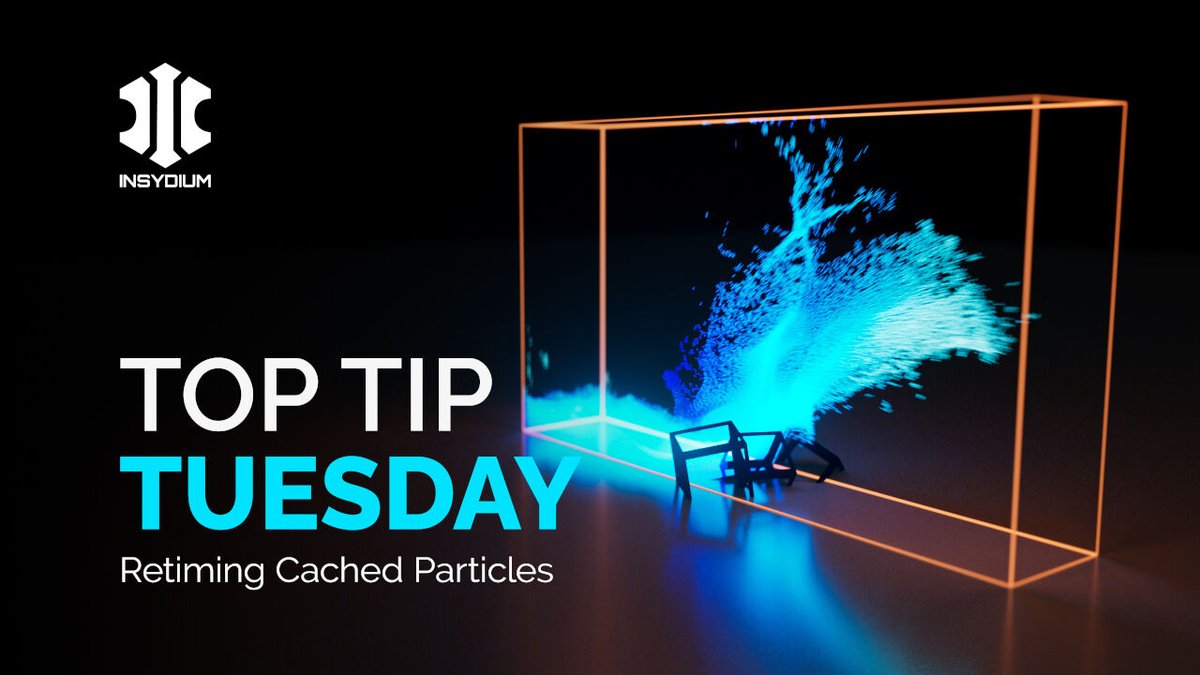
Take some cached particles and retime them in today’s Top Tip. Slow down or speed up the playback and insert speed ramps for further control. All this with smooth particle playback. Boom!
Watch on YouTube - bit.ly/3MUJMpG
#xpCache #xpJoin #NeXus #nxGravity #nxFluids
1
7
838
11 Jun 2024
In today’s Top Tip Tuesday, we’re doing a granular fluids sim in NeXus, with a granular object collapsing procedurally, using nxInfectio.
Watch now! bit.ly/4aT9p3L
#NeXus #nxInfection #nxFluids #nxGravity #nxSpeed #xpCache

1
1
16
1,273
13 Feb 2024
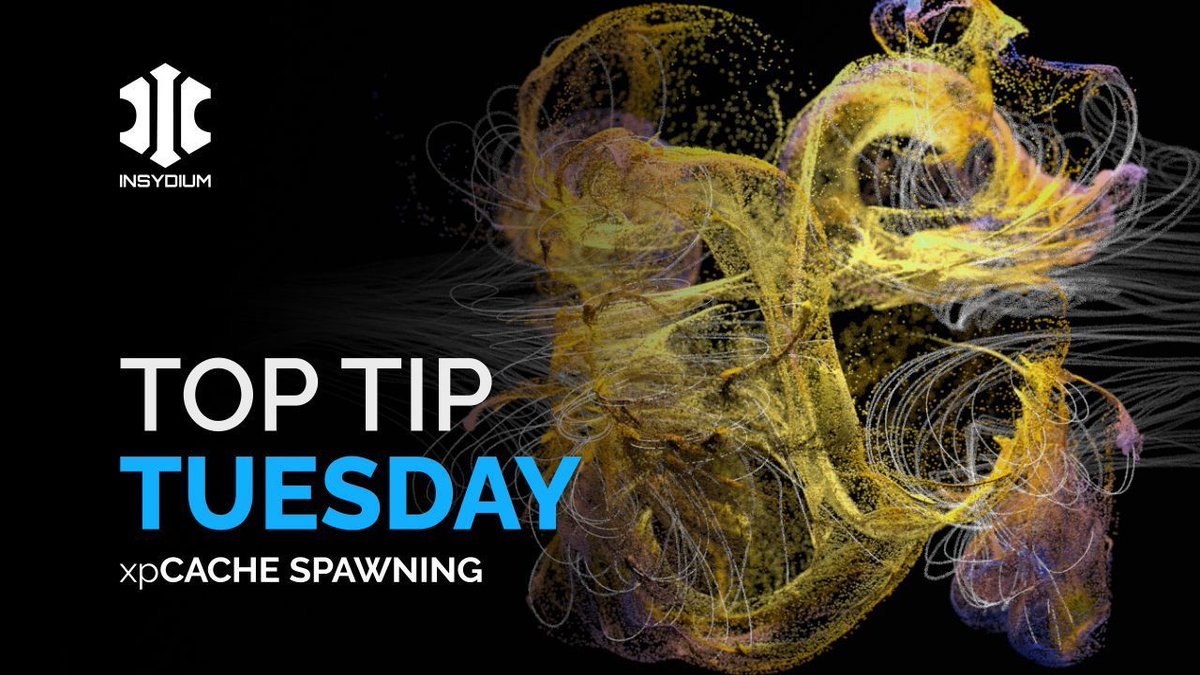
It's Top Tip Tuesday time; taking a cached particle sim and using it to spawn fresh, new particle resolution and detail into the scene!
Watch now 👉 buff.ly/3ueeLrk
#TopTipTuesday #INSYDIUMFused #xparticles #xpCache #xpExplosiaFX #xpSpawn #CreateLikeNeverBefore
1
16
1,200

29 Apr 2023
ほか、スプライン系以外の対処
・ボリューム系はxpcacheでVDBとしてベイク
・ジオメトリ系はAlembicかポイントキャッシュタグとかファンクションの「オブジェクトをベイク」とか
※xptrailを基にしたクローナのMographキャッシュは1フレームズレてベイクされてしまう? #cinema4d
2
286

27 Dec 2022
GarageFarm's new #Cinema4D plugin v121 has been released!
☑️ Improved path checking for X-Particles caches - xpCache object is now relinked with the project path, and it is used as a parent path for other xp objects

1
1
2
120

28 Jan 2022
i hate it when xpcache failed to detect and can't be resolved when after redirect paths.
1
2
28 Sep 2021
INSYDIUM Fused - Hotfix Update
This Update contains bug fixes for Licensing, xpDynamics, xpShatter, xpCache, and TerraformFX, all of which will increase performance and stability.
For more information, head this way! 👉buff.ly/3zTUFzq
#INSYDIUMFused #HotFix #Cinema4D

1
5
18


29 Jun 2020
Just connected two dots that made me very happy.
Using @GSG3D's Signal to drive the 'Manual Time' parameter of @insydium xpCache is a match made in particle retiming heaven!
Can use the same Signal ramp to animate my camera too. FANTASTIC! (in @BobWalmsley accent, of course)
5
30 May 2020
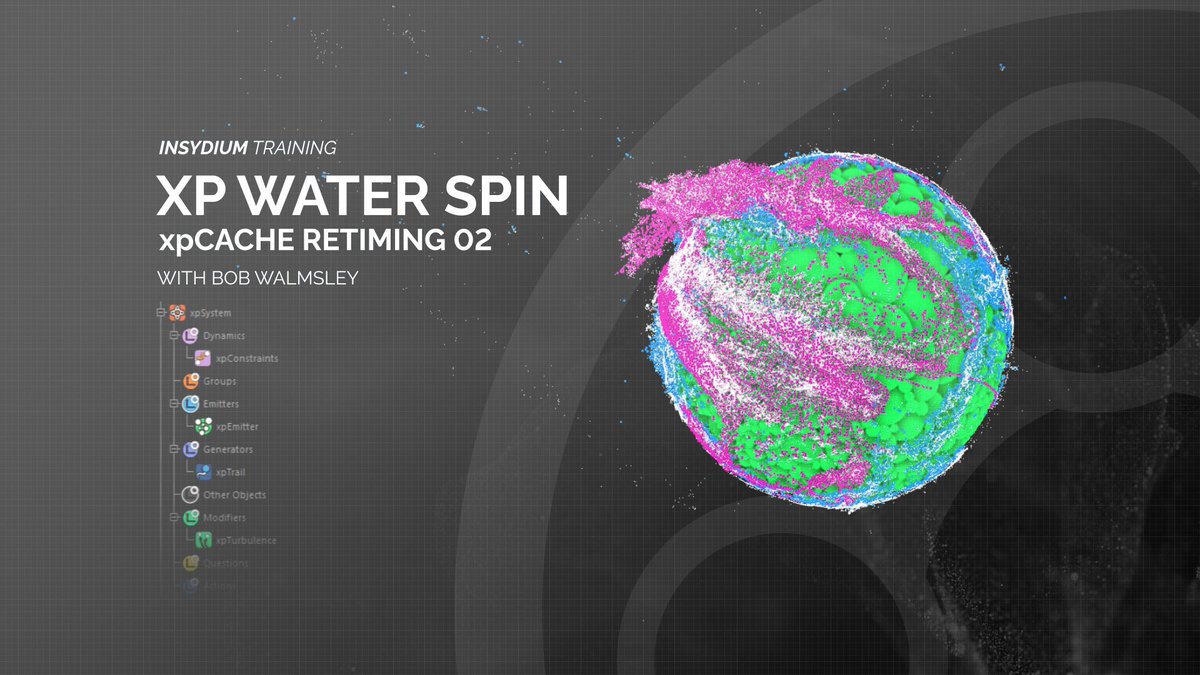
🌊 The final installment of the WaterSpin Series is LIVE 🌊
xpCache Retiming 02 👉 buff.ly/2TLE3Y5
#XParticles #INSYDIUM #STAYHOME #CreateLikeNeverBefore
2
25
22 May 2020
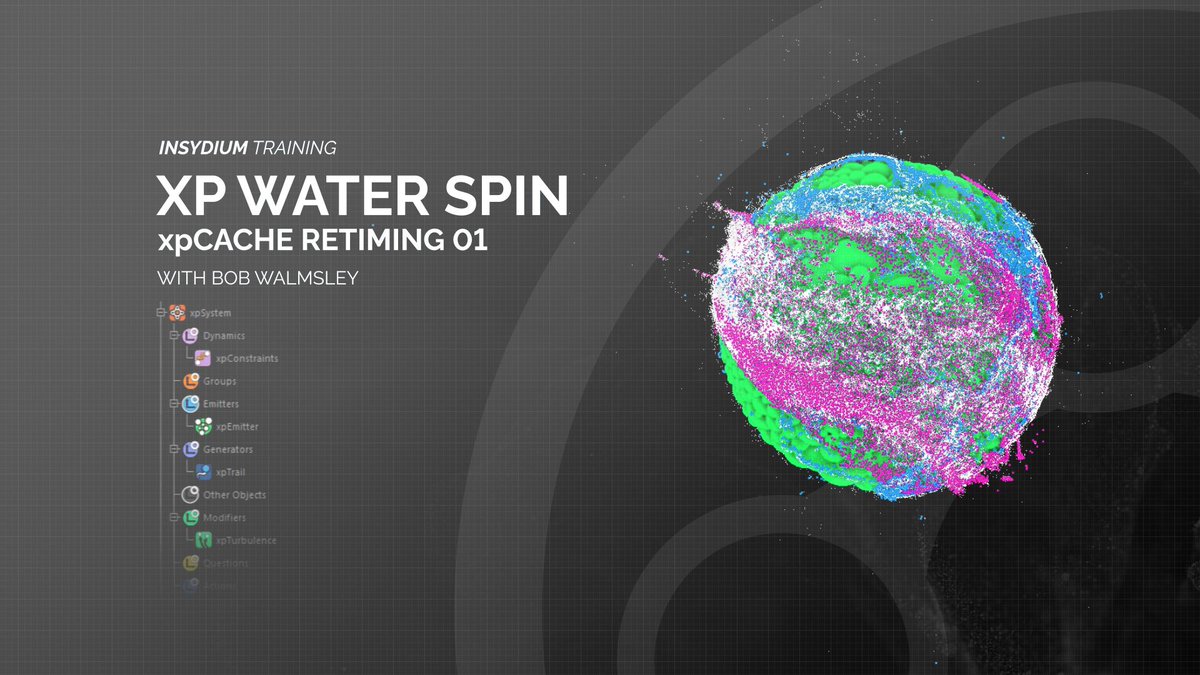
Episode 4 - XP WaterSpin Tutorial - on YouTube NOW! 🌊
xpCache Retiming 01 👉 buff.ly/2LEa5kj
SUBSCRIBE while you're there to keep up-to-date 😉
#XParticles #INSYDIUMTraining #Tutorials #CreateLikeNeverBefore
2
26


27 Jul 2019
X-particles習作
スプラインに沿って炎を動かす。
Mario Tran Phucさんの44:00〜を参照
youtu.be/x4zKRd9lpa4
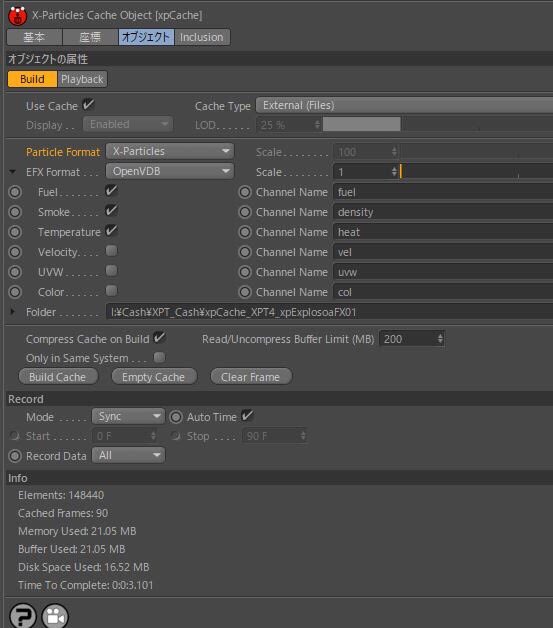
キャッシュを取る時間がネックだけど、xpCacheのCompress cash on Builtのチェックを外すと多少早くなるので重宝、トライアンドエラー大変
#c4d #Cinema4D #Cycles4D #Xparticles
13
86

10 Jul 2018
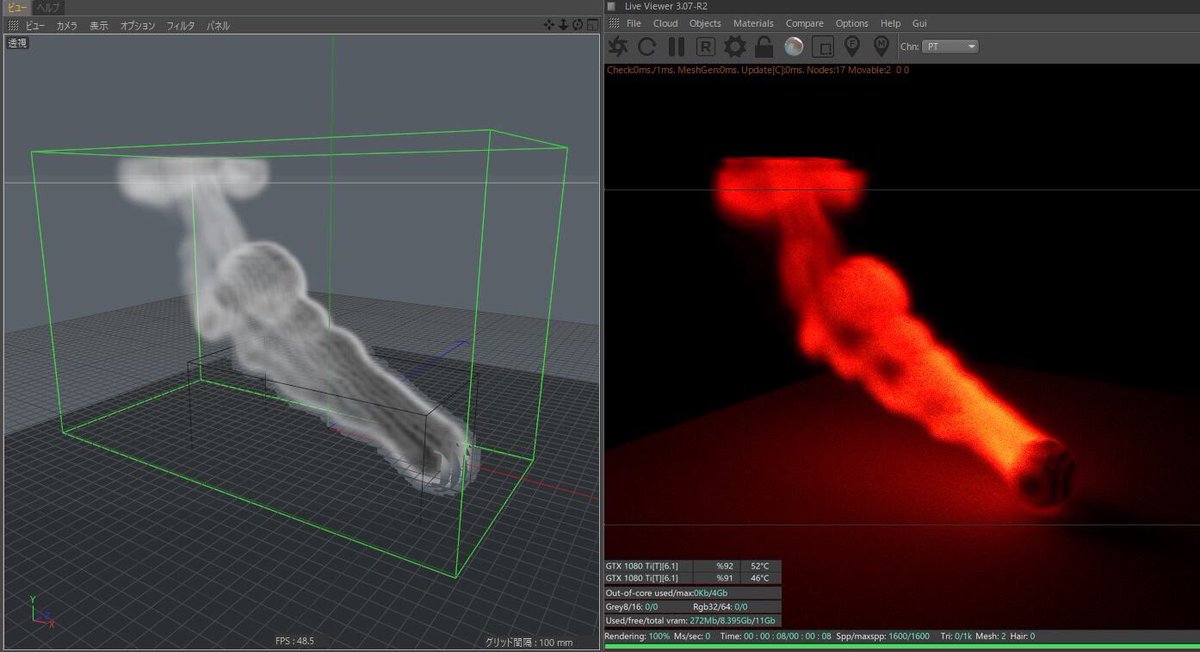
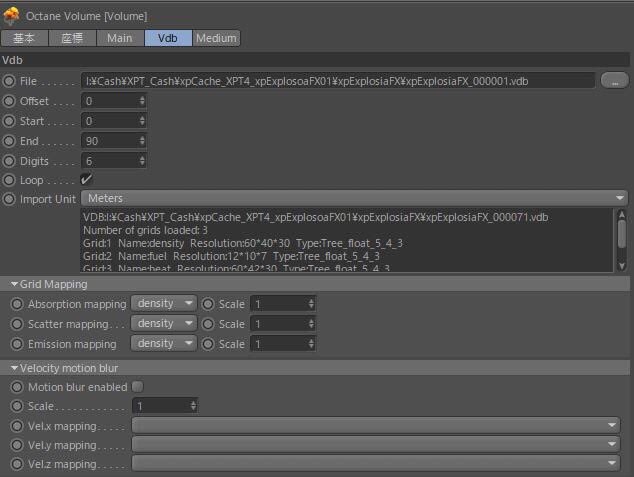
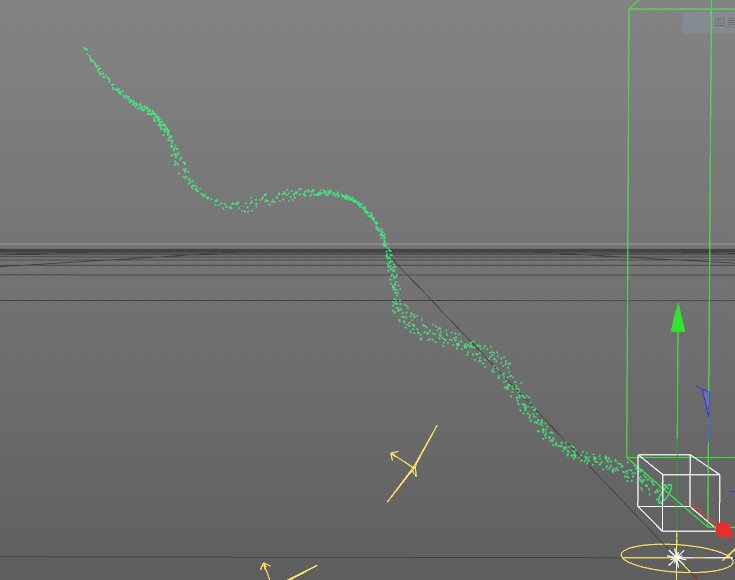
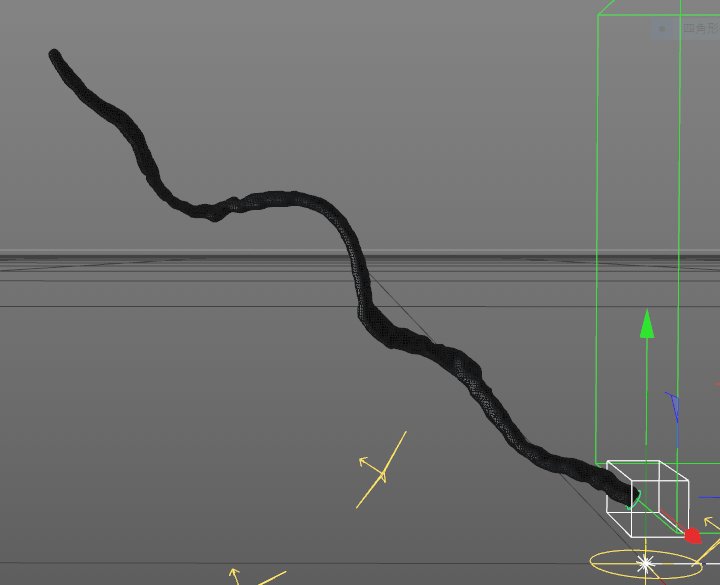
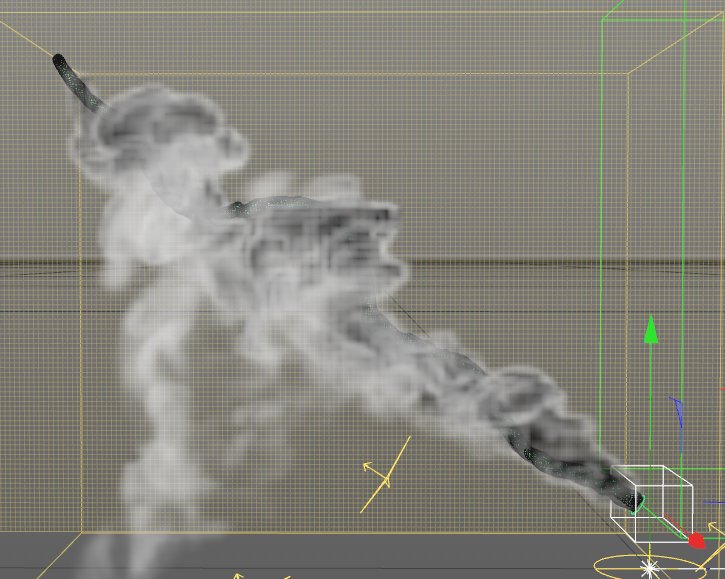
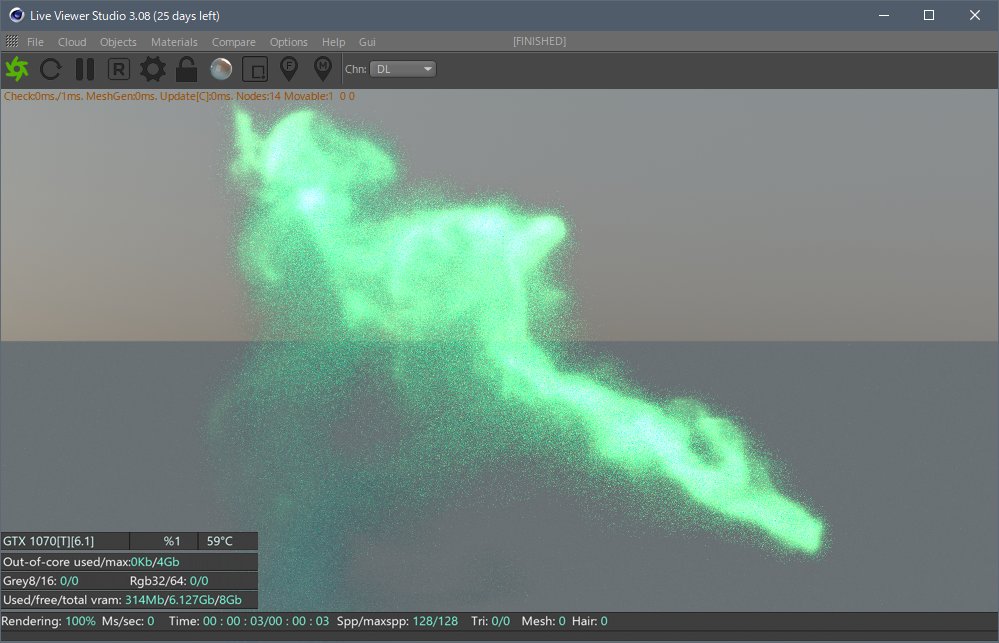
天才なのでx-particles→xpSkinnerで液体化→xpExplosiaFXで液体の位置から煙→xpCache(VDB)でOctaneでレンダリングというワークフローで煙の形を綺麗に操れるようになった
14