
Jun 9
WebWorkerってchromeもsafariもタブのセッションが維持されている間は明示的にterminateしない限り破棄されないんだっけ?
124

May 29
埼玉県LiDAR点群(4,082万点)を5形式で比較。
LAS: 1,324MB
LAZ: 257MB
COPC: 325MB
3DTiles: 595MB
点群PNGタイル: 250MB
点群PNGタイルはLAZと同等サイズで3DTilesの半分以下。点群データ(色 高さ)をPNG形式にエンコード。MapLibre WebWorkerで3D表示。描画は改善が必要。
1
7
44
7,158

TMSを事前に作るの止めて、protomapsでその場でタイル作るようにしてみてる。川とかも得られるね。ちょっとWebWorkerでやらないとキツいのと、WebWorkerでやるとメモリ制限がキツい。

16
1,005

Apr 27
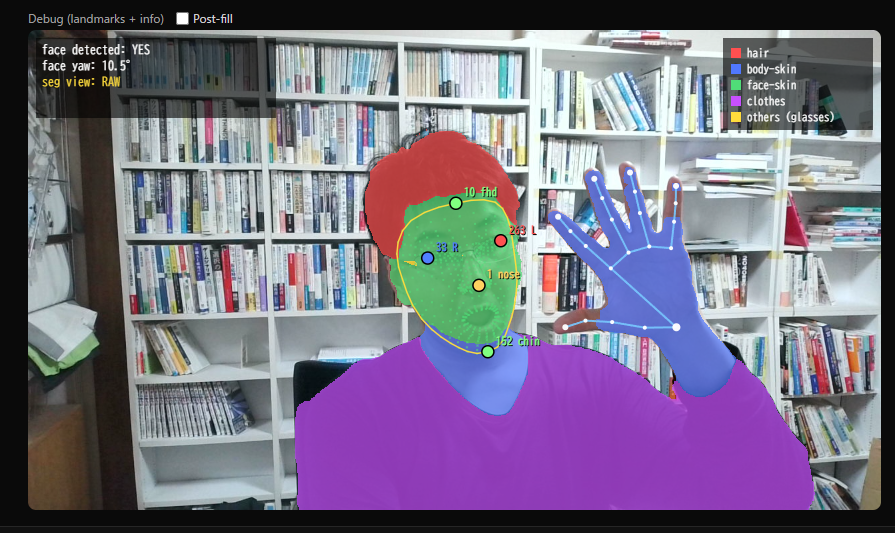
現代、google mediapipe+WebGPU+WebWorkerでこれがウェブアプリで全部できちゃうのかぁ
WebGPUとWebWorkerを全力で使いつつ、それをAIに実装させれば、Webだけで機械学習をぶん回すの、割と何とかなるなぁ
1
42
4,362

Apr 19
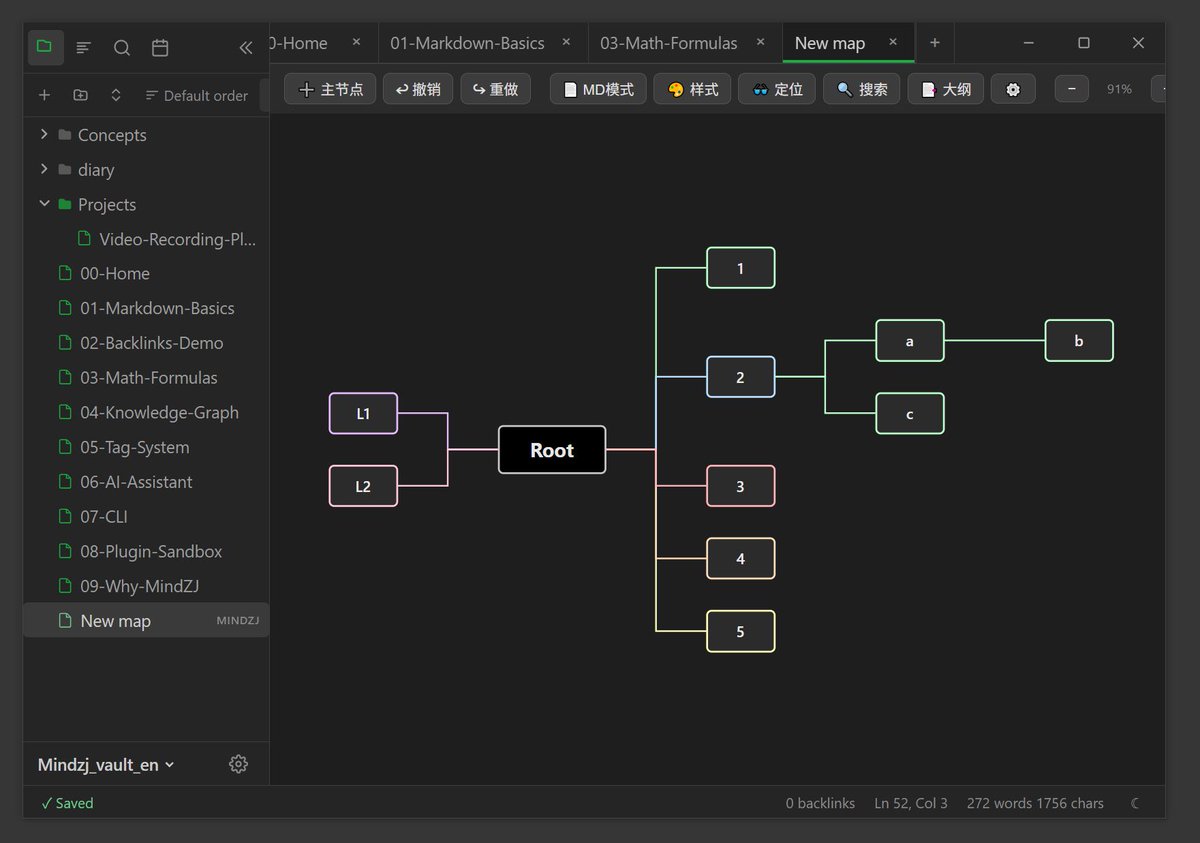
Have you ever tried countless note-taking apps and still haven't found one you truly love? Notion is powerful, but your data isn't in your hands. Typora is lightweight, but its features are limited. Obsidian is great, but it's closed-source and doesn't allow deep customization. What if I told you there's a note app that's free, open-source, with data fully stored offline on your local drive, offering most of Obsidian's features with the highest level of customization for your favorite styles, supporting quick plugin imports, with no annoying update prompts ever, and only 16MB after installation — would you want to try it?
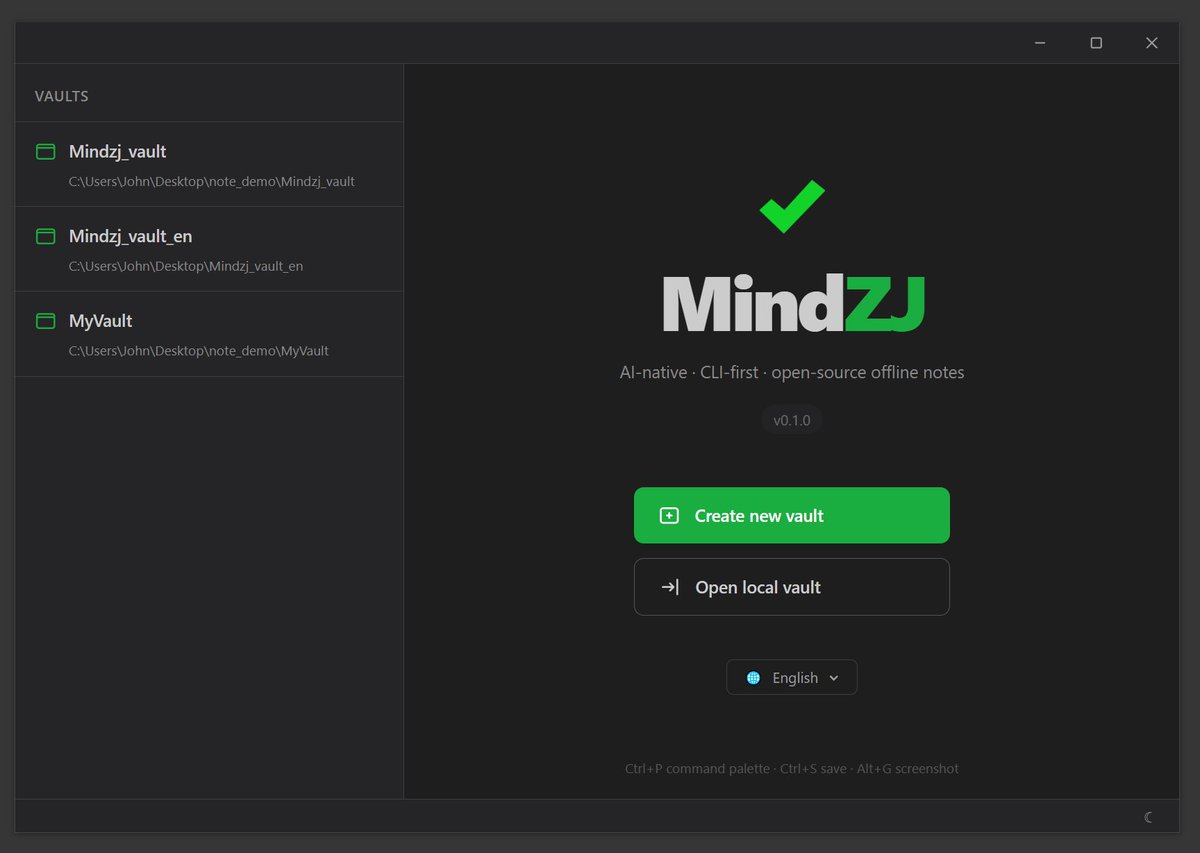
Today I'm introducing the open-source note app I recently built with vibe coding: MindZJ. So what can MindZJ actually do? First, it solves the data security problem — your notes are just .md files on your local disk, not bound to or synced with any cloud service. Data stays on your computer — open it and use it, fully local.
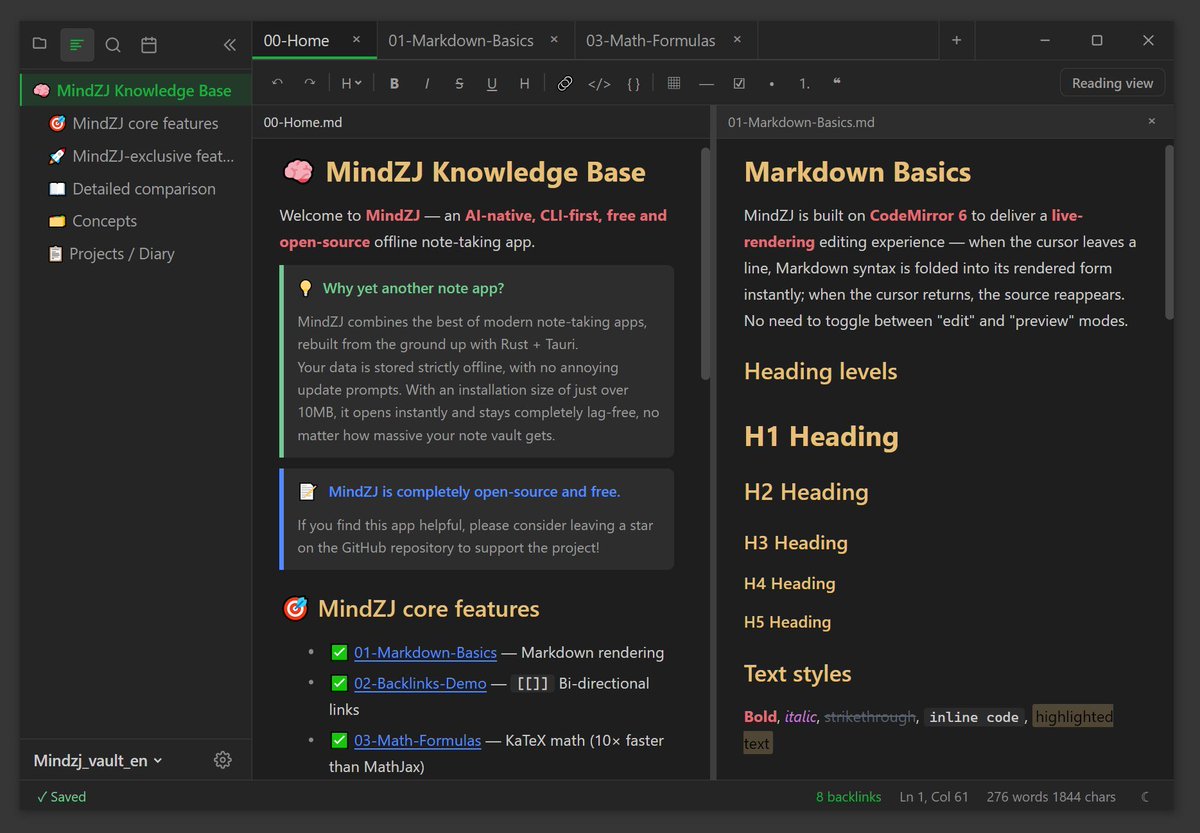
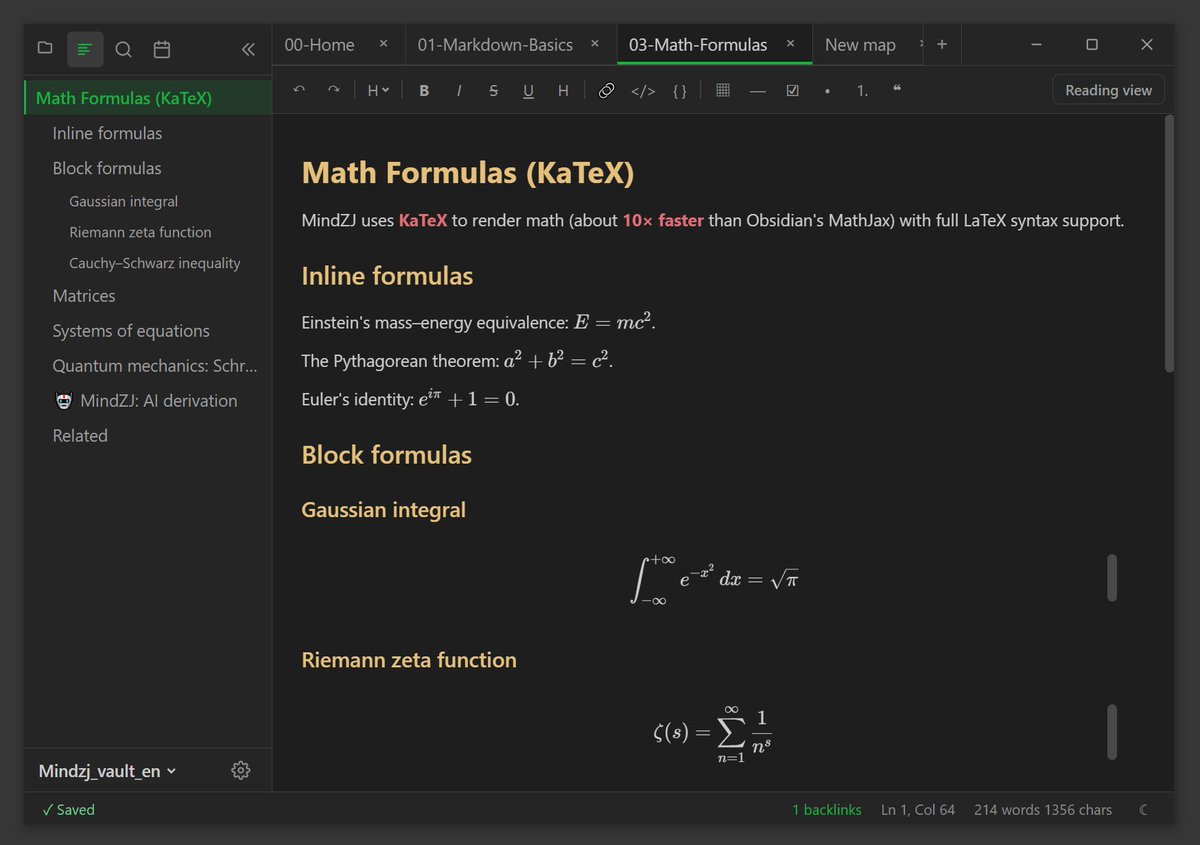
MindZJ's editor has three modes: live preview, source code, and pure reading mode. Press Ctrl E to switch between editing and reading modes. It supports bi-directional linking via double brackets (Wiki Links) for free navigation across notes. Full-text search is powered by Rust's tantivy engine — blazingly fast, no matter how many notes you have. Math formulas use KaTeX, diagrams use Mermaid, code highlighting uses Shiki. Paste images directly and they're auto-saved to your vault. A built-in screenshot editor lets you capture fullscreen with Alt G — all shortcuts are customizable. Every edit auto-creates a local snapshot, so you can roll back anytime. Files are written atomically — even a power outage won't lose your data.
The plugin system runs inside a WebWorker sandbox, safer than most note apps' plugin mechanisms, supporting custom plugin imports, and shipping with a mind-map plugin and screenshot editor out of the box. Press Ctrl P for the command palette — split view, multi-tab, drag-to-reorder. Your workspace, your rules. What's most unique: MindZJ comes with a standalone CLI tool. Create notes, search content, and manage your vault from the terminal — perfect for scripts and AI workflows. It natively supports 6 languages: Chinese, English, Japanese, French, German, and Spanish.
A quick word on MindZJ's tech stack. The core is built on Tauri 2.0 plus Rust. MindZJ is only 16MB installed — an order of magnitude lighter than Electron's hundreds of MB. The frontend is SolidJS, the editor is CodeMirror 6, and the search engine is tantivy. For AI, it already supports Ollama, Claude, and OpenAI — more AI-native features are on the way. The project fully covers Windows, macOS, and Linux, with mobile support on the roadmap.
So that's MindZJ — not a concept demo, but a tool I use every single day. Next up: a richer plugin ecosystem, AI workflows, a mobile experience, and more local knowledge management features. If you're looking for a truly open-source, free, offline-first note-taking app, give MindZJ a try — the link is in the video description. I'd love to hear your thoughts — please share your feedback in the comments or live chat. If this project helps you, please give the repo a Star to support it. github.com/zjok/mindzj
2
210

Apr 15
こんな感じ
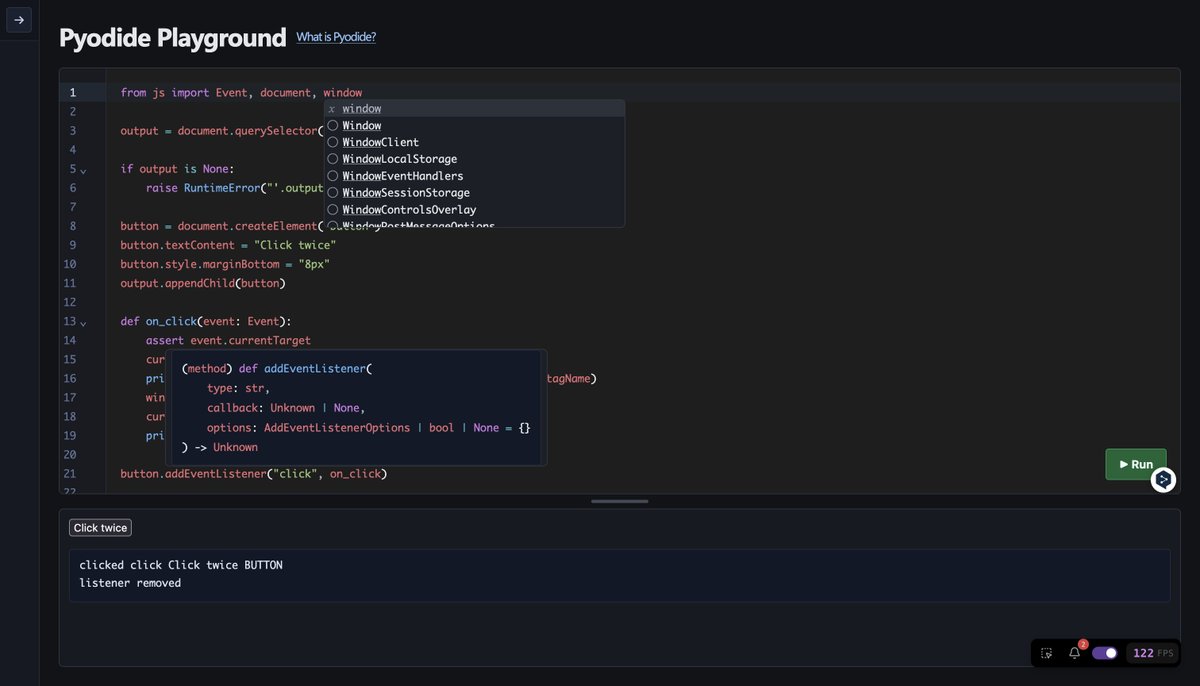
ランタイム (pyodide) も言語サーバー (pyright) もブラウザ上で完全ローカルに動いてる
pyodide 自身は UI をブロッキングしないように webworker で動いてるんだけど DOM 操作の為に js.* へのアクセスだけメインスレッドに逃すっていう黒魔術を施していたり
Apr 15

それはそれとしてPyodideしばいてたらやっぱコレめっちゃ面白いな〜となり、半年近く前に作っていた別のプロジェクトを引き摺り出している
当時よか技術力は付いただろうし良いものが作れたら良いな
3
25
3,436


Apr 10
Its the webworker getting stuck. clearing your cache fixes it or holding shift f5 for hard refresh
1
6
3,677

Apr 4
React base for crypto exchanges with WebWorker data ingestion
github.com/TheNewMikeMusic/t…

5
54
5,239

高解像度表示でもドラッグ中は一時的に低解像度に切り替えるようにしました
また、頂点群の投影処理が重かったので、WebWorkerで並列化もしてあります
これで高解像度でもそこそこマシに操作できるようになったと思います
方位図法世界地図作成ツール maps.cubbit.app/
2
7
842

Mar 22
"BrowserPod — Sandbo…" realtime.jser.info/2026/03/2… → browserpod.io/
ブラウザ内でNode.jsなどのコードをサンドボックス実行できるプラットフォーム。
WebAssemblyベースのランタイムエンジンを使い、WebWorkerによるマルチプロセス実行、仮想ファイルシステム、制御されたネットワークアク
1
7
672

ブラウザ内でNode.jsなどのコードをサンドボックス実行できるプラットフォーム。
WebAssemblyベースのランタイムエンジンを使い、WebWorkerによるマルチプロセス実行、仮想ファイルシステム、制御されたネットワークアクセスなどの機能を持つ。 "BrowserPod — Sandboxe…" browserpod.io/
5
49
3,975

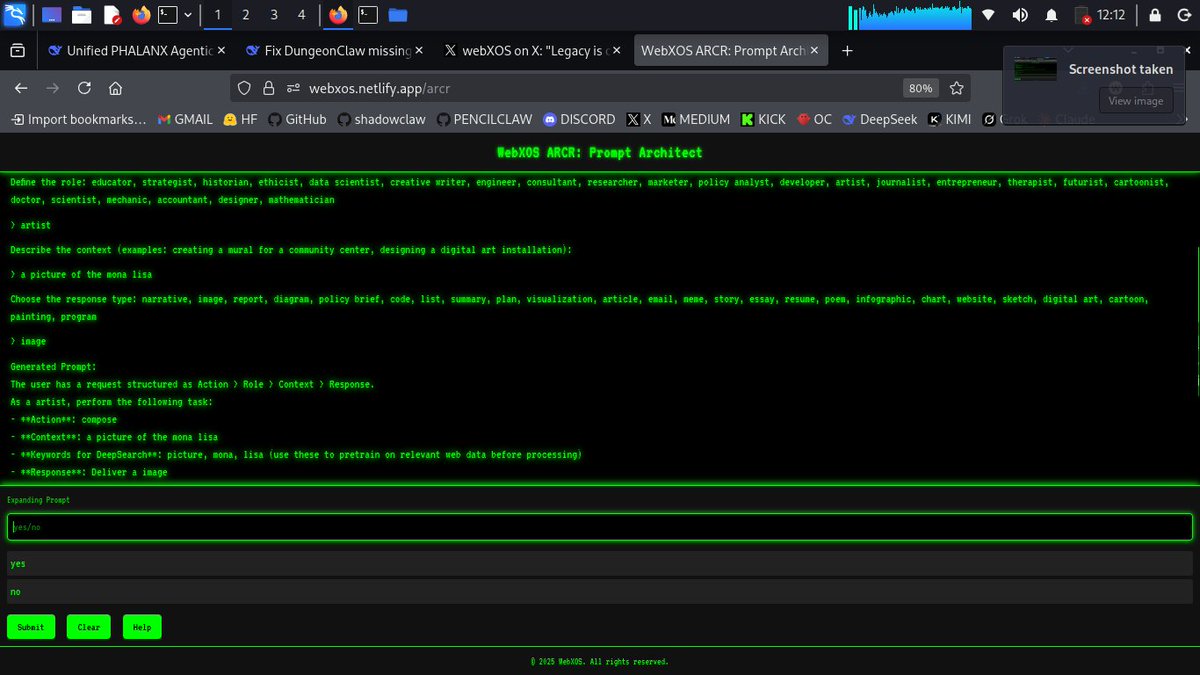
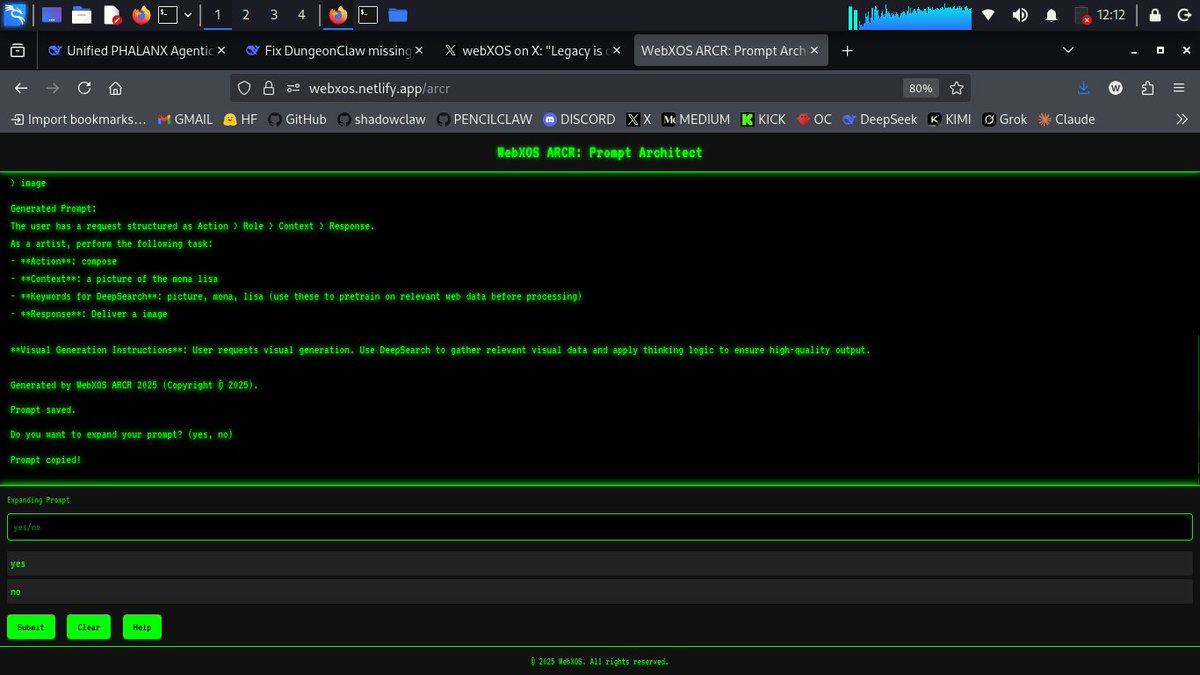
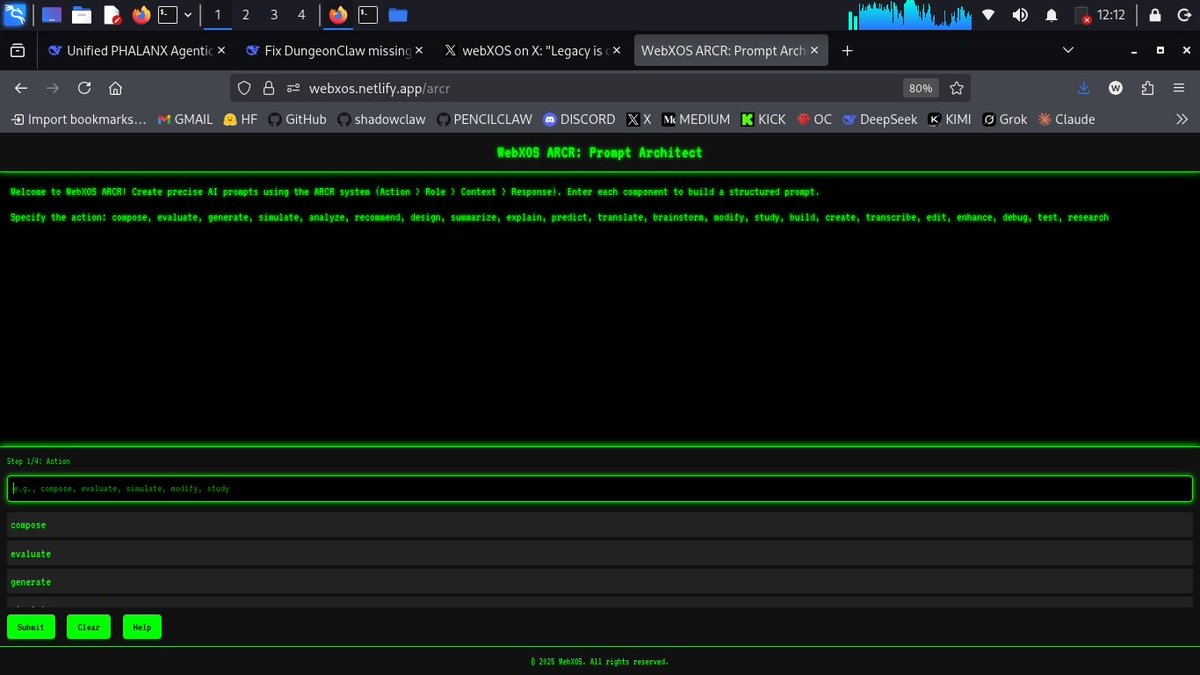
webxos.netlify.app/ARCR
A R C R - Action Role Context Response - a minimal webworker agent that helps you draft prompts. All responses auto copied to clipboard:
5
5
63

Browser has memory limits. Besides GPU , the main cpu thread ThreeJS runs is single thread unless you webworker a lot.
1
2
550

Feb 26
WebWorkerを使って文字列認識を並列処理化(最大8スレッド)しています。もちろんマシンにもよりますが、1枚あたり数秒で認識を終えることができます。100ページくらいの文庫本であれば数分で認識が完了するのでは。
1
13
34
5,211

Feb 23
Script is scripting but i immediately getting limited on requests.
Not a big deal, just need to force webworker to work slower.
3
163
been using them in prod. in js / ts you can try ax its dspy for ts. i just redesigned axagent to be entirely rlm driven comes with a webworker based sandboxed runtime built in works in the browser and nodejs, etc. github.com/ax-llm/ax
8
771
ax uses a webworker sandbox so rlm will run in browser too, plan to create demo here. axllm.dev/playground/
2
39

Yes, I’m not expert in Effect and I never claimed to be one
I read and I understand that Effect somewhat fix this by design because it separate things to small tasks then that check between each one if it the next task should run by
But my question is if I can stop the running Promise entirely similar to killing a process, says WebWorker or whatever that can prevent code that is running to stop or if we could intercept a nextTick and remove the thing from running further
I’m said I’m annoyed because people say use this magical thing then provide no reason or how to do it nor understand the question I ask correctly at all
4
10
1,428
