
Joined March 2018
- Tweets 303
- Following 474
- Followers 347
- Likes 2,272
33 Photos and videos


Pinned Tweet

Feb 5
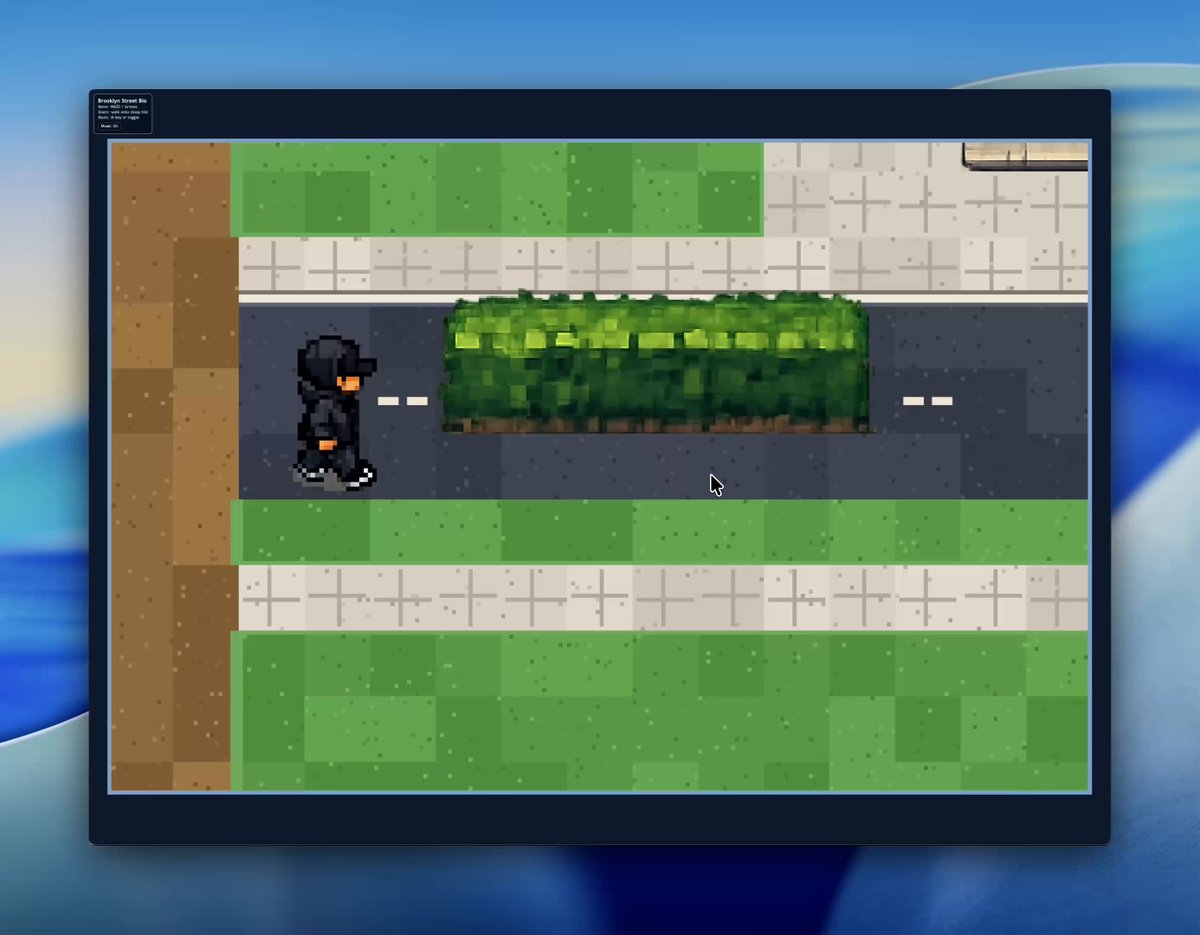
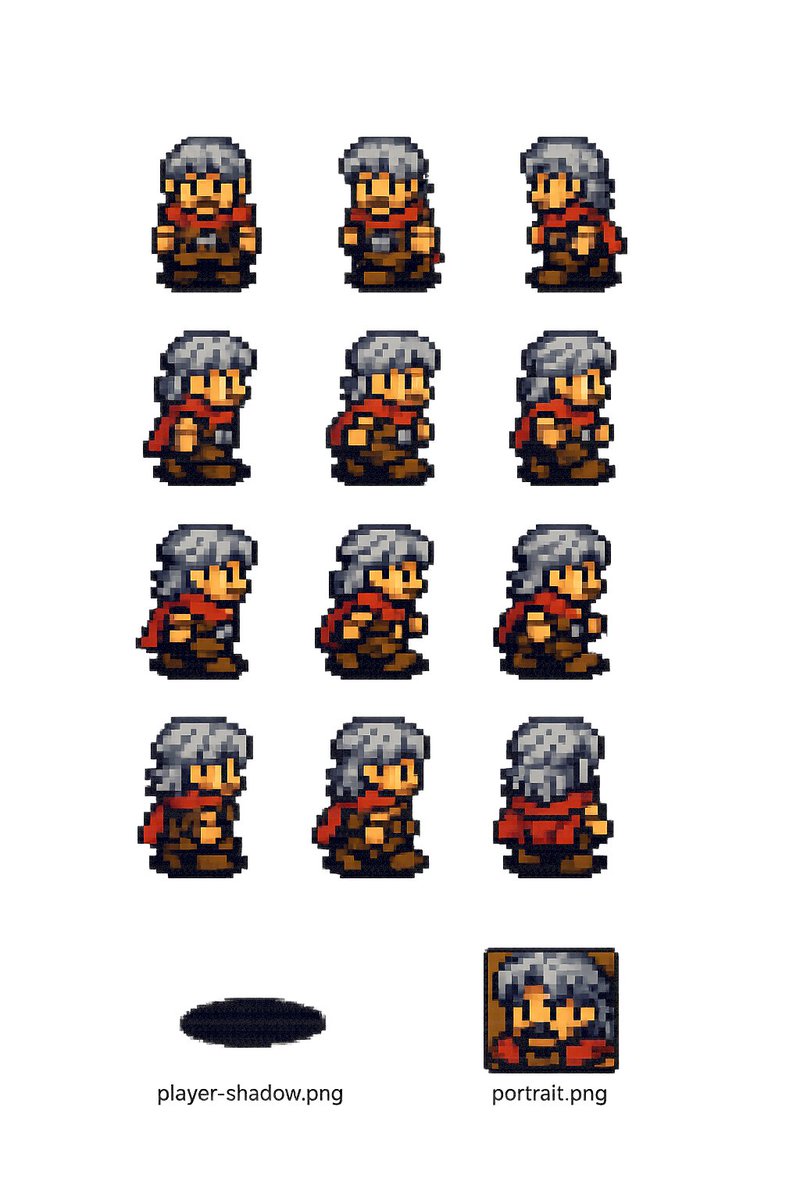
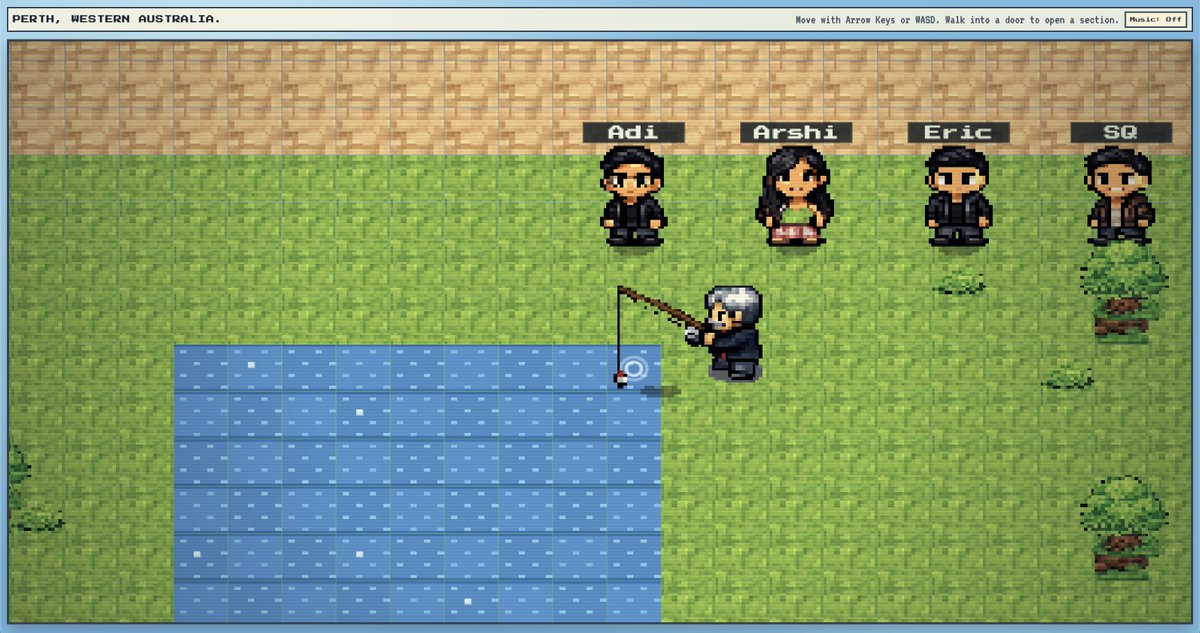
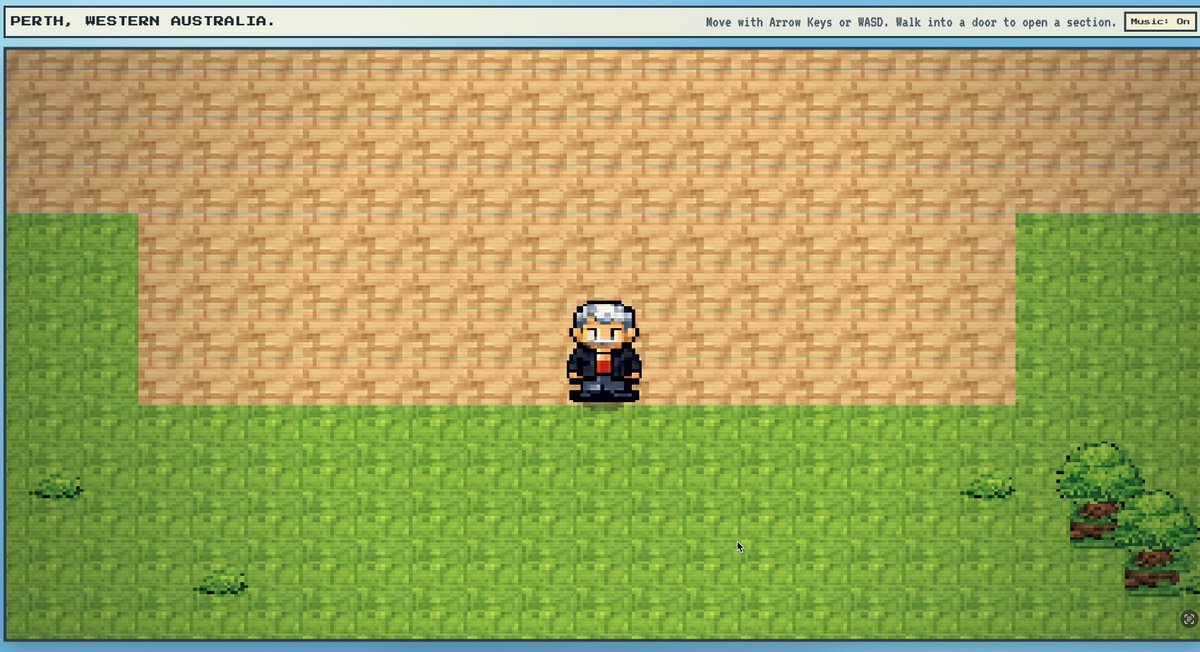
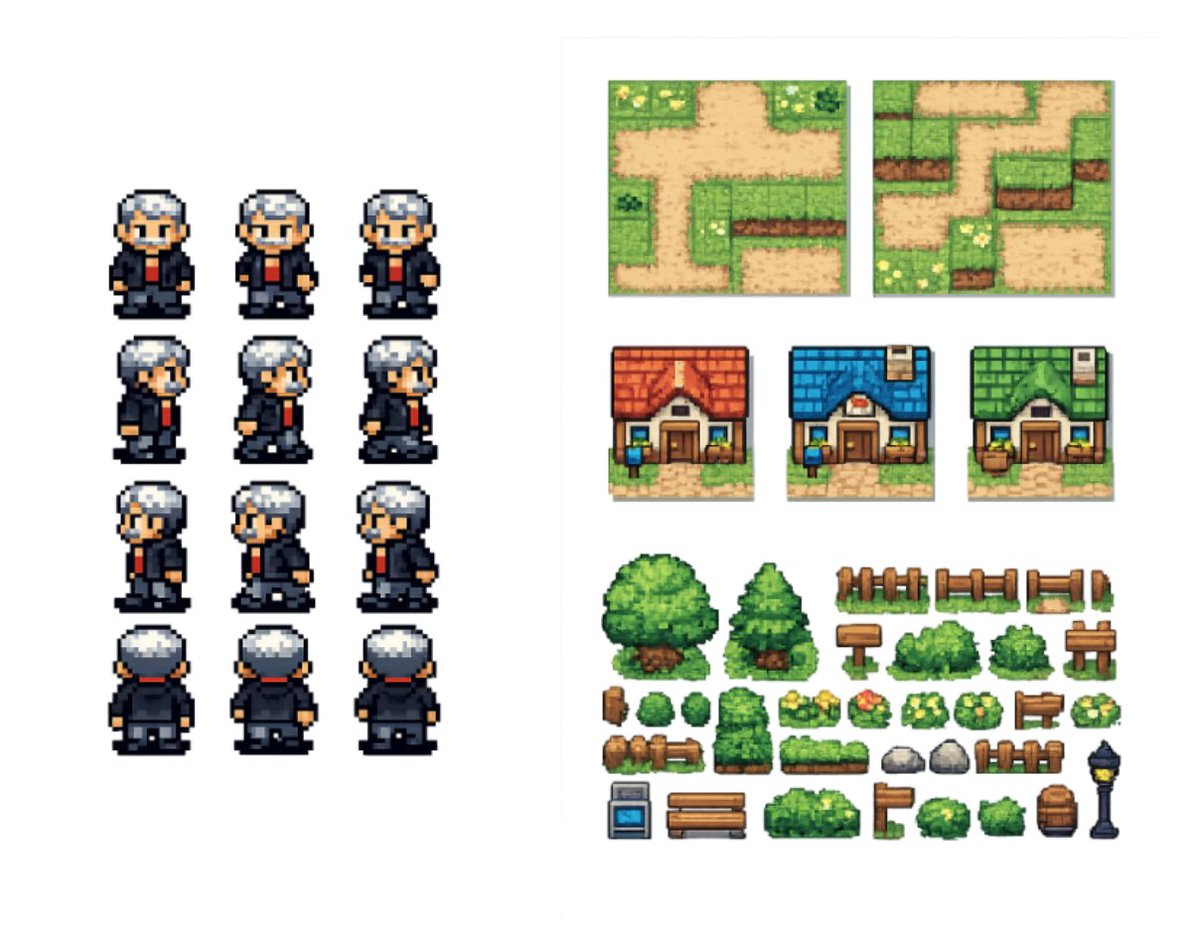
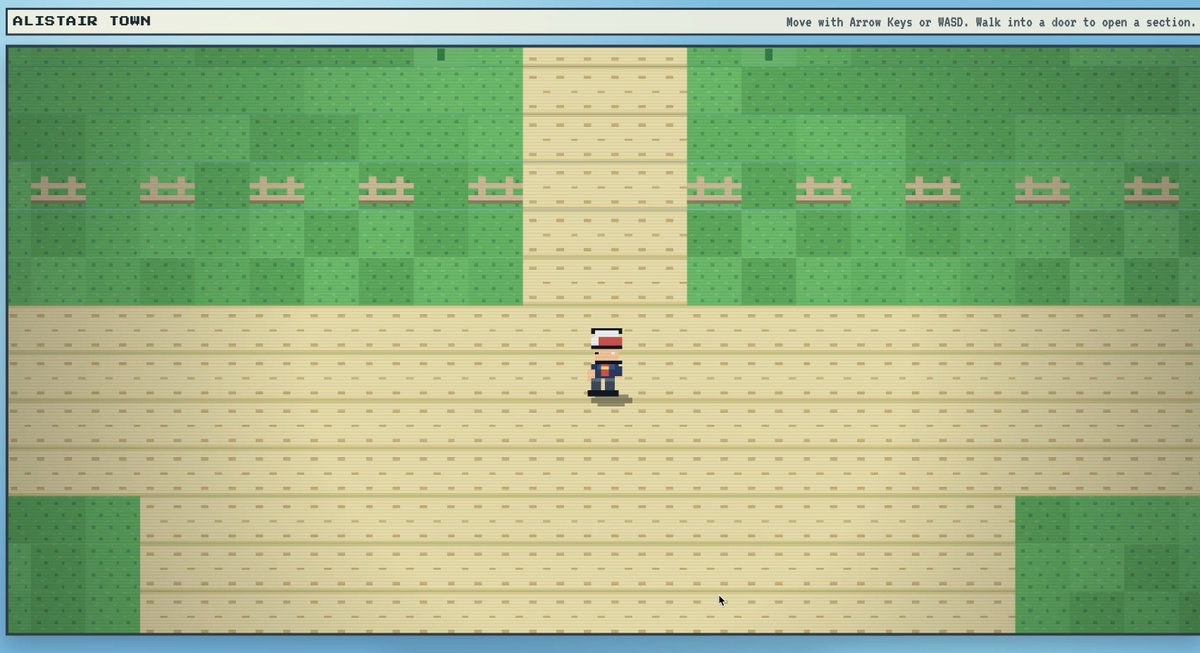
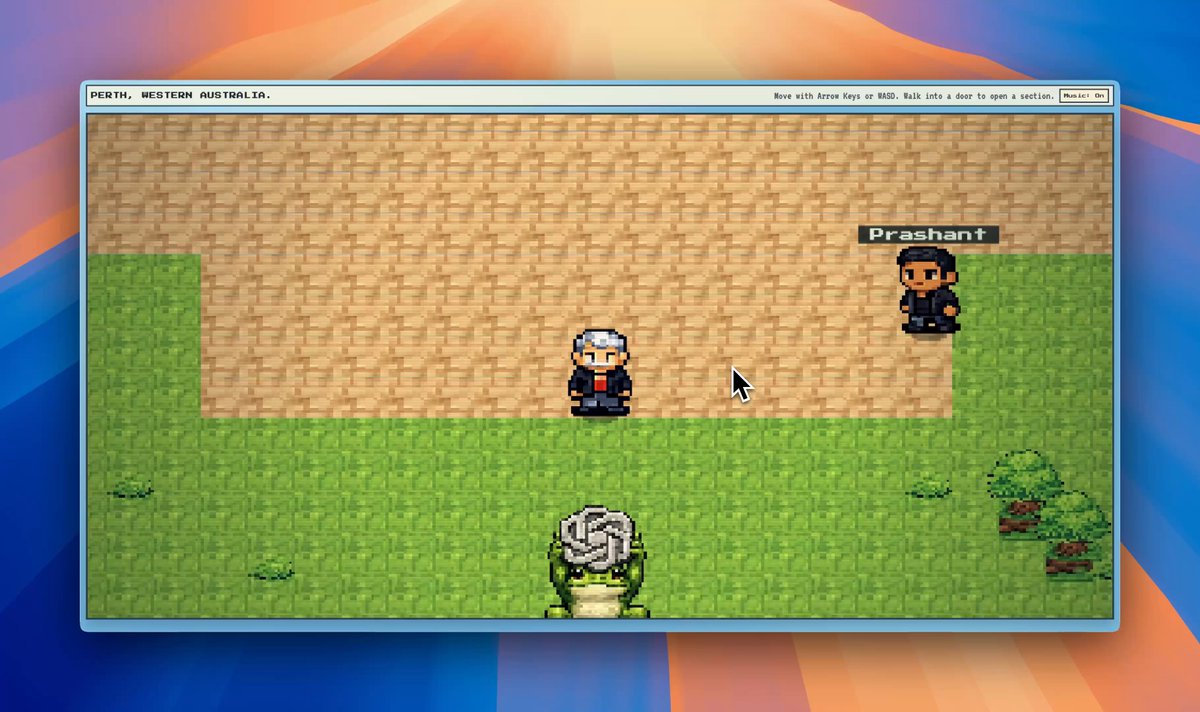
welp. i had one of those rare fall off your chair moments yesterday working with codex our newest model gpt-5.3-codex.
20ish turns and 33,082 tokens later. here's the result: alistairtown.vercel.app 🤯
🧵
10
16
142
24,237
alistair retweeted

Jun 14
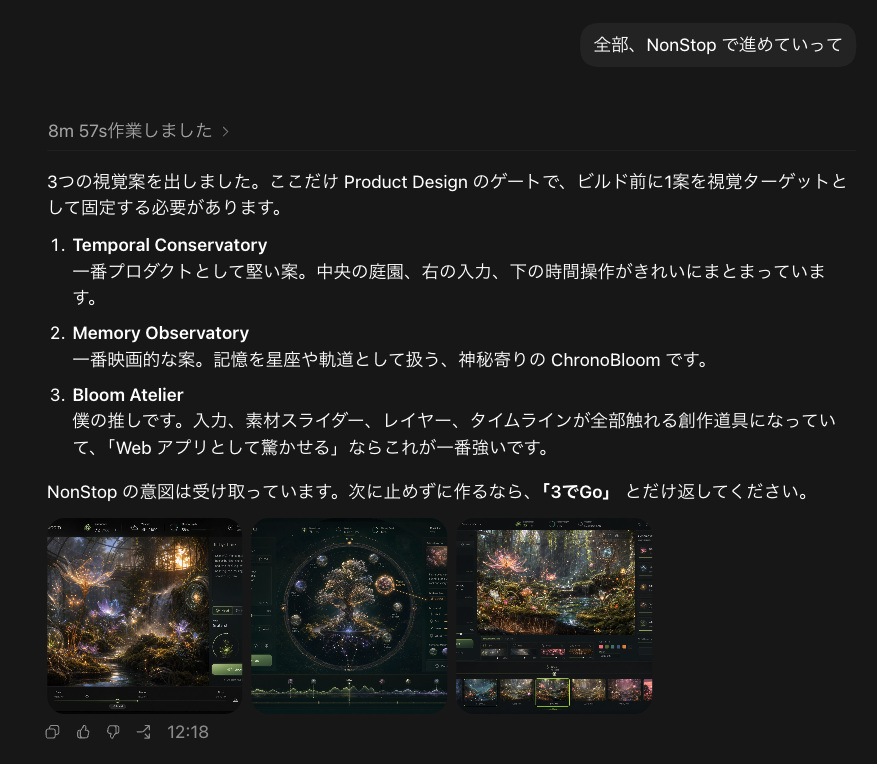
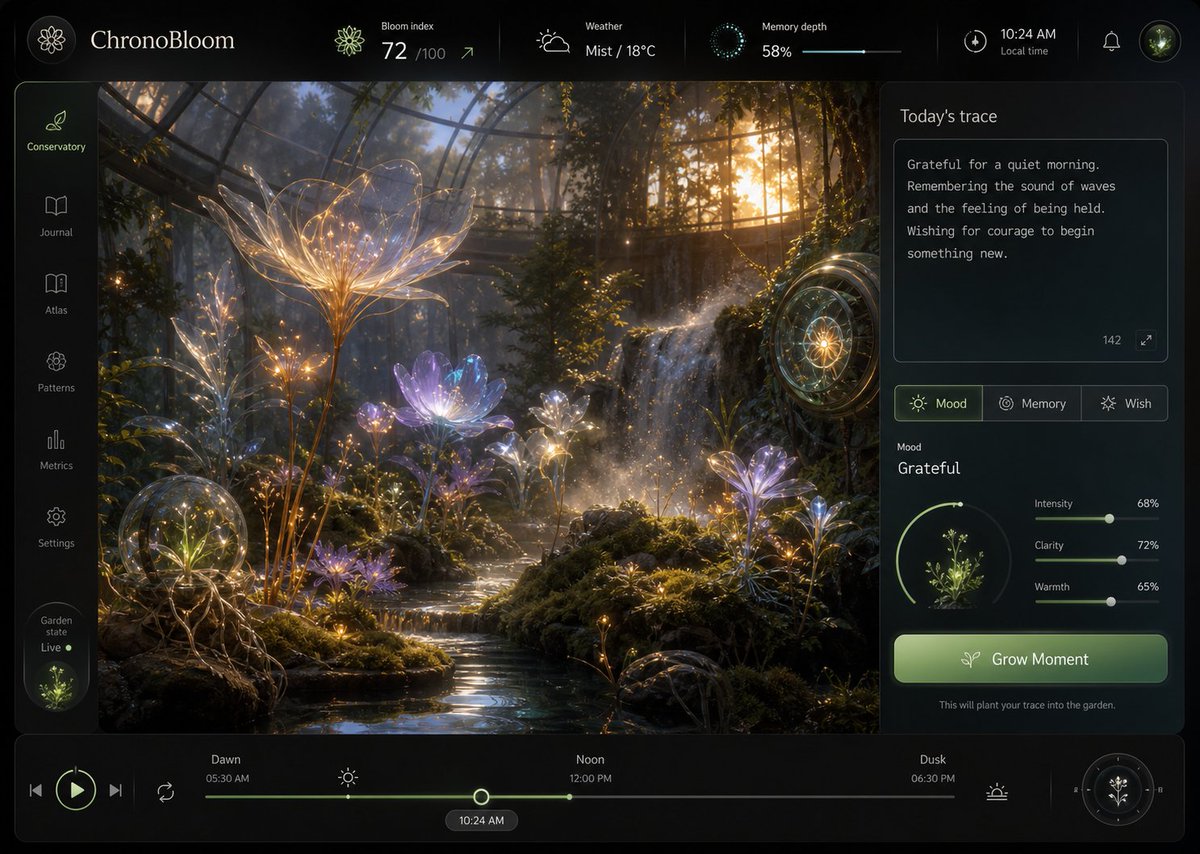
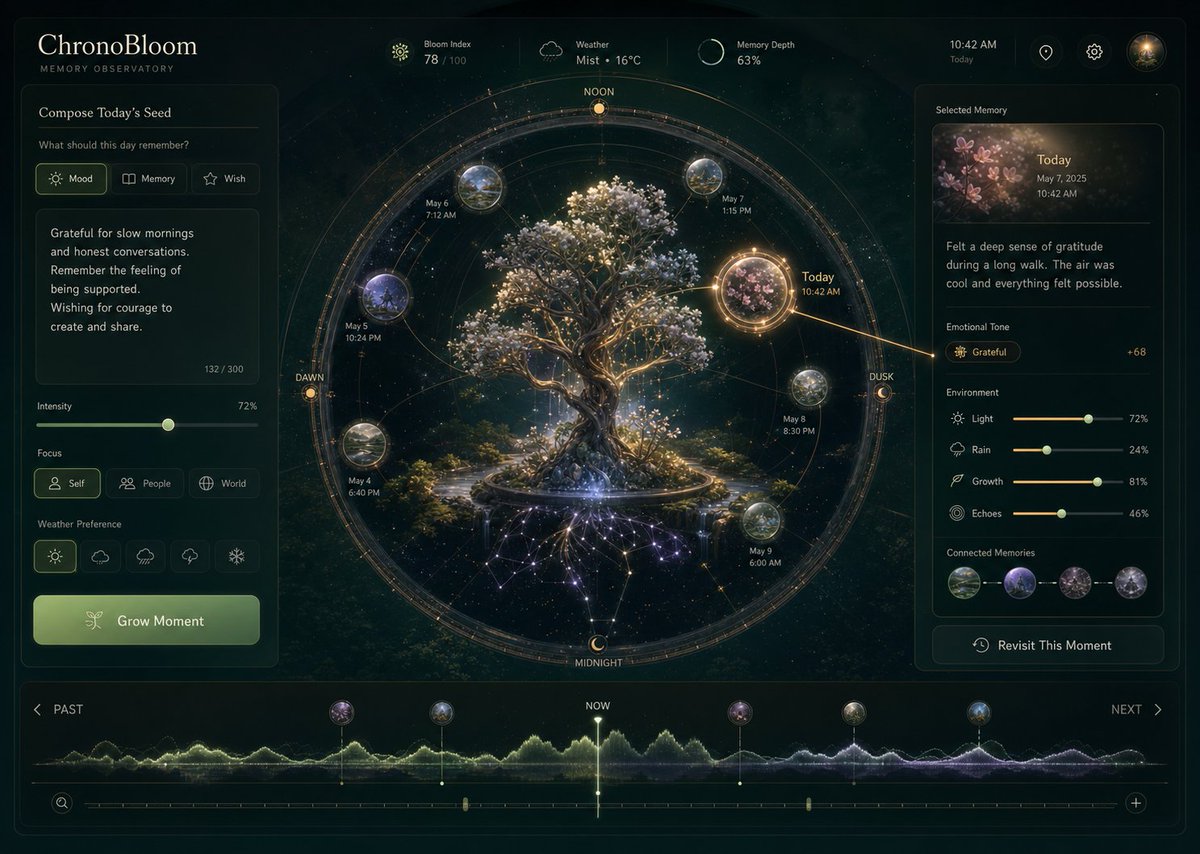
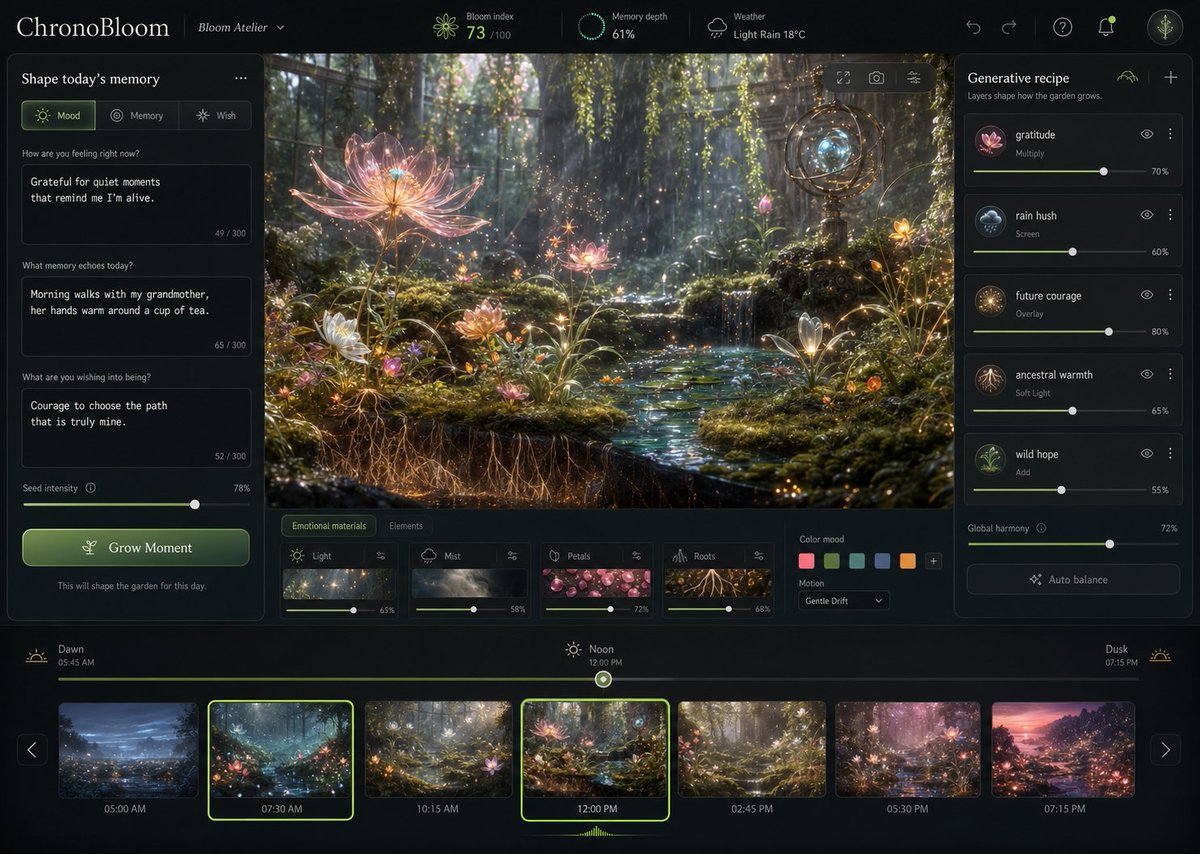
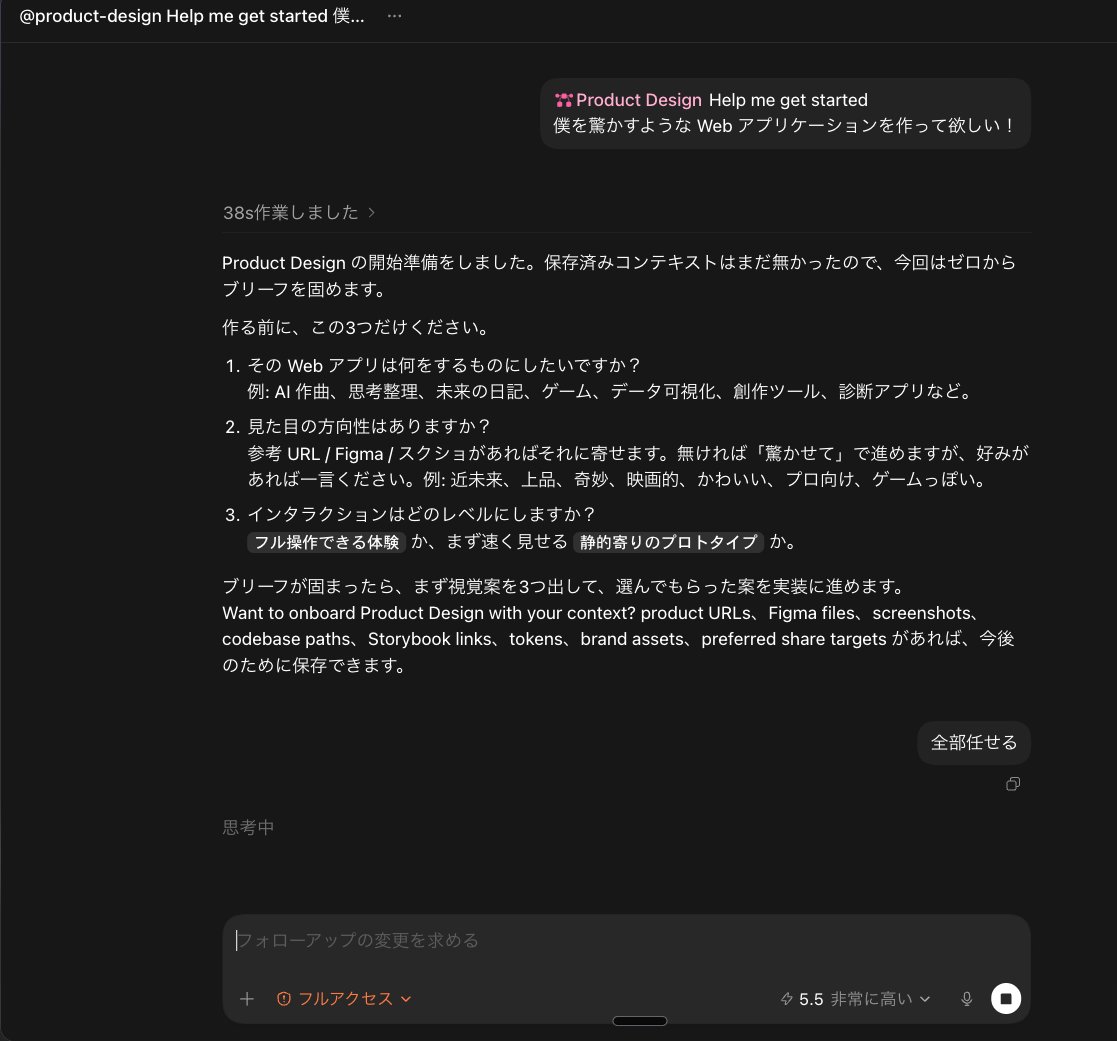
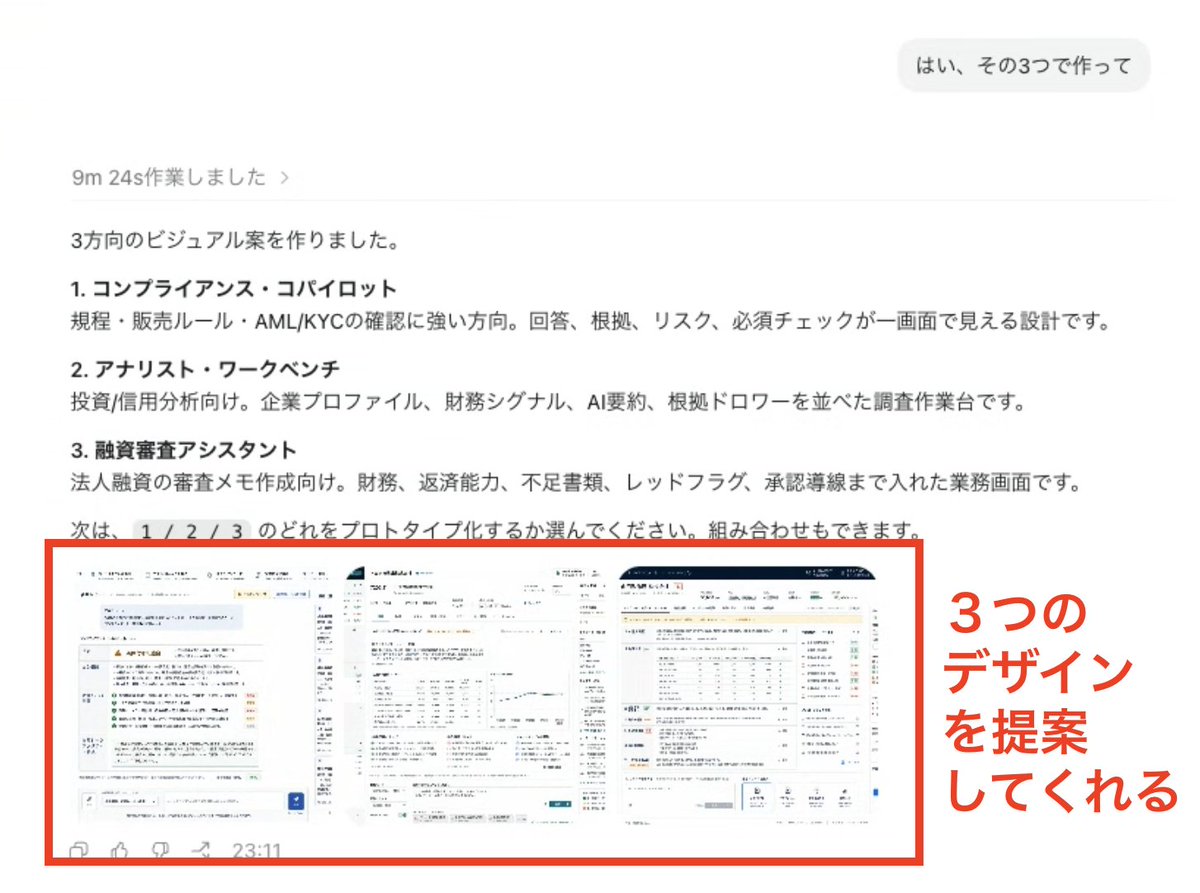
Codex App の Product Design Plugin、視覚案を3つ作って一番いいものを選び、そこから実装に移る流れだった。
「まだ何を作りたいか分かってない」段階でもCodexが伴走してくれるの良さそうで、ブレストにも使えそう。
プロトタイプ作成には最適かも?

1
2
8
3,759
alistair retweeted
Jun 15
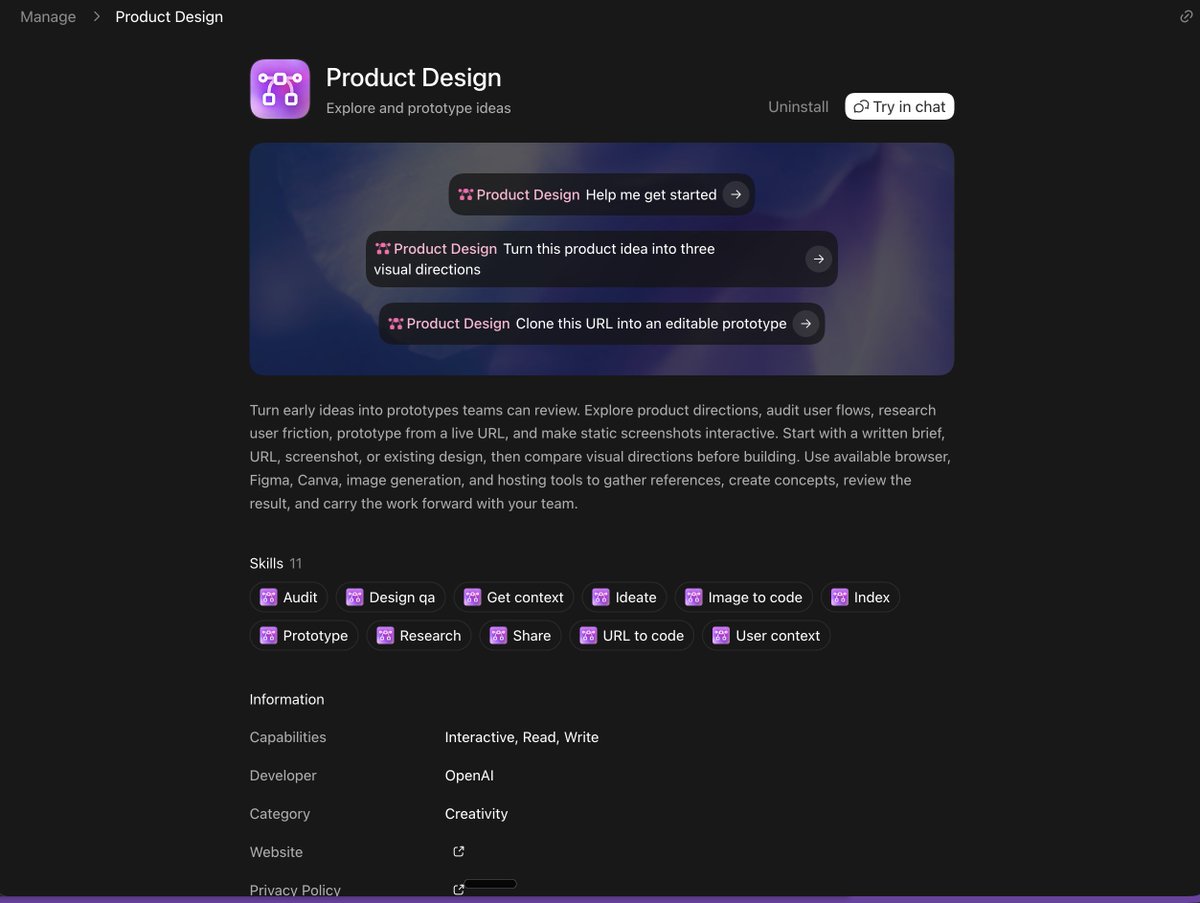
Codex App の Product Design を触ってみたので、実装の流れと感想をシェア
Product Design とは?
Codex App からインストールできる Plugin。アイデアを「見た目と体験のあるプロトタイプ」に変換してくれる設計レイヤーです。
実装の流れ
1. 作りたいアプリについて Codex がヒアリングしてくれる
2. 合意した内容をもとに、GPT Image で完成予定の UI を画像で見せてくれる
3. その画像に沿って UI を組みながらアプリを構築。実際に操作できる「触れるプロトタイプ」として仕上げてくれる
4. 内蔵の In-App Browser で開いて動作確認。Codex 自身がアプリを操作してテストし、見つけたバグをそのまま直してくれる
感想
・最初にヒアリングしてくれるので、作りたいものが固まっていなくてもOK。アイデアが形になっていない段階でも始めやすい
・完成イメージを先に画像で共有してくれるから、認識のズレが起きにくい
・In-App Browser がとにかく便利。Web上でマーキングしたり特定の要素に修正指示を出せるので、トライ&エラーが回しやすい(動作確認まで Codex に任せられる)
「こんなアプリを作りたいけど進め方が分からない」「とりあえず作って試したい」という人は、ぜひ使ってみてください!
作れたアプリについて
x.com/suna_gaku/status/20660…
公式サイト URL
chatgpt.com/plugins/share/37…
3
17
3,530
alistair retweeted

Jun 11
The new Product Design plugin for Codex has been really taking off recently – worth a look especially if you're in a product design adjacent role.
Quickly iterate on design prototypes in Codex with just text, and then export them to @figma!
youtube.com/watch?v=_9ImjmzA…
2
17
2,115
Jun 9
The team cooked. Try out the Data Science Plugin for your data crunching needs.
Jun 9

We’ve been using the Data Science Plugin internally to speed up everything from exploring raw data and diagnosing metric changes to building dashboards and writing reports.
We’ve already received a lot of thoughtful feedback and feature requests, and it’s been incredibly helpful in shaping the product.
If you give it a try, I’d love to hear what you think. Please DM me your feedback, ideas, pain points, or anything that could make it better.
Every conversation helps us build a better product.
1
1
185
Jun 9
A week ago, we launched the Product Design plugin for Codex. It’s been really cool to see people pick it up and immediately understand what we were going for.
We tried a bunch of ideas with our in-house designers, but kept coming back to two things: ideation and prototyping.
Jumping straight into implementation is expensive when you don’t know what you want yet. Image gen is really good at exploring a few different directions before you spend a ton of tokens on a big build.
It gets much better when you give it references. Run the plugin’s setup flow and throw in your design docs, screenshots, and anything else that helps Codex understand how your product should look and feel.
Once you’ve built the prototype, the in-app Browser and Annotations tools make it easy to keep refining. Reminder that the Annotations tool also allows you to tweak CSS!
Here's five cool examples from our amazing users:
- Exploring and refining three directions before building: x.com/Gencoin8/status/206385…
- Cleaning up standard Codex output with Product Design: x.com/Mikami_Gugenka/status/…
- Going from a project brief to design directions, implementation, and detailed refinement: x.com/libukai/status/2063557…
- Using it across the whole PM workflow, from ideation to sharing a prototype: x.com/masa_okamura108/status…
- Locking in the style before implementation to avoid a bunch of rework: x.com/OssanMarmot/status/206…
Some pro tips:
- Use /goal and high reasoning for more ambitious builds. Medium should suffice for lower fidelity builds. We're working on better performance at lower reasoning levels.
- Use Annotations to make target edits.
- Attach Figmas and screenshots to your prompts.
- Run "@Product Design setup" to create durable design rules for your prototypes.
Special shoutout to Japan for being so pumped about the plugin.
We’re reading all the feedback, learning quickly, and have plenty more to improve.
Keep sharing what you're building and what you'd like to see in the future.
Jun 7

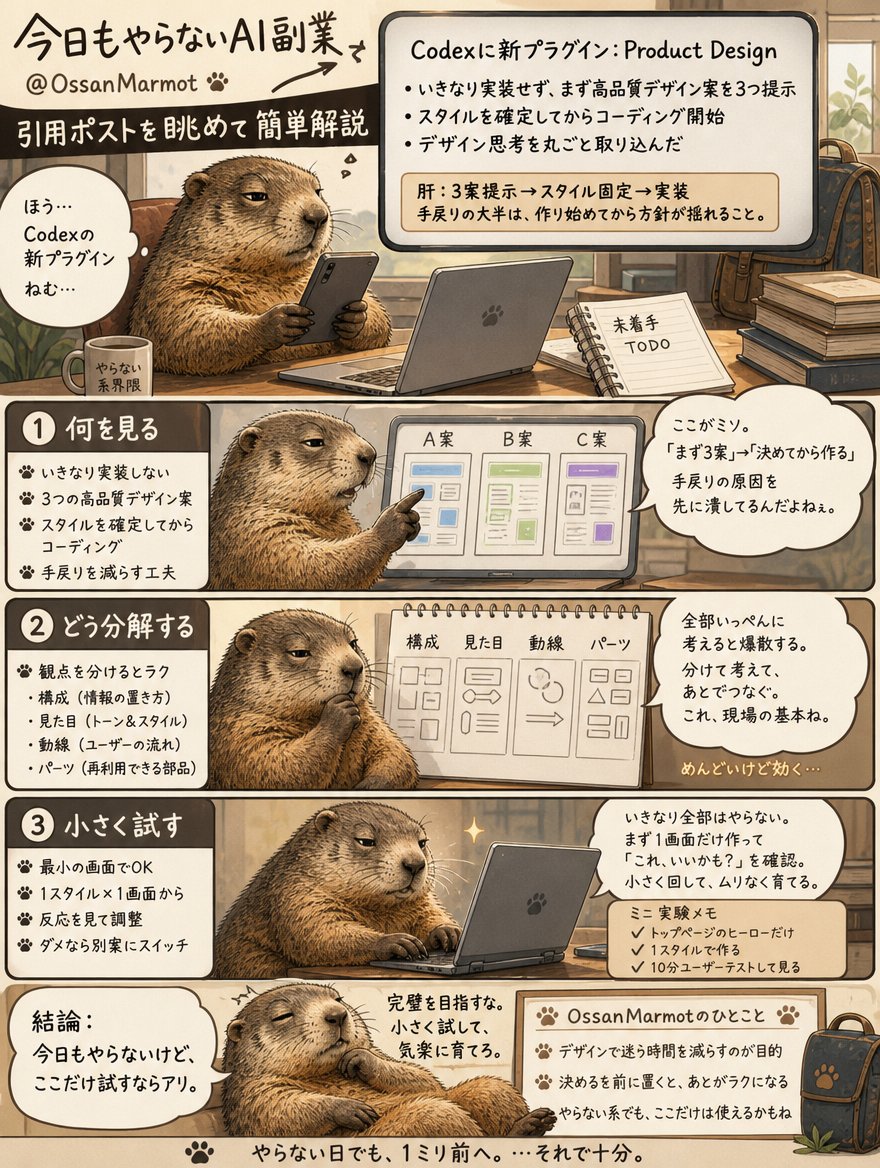
Codexの新Product Designプラグイン、肝はいきなり実装に行かず先に3案出してスタイルを固定する点。手戻りの大半は「作り始めてから方針が揺れる」ここで起きるので、確定フェーズを前段に挟む発想は実務で効く。
1
1
1
162

Claude Code でアプリ作ると
「機能は完璧でもUIデザインがダサい」
Codexなら1発で完璧な
UIデザインで納品してくれる
絶対待ち望んでた人多いと思うけど
その名もProduct Designプラグイン。
インストールして
@ProductDesign を付けて指示するだけ。
AIがデザイナー役も兼任するようになる。
AI開発はもう
「書かせる競争」じゃなく
「役割設計の競争」になってる。
これはかなり良かった。
手を動かして進めるだけで
勝手にCodexを使いこなせる様になる
記事を書いています👇

27
68
1,645
448,750

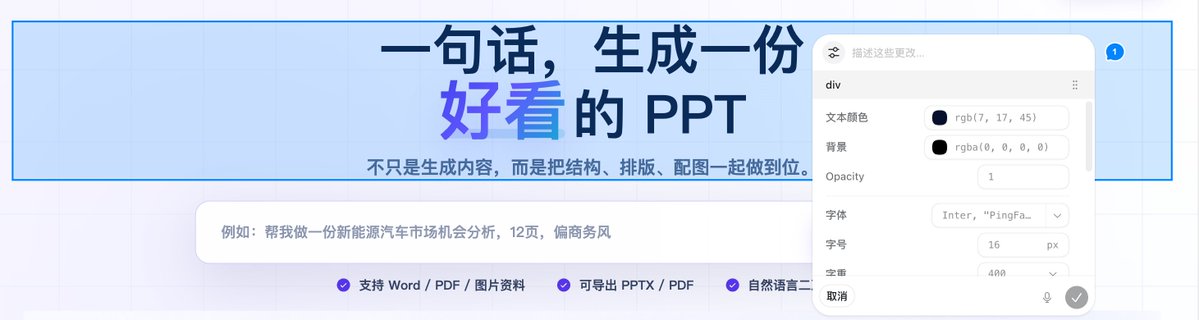
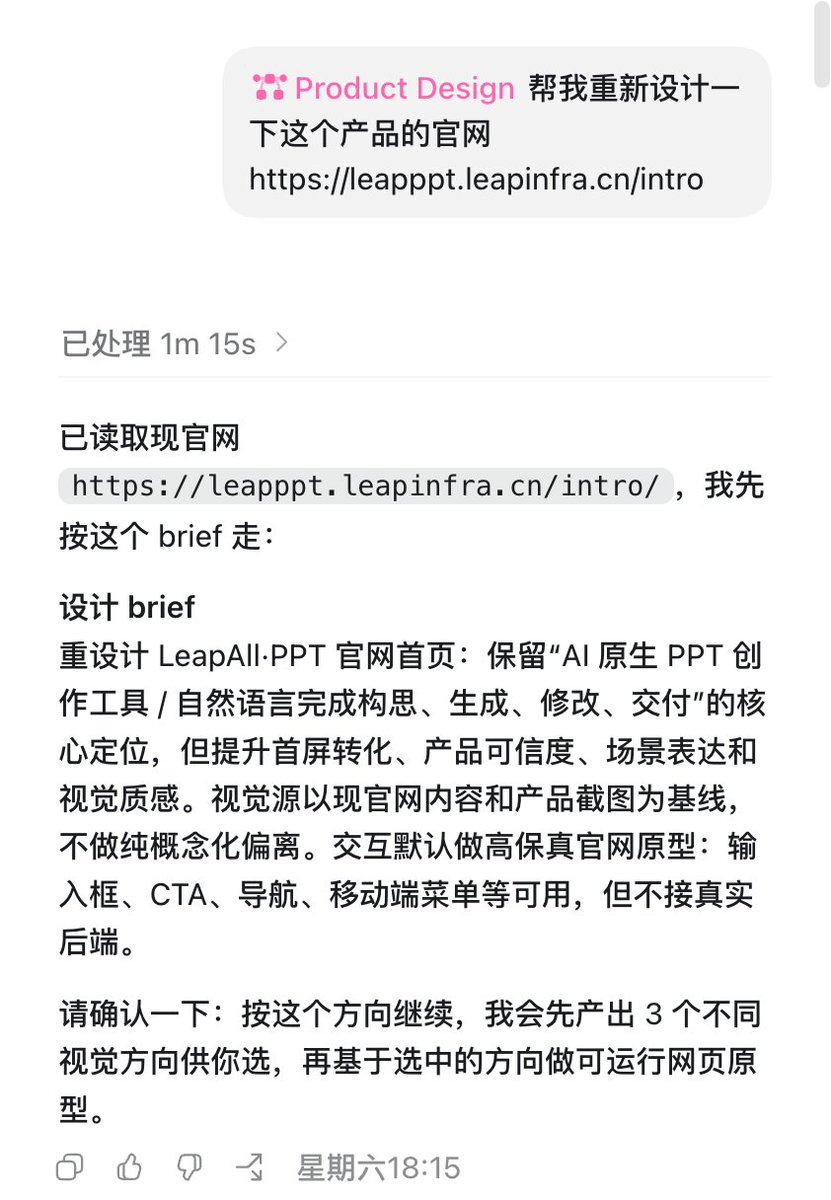
今天用 Codex 的 Product Design 插件,重构了公司的 LeapAll·PPT 的官网。一句话总结:比直接让 GPT-5.5 做的好多了,也比我用 Shadcn 手动搓的好看多了。
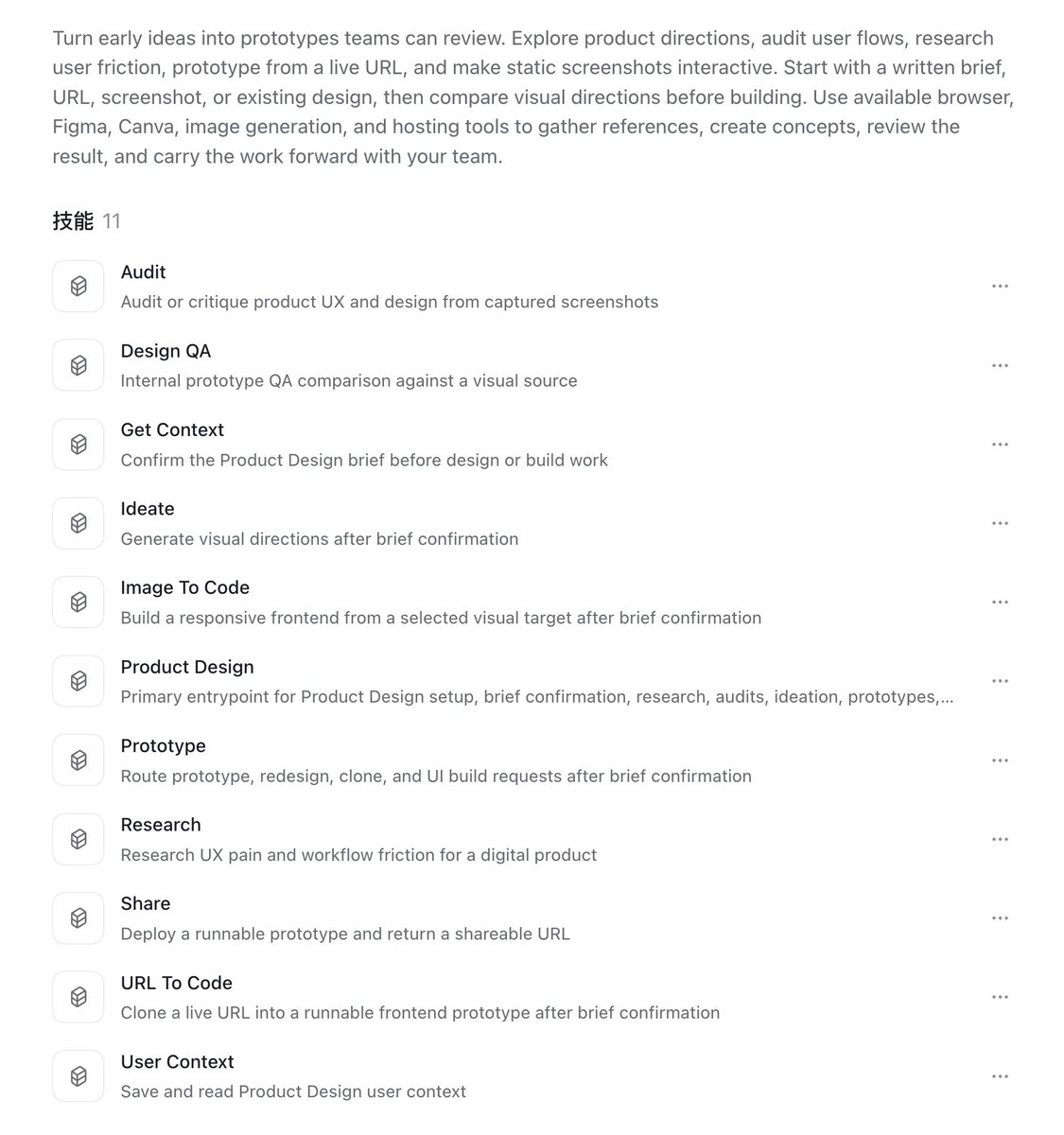
更关键的是,相对于此前要组合一大堆工具的方案,Codex 在 Product Design 整合了 11 个 Skill,然后配合 Codex 的原生功能,完整覆盖了我之前用 Pencil(草稿) Shadcn Studio (微调) Claude Code (编码)几个工具组合才能实现的全流程操作。
天下武功,唯快不破;AI 产品,唯方便不破。我其实一直挺不看好独立开发者整通用型工具,毕竟只要需求足够大,几个超级 App 终究会全部内置,普通消费者终究也会无脑选择内置功能。如果只是纯炫技搞点 Star 没问题,但商业化几无市场空间。
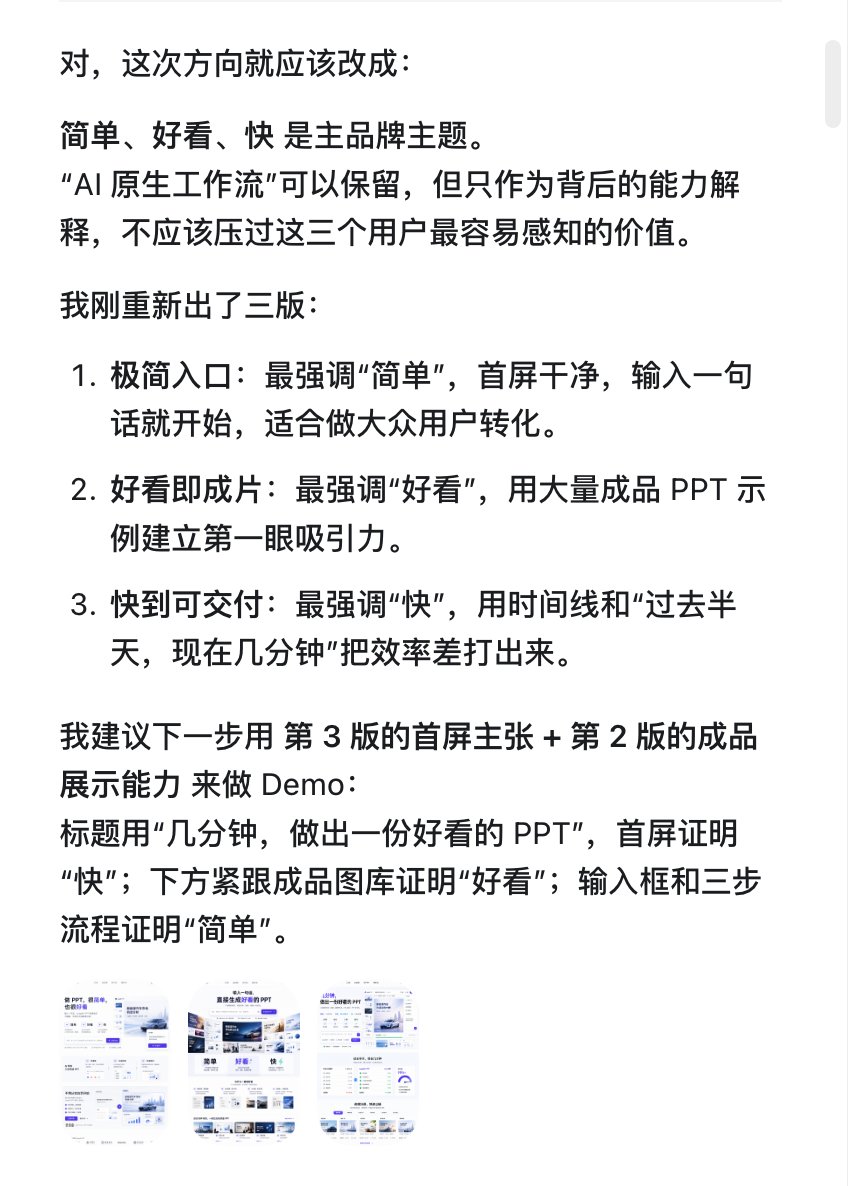
有点扯远了,还是说说具体的这个插件怎么来使用。首先,需要通过自然语言描述,或者给链接,或者给文件,让 AI 了解这个项目充足的上下文。
在上下文的基础上,Codex 会先给出一个 Brief 并请求你的确认。在讨论确定之后,它就会生成三个不同的方向的设计供你选择。
依托 GPT-image-2 的强大能力,在这一步就会直接给出三个设计方向的高保真设计图。再来回讨论几轮,基本上设计稿层面上也能完成到七八分满足需求了。
从个人最佳实践来看,建议不要在这个阶段过分追求精准度,而是差不多就行了直接转化为代码,后续的细节修改全部放到代码阶段去调整。
进入到代码编辑阶段,就进入了 Codex 的舒适区。先让 Codex 把本地项目跑起来,然后用标注功能直接在网页上选取和描述要修改的元素,一键发送给 Codex,就可以非常精准的完成相应细节的调整了。
在这里强调一下,这个标注功能,非常非常好用!!!自然语言描述 CSS 细节手动调整,基本上解决了调整需求说不清楚的问题,强烈推荐大家一定要尝试一下!
等到把细节全部改到位,再接下去就是推送到仓库和在服务器上部署,这里就不再赘述了。
整体来说,我对 Product Desiging 插件非常满意,完美替换了我之前的工作流,但就是这个默认的紫色配色,还是让人很无语啊·······
8
2
24
4,842
alistair retweeted

Codexの公式プラグイン「Product Design」がめちゃくちゃいい。
PMが「アイデア出し → プロトタイプ作成 → ブラッシュアップ → 共有」のフローを爆速化できる。
使い方の3ステップをリプに記載しました。Codex使える状態なら5分で試せます👇
# できること
・大雑把なコンセプトから複数のビジュアル方向やコンセプトを提案してくれる
・既存フローの摩擦点や改善点を分析・リストアップ
・画像から操作可能なプロトタイプに変換
・FigmaやCanvaにコンテキスト・ユーザーストーリー付きでエクスポート
・Sites機能でクリック可能な共有ウェブサイトとして公開
1
5
22
2,600
alistair retweeted

Jun 7
Codex最强插件 !Product Design。
它所针对的用户不单单是程序员,而是有产品策划能力并有设计需求功能的设计师。
以前产品经理、设计师来回沟通 现在你只要一个插件就能完成完成UI。
1
1
165
alistair retweeted

Jun 7
codexのデザインが洗練されるプラグイン「Product Design」よい!
使い方
①codexのプラグインからProduct Designを検索してインストール
②チャットで@ProductDesign を呼び出して指示
2
33
762
93,273

alistair retweeted

Jun 7
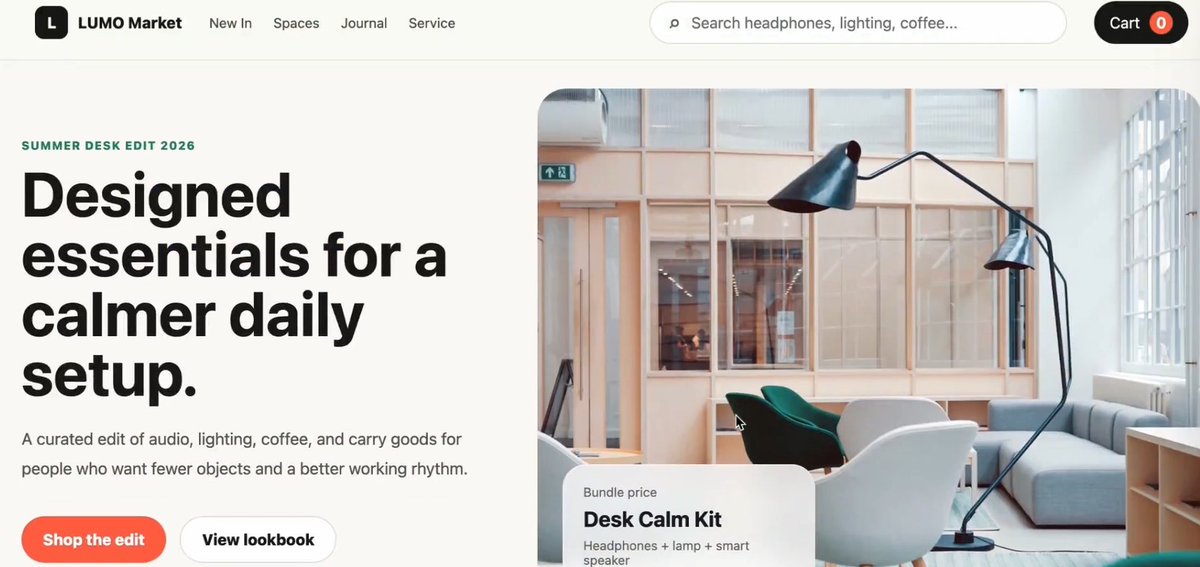
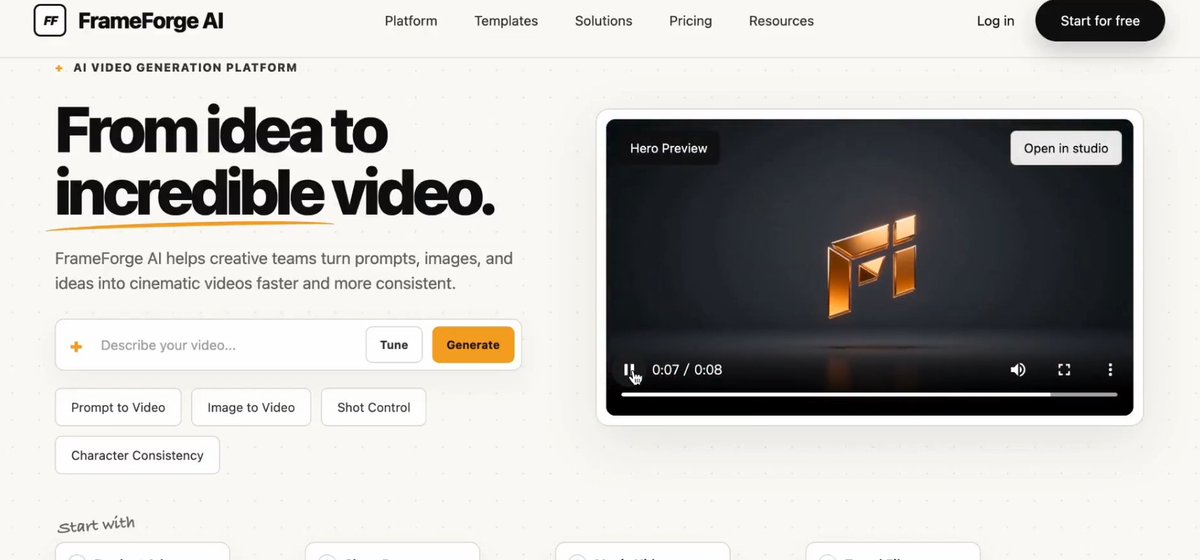
Codex 重磅更新!上线 Product Design 插件,补齐了以往 UI 审美短板。
现在先出 3 套高保真设计参考,敲定风格再写代码,交互细节拉满。
设计 开发一体化,这才是 AI 开发的新形态。
1
1
86
alistair retweeted

Jun 7
Codexの新Product Designプラグイン、肝はいきなり実装に行かず先に3案出してスタイルを固定する点。手戻りの大半は「作り始めてから方針が揺れる」ここで起きるので、確定フェーズを前段に挟む発想は実務で効く。

ガチで変わった。
CodexにProduct Designプラグインが登場。
「コードは書けるけどデザインはダサい」と言われてきたCodexが、デザイン思考を丸ごと取り込んだ。
・いきなりコードを書かず、まず3種類の高品質デザイン案を提示
・スタイルを確定してからコーディングへ
・デモではスクロール演出や動く背景まで作り込まれたサイトが完成
「先にデザイン、後に実装」へのシフト👇
1
1
277

Codex 新功能 Product Design 还挺好用!!
大致流程如下:
Idea -> 设计图 -> Image to code -> 测试验收
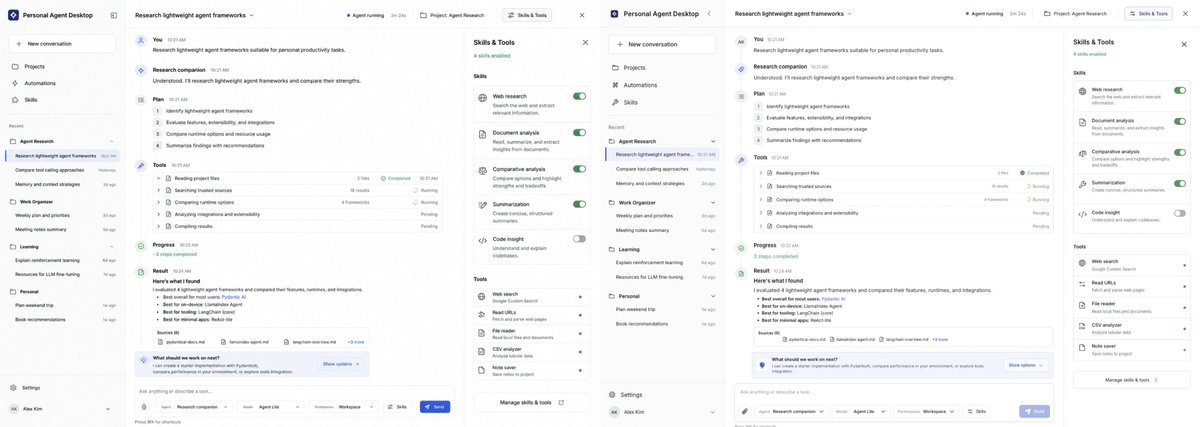
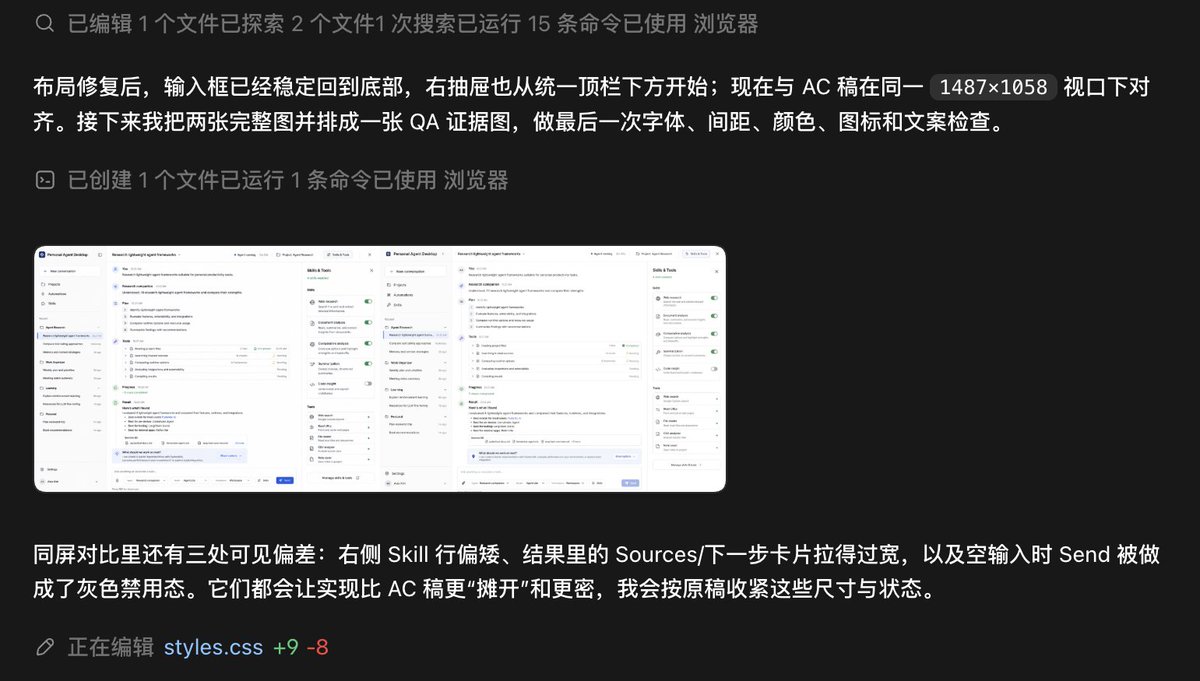
内置的 image to code 还原度非常高,而且会逐一验证每一块功能,在这个阶段它会做自我验收,力求交付完整可用复合设计图的demo。
这是它自己执行,截图AB概念图和实现,我都看不出有什么区别,它说有三处明显不同...
感受就是 Codex app 变得越来越严谨了,严父式验收,对基础不好的小伙伴(比如我)更加友好,但烧 token,烧 token, 烧token!
2
1
3
104
alistair retweeted

Jun 3
Codex更新的Product Design插件,效果出奇的好,省去了我n个提示词迭代,第一版就非常接近想要的视觉效果
1
1
169
alistair retweeted

Jun 6
Hey @thsottiaux, @romainhuet,@Dimillian, @dkundel, @reach_vb, @TheRealAdamG, @gdb, and @openai team. QQ. Is it just me, or is Codex /goal combined with the "@ product-design" plugin a match made in heaven?
Codex keeps finding new features, gaps, and improvements I did not explicitly ask for. It is not just executing the prompt. It is extending the product thinking around the app as it builds.
I am almost certain this /goal run is going beyond what I originally described because the "@ product-design" plugin is pushing it to think like a product builder, not just a code generator. We’re living through an amazing shift in how software gets created.
This thing feels unstoppable. 🔥

1
1
2
180

Codex 重磅更新:Product Design 插件上线!
以前 Codex 代码强但 UI 审美常被吐槽 上世纪风,这次直接把产品设计思维装进大脑,审美和专业度瞬间拉满!
下面视频展示了我用最新 Product Design 插件设计的三个网站,完全不输高级设计师~
先设计,后开发:它不再是直接盲写代码,而是先给你 3 张不同风格的高保真参考图!
确认了审美,再开始写代码,这种 设计驱动 的流程太专业了。
丝滑的滚动叙事、动态背景、视频卡片,交互细节拉满。
这种先定审美、再定交互、最后落地的流程,才是未来 AI 开发的终极形态!

别再把 Codex 只当聊天工具用了~
装上这11个官方插件,Codex直接变成你的生产力外挂!
别人还在手动做图、抠 PPT、抓数据……
你已经一句话搞定海报、视频、数据分析和日程管理~
下面我把每个插件的实际效果都录出来了,直接看效果~
1️⃣视觉 & 设计神器
· Canva:一句话调用百万专业模板,海报、朋友圈图、封面秒出
· Figma:扔需求或代码,一键生成高保真可编辑设计稿
· HyperFrames by HeyGen:HTML/脚本自动渲染高质量视频
· Remotion:专业级视频动效和动画,效果直接拉满
2️⃣办公 & PPT狂魔
· Presentations:给个主题,自动生成高质量PPT初稿 完整大纲
· Spreadsheets:复杂公式、图表、数据分析一气呵成
3️⃣内容 & 数据深度工具
· Documents:长文章提炼、总结、写PPT脚本
· BioRender:科研/医学图表,秒出专业科学插图
· Windsor ai:一键拉全网营销数据并自动分析
4️⃣自动化王炸
· Chrome:Codex直接操控浏览器,自动读网页、抓数据、填表
· Google Calendar:自动创建会议、管理日程,排会效率翻倍
安装方式:Codex App → 左侧「Plugins」→ 搜索名称直接安装(30秒搞定)
95
152
896
132,389
Jun 5
We fixed a bug that disabled installations via the Product Design plugin home page. Sorry to those impacted, happy prototyping.
32
alistair retweeted
Jun 4
The new Product Design plugin in Codex is surprisingly good. Just give it a couple of reference websites, and within two or three prompts, it can turn out a really polished design.
1
1
125
alistair retweeted

Jun 5
brooo, this new Codex product design feature is insane!

1
1
1
423