
Joined June 2012
- Tweets 264
- Following 272
- Followers 428
- Likes 2,970
38 Photos and videos



Pinned Tweet

2 Sep 2024
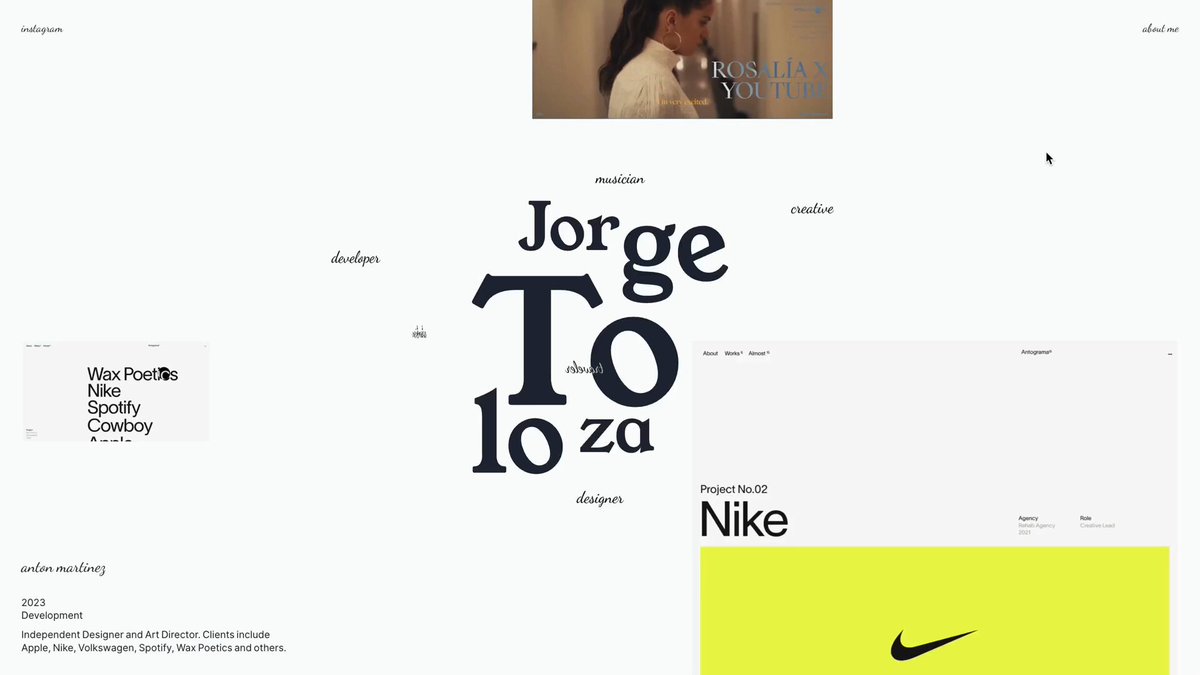
New Portfolio 2024: 10 years of writing code 🥳 Over 50 projects and counting…
jorgetoloza.co
9
13
217
9,247
Feb 19
New project 🥰

Today’s #SOTD goes to Valiente Brands for "Valiente".
awwwards.com/sites/valiente
A brand consultancy shaping identities and building brands for companies.
Congratulations! 🏆
#portfolio #GSAP #typography
1
3
157
New project for BU Arquitectura,
Design vagrant.studio,
Development @jorgecapillo, @dianatloza2, @ddsstudio_co
Tech: @greensock, @LenisSmooth, @prismicio
Take a look:
buarquitectura.com
ddsstudio.co
1
10
444
Jorge Toloza retweeted

10 Sep 2025
As if publishing Célia's spotlight today wasn't exciting enough...💜 here comes another one!
For more than 15 years (almost a third of my life!!!) I've been running Codrops. What began as sharing small experimental demos has turned into a journey that's connected me with so many inspiring creatives 💙🫶
That's why I'm so happy to share that we've evolved our Demos Hub into the new Creative Hub, a place that brings everything together: a growing collection of hand-picked, open-source demos from Codrops and beyond.
A space to discover, learn from, and celebrate the creativity of the web community!
I'd love for you to explore it, get inspired, and also share your own work: tympanus.net/codrops/hub/
8
9
61
3,391
Jorge Toloza retweeted

4 Sep 2025
Among the work I'm most proud of, here's one small project I made years ago that's finally out there! Learned so much about frame buffers and shaders through it — dimsum009.resn.global/
#webgl #threejs #creativecoding
8
11
126
8,957
Jorge Toloza retweeted

27 Aug 2025
raymarched blackhole with volumetric accretion disk
r3f.maximeheckel.com/blackho…
16
45
470
29,578

Edgy branding, editorial content & technical design. This is the Weekly Delights, ed #25.26!
⚡️ delights.design/weekly/2025-…
feat @nothing @Dogstudio @antonandirene @annaerdelen @Ragged_Edge @rsnbrgjrdn @joyceho @jorgecapillo @avax @wmdigi @graphics_dept @Meesverbernecom @MaxBerndt_
3
3
12
1,324

Today we have a wonderful tutorial for you!
@jorgecapillo shows how to build an infinite parallax image grid powered by @greensock, seamless tiling, and dynamic scroll/drag effects.
A motion-rich visual treat: tympanus.net/codrops/?p=9473…
3
5
86
6,316
Jorge Toloza retweeted

28 May 2025
Recreating the water stripes in Hokusai’s artwork has to be one of the most puzzling tasks I’ve ever attempted.
Getting close, though!
33
117
1,819
57,902
Jorge Toloza retweeted

21 May 2025
[LIVE DEMO] Check out our latest WebGL demo, exploring a fluid cellular particle effect. Full write up and details of what's going on under the hood coming soon 🔍
Live → unseen.co/labs/cellular/
#webgl #realtime #threejs
4
14
195
12,094
Jorge Toloza retweeted

31 Mar 2025
✨ Last week most popular websites on Maxibestof featuring @exoape, @jorgecapillo, @lesliedavid, @gilhuybrecht, @worksdotstudio, @studio_9P, @source_paris, Allier Ho, Johann Lucchini, 01mars, Replica Studio, Della Mattia, Rijk van Wel and more...
1
3
10
2,180
Jorge Toloza retweeted
27 Mar 2025
So happy to finally put the spotlight on @jorgecapillo 🌟
He’s not only shared some fantastic tutorials on Codrops, but also built a body of work full of creativity, motion, and care.
Read his Developer Spotlight here: tympanus.net/codrops/2025/03…
Thank you so much, Jorge 💙🙏 To many more 🫶
2
25
1,085
We’re featuring @jorgecapillo in today’s spotlight—a creative developer whose motion-focused tutorials and interactive work have inspired the Codrops community!✨
Explore his story, favorite projects, and the ideas behind his beautifully crafted web experiences 🔗⬇️
2
1
31
2,803
Jorge Toloza retweeted
27 Mar 2025
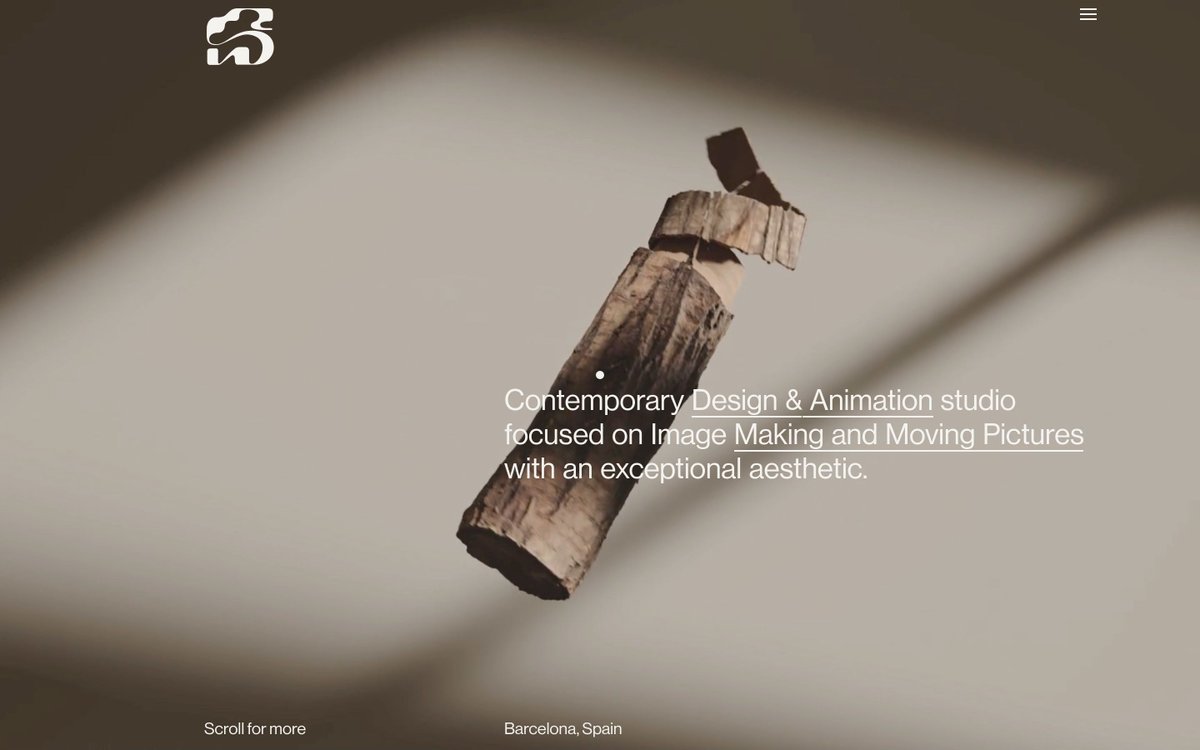
Spot Studio by @jorgecapillo and Replica Studio → maxibestof.one/websites/7248…
1
1
6
374

Ever wondered what a crayon sketch would look like in motion? ✏️💫
@jorgecapillo shares a step-by-step tutorial on creating a stop-motion crayon cursor effect with p5.js.
Playful, interactive, and fun to build!
Follow along 👇
2
2
25
3,747

Wrapped up a small #sideproject — Colormatch!
colormatch.jayas.me
A color matching game built over the weekends*. Aims to familiarize players with the RGB color model using 3D space.
#3d #rgb #color
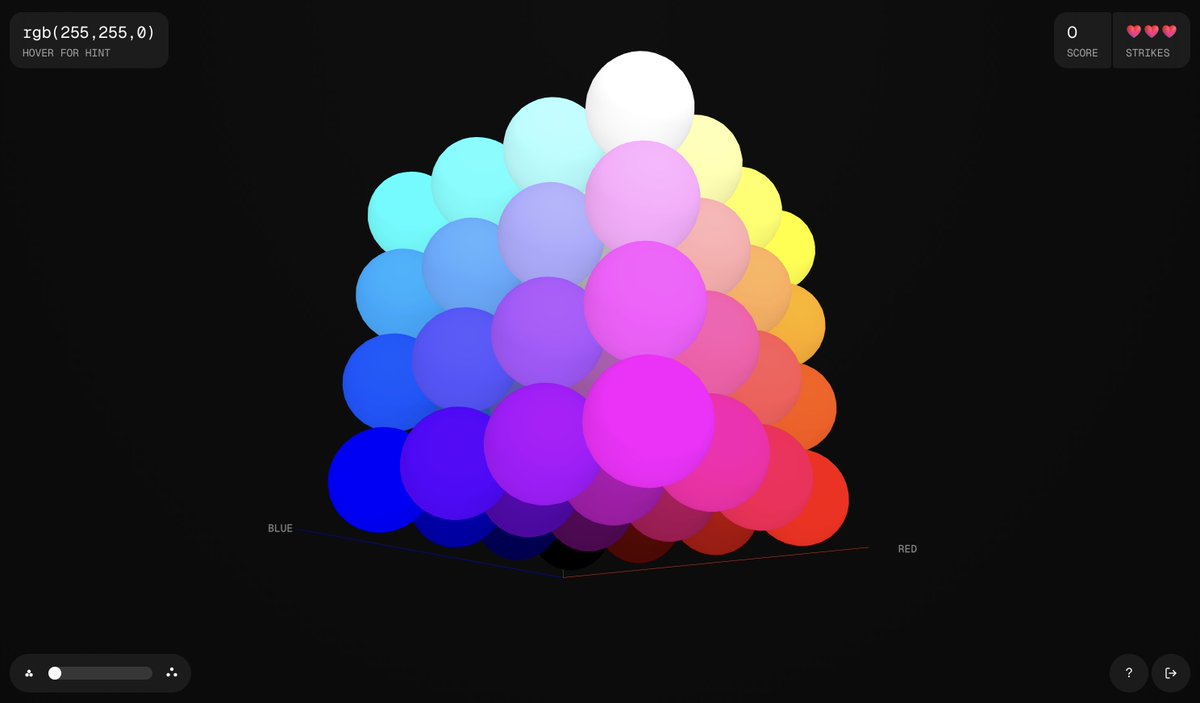
ALT Screenshot of Colormatch! A game, showing a cube with each axis mapped to the three color channels in RGB color model—Red, Green and Blue. Player is shown a color written in RGB notation, and expected to click on the corresponding coordinate in the cube.
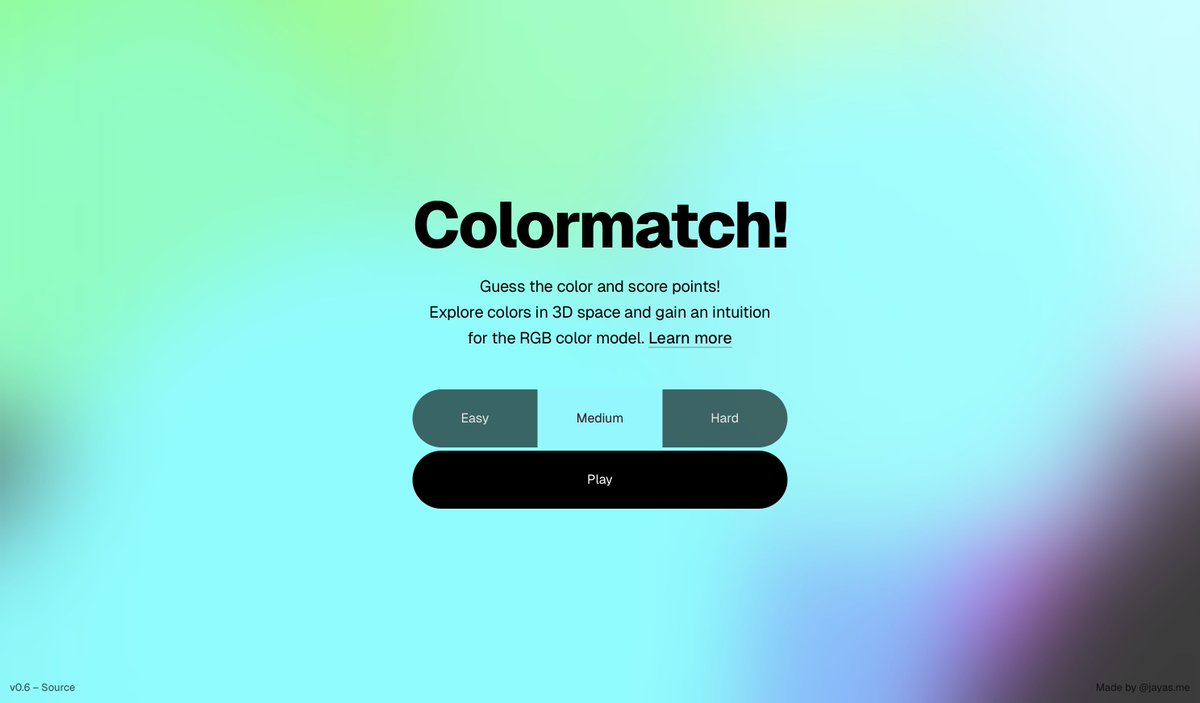
ALT Screenshot of Colormatch! intro screen, showing three options for difficulty, a short description of the game, atop a blurred colorful gradient (where colors are moving behind the blur IRL).
3
2
16
1,582


Jorge Toloza retweeted

30 Dec 2024
We make the tools. You make the magic. 💚
Here's our favourite GSAP-powered animations and interactions from 2024, or as we're calling it - the year of the pixel transition. 👾
Honoured to serve such an inspiring community.
29
46
560
67,125

Today’s #SOTD goes to Réplica and @jorgecapillo for "Spot Studio".
awwwards.com/sites/spot-stud…
Digital space for Spot Studio, a Barcelona-based studio in contemporary image-making.
Congratulations! 🏆
#portfolio #agency #typography
3
2
66
4,173