
Joined June 2009
- Tweets 2,395
- Following 666
- Followers 579
- Likes 4,234
127 Photos and videos






Eric Helgeson retweeted

12 Oct 2022
The Mac Portable Hybrid Module Recreation product is live!
Please run through the pre-check steps (linked from product description) before ordering to be sure your system is in good shape.
androda.work/product/macinto…
1
3

BlueSCSI Transfer Util is a new 68k Macintosh app (OS6-9) that allows you to pull & put files directly from an SD card, no emulator required to get OregonTrail on your Mac Plus HD image!
Give the Beta a try - let me know if you run into any issues:
github.com/erichelgeson/Blue…
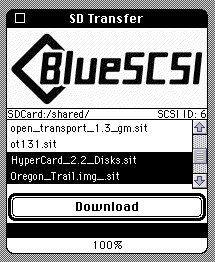
ALT Screen shot of BlueSCSI Transfer Utility Beta
6
30
159

20 Sep 2022
iPhone 14 Pro crashed while charging last night so didn't get my alarm and had no idea how to restart (press up then down then hold power I learned)
Not a great start to the new iPhone @Apple @AppleSupport
1
1
20 Sep 2022
6 liked games 6 tagged people
DOOM 1/2
Escape Velocity
Dark Castle
Airborne!
Sim City 2k
Zelda ALTTP
@Jonasdotpy @jwg1962 @torbar @bigbadbiologist @OneGeekArmy @gruz
1
Eric Helgeson retweeted

21 Aug 2022
Started selling BlueSCSI for LC, Supports LC, LCII, LCIII, LC475...
#BlueSCSI #KerosMacMods
en.infinityproducts.co.jp/pr…
8
28
Eric Helgeson retweeted

8 Jul 2022
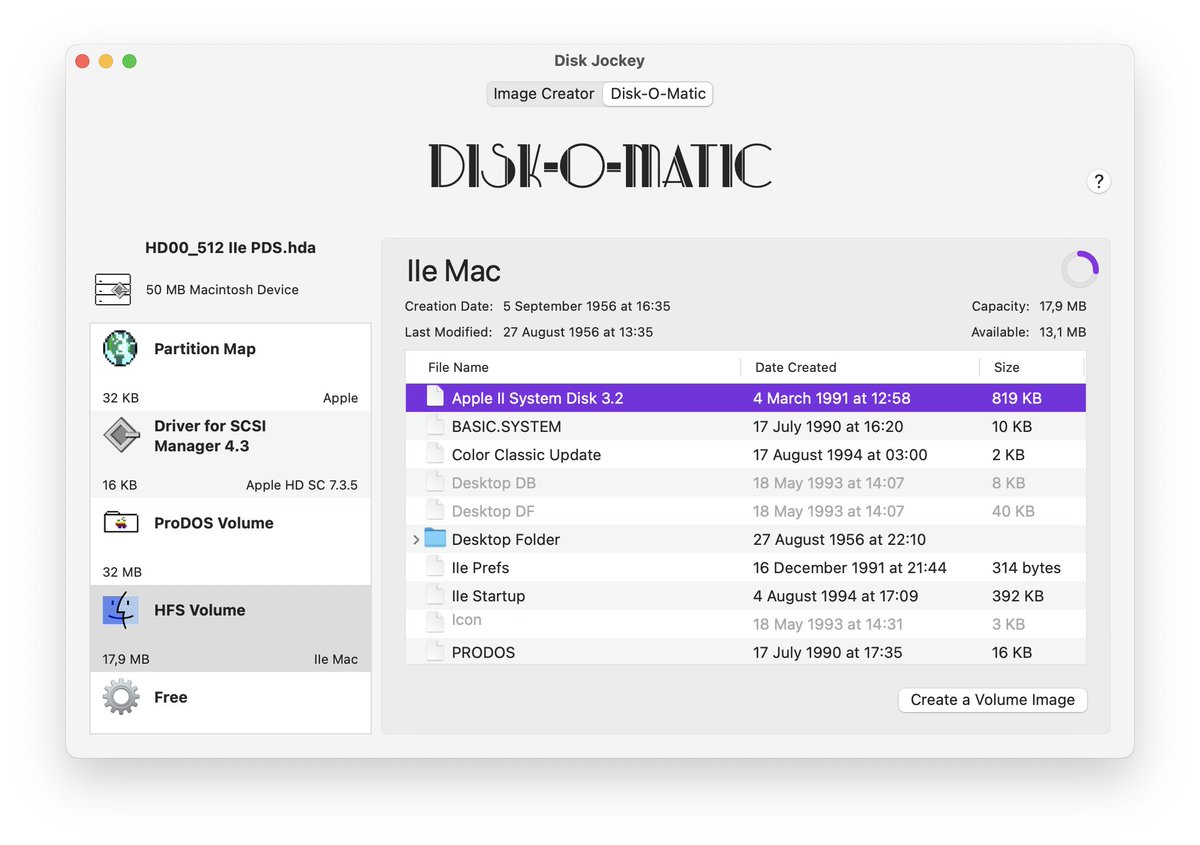
Version 2 of Disk Jockey, the disk image creator for your retro stuff, is out!
Not only does it create disk images, it allows you to see what's in them. It reads raw disk images, Mac ISOs, Toast and Disk Copy images. Meet Disk-O-Matic:
6
37
157
6 Jul 2022
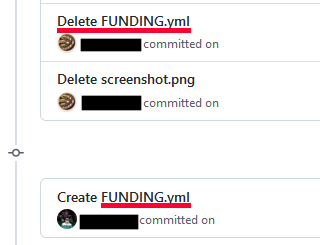
Creator: Makes a cool project, adds funding.yml
Company: Creates un-linked fork, removes funding.yml
#opensource
1
2
16 Jun 2022
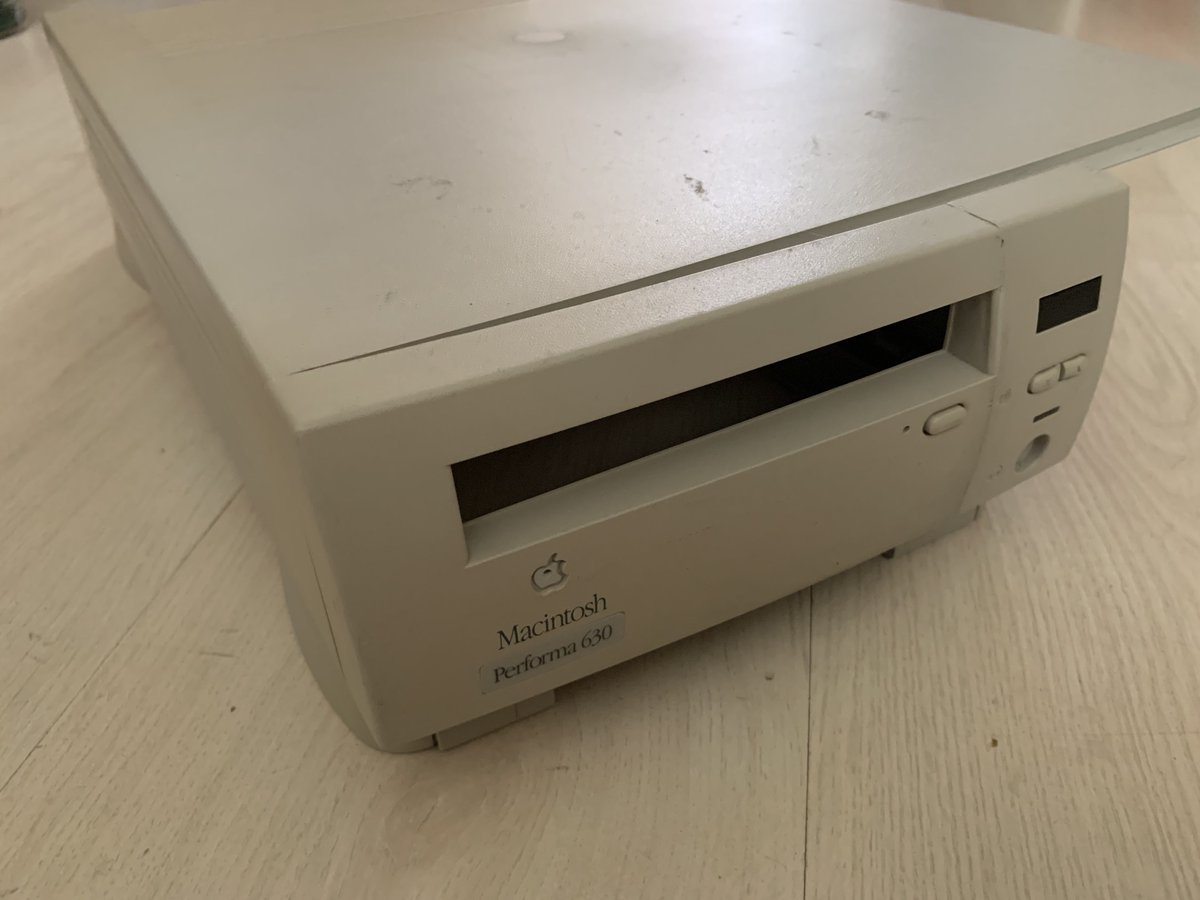
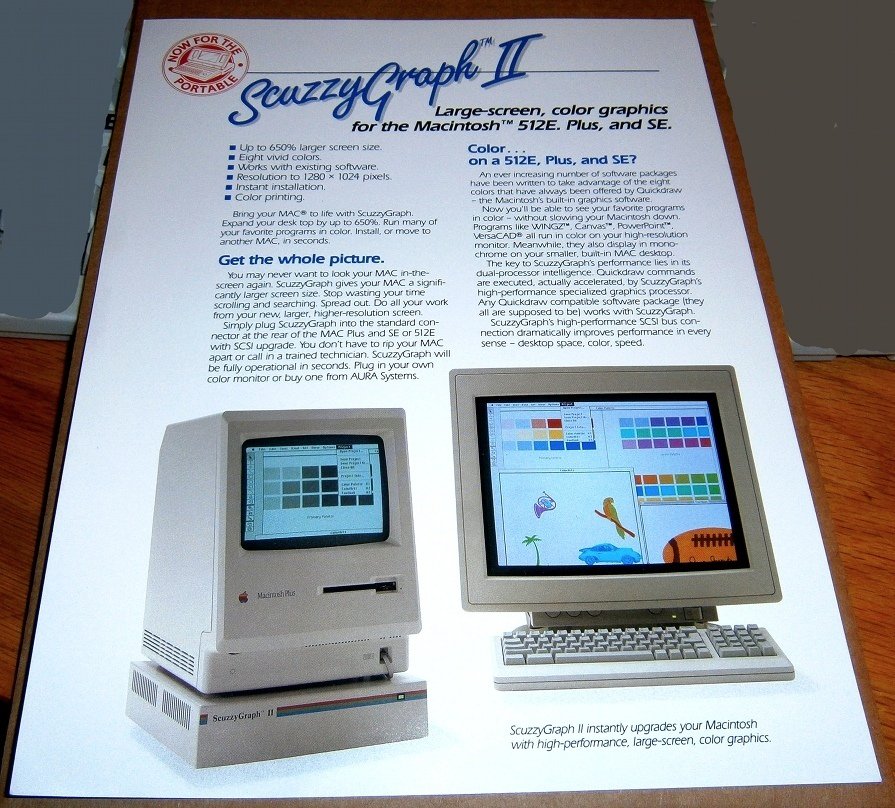
This looks like a @NanoRaptor creation coming to life tinkerdifferent.com/threads/…
5
3
62
Eric Helgeson retweeted
15 Apr 2022
The new F4 BlueSCSI XCVR is finally available in small quantities! Hit some delays after hoping to release at the end of March.
androda.work/product/desktop…
The code is released GPL, and hardware released CC-NC, in the main repo:
github.com/androda/F4_BlueSC…
1
4
5
Eric Helgeson retweeted

1 Apr 2022
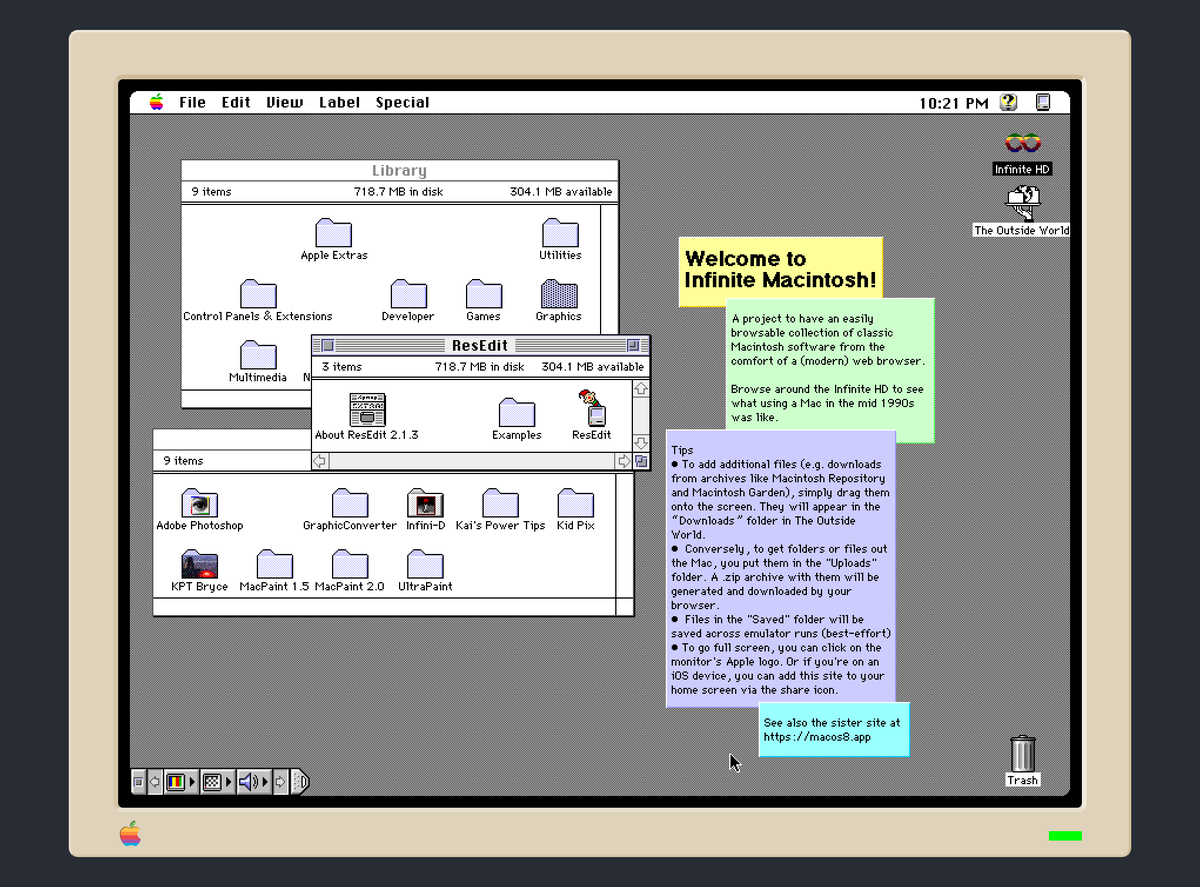
For #MARCHintosh2022 I'm launching two web-based classic Mac emulators: system7.app and macos8.app.
They boot instantly, are filled with useful programs, allow data import, export and persistence, and try to bring the best of the web to retrocomputing.
80
510
1,604

It's online! I've published a beta version of The HyperCard Center, a website hosting web-formatted HyperCard reference docs! hypercard.center/ #MARCHintosh2022
4
11
Eric Helgeson retweeted

22 Mar 2022
CrossOver 21.2 for macOS, Linux and ChromeOS has arrived! This latest version includes over 300 updates to wined3d from upstream Wine.
For more information visit the CrossOver 21.2 changelog. bit.ly/3lmnDUS
#CrossOver #CodeWeavers #OpenSource #Wine #Software #Release

2
7
20
Eric Helgeson retweeted

11 Mar 2022
Apple has a very successful laptop lineup these days, but its very first portable Mac was a bulky, heavy flop. Let’s find out why in today’s video!
youtu.be/Okz14yztJ3I
4
11
64
2 Mar 2022
#MARCHintosh2022 doesn't just have to be videos - if you don't have a blog and want to share a project come over to TinkerDifferent and tag the post tinkerdifferent.com/tags/mar…
I'll be posting my 512k restore there later this week.
1
8
Eric Helgeson retweeted

1 Mar 2022
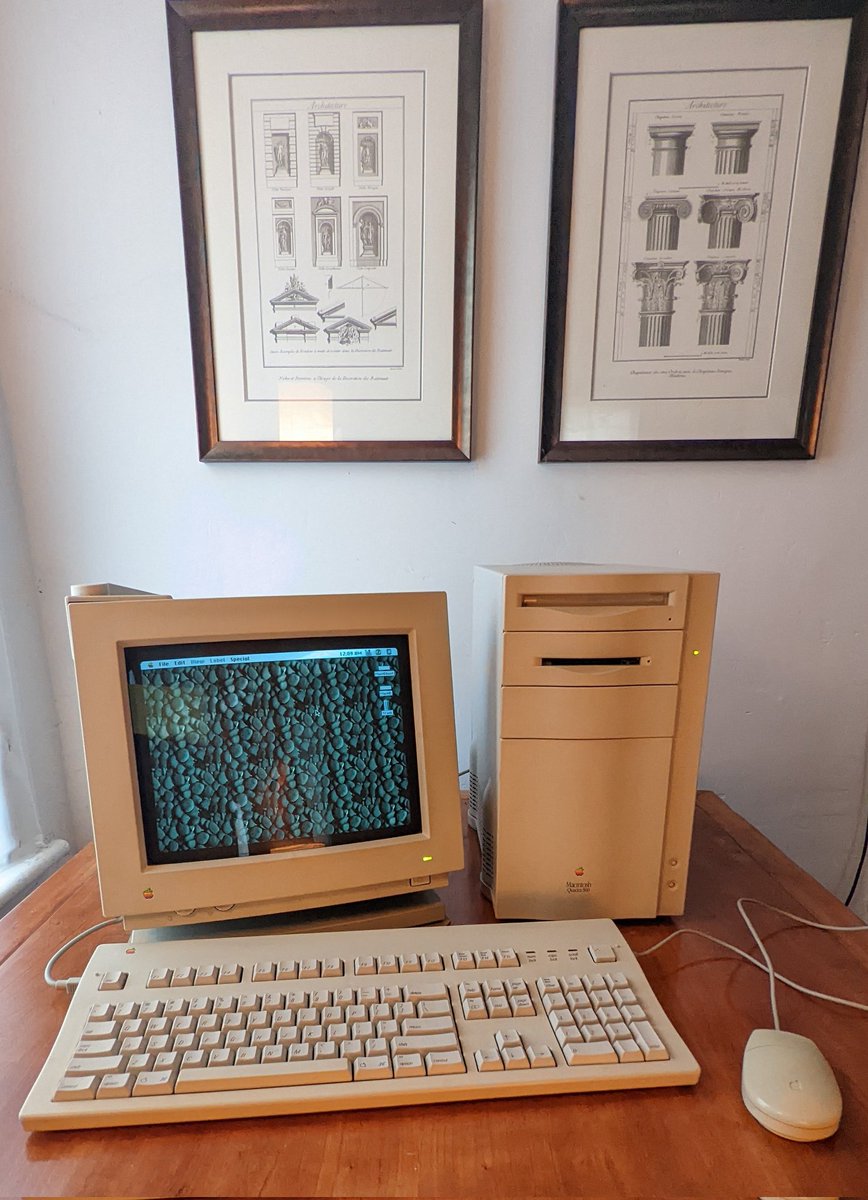
March 1: #MARCHintosh2022
Quadra 800
16 / 0 (ext bluescsi with 7.5.5)
2
7
59

30 Nov 2021
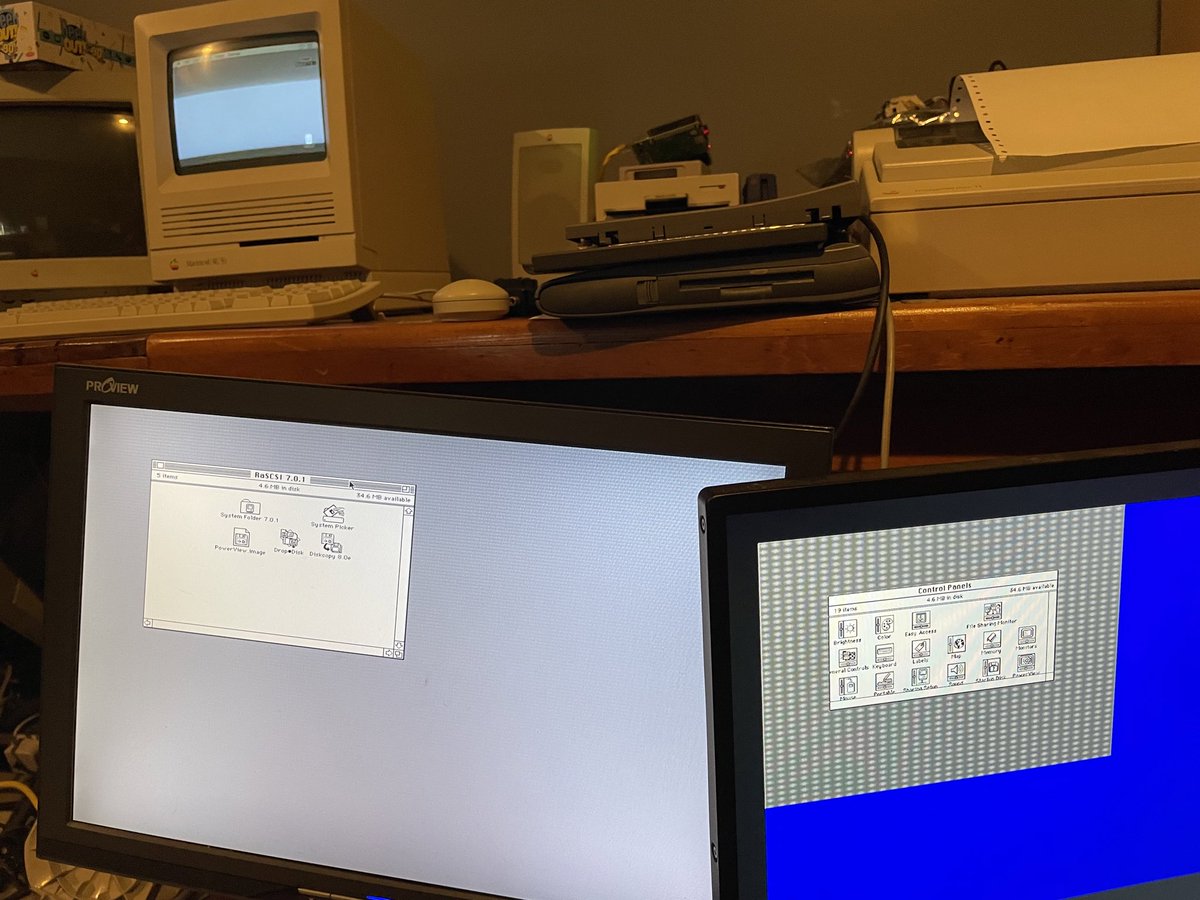
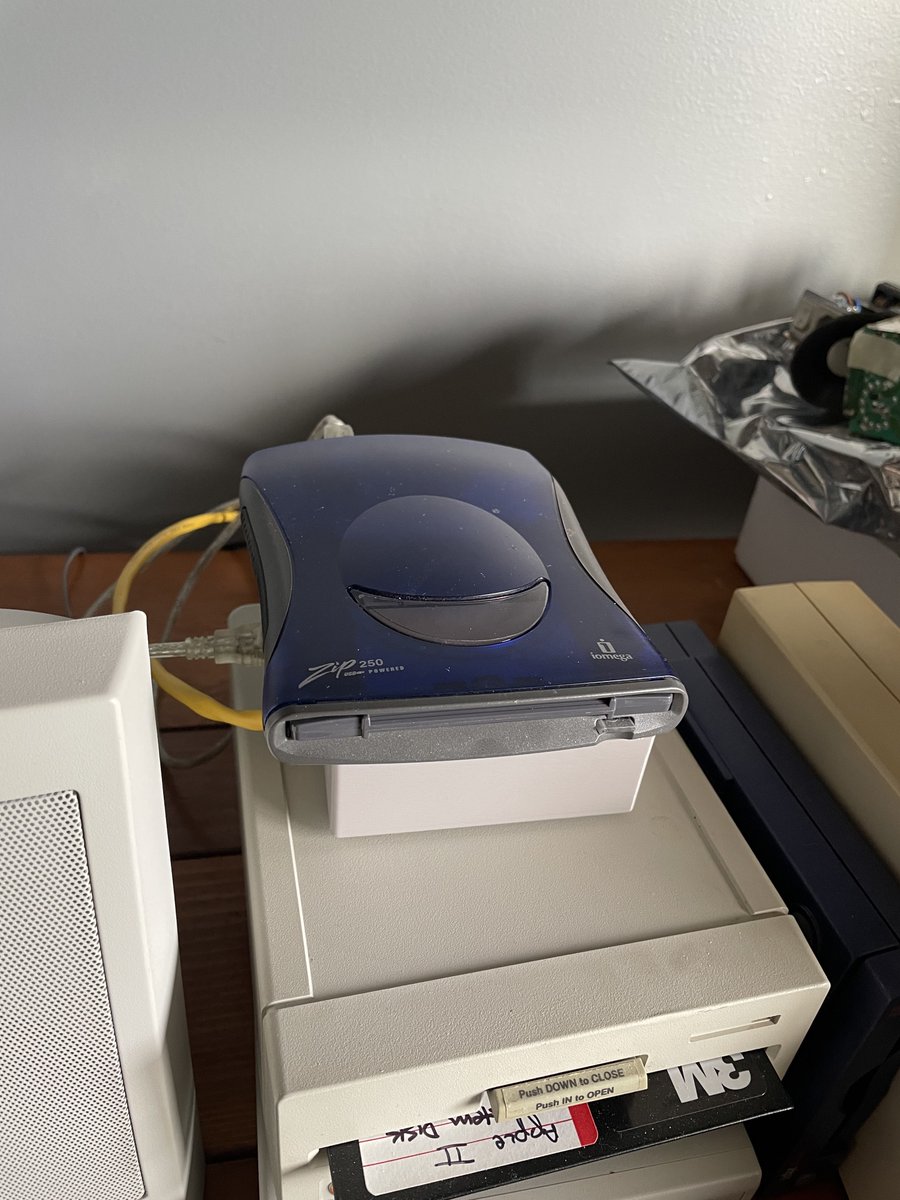
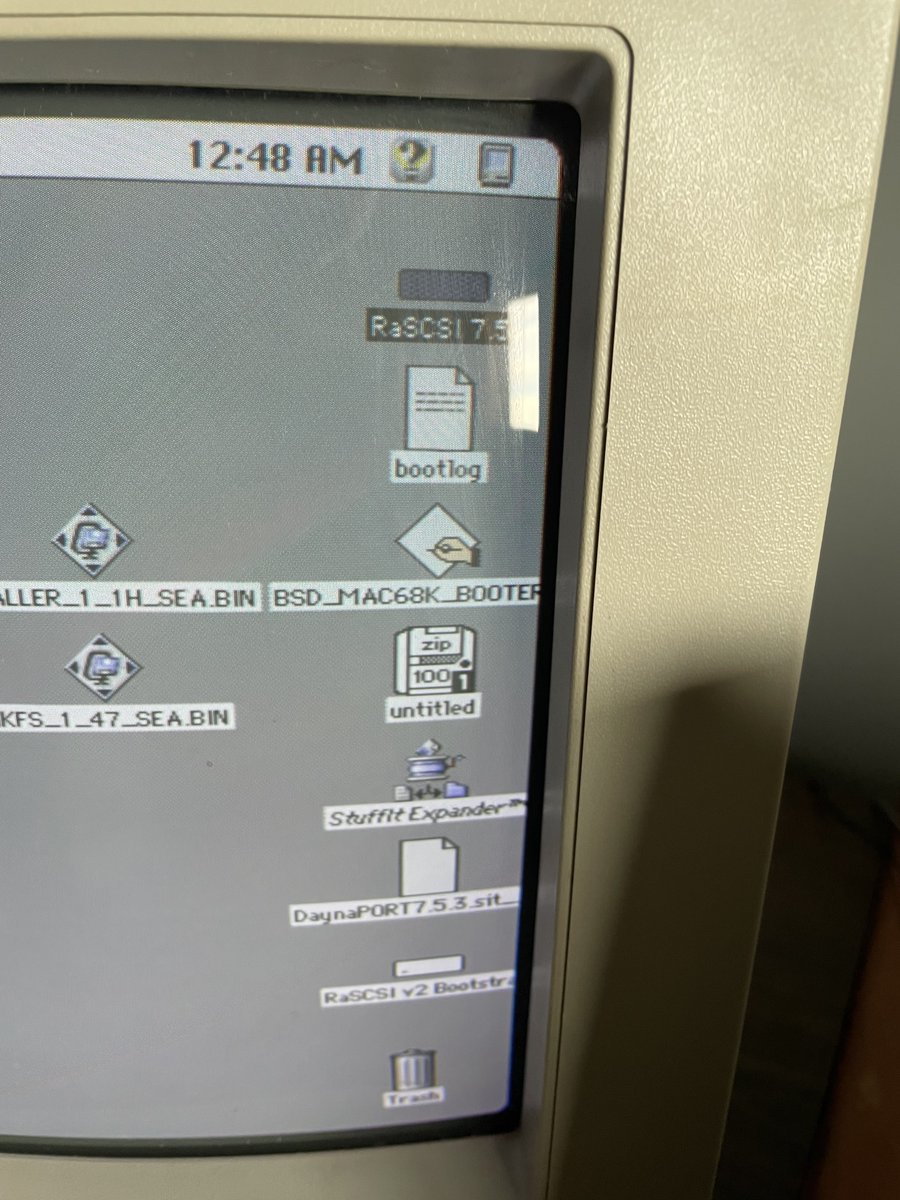
Have a USB Zip/Floppy drive and a @rascsi and you want to use it with a SCSI computer? No problem! Here is a IIci using a USB Zip 250 :)
USBZip -> RaSCSI-> ln -s /dev/<devcie> /home/pi/images/zip.hdr -> scsi -> IIci
Everything in linux is a file, even devices!

5
5
36
30 Nov 2021
This would also work with a USB->IDE/SATA drive to get your clicky hdd noises.
Or heck, even a scsi2sd plugged in via usb and mount the drives from that via rascsi. Why? because why not!
4
Eric Helgeson retweeted

30 Oct 2021
Pre-configured Raspberry Pi OS Lite SD card with RaSCSI v21.10 already setup - also now available!
Download the image from the release notes (github.com/akuker/RASCSI/rel…)
Then use the Raspberry Pi Imager tool and select "Use Custom"
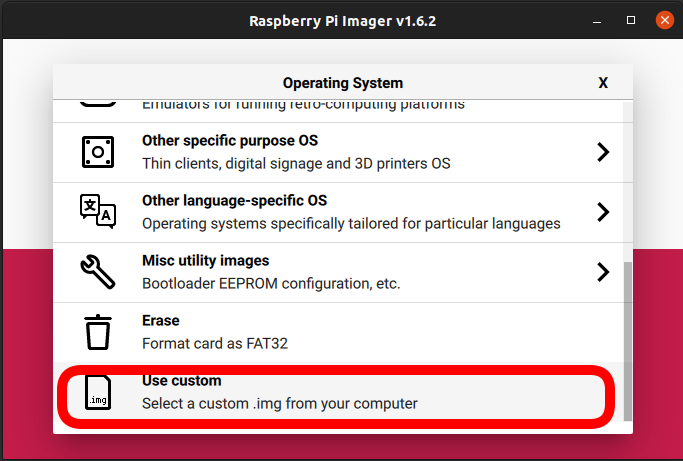
3
14