
Senior Tech Artist @deadasdiscogame | Worked as co-dev on Overwatch 2 | Co-Founder of @luskigamestudio | 🇧🇷~🇪🇸
Joined February 2020
- Tweets 97
- Following 428
- Followers 2,976
- Likes 670
12 Photos and videos

Pinned Tweet

8 Oct 2024
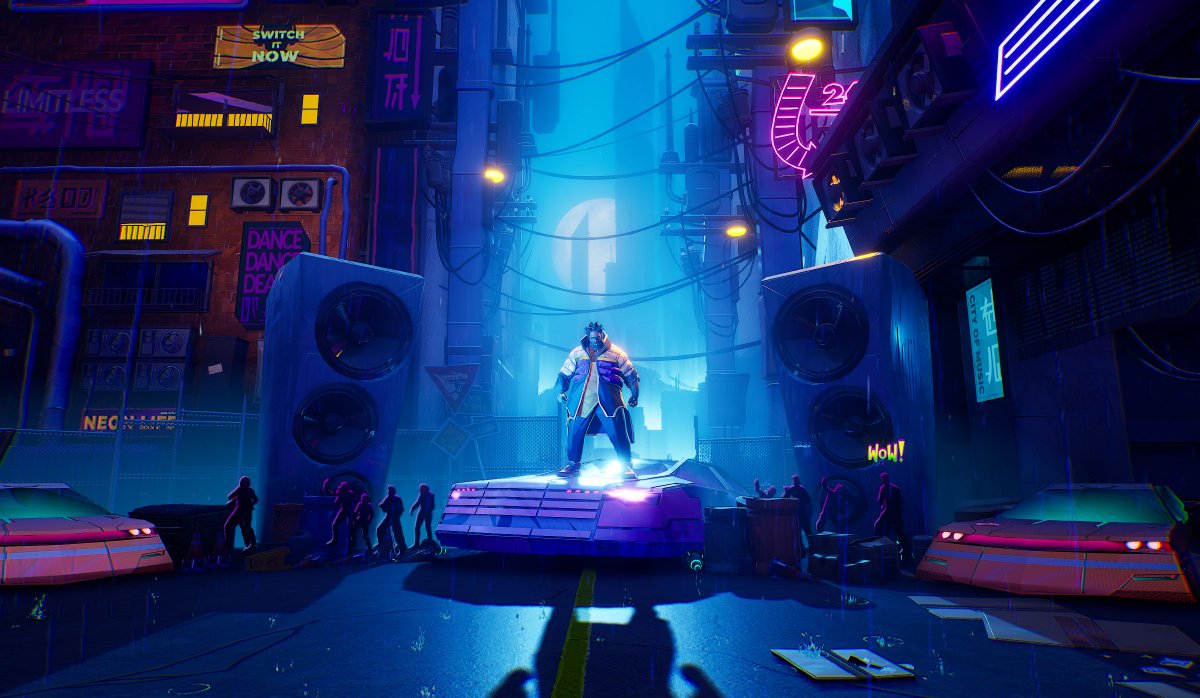
Michelle's proof of concept is out!
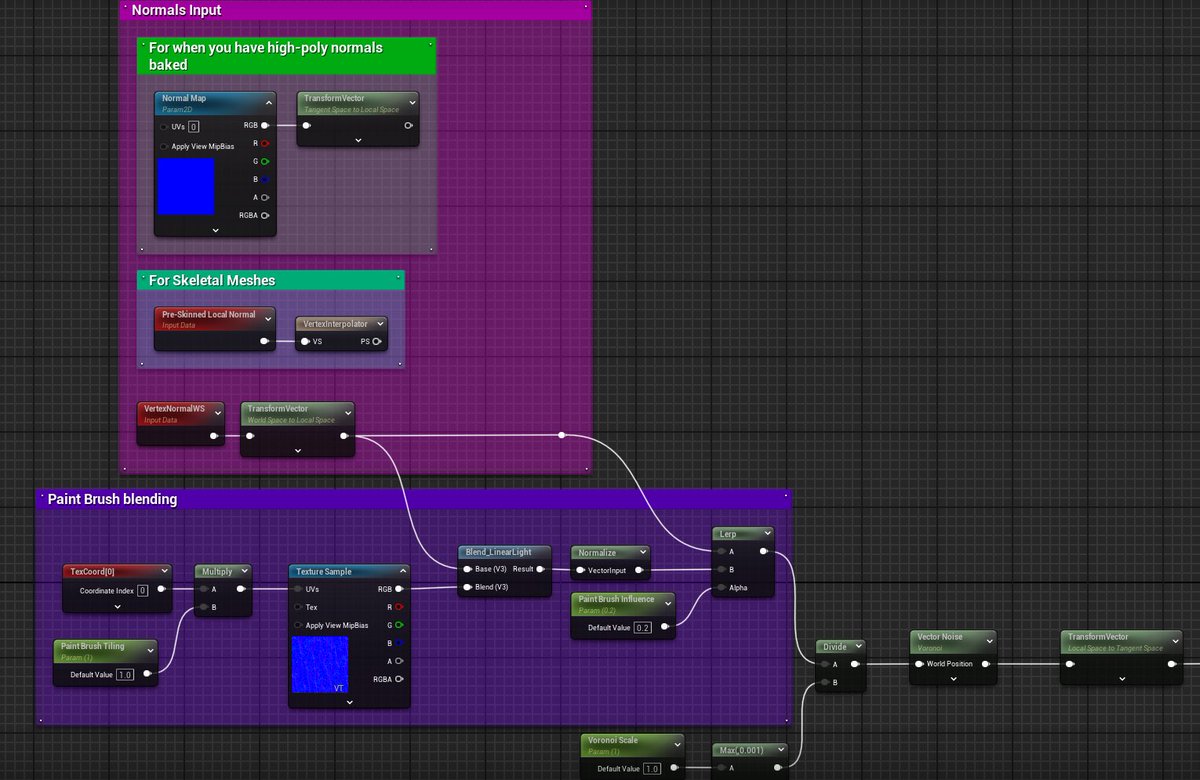
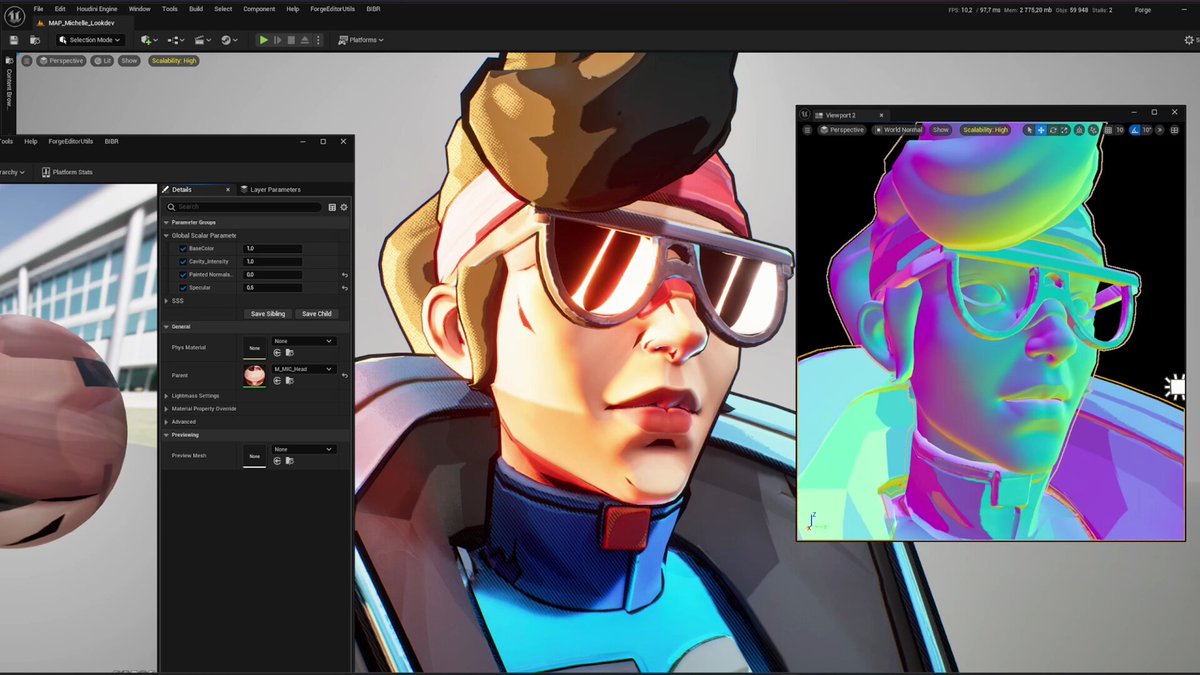
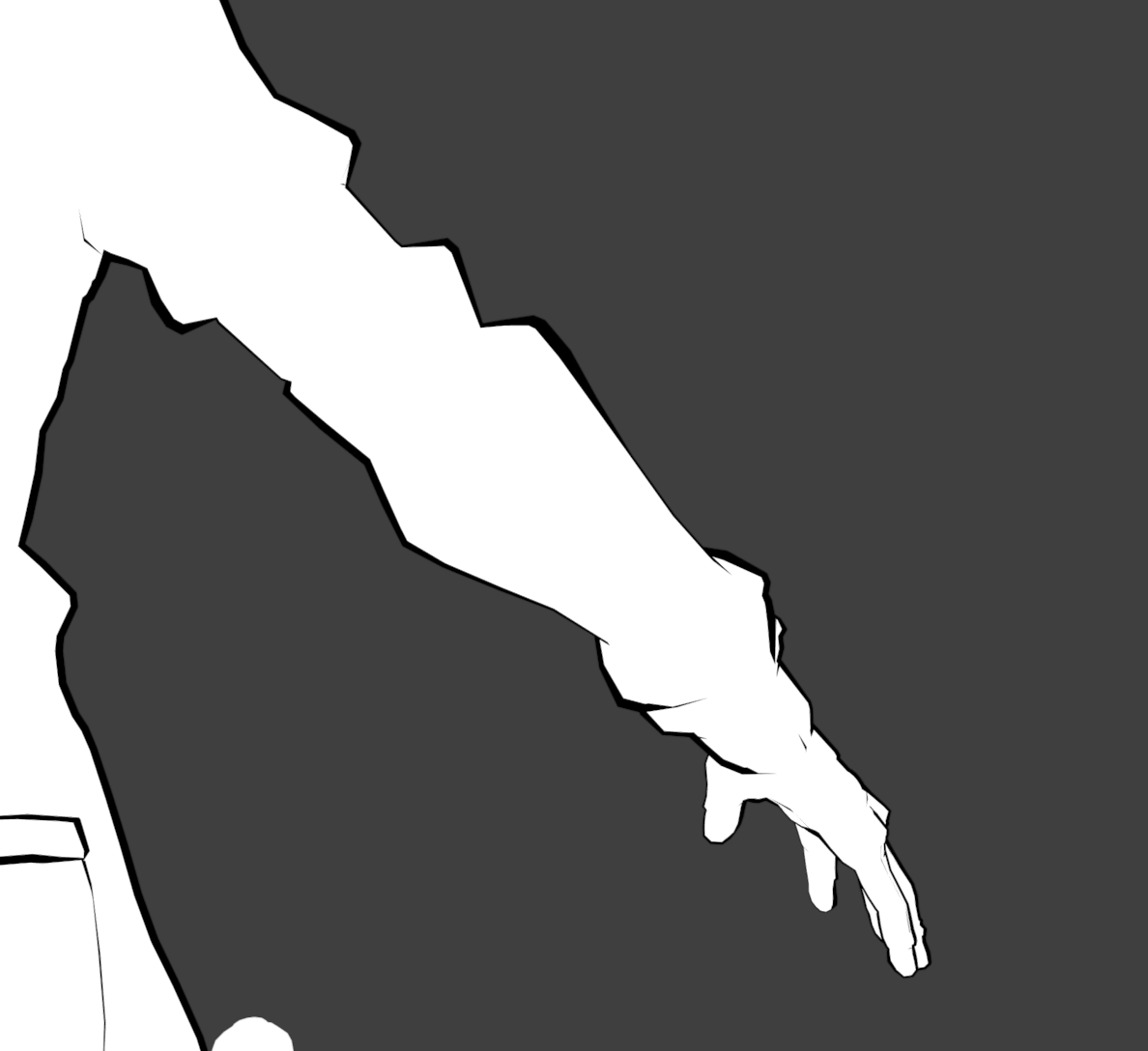
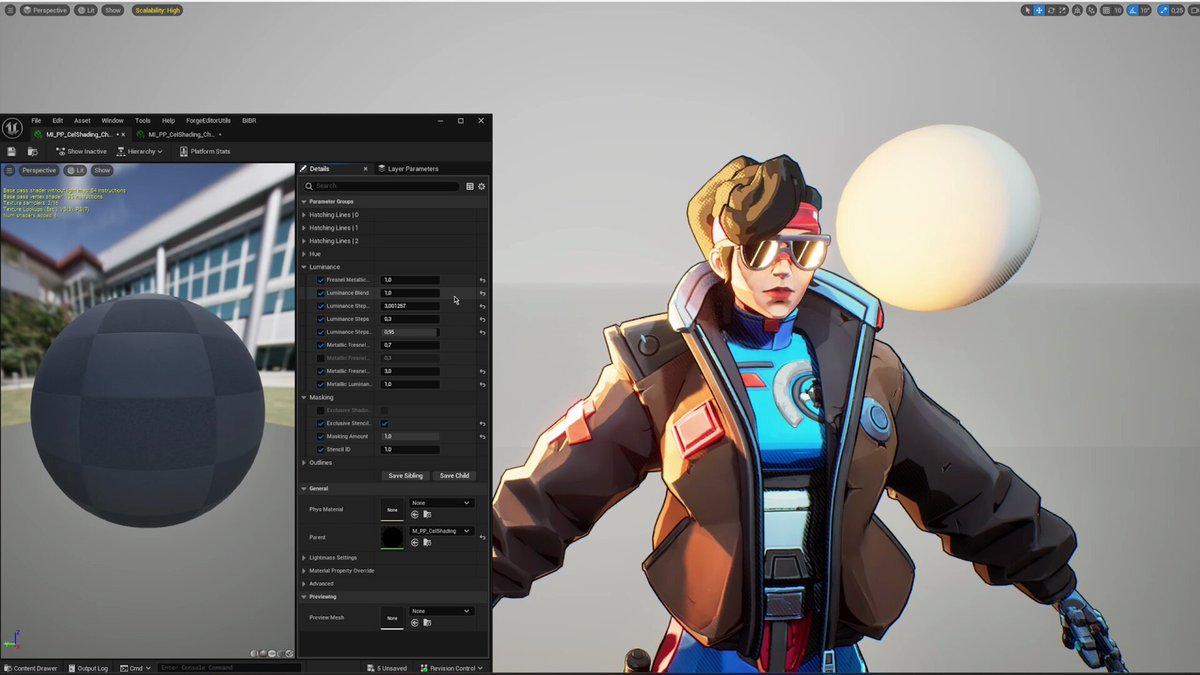
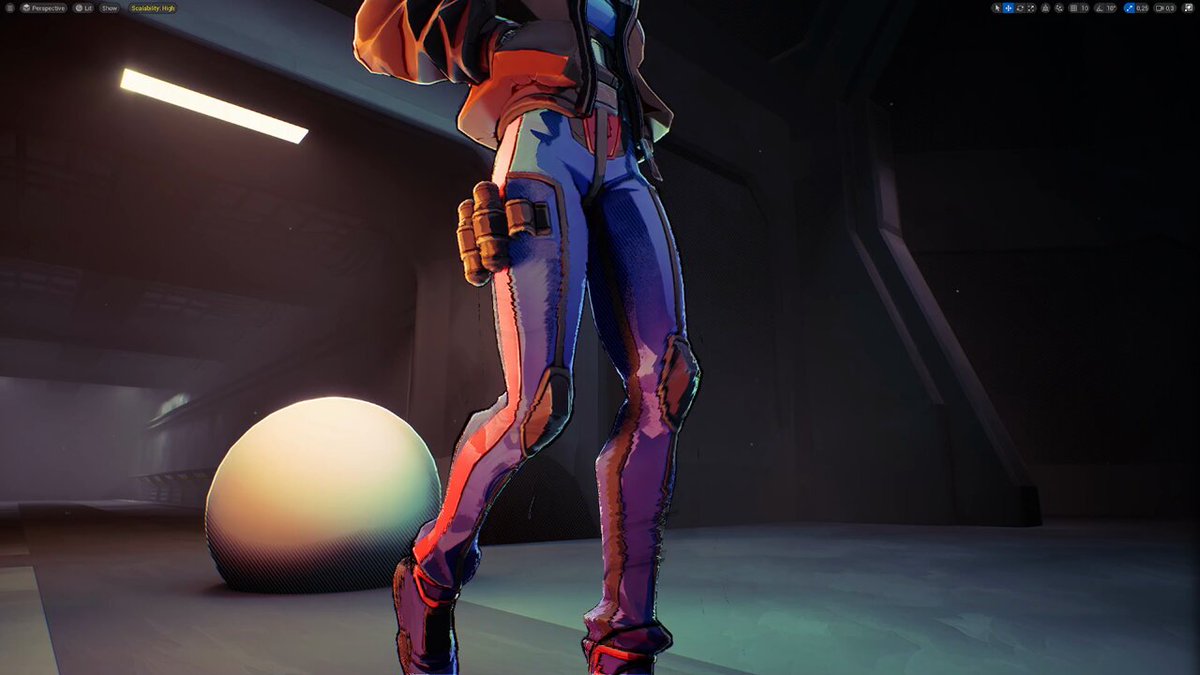
I'll share more details on how we achieved the look by combining CelShading, Hatching lines, Weighted Outlines, Painted (and Procedural) Stylized Normals and Motion Smearing.
Check the thread for the result and breakdown🧵
#unrealengine #ue5 #stylizedart #realtime #3dcg #shaders #techart #technicalart #niagaravfx #realtimeVFX
62
1,097
8,986
300,750
May 5
Finally! Go play it 😎

10
445
Pedro Borges retweeted
🦑[WIP] [Niagara] [Tentacles]
Okay, it's GG 🤯
Grid3D collision works perfectly with Multiple Tentacles (duh)
That's just insane💀 Power of GPU
#ue5 #GPU #Niagara #Tentacles
4
8
113
7,198
Feb 16
this is SO GOOD

1
1
19
1,039
3 Jun 2025
This kind of hype is exactly why we do what we do. Love seeing people vibing this hard with the game🕺😂
2 Jun 2025

I NEED DEAD AS DISCO TO COME OUT EXPEDITIOUSLY, THIS GAME IS TOO COOL
2
18
1,644
Pedro Borges retweeted

31 May 2025
We’re absolutely blown away. Dead as Disco just hit ✨100,000 wishlists✨ on Steam and it’s all thanks to YOU, our incredible community.
Your support, hype, and love mean the world to us.
Let’s keep the party going and the disco burning bright. 🕺
#DeadAsDisco #IndieGame

5
19
86
4,344

Pedro Borges retweeted

2 Jan 2025
Holidays and traveling are a good time for picking up the iPad.
Still #nomadsculpt
Amazing Asuka Concept by Felix Thirasat
15
145
2,224
70,974
Pedro Borges retweeted
18 Dec 2024
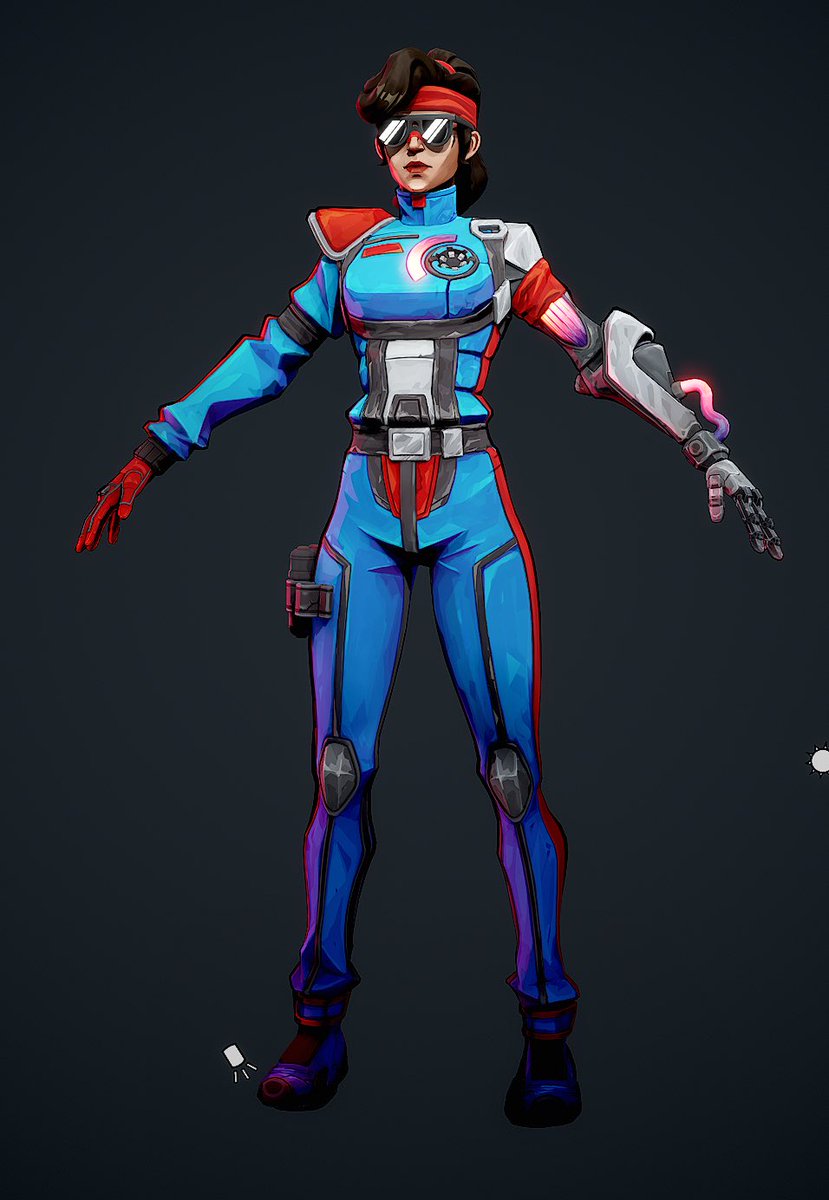
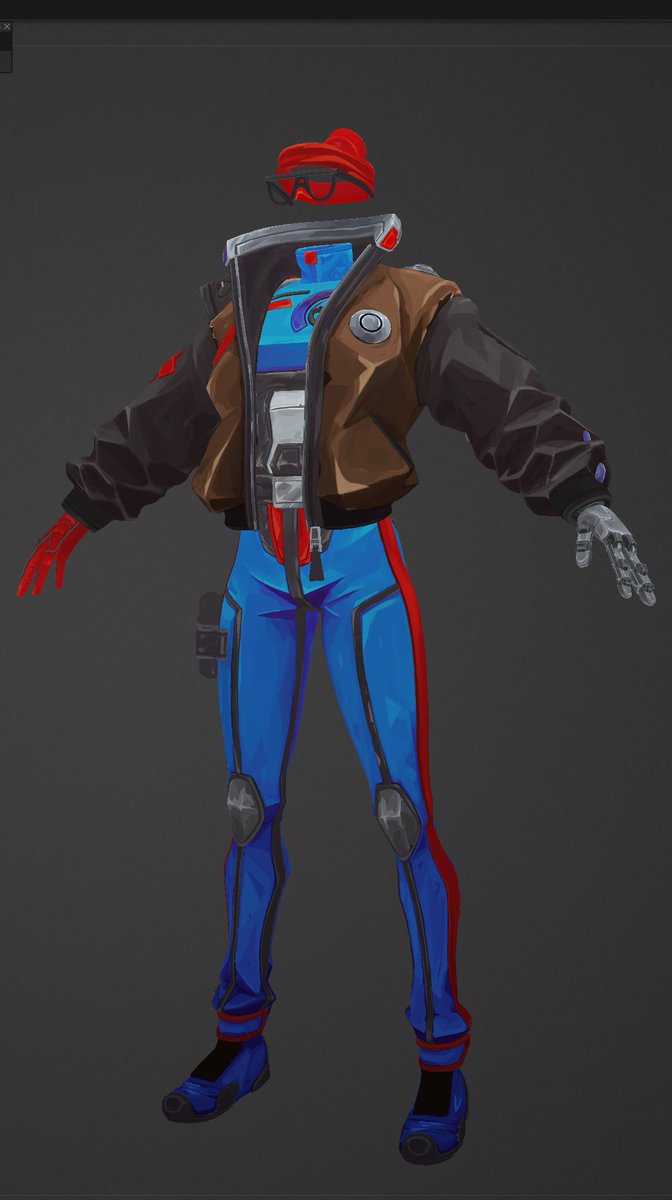
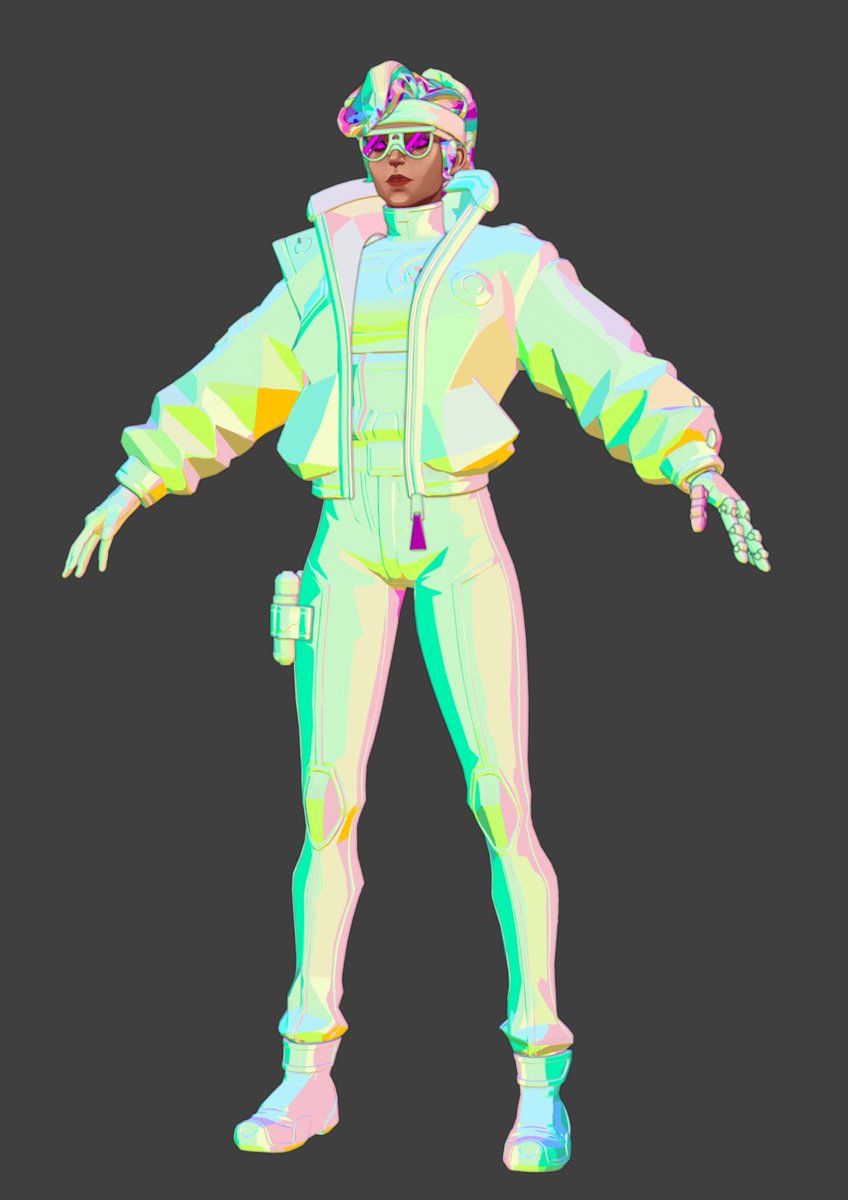
Changing job been far from ideal to keep side project ongoing.
Managed to find some time this week to redo texture with a more brush hand painted feel aswell as normal adjustments.
Will travel now good time for iPad smaller project before finishing this early next year
3
35
427
16,026
Pedro Borges retweeted

16 Nov 2024
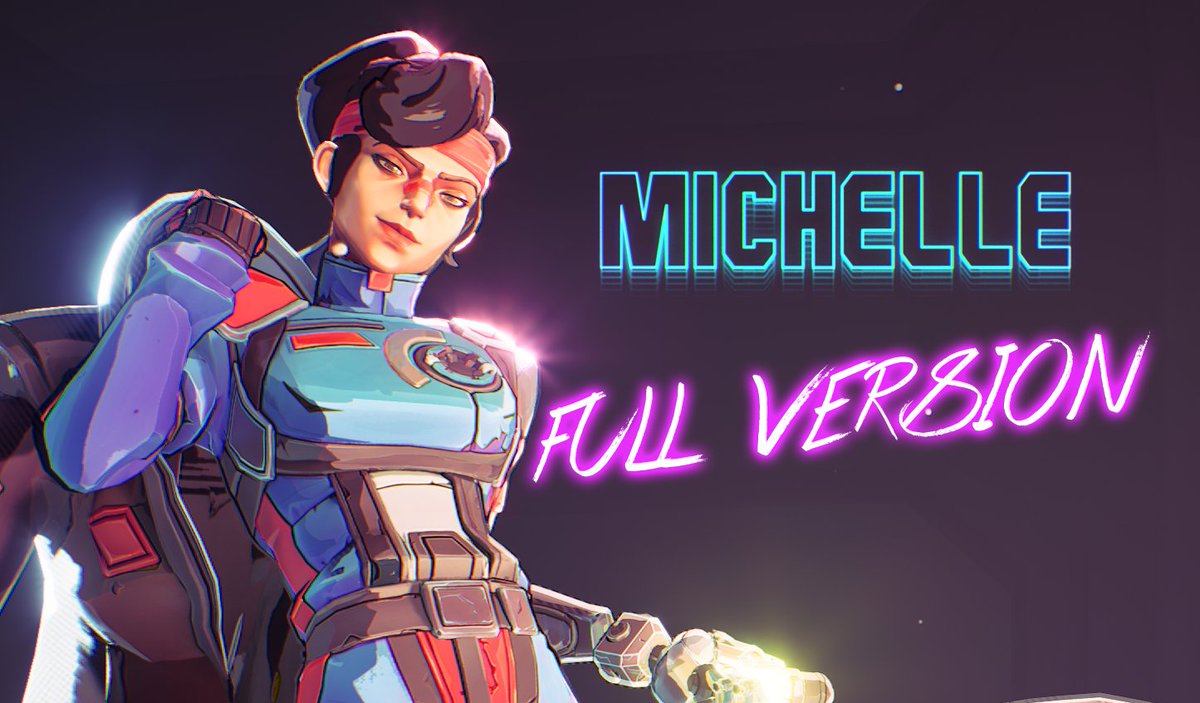
Hello! I'm an animator and I animated this. You may have seen this before, a shorter version that was only the middle part of the full animation.
Here's the full version of Michelle
youtu.be/dTDXydj1ks8
#animation #UnrealEngine
4
63
357
36,548
Pedro Borges retweeted

8 Oct 2024
IMPACT FRAME - project "Michelle"
#showoff 🏎️
The last project I was working in with my team at RedhillGames.
Made with UnrealEngine
#unrealengine #ue5 #stylizedart #realtime #shaders #techart #niagaravfx #realtimeVFX
5
178
1,244
46,028
8 Oct 2024
Michelle's proof of concept is out!
I'll share more details on how we achieved the look by combining CelShading, Hatching lines, Weighted Outlines, Painted (and Procedural) Stylized Normals and Motion Smearing.
Check the thread for the result and breakdown🧵
#unrealengine #ue5 #stylizedart #realtime #3dcg #shaders #techart #technicalart #niagaravfx #realtimeVFX
62
1,097
8,986
300,750
8 Oct 2024
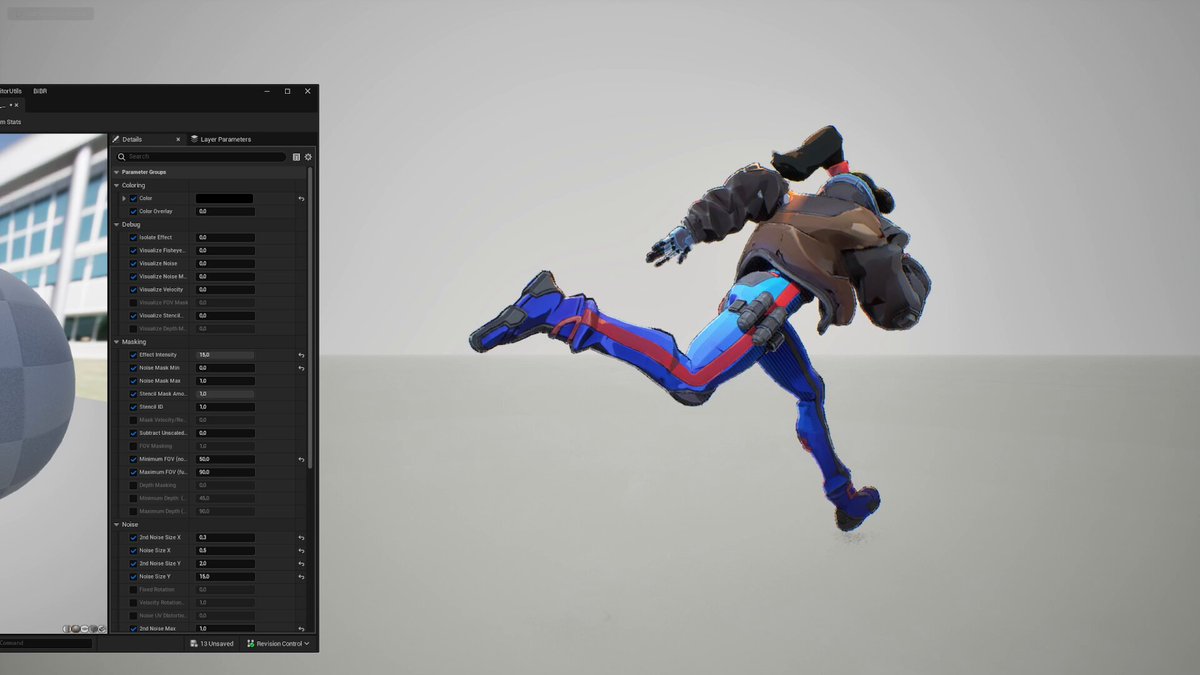
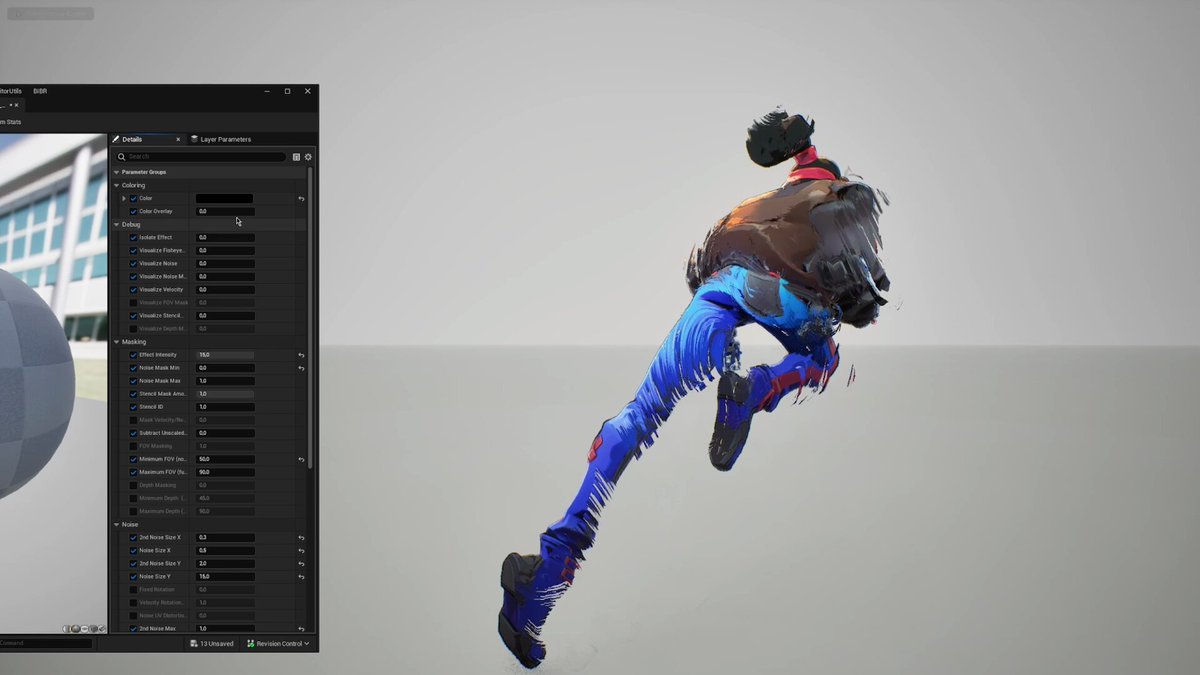
Last but not least, the 'motion smearing' effect came from thinking how to get dynamic strokes or custom motion blur in realtime.
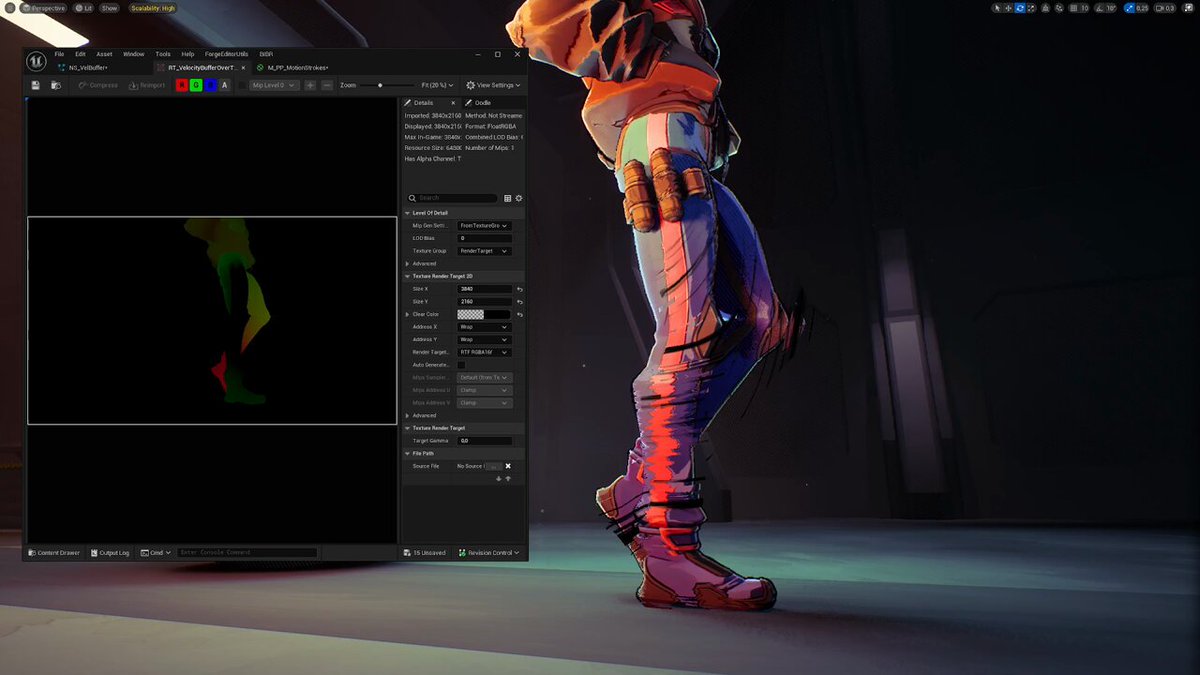
I started by experimenting using the SceneTexture Velocity input directly from a Post Process Material and figuring out the controls for the noise, UV mapping, etc.
That was a good starting point, however it caused a lot of headaches due to the lack of control across frames. The stepped animation made things even worse—the velocity buffer only captured information on keyframes, resulting in a snappy effect, not persisting on frames where there is no movement at all. Plus, it didn’t show up at all when using sub-samples because of the frame accumulation.
Then I looked into the PostProcessMaterial chain plugin, Scene Capture (ew, horrible choice), before finally landing on Niagara. As said on my first post, being able to access the GBuffer and capture velocity inside a Niagara Emitter was a game-changer. It gave me full control over how to handle that data and when to write it to the Render Target.
The shader then just remaps it according to thresholds and parameters, uses it as UVs for 2 different noises, and gets applied on top, either distorting the scene texture UVs (for the smears) or applying a color overlay. I used 3 layers, one for surface smears, one offset smears (using scaled screen UVs as input), and one offset color overlay (for the black strokes).
6
8
183
10,724
8 Oct 2024
This effect is far from finished, and there’s still plenty of room for improvement. Next steps would include mapping world-space velocity instead of screen-space, experimenting with interpolation, smoothing, and more.
It's a lot to cover for such a small project but I hope this was informative or interesting to someone! Feel free to reply if you have any questions about anything in the thread.
That was my last contribution at Redhill, but I plan to rework and improve some of the features, as well as create a tutorial building them from scratch in the near future.
Thanks to all my colleagues at Redhill who made the project happen, and thanks everyone for the support <3
3
1
79
8,377
2 Oct 2024
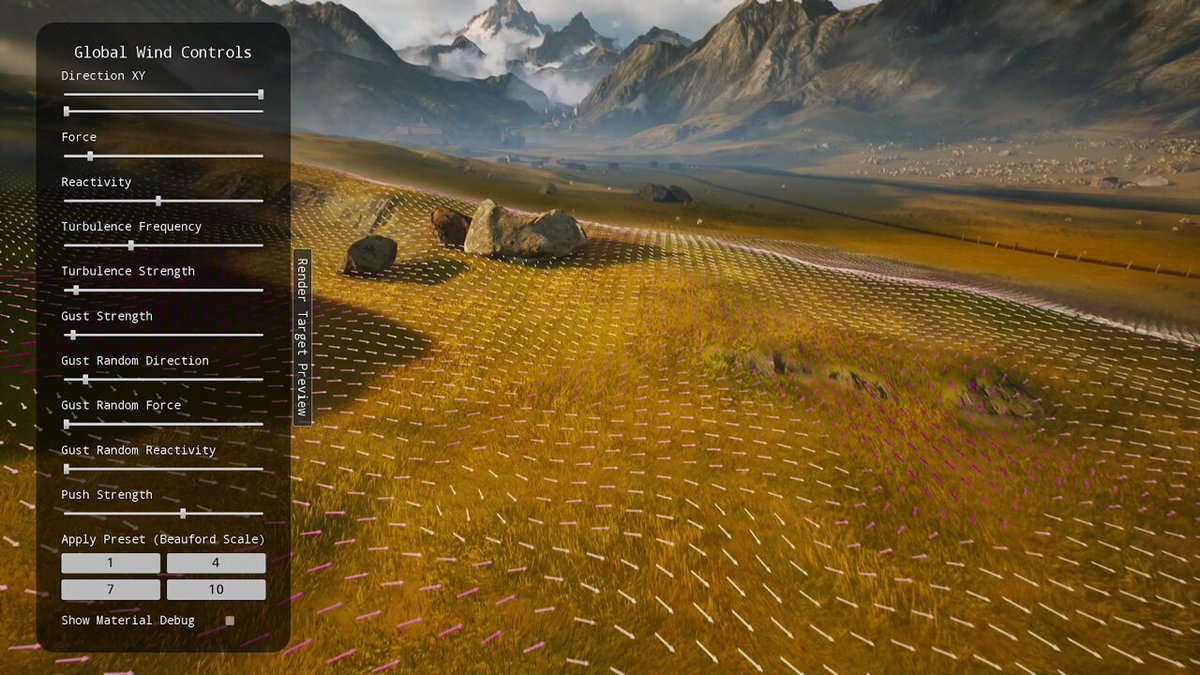
Another Redhill portfolio piece is out and I'd like to do a massive shout-out to @GhislainGir and his series of Niagara videos.
Those helped me fully understand how the Grid2D Interface works and was the base for this project's wind system.
#UE5 #Niagara #Shaders
9
89
744
45,135