
Tools for thought.
Joined November 2020
- Tweets 872
- Following 5
- Followers 11,399
- Likes 1,356
239 Photos and videos



12 Jun 2025
Google Cloud has a big outage right now. Reflect relies on Google Cloud extensively, especially Firebase, and as such we are also down.
You can track the status of this issue on the Google Cloud status page. We do apologize about this!
status.cloud.google.com/
1
5
7,542
25 Mar 2025
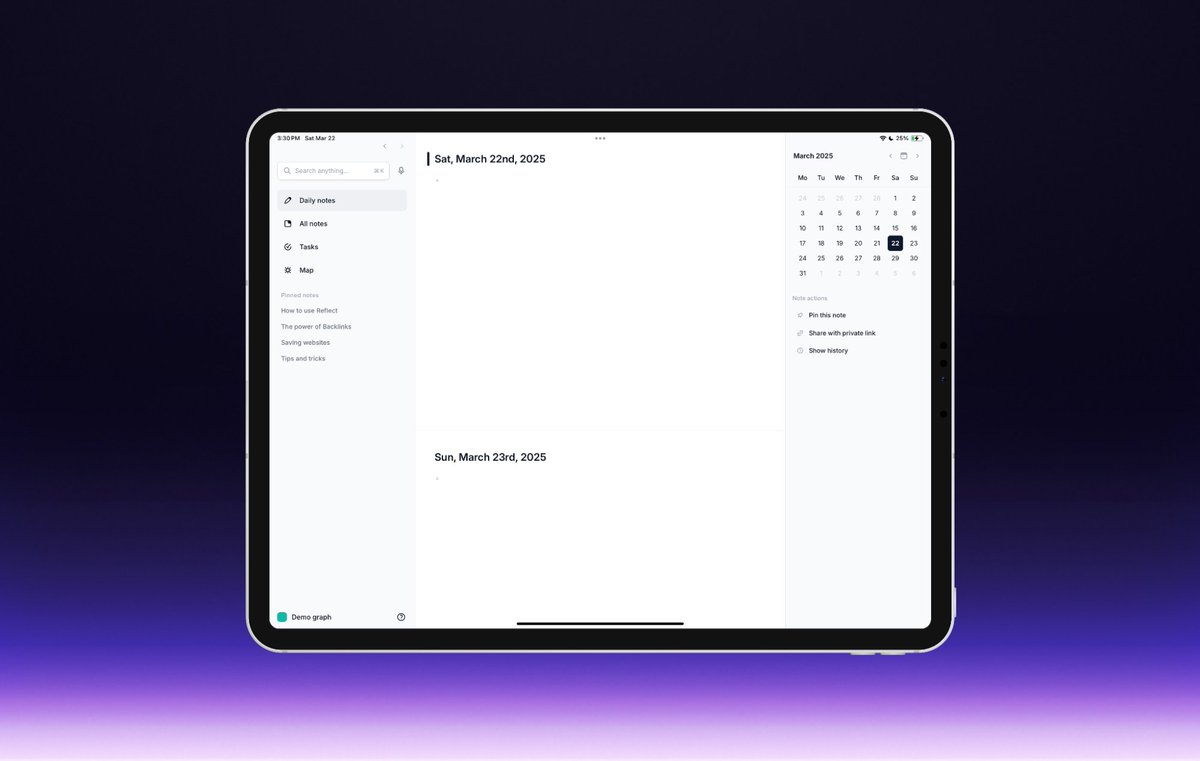
Good news for our iPad users: you’ll notice the app is now much faster!
Last week we announced a move to SQLite across our iPhone and desktop apps, and today we’ve brought that same update to iPad.
Take it for a spin!
6
15
6,678
25 Mar 2025
You can download the iPad app from Testflight and take it for a spin here: testflight.apple.com/join/ER…
2
6
4,745
Reflect retweeted

20 Mar 2025
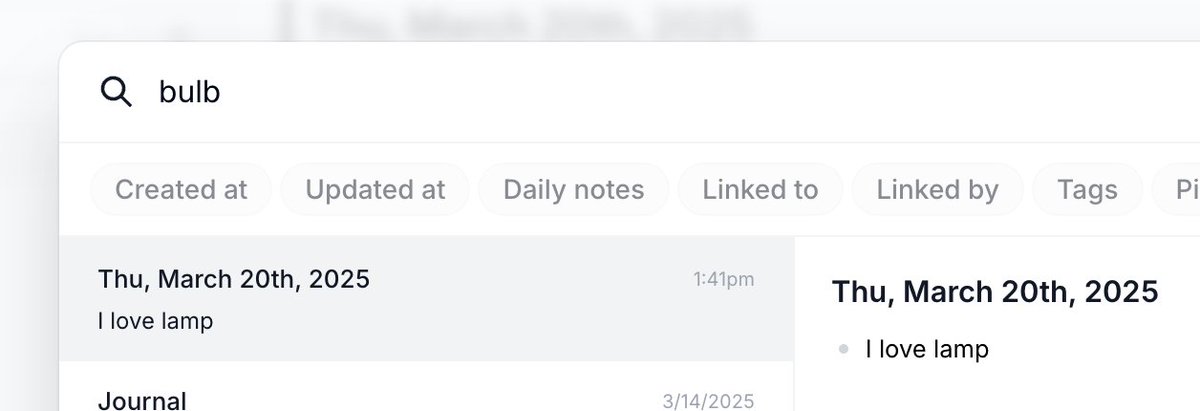
Here's three state-of-the-art features of @reflectnotes that you might not know about.
1. Semantic search. Search for 'bulb' and we'll return notes containing lamp.
2
3
36
7,461
18 Mar 2025
Today we have a major update that has made Reflect a lot faster 🏃♂️
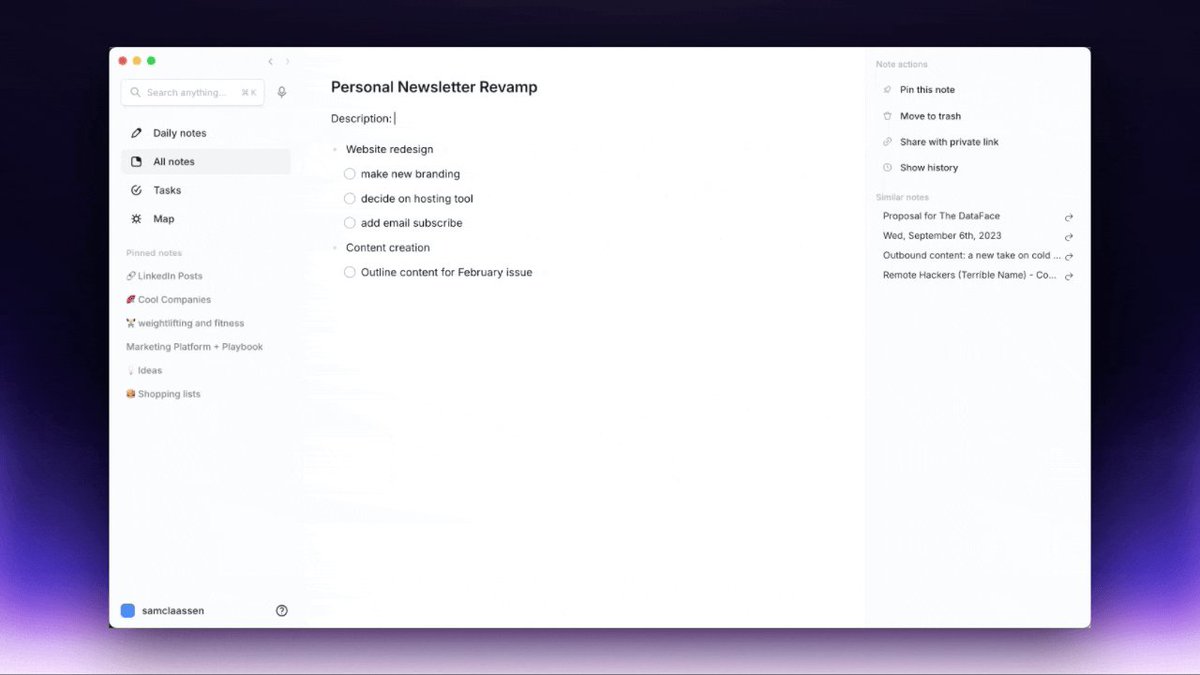
Over the past year, a lot of our time has gone into rewriting the entire frontend codebase to be powered by SQLite. We quietly launched this across iOS, web, and macOS desktop over the last two weeks.
In short you should see much faster load times, and we should handle massive note collections without issue (no more reloading issues on mobile!).
Also included in this release:
– Claude 3.7 Sonnet support for our AI assistant
– An in-line PDF preview that lets you view PDFs within the macOS app
– Persistent search results.
📱App rewrite in SQLite
We’ve completed a full rewrite of the database layer powering our apps. With this update we're moving to a new database technology called SQLite, which should boost performance, reliability, and increase storage capacity.
You will experience noticeable improvements in app stability and responsiveness. For example, when you open Reflect on iOS it should now load almost instantly.
If you have used our iOS app before in the past and got frustrated from constant reloading issues, give the app another whirl again. This update should resolve all of that!
This rewrite was a massive undertaking and we are incredibly pleased with the result. We'll link to a technical write-up in the comments for anyone curious.
✨ Claude 3.7 Sonnet Added to AI Features
Anthropic recently released Claude 3.7 Sonnet and it made quite the splash. The new model is significantly better at following instructions and general reasoning, making it an even better note-taking assistant. We’ve added this new model to Reflect’s AI assistant.
If you have the model set to Default or Anthropic, you’re now using Claude 3.7 Sonnet in Reflect! Give it a try by highlighting some text and selecting the ✨ icon or using the cmd j shortcut.
📑 PDF Preview in Mac
Reflect’s Mac app now lets you preview PDF files you have attached in your notes. From this preview you can download, print and copy the text to use as needed.
🔎 Persistent Search Results
When you use Reflect’s Advanced Search, the results will now persist if you close the search and come back to it. If you’d like to clear the results, just click the “Reset” button.
3
3
31
7,094
18 Mar 2025
We've published a more technical explanation of this re-write in this blog post.
reflect.app/blog/sqlite-rewr…
1
1
3
2,415
11 Feb 2025
🎙️ We’ve added an in-line voice transcriber to Reflect. It lets you transcribe text in real-time, anywhere in your notes.
Hit the Option key twice (or press Option Space) to toggle the transcriber on and off. On Windows, use Alt instead of Option.
4
1
22
5,828
11 Feb 2025
In-line transcriptions work on our macOS and browser apps.
Using the original voice transcriber microphone next to the search box (or the button on the mobile apps) will still have the voice note land in your daily note.
6
2,416
Reflect retweeted

10 Feb 2025
I have to say @reflectnotes by @maccaw is the best simple daily notes/tasks experience I ever used
Everything else feels like way too much
1
1
10
2,898
5 Feb 2025
We just switched our "Chat with Notes" feature to use Google's Gemini which has a much larger context window.
3
1
11
2,720
Reflect retweeted
17 Jan 2025
Note-taking is deceptively cutting edge. To build @reflectnotes, we've had to figure out our own end-to-end encryption, real-time sync, WYSIWYG editor, conflict resolution, offline, real-time audio transcription, client-side embedding and search, and a whole ton more.
If you find playing around with the cutting edge of what is possible on the web today exciting, and you are an experienced full-stack engineer, then consider applying (DM me your GitHub).
4
55
6,503
Reflect retweeted
23 Dec 2024
A little tip for you Reflect users out there:
Reflect's AI is remarkably good at making a year in review. Just search for all your daily notes in the last year, then chat with them. Ask for a synopsis of the themes.
2
4
29
6,072
Reflect retweeted

23 Dec 2024
okay so trying out a new note taking app (moving away from pen and paper bc it was getting too much)
so far really liking @reflectnotes
why?
-its a perfect mix of apple notes/reminders in one app
-it also lets you do voice notes
-there is a place to write random notes too
1
1
11
3,531
19 Nov 2024
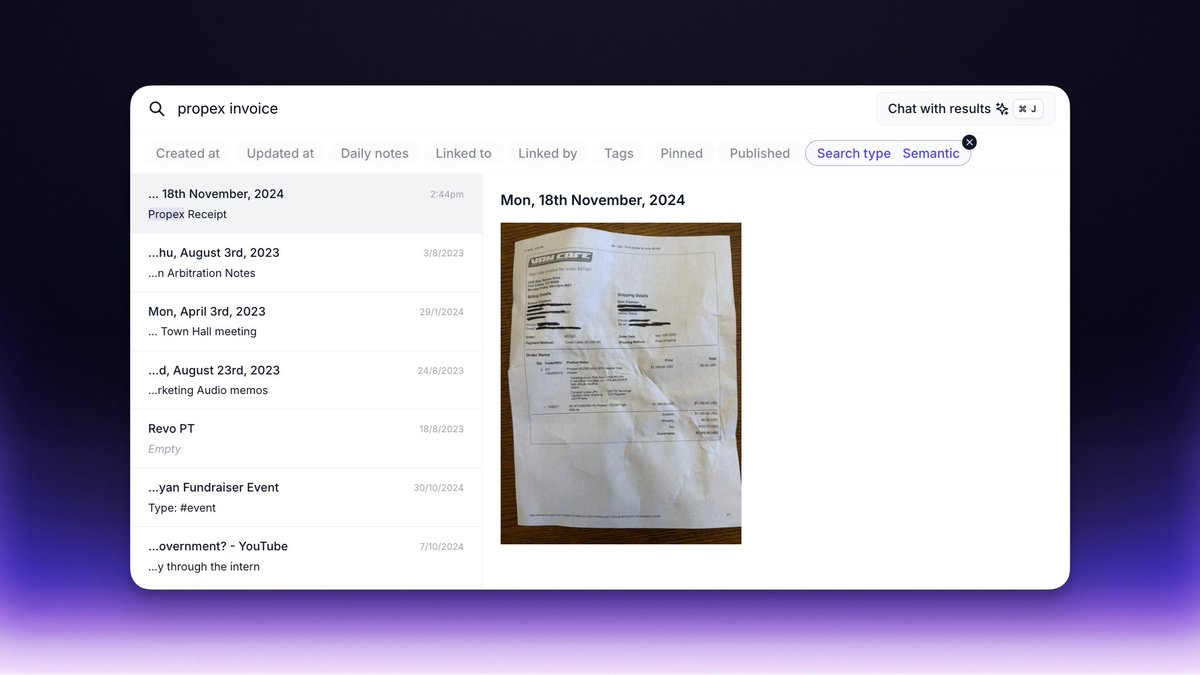
We just released OCR text for images and PDFs saved in Reflect!
That means Reflect’s search can now index the text inside any new files you add. You’ll also need to have “Labs” turned on in your preferences.
1
4
37
5,357
Reflect retweeted

12 Nov 2024
Fun chat with @awilkinson about digital productivity & tools. 🤓
@reflectnotes by @maccaw
@ReadwiseReader by @homsiT & @deadly_onion
@eightsleep by @m_franceschetti
@GetLomi by @mbertulli
@TextsHQ by @KishanBagaria
@reclaimai by @nah_serious
@meshhq & @FathomDotVideo
11 Nov 2024

For years, I've struggled to journal. Most people I know do.
It's hard to just sit there with a blinking cursor and barf out your thoughts accurately every day.
But my friend Charlie Grinnell (@CharlieGrinnell) has cracked the code. He's built an amazing workflow that allows him to build a huge database of his thoughts and feelings using Reflect OpenAI, and even crafted his own AI therapist that he uses to work through problems at work and in his personal life.
We break down how he built this, and many other nerdy things, in this week's podcast.
This one is for the nerds. If you're into workflows, this is your jam.
Here's some key insights:
• AI's biggest impact may be personal productivity, not job displacement
• Charlie's innovative journaling system using voice memos and randomized prompts
• How to build a "second brain" by connecting notes, highlights, and AI
• Using AI to chat with your past self and apply lessons from books you've read
• The power of specific prompts to get better results from AI tools
Charlie's approach shows how intentional systems can unlock creativity and learning.
The future of productivity looks bright - imagine an AI assistant that can:
• Manage your digital life seamlessly
• Synthesize information across all your tools
• Help you take action on ideas and insights
Topics
00:00 - Intro
00:33 - Getting to Know Charlie
03:17 - Charlie’s Typical Day
05:15 - Charlie’s Journaling Routine
11:56 - Charlie’s Library of Journaling Questions
13:48 - Facilitating Deep Work
15:39 - Dealing With Low Priority Tasks
20:09 - Avoiding Distraction While in Deep Work
21:19 - Time spent in Deep Work
21:47 - Charlie’s Favorite Type of Deep Work
23:19 - Meeting Recordings, Transcripts, & CRMs
26:48 - Charlie’s System for Reading
31:35 - Keeping Track of Interesting Podcast Tidbits
34:22 - Dealing With AI’s Recency Bias
35:57 - How Charlie Keeps Consistent With His System
38:11 - What Drives Charlie to Create Systems
42:18 - Broken Parts of Charlie’s System
44:00 - What Charlie’s Looking Forward to With AI
45:55 - Other Interesting Ways Charlie Uses AI
49:30 - Products Charlie Really Loves
4
4
50
22,382

Have to admit that @reflectnotes sets a very high bar for what a note taking app can be.
It lacks only few things, mainly ability to instantly jump to a page from keybinds, otherwise it's pretty perfect.
binding it to `: space` is super nice too
2
1
8
3,096
Reflect retweeted

7 Nov 2024
You know that feeling when an app just clicks - like you're about to unlock a whole new way of working?
I had that with @NotionHQ, @reflectnotes, @arcinternet, and even @alfredapp and then @raycastapp.
Which apps give you that feeling?
2
6
2,496
Reflect retweeted

4 Nov 2024
Most useful ways I’m using AI:
A custom GPT trained on my writing style in @ChatGPTapp. Paste email in, it provides a bullet point summary, asks me Q’s to respond, then drafts a response in my style.
@getlindy to send me meeting briefings based on email history and LinkedIn.
@Replit to build software using prompts.
Google NotebookLM to summarize books or collections of books and create audio podcast summaries.
A custom GPT trained on all of @PeterAttiaMD’s books and articles to ask medical questions.
A custom GPT trained on all the legal docs leases for real estate I own so I can query it.
@reflectnotes synced with my journal all my Kindle highlights from @readwise so I can ask it questions like “what’s been on my mind lately?” or “List 20 short quotes about leadership from books I’ve read”.
How about you?
38
23
351
67,859
29 Oct 2024
Today we are releasing Reflect Webchat – a free Chrome extension that lets you chat with any webpage.
Use it to summarize information on a page, pull the recipe from a YouTube video or anything else you can think of!
(Download link in comments)
6
2
24
9,708