Your #1 resource for online training on Power BI, Power Query, Power Pivot, and Excel
- Tweets 3,057
- Following 133
- Followers 1,712
- Likes 1,552








ALT Claim this free video training today! (Skillwave Training logo) Power Query Academy - Fundamentals (Microsoft Excel and Power BI icons) Start Learning
ALT Power BI and Excel training created especially for data professionals (Image of a smiling man and sitting in front of a computer in an office) (Skillwave Training logo)

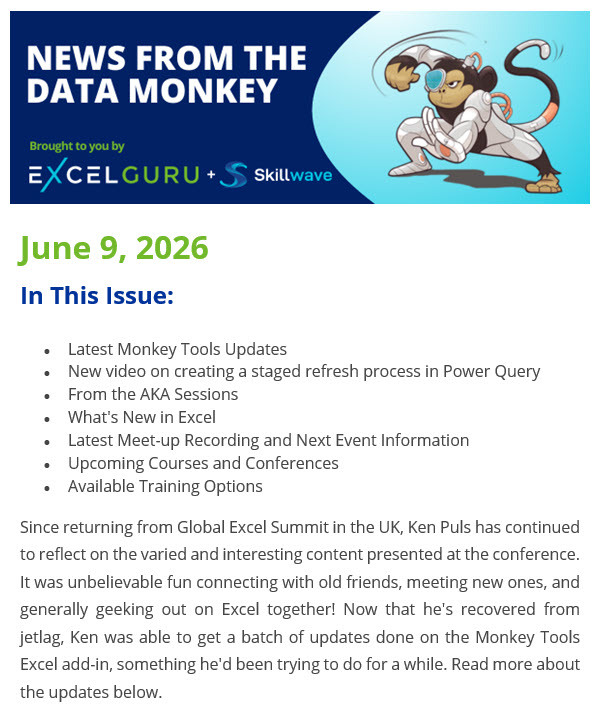
ALT News from the Data Monkey Brought to you by Excelguru and Skillwave (Image of a cyborg monkey in a superhero style crouch) June 9, 2026 In This Issue: - Latest Monkey Tools Updates - New video on creating a staged refresh process in Power Query - From the AKA Sessions - What's New in Excel - Latest Meet-up Recording and Next Event Information - Upcoming Courses and Conferences - Available Training Options Since returning from Global Excel Summit in the UK, Ken Puls has continued to reflect on the varied and interesting content presented at the conference. It was unbelievable fun connecting with old friends, meeting new ones, and generally geeking out on Excel together! Now that he's recovered from jetlag, Ken was able to get a batch of updates done on the Monkey Tools Excel add-in, something he'd been trying to do for a while. Read more about the updates below.
ALT Are Excel Users Actually Software Developers? (Image of a smiling woman standing in front of a bank of computers with her arms crossed) (Skillwave Training logo)
ALT Testimonial "It is a very comprehensive course. I especially like the Wireframe module and the consistent use of raw data - Staging - Load folders. This really makes a difference and this is something that I have never seen in any other course." Peter G. (5 stars) Self Service BI Academy for Excel and Power BI (Caricature of Ken Puls) Developed and delivered by Microsoft MVP and Chartered Professional Accountant, Ken Puls (Skillwave Training logo)

ALT The best learning resources (Laptop icon with a speech bubble on the screen with a mortar-board hat inside it) (Skillwave Training logo)
ALT Hardcoding Data in Power Query: Brilliant Move or Total Nightmare? (Image of a man facing ¾ away from us, working on a computer at a desk with a bookshelf above and a plant trailing down the side.) (Skillwave Training logo)
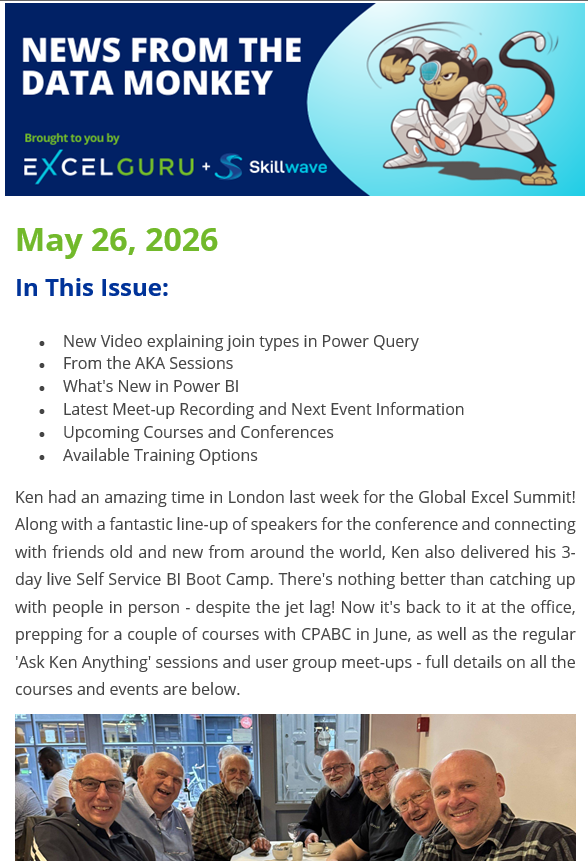
ALT News from the Data Monkey Brought to you by Excelguru and Skillwave Training (Image of a cyborg monkey in a superhero style crouch) May 26, 2026 In This Issue: - New Video explaining join types in Power Query - From the AKA Sessions - What's New in Power BI - Latest Meet-up Recording and Next Event Information - Upcoming Courses and Conferences - Available Training Options Ken had an amazing time in London last week for the Global Excel Summit! Along with a fantastic line-up of speakers for the conference and connecting with friends old and new from around the world, Ken also delivered his 3-day live Self Service BI Boot Camp. There's nothing better than catching up with people in person - despite the jet lag! Now it's back to it at the office, prepping for a couple of courses with CPABC in June, as well as the regular 'Ask Ken Anything' sessions and user group meet-ups - full details on all the courses and events are below.
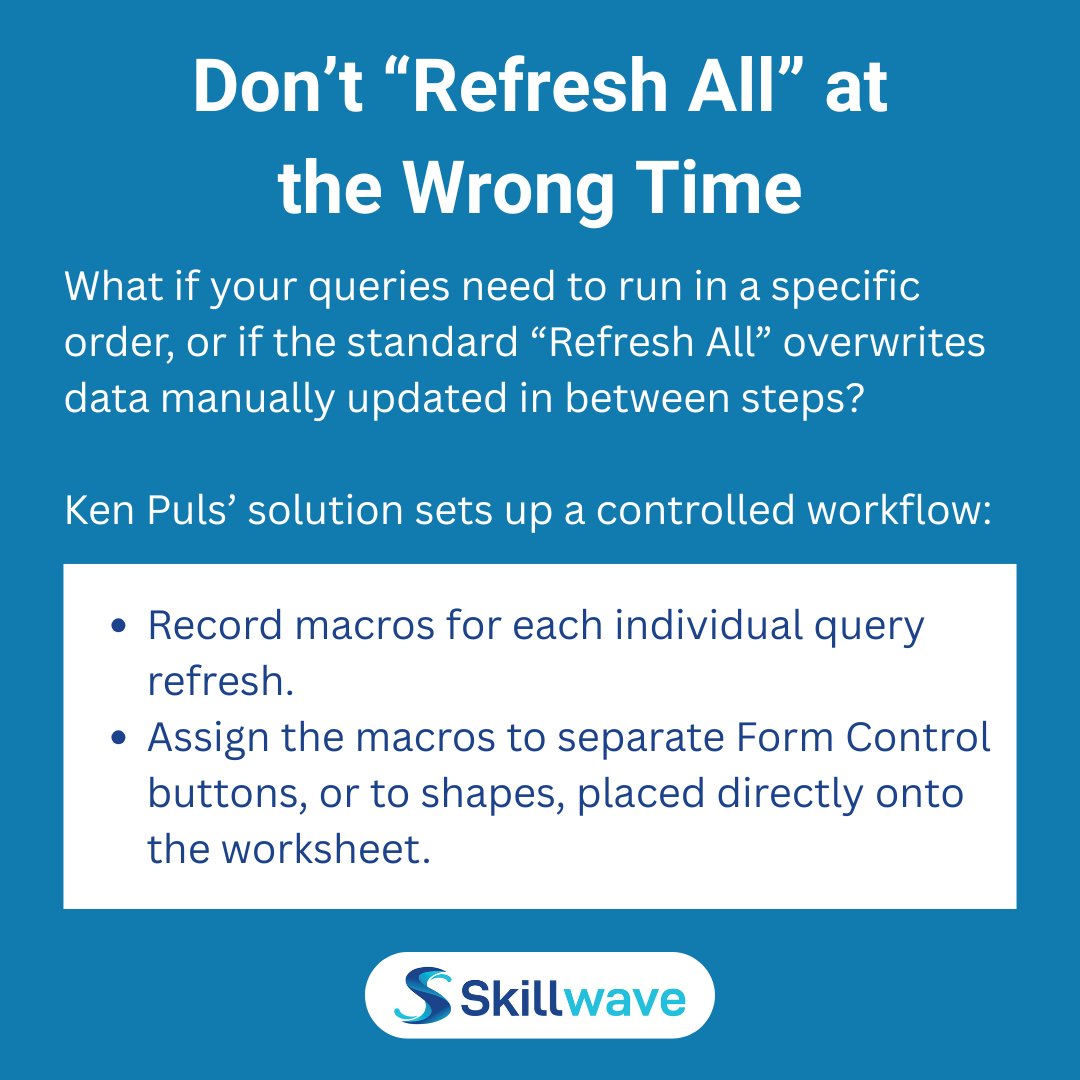
ALT Don’t “Refresh All” at the Wrong Time What if your queries need to run in a specific order, or if the standard “Refresh All” overwrites data manually updated in between steps? Ken Puls’ solution sets up a controlled workflow: - Record macros for each individual query refresh. - Assign the macros to separate Form Control buttons, or to shapes, placed directly onto the worksheet. (Skillwave Training logo)