
Empowering #Discord with AI Capabilities and IOTA monetization 🧠💬✨ Enrich your Discord Server with our bots: softstock.io/bot A @softstock product.
Joined April 2023
- Tweets 97
- Following 4
- Followers 178
- Likes 19
23 Photos and videos




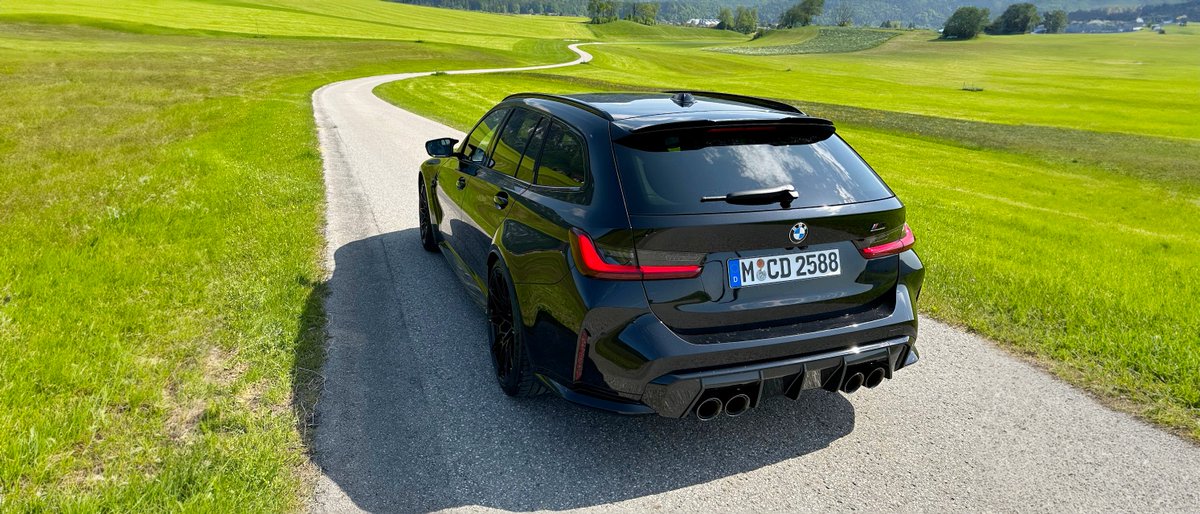

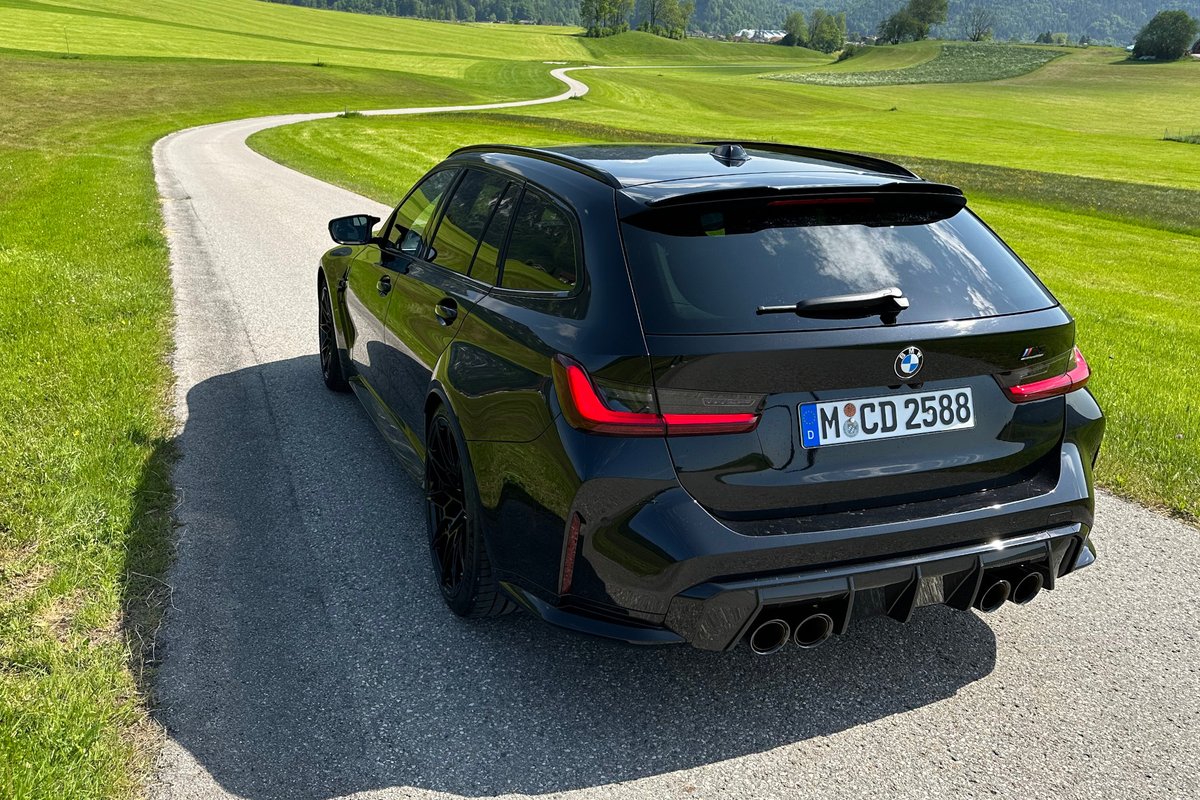

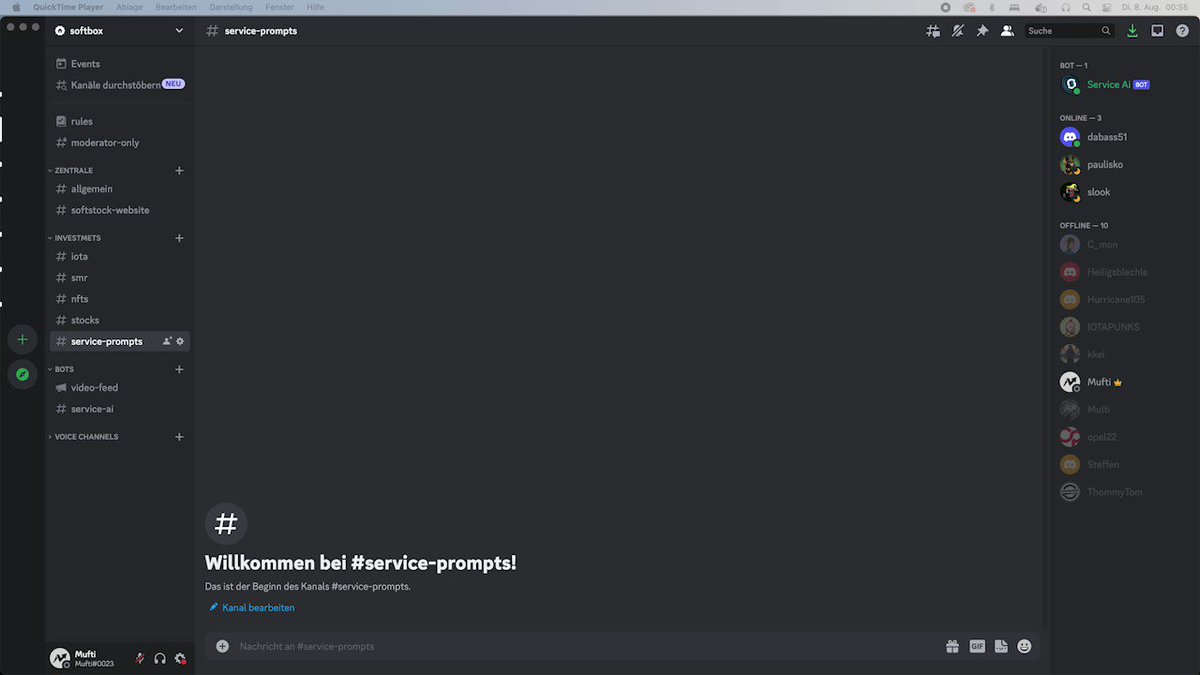



🧠🤖👍
Getting viral #IOTA tweets was never that easy📈
Add Service AI to your Discord and craft the best tweets with your friends.
7 Mar 2024

1
12
50
2,960
🧠🤖👍
Getting viral #IOTA tweets was never that easy📈
Add Service AI to your Discord and craft the best tweets with your friends.
7 Mar 2024
1
12
50
2,960
Softbot has now soared to 100 Discord servers, marking a milestone as the most successful non-crypto bubble project in the #IOTA space!
softstock.io/bot
1
6
35
5,655

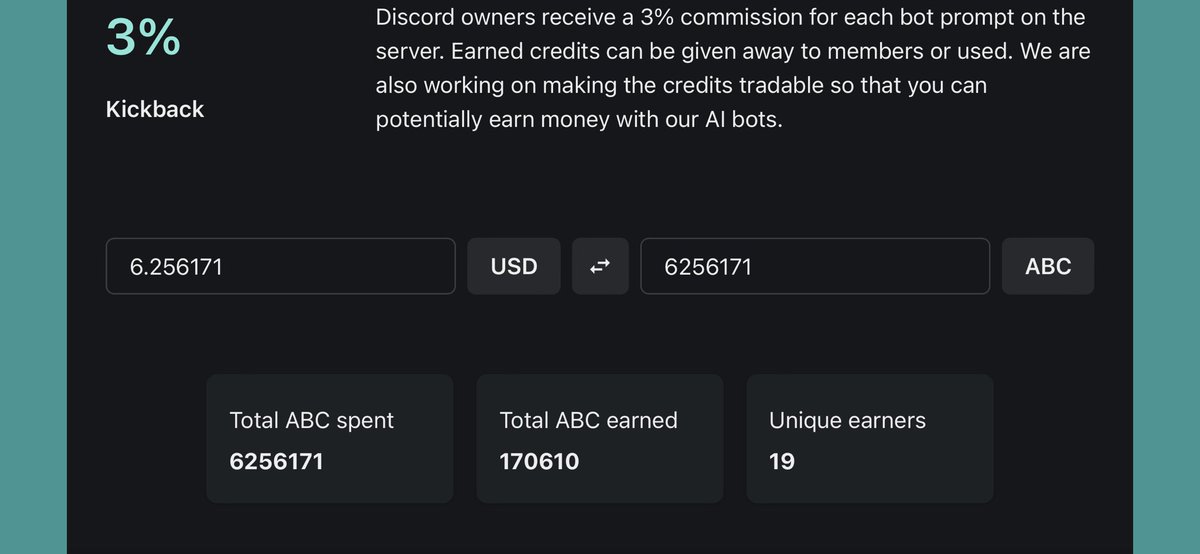
Introducing *Total Value Spent*
Now you can find live numbers about total credits spent on bot tasks and more on softstock.io/bot.
Did you know #Discord owners can earn credits?
2
14
2,715
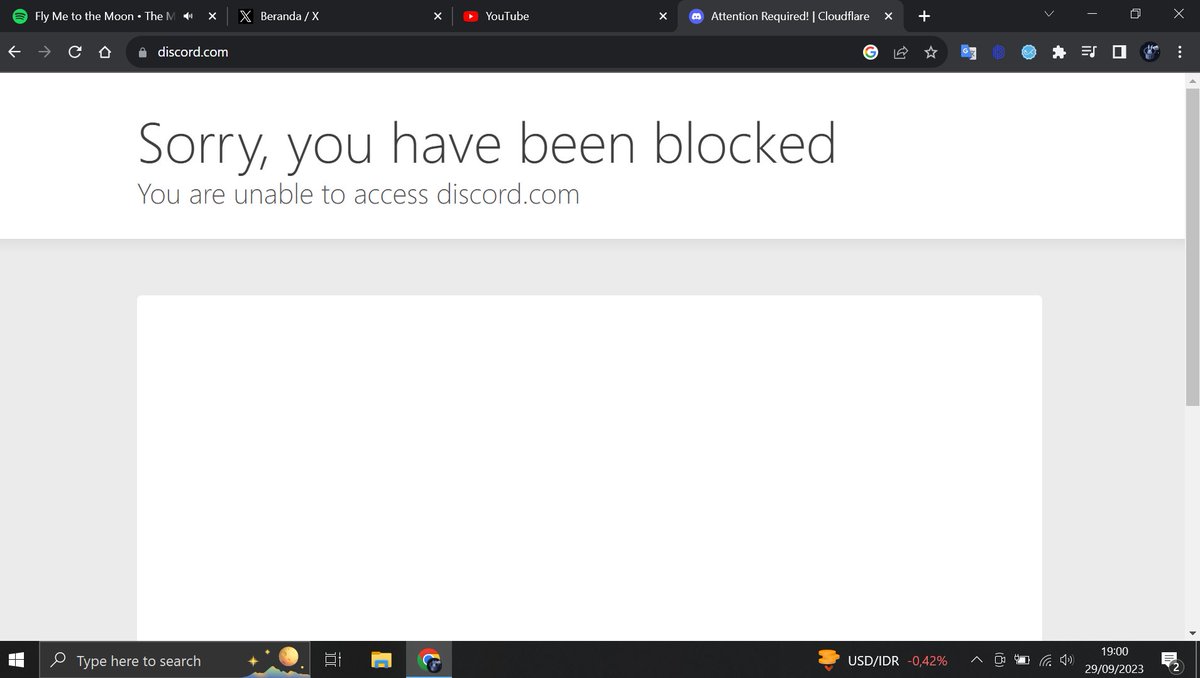
Who is seeing this too?✖️😑

1
215
With todays update of softstock.io, new
#chatbots made their first appearance.
We launched #KimGPT & #CarlosGPT on the most active invite-only #IOTA Discord. We broke out of the crypto bubble with #PirateGPT joining #Piratecord.
Have a look: softstock.io/bot
8
39
3,628
Important findings:
Increasing the supply of IOTA *could* dilute the value of existing tokens.
Service AI can add valuable objectivity to discussions in Discord. You can find more of that on our server: discord.gg/fvbsHc6q
Add the bot to your server: softstock.io/addbot
459
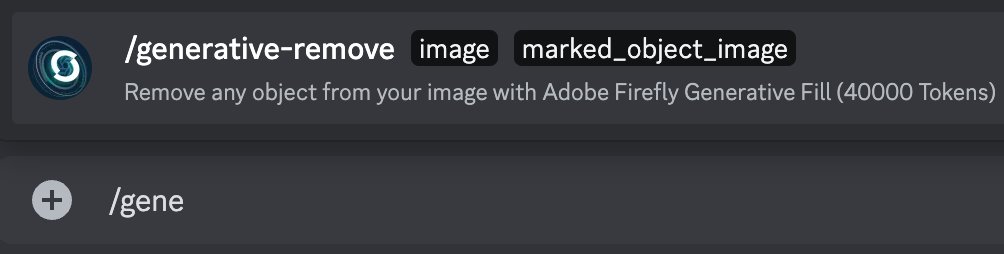
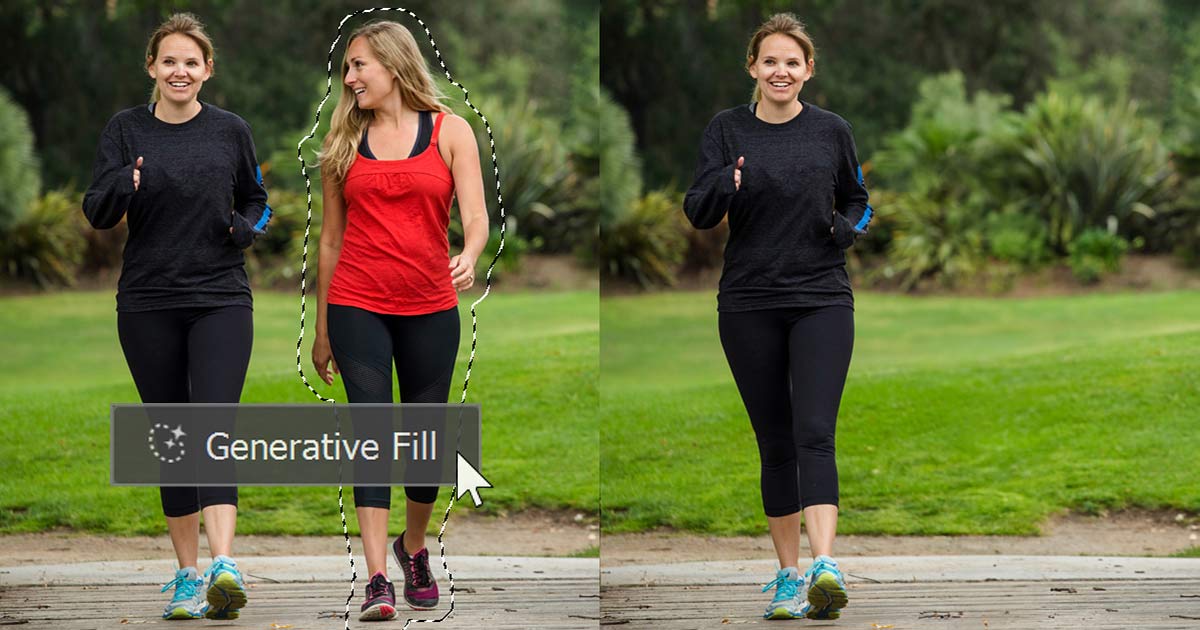
When executing Service AI commands /generative-fill or /generative-remove, you will be required to submit an image with markings. Here's a guide on how to edit your image on #macOS, #Windows, and #iOS:
#generativefill #AdobeFirefly
Again no #Photoshop needed, just command the bot and get a bit of credits with #SMR beforehand.
This prompt will only set you back 4 cents.💸
In the next tweet, we'll guide you through the process of adding markings to an image.
1
3
1,329
On #mac you can simply use the preview app to do the necessary editing. With #Windows right click the image and go to *edit*. This opens the program Paint, which lets you create the markings easily. Finally in #iOS you can use the pencils in image edit more.
#ServiceAI #Photoshop
1
102