
Joined January 2026
- Tweets 916
- Following 73
- Followers 24
- Likes 799
93 Photos and videos







Pinned Tweet

Shipping fast is hard when testing slows everything down. Test-Lab.ai uses AI agents to run full browser journeys, catch issues early, and keep tests working as your product changes. Less maintenance, faster releases, and confidence in every deployment.
#AI #QualityAssurance #SoftwareQuality #ProductTeams #WebApps #StartupTools #ContinuousTesting #Engineering #TechStartups #BuildInPublic
1
125
Development got faster. Testing should too.
Describe a test in plain English. Test-Lab agents run it in a real browser. Screenshots, logs, full report in minutes. No scripts. No selectors.
20
If your QA check ends at "button clicked," you're missing the expensive bugs.
A better browser test checks what happened after:
- URL changed
- state persisted
- email sent
- export downloaded
- user can recover on refresh
That’s release confidence.
1
19
Good test for apps with saved drafts:
start a long form
upload 2 files
lose connection
reconnect
refresh
confirm draft, attachments, and cursor position still recover correctly
That one finds autosave bugs fast.
18
A release can pass your API checks and still be broken for users.
Wrong modal focus.
Keyboard trap.
File picker never returns.
Download starts, but success state never shows.
Browser testing catches the stuff users actually feel.
11
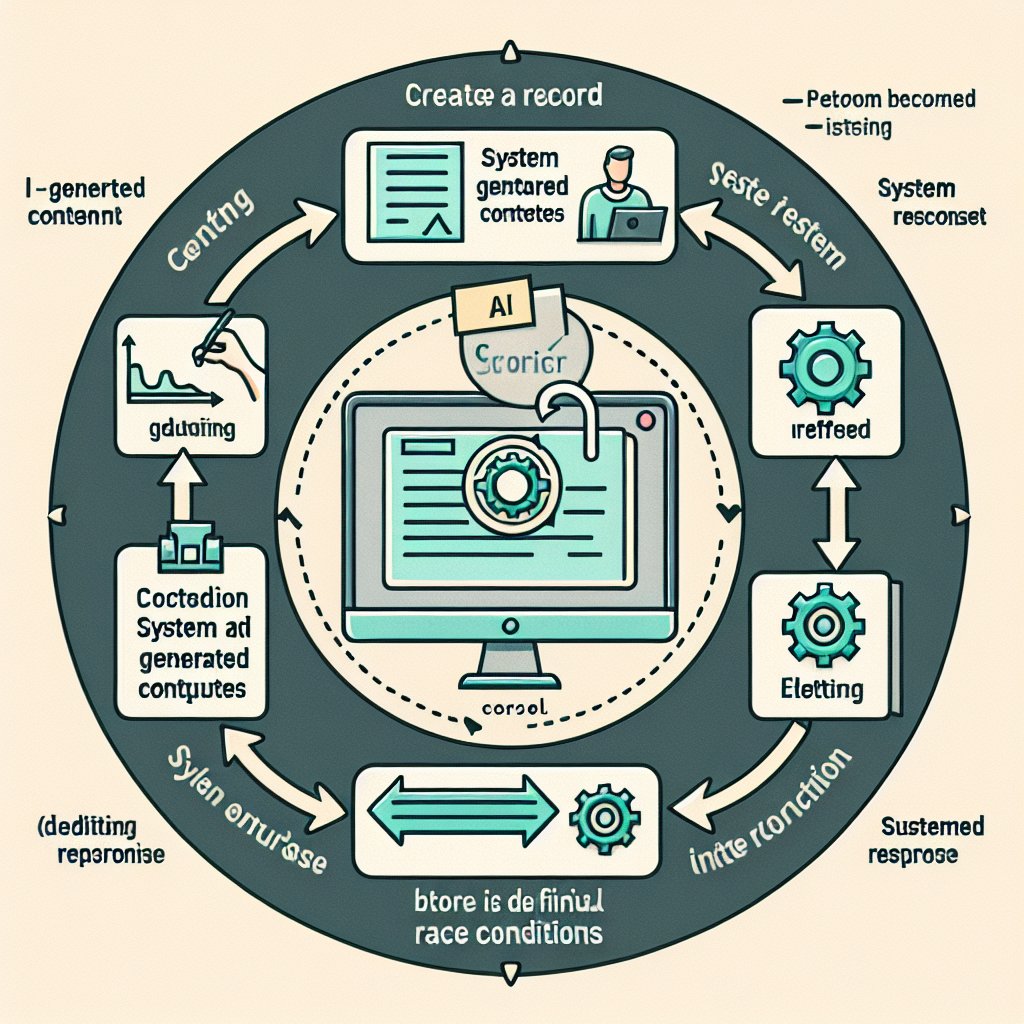
A useful browser test for AI-built apps:
create record
wait for generated content
edit it before the response finishes
refresh
confirm the final state is still correct
That finds race conditions fast, especially in apps built with Cursor or Lovable.
20
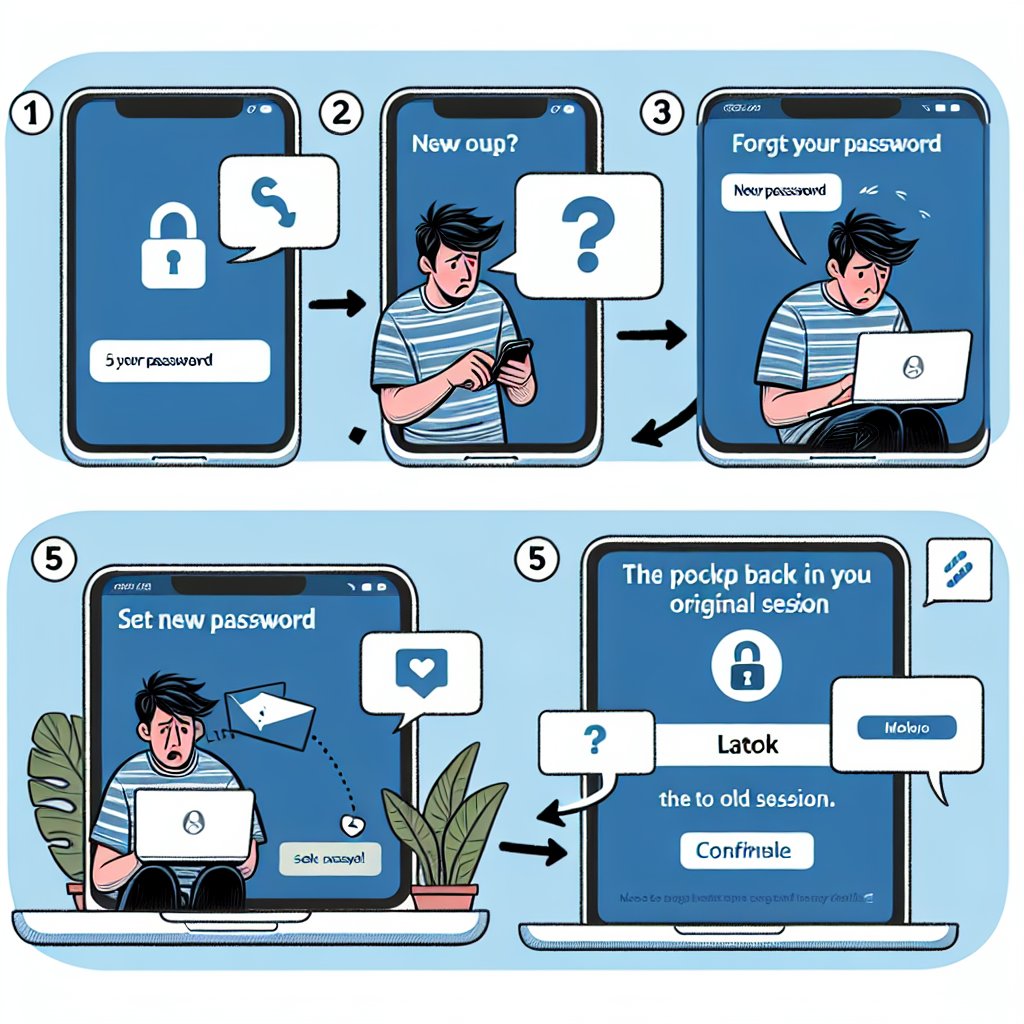
One flow that breaks more often than teams expect:
reset password
open email
set new password
log in on the original tab
confirm old session is handled correctly
Good test if you want to catch auth bugs before support does.
8
A release can look fine on desktop and still fail on Safari mobile.
Tap targets shift.
Sticky footers cover buttons.
OAuth opens a weird tab flow.
That’s worth catching before users do. Real-browser checks across devices help. #QA
12
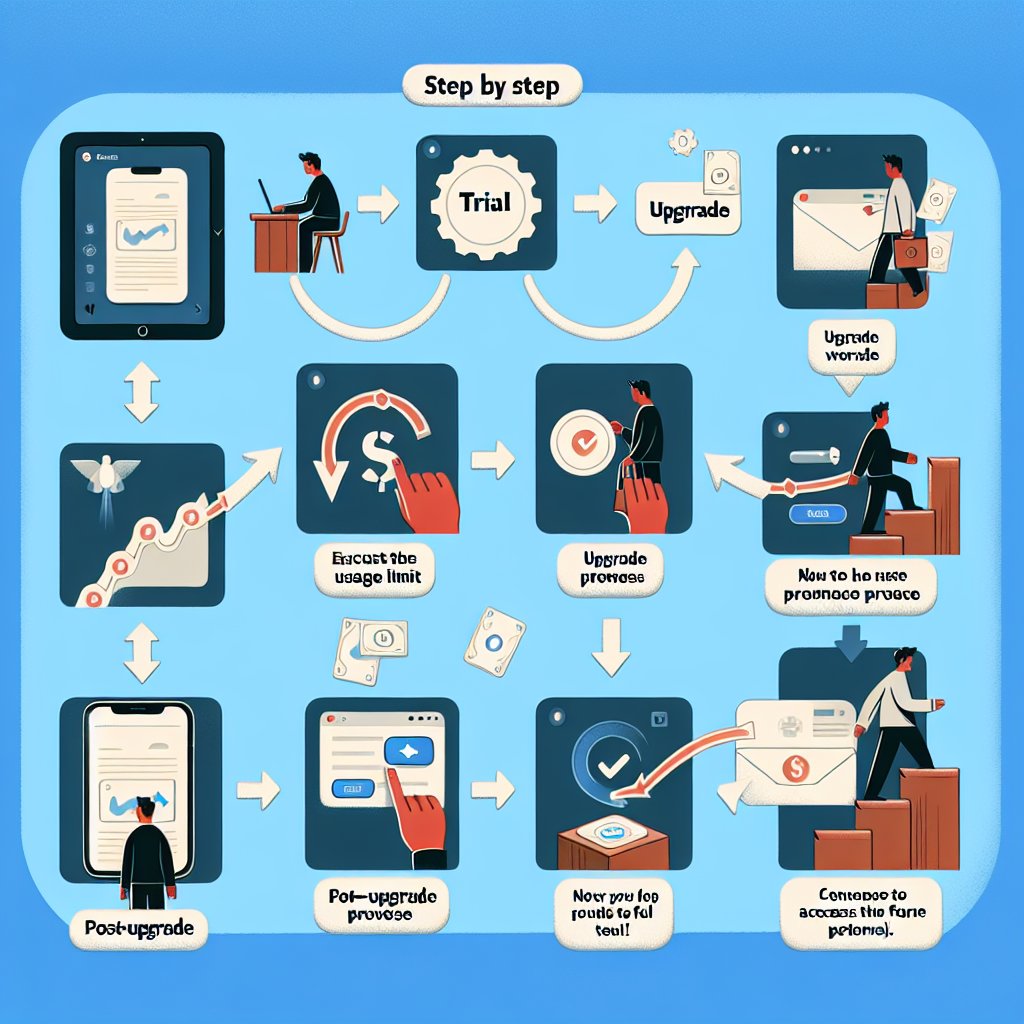
One flow worth testing before every release:
start trial
hit usage limit
see upgrade prompt
upgrade
return to blocked feature
confirm it works
That catches billing, gating, redirects, and entitlement bugs in one run.
10
A lot of release bugs come from role changes.
Member becomes admin.
Admin gets downgraded.
Permissions update in the API, but the UI still shows the wrong actions.
Good browser tests check the access change, not just the settings save.
4
A test that says "add 3 items to cart, remove 1, refresh, then check out" finds a lot fast.
You catch state bugs, bad totals, broken persistence, and checkout issues in one run.
Plain English in, real browser proof out. #QA
14
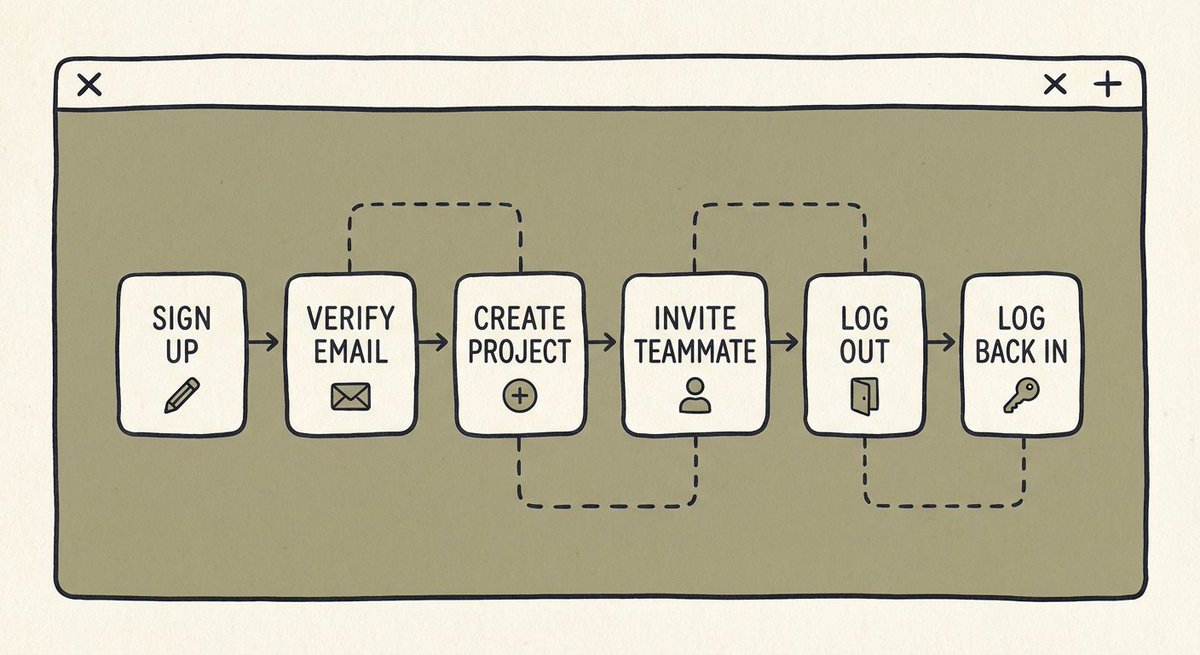
A good smoke test for SaaS apps:
- sign up
- verify email
- create first project
- invite teammate
- log out
- log back in
That flow catches more release risk than a pile of tiny isolated checks. Especially when the app is changing every week.
18
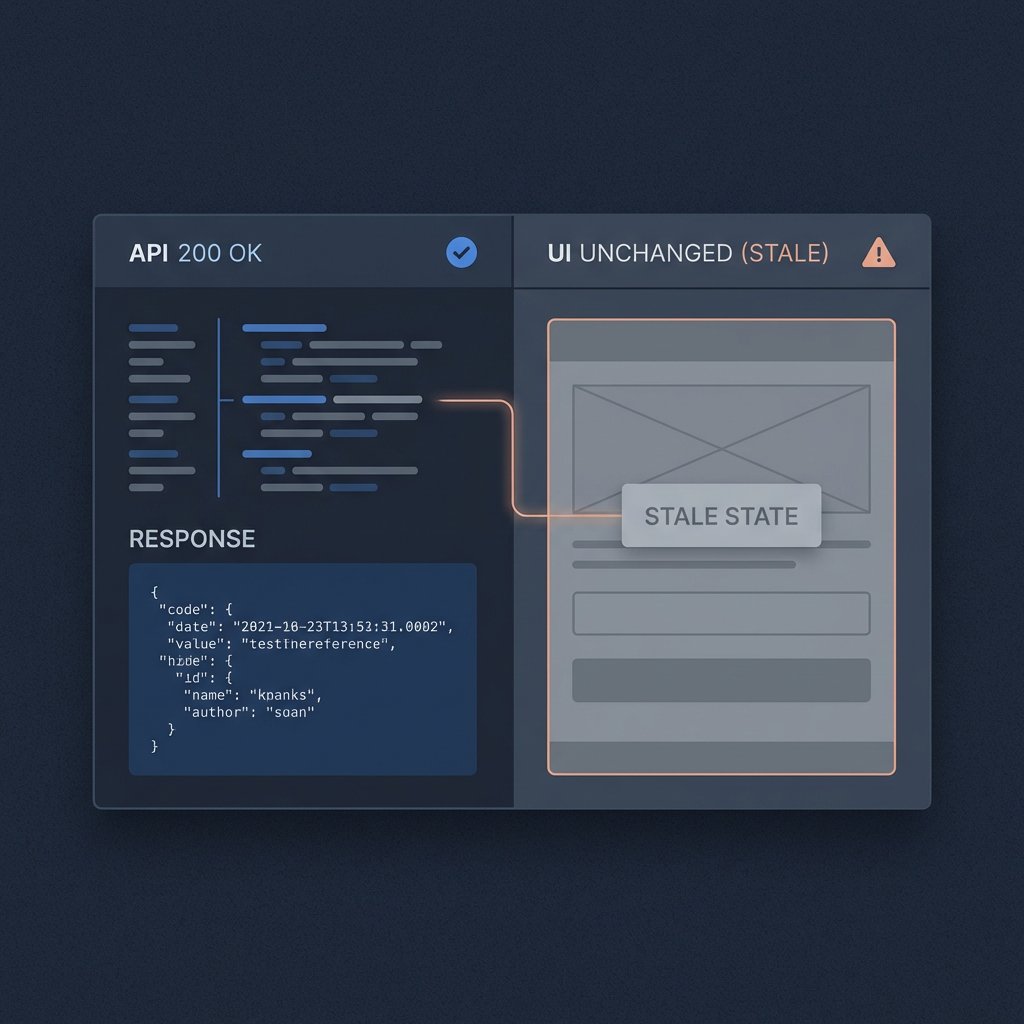
One underrated test case: stale UI after a successful API call.
The request returns 200.
The screen never updates.
Users think the app is frozen.
TestLab watches the browser, network, and UI together, so those bugs show up before users do.
16
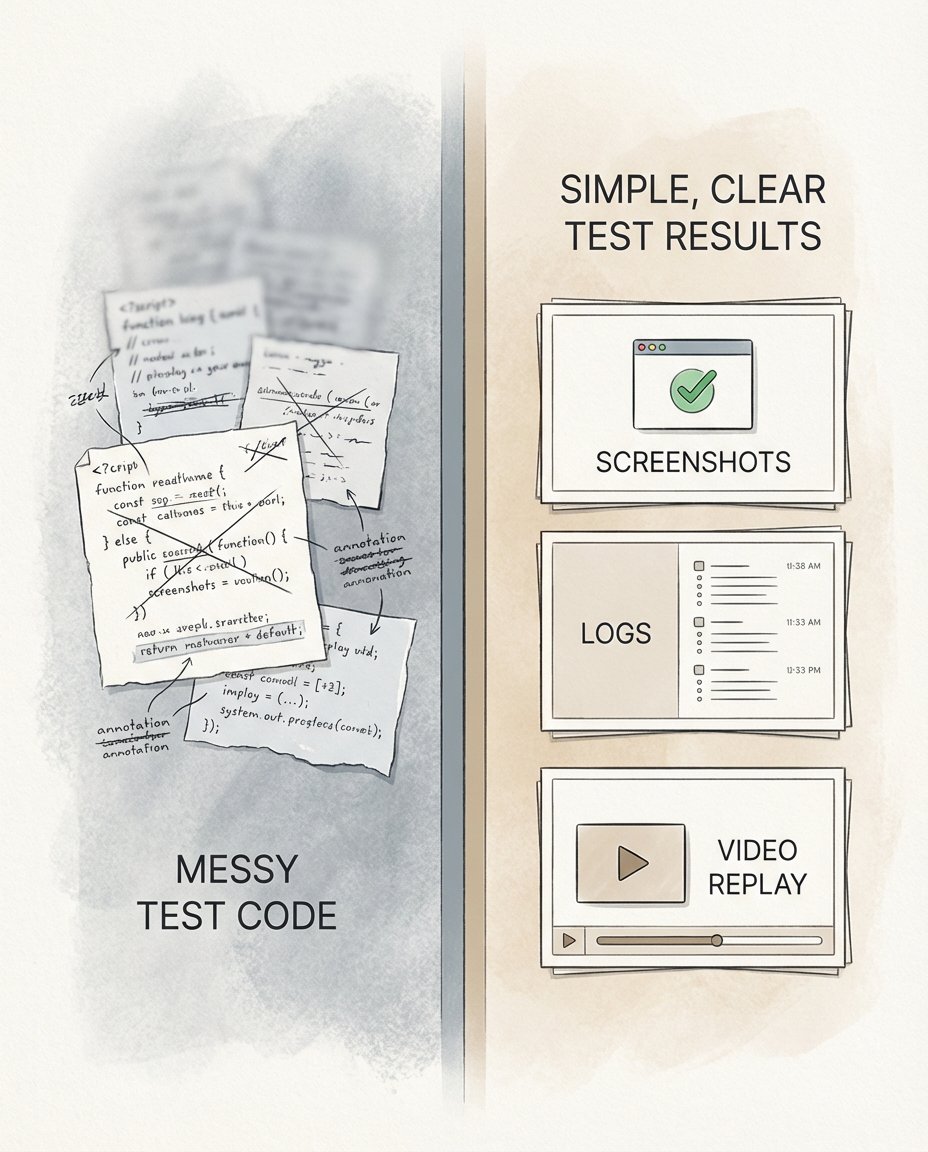
A lot of teams don’t need more test code. They need proof that the app still works before they ship.
Run browser tests from a sentence, get screenshots, logs, video replay, and failure reasons back in minutes.
That’s the job.
13
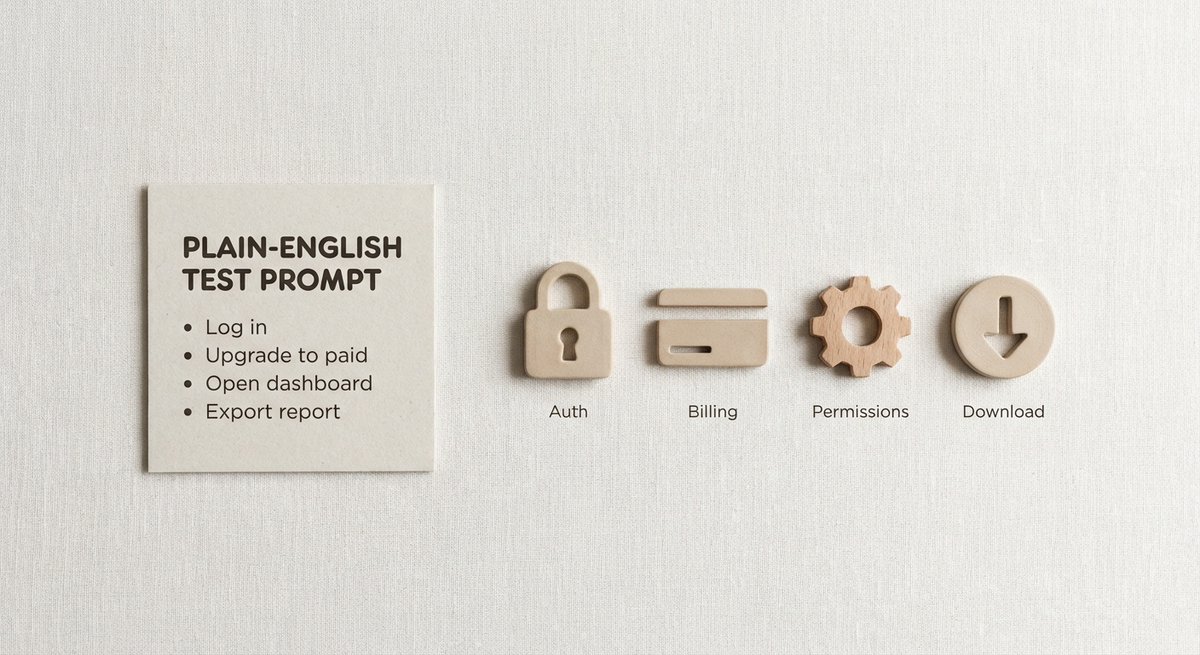
One useful release check:
"Log in as a new user, upgrade to paid, open the dashboard, export a report."
That single plain-English test covers auth, billing, redirects, permissions, and file downloads.
High signal, low setup.
10
Most UI bugs aren’t "the button is missing." They’re timing bugs.
Spinner never clears. Toast covers submit. Lazy-loaded section never appears.
TestLab checks real browser behavior, not just happy-path clicks. #qa
12
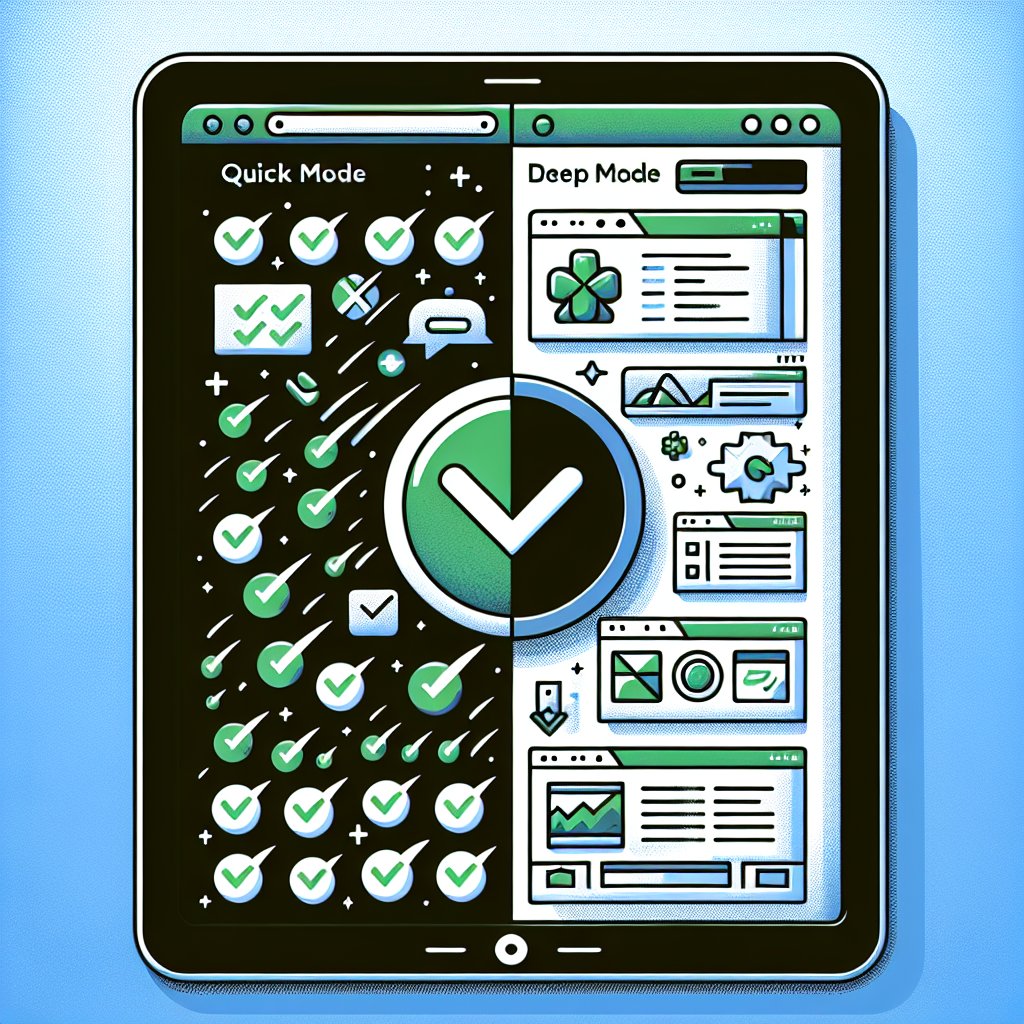
Quick mode for PR checks. Deep mode before release. Same plain-English test, different level of coverage. Fast feedback when you’re shipping, more depth when the stakes are higher. #testing
17
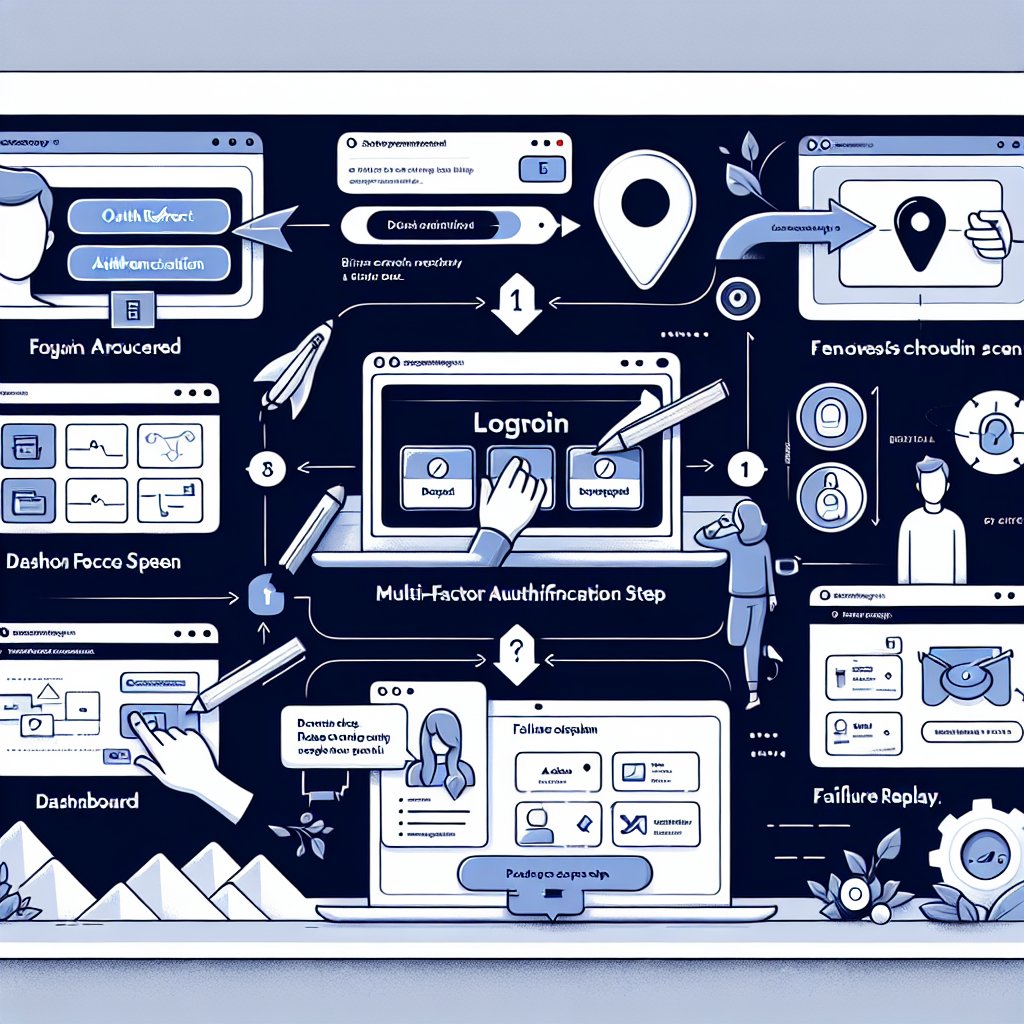
A small release breaks login, but only after OAuth redirects and MFA. That’s where brittle tests usually fall apart. TestLab handles the full flow, adapts to UI changes, and gives you a replay when something fails.
11
Built your app with Cursor, Bolt, or Lovable? Don’t pair fast shipping with slow QA. Write a test in plain English, run it in a real browser, get screenshots, logs, and failure reasons in minutes. #buildinpublic
33
What part of your app is still basically untested because it is annoying to automate? SSO? 2FA? multi-step checkout? admin flows behind auth? Those are usually the exact flows worth covering before the next release.
24
When QA can’t scale, growth pays the price.
AI agents fix that.
If you want sustainable growth, QA has to scale too.
Learn more: test-lab.ai/
#AIAgents #Automation #QA #SaaS #StartupGrowthn #ProductQuality #UX #AIinBusiness
1
49