
Developer of plugins for Adobe Apps and graphic designer. Founder of pixelsucht.net.
Joined September 2009
- Tweets 3,435
- Following 279
- Followers 327
- Likes 643
949 Photos and videos
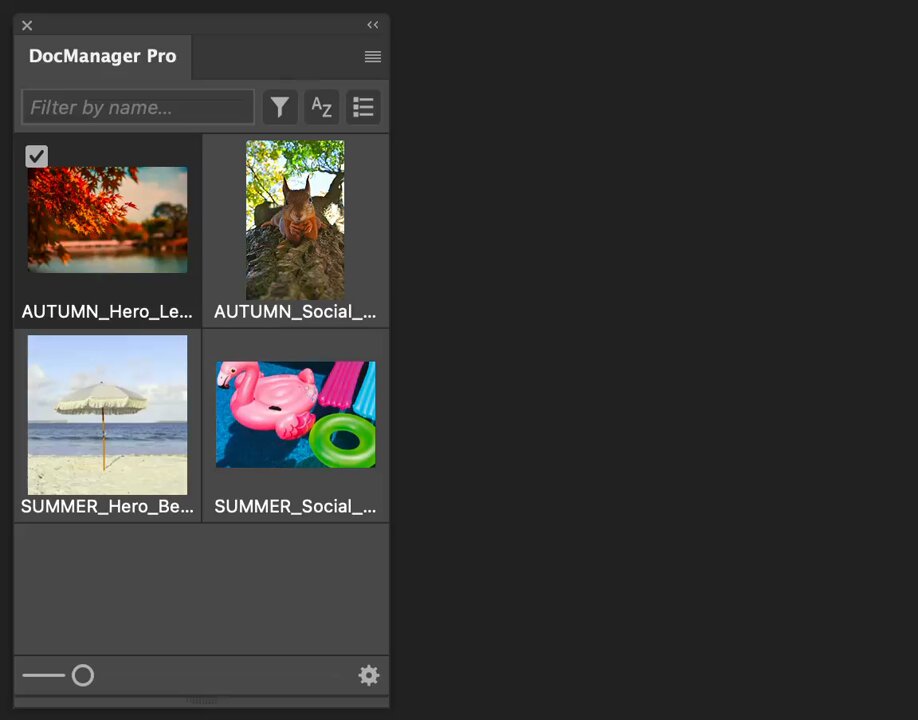





Jun 10
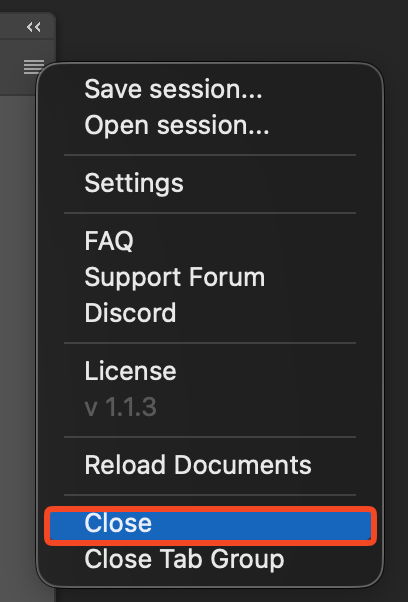
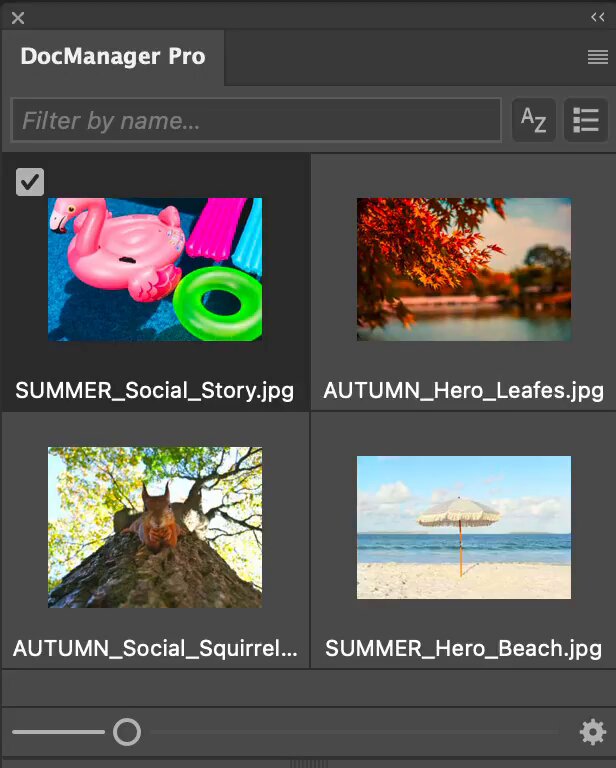
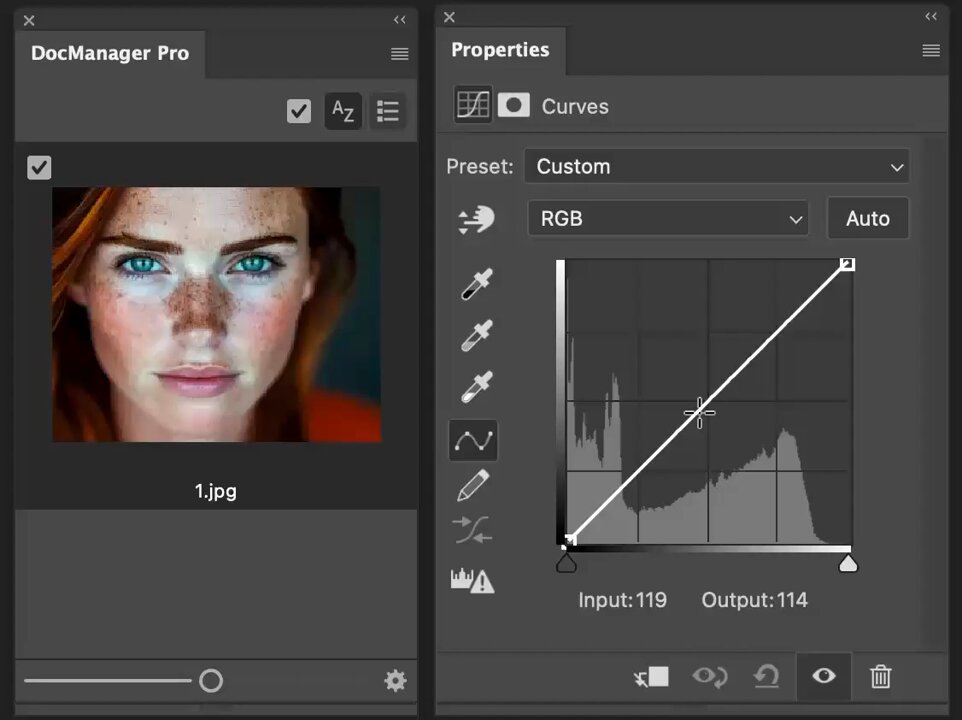
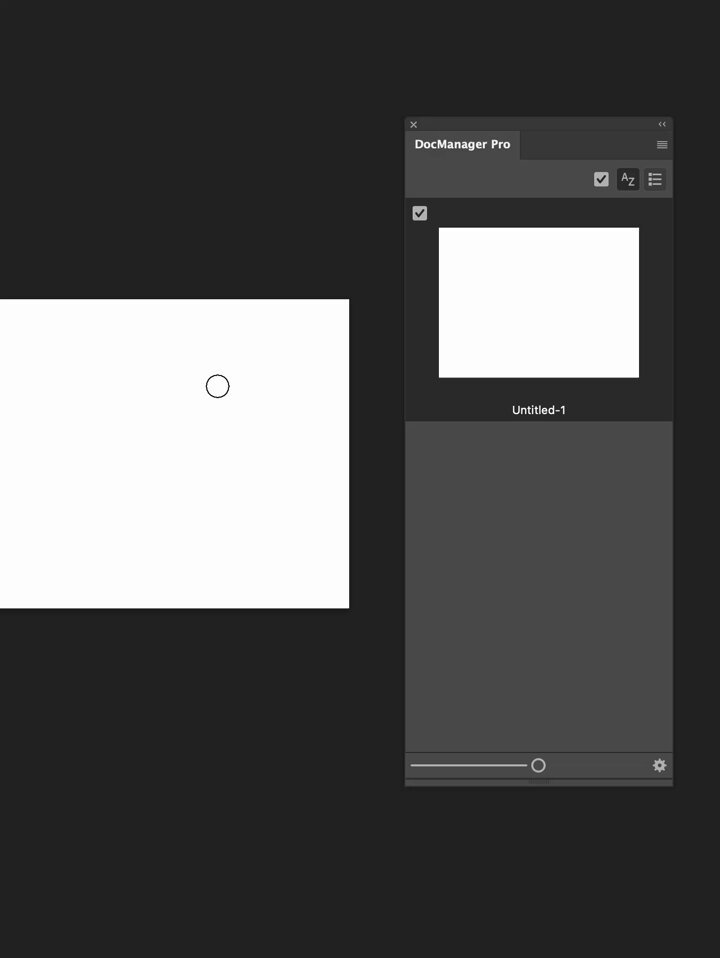
DocManager Pro 1.1.5 is out ✨
Filter open docs by orientation, dimensions, resolution, color mode & more. Clearer session access when the panel is empty, plus thumbnail fixes.
1
1
17
May 13
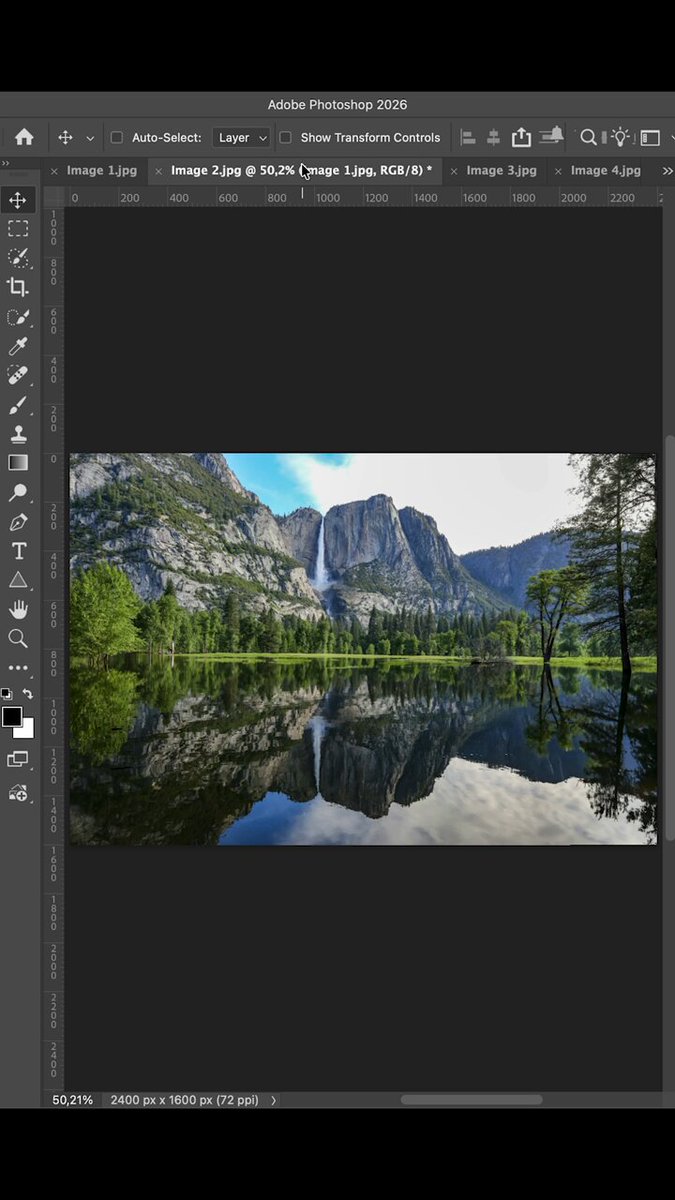
Still hunting through open document tabs in Photoshop?
DocManager Pro 1.1.3 adds filter by name in the panel header search bar: type a few characters and the list narrows to matching filenames.
Full context in the 1.1.3 release notes: docmanager.pixelsucht.net/bl…
3
1
39
Apr 28
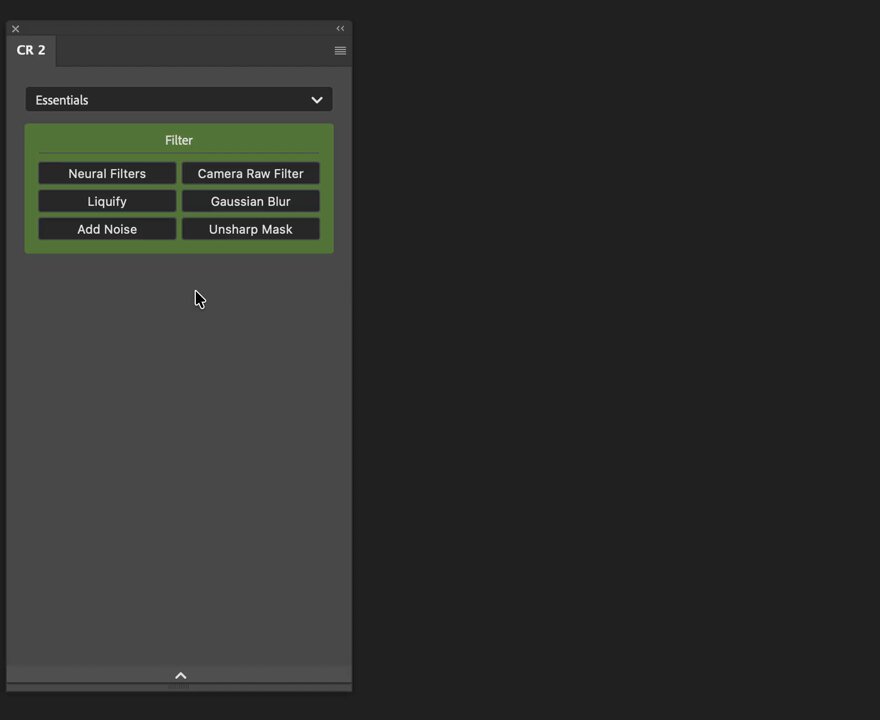
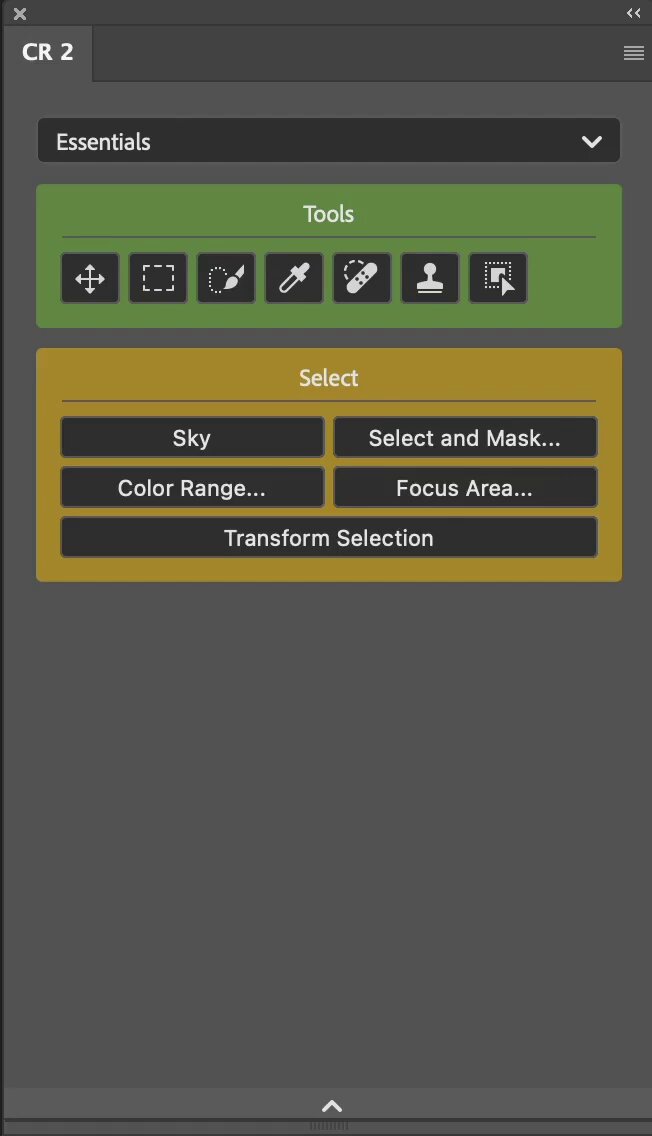
Stop hunting through menus. CR 2.3.0 adds Command Search – find any Photoshop command as you type and run it instantly. 🔥
1
25

Hello, Moon. It’s great to be back.
Here’s a taste of what the Artemis II astronauts photographed during their flight around the Moon. Check out more photos from the mission: nasa.gov/artemis-ii-multimed…
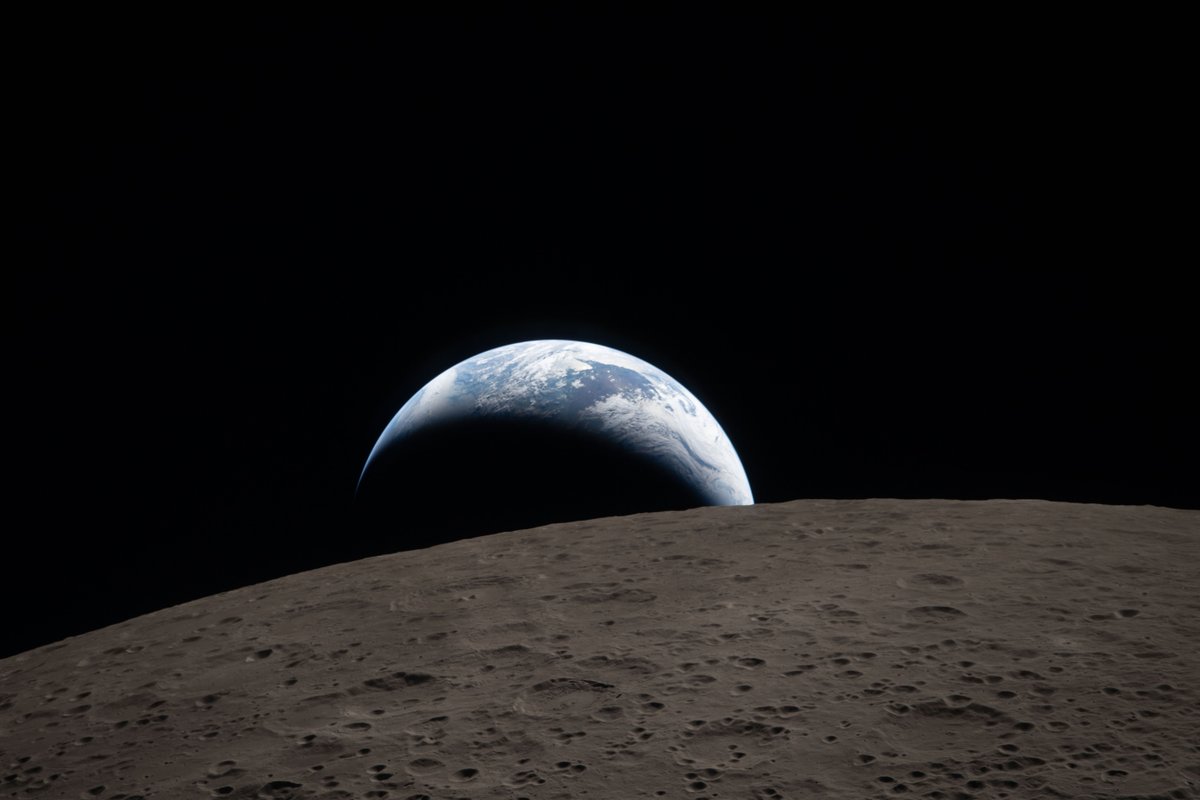
ALT A crescent Earth setting behind the Moon\u2019s horizon. Credit: NASA

ALT Earth setting behind the Moon as seen by the Artemis II crew. Over half the left side of the image is filled by the gray lunar surface, pocked with craters. Credit: NASA
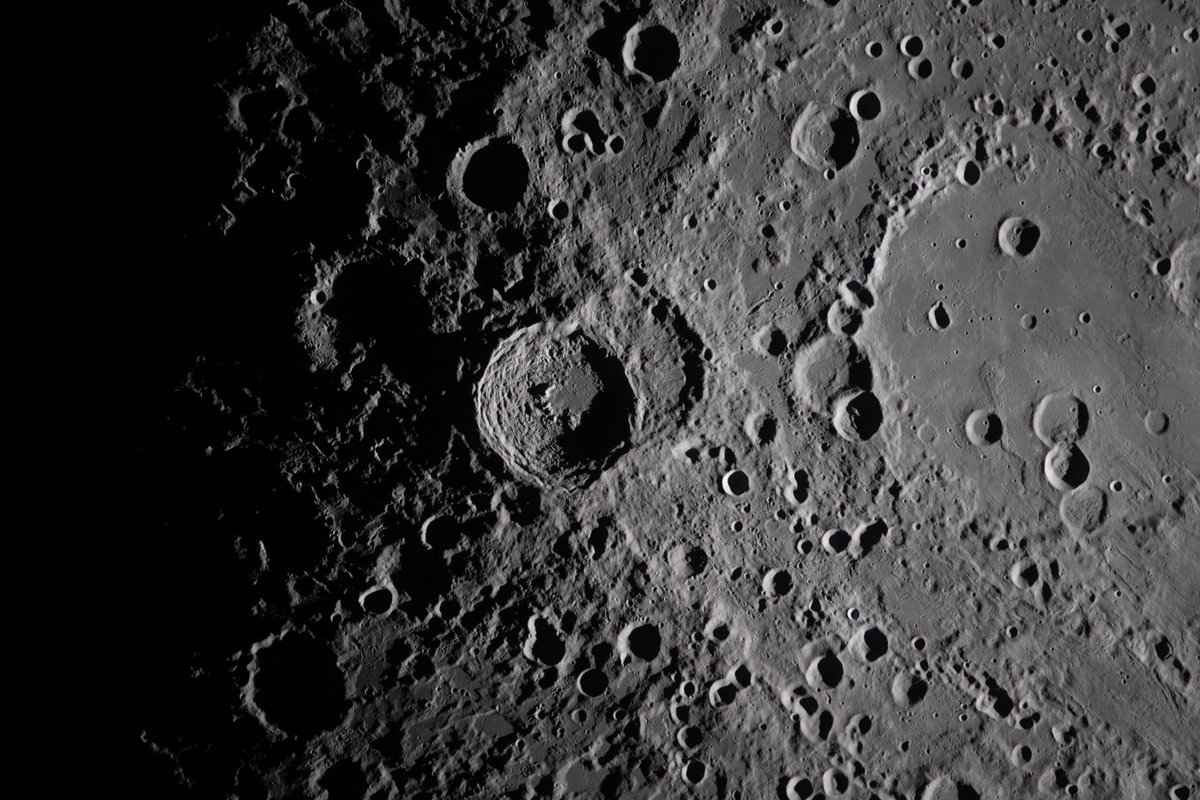
ALT A close view of the Moon. Jagged circles of craters dot the gray surface, fading to dark on the left side of the image. Credit: NASA
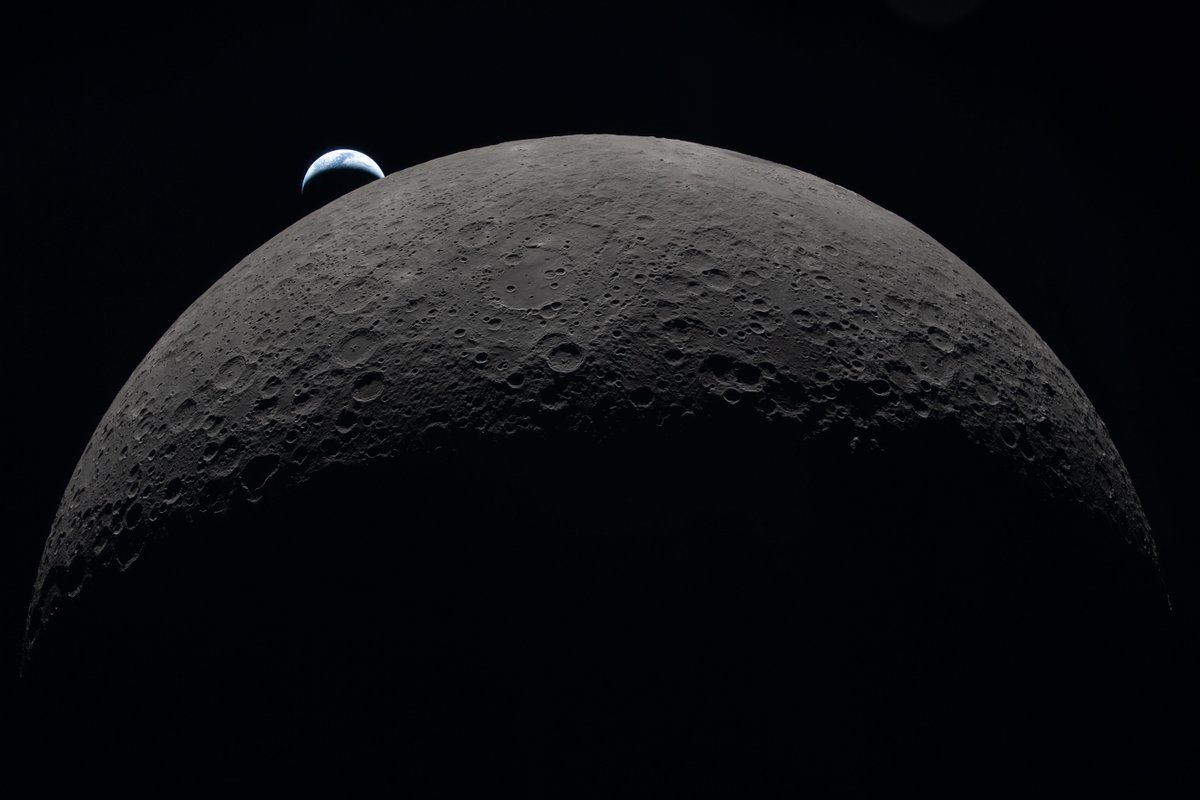
ALT A crescent Earth setting behind a hemisphere of the Moon. Credit: NASA
9,920
173,075
807,166
29,921,120
Mar 19
Configurator Reloaded 2.2.3 with one of the most requested features is finally here: Now, you can control button rows.
Plus, check out new Workflow Scripts: Dodge & Burn (Gray Layer), Dodge & Burn (Curves), and High Pass Sharpening.
More details: shorturl.at/izXnH
1
36
Mar 18
DocManager 1.1.2 is here!
🎉 Enjoy stable thumbnails while editing, new preview options, and a fix for the 'No open documents' bug.
Read more: shorturl.at/xywBk
1
1
38
Mar 11
Same task. Two workflows.
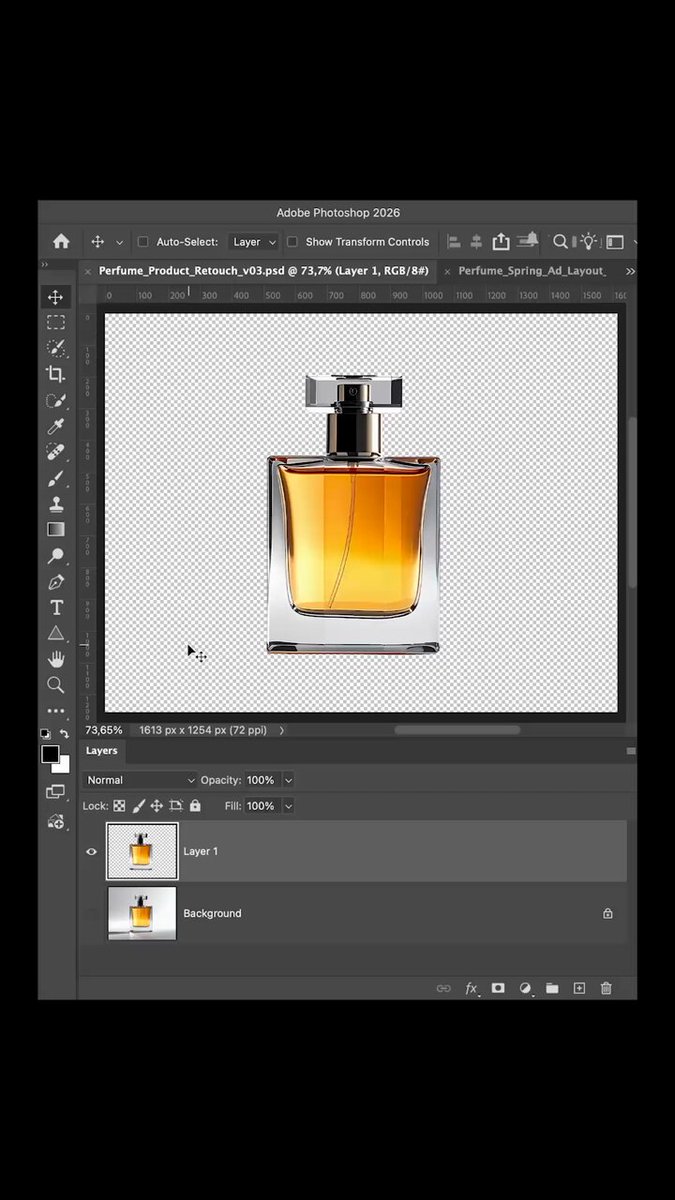
Finding the right document in Photoshop when you have many files open can be surprisingly slow.
Here’s the difference between switching tabs vs using DocManager.
1
38
Mar 6
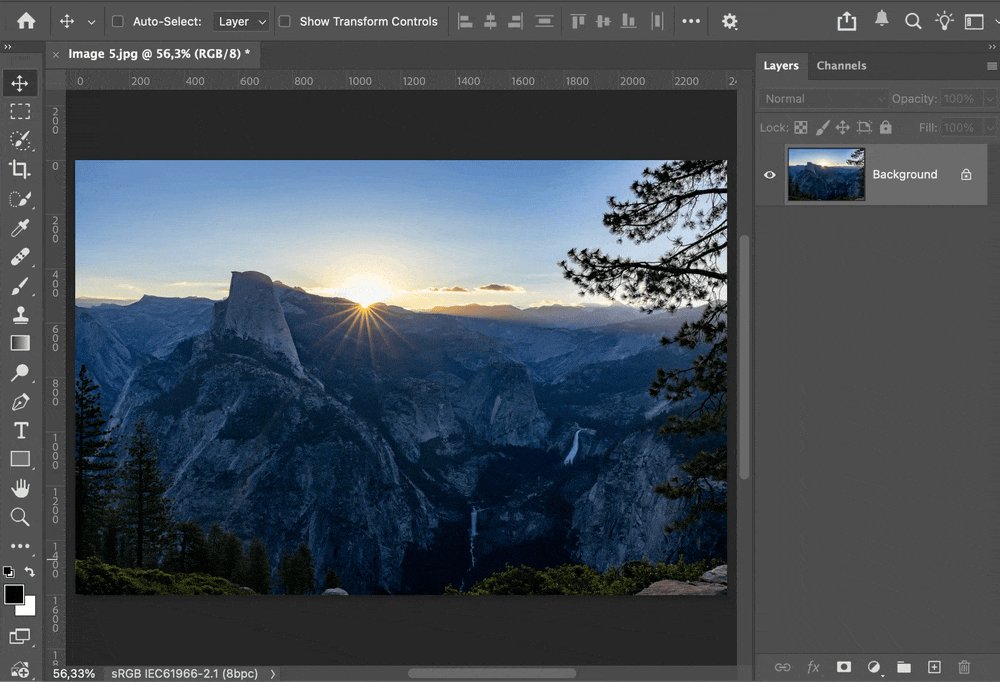
Moving a layer between Photoshop documents.
⏱ Normal Photoshop: 6.2s
⚡ With DocManager: 1.2s
That’s 5× faster. When you work with many open PSDs, these seconds add up quickly.
I built DocManager to make this easier.
1
1
48
Mar 4
Stop wasting time in Photoshop! 😱
Instantly switch between docs with DocManager.
plugins.pixelsucht.net
#Photoshop #Workflow #DesignTools #Productivity
1
1
96
7 Jan 2025
Back to work! Hope you had a great holiday. Excited to start 2025 with fresh ideas and goals. Let's create, innovate, and collaborate. 💪🚀
1
68
3 Dec 2024
🔥 Today is the last chance to get my plugins with 30% discount.
More details here: r.email.pixelsucht.net/3h5ob…
1
73
7 Oct 2024
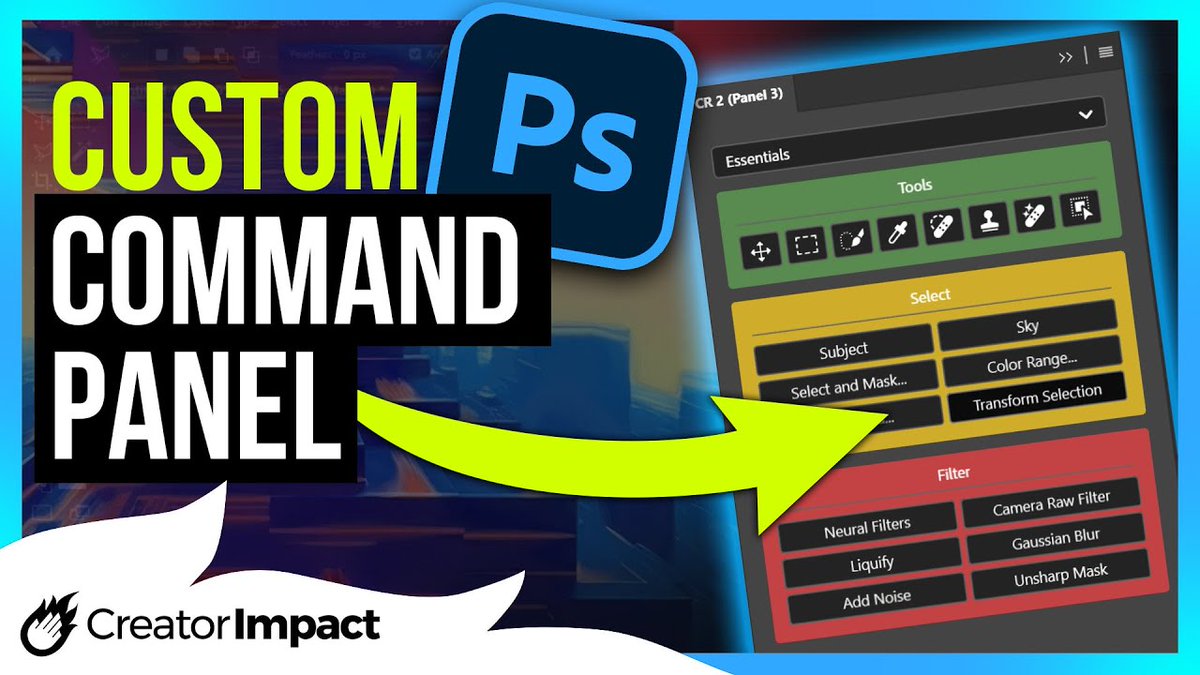
🎨🚀 With CR2, every Photoshop command is just 1 click away!
Design faster, work smarter, and customize your workspace like never before. Build custom panels with drag-and-drop and streamline your workflow.
Check it out: configurator.pixelsucht.net/
98
12 Jan 2024
🚀 With configurator.pixelsucht.net you can say goodbye to the hassle of navigating through cluttered menus. The plugin offers a seamless solution for customizing your workspace. #photoshop #plugin
2
5
251
11 Jan 2024
🚀 Configurator Reloaded 2 (UXP) is here 🚀
configurator.pixelsucht.net
v2 not only preserves the features you love but also introduces exciting new ones, inspired by the users requests.
@adobedevs @ingoeichel @erinf @PhotoshopPixie @JBaercat @strawbo @arifuchs @jnack @sbaril
3
2
8
522
24 Nov 2023
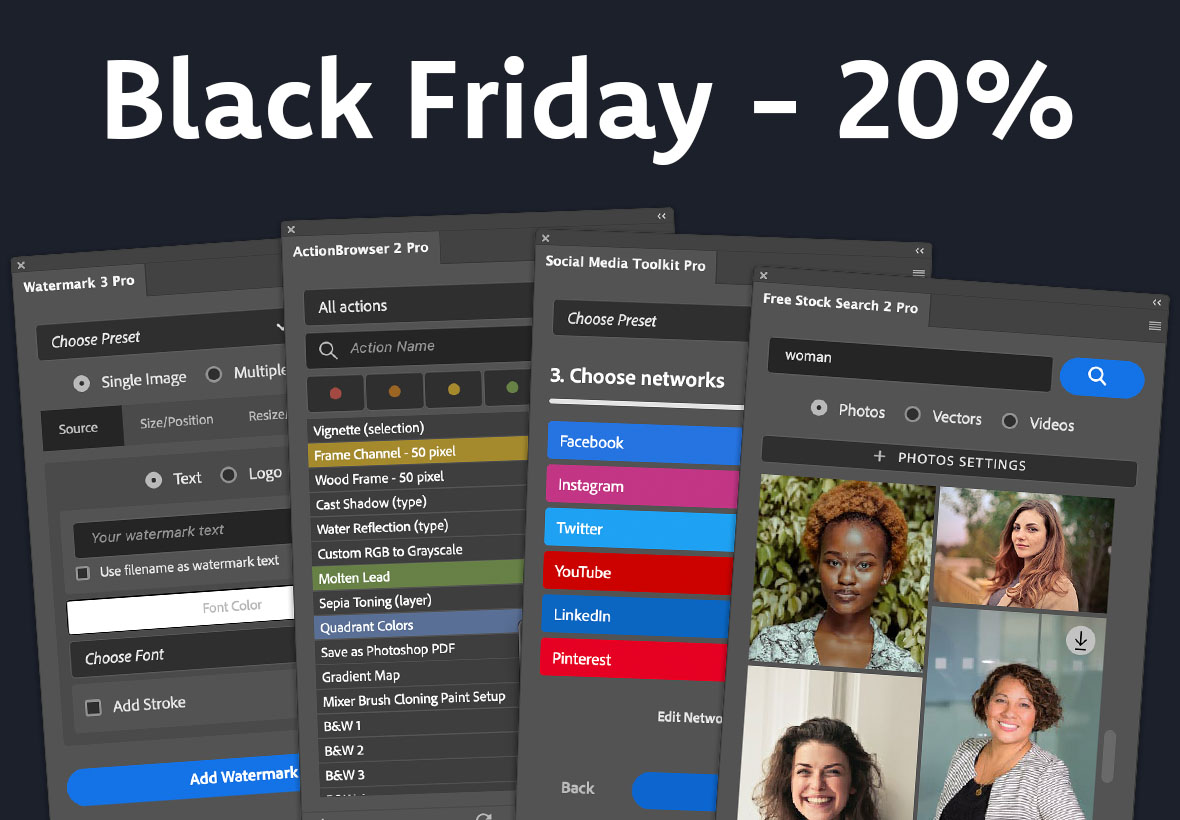
Unlock a 20% discount on all my plugins for Adobe apps! plugins.pixelsucht.net/
Coupon codes in the comments.
3
180