
a productivity tool for C/C and C# developers of Microsoft Visual Studio
Joined November 2015
- Tweets 489
- Following 64
- Followers 2,654
- Likes 136
199 Photos and videos
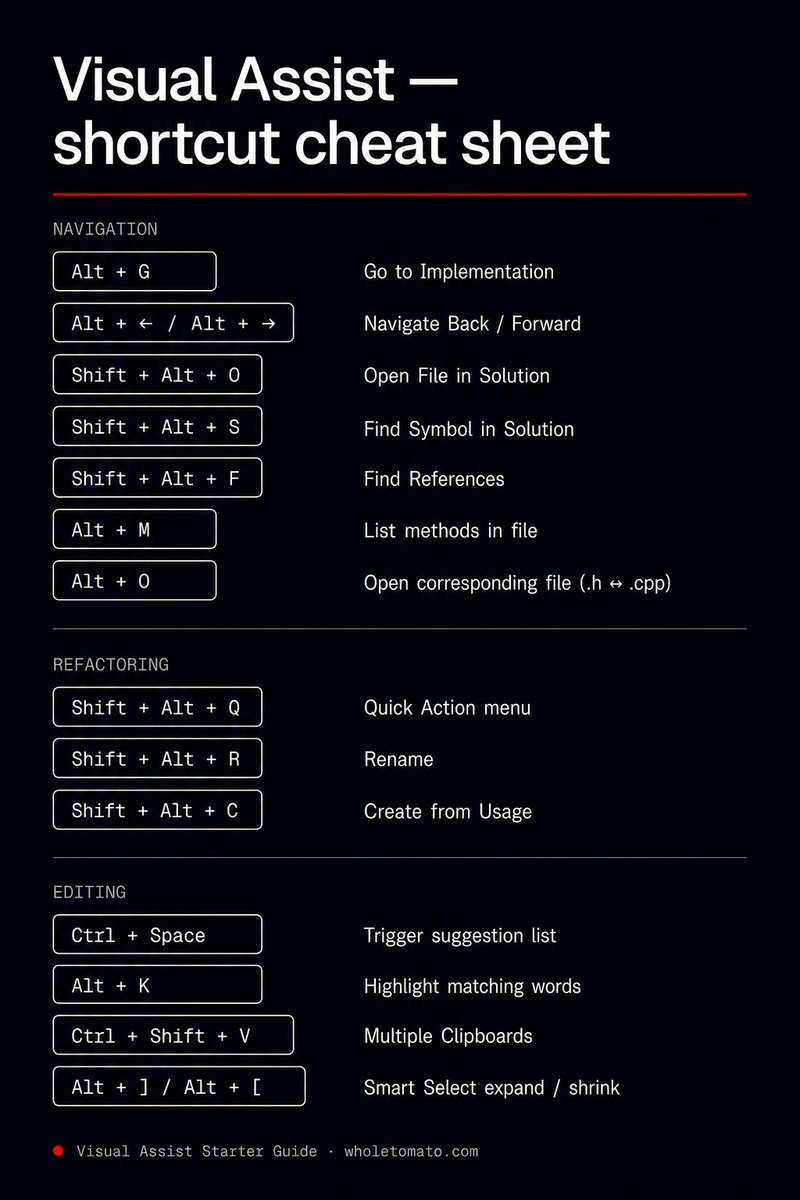


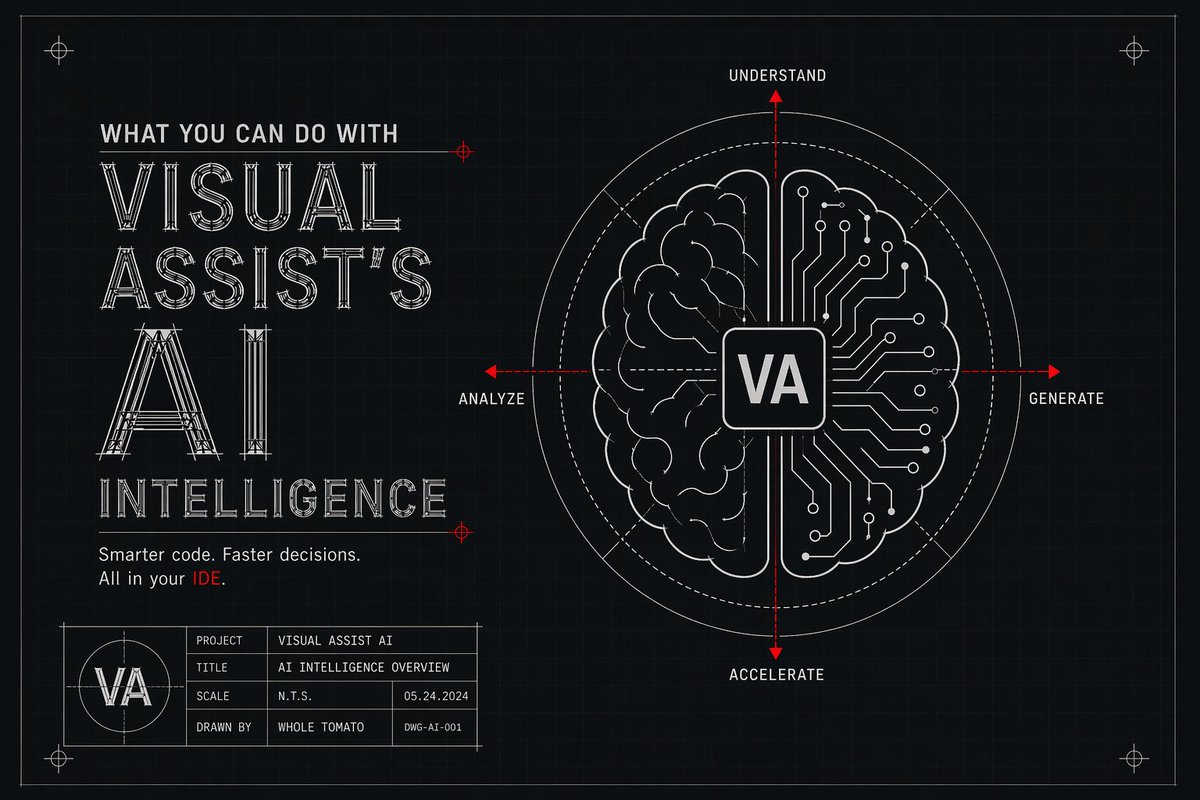





Practical AI for real developers.
See what VA Intelligence can help you accomplish today. 👉 tinyurl.com/mun5br8j
#VisualAssist #Cpp #Developers #AI #Coding
70
Need help understanding complex code?
Visual Assist's AI Assistant has your back. Check it out: tinyurl.com/ymc7hfds
#VisualAssist #Coding #AIAssistant #DevTools #Developers
22
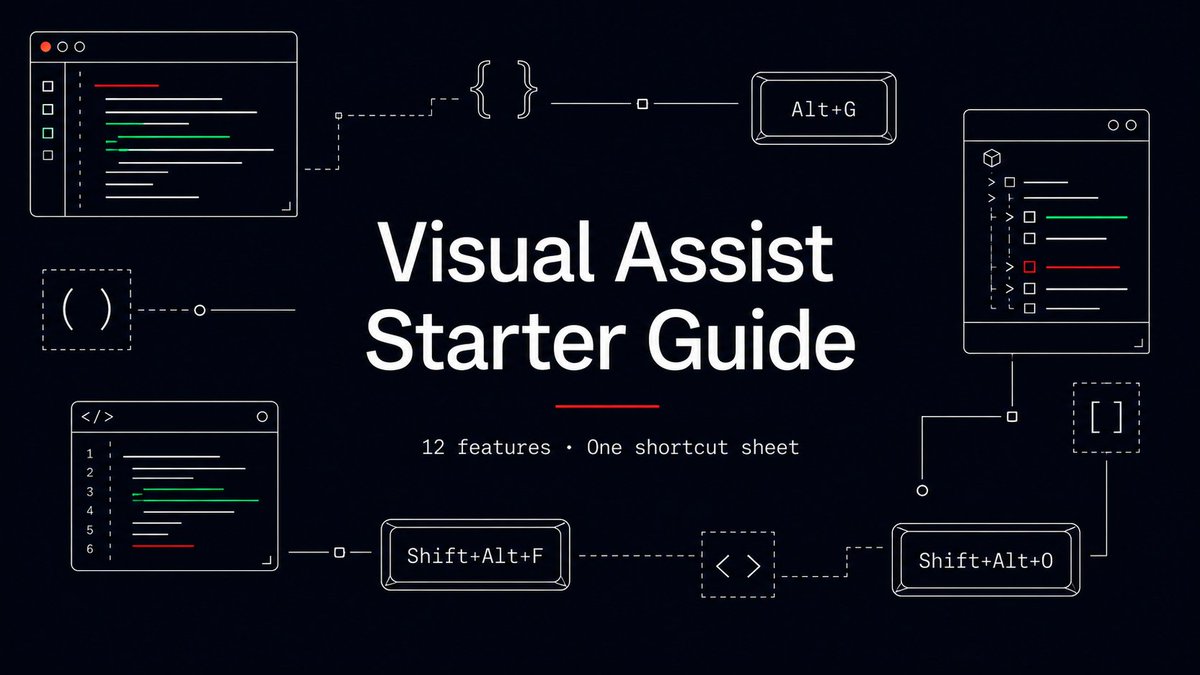
A lot of devs install Visual Assist and live in 3 features for 5 years.
the new VA Starter Guide is built to fix that.
12 features, the full shortcut sheet, AI/Intelligence setup, and the parts the docs bury.
highlights ↓
7
1
159
Full guide here, with the shortcut cheat sheet, install paths, and pro tips:
wholetomato.com/learn/getSta…
30-day free trial. No credit card.
78
VA Intelligence — local AI for code edits.
• runs on local models
• nothing leaves your machine
• optional (nothing fires until you invoke it)
• diff review before any change applies
Works alongside Copilot/Cursor. different jobs, different strengths.
31
Shift Alt C — Create from Usage.
Write the call first, generate the stub second. VA infers types and places the stub correctly. Your caret stays put.
Top-down coding without the context switch.
11
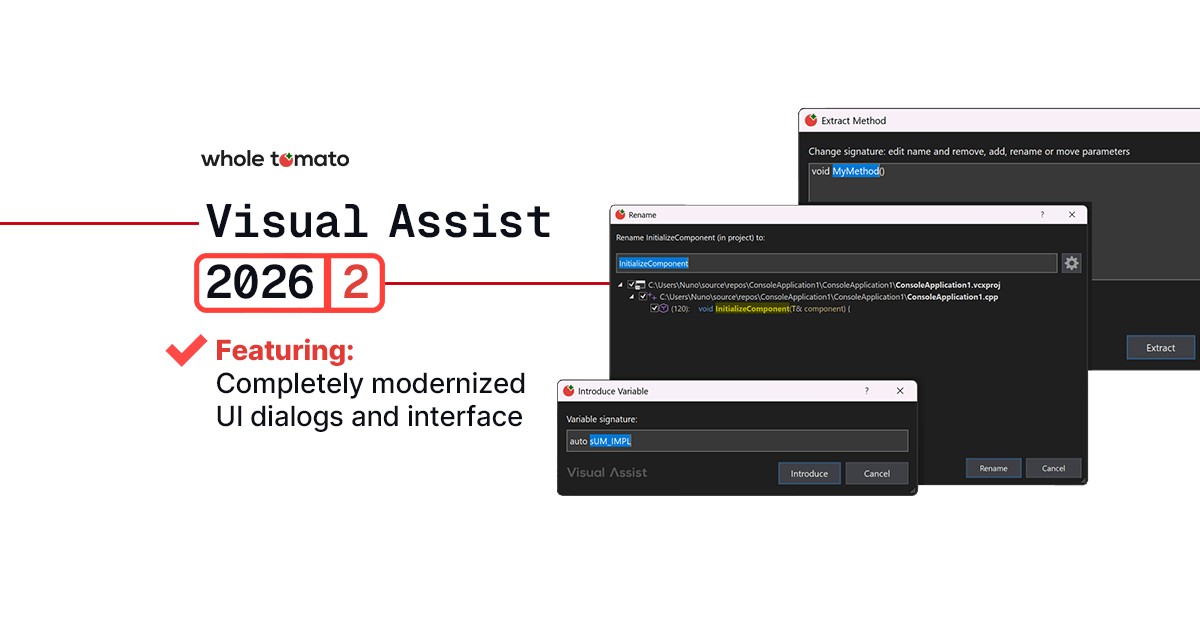
Shift Alt R — Rename.
across a project or a full solution. Preview every affected location before you commit. Cancel = no side effects.
If you've ever renamed a function and missed three call sites, this is the fix.
33
Alt G — Go to Implementation.
includes overload menus, jumps to symbols inside comments, follows VA Hashtags, and works on files outside the project.
Alt ← gets you back. Alt → goes forward.
1
1
23
Shift Alt F — Find References.
Read vs. write references in different colors. group by project. Press D for declarations only. Press P to toggle scope.
The big win is on macro-heavy or mid-edit code where built-in find-refs misses things.
17
Shift Alt O — Open File in Solution.
fuzzy file search that doesn't choke on 10k-file projects.
• \path filters by path
• -string excludes
• comma = OR
• Ctrl Click opens multiple
Once you use it, Solution Explorer never feels right again.
15
AI coding assistants are everywhere, but security and privacy questions remain.
What leaves your machine? What gets logged? What does private AI actually look like in practice?
Explore how today’s leading coding assistants compare for C development teams.
👉 tinyurl.com/3b6b7tjh
#VisualAssist #Cpp #AI #Coding #DevTools
2
52
💡 AI-assisted C that stays under your control.
Review every change. Keep your code local. No cloud dependency, no black box workflow — just faster C development inside Visual Assist.
𝐆𝐞𝐭 𝐕𝐢𝐬𝐮𝐚𝐥 𝐀𝐬𝐬𝐢𝐬𝐭 𝐮𝐩 𝐭𝐨 𝟑𝟓% 𝐨𝐟𝐟!
Shop now: tinyurl.com/2db8n5v6
#VisualAssist #developers #cpp #AI #coding
1
77
✨ New: the Visual Assist Starter Guide
12 features, the full shortcut sheet, and the install paths for every VS version — in one place, skim-friendly, written for devs who already know the IDE.
Learn more: tinyurl.com/get-started-VA
#VisualAssist #VisualStudio #CPlusPlus #DeveloperTools #GameDev
1
73
📢 𝐋𝐨𝐜𝐚𝐥 𝐀𝐈 𝐢𝐧 𝐕𝐢𝐬𝐮𝐚𝐥 𝐀𝐬𝐬𝐢𝐬𝐭: 𝐆𝐞𝐭 𝐮𝐩 𝐭𝐨 𝟑𝟓% 𝐨𝐟𝐟!
VA Intelligence keeps you in the loop on every change, while AI accelerates repetitive work. Fully local. Get the convenience of AI-assisted C workflows without losing control.
🛒 Shop now: tinyurl.com/2db8n5v6
#VisualAssist #developers #cpp #AI #coding
1
50
Unreal Engine C can feel overwhelming fast.
800 folders. Endless macros. IntelliSense struggling. 😵
This guide gives you the roadmap to navigate Unreal codebases with confidence. 👉 tinyurl.com/4u2fxx4f
#Developers #UnrealEngine #GameDevs #Cpp
1
75
C reflection is here and getting a lot of hype. But what actually changes for your code today, especially on MSVC?
Cut through the noise 👇
tinyurl.com/yc47fhar
#developers #coding #cpp26 #softdev
1
157
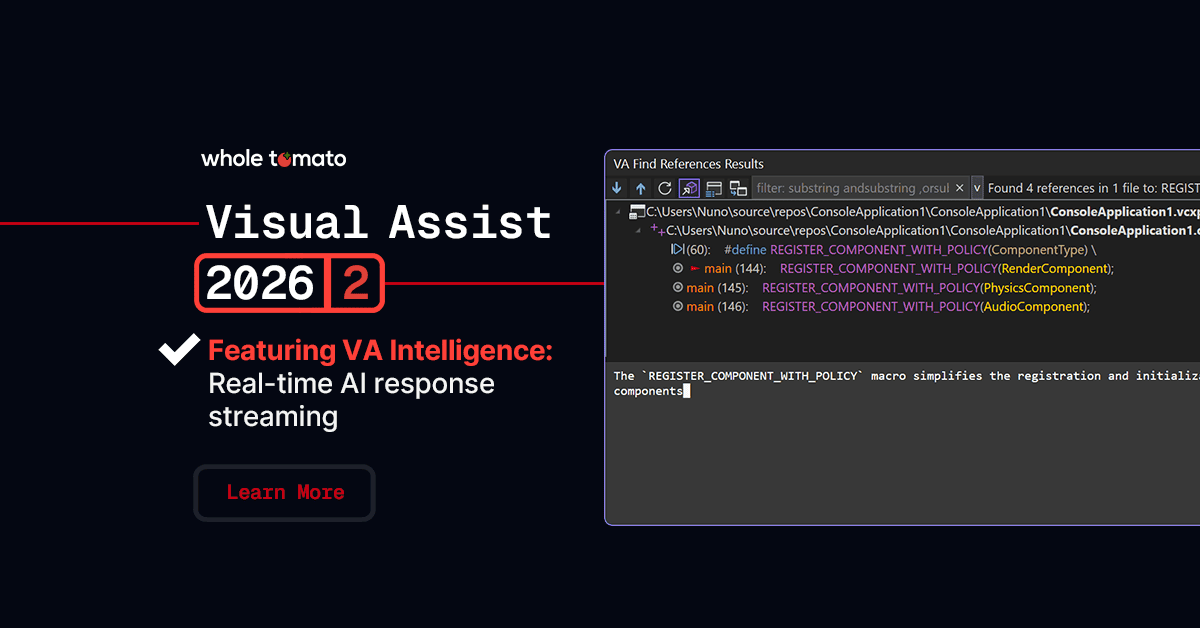
Visual Assist continues to evolve with VA Intelligence.
With features like Explain with AI and the new Change Code with AI in 2026.3, AI is now part of your everyday workflow, enhancing how you write and understand code.
Here’s a practical look at what it can do today and where it’s heading.
👉 Read more: tinyurl.com/y847hw3b
#VisualAssist #AI #VAIntelligence #Coding #Developers
65
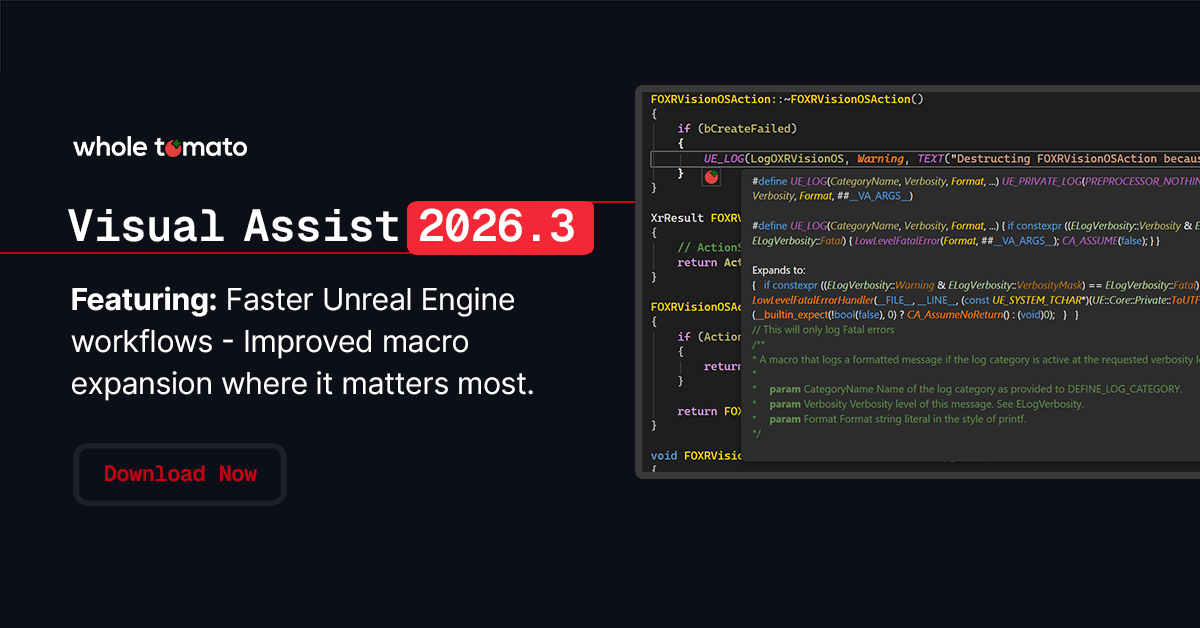
🎉 New in Visual Assist 2026.3:
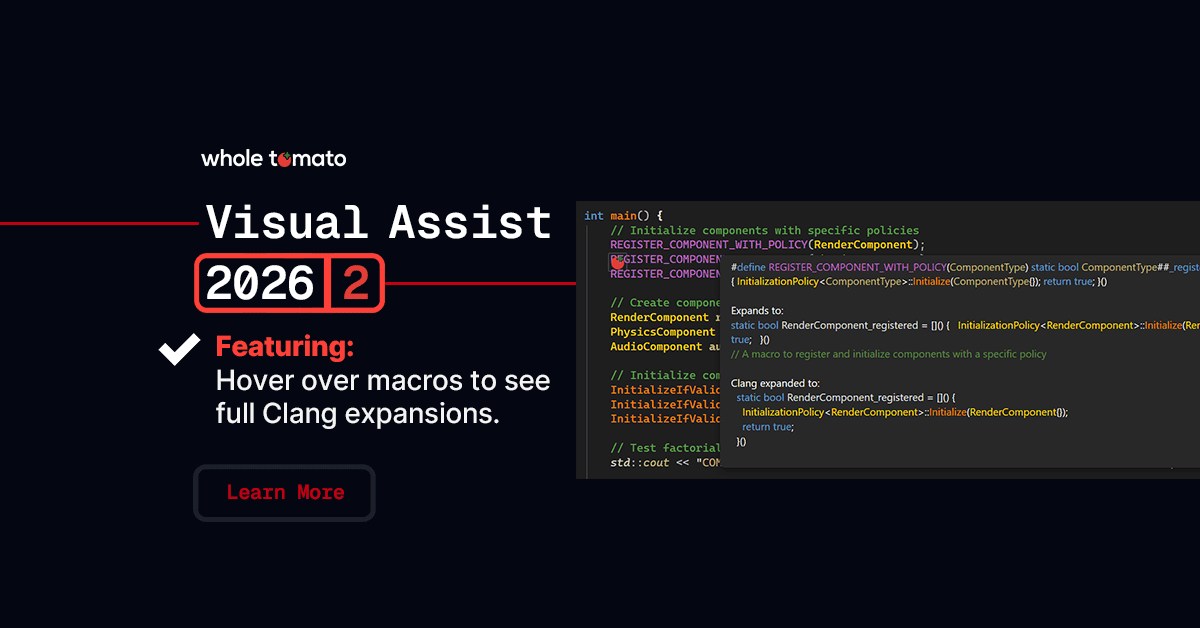
Macro expansion in Unreal Engine just got faster—enjoy smoother navigation and hover, even with complex macros.
Download VA 2026.3 today: tinyurl.com/49cr6dpm
#VisualAssist #Coding #UnrealEngine #Developers
1
64
🎉 New in Visual Assist 2026.3: Change Code with AI
Select code, type a prompt, review the diff, and decide what happens. Nothing changes without your say.
Also: HLSLI support, faster UE macro expansion, and a handful of stability fixes.
Learn more: tinyurl.com/4snr5ymb
#VisualAssist #Developers #Coding #AI #DevTools
67
🚀 Visual Assist 2026.3 is here
Smarter AI workflows, better performance, and improved stability for C devs.
Download now and code faster. tinyurl.com/4snr5ymb
#VisualAssist #developers #coding #devtools #AI #cpp
1
2
81