
If you're a:
1. #Architect
2. #Interior Designer
3. #Contractor
4. #CivilEngineer
5. #StructuralEngineer
6. #ProjectManager
7. #3DVisualizer
8. #MarketingExecutive
Let’s connect 🤝
and be part of an exciting journey.
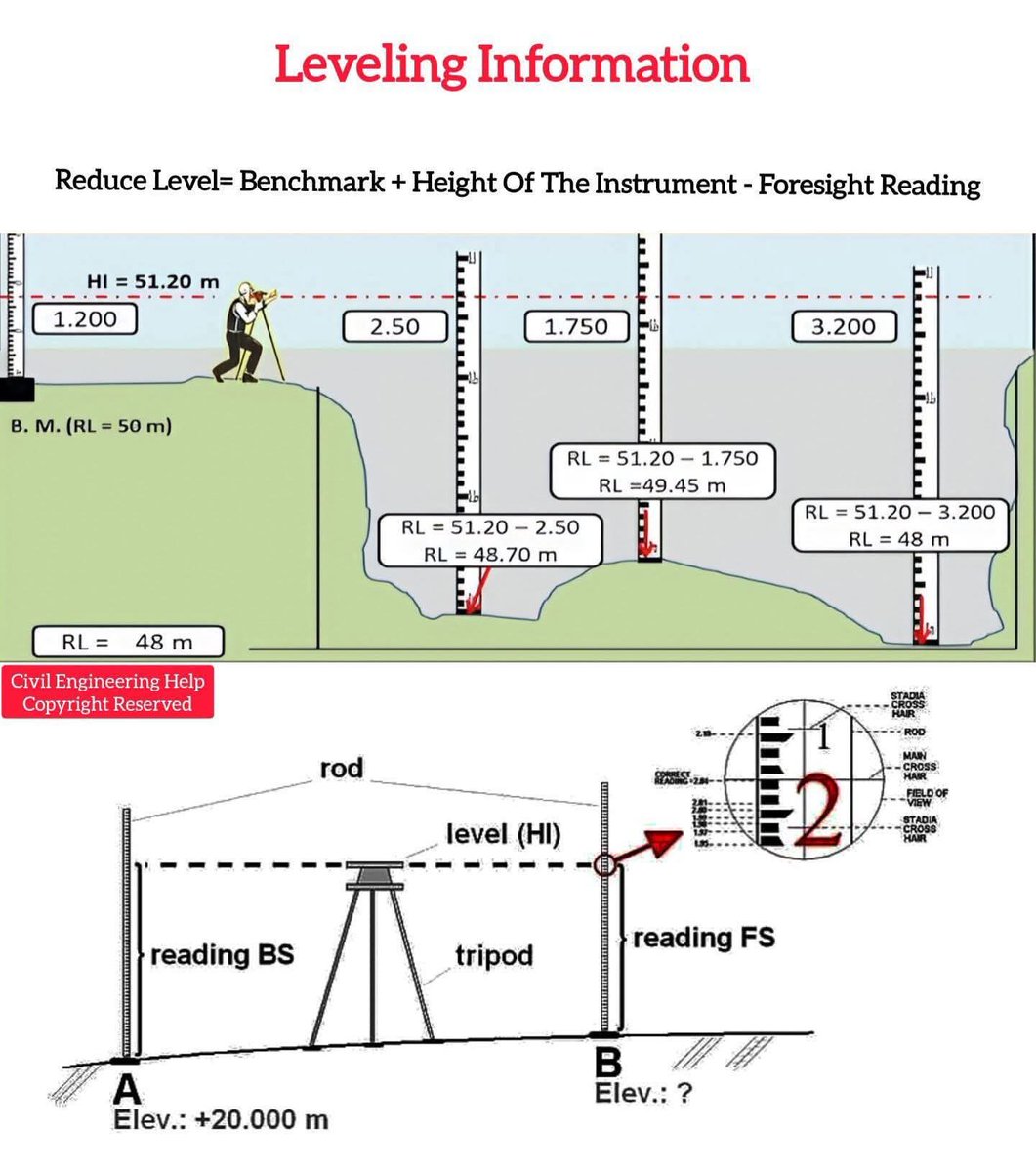
5
11
107
2,282

24 Oct 2025
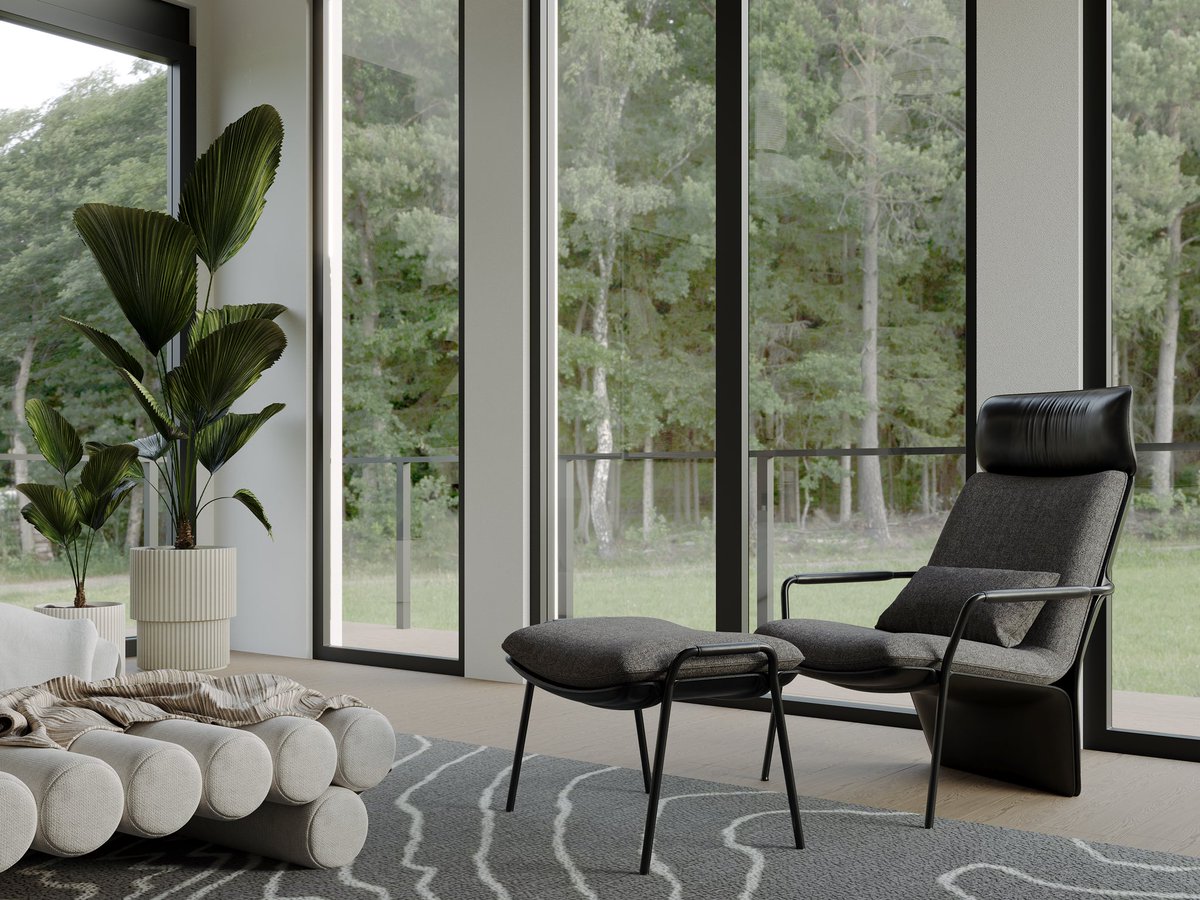
You dream it? We make it 😊
.
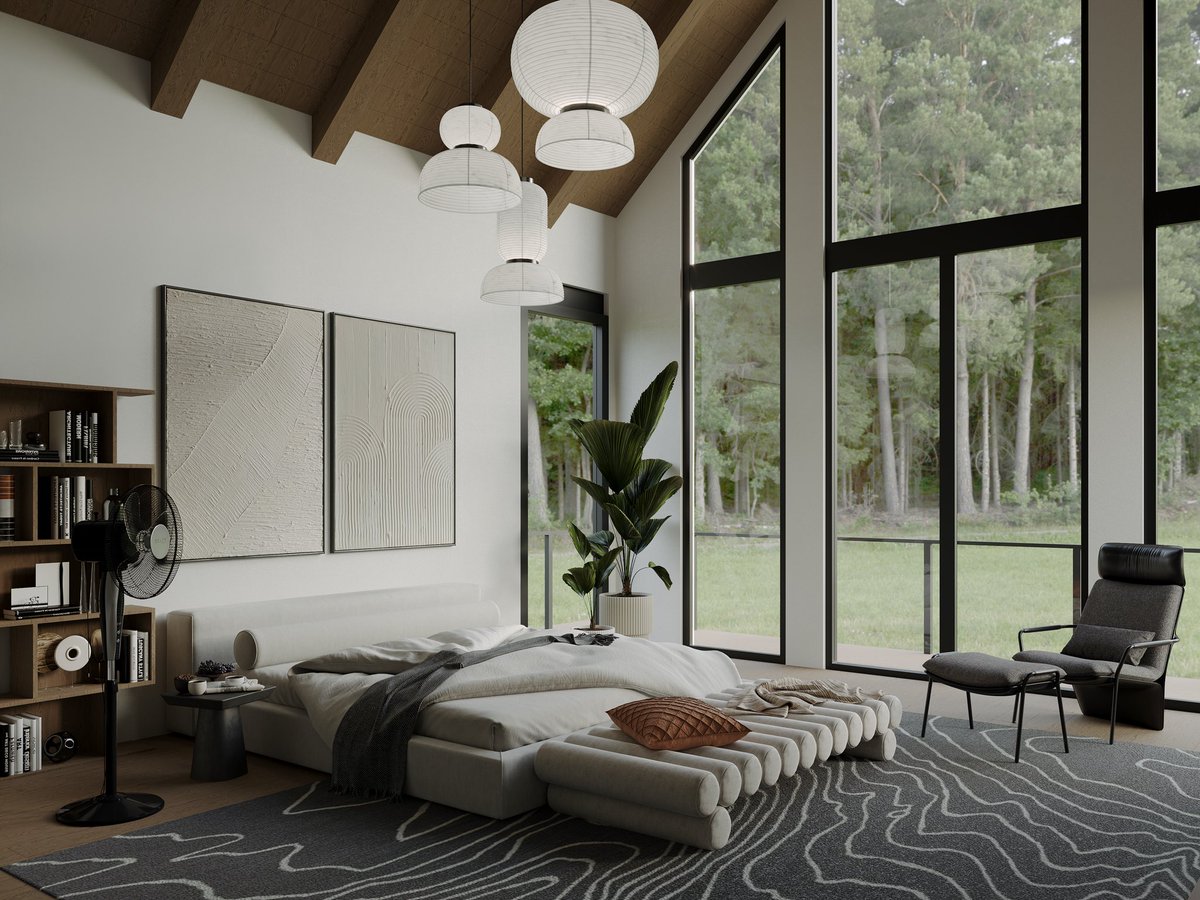
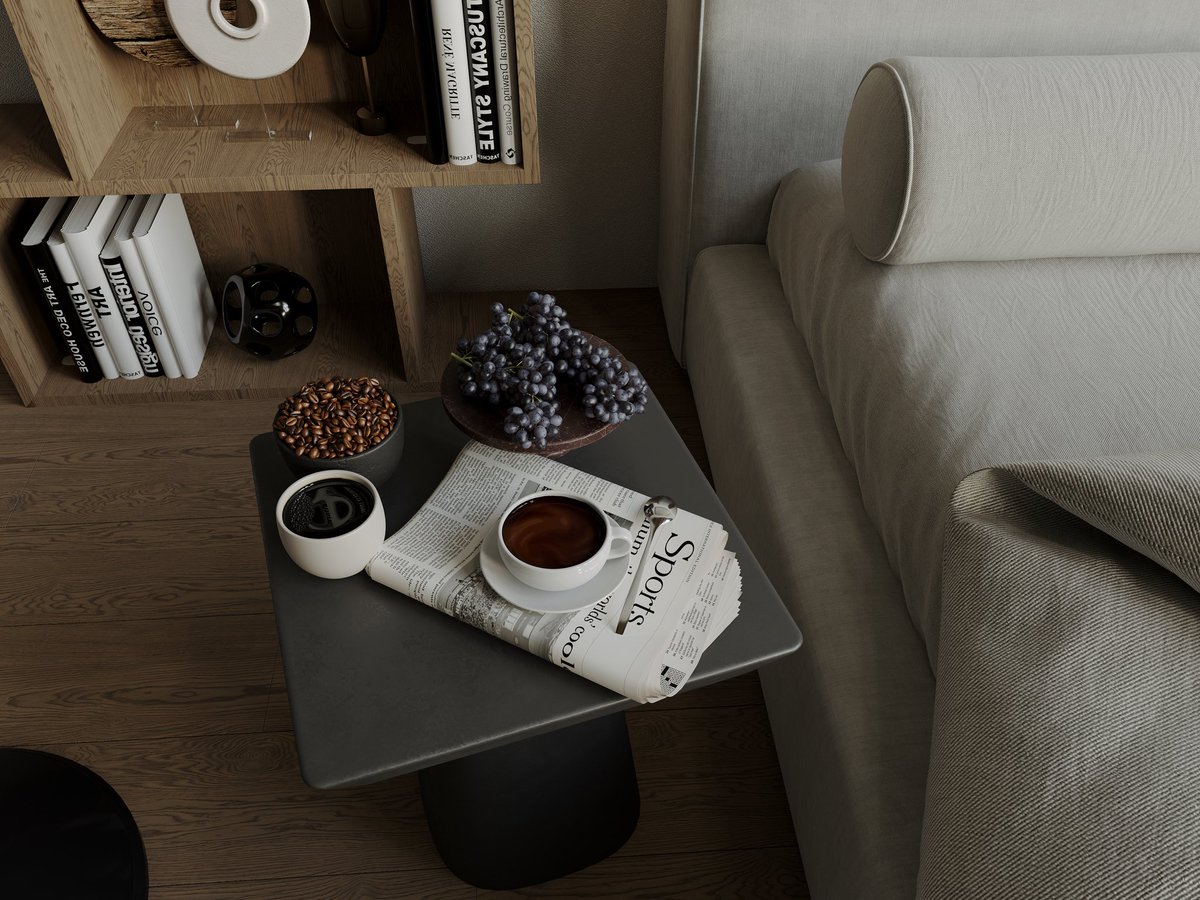
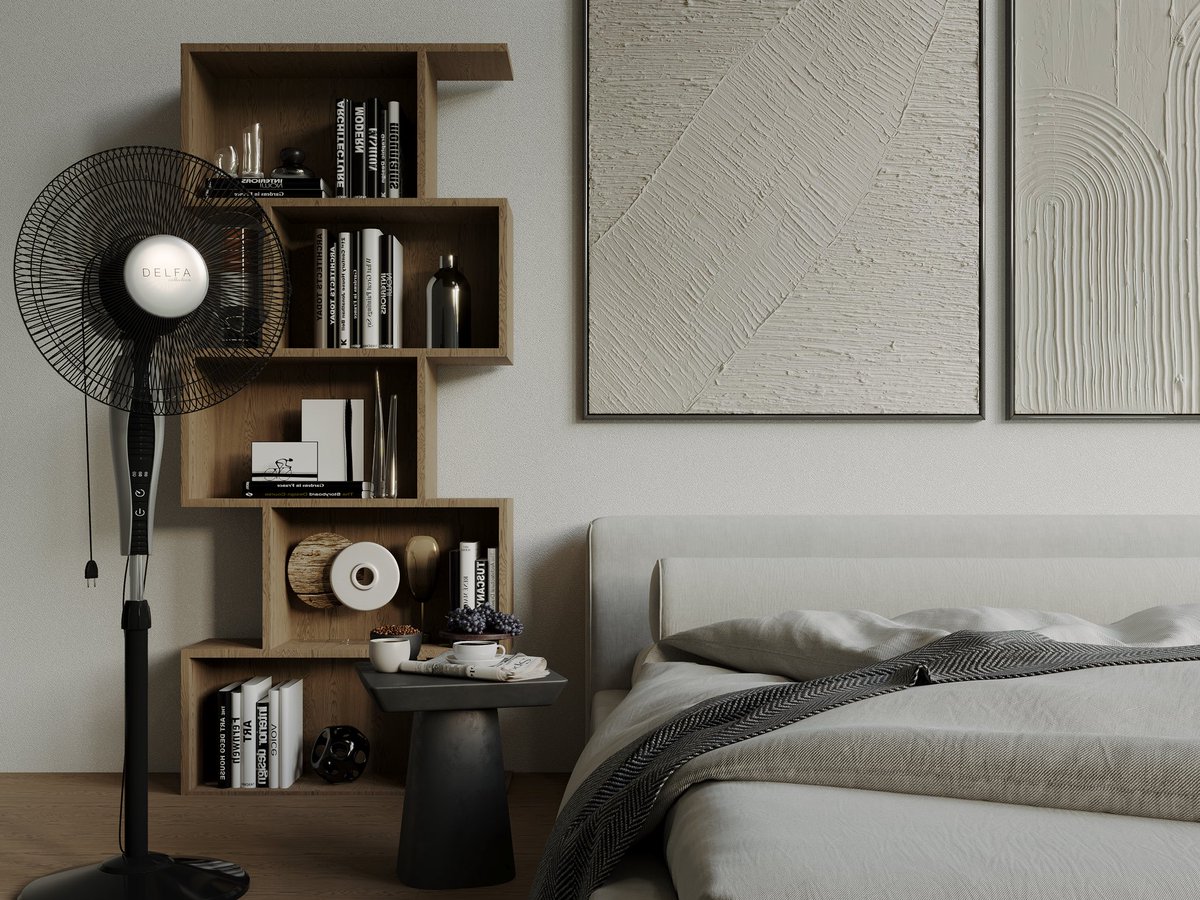
We’re providing 3D Rendering services of Interior & Exterior to Architects, Builders and Real Estate Developers Globally.
.
#archviz #3dvisualizer #bedroom #SDSbyNeha #smartdesignsstudio #3dView #render #rendering #cgi
2
17

29 Sep 2025
🚀 Artemis II Mission Simulator: Explore Earth-Moon Orbit in 3D 🌌
made with love from spacetracker.space
Article:
The Artemis II mission marks a groundbreaking step in human space exploration, and now, you can experience it firsthand with a fully interactive 3D simulator. Our simulator visualizes the spacecraft Orion’s journey as it loops around Earth, travels to the Moon, performs a lunar flyby, and safely returns home.
Using realistic textures for Earth and the Moon, alongside a detailed model of the Orion capsule, this simulation provides a stunning view of space with a starry background. Labels and dynamic camera tracking keep you informed about key mission parameters like altitude, speed, and distance from the Moon in real time.
Whether you’re a space enthusiast, student, or educator, this tool offers an engaging way to understand orbital mechanics, mission trajectories, and the scale of space travel.
Experience the mission from the comfort of your browser—watch Orion glide along its path and see Earth and Moon in breathtaking detail. This simulator makes Artemis II’s journey tangible, inspiring curiosity and excitement about humanity’s next giant leap.
🚀 Artemis II Mission Operations: A Step Toward Deep Space Exploration
1. Launch and Initial Orbit Insertion
Launch Vehicle: The mission begins with the launch of the Space Launch System (SLS) Block 1 configuration from Kennedy Space Center in Florida.
Initial Orbit: After launch, Orion enters a low Earth orbit (LEO) with an elliptical shape, having a perigee of approximately 115 miles and an apogee of about 1,800 miles. This orbit lasts a little over 90 minutes and includes an initial firing of the Interim Cryogenic Propulsion Stage (ICPS) to maintain Orion’s path NASA.
2. Earth Orbit Operations
System Checks: While still in Earth orbit, the crew assesses the performance of Orion's life support systems, ensuring they are capable of generating breathable air and removing carbon dioxide and water vapor produced by the astronauts NASA.
Communication Systems: Orion briefly flies beyond the range of GPS satellites and NASA's Near Space Network, allowing for an early checkout of the Deep Space Network communication and navigation capabilities NASA.
3. Trans-Lunar Injection (TLI)
TLI Burn: The ICPS performs a burn to raise Orion's orbit, enabling the spacecraft to build up enough speed for the journey toward the Moon. This maneuver propels Orion on a path toward the Moon NASA.
4. Lunar Flyby and Free Return Trajectory
Lunar Approach: Orion travels approximately 40,000 miles around the far side of the Moon, creating a figure-eight trajectory extending about 280,000 miles from Earth.
Free Return Trajectory: After the lunar flyby, Earth's gravity naturally pulls Orion back home, ensuring a safe return without requiring propulsion on the return leg NASA.
5. Return to Earth
Reentry and Splashdown: Upon completing the lunar flyby, Orion reenters Earth's atmosphere and splashes down in the Pacific Ocean, concluding the mission NASA.
🔬 Science and Operational Objectives
Lunar Science: As Orion passes on the far side of the Moon, the crew analyzes and photographs geologic features on the surface, such as impact craters and ancient lava flows. This data will inform future lunar exploration missions NASA Science.
System Performance Evaluation: The mission aims to confirm that all of Orion's systems operate as designed with crew aboard in the actual environment of deep space NASA.
Hashtags & Icons:
#ArtemisII #OrionCapsule #EarthToMoon #SpaceSimulation #3DVisualizer #SpaceExploration #NASA #STEM #spacetracker 🚀🌕🌍✨
2
77
25 Sep 2025
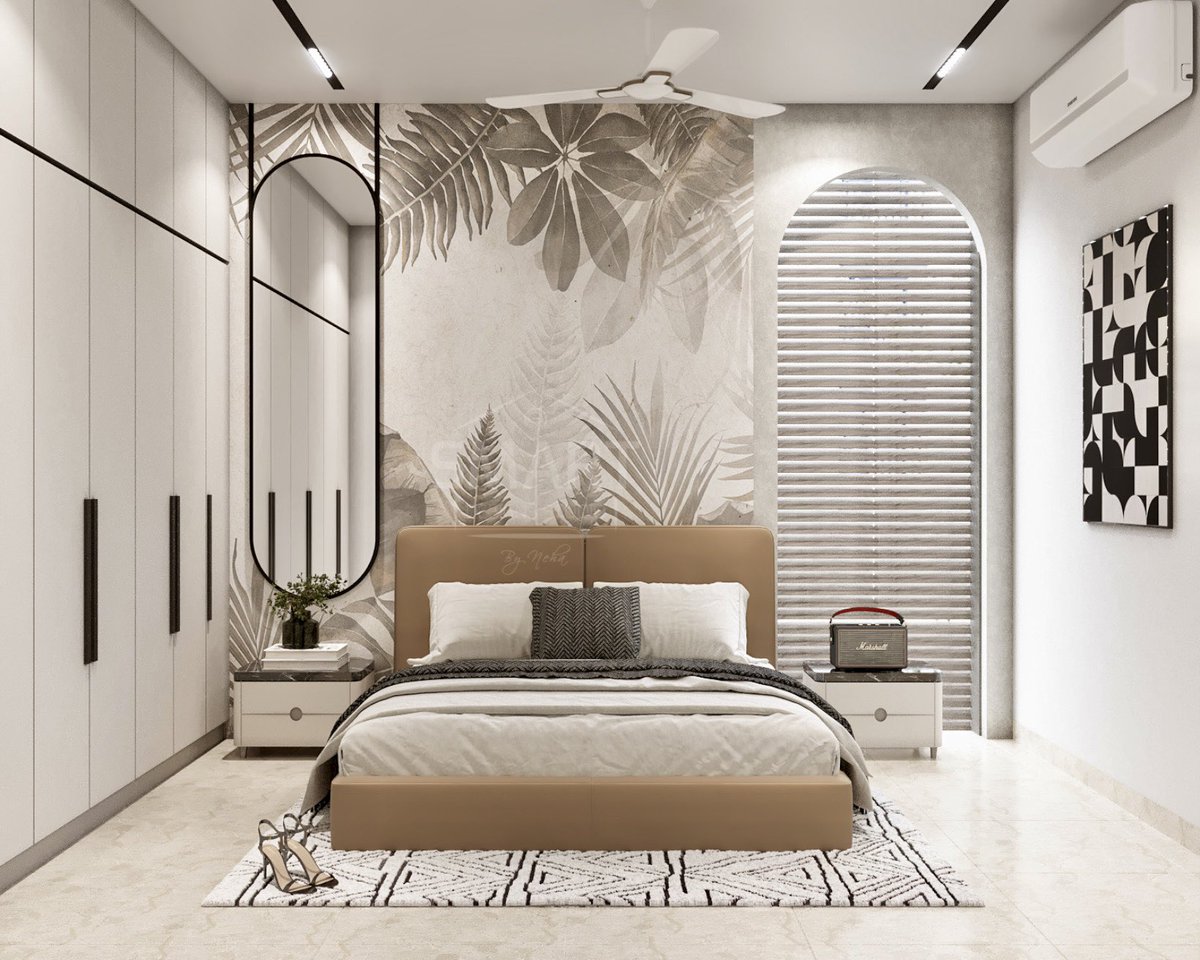
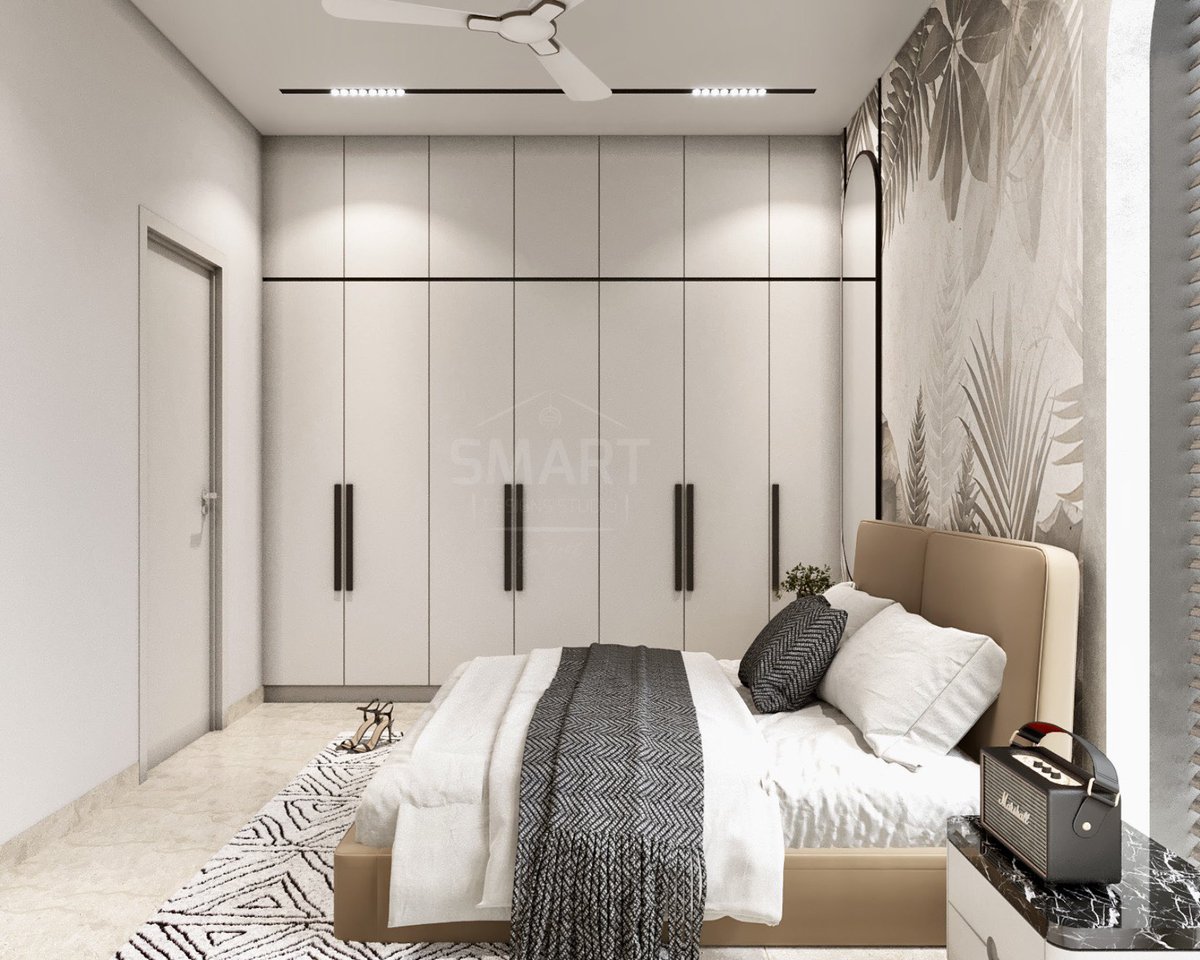
…a retreat carved in neutrals. CGI 👉 @SDSbyNeha
Hire us for all your 3D rendering solutions 📞 91 7905485624
#archviz #3dvisualizer #interiordesign #bedroom #SDSbyNeha #smartdesignsstudio #3dView #homedecor #render #rendering #cgi
67
17 Sep 2025
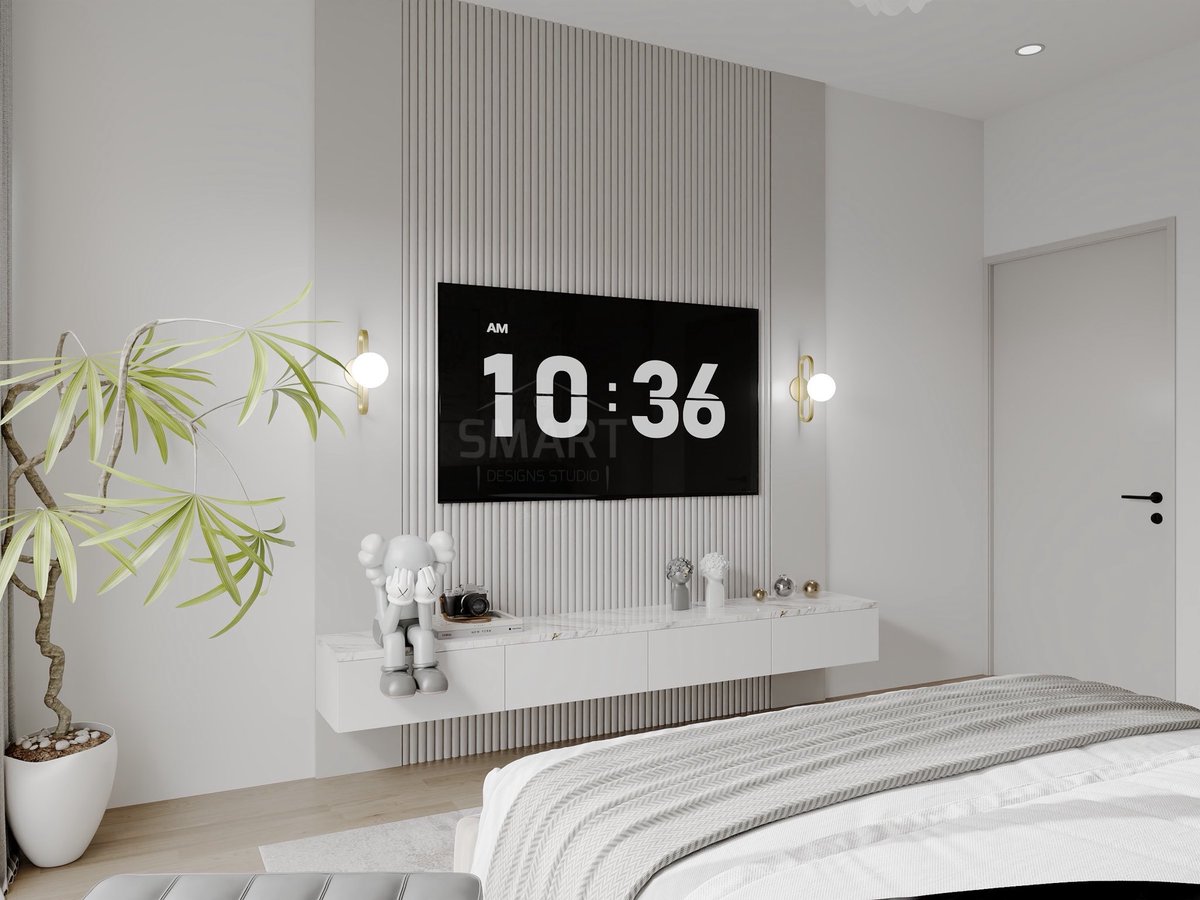
Minimalist dreams with a touch of elegance ✨CGI @SDSbyNeha
Hire us for all your 3D rendering solutions 📞 91 7905485624
#archviz #3dvisualizer #interiordesign #bedroom #SDSbyNeha #smartdesignsstudio #3dView #homedecor #render #rendering #cgi #buildingdesign #rendering3d

1
26
16 Sep 2025
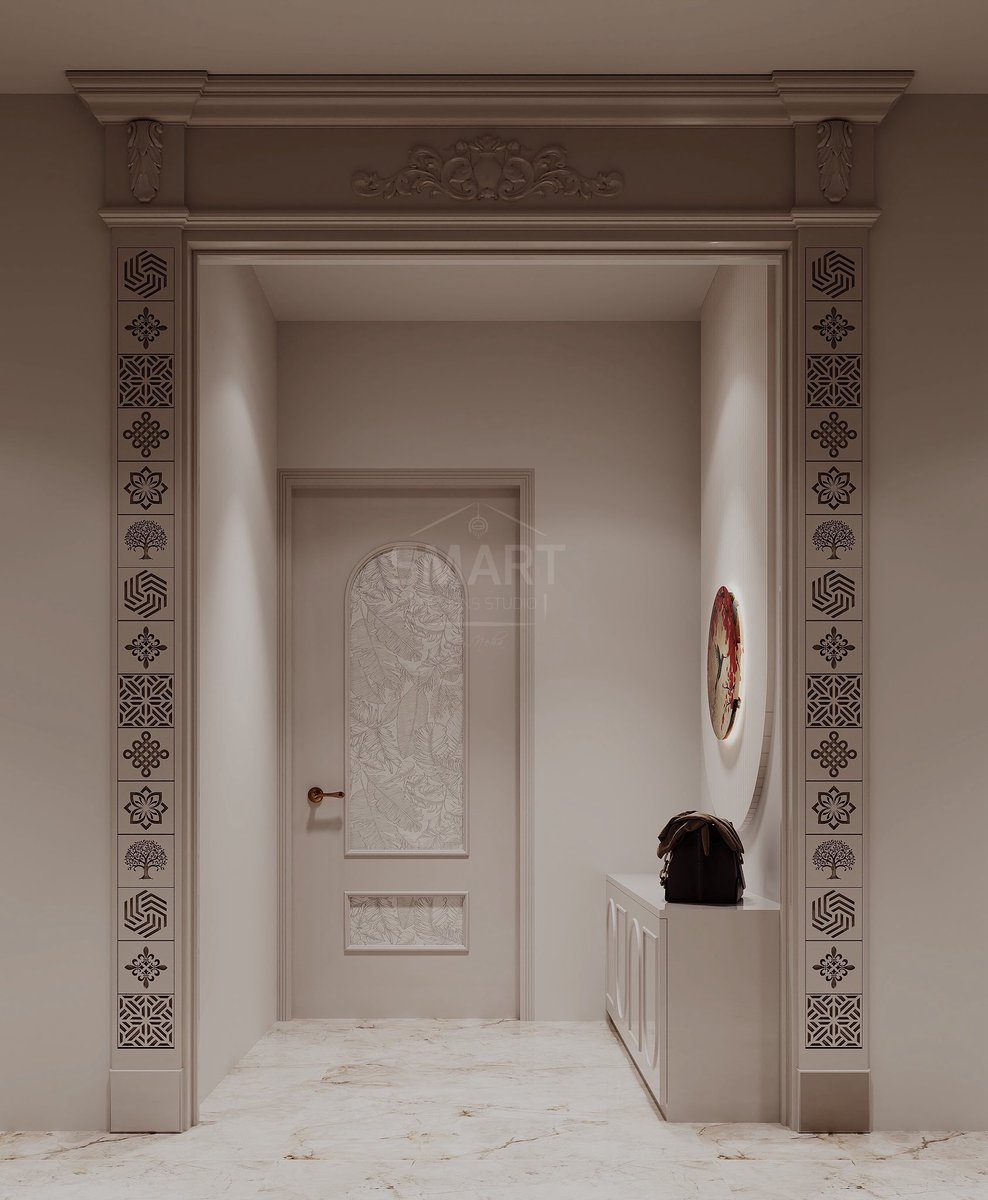
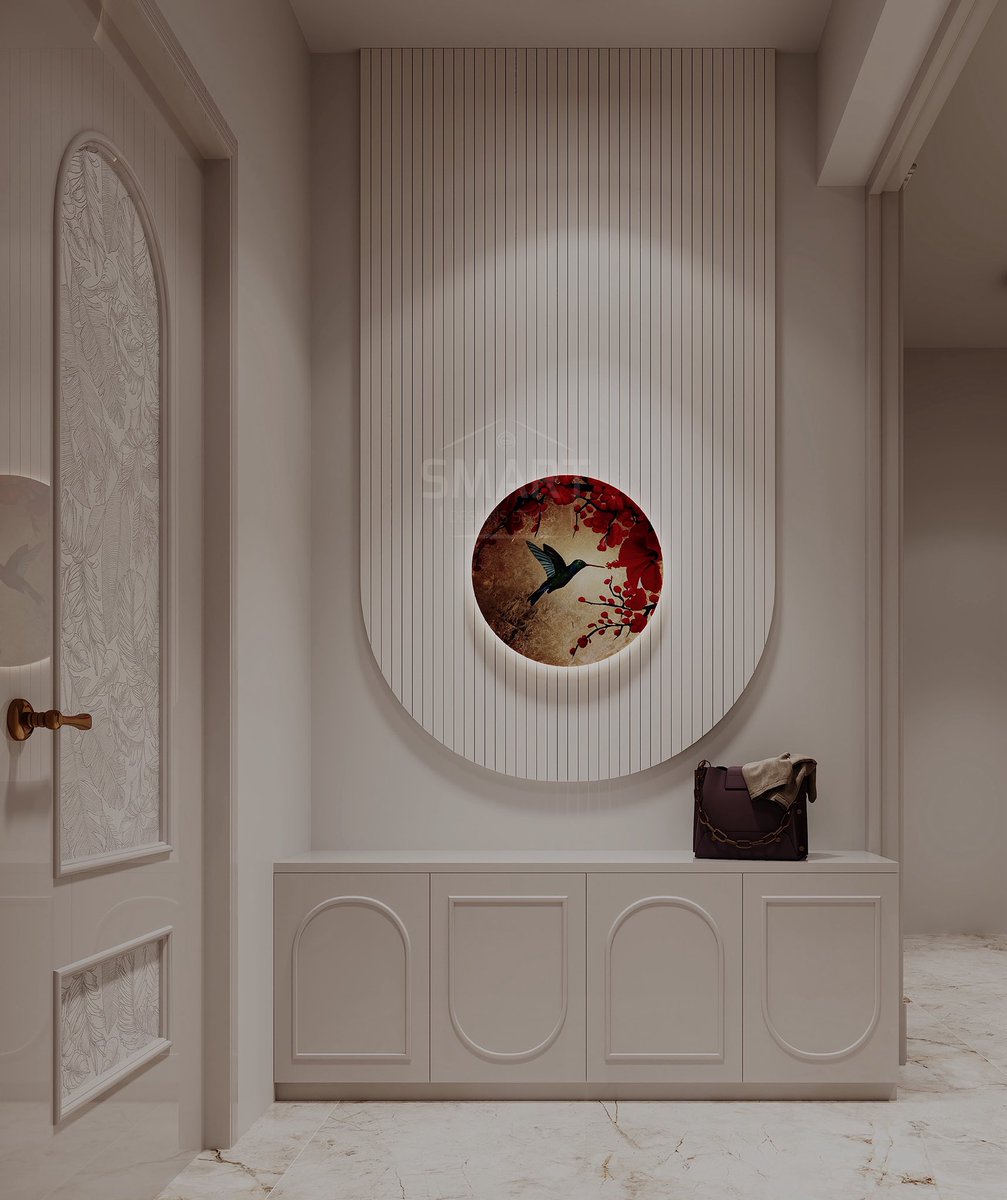
Contact 91 7905485624 for 3D design services.
#archviz #3dvisualizer #interiordesign #foyer #trendy #SDSbyNeha #smartdesignsstudio #3dView #homedecor #render #bestinteriordesigners #rendering #buildingdesign #3drender #visualizations #ArchitecturalDigest #adindia
1
1
34

3DVisualizer
HR
he is still a kid
Architect
Architect
19 Jul 2025

what are your top 5 friends currently doing in life?
3
1
11
796

4 Jul 2025
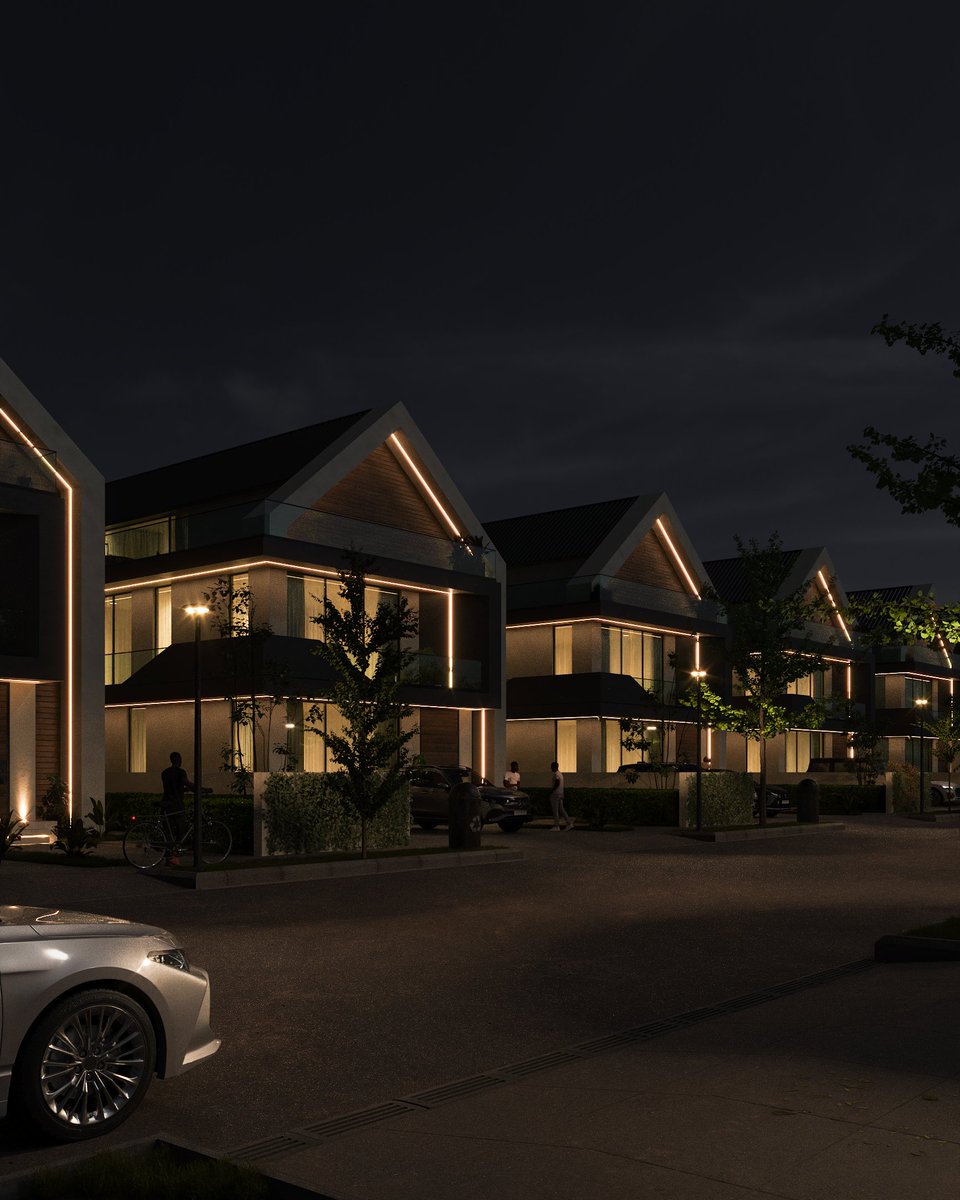
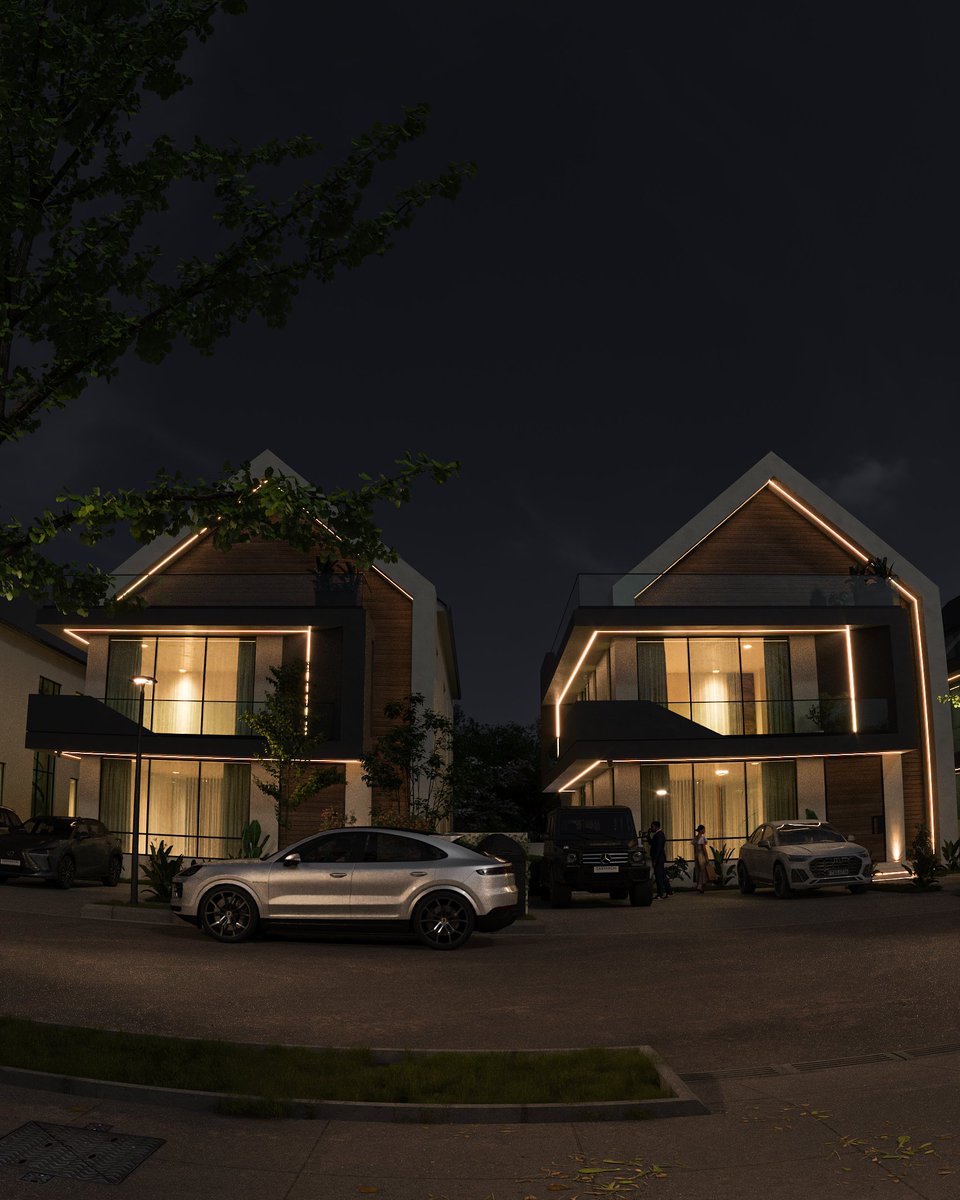
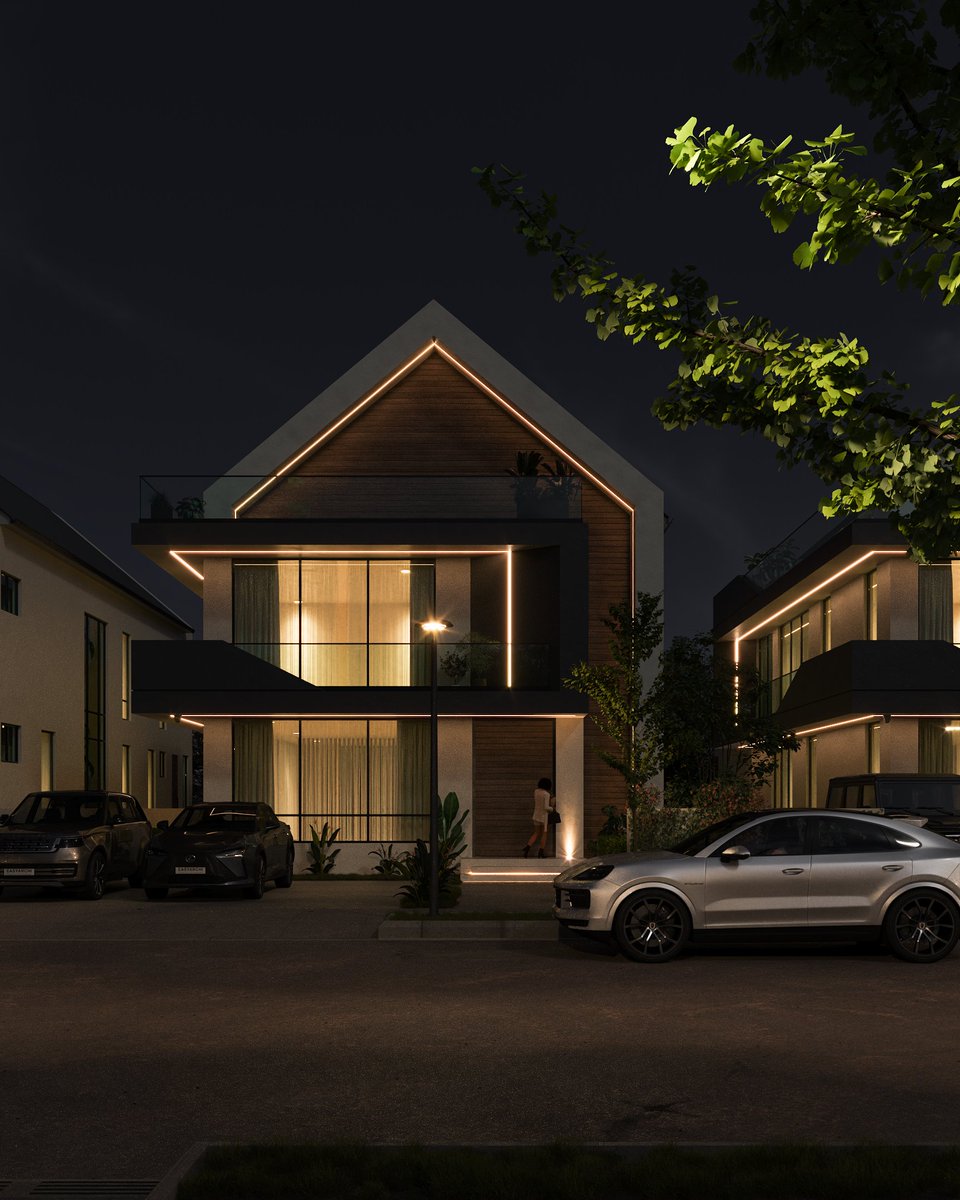
N O V A - Nightfall Edition 🌙✨
A calm night view of NOVA
Minimal, cozy, and built for quiet sophistication.
Let the soft glow guide you home.
By - @easyarchi
.
.
#3dvisualizer #realestate #3DRendering #ArchitecturalDesign #3dsmax #coronarender #vray
4 Jul 2025

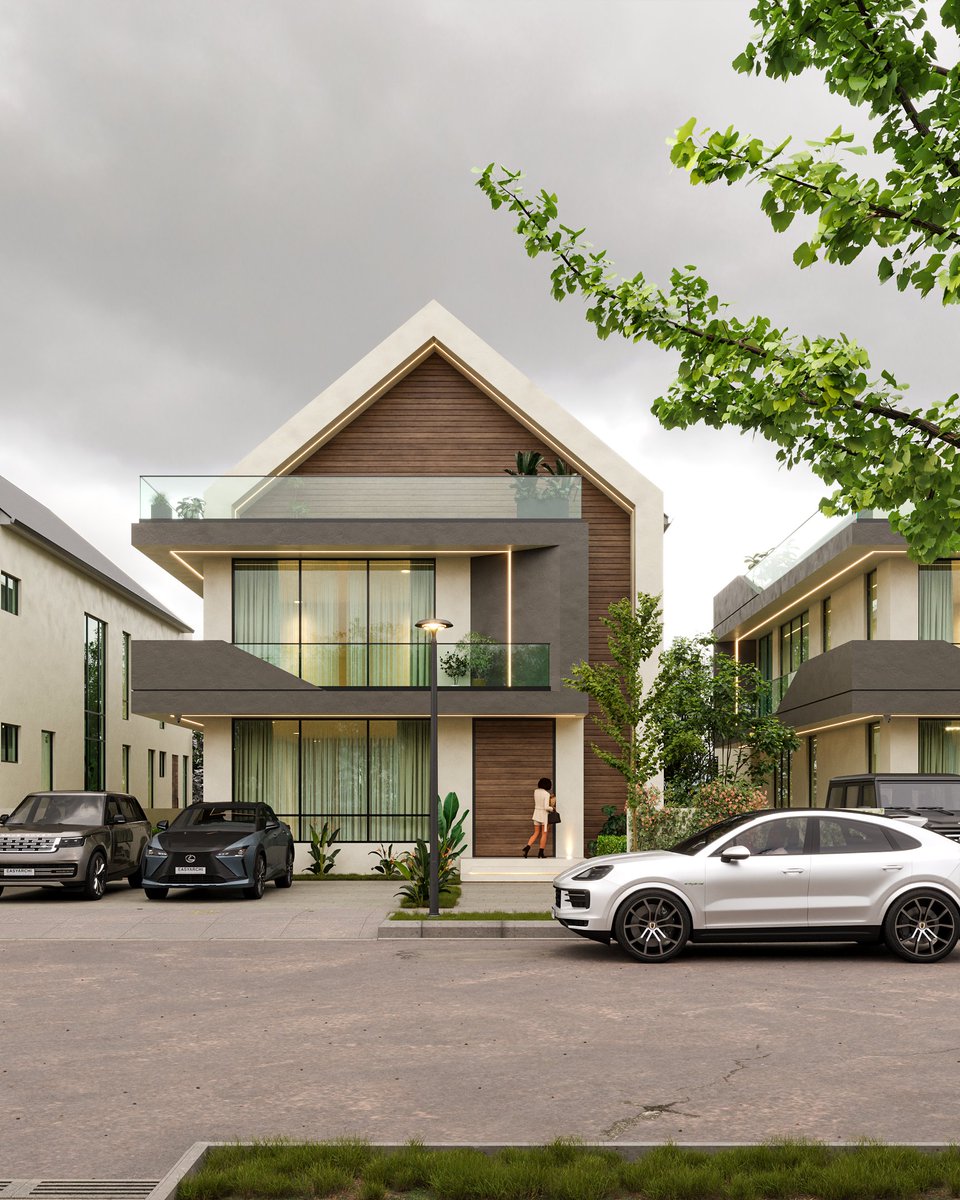
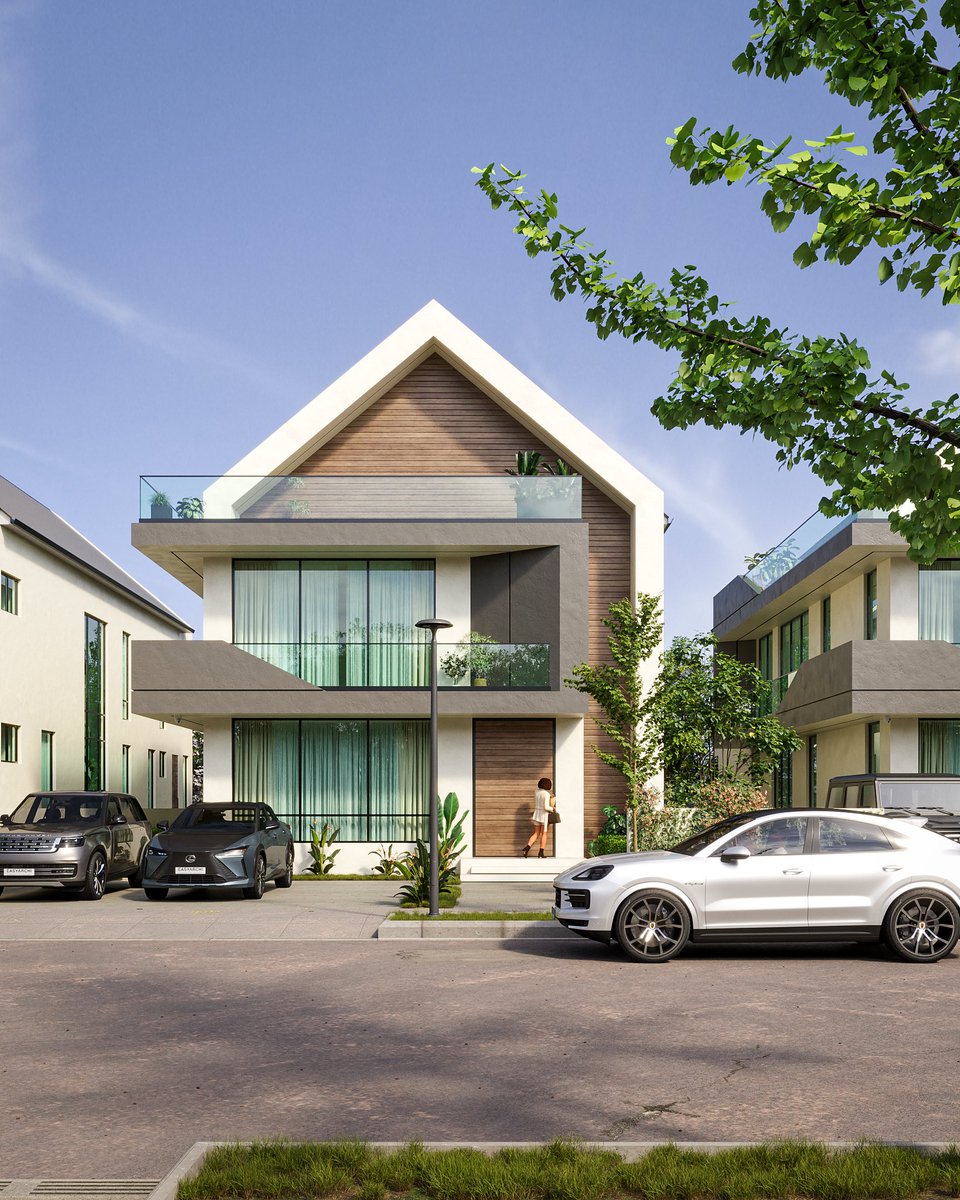
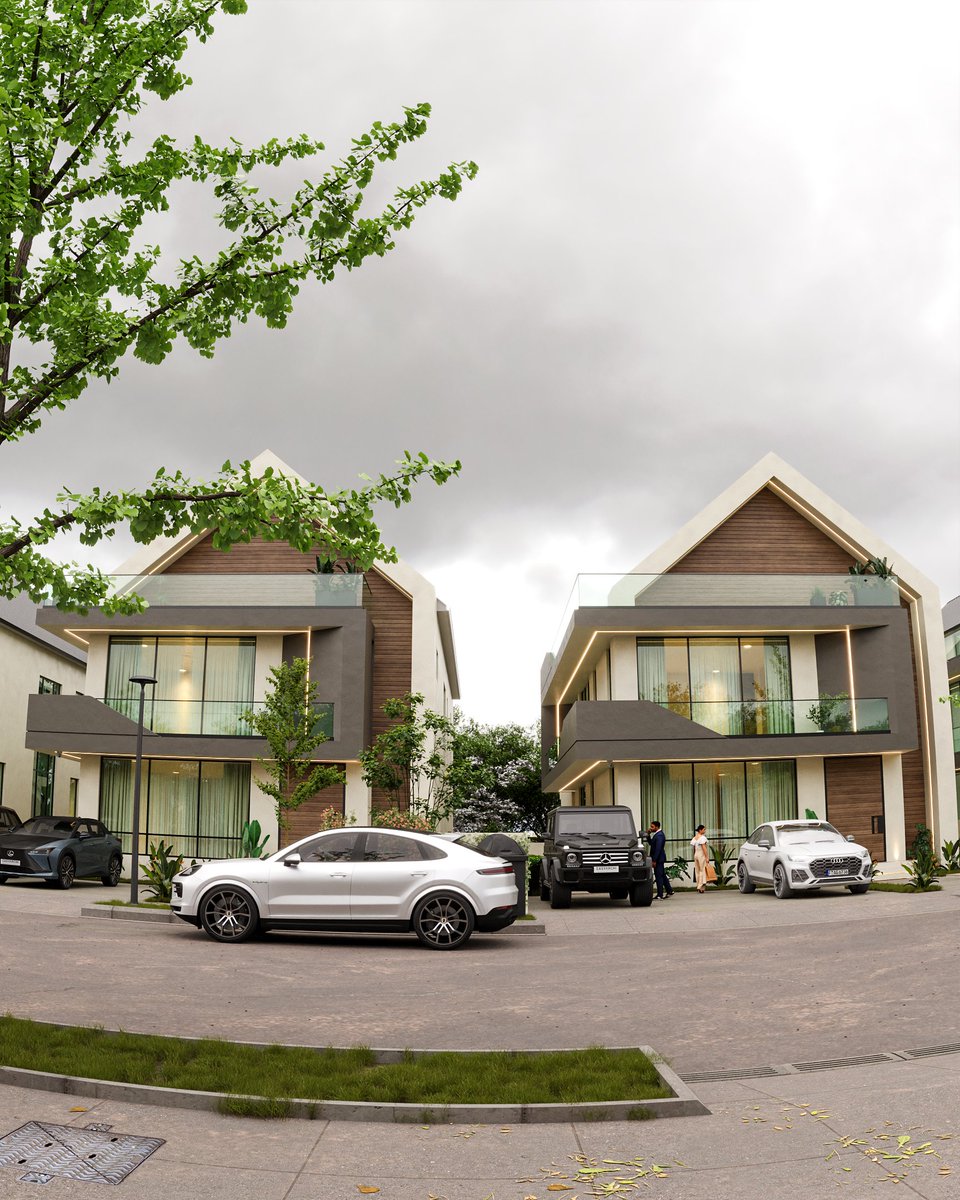
N O V A - Two Moods, Same Space ☀️🌫
Light changes everything.
Here’s NOVA shown in two contrasting daytime moods: A bright, clear noon scene where every line pops
A soft, overcast mood that feels calm and subdued
Same design, different energy. Which one’s your vibe?

1
5
21
2,071

30 Jun 2025
Kenny Muney - Natalie Nunn (Official Visualizer)
#KennyMuney #Blender #Blender3D #3DAnimation #Animation #visualizer #3Dvisualizer
2
259

21 May 2025
Pressure Platform in Voxelart style. I'd love to hear your feedback on this exciting project. Let me know what you think! Thx for watch <3 #VoxelArt #3DModeling #DigitalSculpting #IndieGameDev #GameDevArt #VoxelDesign #LowPolyArt #3DGameArt #VirtualWorlds #VoxEdit #TheSandboxGame #GameAssetDesign #DigitalArtCommunity #GameArtist #ArtForGames #GamingArt #3DAssets #GameEnvironment #3DVisualizer
7
121
19 May 2025
TOTEM OBSTACLE! Voxelart style. 🚧🤖
I'd love to hear your feedback on this exciting project. Let me know what you think! #VoxelArt #3DModeling #DigitalSculpting #IndieGameDev #GameDevArt #VoxelDesign #LowPolyArt #3DGameArt #VirtualWorlds #VoxEdit #TheSandboxGame #GameAssetDesign #DigitalArtCommunity #GameArtist #ArtForGames #GamingArt #3DAssets #GameEnvironment #3DVisualizer
2
31
317

12 Apr 2025
3D Visuals for LIMINAL a 5-track EP by @1100himself_ out now & streaming on all @splashsbakery DSP’s 🔊❗️
Prod By @mikeg_beatz
Visuals By @savsculpts
#3D #3DModeling #DigitalArt #blender3d #3dartist #3dartwork #3dvisualizer #3dart #3dvisuals #3DAnimation #space #loop
3
75

11 Apr 2025
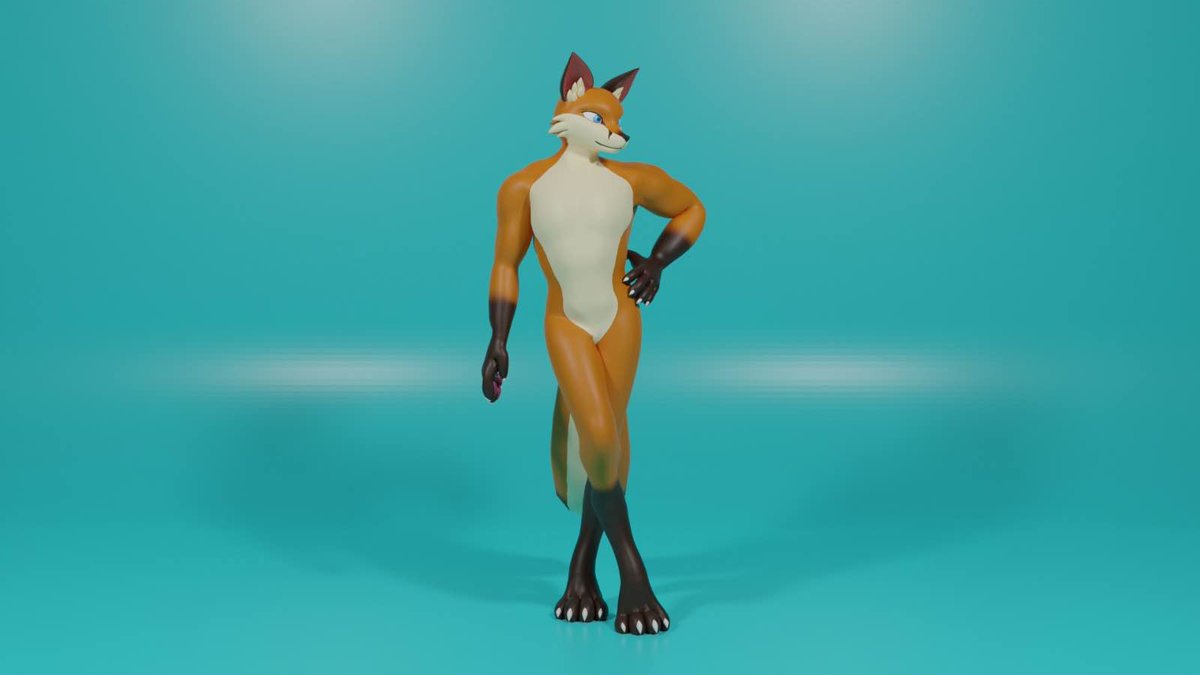
Design It. Model It. Live It. Envision the Future in 3D Art for "Mater Christ".
#3dartist #3d #3dart #3dmodeling #3dimage #3DModel #3DArt #3DModeling #3DAnimation #3DPrinting #DigitalArt #CGI #VFX #3DDesign #3DVisualizer #3DArtist #3DGraphics #3DRender #ArtStation #Blender #Maya
2
122

7 Apr 2025
😳( ⸝⸝•。•⸝⸝ )…
RUN BTS POLY HIGHLIGHT PACKAGE 3DVisualizer…
photobookෆ̈は欲しいし見たいけど‥
ボードゲームはひとりじゃできないしなぁ💦ʬ
う~んもうちょい‥考えよ~
月曜日…
愛しい人を想いながら💜
午後も今週も( ˶˙º̬˙˶ )୨
D-65。ஐ
#WeLoveYouJungkook

6
168

17 Mar 2025
そうだったらありがたい!
最初の3DVisualizerをみてProofの4万位した時と同じ位の値段なんじゃ?と思っちゃいました(;゚∇゚)
2
52

26 Feb 2025
GM
.
Inflatable Turret
.
#3DArt #3DModeling #3DAnimation #DigitalArt #CGI #3DRender #VFX #3DDesign #3DVisualizer #3DArtist #3DGraphics #ArtStation #Blender3D #Maya3D #Cinema4D #ZBrush #GameDev #CharacterDesign #ConceptArt #Rendering
1
6
243
10 Feb 2025
New animation promo i did
for @RioDaYungOG01 Snacks 💨😋
#Riofree #Riodayungog #3dvisualizer #Animation #Animation3d #Promo #Blender #Blender3d
3
317

5 Jan 2025
Cafe Scene in Style- 3d Lighting and composition art showcase via
@artstationhq
@Blender
artstation.com/artwork/dy9K9… #3Danimation #blender #ArtistsOnTwitter #3DArt #DigitalArt #Blender #ArtStation #VFX #3DDesign #3DVisualizer
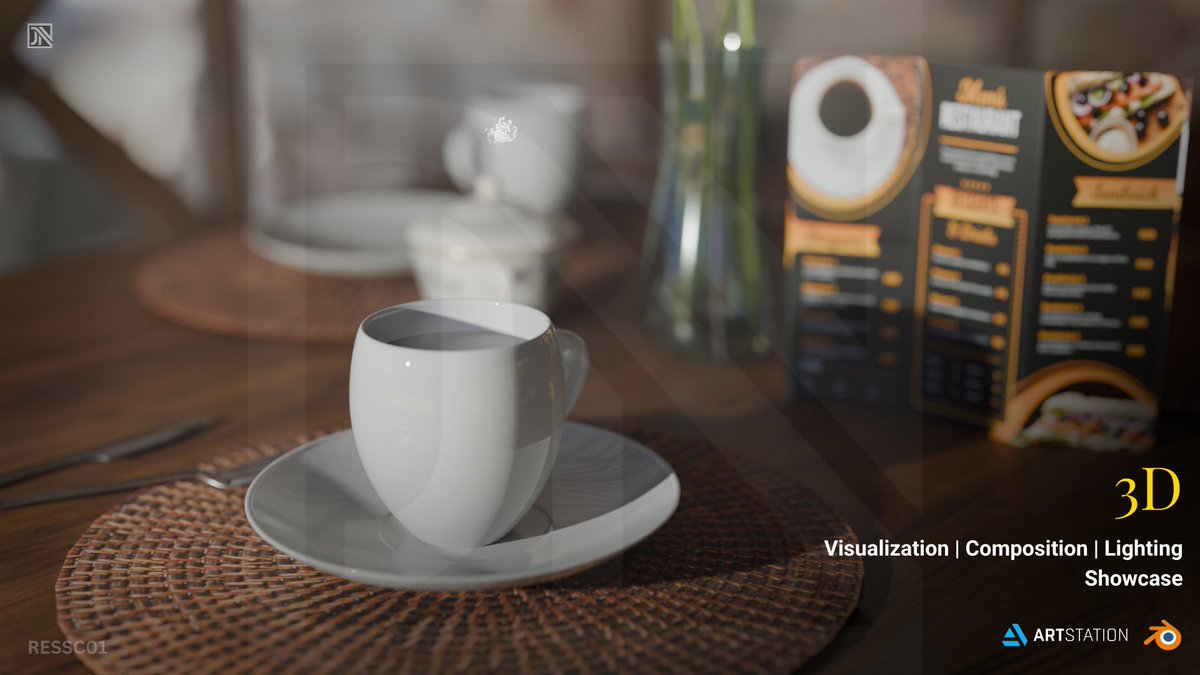
ALT Cafe Scene 3d render
1
5
151
5 Jan 2025
Cafe Scene in Style- 3d Lighting and composition art showcase via @artstationhq @Blender
artstation.com/artwork/dy9K9…
#3Danimation #blender #ArtistsOnTwitter #3DArt #DigitalArt #Blender #ArtStation #VFX #3DDesign #3DVisualizer
2
37
11 Dec 2024
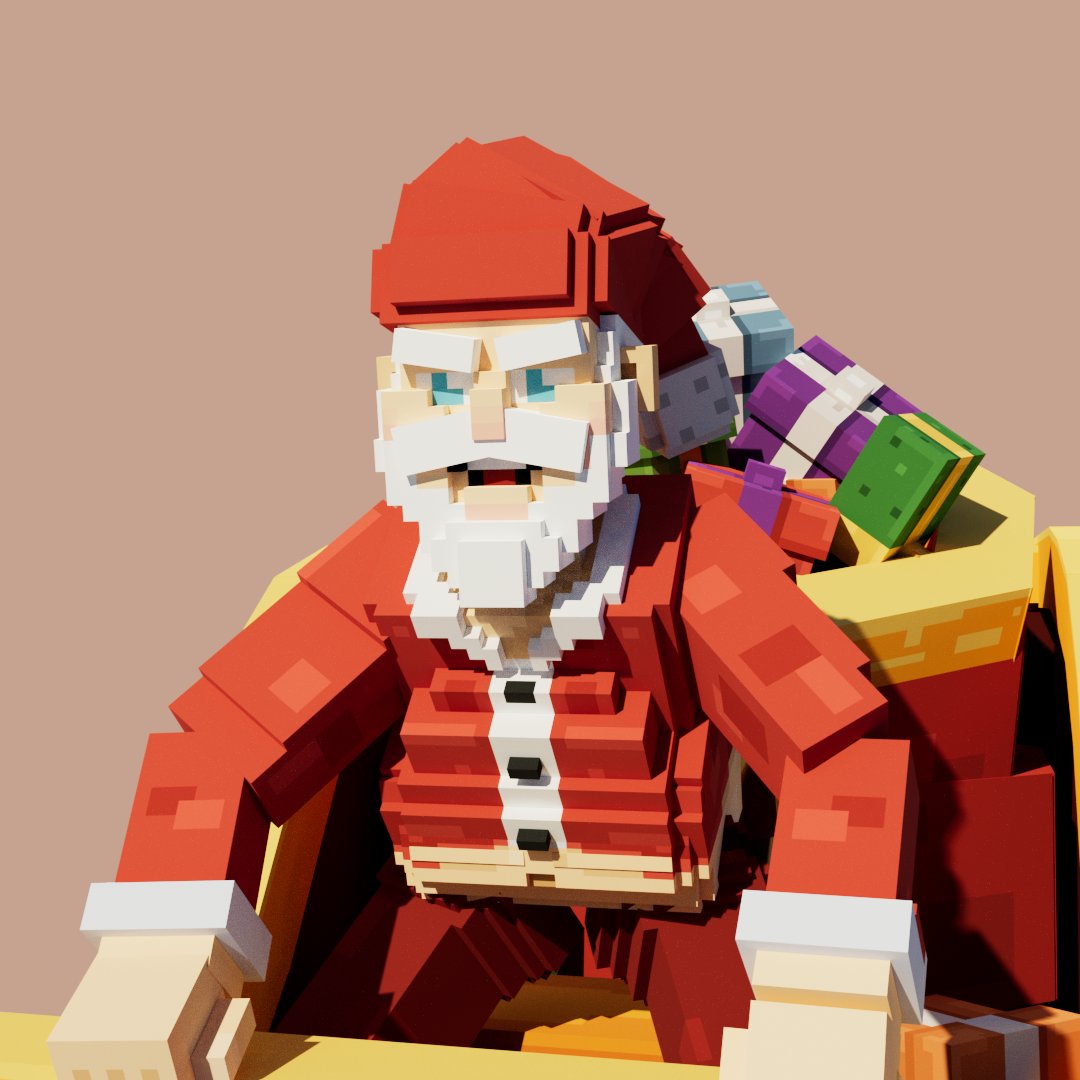
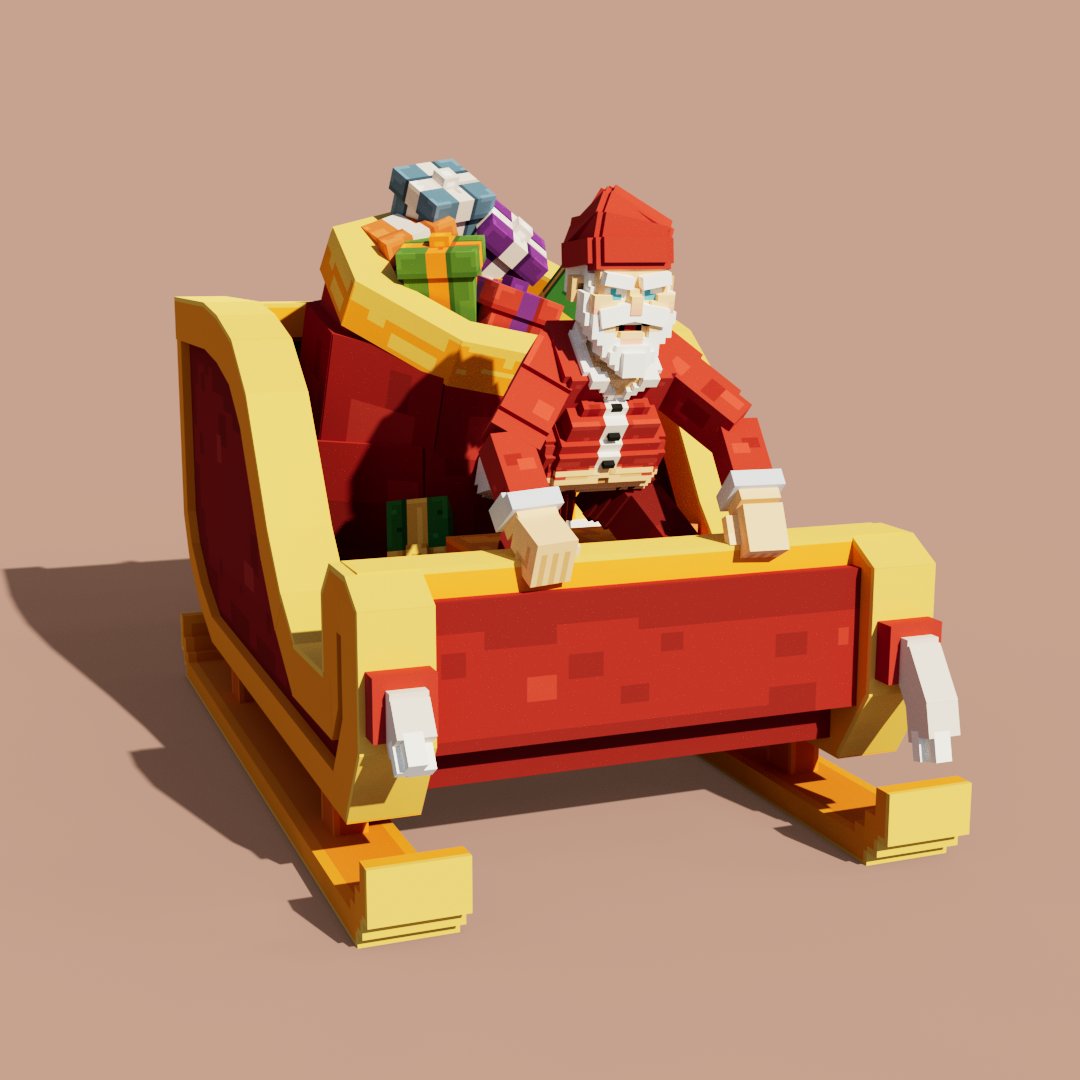
🎅JO JO JO 🎅📷 Say Hi Santa!
A christmas asset pack is coming... 👀
I'd love to hear your feedback on this exciting project. Let me know what you think! #VoxelArt #3DModeling #DigitalSculpting #IndieGameDev #GameDevArt #VoxelDesign #LowPolyArt #3DGameArt #VirtualWorlds #VoxEdit #TheSandboxGame #GameAssetDesign #DigitalArtCommunity #GameArtist #ArtForGames #GamingArt #3DAssets #GameEnvironment #3DVisualizer

1
1
17
723