
17 Nov 2025
MY IT SUPPORT TRAINING DAY 4 @DigitallWitch Witch Support Team
Today’s session focused on strengthening our CRM knowledge, starting with a revision of Freshdesk and then diving into HubSpot, one of the leading cloud-based CRM tools used globally.
✅ HUBSPOT CRM KEYNOTES;
°HubSpot supports multiple teams Support, Sales, and Marketing by centralizing customer interactions and improving workflow.
Here’s what I learned:
°Contacts & Companies:
A company can have multiple contacts, and communication visibility differs depending on who you message (individual vs entire company).
You can also navigate from a contact to the company profile seamlessly.
Productivity Tools:
°Notes, Snippets (similar to Freshdesk canned responses), Knowledge Base, Tasks, Invoices, and Email scheduling.
°Deals Management:
Creating deals, adding decision makers, setting priorities, and updating deal status (including marking it as “Won” when contracts are signed).
Deals added at the company level notify all company contacts belonging to the company.
Tickets:
°HubSpot tickets are internal and used for managing customer journey stages, different from support tickets that the customers create.
Segmentation:
°Used to organize contacts for targeted campaigns.
Inbox:
°Central location for all customer messages.
Marketing & Sales Functions:
°Marketing handles social media and lead generation.
°Sales manages documents, appointments, and analytics.
Web Chat/ChatBots:
°HubSpot allows the addition of chat widgets and routing options for incoming website inquiries.
This journey continues to deepen my IT Support and CRM skills, and I’m committed to documenting every step as I work towards securing my first IT Support role.
#hubspotcrm #Freshdesk
#CRMTraining #CustomerSupportTools
#learnaskill

2
3
36

23 Oct 2020
Every #business, whether it’s a #startup or a #Fortune500 company, needs the right #tools to reduce efforts and maximize #customerhappiness
This blog lists 9 best #customersupporttools along with their core #features and price points:
medium.com/marketing-and-ent…
@larrykim @Medium
6
9

27 Mar 2020
Top 3 Customer Support Tools that Transform Customer Service
@acquire_io @HelpJuice @vanillaforums
growthhackers.com/articles/t… via @GrowthHackers
#CustomerSupport #CustomerSupportTools #Cobrowsing
1
4

13 Mar 2020
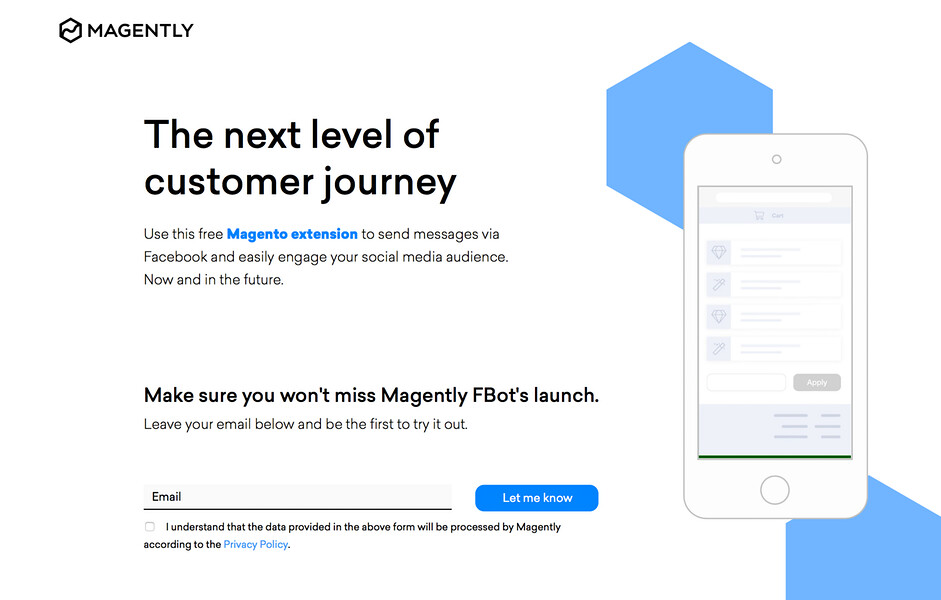
Magently FBot: Updates store users about their order via Facebook Messenger
Magently.com
#Poland #Chat #CustomerSupportTools #E-Commerce #SocialMediaMarketing #MagentlyFBot #startups @f_jaskiewicz @janzaba @ma_milewska
2

26 Dec 2018
Delivering a delightful #CustomerExperience can make the difference between #success and #failure of our #businesses. @slidebean
#customerSupport #CustomerEngagement #CustomerService #startup #startups #customersupporttools #helpdesk #helpdesksoftware
bit.ly/2EoXzUt
1
3
10 Dec 2018
Delivering a delightful #CustomerExperience can make the difference between #success and #failure of our #businesses.
#customerSupport #CustomerEngagement #CustomerService #startup #startups #customersupporttools #helpdesk #helpdesksoftware
bit.ly/2EoXzUt
3

16 Oct 2018
Automate everything and save tons of your precious time!
#CustomerServiceTools #CustomerServiceAutomationSoftware #CustomerSupportTools #Automation #B2B #Marketing #B2BMarketing #Startups #Business
Read more: bluemailmedia.com/support/5-…

4
3

12 Sep 2017
Are Your Customers Still on Their Own with Their Issues? #CustomerSupportTools #livechatsoftware @templatemonster bit.ly/2hDV4RS
3