
10 Aug 2024
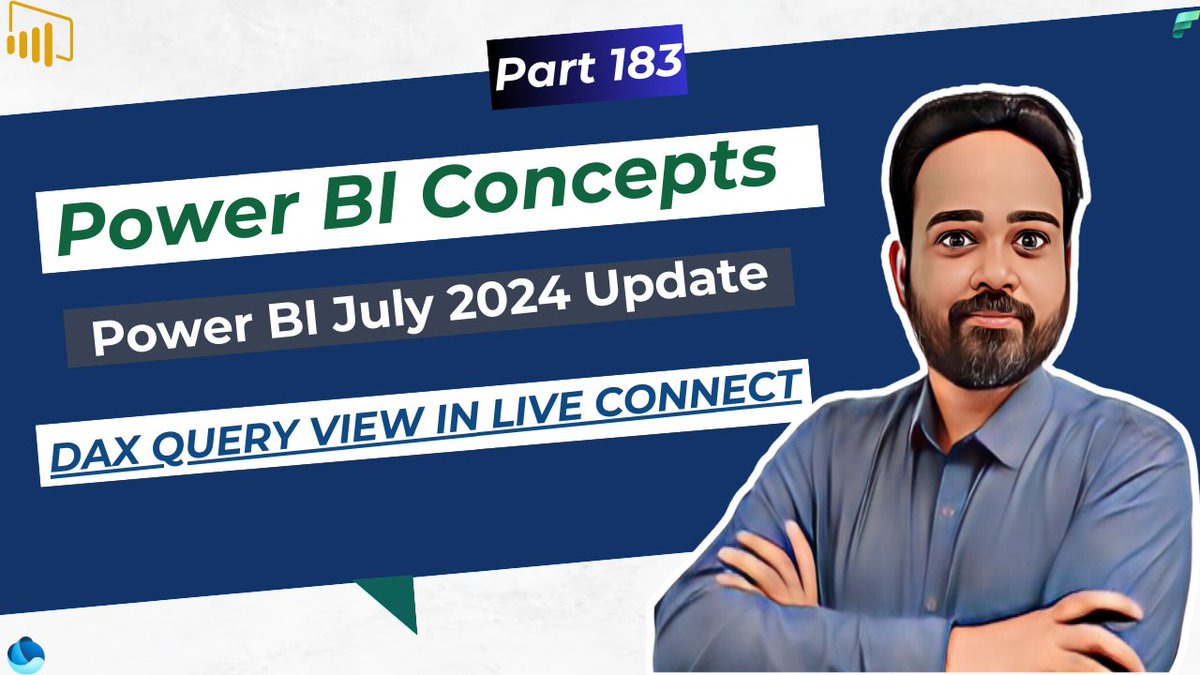
DAX Query View Now Available in Power BI Live Connect| Power BI Update July 2024: youtube.com/watch?v=1x-8eF3r…
#PowerBI #DAXQueryView #PowerBIUpdate #LiveConnect #DirectLake #DataAnalysis #MicrosoftFabric #powerbidesktop
1
6
216

3 Apr 2024
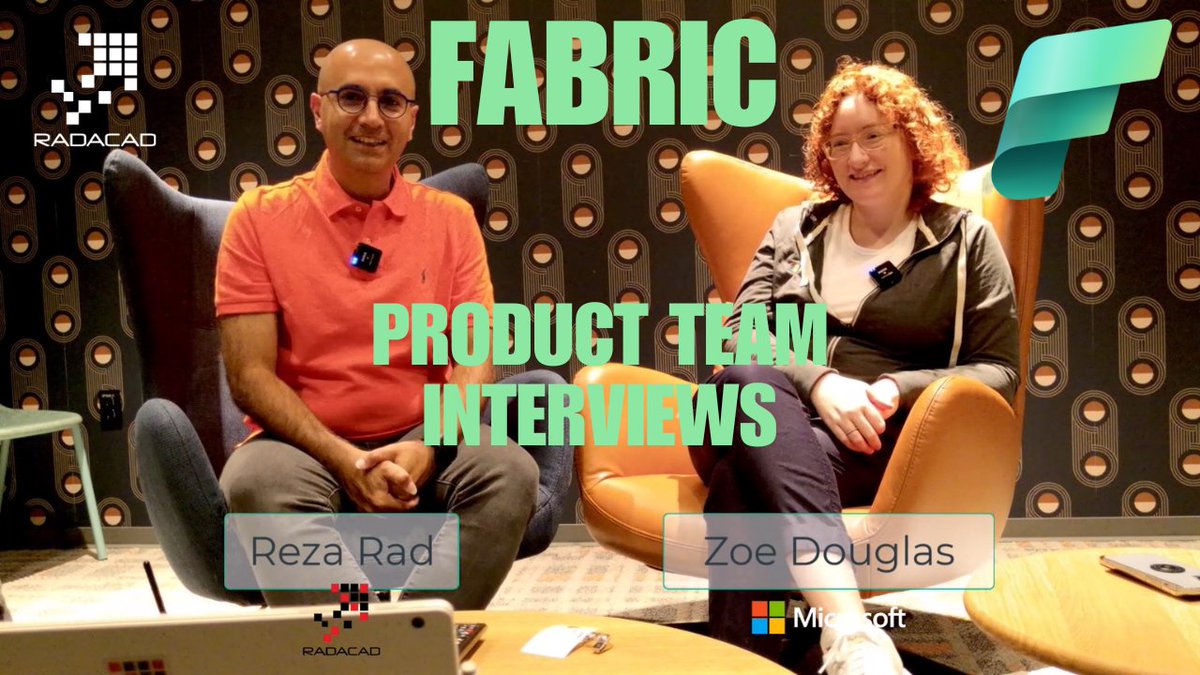
The interview 11th out of 16 #Microsoft #Fabric #MicrosoftFabric
is with @DataZoePowerBI
She is focusing on the #DAX query view experience of #PowerBI and making the job of Power BI #Analyst and #Developer easier.
We talked about scenarios and use cases for #DAXQueryView, the features announced at #FabCon, the usage of #Copilot in there, the #vision and #roadmap of that and what it means for a Power BI #Developer #careergrowth, and much more.
Watch the interview here:
youtu.be/hvfNGyzPuHs
1
2
12
1,278

21 Dec 2023
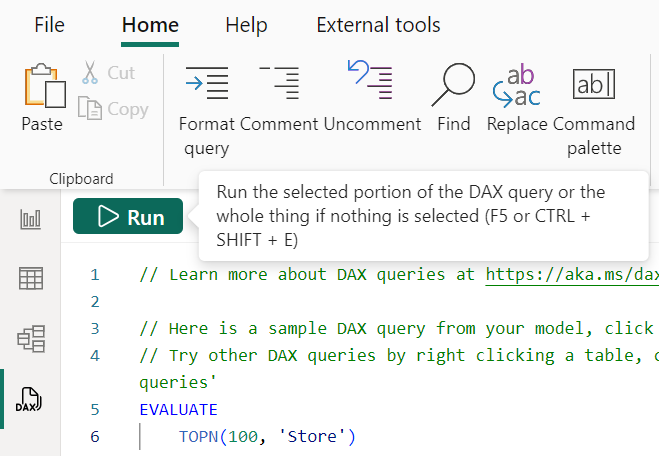
And now F5 (and CTRL SHIFT E) will run a DAX query in DAX query view!
#powerbi #daxqueryview
1
5
88
4,715
21 Dec 2023
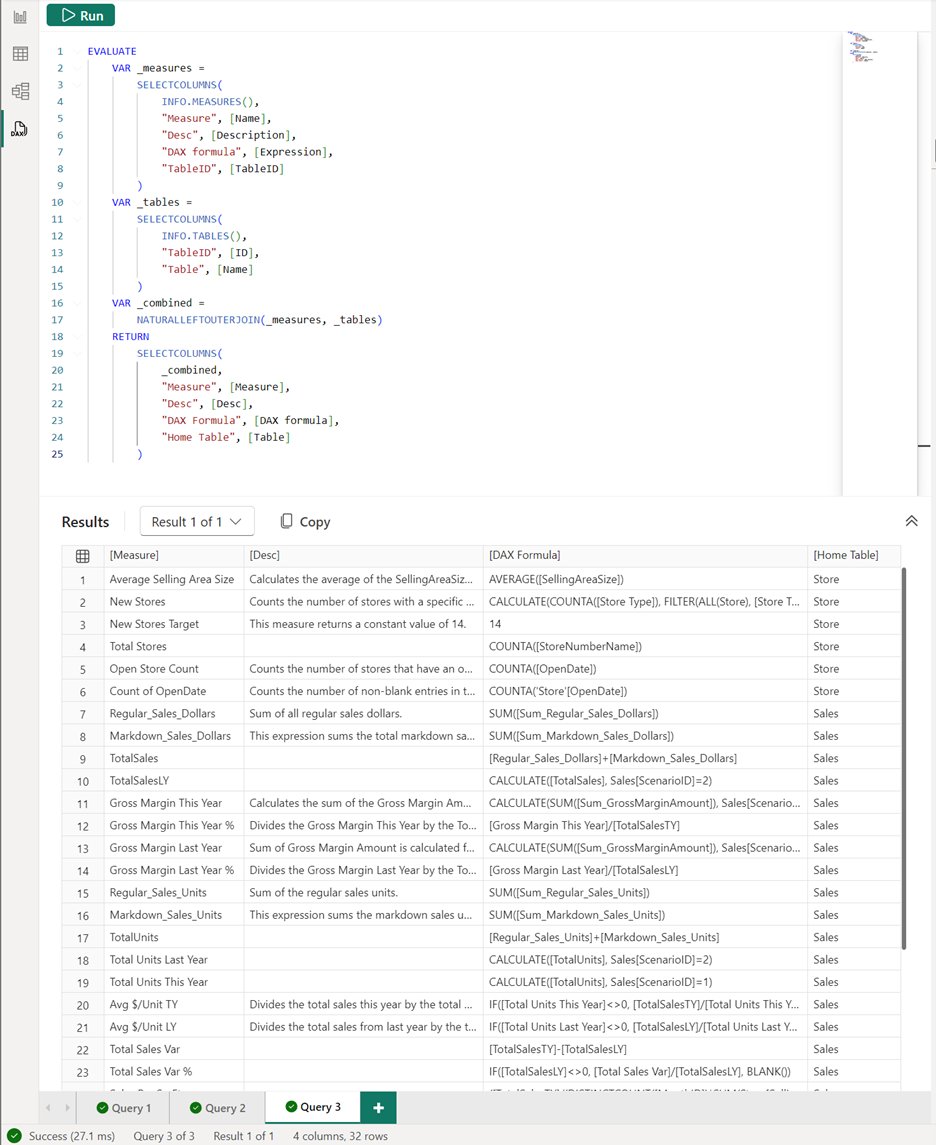
DMVs as DAX functions! We added *52* new DAX functions that start with INFO.! More documentation coming soon, but for now I have a blog with some examples at powerbi.microsoft.com/blog/d…
#powerbi #daxqueryview #dax
13
41
212
19,034


17 Nov 2023
Very cool. The #DaxQueryView is based on the monaco editor you know and love from VSCode. It's a *proper* developer experience in #PowerBI Desktop. Enjoy.
17 Nov 2023

The DAX Query View is almost a notebook like experience with the same shortcuts, command palette etc. Similar to the notebook, folds are created automatically based on indentation but you can create your own folds too to manage the code, especially the long and complex ones. To create a fold, right click > command palette > fold from selection or select and cntrl k ,
Take a look at all the shortcuts and commands available. While you can't automate like TE, with some regex magic you can go very far to mass duplicate, edit measures. I like the cohesiveness of the UI across experiences.
2
8
64
8,508

17 Nov 2023
📢📢📢 Esto es ya otro nivel 📢📢📢
#DaxQueryView en #PowerBIDesktop contado, explicado y detallado por @marcorus
Gracias #PowerBITeam por esta mejora #PowerBITeamsRocks
No te lo pierdas, #HappyDAXing #HappyQuerying
Thanks, Grazie, muchas gracias, Marco !!!
16 Nov 2023

The new DAX Query View in #powerbi desktop is good quality.
Watch the unboxing of this new feature in a 45' #unplugged video.
youtu.be/hiBRhmX-pbM

4
562
16 Nov 2023
This is the day when #Fabric & #DirectLake became GA at #MSIgnite. And of course:
* #DirectLake works with Synapse Data Warehouse
* #OneLake integration for Import semantic models
* #DAXQueryView in Power BI Desktop
* QSO and RLS for #DirectLake
... to name but a few.
I couldn't be more proud of the team!
powerbi.microsoft.com/en-us/…
3
20
74
9,396