The Power BI Card Visual updates and Fixed sizes for grids
youtube.com/shorts/kEqq8z1KS…
In this clip from my interview with @DataZoePowerBI (Feature PM at Microsoft)
#PowerBI #PowerBITips #DataVisualization #MicrosoftFabric #CardVisual #PowerBIDesktop #FabricInsider #PowerBIUpdates
3
543

May 15
Most beginners waste time or get stuck during the Power BI installation.
Here’s a complete, foolproof guide to install Power BI Desktop FOR FREE in under 2-3 minutes.
Even on an old laptop. No payment. No trial limits. Full version forever.
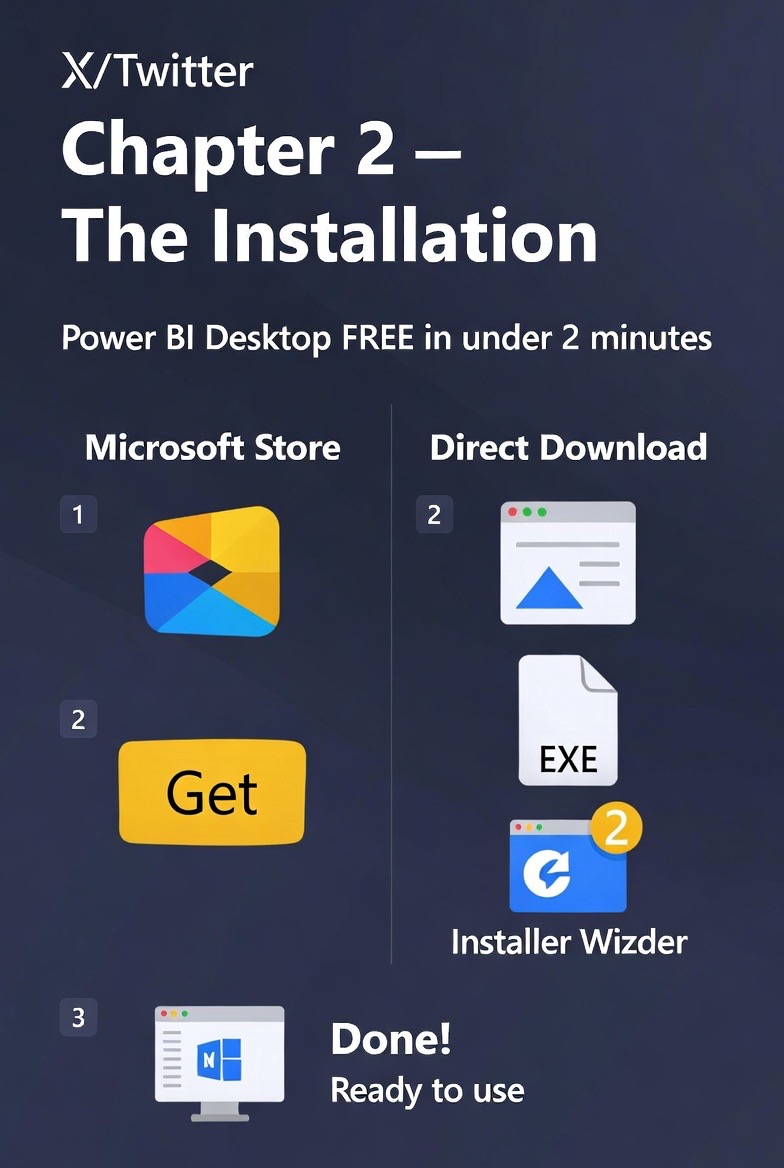
Chapter 2 – The Installation 🔥
Two easy ways to install:
1. Microsoft Store (recommended for most users)
- Go to Microsoft Store on your Windows
- Search “Power BI Desktop”
- Click “Get” or “Install”
- It will download and install automatically
- Updates happen automatically in the background
2. Direct download (best for offline or older PCs)
- Go to the official Microsoft page: microsoft.com/en-us/download…
- Choose your language
- Download the PBIDesktopSetup_x64.exe (64-bit recommended)
- Double-click the .exe file
- Click “Yes” when Windows asks for permission
- Select language → Next → Install
- Wait for the process to finish (usually 1-2 minutes)
After installation:
- Open Power BI Desktop
- You’ll see the welcome screen with options to start modeling data
- No login required to start working locally
Important tips:
- Always use 64-bit version if your PC supports it (most do)
- Make sure you have at least 4GB RAM (8GB is better)
- Internet connection needed only for download and updates
Done correctly, you now have the complete Power BI Desktop ready for real work.
Have you installed it?
#PowerBI #PowerBIDesktop #ForDummies #DataAnalytics
3
3
3
221

⚠️️ أحد أكثر المفاهيم التي يخلط بينها مستخدمو Power BI
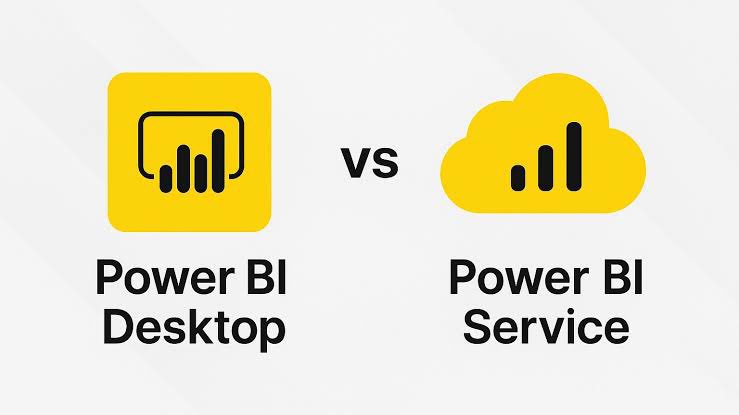
متى تستخدم Power BI Desktop… ومتى Power BI Service؟
كثير من المستخدمين يعتقد أن الاثنين نفس الشيء.
لكن الحقيقة أن كل واحد منهما يخدم مرحلة مختلفة تماماً من دورة حياة التحليل.
💻 أولاً: Power BI Desktop
هذا هو بيئة العمل الأساسية لبناء التحليل.
في Desktop تقوم بـ:
•استيراد البيانات
•تنظيف البيانات باستخدام Power Query
•بناء Data Model
•إنشاء Measures باستخدام DAX
•تصميم التقارير والـ Visualizations
بمعنى آخر:
Desktop هو مكان بناء التقرير.
☁️ ثانياً: Power BI Service
بعد الانتهاء من بناء التقرير في Desktop…
تقوم بنشره إلى Power BI Service.
وهنا تبدأ مرحلة مختلفة تماماً.
في Service يمكنك:
•مشاركة التقارير مع الفريق
•إنشاء Dashboards
•جدولة Data Refresh
•إدارة الصلاحيات
•التعاون بين الفرق
بمعنى آخر:
Service هو مكان تشغيل التقرير ومشاركته.
🎯 القاعدة البسيطة
Desktop = Build
Service = Share & Manage
المحللون يعملون غالباً في Desktop.
أما المدراء والفرق التشغيلية فيتفاعلون مع التقارير عبر Service.
🧠 ما الذي يفهمه محترفو Power BI؟
Power BI ليس مجرد أداة…
بل منظومة متكاملة تشمل:
•بناء البيانات
•التحليل
•النشر
•المشاركة
وفهم الفرق بين Desktop و Service هو أول خطوة لفهم هذه المنظومة.
#PowerBI #DataAnalytics #BusinessIntelligence #PowerBIDesktop #PowerBIService
7
79
2,211

Feb 20
Cuando sabes que solo por saber Power BI se te abre un mundo de oportunidades 😌
🏷️ #datdata #powerbi #dashboard #microsoftpowerbi #powerbidesktop #visualizaciondedatos #analisisdedatos #analitica #analiticadedatos #businessintelligence #inteligenciadenegocios
2
59
Feb 19
Como cuando procedes a ajustar una medida mínima…
y terminas tumbando todos los cálculos, visualizaciones, y medio Power BI 🤯
🏷️ #datdata #powerbi #dashboard #microsoftpowerbi #powerbidesktop #visualizaciondedatos #analisisdedatos #analitica #analiticadedatos
5
228

Jan 29
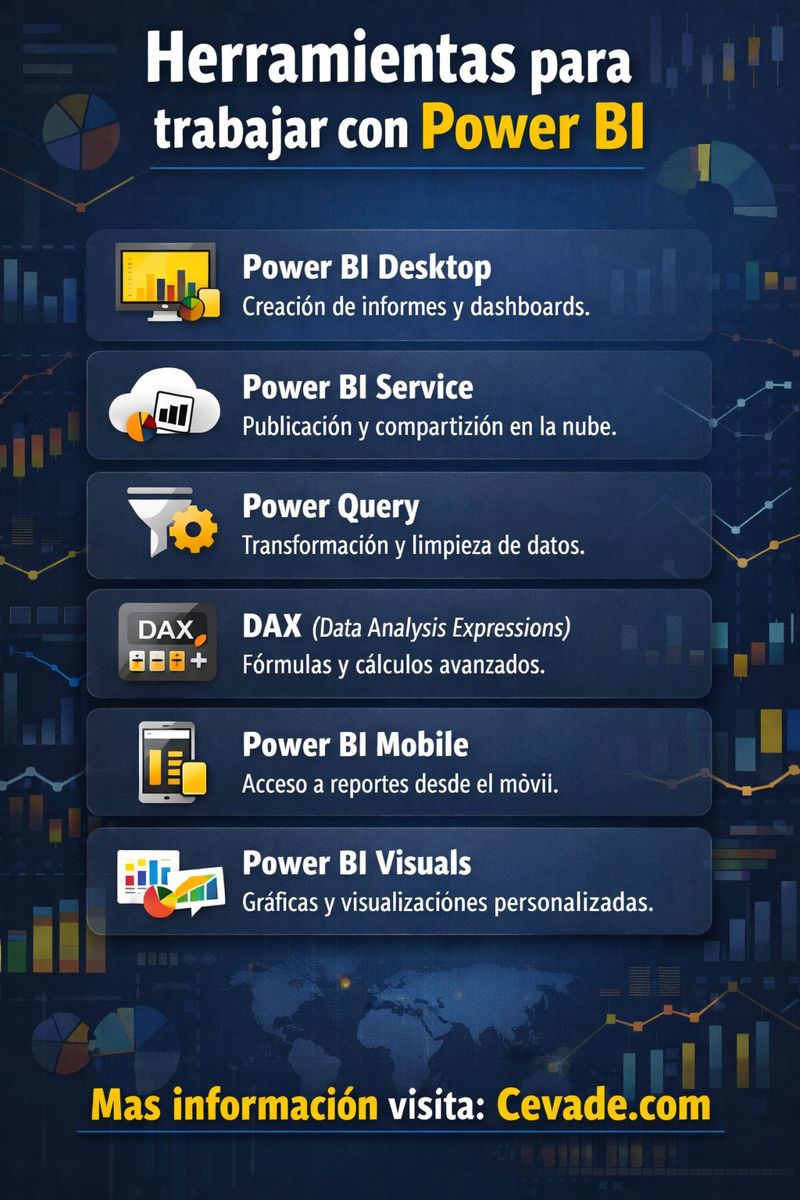
Herramientas para trabajar con Power BI.
📍 #Infografia #PowerBI #DAX #PowerQuery #PowerBIDesktop
💾 Cevade.com
📢 Atte. Cesar Vallejo de la Torre
12
13
148

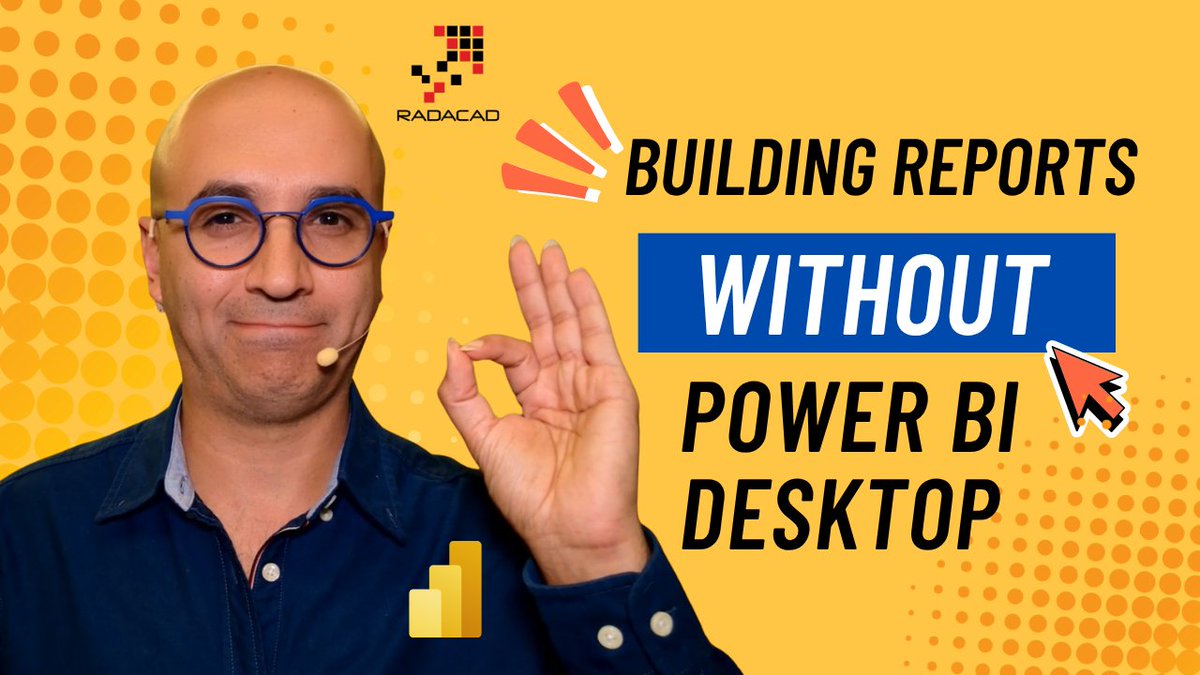
You can now build the #PowerBI solution from get data and #PowerQuery all the way to #SemanticModel and #report in the web editor without needing to install #PowerBIDesktop
In today's video, I explained this and why this is very helpful for users without Windows machines
youtu.be/5IdkGBU4nDk
#DataAnalytics #Analytics #BusinessIntelligence #MicrosoftFabric #Mac #Tech #IPAD #MacBook
2
10
616

21 Oct 2025
Using #Copilot in #PowerBI has many perks and benefits. But you may wonder what the #license, #environment, #setup, and #requirements are for it?
In today's video, I explained how you can enable #MicrosoftAI copilot for your #PowerBIDesktop and how it can be used
youtu.be/iGgbcIZ49xk
#DataAnalytics #Analytics #BusinessIntelligence #GenerativeAI #ChatGPT #MicrosoftFabric

1
4
16
1,654

27 Sep 2025
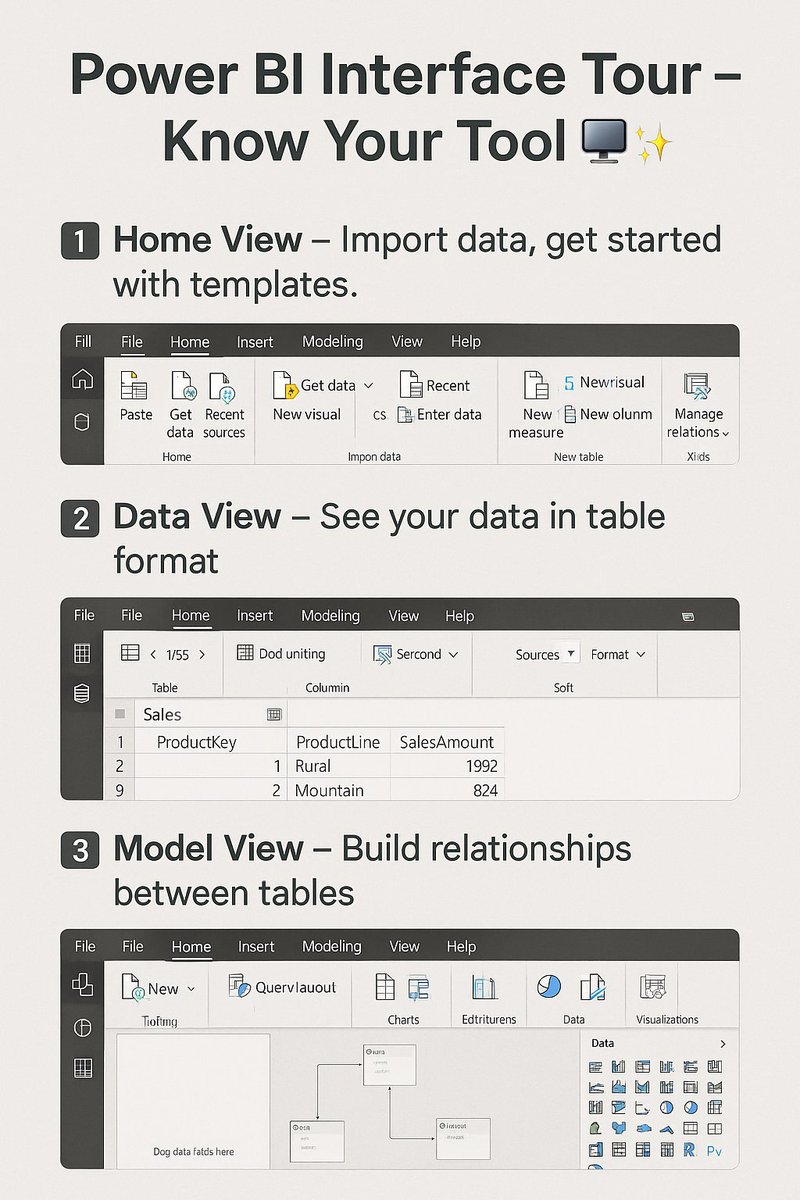
Power BI Interface Tour – Know Your Tool 🖥️✨”
📌 Post Content:
"Now that Power BI is installed, let’s take a quick tour of the interface:
1️⃣ Home View – Import data, get started with templates.
2️⃣ Data View – See your data in table format.
3️⃣ Model View – Build relationships between tables.
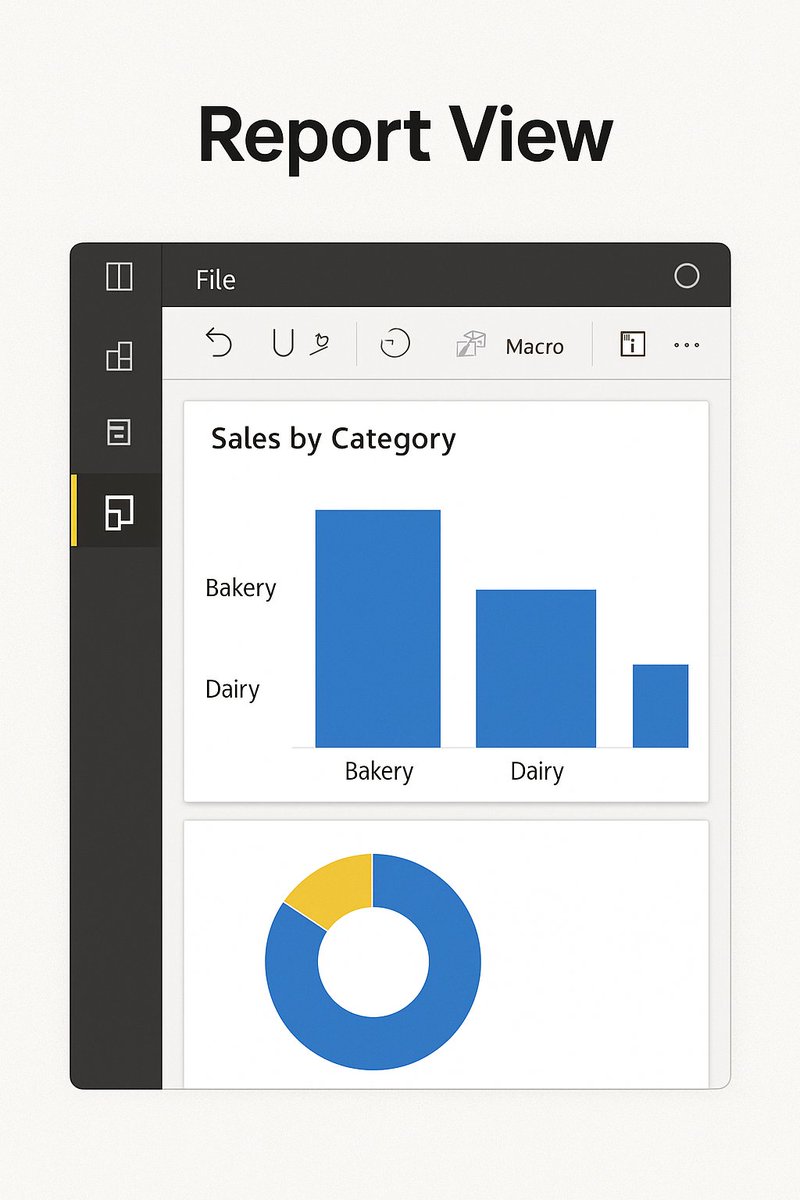
4️⃣ Report View – Create charts, visuals & dashboards.
Knowing these 4 views is the first step to becoming a Power BI pro! 🔑"
#PowerBI #MicrosoftPowerBI #LearnPowerBI #DataAnalytics #DataVisualization #PowerBIDesktop #BusinessIntelligence #DataCommunity #AnalyticsLearning #DataScience #Upskill
1
2
91
27 Sep 2025
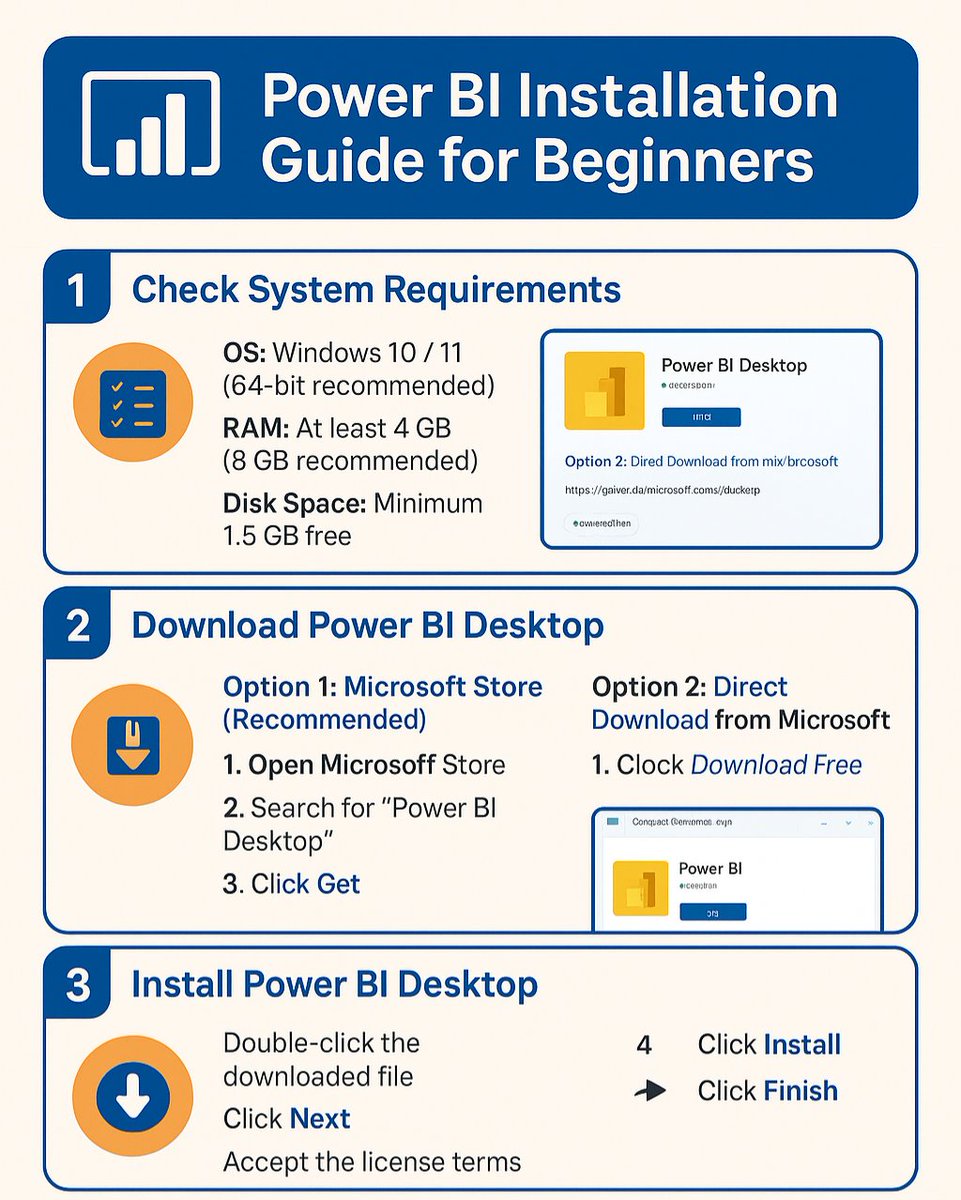
Power BI Installation Guide for Beginners
Want to get started with Power BI but not sure how to install it?
Here’s your step-by-step installation guide ⬇️
---
🔧 1️⃣ Check System Requirements
Before installing, make sure your PC is ready:
OS: Windows 10 / 11 (64-bit recommended)
RAM: At least 4 GB (8 GB recommended)
Disk Space: Minimum 1.5 GB free
.NET Framework: Version 4.7.2 or later
💡 Mac users: Power BI Desktop isn’t available for macOS, but you can use Power BI Service in your browser.
---
🔽 2️⃣ Download Power BI Desktop
You have two easy options:
🔹 Option 1: Microsoft Store (Recommended)
Open Microsoft Store
Search “Power BI Desktop”
Click Get → Installation will start automatically
🔹 Option 2: Direct Download from Microsoft
Go to powerbi.microsoft.com/deskto…
Click Download Free
Choose 64-bit (most users) or 32-bit
---
⚙️ 3️⃣ Install Power BI Desktop
Double-click the downloaded file
Click Next through the setup wizard
Accept license terms
Choose installation folder (default is fine)
Click Install → Wait → Click Finish
---
🚀 4️⃣ Launch Power BI
Open Power BI Desktop from Start Menu
Sign in with your Microsoft account (free is enough to start)
---
🧩 5️⃣ First-Time Setup Tips
Enable Auto Recovery: File → Options → Global → Auto Recovery
Set Default Data Load Settings: Options → Data Load → Enable Fast Combine
Install Sample Data: Practice with Microsoft sample datasets
---
✅ You’re all set!
Now you can start connecting to data, building reports, and exploring dashboards.
#PowerBI #PowerBIDesktop #PowerBICommunity #BusinessIntelligence #DataAnalytics #DataVisualization #MicrosoftPowerBI #LearnPowerBI #PowerBIBeginner #DataAnalysis
2
2
96
25 Sep 2025
Did you know that Live Connection in #PowerBI is different than DirectQuery and Import Data? Did you know that some of the differences are so important that they make Live connection an essential architecture for team development in an enterprise environment?
In today's video, I explained what this type of connection is through a demo and mentioned the major differences of this method against other methods of getting data
Watch the video here:
youtu.be/koV0EunuPbQ
#DataAnalytics #Analytics #ConnectionTypes #LiveConnection #PowerBIDesktop #PowerBIService #MicrosoftFabric #Architecture #DataArchitecture
1
19
834

24 Sep 2025
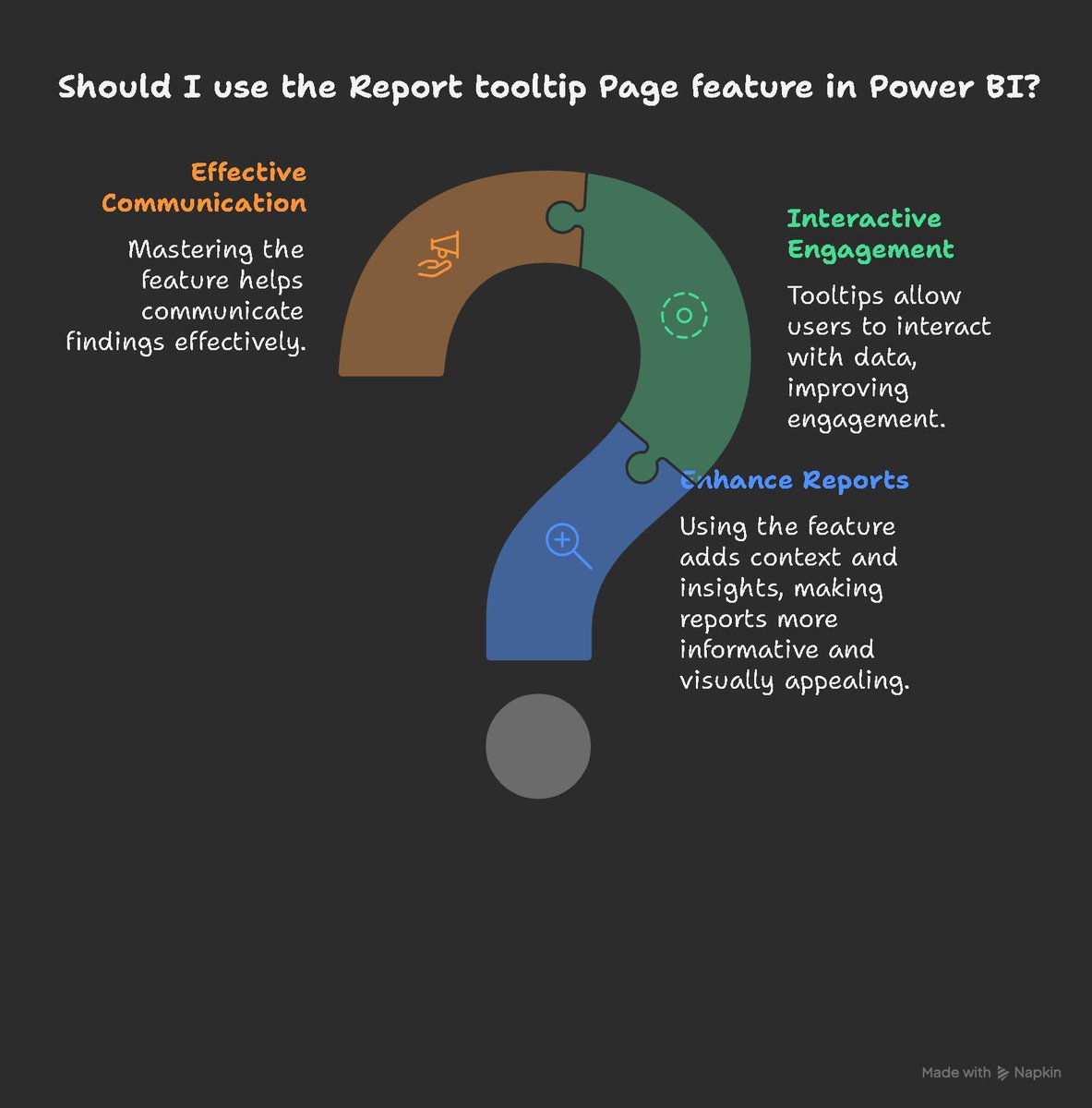
𝗣𝗼𝘄𝗲𝗿 𝗕𝗜 𝘁𝗼𝗼𝗹𝘁𝗶𝗽 𝗽𝗮𝗴𝗲:
youtube.com/watch?v=cyWVzAQF…
#tooltippage #Powerquery #PowerBI #dax #AmitChandakDA #businessintelligence #PL300 #powerplatform #bi #powerbidesktop #datatodiscovery #powerbitutorial
1
3
148
9 Sep 2025
#DataPreparation in #PowerBI can be very simple using #PowerQuery #ColumnByExample #AI feature. It works well with #PowerBIDesktop #Excel #Dataflow in #PowerBIService and #MicrosoftFabric, all editions of #PowerQueryEditor
Today, in this video, I explained how that works:
youtu.be/kKHBpsuAwKE
#DataAnalytics #Analytics #BusinessIntelligence #ETL #DataFactory #DataIntegration
5
16
840
4 Sep 2025
Did you know you can use #DAX #Query View to get to see hidden tables in #PowerBI?
Watch this video to see an example usage of it:
youtu.be/ja8TJjnntoM
#DataAnalytics #Analytics #MicrosoftFabric #BusinessIntelligence #PowerBIDesktop
1
4
19
898
3 Sep 2025
I have worked with Power BI for more than 10 years, since it had another name than Power BI. And I have taught many others how to use it and become a master of it.
So you want to learn #PowerBI from me in-person?
You have the opportunity to join my 2-day #workshop in Orlando this October as part of #SummitNA
Seats are limited, so register fast here:
summitna.com/academy/?se=ses…
I love to see you there and answer all your questions
#MicrosoftFabric #DataAnalytics #Analytics #BusinessIntelligence #DataVisualization #Visualization #DAX #PowerQuery #DataTransformation #CalculationsInPowerBI #PowerBIDesktop #NewToPowerBI #PowerBICourse #PowerBITraining

2
596
3 Sep 2025
Did you know that you can use #PowerBI to perform #Clustering and utilize the #KMeansClustering algorithm on your #data without writing any code?
In today's video, I explained how Scatter #Visual can be used to do that.
youtu.be/ja8TJjnntoM
#DataAnalytics #MicrosoftFabric #PowerBIDesktop #Analytics #BusinessIntelligence #NoCode #DataScience #DataScientist #MachineLearning #DAX

2
8
604
2 Sep 2025
Develop #PowerBI solutions in #PowerBIDesktop #Fast using #PowerQuery Parameters
watch the full video here:
youtu.be/iAjASzakQdw
#MicrosoftFabric #ETL #DataIntegration #DataFactory #BusinessIntelligence #DataAnalytics #Analytics #PerformanceTuning
4
354
29 Aug 2025
Today I explained a quick #PowerQuery tip that you can use to speed up the #performance of #PowerBIDesktop when building #PowerBI semantic model or reports. A simple yet very useful tip, I recommend it as a good practice to follow.
. Watch the video here:
youtu.be/iAjASzakQdw
#DataAnalytics #Analytics #PowerBIService #MicrosoftFabric #DataFactory #DataIntegration #M #PowerQueryFormula #PowerQueryParameter #PerformanceTuning
5
550
26 Aug 2025
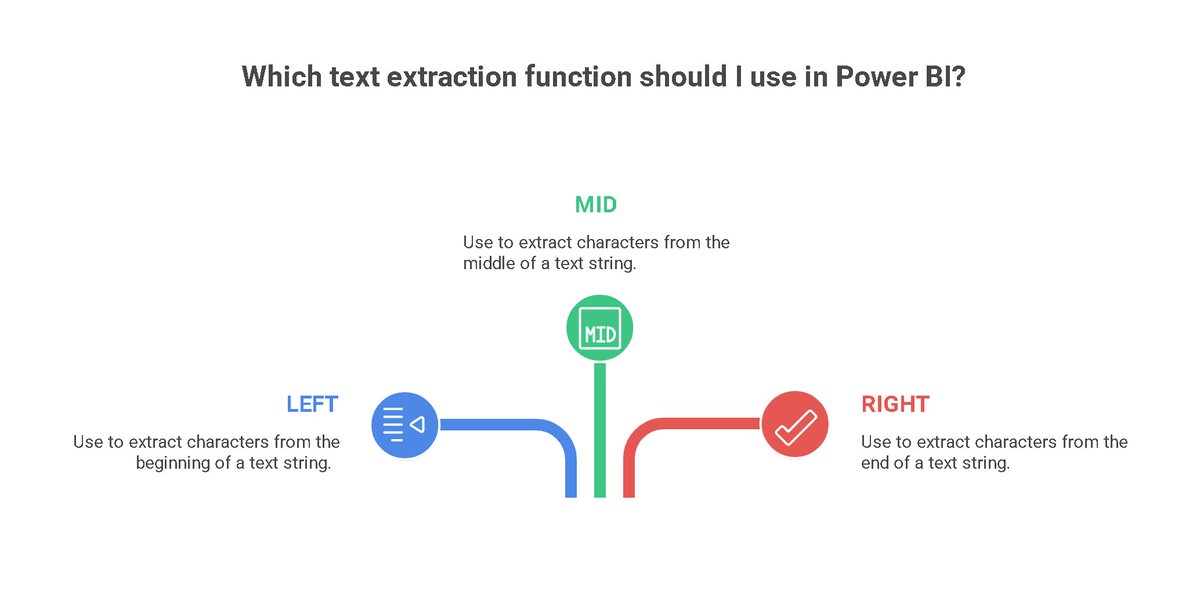
Which text extraction function should I use in Power BI?
LEFT, MID, and RIGHT
youtu.be/cyWVzAQF9YU?t=33284
#PowerBI #MicrosoftFabric #PowerBIInterview #DAX #powerquery #AmitChandakDA #businessintelligence #powerplatform #bi #powerbidesktop #datatodiscovery #powerbitutorial
2
91
25 Aug 2025
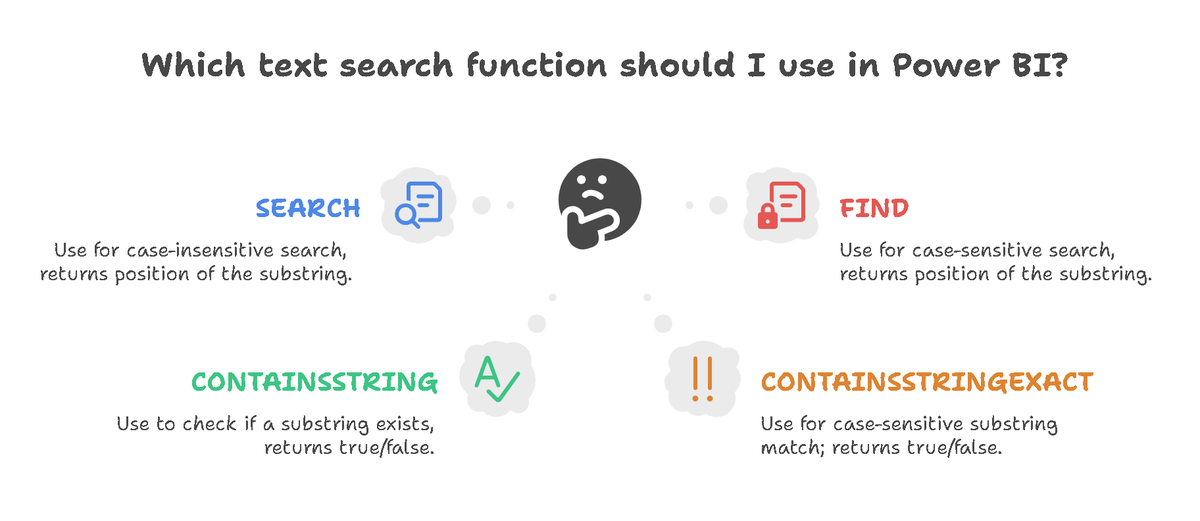
Which text search function should I use in Power BI?
SEARCH, FIND, CONTAINSSTRING, and CONTAINSSTRINGEXACT
youtu.be/cyWVzAQF9YU?t=32542
#PowerBI #MicrosoftFabric #PowerBIInterview #DAX #powerquery #AmitChandakDA #businessintelligence #powerplatform #bi #powerbidesktop #datatodiscovery #powerbitutorial
10
282