
Jun 15
Built for the Figma × Contra #ConfigMakeathon 🎮
Introducing Reboot: a retro-inspired collection of mini games designed around the nostalgia of exploring an old desktop computer.
The experience begins on a desktop-style homepage where players launch games through interactive icons and draggable windows, recreating the feeling of classic operating systems from the late 90s and early 2000s.
Featured games:
🧩 4 Pics 1 Word
🛡️ Desktop Defender
For this project, I used Figma Agent to help generate variables and a foundational design system, then used Figma Make to rapidly prototype interactions, game flows, and gameplay experiences.
Built with:
Figma Make
Figma Agent
Figma
Video Edited with:
Figma Weave
Adobe Express
Design file: figma.com/community/file/164…
Prototype: figma.com/make/DrUMWtZc6Qe2j…
#ConfigMakeathon @figma #FigmaMake #FigmaAgent #UIUX #ProductDesign #InteractionDesign #GameDesign #PixelArt #BuildInPublic
4
115

Figma's desktop app keeps adding FigmaAgent to macOS Login Items every time it launches even after I remove it. Please stop auto-registering background/login items without a clear opt-out. Users should control what starts on their Macs. #Figma #macOS #Privacy #UserChoice
4
256

Hey there, sorry for the confusion! It seems like your browser isn't recognizing that you already have the Figma app installed through FigmaAgent. Can you please try re-installing? figma.com/downloads
46
Hey Pier, the FigmaAgent starts itself for font access & to allow you to access to any Figma links without having to log in. But this feedback is already on our radar & you have the option to uninstall it, if you don't need either capability: forum.figma.com/t/stop-autom…
1
1
66
Hey Martin, when you first download or update the Figma app, the FigmaAgent installs itself for font access & to allow you access to any Figma link without having to log in. More info & instructions to uninstall here: forum.figma.com/t/stop-autom…
107
FigmaAgent starts itself for fonts & links without log in. If you don't need it, force quit Activity Monitor, remove System Preferences>Users & Groups>Login Items
Delete ~/Library/Application Support/Figma/FigmaAgent.app
& /Applications/Figma.app/Contents/Library/FigmaAgent.app
75

2 Nov 2022
@figma how can I stop FigmaAgent from adding itself as a Login Item?
Keeps happening on every launch and I don't want it.
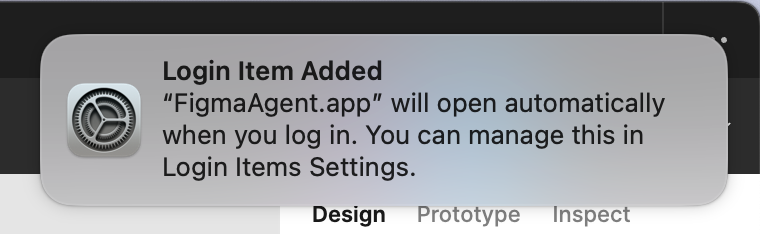
ALT macOS Ventura notification with the message: Login Item Added. FigmaAgent.app will open automatically when you log in. You can manage this in Login Items Settings.
1

16 Jul 2022
As mentioned, Figma works fine in the browser. I've even started to organize everything client-related into tabs which makes it somewhat useful. Still, I would love to see the FigmaAgent for local fonts translated into an ARM application. @figma ;)
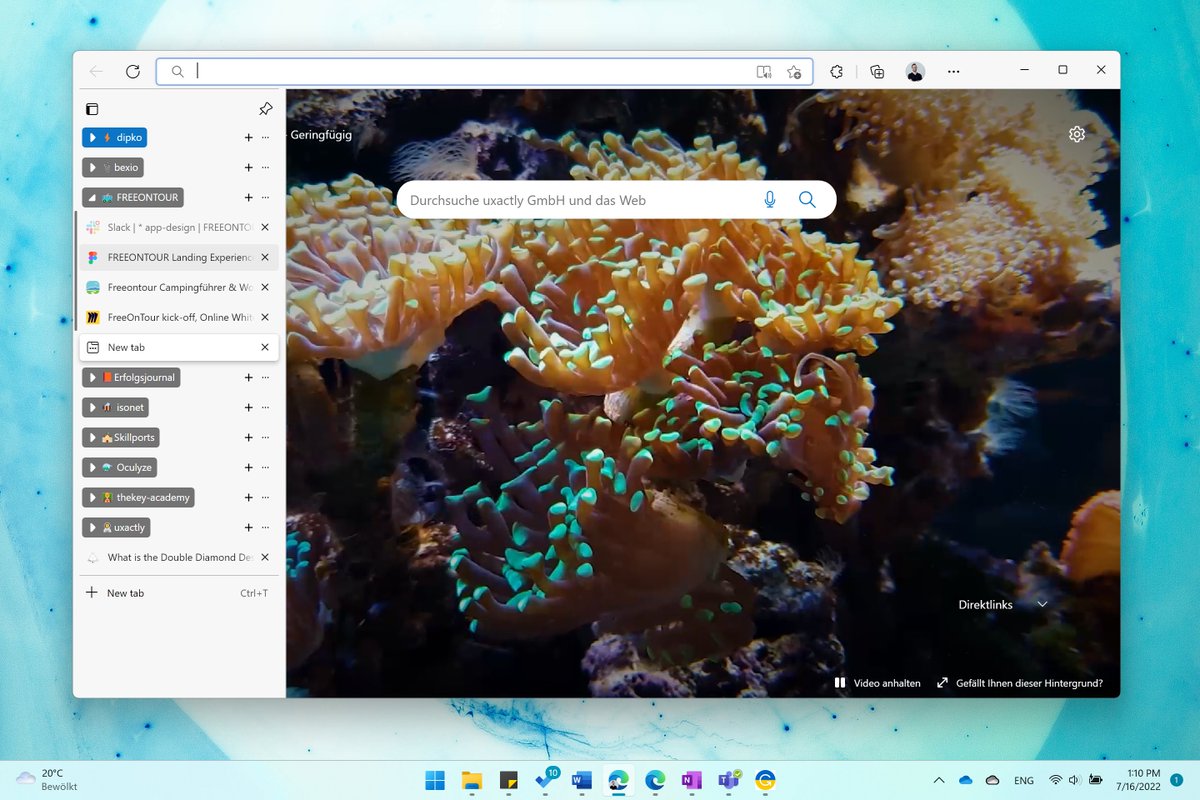
ALT Windows 11 ARM projects sorted by client in groups in the Edge browser.
1
15 Jul 2022
Let's talk about the big white. @figma has the worst ARM performance on all tested x64 apps on the Surface Pro X. @affinitybyserif Designer/Photo (x64), in contrast, runs smoothly even under the emulation. Likewise, Figma in the browser works fine even with the FigmaAgent (x64).
1
3

23 Sep 2021
Figmaでトレース動画のフォントないし、明朝もないし何でーTTと思ってググったら
フォントインストーラーのFigmaAgentダウンロードしたらパソコン内のフォントが使えるようになった!(多分これのおかげ?)
figma.com/downloads/
#デイトラ
#東京フリーランス
1
5

24 Mar 2021
This seems to work for removing FigmaAgent:
• Force Quit it in Activity Monitor
• Remove it in System Preferences > Users & Groups > Login Items
• Delete ~/Library/Application Support/Figma/FigmaAgent.app
• Delete /Applications/Figma.app/Contents/Library/FigmaAgent.app
3
1
29
24 Mar 2021
Every time you open the Figma app, FigmaAgent is started again and added to Login Items. If you don’t need Figma to show fonts on your computer and opening links manually is fine, then removing FigmaAgent is an option.
1
6

10 Jul 2019
@figmadesign What does FigmaAgent do? Does it need to run even when I’m not using Figma?
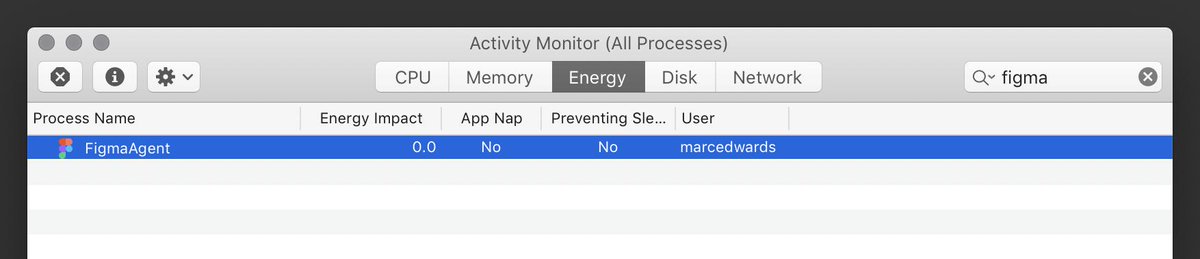
2
1
9