
Mar 10
GestaltView Orientation Manual (Billy Integration)
#GestaltView #ADHD #ArtificialIntelligence #CognitiveJustice #FutureTech #EdTech #HealthTech #AISymbiosis #MentalHealth #Neurodivergence #EthicalAI #Reddit #Discord #InsightBot #Billy
youtu.be/dTlYLu381pE?si=_xdZ… via @YouTube
1
44

30 May 2025
Step 5: Choose where your data lives
Decide on data storage based on your needs:
→ Standard file storage for common data types.
→ Decentralized storage like Nillion for extra privacy and security.
Step 6: Connect your agent to platforms
Link your agent to Telegram, Discord, or browsers to reach your audience in their preferred spaces.
Step 7: Shape your agent’s personality
Give your AI a name, profile picture, description, tone, and example phrases so it communicates naturally and fits your brand.
For example:
Name: InsightBot
Tone: Clear and professional
Sample phrase: “Here’s the analysis you requested.”
Step 8: Launch your agent
Mint it on-chain to secure its identity, then deploy it live. Your AI is now ready to engage users.
Take a look at the Agent I created and deployed using Skillful AI:
x.com/faithiologyyy/status/1…
29 May 2025

I created and deployed an AI agent called Nova TrendSeer in just under 3 minutes using @SkillfulAI, and integrated it directly with Telegram.
Nova TrendSeer delivers real-time insights and analysis on NFTs and tokens. Its key features include:
➫ Analyzing blockchain data to uncover emerging trends in NFTs and tokens.
➫ Spotting early signals in crypto art and digital collectibles before they gain traction.
➫ Merging market data with cultural insights for timely, relevant updates.
➫ Guiding smarter decisions by forecasting upcoming shifts in the crypto space.
➫ Sending concise, data-backed updates straight to your Telegram feed.
You can try it on Telegram: t.me/Nova_Trendseer_Bot
Want to create Autonomous AI Agents?
With Skillful AI, you can build and launch powerful agents in minutes ,no coding required.
Start today and turn your ideas into intelligent tools: app.skillfulai.io
Check the video below on how it works.
@SkillfulAI $SKAI
EVM Wallet Address: 0x24126a8f9ac169efde68fa4eec9eff6077c0fe42
1
12
807


15 Sep 2024
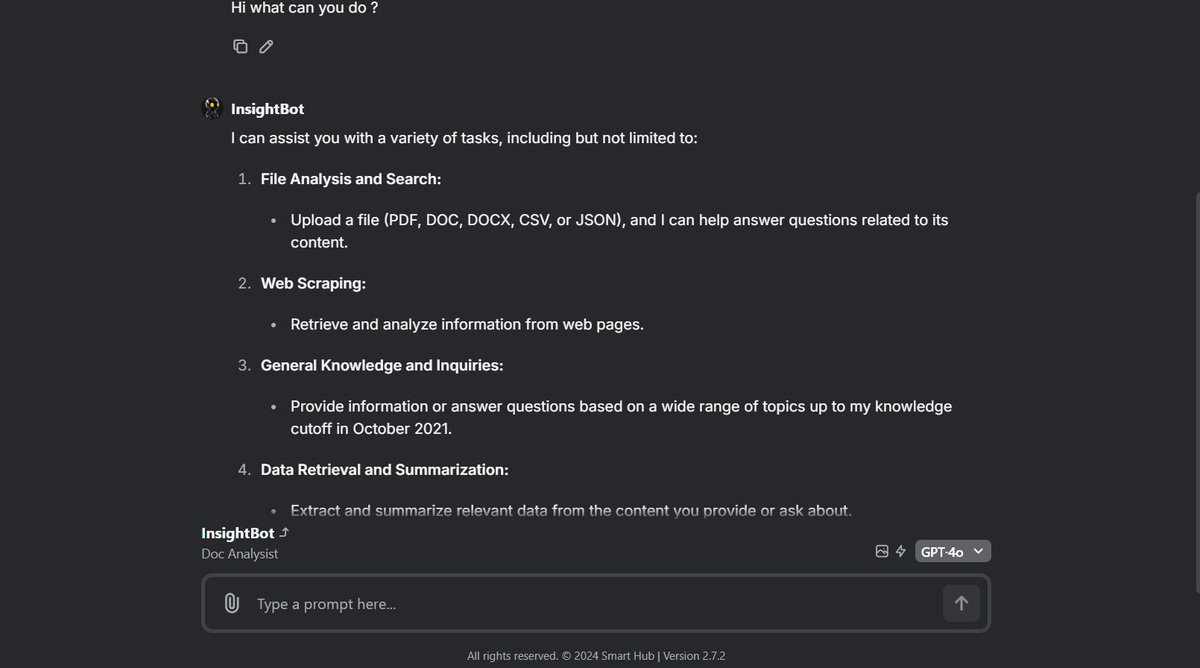
🔥Hot news! #SMARTHUB is bringing the future to your fingertips with the introduction of InsightBot! 🤖 Get ready to experience AI like never before! 🚀 #InsightBot #AI
7
1
3
170

14 Sep 2024
🚀 Meet InsightBot! 📄🤖
Upload your docs (PDF, DOCX, CSV, JSON) and ask Smart Hub’s InsightBot any questions related to the file.
Get instant insights, summaries, or key data points—effortlessly!
🔗 Try our 24h free trial: app.smarthubplatform.com/app
#AI #InsightBot #SmartHub #DocAssistant
10
2
13
689

🙌 How to put your face on images you have generated with MJ 🙌
This is assuming you use @midjourney and have discord. You will need to use something called ‘insightface’. You need to invite the insightface app to your discord but first of all you need to make a new discord server. Click the plus button, name it whatever you want then complete the authorisation boxes.
Find the MJ bot, click on it, then click add to server. Choose the server you just created, then complete the authorisation boxes. Are you human? Lol. Then you should see that the MJ bot is added to your server. Next is to add the insightface bot.
discord.com/api/oauth2/autho…
This above link is the link for the insightbot. Just click the link, then add it to your server like you did with the MJ bot. Now you should have both bots in the server you created.
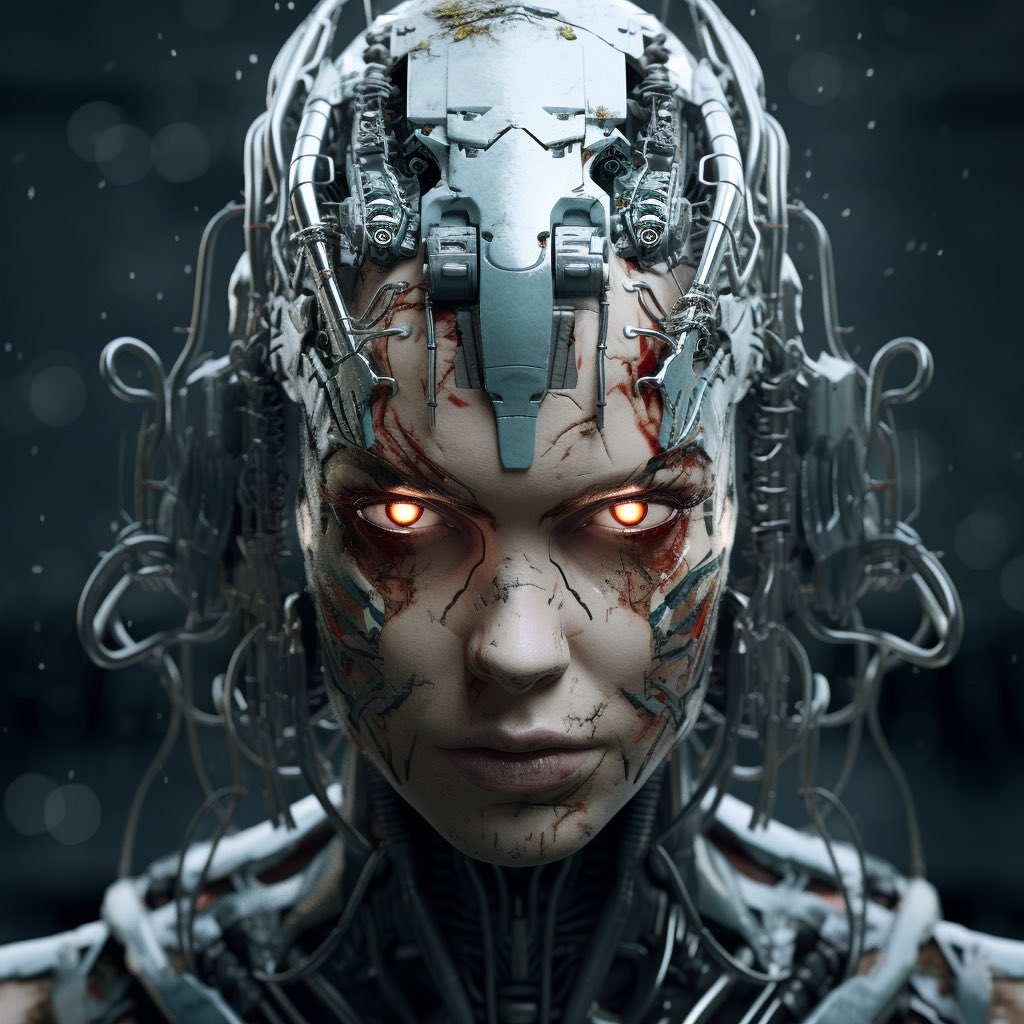
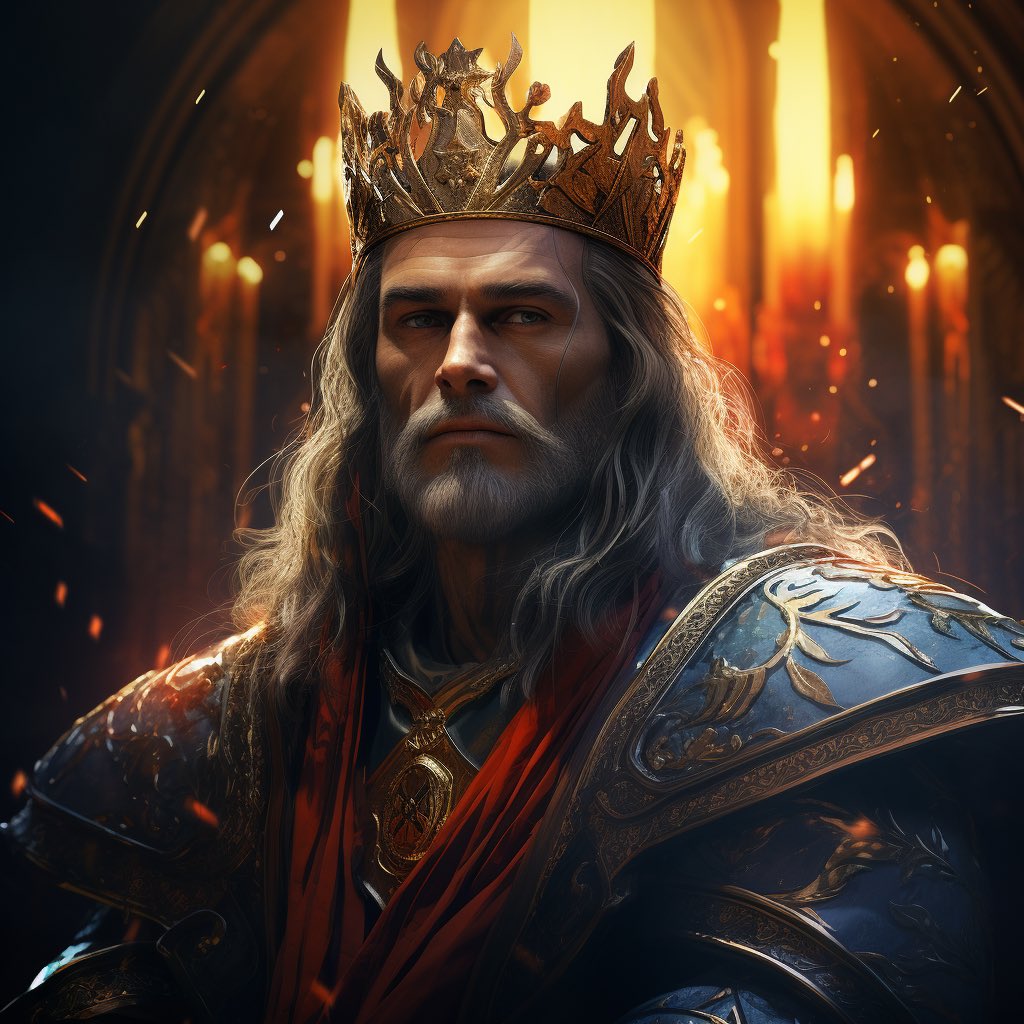
You now need to add your selfie pic to the server… the pic you want to use to swap your face… the pic you are going to use to see yourself as a cyborg or a goblin or as the king of the iron throne 🤷😅.
Just to note, your selfie obviously need to be as high quality as possible. It should be front facing, you can’t have glasses on and generally insightface doesn’t like long beards.. yet, but I haven’t been able to test this because I don’t have a long beard lol.
In your server type ‘/saveid’. Then type what you want to call your image, I just saved it as ‘me’. Then click on ‘image’, then you should be able to scroll through and find the selfie image you want to use. Then click send. You should be able to now see a message that says ‘idname me created’.
Now generate an image like you would do in MJ using /imagine. For example, something like /imagine prompt: a king, portrait, close up, floodlit, highly detailed… whatever. Rainbowcore anyone? Lol.
Now upscale the image you want to use.
When the image is upscaled click on the image and hold it until the options come up. Click on apps then choose ‘INSwapper’. Then wait a little and your image will be generated with your face on 😮🙌.
And that’s it. Bit of a set up process needed but the results are really cool. I have added a couple more examples below. Please share with me what you generate because I am sure many of you will come up with amazing ideas and push the boundaries as I will be doing soon too 🙌.
If you encounter any issues and/or need some more help just send me a message and I will help :). But enjoy it and spread the word because this is really f’ing cool.
Much love 😘
@InsightFace_ai
#ai #art #aiart #aiartcommunity #aiartwork #aiartist #nft #nftart #nftcommunity #nftcollector #nftartist #midjourney #photography #face #swap #tutorial #promptshare


7
6
33
5,605


23 Oct 2020
Através das conversações, o Insight Bot treina automaticamente e rastreia consultas dos usuários ao longo do tempo.
É o conhecimento ganhando escalabilidade no seu negócio.
Saiba mais em nosso LinkedIn.
#qlik #datadriven #insightbot #artificialintelligence #aditi #qliksense
1
21 Oct 2020
O Qlik Insight Bot une o modelo associativo do Qlik Sense com o mecanismo cognitivo, gerando uma poderosa ferramenta de exploração de dados e democratizando assim o acesso às informações.
Saiba mais em nosso LinkedIn.
#qlik #datadriven #insightbot #inteligenciaartificial
2

14 Nov 2019
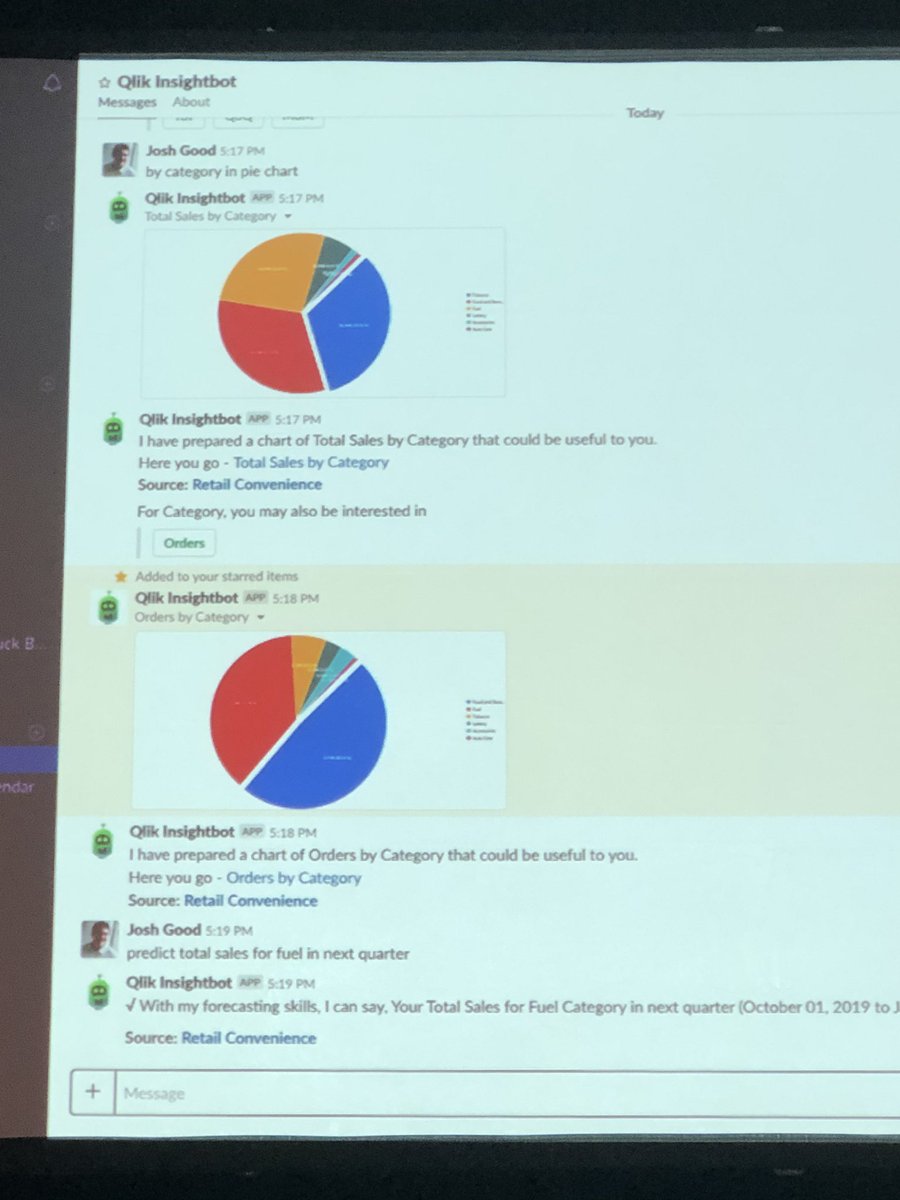
Qlik has an Insightbot on Slack - really cool stuff. You type in what you want and insightbot builds it for you!
Makes it easier for users to get access to analytics.
Kathy Hickey Mike Capone @qlik
1
4
19

13 Nov 2019
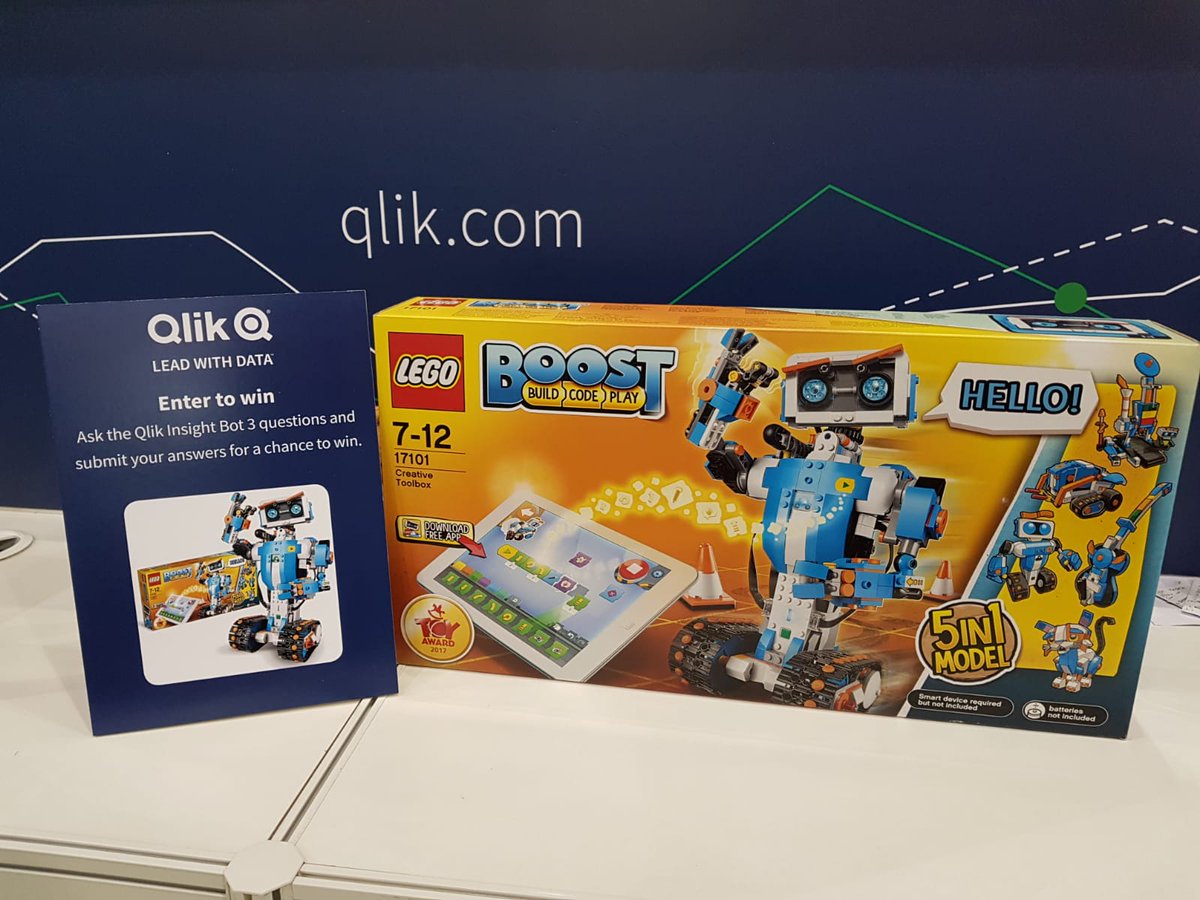
Drum roll please! The lucky winner of today’s #BigDataLDN InsightBot competition is… Scott Bickley from @HomeServeUK. Congratulations on bagging yourself this amazing LEGO kit! @BigData_LDN
2
5

25 Oct 2019
At the #qlikluminary Usability Workshop, @brian_booden says “let’s make InsightBot the ‘gateway to actionability’”
1
12

15 Oct 2019
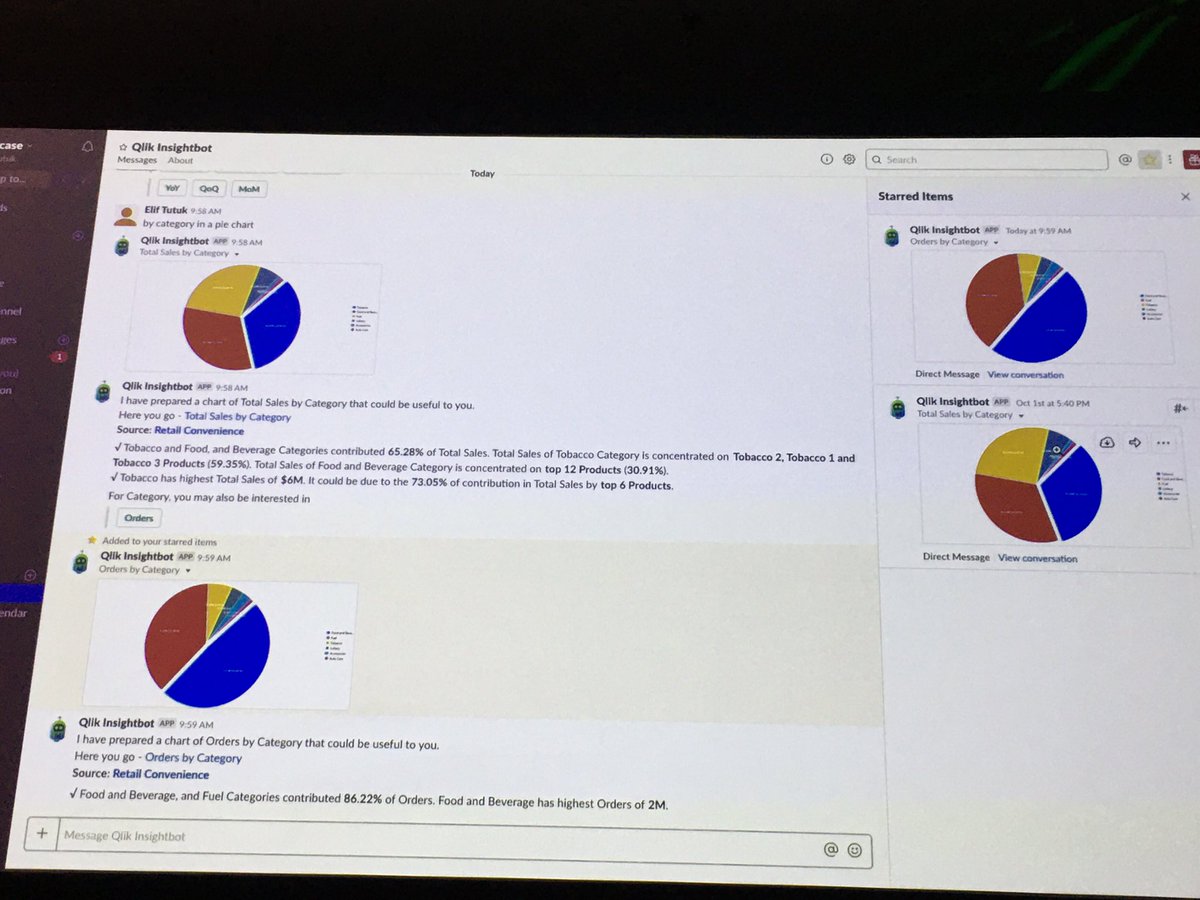
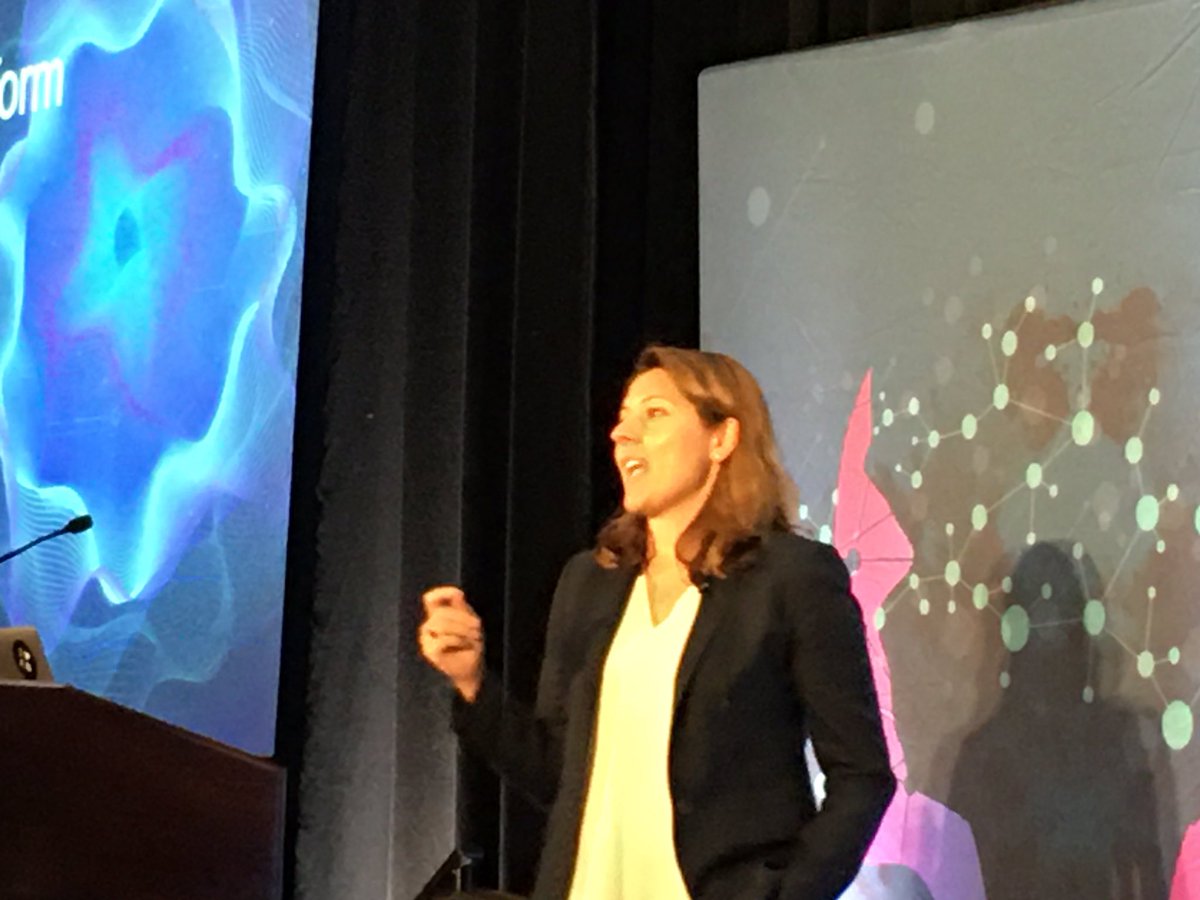
Preferring to refer to technology as a “she” @elif_tutuk demonstrates how the @qlik #Insightbot is able to interpret natural language and generate visualizations by chatting with “her” #DataRevTour
2
4


26 Jun 2019
My summary of our @Qlik June product release... #QlikSense #DataCatalyst #InsightBot #multicloud blog.qlik.com/june-2019-qlik…
1
14

6 Jun 2019
SYDNEY AREA: On June 27 we'll talk about #AnalyticsEconomy & changes around us from data perspective. We will also discuss 3rd generation of #BI. Other topics:
#AugmentedIntelligence
#InsightAdvisor
#DataPreparation
#InsightBot
#Qlik
FREE Registration-->>bit.ly/2wDqDBP
6
20 May 2019
Come along to @the_brc #ReinventionRetail Conference on Wednesday where you can see our new natural language #chatbot – Qlik InsightBot - in the FutureZone. Don’t miss out: bit.ly/2HoqYgn

2
2

16 May 2019
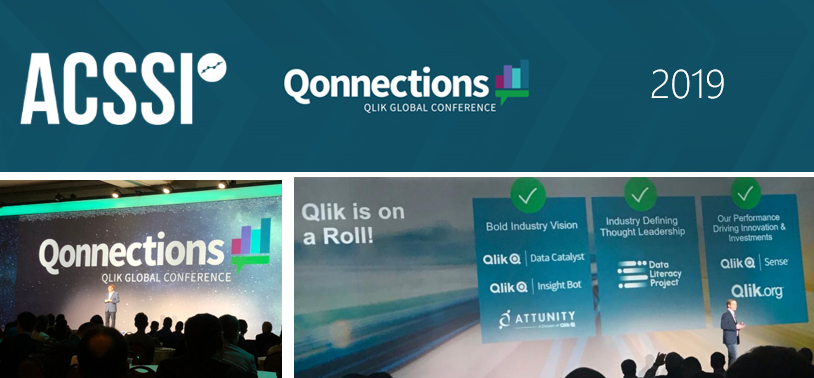
Pour la 10e année consécutive, ACSSI est présent à #Qonnections - L'Event Mondial #QLIK. Cette année : IA, DataCatalyst, BigData, InsightBot... De belles innovations à prévoir pour nos projets #QlikSense @acssi_bi
2
3

Looking to learn about the Qlik #InsightBot? Join us in San Saba 1 @ 10:30 AM for an all hands-on workshop on everything you need to know. #Qonnections youtu.be/fciqrjhF_bQ
2

14 May 2019
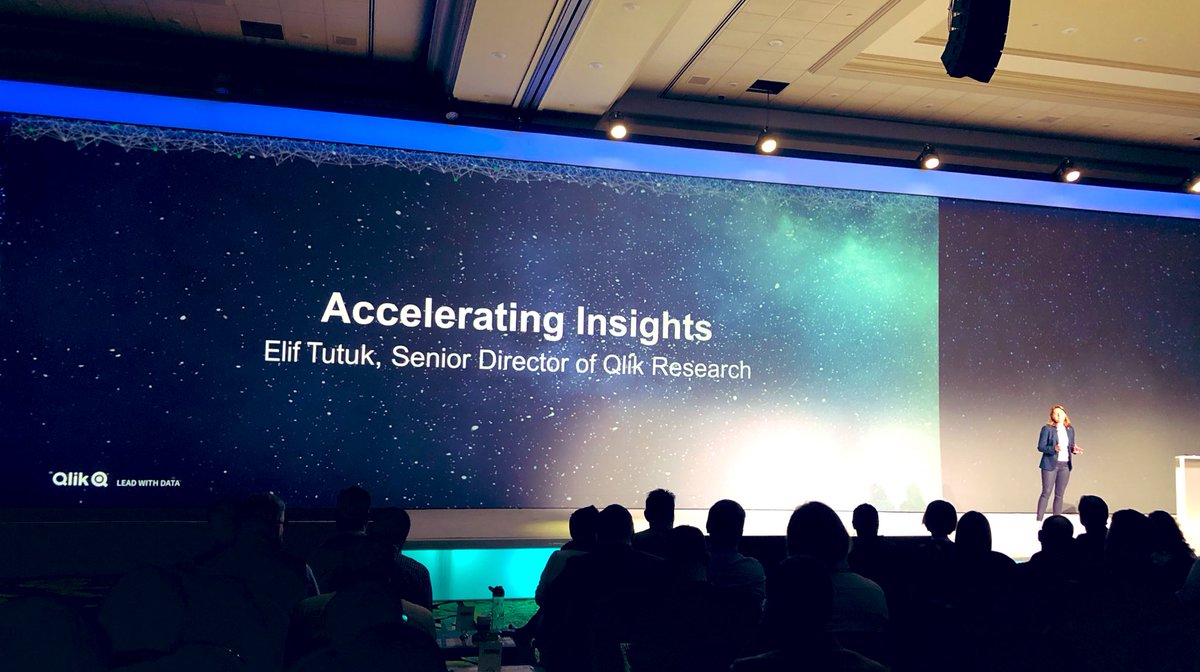
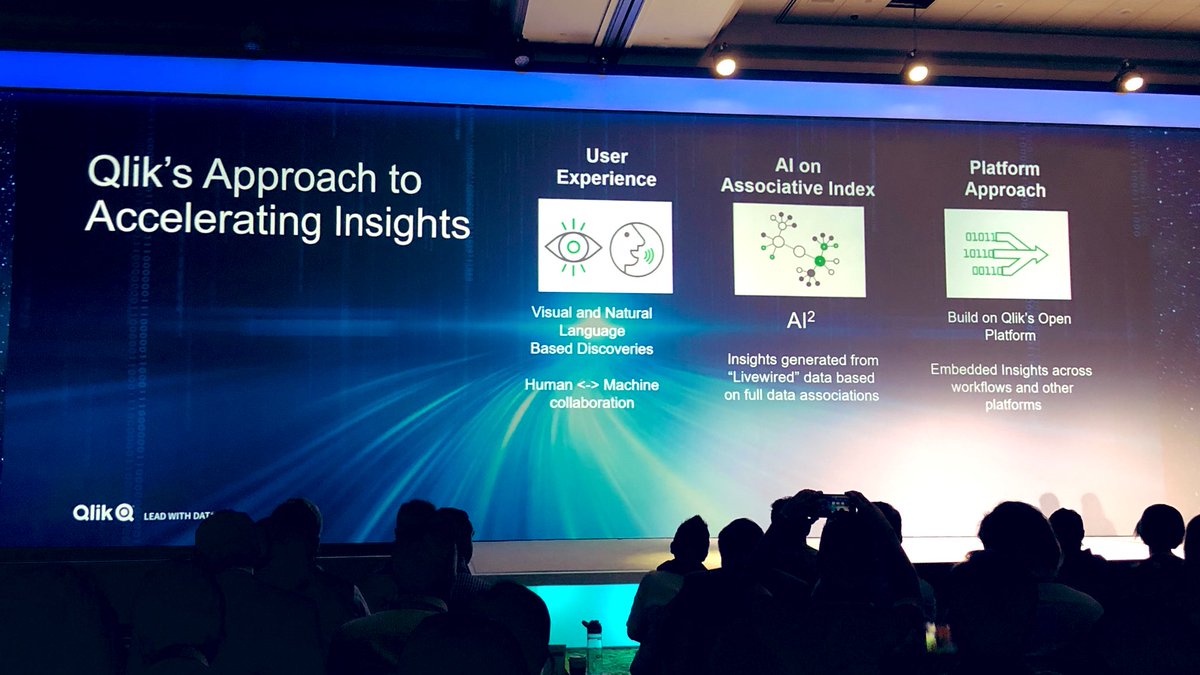
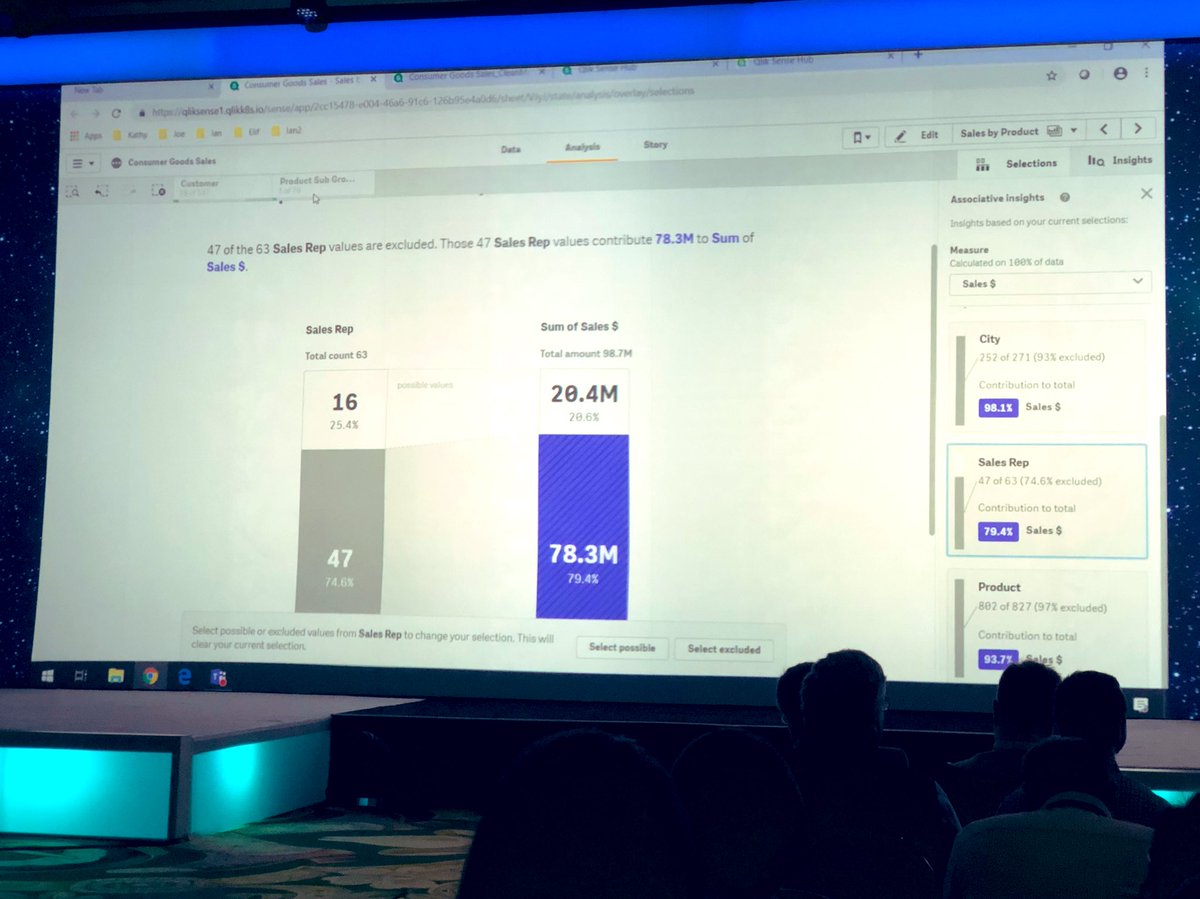
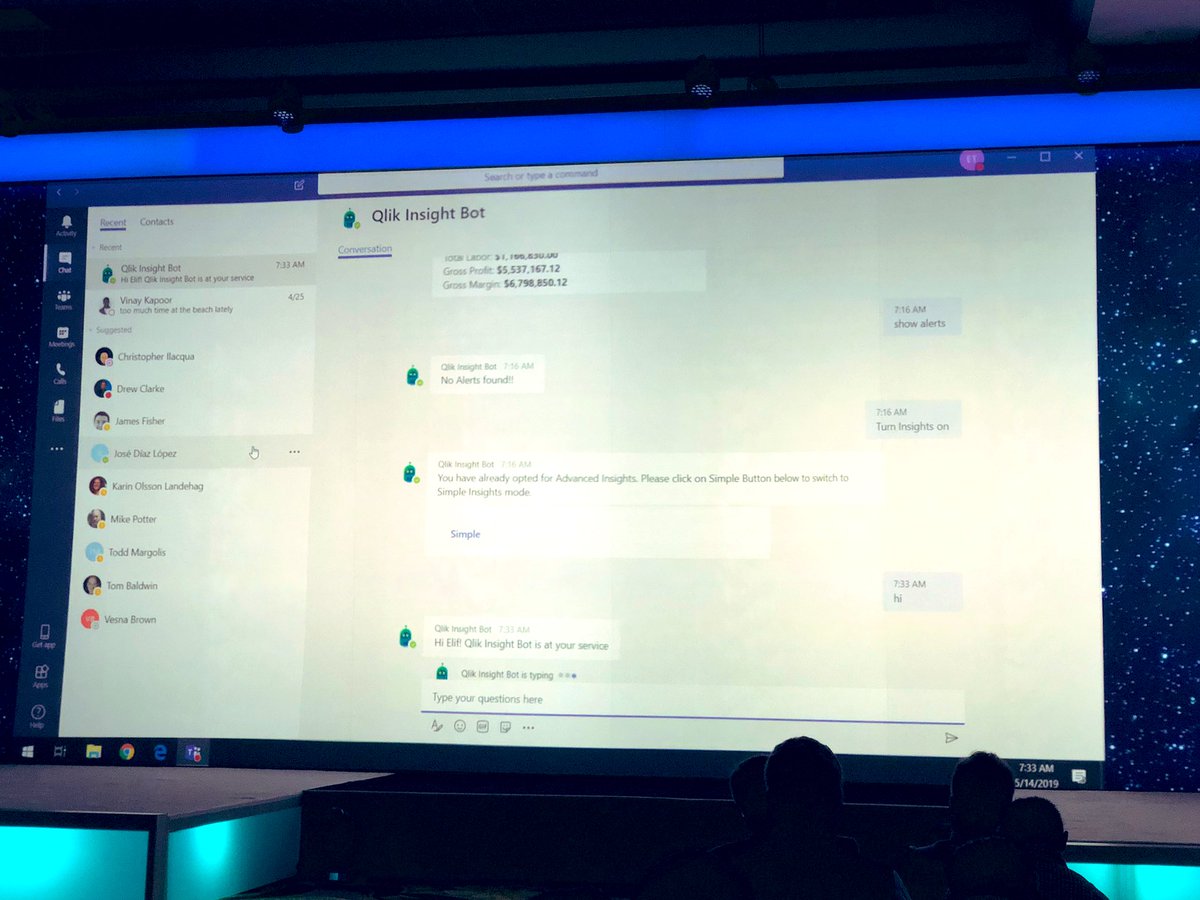
@elif_tutuk demos at #Qonnections are just awesome: the @Qlik #CognitiveEngine x #AssociativeEngine x #InsightBot = #DataInsightAccelerator
3
6