

May 9
What if accurate depth maps could be generated from a single RGB image — without LiDAR or stereo cameras?
That’s exactly what Depth Anything V2 achieves.
In 2024, monocular depth estimation reached a major breakthrough:
✔ Fast
✔ Lightweight
✔ Temporally stable
✔ Edge-device friendly
Instead of relying on massive diffusion pipelines, Depth Anything V2 uses a highly optimized Vision Transformer architecture trained on millions of pseudo-labeled real-world images.
The result?
Real-time, surprisingly stable depth estimation from just one camera.
This has massive implications for:
• Robotics
• AR/VR
• Autonomous systems
• Smart cameras
• 3D scene understanding
One of the most exciting things is how deployable it is compared to heavier depth models.
Technical breakdown by LearnOpenCV:
LearnOpenCV – Depth Anything Explained
Research Paper:
Depth Anything V2 Paper
#AI #ComputerVision #OpenCV #DepthAnythingV2 #MachineLearning #DeepLearning #Robotics #EdgeAI #VisionTransformer #ArtificialIntelligence
5
953

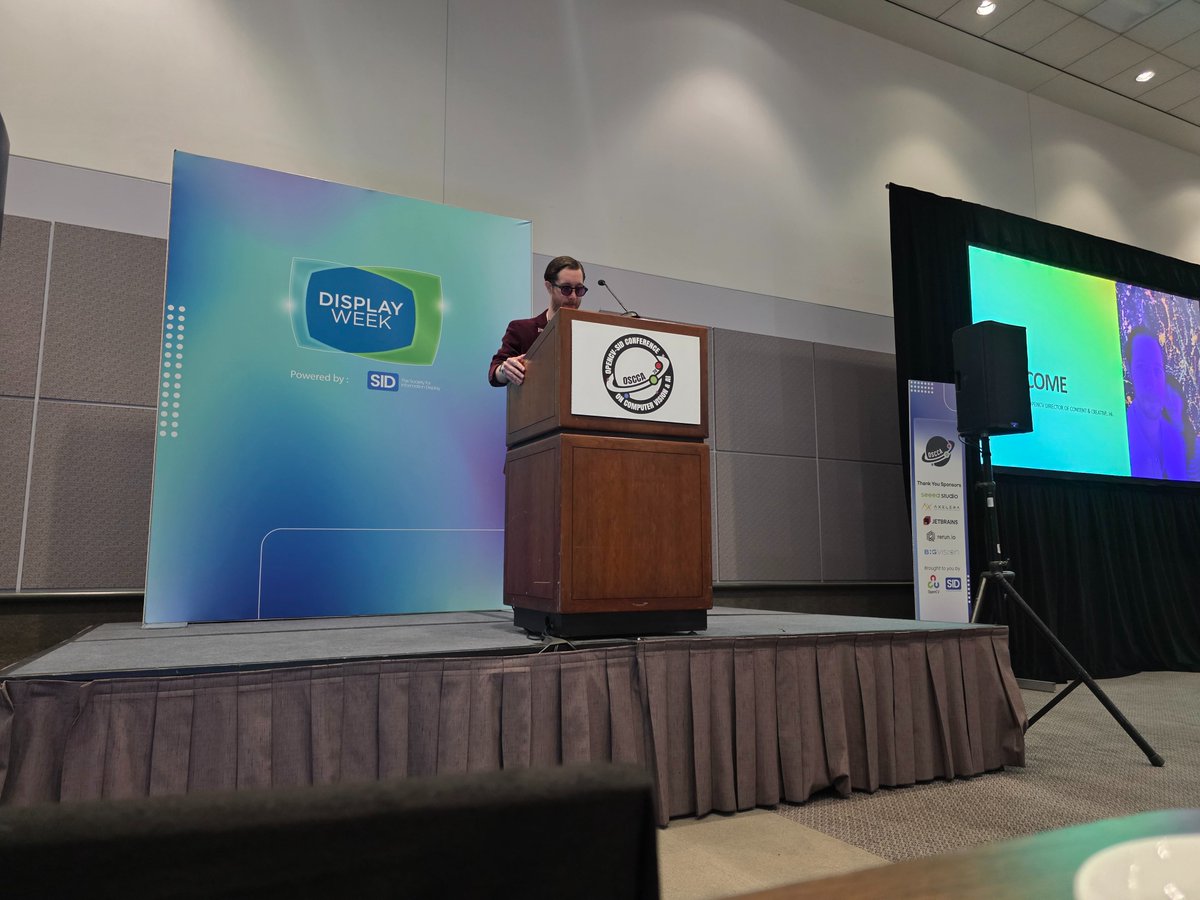
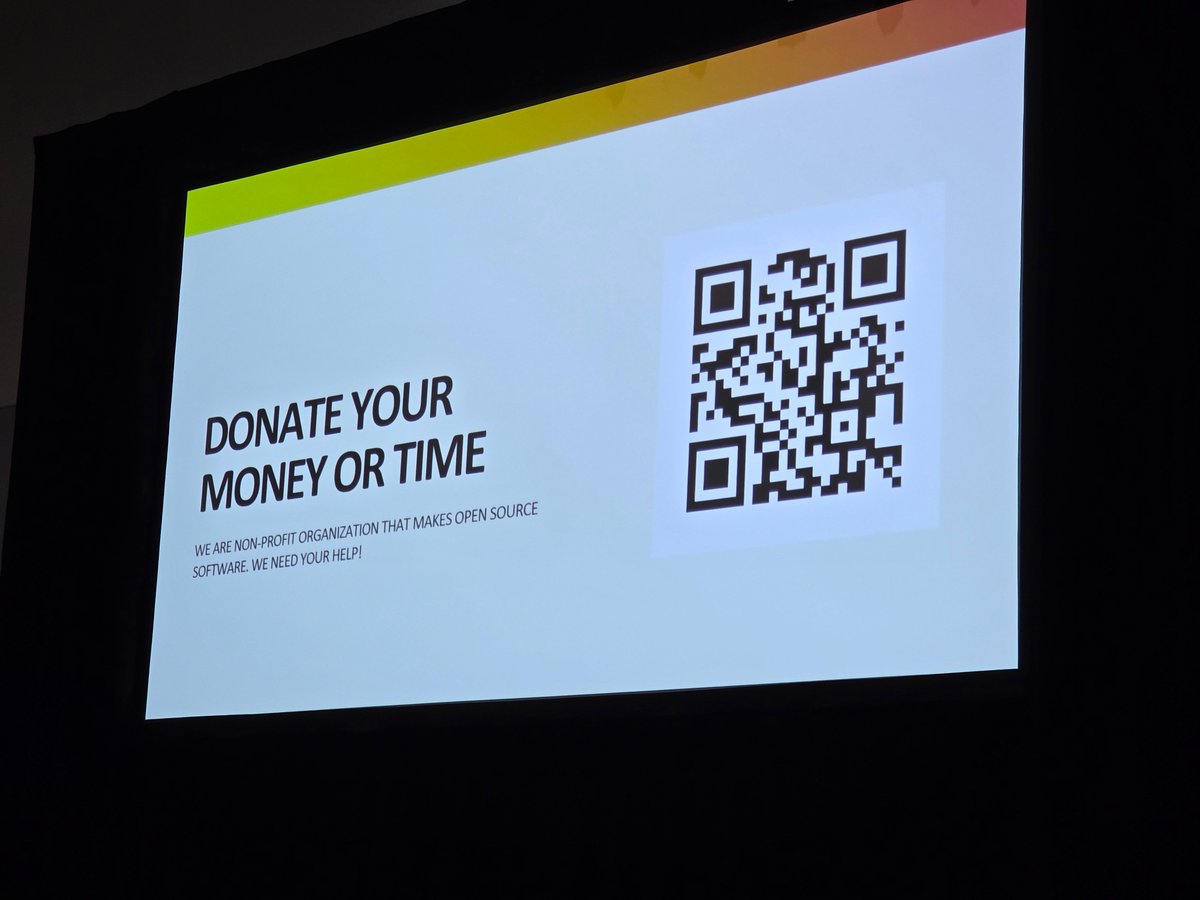
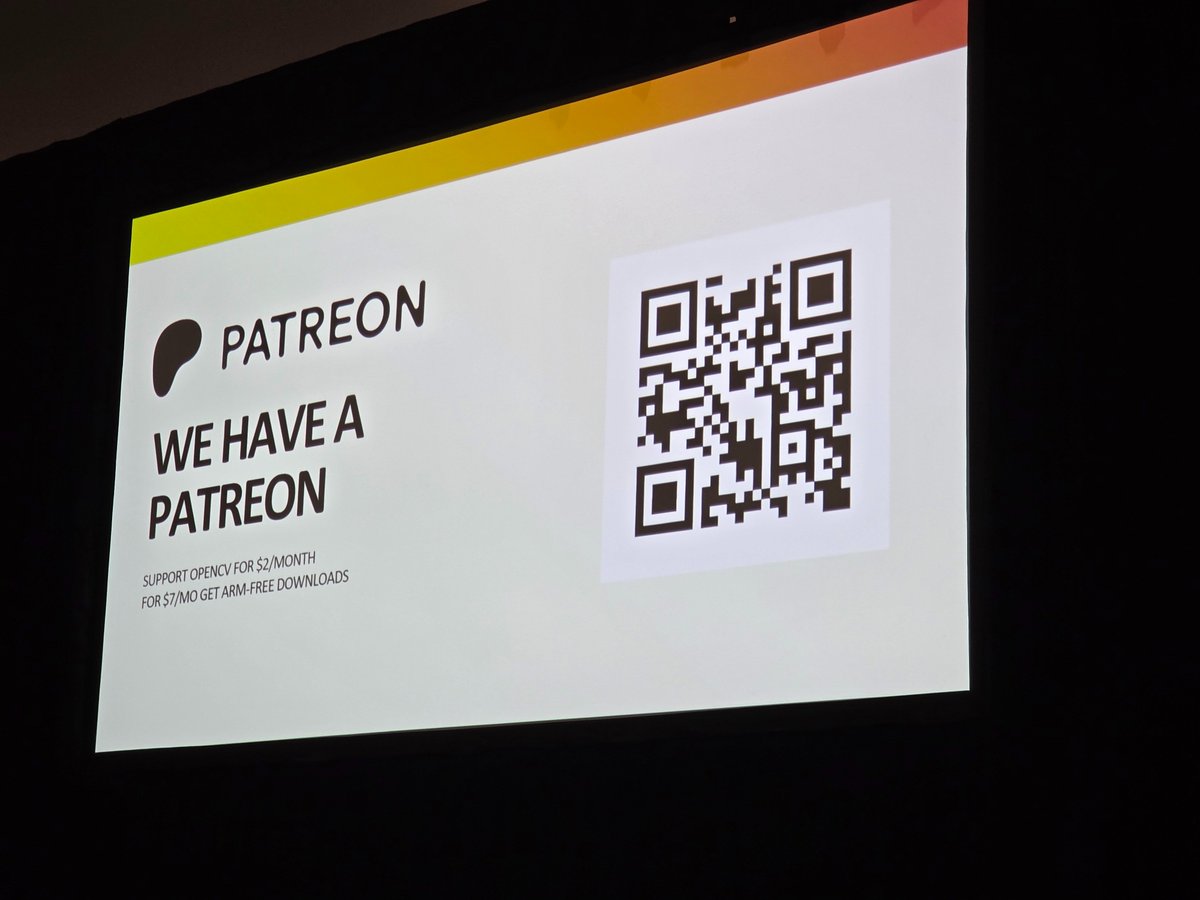
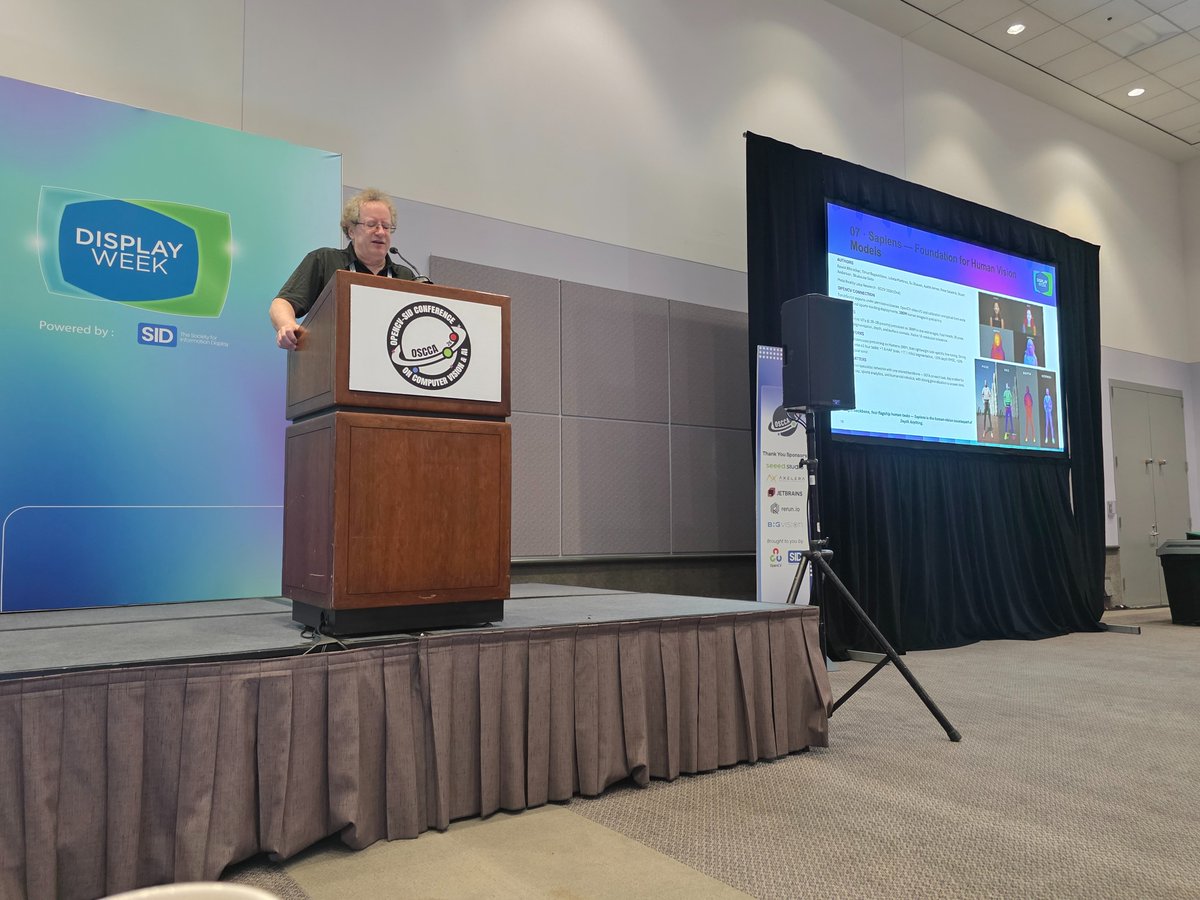
We are in LA for @opencvlive's second annual OSSCA conference with @LearnOpenCV.
A full day of cutting edge open source, robotics, and computer vision talks and tutorials.
1
2
6
552
Apr 29
YOLO26-Pose tracks 17 human keypoints in a single forward pass.
Smallest variant: 1.8 ms on a T4 GPU. ⚡
→ RLE for sharper localization
→ NMS-free inference (predictable latency)
→ MuSGD for stable training
Full breakdown 👇
learnopencv.com/yolo26-pose-…
#ComputerVision #YOLO26
Optional thread version:
1/ YOLO26-Pose is here. It predicts the full human skeleton in a single forward pass — shoulders, elbows, wrists, hips, knees, ankles. 17 COCO keypoints, real-time.
2/ The smallest variant runs at ~1.8 ms on a T4. That's deployable. Fitness, sports analytics, gesture control, rehab, safety — all on the table.
3/ What's new architecturally:
RLE → better keypoint localization
NMS-free → predictable latency
MuSGD (SGD Muon hybrid) → more stable training
4/ We tested it on yoga, karate, dance, gym, parkour, multi-person. Full LearnOpenCV tutorial walks through architecture, code, and raw outputs:
🔗 vist.ly/428rz
5/ Want the deep dive on why NMS-free matters for edge deployment? Companion piece here:
🔗 vist.ly/428r2
3
629

Apr 29
YOLO26-Pose tracks 17 human keypoints in a single forward pass.
Smallest variant: 1.8 ms on a T4 GPU. ⚡
→ RLE for sharper localization
→ NMS-free inference (predictable latency)
→ MuSGD for stable training
Full breakdown 👇
learnopencv.com/yolo26-pose-…
#ComputerVision #YOLO26
Optional thread version:
1/ YOLO26-Pose is here. It predicts the full human skeleton in a single forward pass — shoulders, elbows, wrists, hips, knees, ankles. 17 COCO keypoints, real-time.
2/ The smallest variant runs at ~1.8 ms on a T4. That's deployable. Fitness, sports analytics, gesture control, rehab, safety — all on the table.
3/ What's new architecturally:
RLE → better keypoint localization
NMS-free → predictable latency
MuSGD (SGD Muon hybrid) → more stable training
4/ We tested it on yoga, karate, dance, gym, parkour, multi-person. Full LearnOpenCV tutorial walks through architecture, code, and raw outputs:
🔗 vist.ly/428rr
5/ Want the deep dive on why NMS-free matters for edge deployment? Companion piece here:
🔗 vist.ly/428rv
2
83
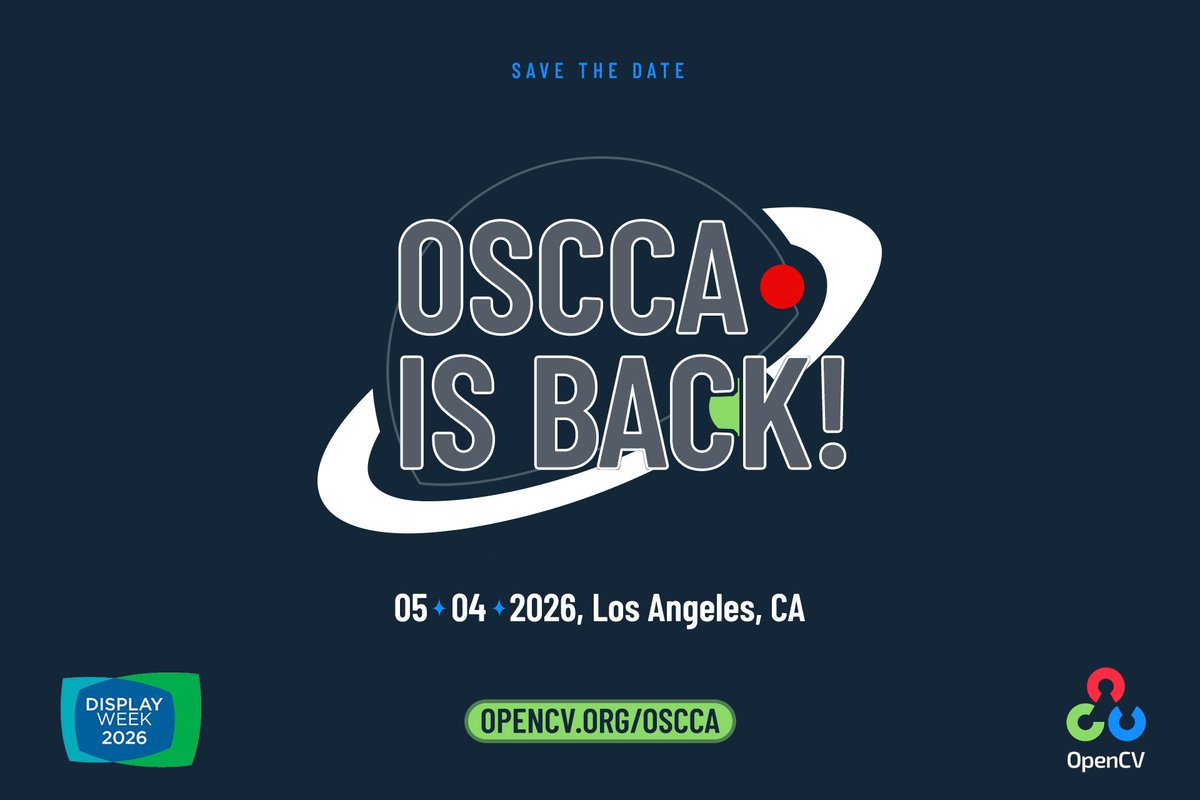
Our colleagues over at @opencvlive are holding their annual OSCCA conference in conjunction with @DisplayWeek in LA!
Join @LearnOpenCV, @grbradsk, @DImagineering, @LKGGlass, @ultralytics and whole lot more on May 4th for a full day of applied computer vision talks.
⬇️⬇️⬇️
1
6
11
1,006


🛠️ Build. 🚀 Fly. 🔍 Analyze. The #PX4 world tour hits San Diego. Tech talks, demos, and drinks at @modal_ai HQ. Speakers dropping soon.
📅 April 30th
📍 San Diego
🎟️ RSVP lu.ma/1yasqak0w/
w/ @foxglove @learnopencv @opencvlive
1
3
6
609

Mar 24
🚀 Top GitHub Repos to Supercharge Your AI Journey! 🚀
Whether you're a beginner diving into LLMs or an engineer scaling production apps, these curated repositories pack practical code, tutorials, and real-world projects. Stars in millions prove their value—fork, star, and build today!
1. LangChain
github.com/langchain-ai/lang…
The ultimate framework for LLM-powered apps. Chain models, agents, and tools effortlessly.
2. LearnOpenCV
github.com/spmallick/learnop…
Hands-on tutorials for computer vision, YOLO, SAM, and edge AI. Perfect for visual AI pros.
3. Awesome LLM Apps
github.com/Shubhamsaboo/awes…
Runnable apps with RAG, agents, and multi-agent teams using OpenAI, Llama, and more.
4. CrewAI
github.com/crewAIInc/crewAI
Build collaborative multi-agent systems. Ideal for complex AI workflows.
5. 500 AI Projects
github.com/ashishpatel26/500…
Massive list of projects across CV, NLP, and ML with code links.
What’s your go-to AI repo? Drop it below! 👇
#AI #MachineLearning #GitHub #LLMs #GenerativeAI
2
348


24 Dec 2025
There are lots of journals for many languages across the world, and partnering with an academic who is versed in both is also an option
1
6
421

24 Dec 2025
If you cant speak english you dont deserve to share anything 👍🏻
2
2
317

You only need a targeted LLM for that, not genAI.
You only need that for a very small group of users in specific situations. Don't think you'd find a scientist saying no about that for language uses.
Releasing genAI in the public, economic sphere is immoral and irresponsible.
1
3
7
325

23 Dec 2025
Or just smart people who hate spending 80% of their mental energy on formatting so Elsevier can sell their papers back to them
1
3
251

23 Oct 2025
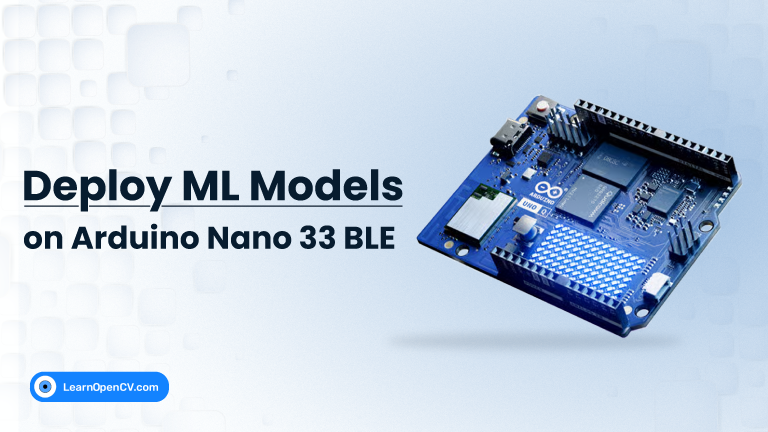
🚀From Blink to Think: Deploying ML on Arduino!
At LearnOpenCV, we’ve always believed that AI shouldn’t be limited to powerful GPUs or cloud servers. It should run everywhere - even on the tiniest boards.
Our latest article of the edge devices series, explores exactly that idea.
🔗 Read the full tutorial: learnopencv.com/deploying-ml…
We walk through how to train a lightweight CNN on MNIST, quantize it with TensorFlow Lite, and deploy it on the Arduino Nano 33 BLE.
It is a microcontroller with just a few hundred kilobytes of memory!
💡 What you’ll learn:
The complete workflow: from training to quantization to on-device inference
Using BLE and Gradio to build comm interface
Why TinyML is shaping the future of edge AI
How boards like the Nano 33 BLE and the upcoming Arduino Uno Q redefine what’s possible on microcontrollers
Recently, Qualcomm announced its acquisition of Arduino - signaling a massive leap toward AI-first embedded computing.
This partnership could accelerate development of hybrid boards that blend Linux power with MCU-level control - bringing ML even closer to the edge.
AI is getting smaller, faster, and more accessible, and we’re excited to see makers and developers push the boundaries of what’s possible on microcontrollers.
Have you tried deploying ML on a microcontroller yet? What’s your biggest challenge so far?
#Arduino #TinyML #EdgeAI #MachineLearning #LearnOpenCV #IoT #EmbeddedAI #Qualcomm #AI
1
3
243

San Diego Investors👇🏽
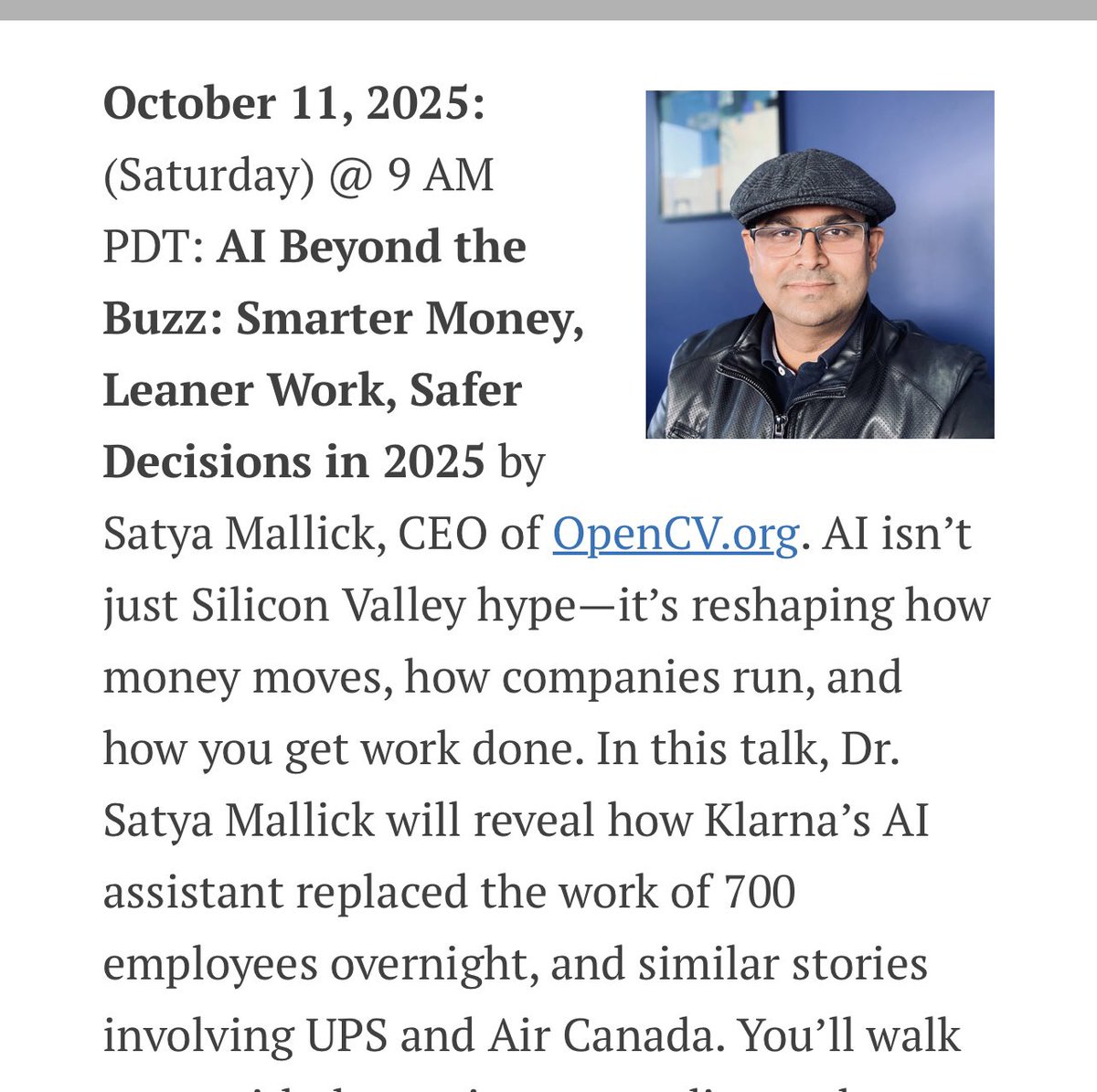
AI Beyond the Buzz: Smarter Money, Leaner Work, Safer Decisions in 2025 by Satya Mallick @LearnOpenCV
Come on over to San Diego meeting this Saturday 11th October at 9am hosted by AAII San Diego!!
<Details in link below>
Want to know how AI is disrupting finance?
How to use generative AI tools to make smarter investments?
You will leaving with a wealth of knowledge. Details below. Register here-> docs.google.com/forms/d/e/1F…
aaiisandiego.com/events/upco…
1
3
1,173

1 Oct 2025
Here’s a concise step‑by‑step to build the “multi‑parallel realities” video demo, plus tags for potential devs:
1) Scope and data: pick 3 scenarios and define them in a YAML (baseline, intervention A, intervention B) with filters/edits and any object add/remove.
2) Ingest: load video or live stream (OpenCV); optionally add a source adapter for Meta Ray‑Ban via the Meta Wearables Device Access Toolkit to pull camera frames to your mobile/host app.
3) Per‑frame processing: run detection/segmentation (e.g., SAM) and apply edits—style/lighting filters, object removal/insertion (inpainting), and simple trajectory constraints for motion deltas.
4) Parallelize: process the three scenario pipelines concurrently; keep a shared clock and frame index to maintain sync.
5) Metrics overlay: burn in per‑panel labels and stats (FPS, detected objects, path deltas, intervention flags).
6) Compose: tile the three outputs into a 3‑panel canvas and mux audio (baseline or muted) to MP4.
7) CLI and config: expose python app.py --video input.mp4 --config scenarios.yaml --out out.mp4; include requirements.txt and example configs.
8) Validate: test short clips first, then longer videos; profile GPU/CPU, and add fallback paths if inpainting is slow.
9) Optional live mode: RTSP/webcam as default; if the Wearables Toolkit is present, enable a glasses source adapter; handle permissions and latency buffering.
10) Ship: provide a Replit template so others can fork, run, and tweak scenarios easily.
Potential devs to tag: @amasad (Replit), @OpenMMLab (vision tooling), @HuggingFace (model hosting), @TencentARC (VideoPainter), @learnopencv (CV tutorials), @SiemensSoftware (digital twins), @NVIDIADesign (Omniverse).
55