
14 Dec 2025
Not only will I install Git, I will install also various Linux commands. Installing "man" first; others will be according to need #Linux #Git #TerminalCommands #ManPages #OpenSource #DevLife #TechJourney #GitHub #LinuxForBeginners #FOSS #Programming #Termux #CodingTools #CLI
14 Dec 2025

Revising Linux and Git, I need a terminal:
TERMUX ✅
Installing Git:
pkg install git ✅
Wow I used to do: sudo apt install git on Ubuntu!
4
71

In simple terms, think of a process as a “living” program that interacts with CPU, memory, and other resources to perform tasks efficiently.
#Linux #ProcessManagement #SysAdmin #DevOps #LinuxCommands #OperatingSystem #SystemAdministration #LinuxForBeginners #Unix #TopCommand
1
1
5
1,238

31 Oct 2025
Jetzt online: Sicherheit für Linux: Braucht man VPN und Virenschutz? - Bye Windows 10! Teil 4/5
youtu.be/7OF8P-eRjo8
#linuxguides #linux #opensource #linuxmint #linuxforbeginners #security #cybersecurity

3
5
197
3 Oct 2025
Taskleiste, Dateimanager und Personalisierung in Linux Mint - Bye Windows 10! Teil 4/5
youtu.be/a79dnBfvzpo
#linuxguides #linuxmint #linuxforbeginners #opensource #tutorial

2
6
277

6 Sep 2025
Yo, newbies! Just found the @antix_in white paper and it’s wild! It’s a Linux distro for old PCs, super light, and no system feels like a fresh start! Let’s yap about it! #Antix #LinuxForBeginners

26
1
20
187
⚠️ Disclaimer
For educational purposes only always practice on systems you own or have explicit permission to use.
#LinuxTips #LinuxCommands #LearnLinux #SysAdmin #ITSkills #CommandLine #CyberSecurityTraining #LinuxForBeginners #TechSkills #TerminalTips #SecureTech
2
405

5 Aug 2025
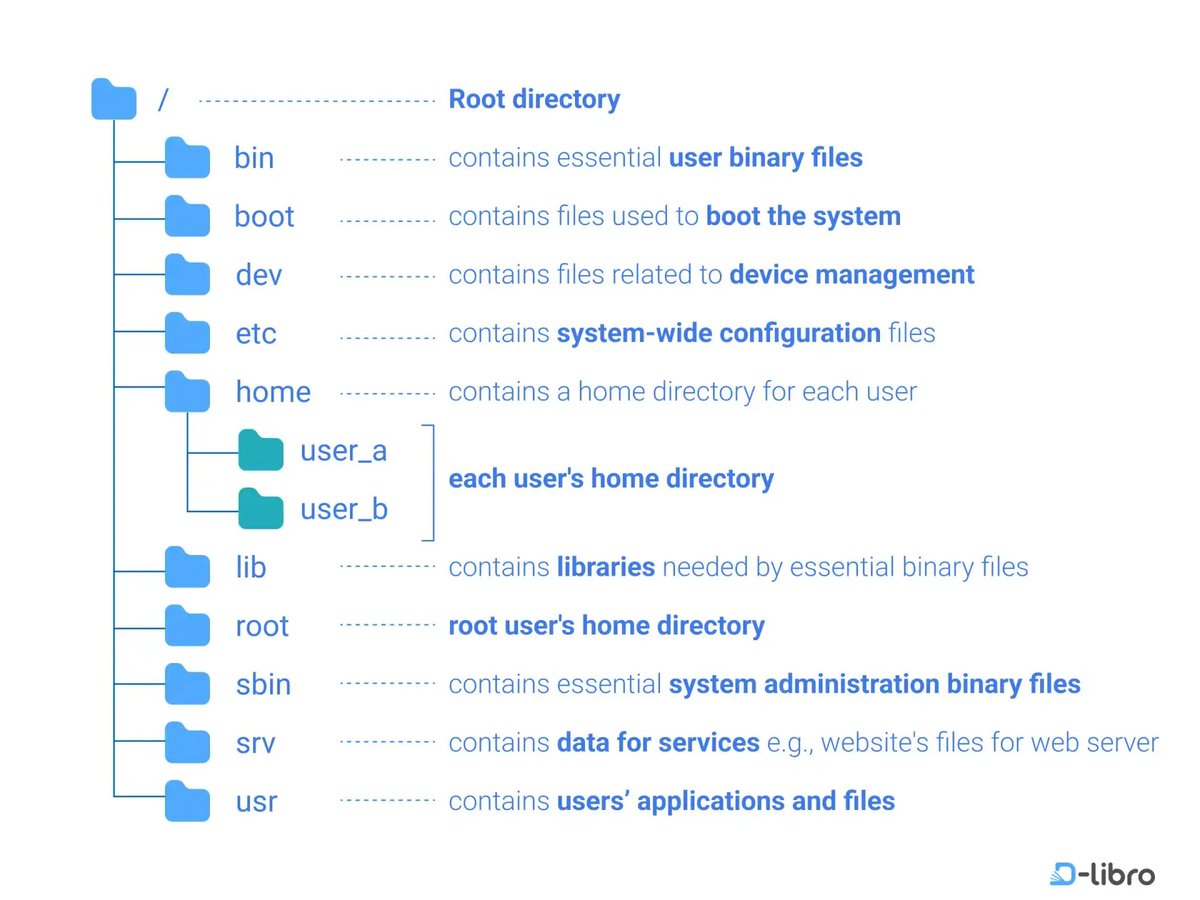
🐧 Understanding the Linux Directory Structure: A Beginner's Guide
If you’re new to Linux or exploring the world of Unix-based systems, one of the first concepts you’ll encounter is the directory structure. Unlike Windows, which uses drive letters (like C:), Linux uses a single hierarchical directory structure starting from the root directory (/).
Let’s break it down folder by folder, as illustrated in the diagram above:
---
🌲 / — Root Directory
The root of everything. All files and folders stem from here, similar to the trunk of a tree. It contains essential system folders and serves as the starting point of the file system hierarchy.
---
📁 /bin — Essential User Binary Files
This folder holds essential command binaries (programs) that are required by all users. Examples include commands like ls, cp, mv, and cat. These binaries are necessary for the system to operate in single-user mode.
---
📁 /boot — Boot Files
Contains all the files needed to boot the Linux system, including the Linux kernel (vmlinuz), initial RAM disk (initrd), and bootloader configuration files like grub.
---
📁 /dev — Device Files
Represents devices as files (yes, in Unix, devices are treated like files!). It includes entries like /dev/sda for hard drives and /dev/tty for terminals. These virtual files provide an interface to hardware devices.
---
📁 /etc — Configuration Files
This directory contains system-wide configuration files, such as network settings, user account configurations, and startup scripts. For example, /etc/passwd contains user account information.
---
📁 /home — User Home Directories
Each user on the system has a personal directory here:
/home/user_a
/home/user_b
This is where personal files, downloads, configurations, and documents live. It’s the default workspace for regular users.
---
📁 /lib — Essential Shared Libraries
Houses shared libraries (like .so files) that support the binaries in /bin and /sbin. Think of it like .dll files in Windows — they're crucial for executing many programs.
---
📁 /root — Root User’s Home Directory
Don’t confuse this with /. This is the personal home directory for the root (superuser). It’s located outside /home for security and system recovery purposes.
---
📁 /sbin — System Binaries
Contains essential system administration binaries, used primarily by the root user for tasks like mounting drives, managing services, and checking disk usage. Examples: fsck, reboot, ifconfig.
---
📁 /srv — Service Data
Stores data for services provided by the system, like web servers or FTP servers. For example, a website hosted on Apache might have its files in /srv/www.
---
📁 /usr — User Applications and Files
The largest directory in most systems. It holds:
User programs (/usr/bin)
Libraries (/usr/lib)
Documentation (/usr/share/doc)
Header files (/usr/include)
Think of it as the secondary hierarchy for user-installed software.
---
🧠 Final Thoughts
Understanding the Linux directory structure is fundamental to becoming comfortable with Linux. It helps you:
Navigate the system confidently
Troubleshoot issues
Manage files and services effectively
💡 Pro tip: Use the tree command (if installed) to visualize your directory structure like the image above!
---
📌 Whether you're managing servers, learning DevOps, or just tinkering with Linux on your laptop, mastering the filesystem layout will pay off big time.
Do you have a favorite command or tip related to Linux directories? Share it below! 👇
#Linux #LinuxBasics #SystemAdministration #OpenSource #DevOps #FileSystem #RootDirectory #LinuxForBeginners
10
94
5,106

24 Jul 2025
New to Linux? Try RefreshOS – a fast, beginner-friendly distro built on Debian with KDE Plasma.
No Snap. No Flatpak. Just clean, functional Linux. ⚡🐧
🔗 opensourcefeed.org/distribut…
#Linux #Debian #KDE #FOSS #LinuxForBeginners #RefreshOS via @RefreshOS
1
4
8
383

28 Jun 2025
Are you sick of reading cryptic manuals and boring articles for learning Linux? Look no further, because you can learn Linux by playing games. It's not only fun but also quite engaging. Moreover, all of them are free to play, and some are even open-source.
share.google/b6kaIFDSmisYOTk…
#Linux #LinuxForBeginners #geekslife
1
3
150

28 Jun 2025
People say Linux is hard… Let me prove them wrong in 60 seconds.
This will make you comfortable with linux 🐧
#linuxforbeginners #CyberSecurity #linuxtips #Storytelling
6
1
11
414

18 Jun 2025
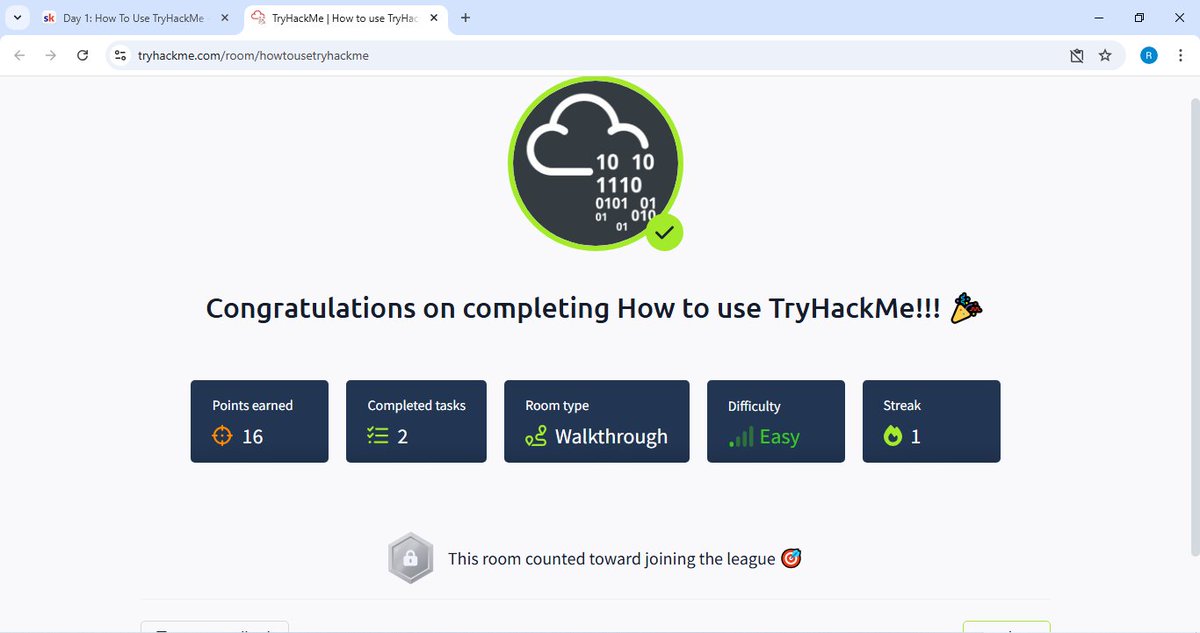
Interested in cybersecurity? This community's got your back! Click the link to join! skool.com/cyber-careers-comm…
#CybersecurityJourney #21DayChallenge #TryHackMe #LinuxForBeginners
@GladysAjih
1
2
3
191
Disclaimer: This content is shared for educational purposes and is ideal for learners building Linux skills for ethical use in IT and cybersecurity.
#LinuxCommands #LinuxForBeginners #CyberSecurity #EthicalHacking #InfoSec #TerminalSkills #EducationOnly #ShellBasics
1
240

18 Apr 2025
Curious about #Linux but not sure where to start?
This lil’ penguin (Tux!) is your friendly guide into the world of open-source magic.
Ever tried Linux? Thinking about it? Drop your thoughts or questions below!
#LinuxForBeginners #TechTalk #OpenSource

1
3
53

13 Mar 2025
Best Linux Distro for Windows Users: Easy Switch Guide - Is Linux a Viable Alternative to Windows?... myscrappydays.com/news.php?s… #LinuxdistroforWindowsusers #BestLinuxdistro #SwitchtoLinux #LinuxMint #ZorinOS #EasyLinuxinstallation #Linuxforbeginners
2
2
181
13 Mar 2025
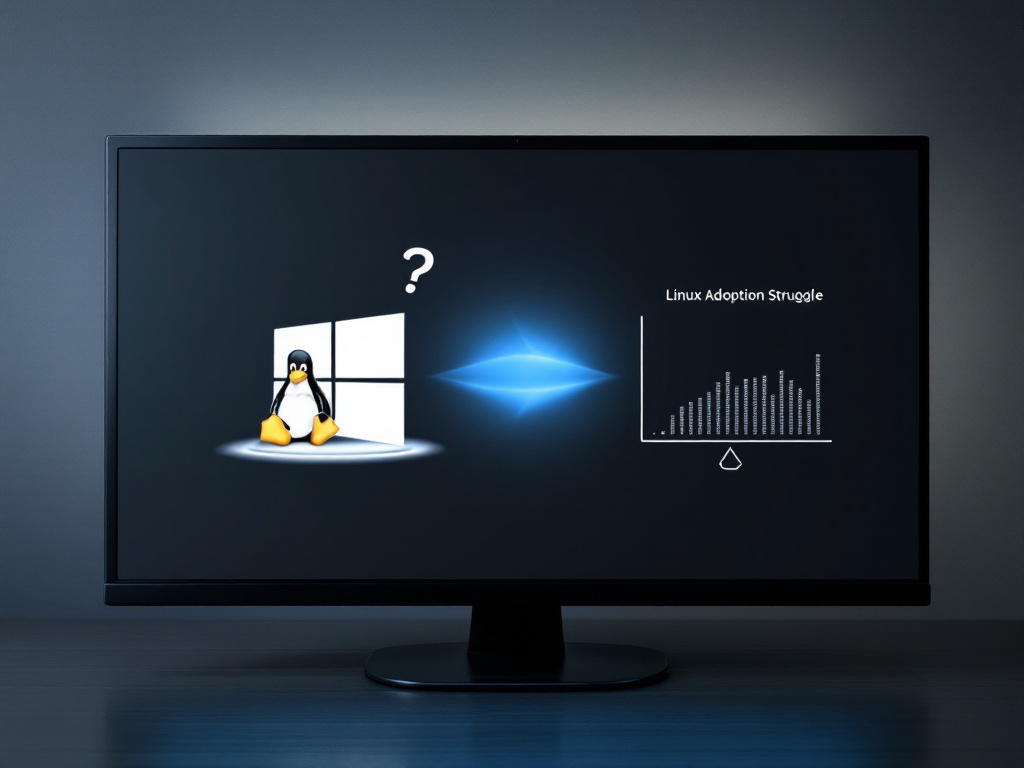
Why Linux Adoption Still Faces Challenges: Myths vs. Reality - Why Linux Still Struggles: Myths, Realities, and MisconceptionsIn recent years, the evolution of ope... myscrappydays.com/news.php?s… #Linuxadoption #LinuxvsWindows #Linuxforbeginners #Opensourcesoftware #Linuxgaming
2
2
28
14 Feb 2025
Jetzt online: "Linux Mint testen und ausprobieren auf Windows | VirtualBox Tutorial"
youtu.be/21gMm4WIBlk
#linuxguides #linux #windows #linuxmint #opensource #virtualbox #linuxforbeginners #tutorial
2
7
198
7 Feb 2025
Jetzt online: "Warum ich Zorin OS NICHT empfehle (sondern Linux Mint)"
youtu.be/JXl4Nj36VRo
#linuxguides #linux #linuxmint #zorinos #linuxforbeginners #opensource #linuxdistro
5
359

29 Nov 2024
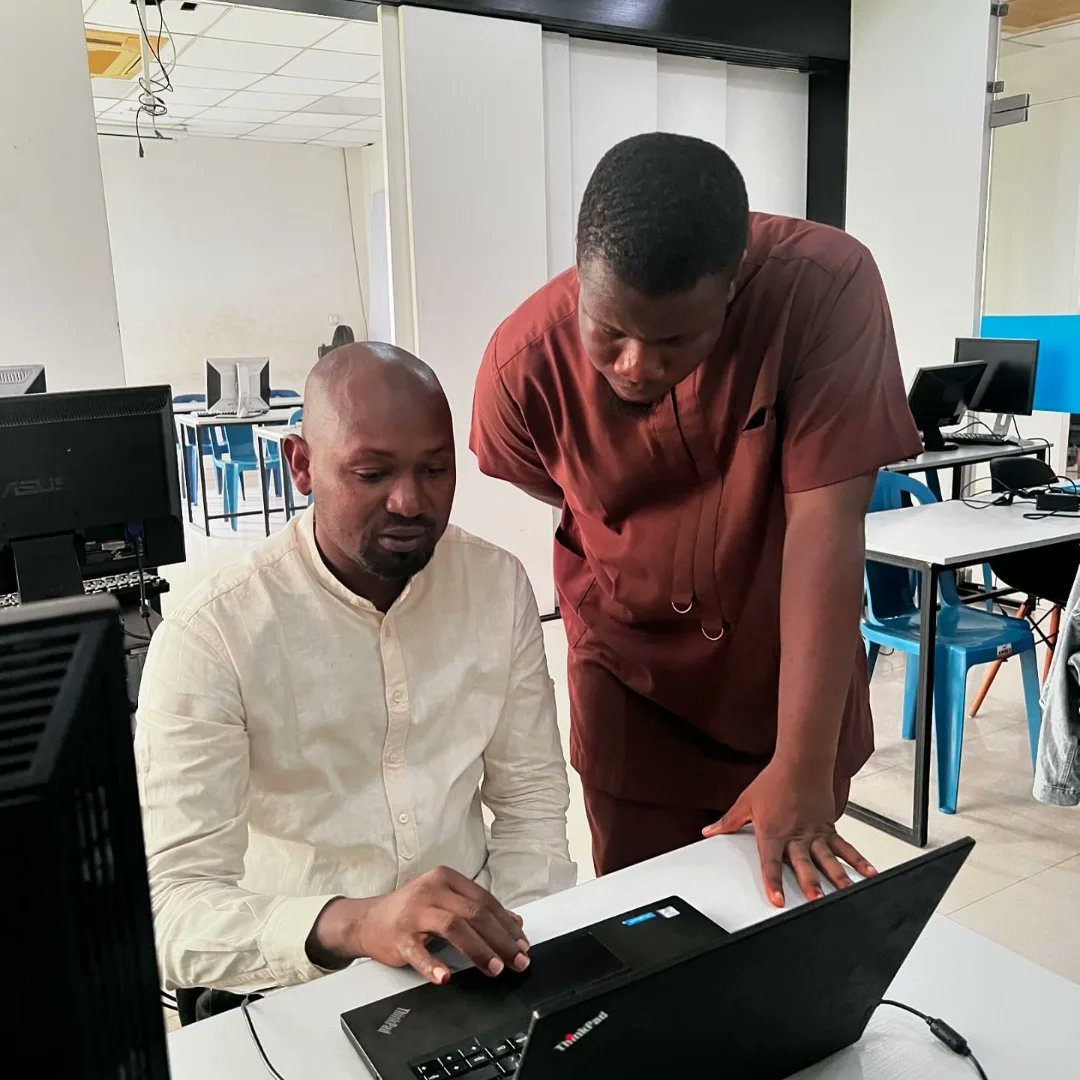
Diving into the world of Linux! Guiding my students through the basics of Linux Operation system and inspiring them to explore the world of coding
Linux: where coding meets creativity
#IntroToLinux #LinuxEducation #LinuxCoding #LinuxForBeginners #BayelsaTechHub #IDTech

1
2
43

🚀 Excited to present Linux 101: Linux for Beginners! Step into the world of Linux on 22 October. 🎉 Scan the QR code to register and stand a chance to win exclusive ACM swags! 🎁 Certificates for all participants. #Linux101 #ACMEvent #LinuxForBeginners

1
6
74