
Jun 13
「WordPressを触りたいけどサーバー代が…」と悩む情シスの卵の方へ特に届けしたいnote記事を追加しました!
Webサイト構築記 ~02.パソコンに「0円」でWordPressを立ち上げる~
note.com/eizok_a_jsys/n/n853…
#WordPress #0円 #ローカル #LocalWP #Webサイト
52

Jun 12
I love the simplicity of downloading a whole WP site backup locally, then working on it with an LLM locally which has full db and file system access. Then creating a backup and restoring that to live once I’m happy with the changes. I currently host my local sites using localWP. Fable, help me create a design for an automated workflow or process or end to end system to do this without the hassle. Make no mistakes.
2
1
244


Jun 11
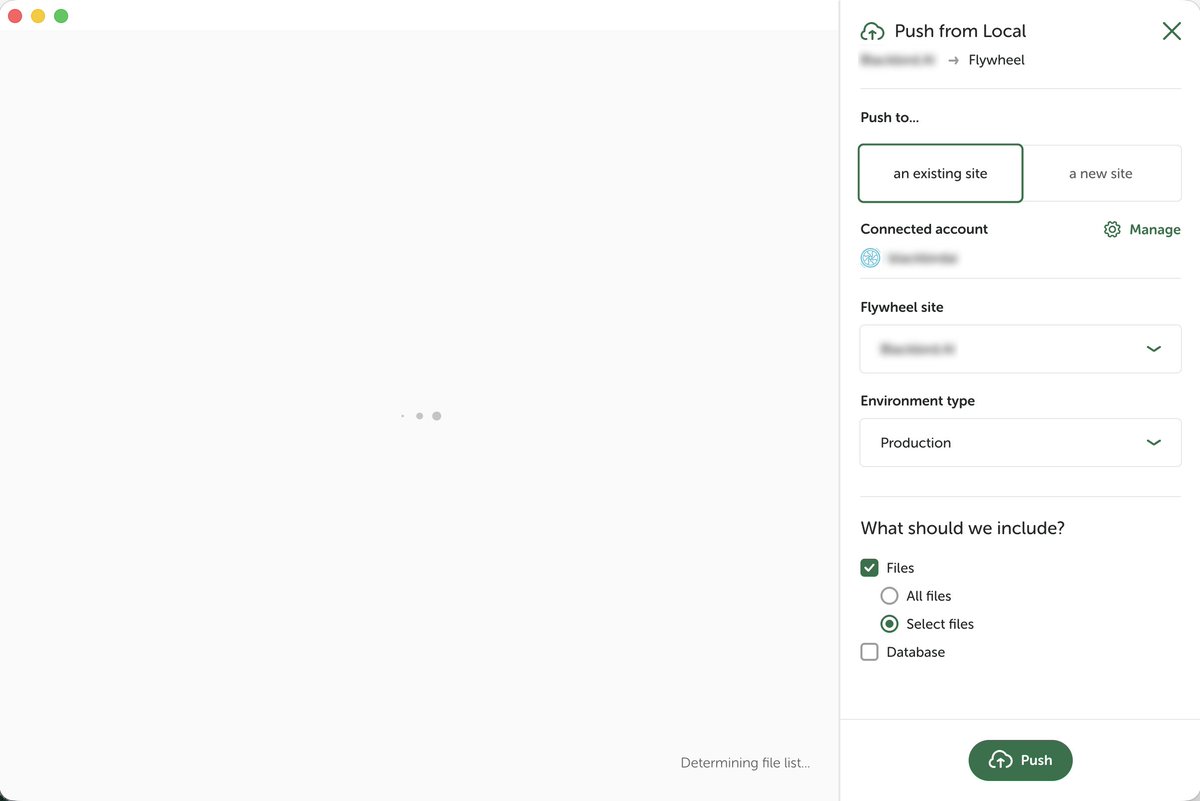
@LocalWP I can't seem to push select files any more. I've tried restarting the app, restarting machine, updating local, uninstalling local, downloading a fresh copy and reinstalling. Mac OS running Tahoe 26.2.
1
13


You do not always need LocalWP.
Use LocalWP if you want to practice or build WordPress on your computer first. But if you already have hosting, you can install WordPress directly from your hosting dashboard.
LocalWP is for local practice. Hosting is for a live website.
1
1
19

Jun 4
Need to someone to put me on Wordpress so bad. Downloaded LocalWP few days ago thinking it could be self explanatory navigating through the environment, unfortunately I ain’t getting sh!t😭
1
3
14
115

May 30
- Use LocalWP to get current copy of marketing site
- tell Claude desktop about the Spec site and how best to use it to prompt Claude Code
- add the MCP
- Start in Claude Code (VS Code)
- turn on /remote-control
- watch audit happen from my phone while in hot tub
I gave Claude WP CLI access and permission to write mini plugins or update DB for whatever it can do or write to a final audit results file for what it thinks I will need to take action on
It’s just a local copy of the site that can be quickly replaced - let it rip, see what happens!
May 29

Launching specification.website.
A platform-agnostic spec of what a good website does: SEO, accessibility, security, agent-readiness, performance, privacy, i18n.
Every claim cites a source. Ships with a checklist, llms.txt, MCP server, and Agent Skill.
Free. Open Source.
4
21
2,344

May 30
Best results are not magic direct WordPress access. I treat Claude Code like a local dev: give it a wp-env or LocalWP repo, WP-CLI where useful, plugin and theme conventions, and a small testable task. It is strongest on hooks, CPTs, REST endpoints, blocks, and boring integration work.
3
77

Apr 24
Always a good option for local #WordPress!
@LocalWP, that is.
Apr 22

By the way, this setup uses @WordPress, @LocalWP, Neve FSE theme by @ThemeIsle, the @SimplyStaticWP plugin, @github and @sevalla_hosting
Quite a number of elements, but all working perfectly. 👍
2
145

Apr 22
By the way, this setup uses @WordPress, @LocalWP, Neve FSE theme by @ThemeIsle, the @SimplyStaticWP plugin, @github and @sevalla_hosting
Quite a number of elements, but all working perfectly. 👍
3
238

I built Dev Shortcuts — a Local WP add-on that lets you:
⚡ open Terminal instantly
🤖 launch Claude Code in theme or plugin folder
📋 copy paths
📂 reveal folders
Tiny tool, huge DX improvement.
github.com/aslamdoctor/local…
#WordPress #LocalWP
2
68


Mar 30
If there are things you don't like about WP (and there are plenty) Laravel does those things way better 😂😵
2
64
Mar 29
Has anyone tested running Studio at the same time as @LocalWP? I'm pretty much done with Local cause I can't do both, and need Herd running, and WP on Herd works but feels too tedious.
Mar 27

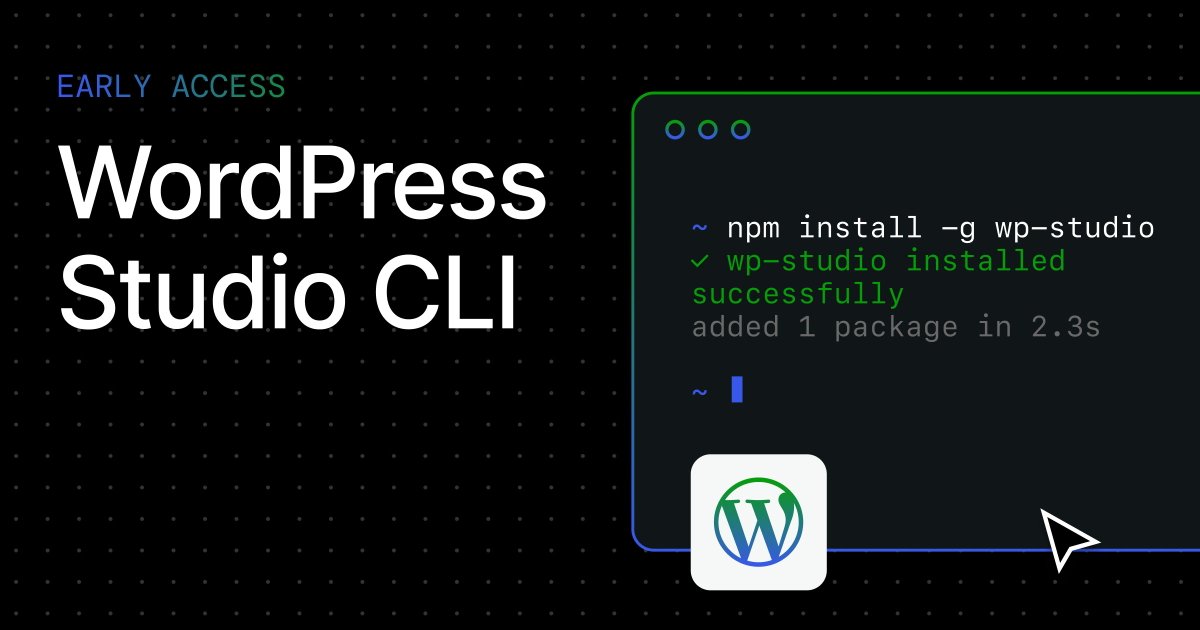
Early access! WordPress Studio now has an independently installable CLI.
One command to install: npm install -g wp-studio
And another to run WordPress locally, no desktop app needed: npx wp-studio
It works on Mac, Windows, and Linux and makes it easy for your AI coding tools to interact with Studio.
Sync, import, export, and more are coming soon. 👀 Free to install and use.
14
1
10
3,349

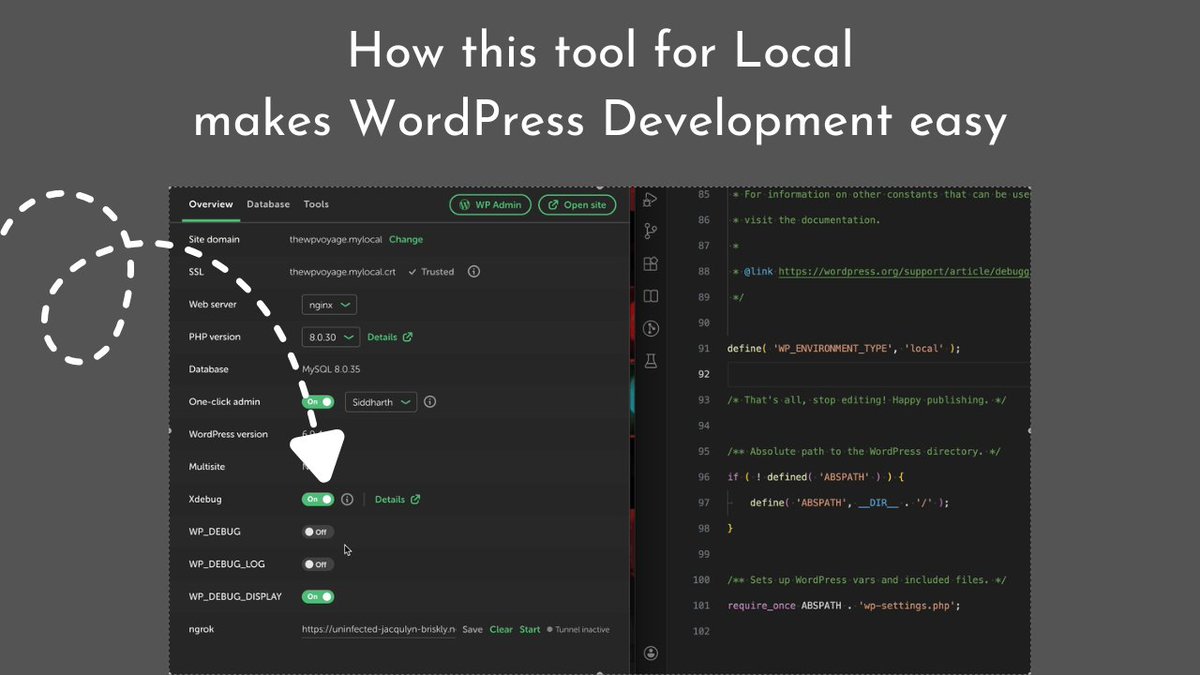
New video dropping tomorrow 9 am IST:
It's about a powerful addon for Local by Flywheel that can seriously improve your WordPress development workflow.
Stay tuned. 🚀
#WordPress #LocalWP #WebDevelopment
1
9
187
Mar 19
@LocalWP reached 10.0.0 today!
localwp.com/releases/10.0.0
This milestone release is centered around making #WordPress development workflows more resilient and portable. We’ve taken one of our most popular add-ons—Cloud Backups—and rebuilt it as a core, native experience.
Say goodbye to the extra steps. Cloud Backups are no longer an optional add-on that requires a separate installation nor a Local Hub account. Starting in v10.0, Cloud Backups are built directly into the core Local application, offering a faster, more reliable way to protect your work and move between machines.
1
6
154

New 🚀
A GitHub Copilot Chat participant (@localwp) that lets you query and manage your LocalWP sites directly from VS Code.
Available at marketplace.visualstudio.com…
3
108


Mar 6
1. Create local site in LocalWP
2. Open the folder in Cursor
3. Teach Cursor how to log into the site as user to run WP-CLI
4. Save step 3 as a reusable (personal, not project) skill.
5. Teach Cursor how to log into my live server. (SSH keys never have to be exposed to Cursor)
6. Build script to pull all files and database from live to local.
7. Make script reusable enough to implement on other live sites.
8. Save steps 6 and 7 to a personal skill.
9. Pull live site directly into LocalWP in a single command.
10. Make a bunch of changes to the local site. (add a page, change the theme, add some plugins, delete something old, delete something new, add it back)
11. Export the DB of the local site
12. Use the local DB dump and the live DB dump to train cursor on making a script to make safe DB changes.
13. Create a new script to push file and db changes back to live.
14. Test thoroughly (your created scripts should have dry-run functionality, and do your first real tests on a site you can restore a backup to)
15. Cry a little bit that this is so easy now.
Yes, I just did this, and the entire process took me about an hour.
Does this mean that tools out there that do this for users are dead? Absolutely not. You still have to have my level of understanding for how-this-all-works.gif for this entire process to only take an hour (that will be 30 seconds on the next site).
But man, agentic AI is pretty darn powerful.
5
1
15
1,246