
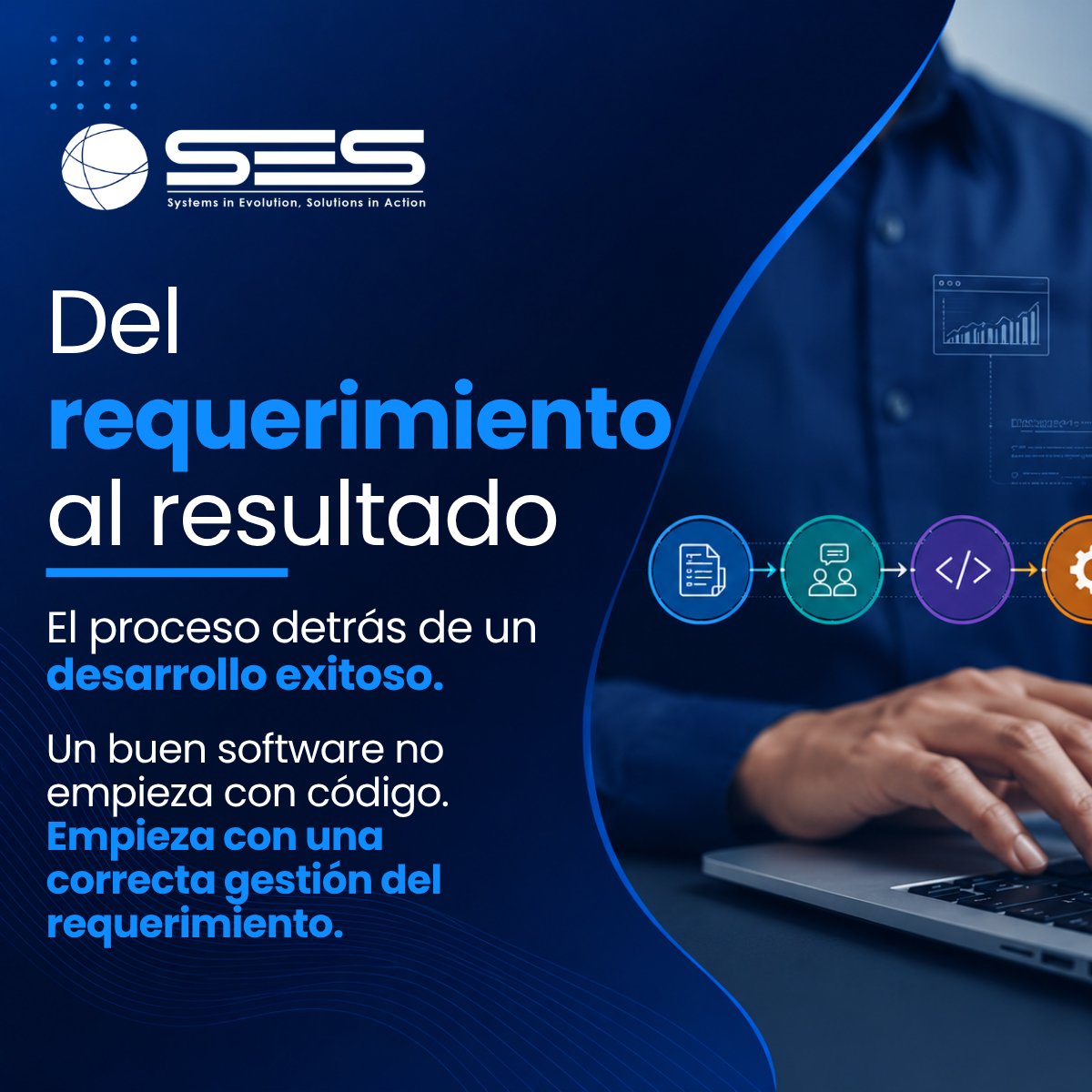
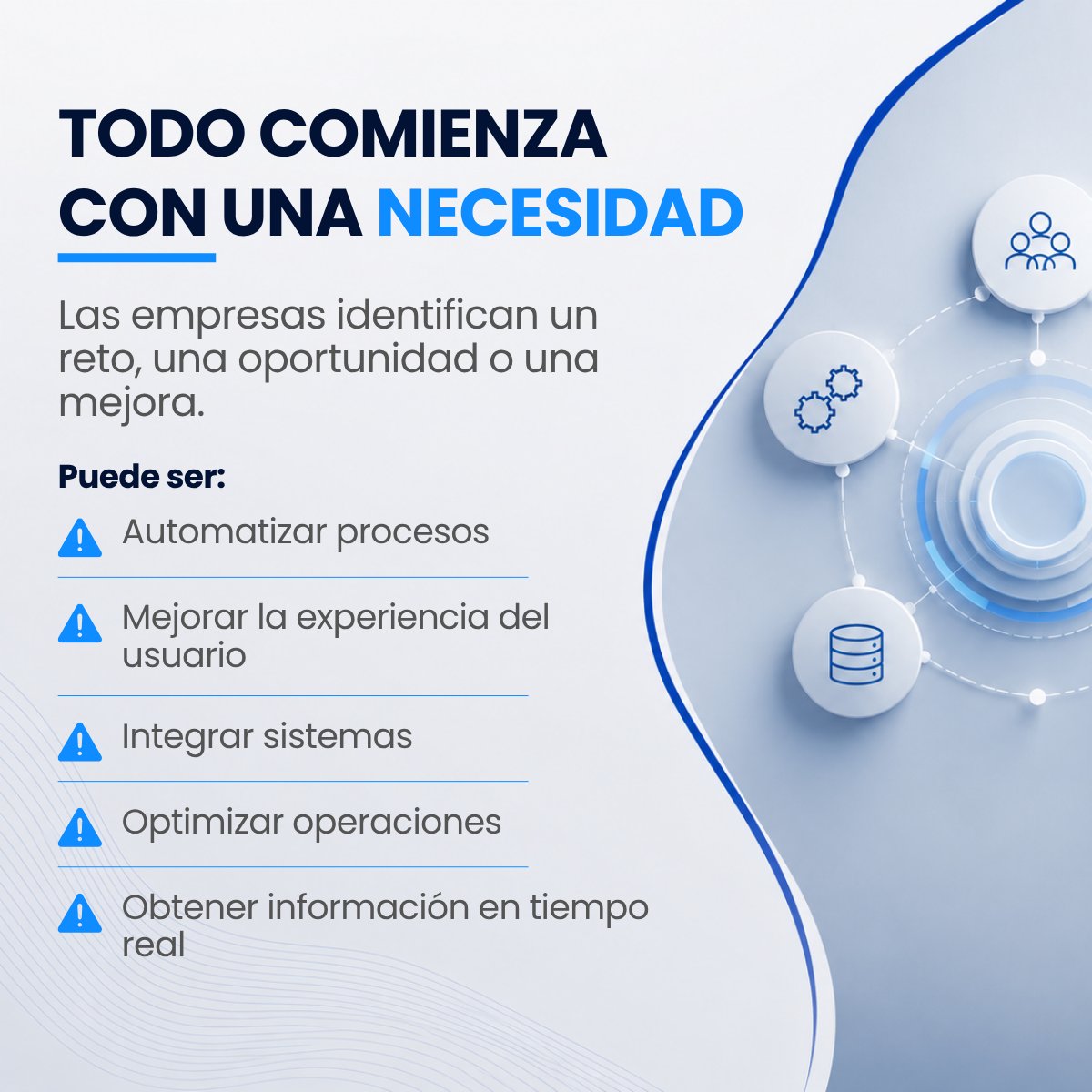
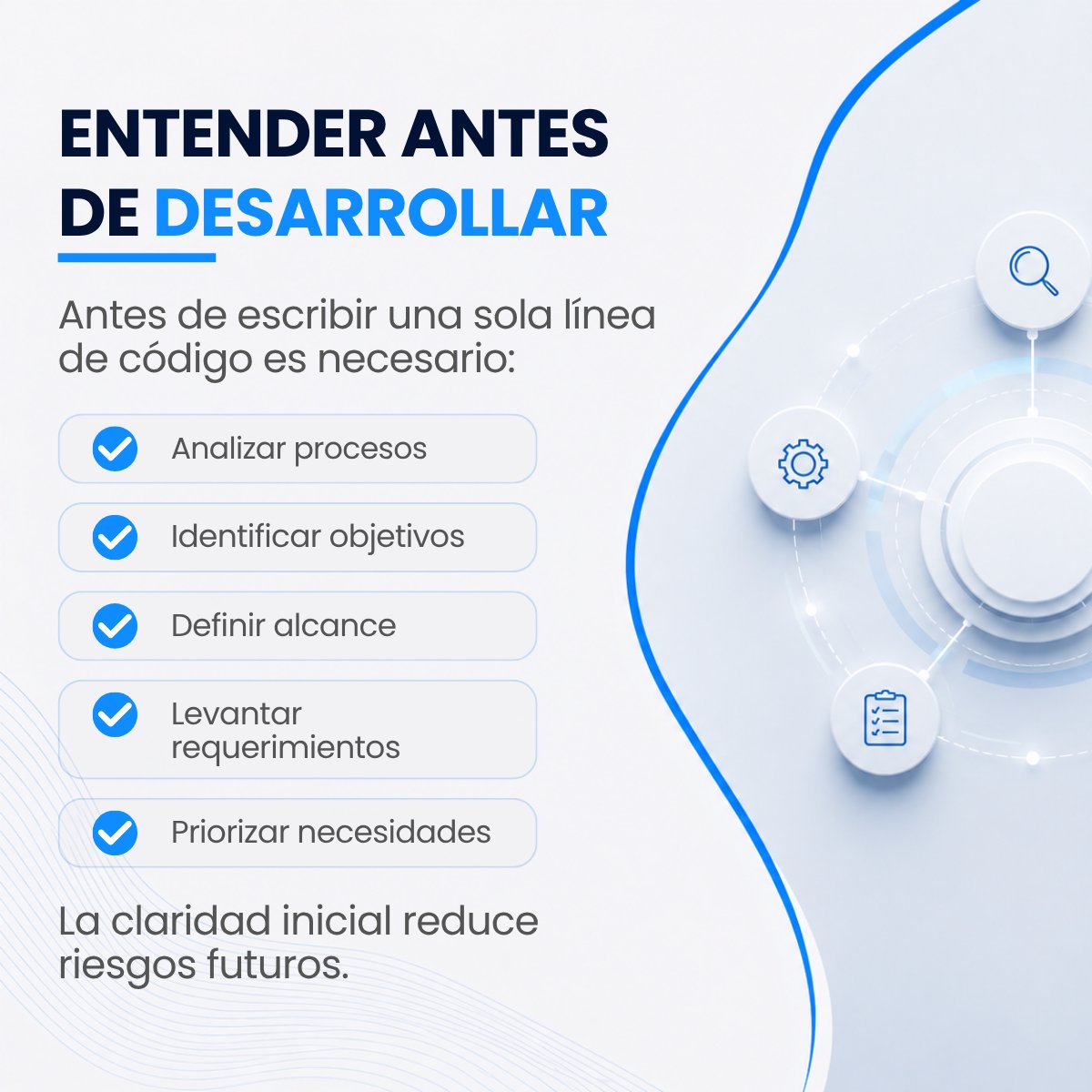
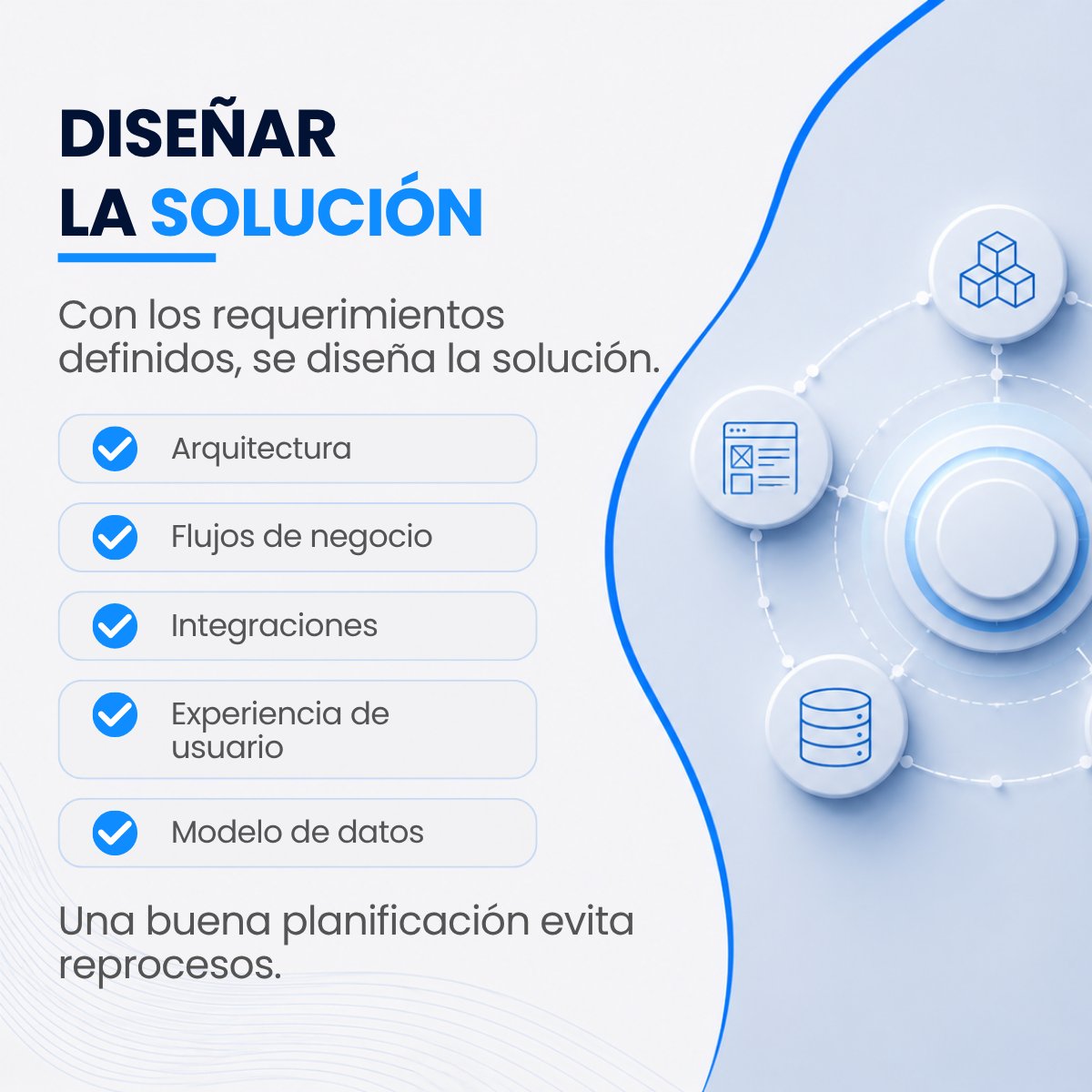
Del requerimiento al resultado, cada etapa cuenta. 🚀
Un desarrollo exitoso no comienza con el código, sino con una estrategia clara, una ejecución ordenada y una validación constante. Así es como las ideas se convierten en resultados reales para el negocio.
#SoftwareFactory
1
1
45
La innovación no se logra solo con ideas. Se logra con la capacidad de convertirlas en soluciones reales, rápidas y escalables.
🚀 Impulsa la innovación de tu negocio con equipos especializados y metodologías ágiles.
#SoftwareFactory #DesarrolloDeSoftware #TransformaciónDigital
3
5
85

ㅤ//
📢 RubyKaigi2026に参加しました③
\\
新卒2年目エンジニアが、Nate Berkopec 氏のセッションから、4種のLLMループのうち最も検証が複雑なSoftwareFactoryを、ClaudeCodeHookで部分的に再現した記事です!
#テックブログ #zenn #Ruby #rubykaigi #claudecode
zenn.dev/port_inc/articles/2…
1
1
2
103
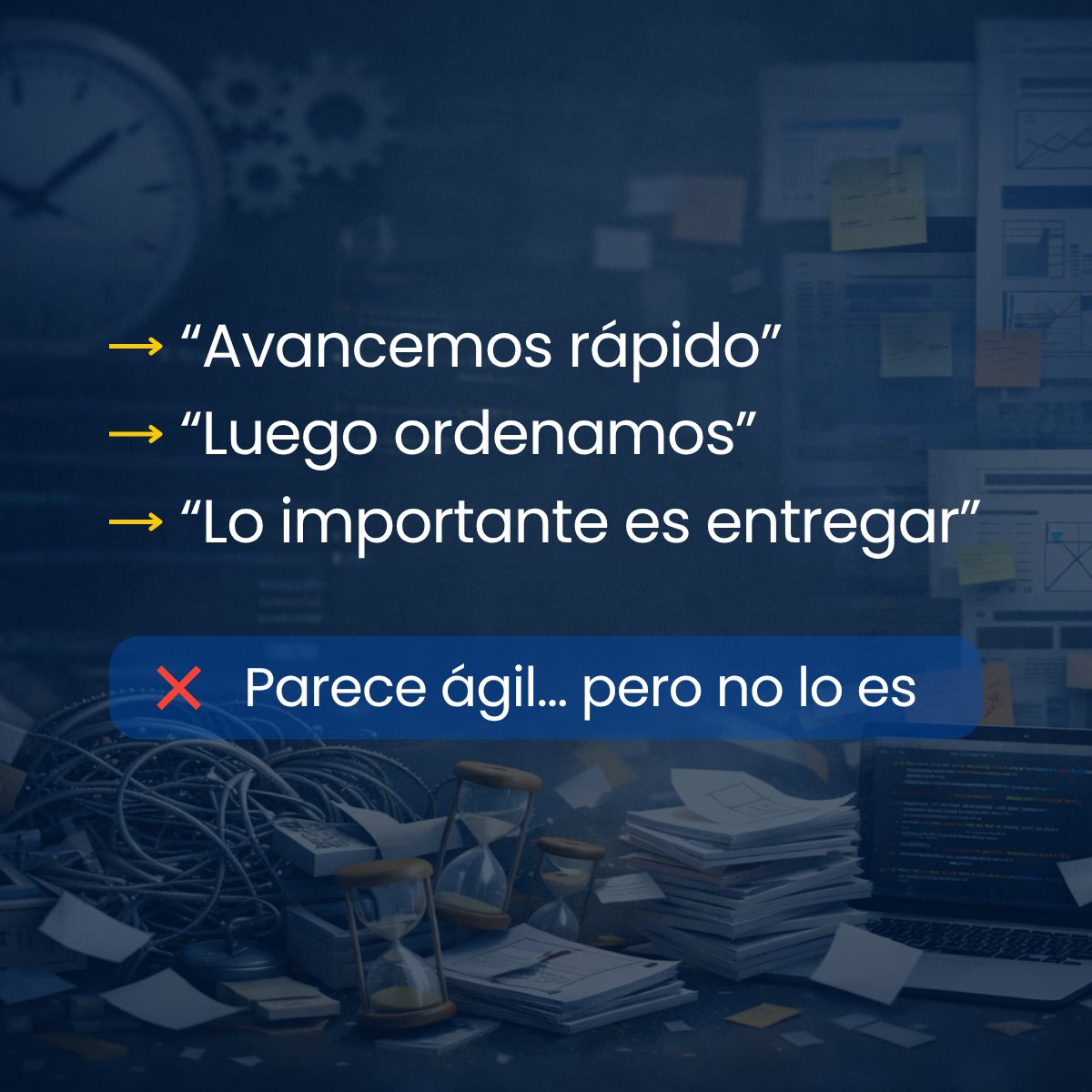
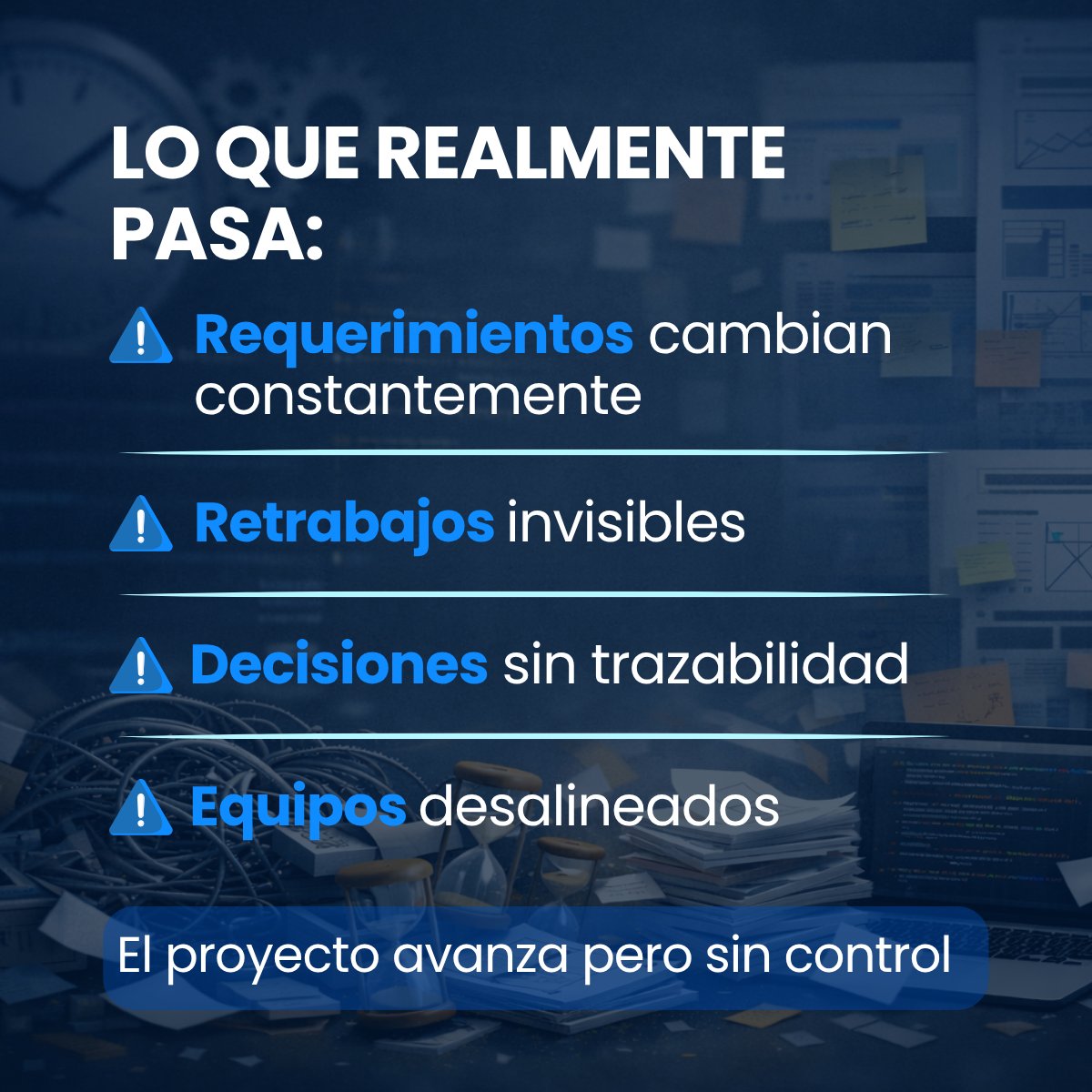
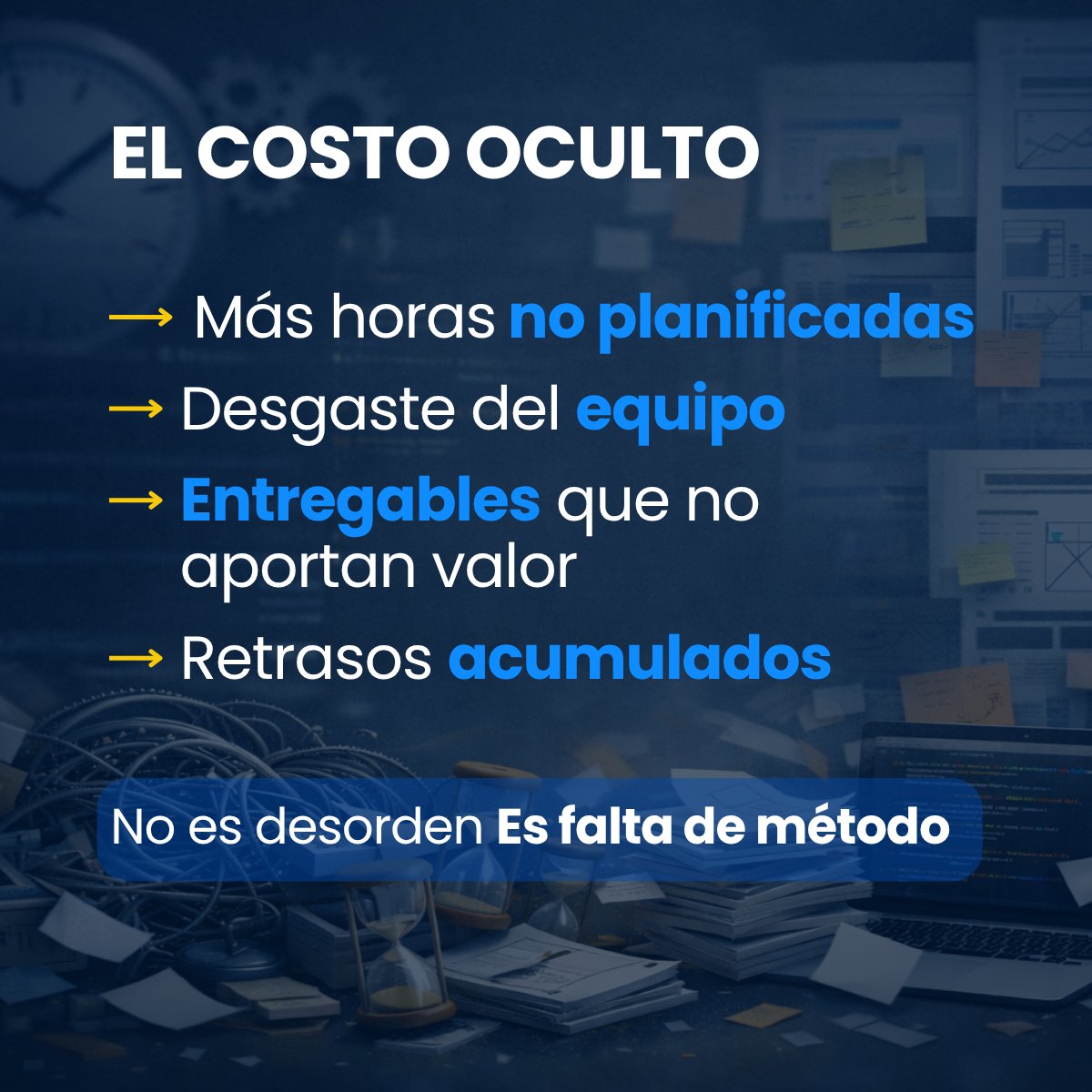
Desarrollar sin metodología no es ser ágil.
Es perder control sin darte cuenta.
👉 Ordenar antes de construir cambia todo: bit.ly/4oHolKK
#DesarrolloDeSoftware #TransformaciónDigital #MetodologíaÁgil #Tecnología #GestiónDeProyectos #SoftwareFactory

1
2
30

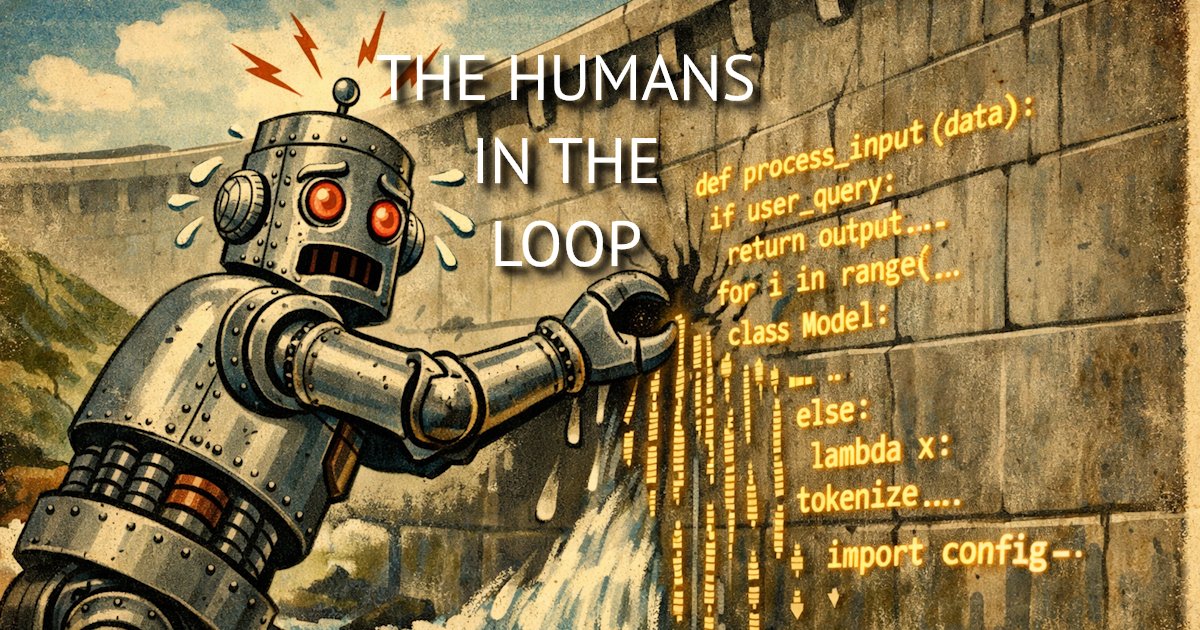
This week's #AI news for busy #developer teams covers:
- The #ClaudeCode leak
- Why #Pretext by @_chenglou is going viral
- @alexanderOpalic's overview of the #softwarefactory - How to opt out @github feeding your projects to #Copilot
thehumansintheloop.substack.…
1
2
95
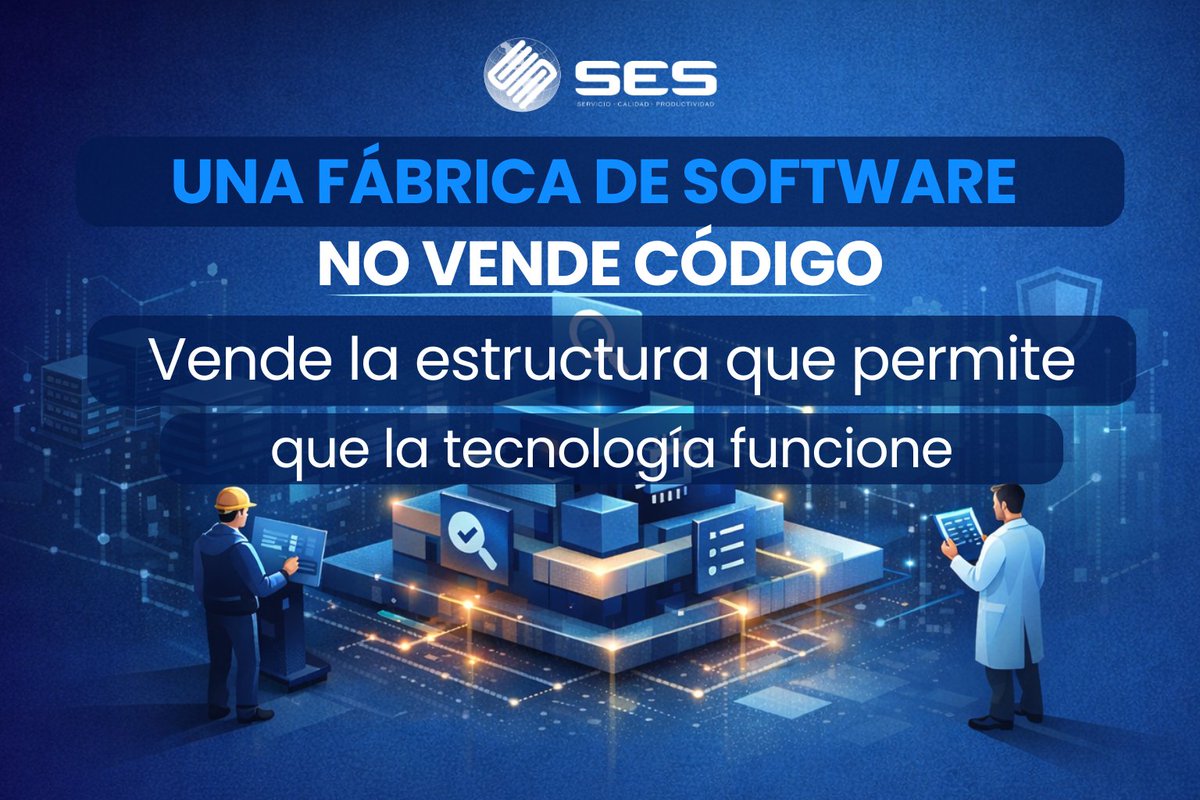
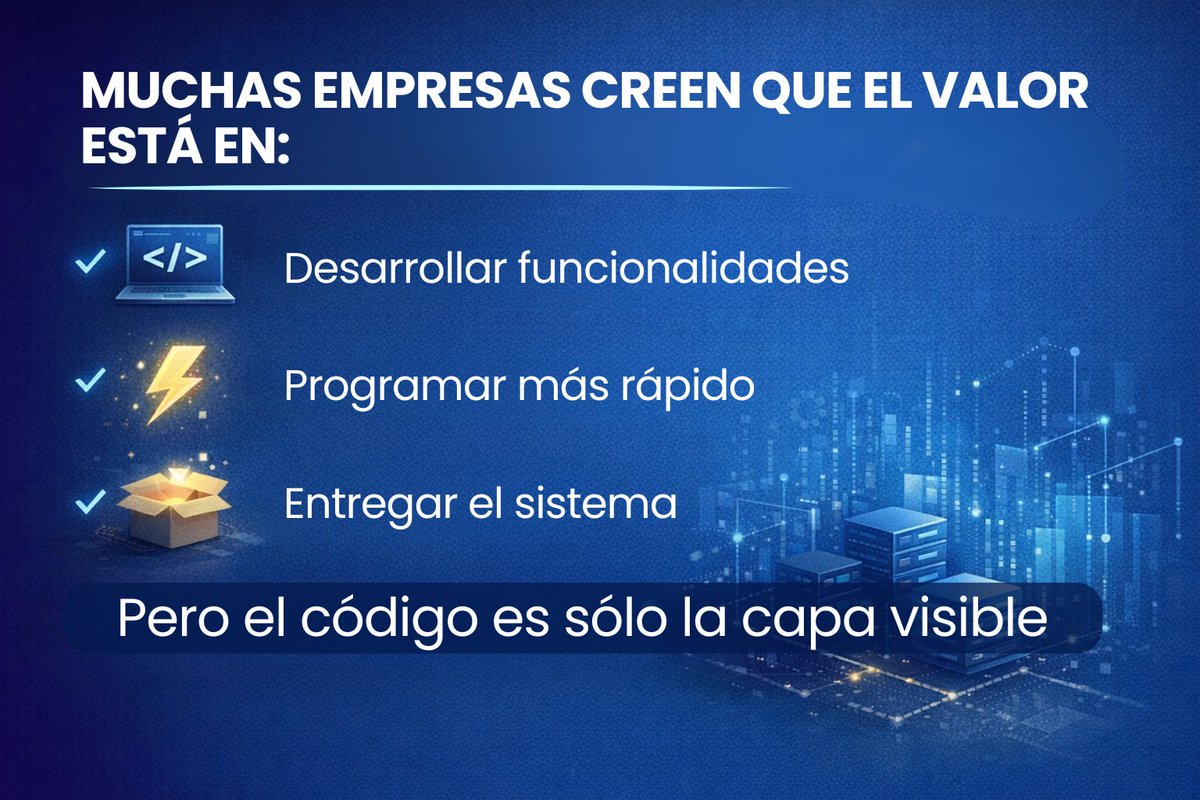
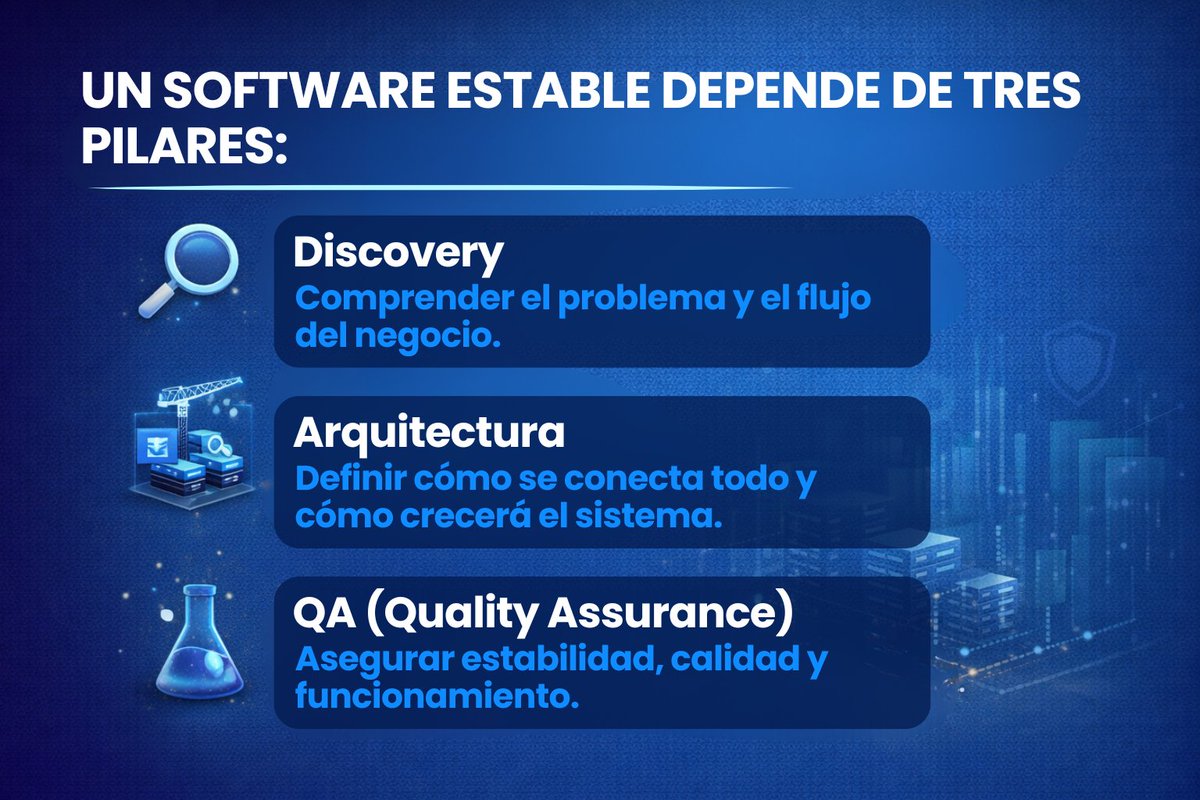
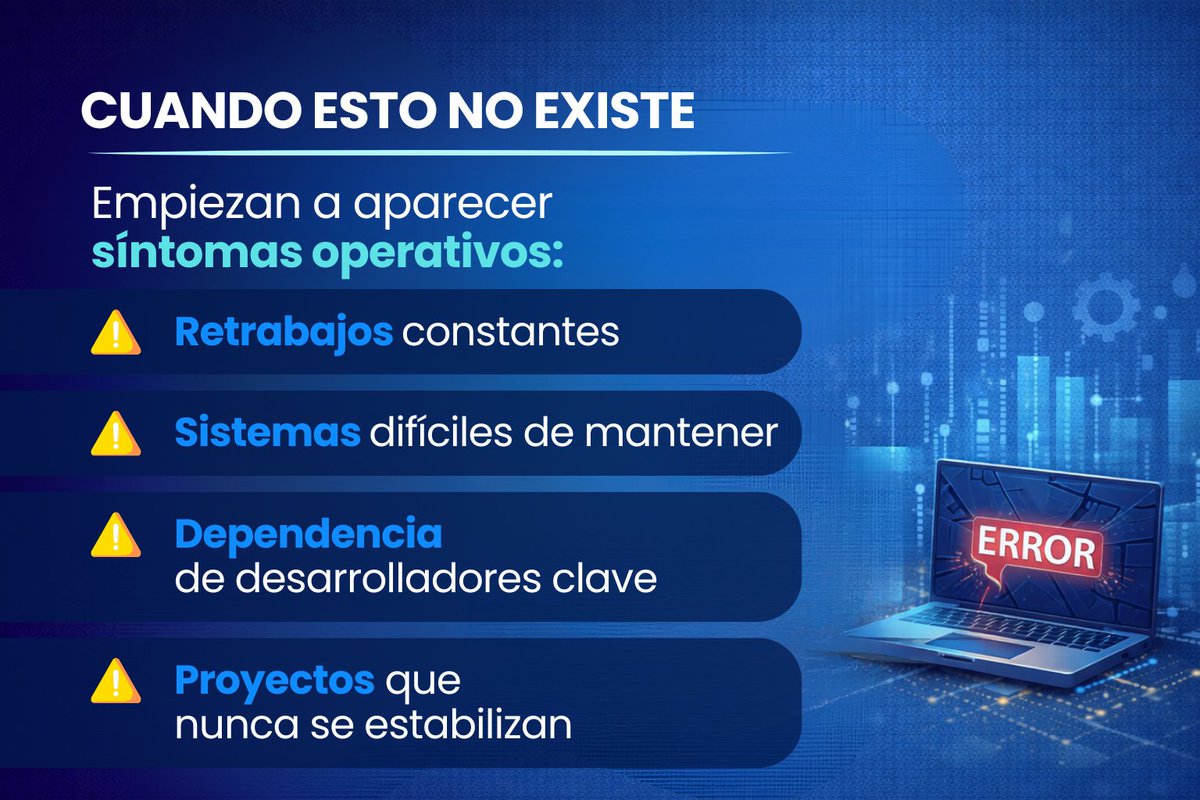
Muchas empresas creen que una fábrica de software vende código.
Ahí es donde la tecnología deja de ser desarrollo y se convierte en infraestructura para el negocio.
#SoftwareFactory #DesarrolloDeSoftware #ArquitecturaDeSoftware #QA #TransformacionDigital
1
2
14

Feb 15
Mach33 was developing a Agentic-IDE where requirements were the golden source - we started twos years ago and it’s incredible - since then @chamath and Software Factory have created a commercial version - so far it seems awesome and I’ll slow my internal effort down for now. I highly Recommend people look into the #softwarefactory. It’s the way.
1
2
147

16 Dec 2025
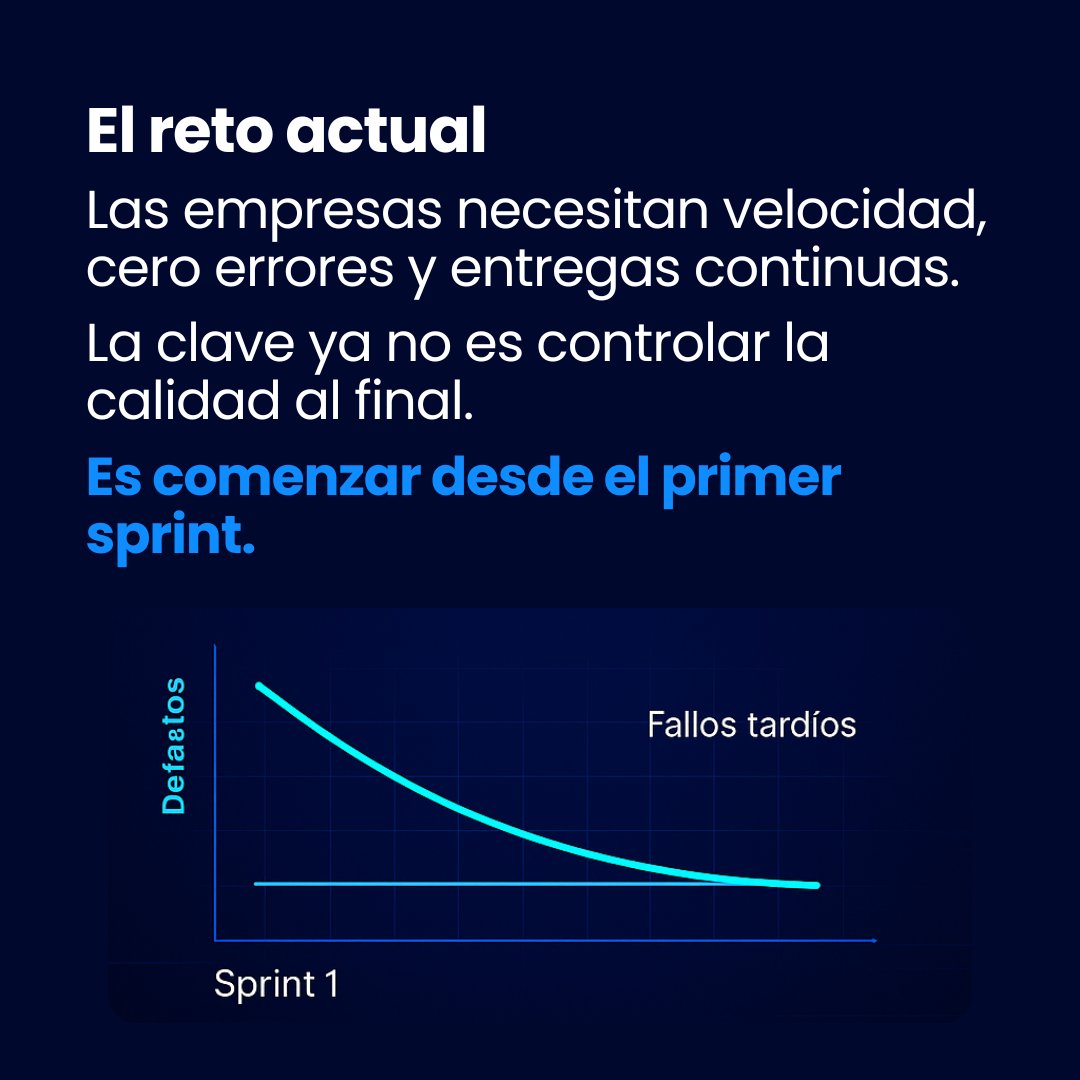
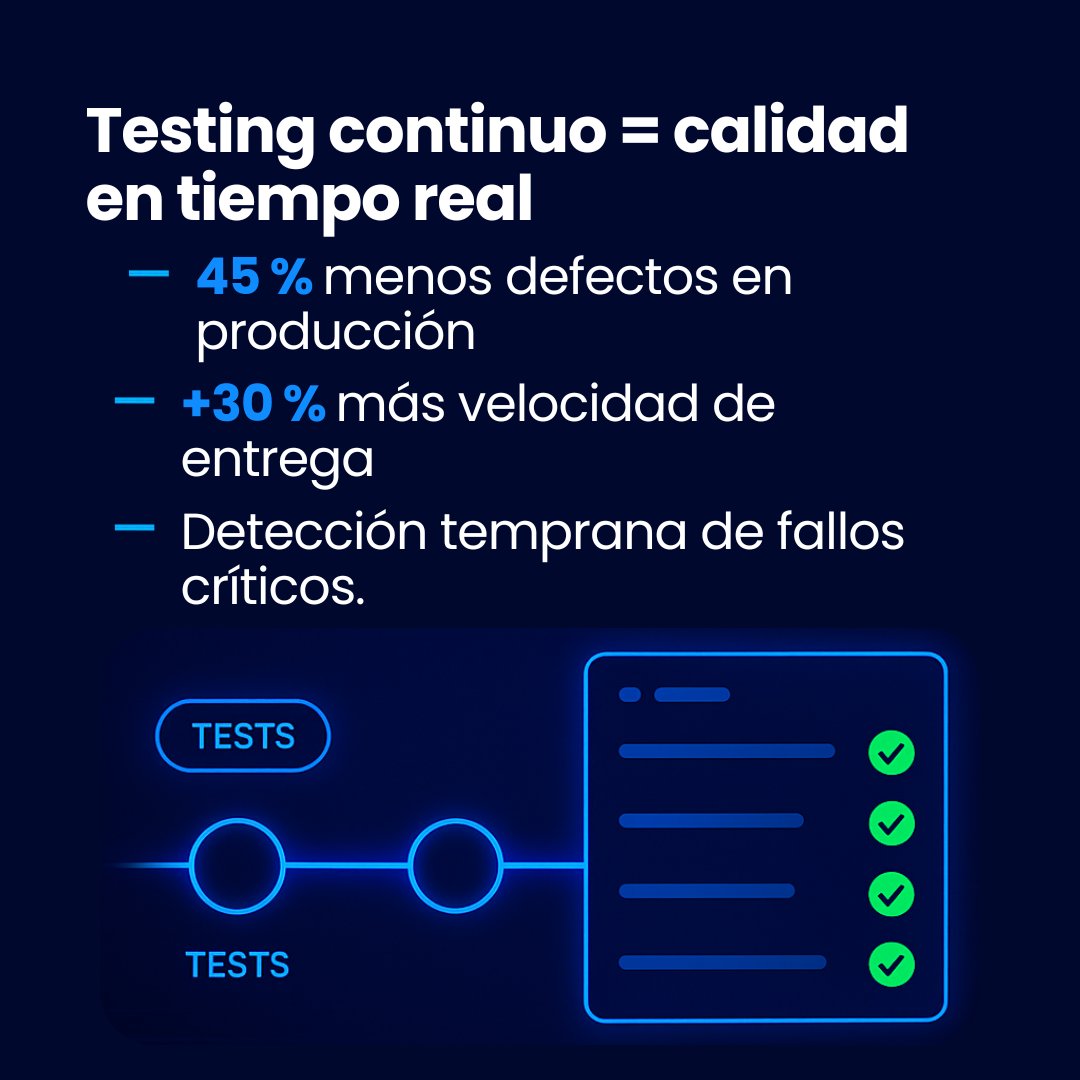
La calidad no es un resultado final: se construye desde el sprint 1.
👉 ¿Listo para transformar tus entregas? Conversemos hoy: bit.ly/4oHolKK
#SoftwareFactory #QAAutomation #TestingContinuo #DevOps #CalidadSES #TransformaciónDigital #Agile #ProductividadTI

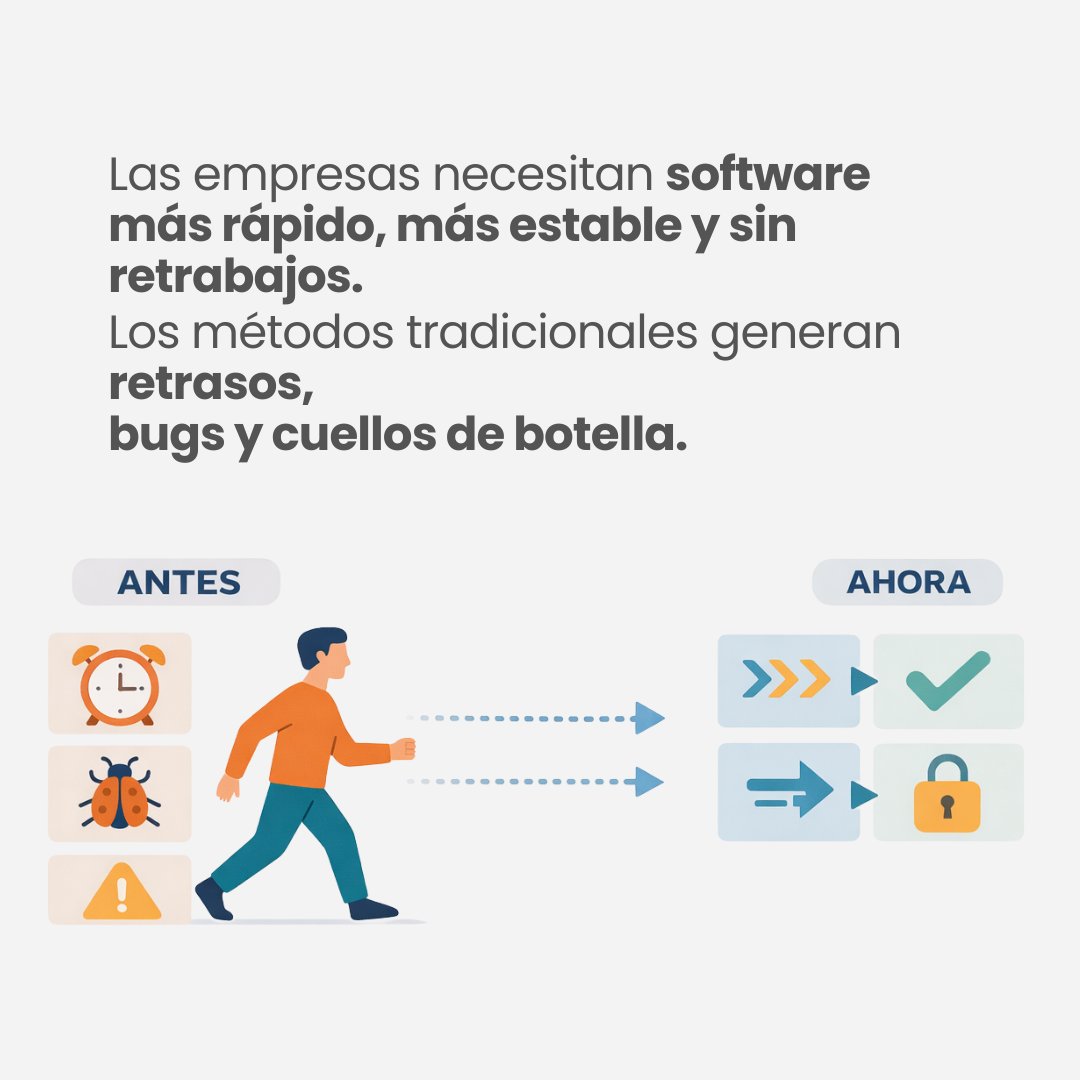
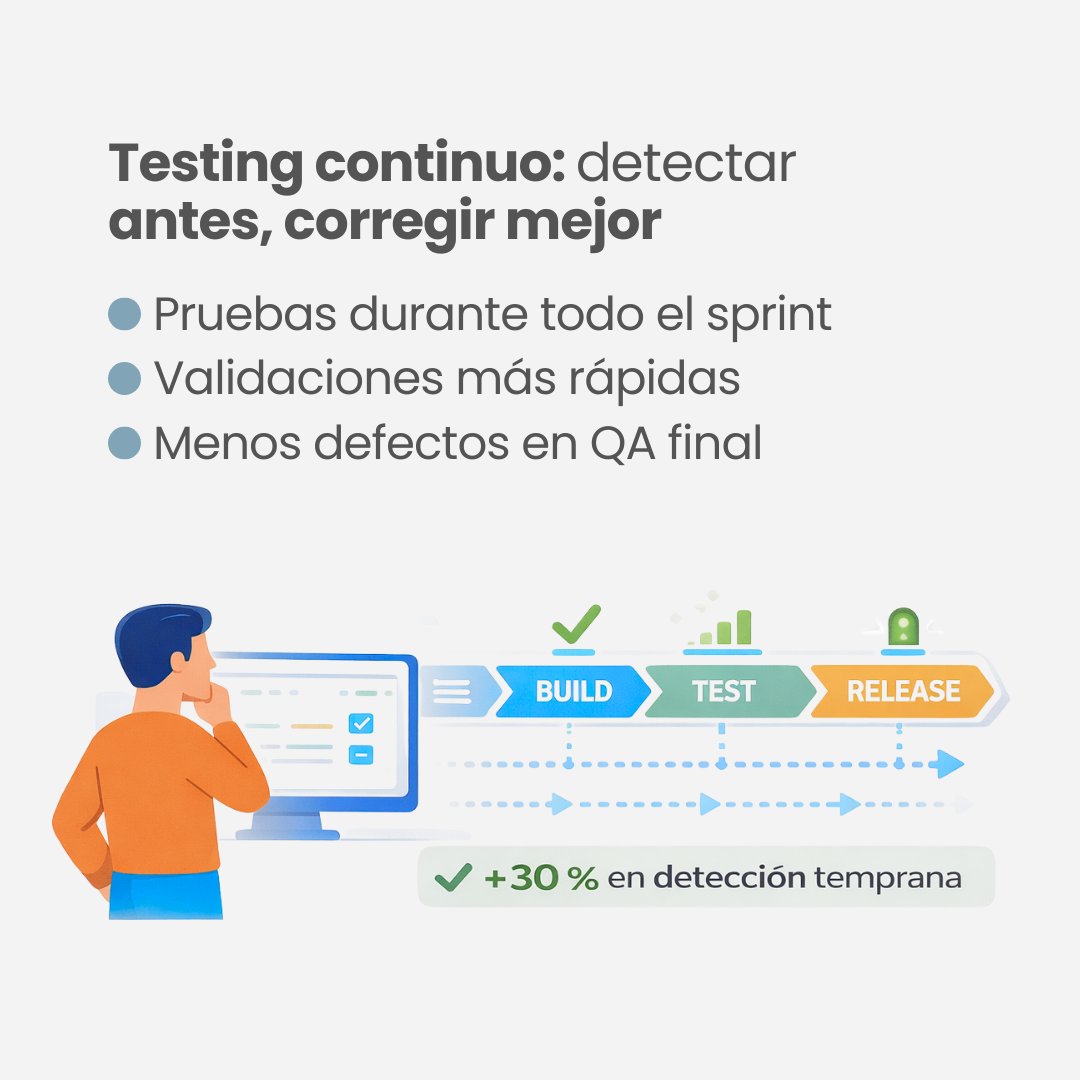
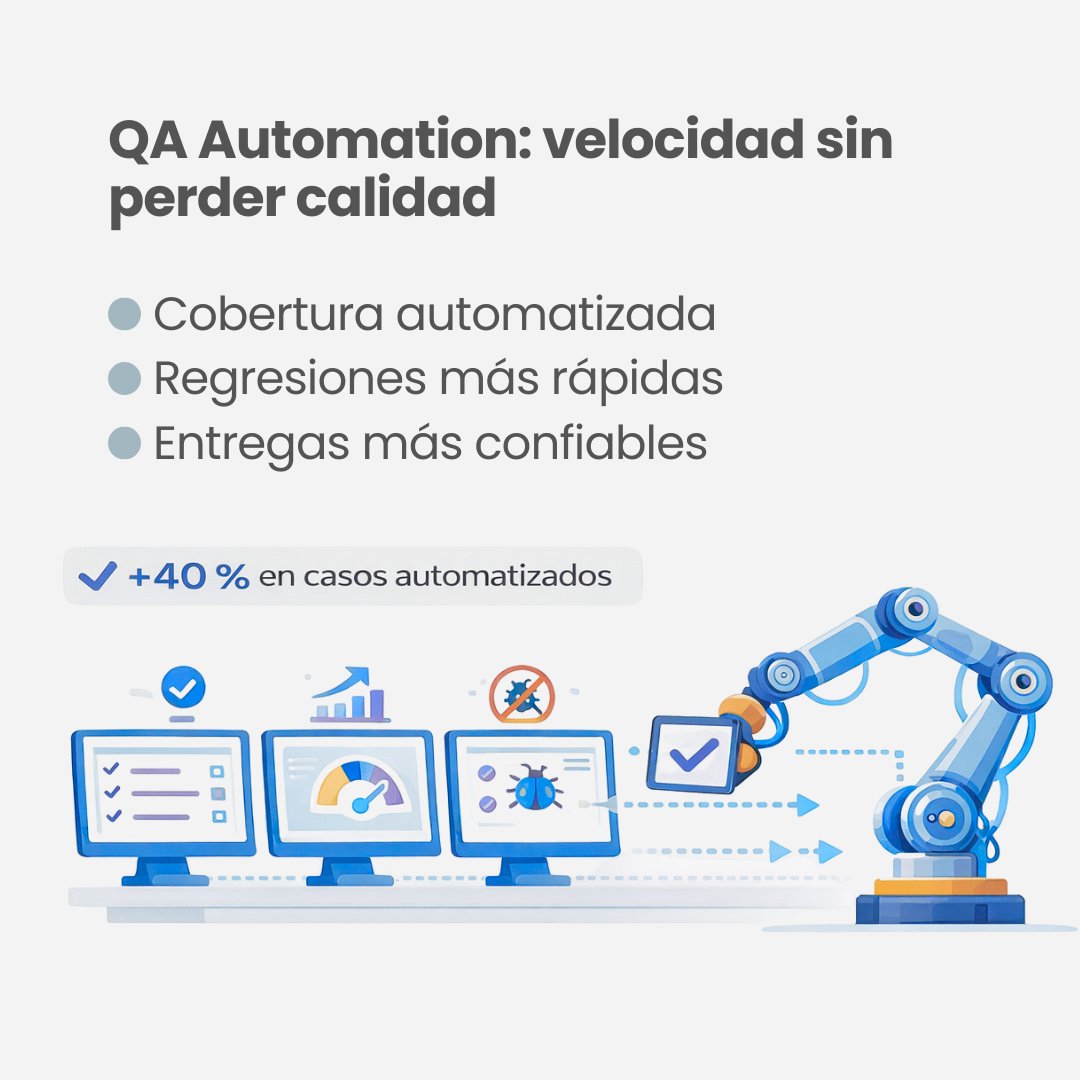
1
3
22
11 Dec 2025
🚀 El futuro de la Fábrica de Software comienza hoy.
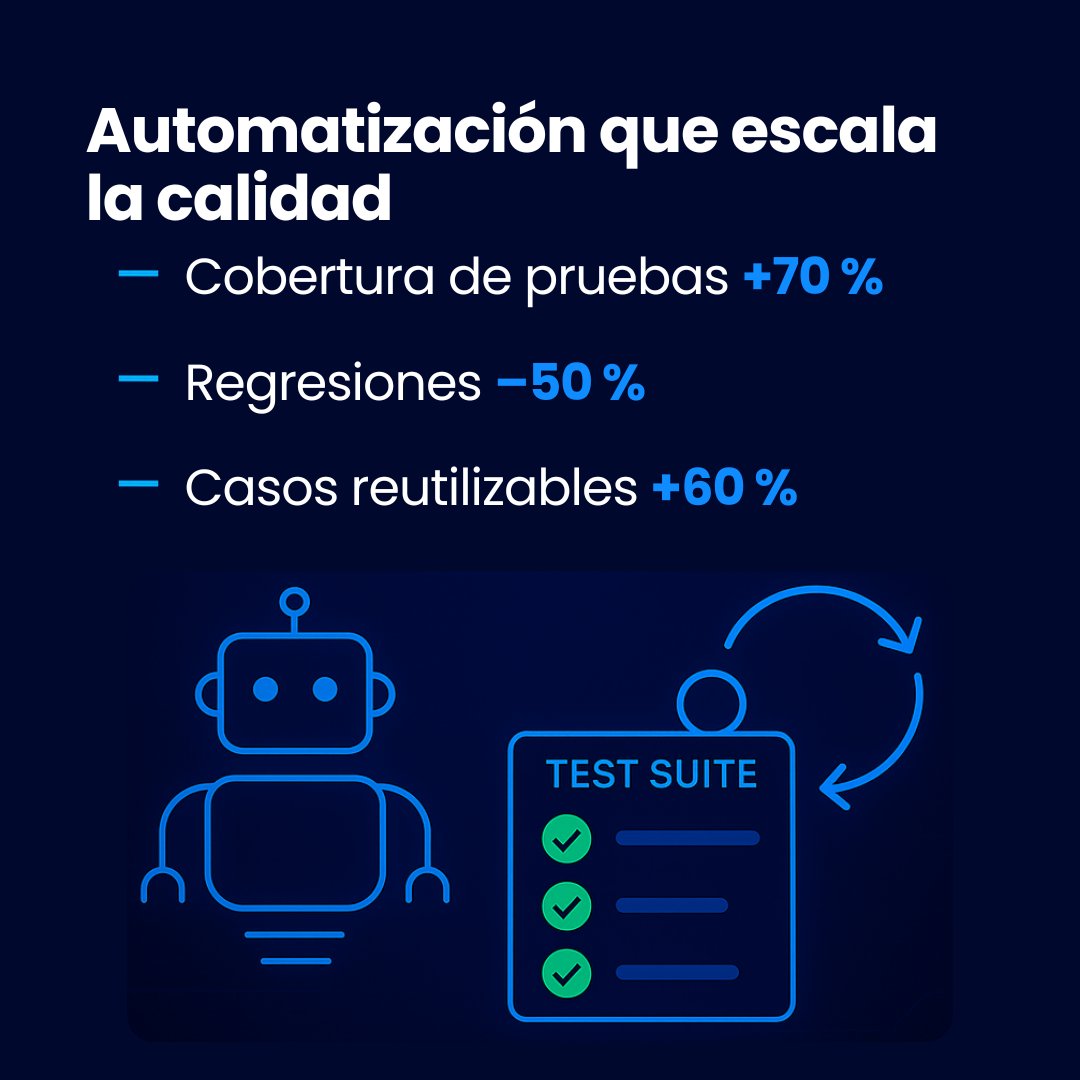
En SES integramos Testing Continuo, QA Automation y DevOps para garantizar
calidad real desde el primer sprint.
#DesarrolloDeSoftware #SoftwareFactory #QA #QAAutomation #DevOps #TestingContinuo
#TransformaciónDigital
2
4
35

28 Oct 2025
Te pide la anterior?
Anterior
Nueva
Nueva confirmar
Trabaje en softwarefactory y muchos productos salian con el wording pero sin la funcionalidas (ej esa regla)
3
638

14 Aug 2025
This isn’t “writing PRDs.”
It’s teaching an AI to read your mind, hardcode it into a living system, and run your company without you.
#AI #SoftwareFactory #FutureOfWork
14 Aug 2025

Inside Software Factory: The End-to-End Module Flow
Today, we explore Step 1 of Software Factory: Refinery.
Refinery takes a user from Chaos (raw ideas) to Clarity (a structured PRD).
Refinery is the first stop in Software Factory. It’s a workspace built for taking scattered product thinking and turning it into a coherent, evolving PRD.
What the User Sees at Start?
A versioned PRD document in a clean, simple layout with the necessary status indicators: versioning (v28), lifecycle tagging (“in production”) and ownership control.
They also get an assistant PM, labeled Refinery Agent to help you add and refine the PRD.
What the User Does?
- Starts with existing or new PRD content.
- Uploads supporting materials (PDFs, call transcripts, screenshots) using the upload tools.
- Types into the PRD directly, or sends a prompt to the Refinery Agent: “Summarize customer pain points from uploaded transcript”, “Suggest edge cases based on this spec.”
- The user doesn’t have to structure the doc manually, Refinery handles the mapping.
Transition to SF Step 2 (Foundry):
As the PRD reaches maturity (e.g. has goals, features, and scenarios filled in), the system proactively nudges the user: ✅ “Looks like this PRD is ready to be mapped into a system blueprint. Open in Foundry?”
More on Step 2 (Foundry) in the coming days.
Sing up and try it for yourself:
8090.ai/waitlist
1
323
14 Aug 2025
Everyone thinks PRDs are about documenting features. They’re not. They’re about mapping the source code of reality inside your company.
Step 1 of this “Refinery” is not just moving chaos to clarity. It’s converting human thought into machine-legible architecture. Every PDF, transcript, and screenshot you upload is raw signal. The AI is not summarizing … it’s translating cognition into executable systems.
The “Foundry” stage is the quiet nuclear moment. The instant your PRD hits maturity, the system doesn’t just nudge you. It’s asking for permission to blueprint the organism .. to hardcode your goals, features, and scenarios into a living system that can act without you.
This is not project management. This is company firmware flashing itself.
The ones who understand will build empires. The ones who don’t will wake up to find their ideas already running… for someone else.
#AI #SoftwareFactory #FutureOfWork
5
1,750

2 Jul 2025
🎯 Resultados que marcan la diferencia:
✅ Productos a tiempo y dentro del presupuesto.
✅ Innovación con tecnología de vanguardia.
✉️ Pide tu cotización en info@valorunico.cl y obtén de regalo una evaluación gratuita.
#desarrollodesoftware #softwarefactory #innovación
2
3
20
26 Mar 2025
✉️ pide tu cotización en info@valorunico.cl y obtén de regalo una evaluación gratuita.
#desarrollodesoftware #softwarefactory #innovación #valorúnico
2
1
2
22

21 Mar 2025
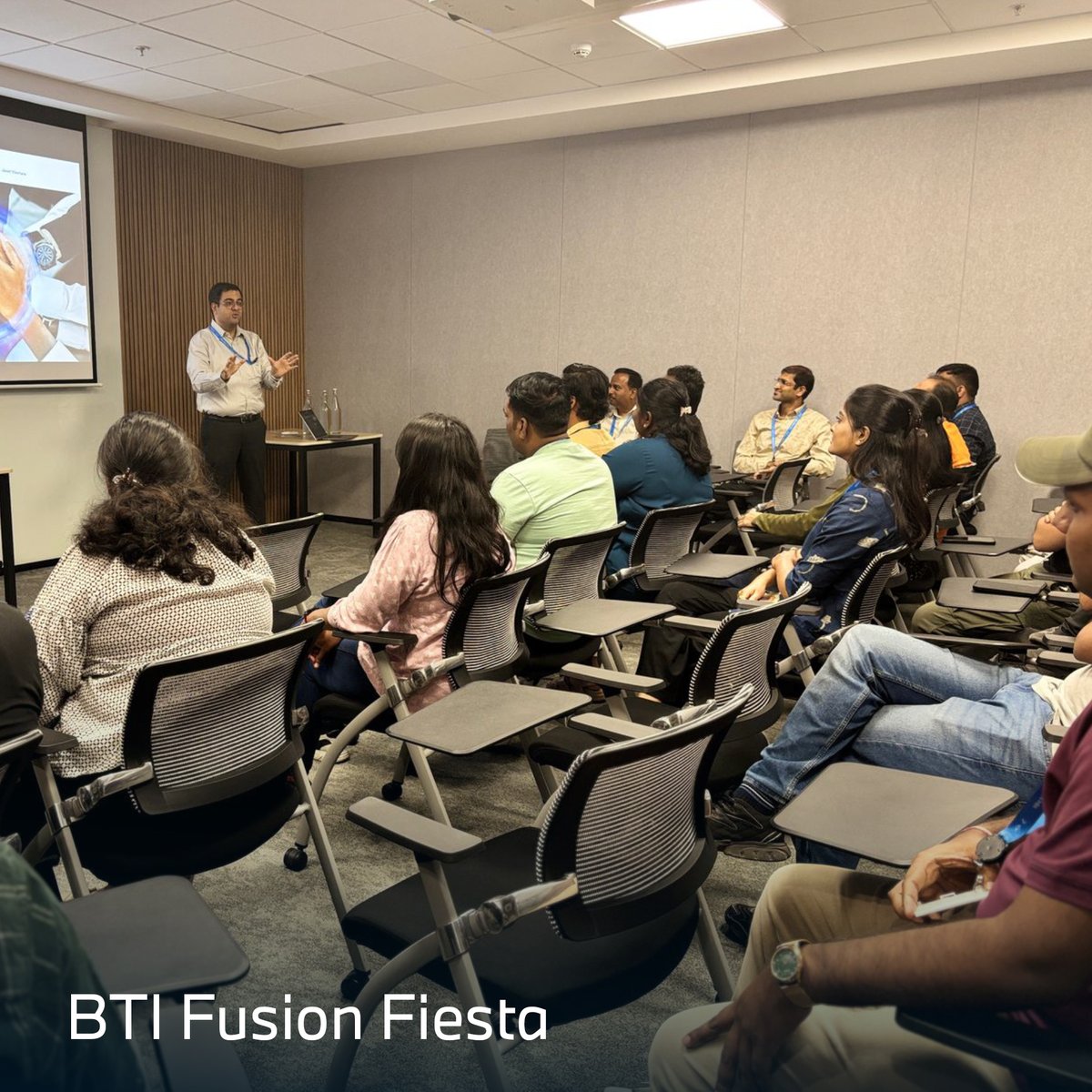
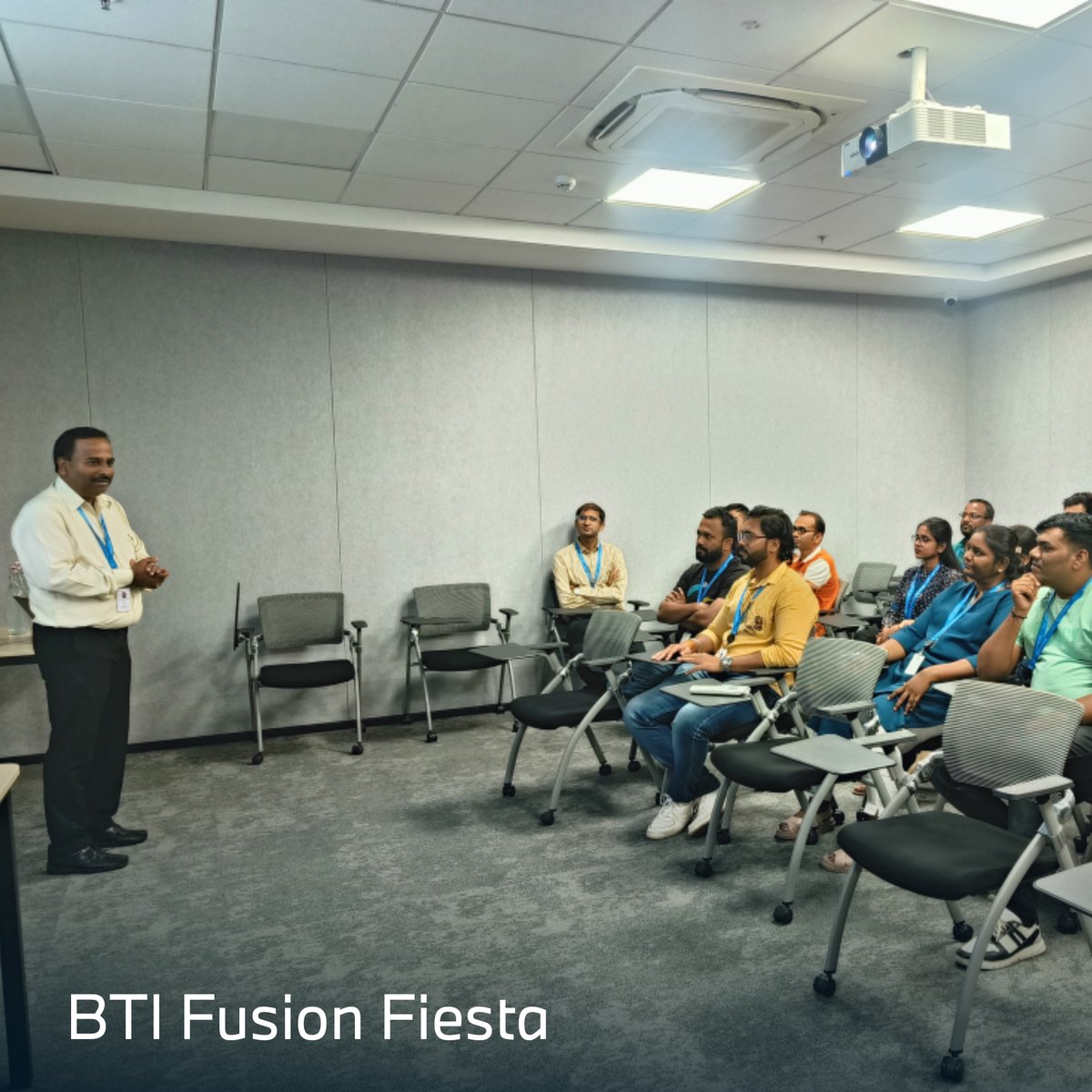
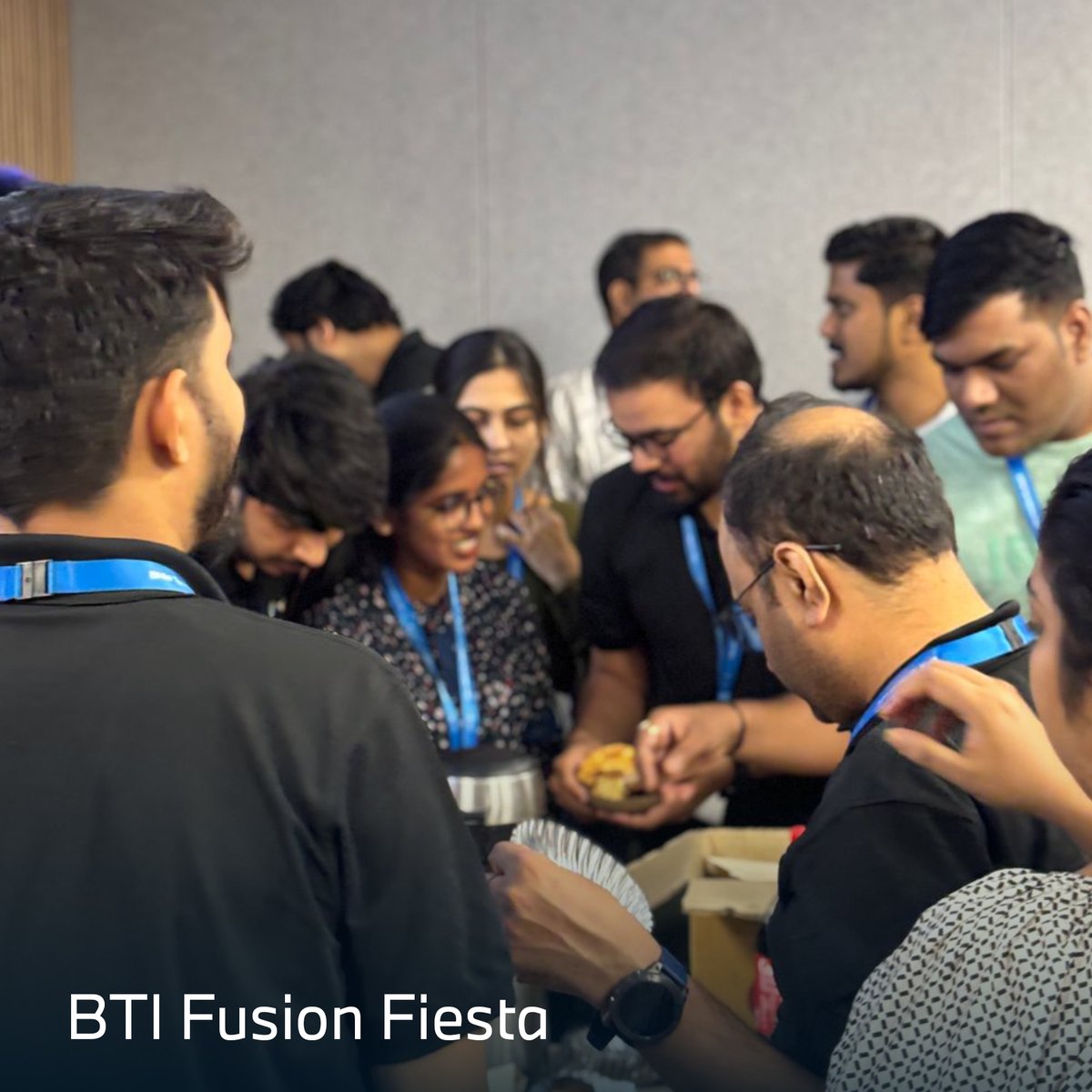
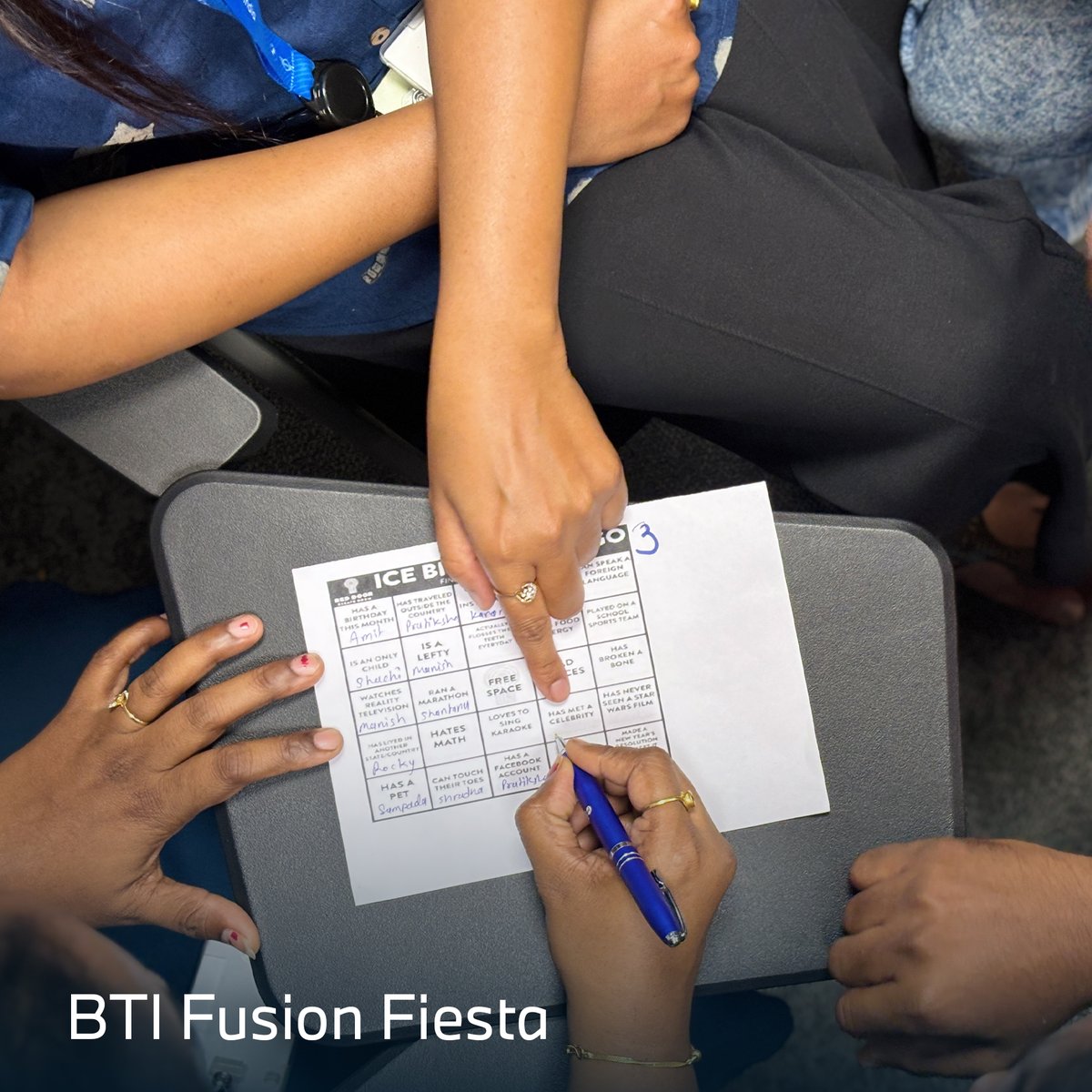
The #SoftwareFactory team at #BMWTechWorksIndia bonded over Human Bingo, Chinese Whisper & inspiring words from our leaders. A fun-filled day celebrating collaboration, energy & our #VOCAL culture—topped off with snacks & smiles! 💙
1
3
121

en el marco del proyecto de sofisticación y transformación digital de #TerritoriosCluster convocatoria de @Col_Productiva
Nos emociona poder aportar en el desarrollo y madurez digital del sector #Salud en nuestra región. Impulsando desde nuestro expertice en #SoftwareFactory
1
1
18

👨🏻💻Nos adaptamos a tus necesidades, conoce nuestros servicios…
👉🏻Si deseas saber más no dudes en comunicarte con nosotros!
#cgts #Servicios #SolucionesElectorales #SoftwareFactory #ServiciosProfesionales #SolucionesdeIdentidad
1
2
20

22 Aug 2024
The use of #AR in the field of service gives you the opportunity to provide your employees with customized work instructions digitally. The resulting faster exchange of knowledge not only reduces #costs, but also improves your level of service quality. #SoftwareFactory #PTC
1
1
56

The software factory approach to development meets the complexity and intricacy of modern automotive software.
Read our article to learn how this revolutionary method can transform software-defined vehicles: luxoft.com/blog/software-fac…
#Automotive #SoftwareFactory #SDVs
1
3
198