
Jun 9
If you open Taskmanager you will actually find you have resources, they are just on 99% running hidden.exe all day
1
1
6
PACT DISTRICT RAHIM YAR KHAN retweeted

Class 10 Computer Science Chapter 2 Lecture 2
*Task Manager, Resource Monitor & Event Viewer*
#TaskManager #EventViewer #ResourceMonitor #DiagnosticTools #SystemHealthMonitoring
youtu.be/IHnt-JG5328?si=D2T7…
1
1
11

Jun 8
HKEY_CURRENT_USER\Software\Microsoft\Windows\CurrentVersion\Policies\System
inside this, the smartLock platforms by parivahan vibhag , disable taskmanager
and sadly they don't even enable after shutting the app.
sad
bad softwares @nitin_gadkari
8


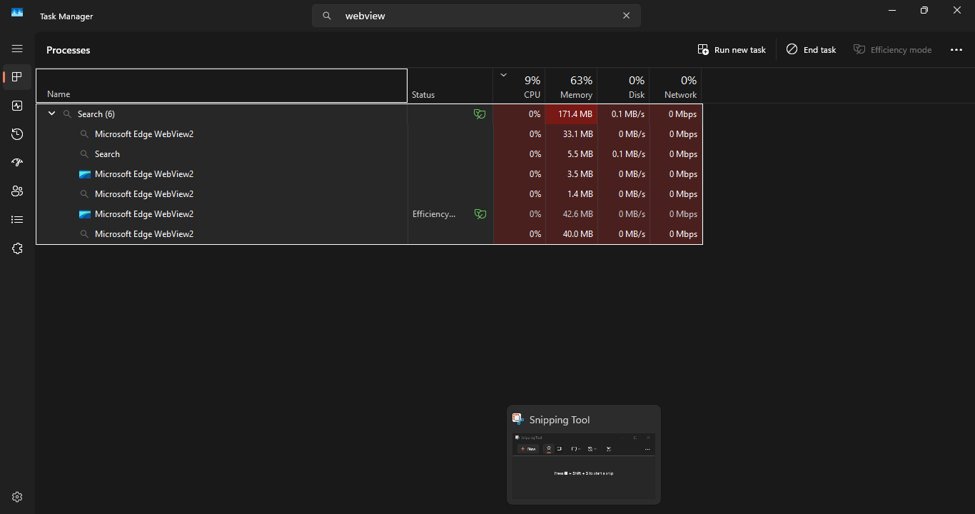
Hi, @Microsoft this is a view of MSEdge view which I don't ever use and was not on web (airplane) when I searched my taskmanager to understand why it siad I was uploading/downloading?
@RaeRobi63950 can you explain how it would be running when I have deleted the program and icon?
2

May 31
on linux i can have discord, chrome and steam open, waydroid active and play a game on it with it using about 10-20% of my cpu
on windows moving a single taskmanager window with nothing else open pushed my cpu to 100%
switch to linux.
2
81


May 28
Getting the “Task Manager has been disabled by your administrator” error on Windows? ⚠️
This quick guide shows step-by-step methods to fix it on Windows 10/11. 💻
More details: minitool.com/news/task-manag…
#WindowsTips #TaskManager #Windows11
3
89

May 26
Connus pour le pire taskmanager existant et une des pires version de Windows, évidement je ne vais certainement pas l'écouter sur le climat.
1
107
4,299

May 21
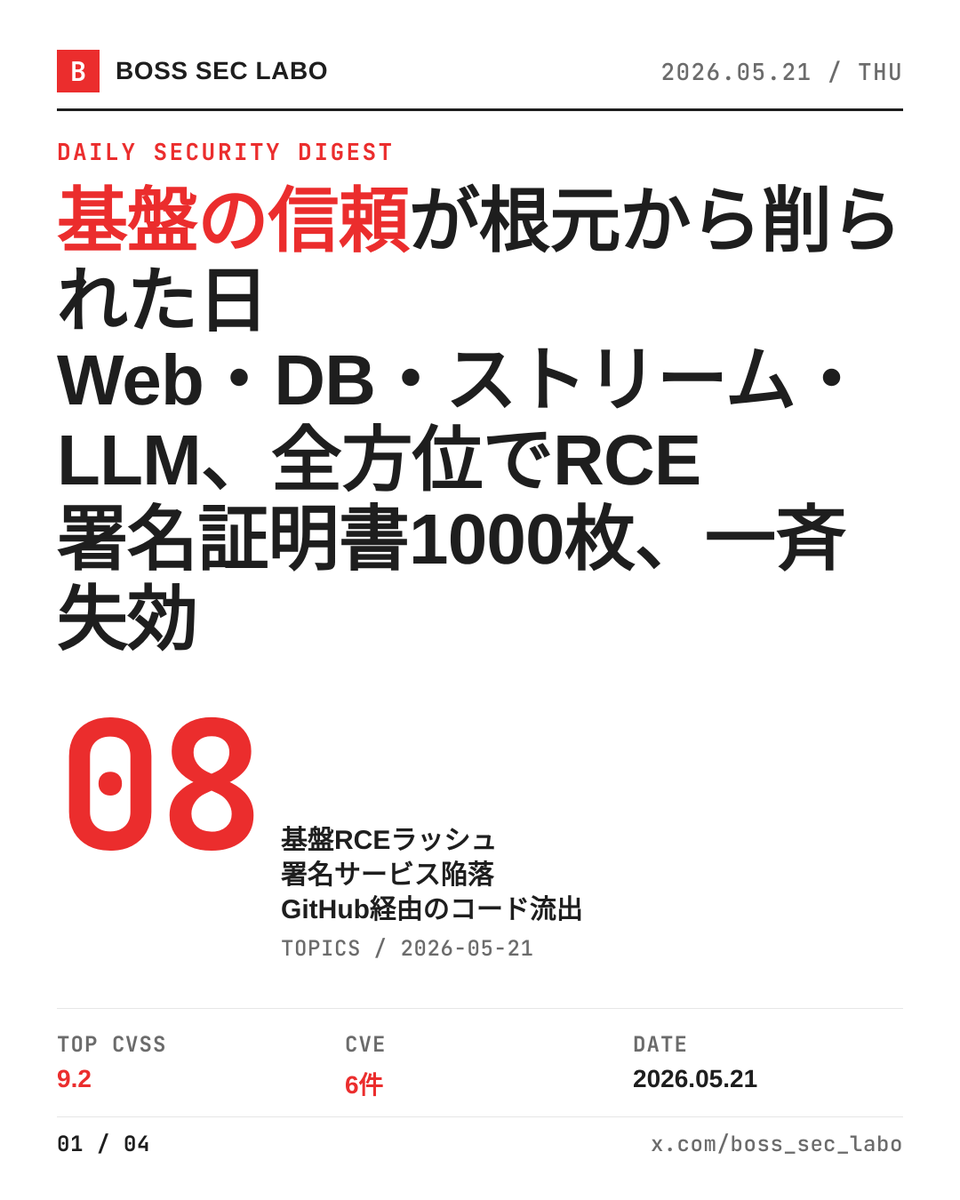
今日は8件、その全部が「基盤側」の崩落だ。Web・DB・ストリーム・LLM、信頼の根元が同日で削られている。深夜帯に出る話じゃない、今日の昼の話だ。みんな、ログだけ見て安心するなよ。
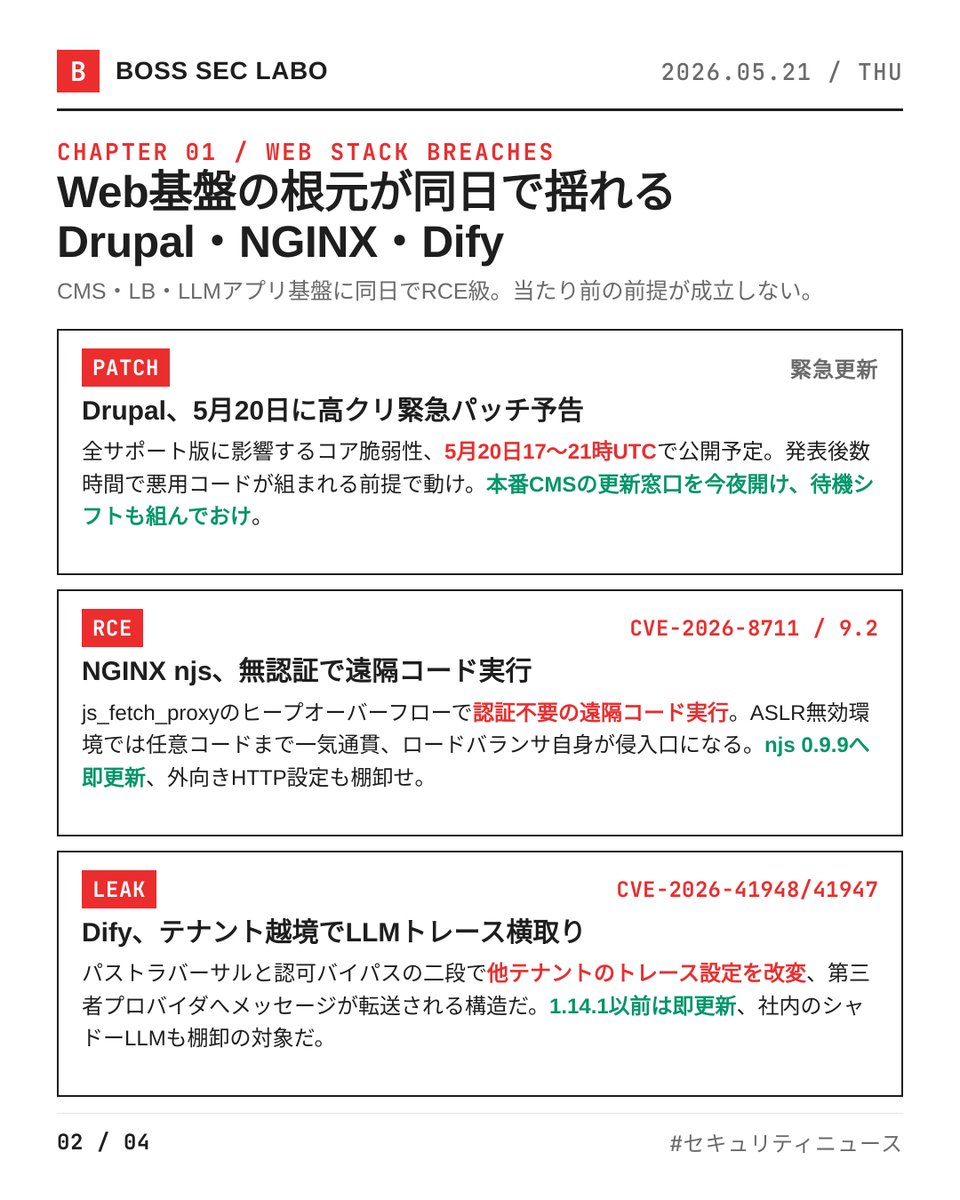
・Drupal、5月20日に高クリ緊急パッチ予告
全サポート版に影響するコア脆弱性、UTC17〜21時で公開予定だ。詳細は公開後に解禁、それまでは守りを固める時間だ。発表後数時間で悪用コードが組まれる前提で動け。本番CMSの更新窓口、今夜のうちに開けて待機シフトも組んでおけ。
・NGINX njs CVE-2026-8711、CVSSv4 9.2の無認証RCE
js_fetch_proxyディレクティブのヒープオーバーフローだ。ASLR無効環境では任意コード実行まで一気通貫。ロードバランサ自身が侵入口になる構図、njs 0.9.9へ即更新、外向きHTTP設定も棚卸せ。
・LLMアプリ基盤Dify、CVE-2026-41948と41947でテナント越境
パストラバーサルと認可バイパスの二段だ。他テナントのLLMトレース設定を改変・転送される構造で、機密プロンプトが第三者プロバイダへ流れ得る。1.14.1以前は即更新、社内のシャドーLLMも棚卸の対象だ。
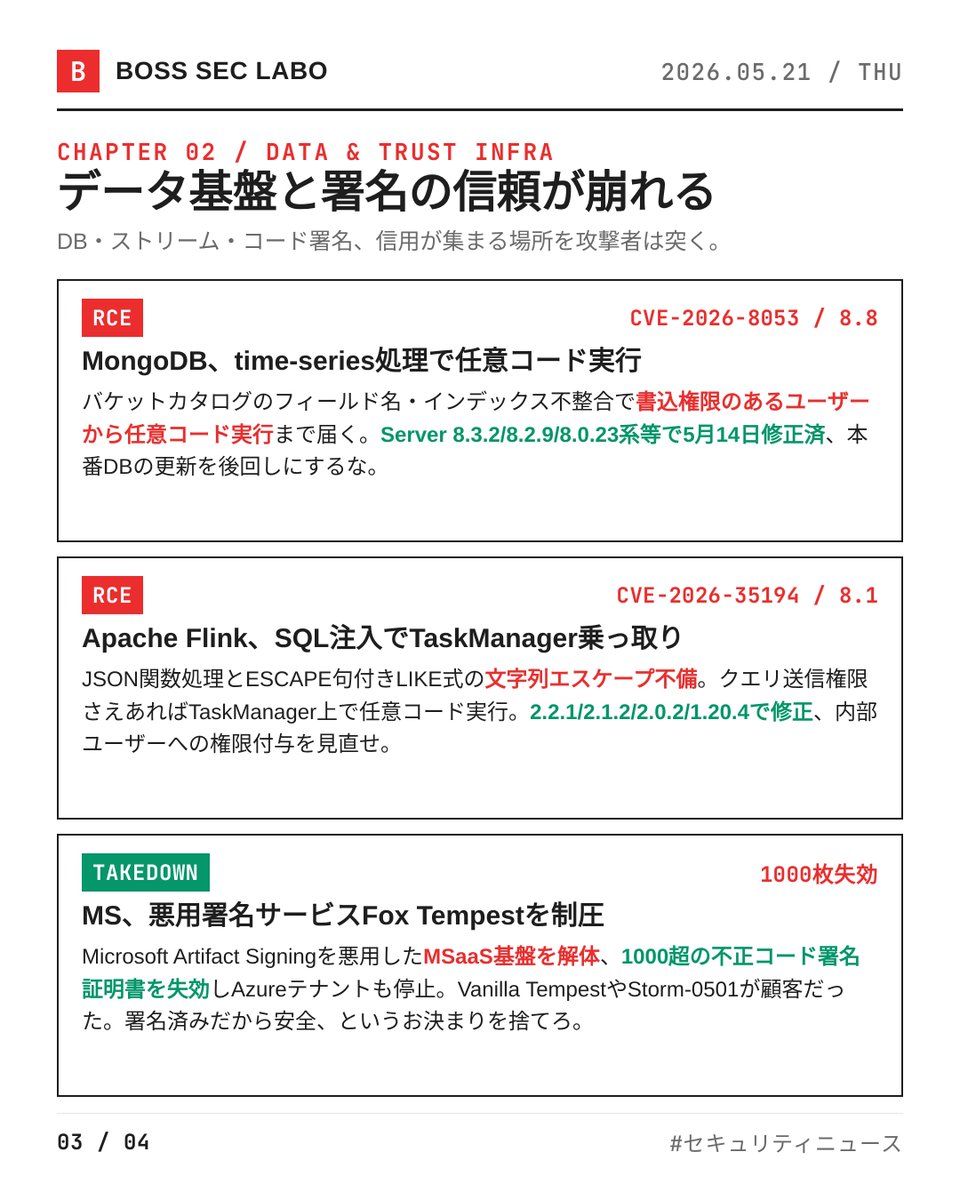
・MongoDB CVE-2026-8053、time-series処理でRCE
バケットカタログのフィールド名・インデックス不整合に起因する。書込権限のあるユーザーから任意コード実行まで届く。Server 8.3.2/8.2.9/8.0.23系等で5月14日修正済、本番DBの更新を後回しにするな。
・Apache Flink CVE-2026-35194、SQLコード注入でTaskManager乗っ取り
JSON関数処理とESCAPE句付きLIKE式の文字列エスケープ不備だ。クエリ送信権限さえあればTaskManager上で任意コード実行。2.2.1/2.1.2/2.0.2/1.20.4で修正、内部ユーザーへの権限付与を見直せ。
・Microsoft、悪用署名サービスFox Tempestを制圧
Microsoft Artifact Signingを悪用したMSaaS基盤を解体、1000超の不正コード署名証明書を失効。Vanilla TempestやStorm-0501が顧客だった。「Microsoft署名だから安全」というご立派なお決まりを捨てろ。
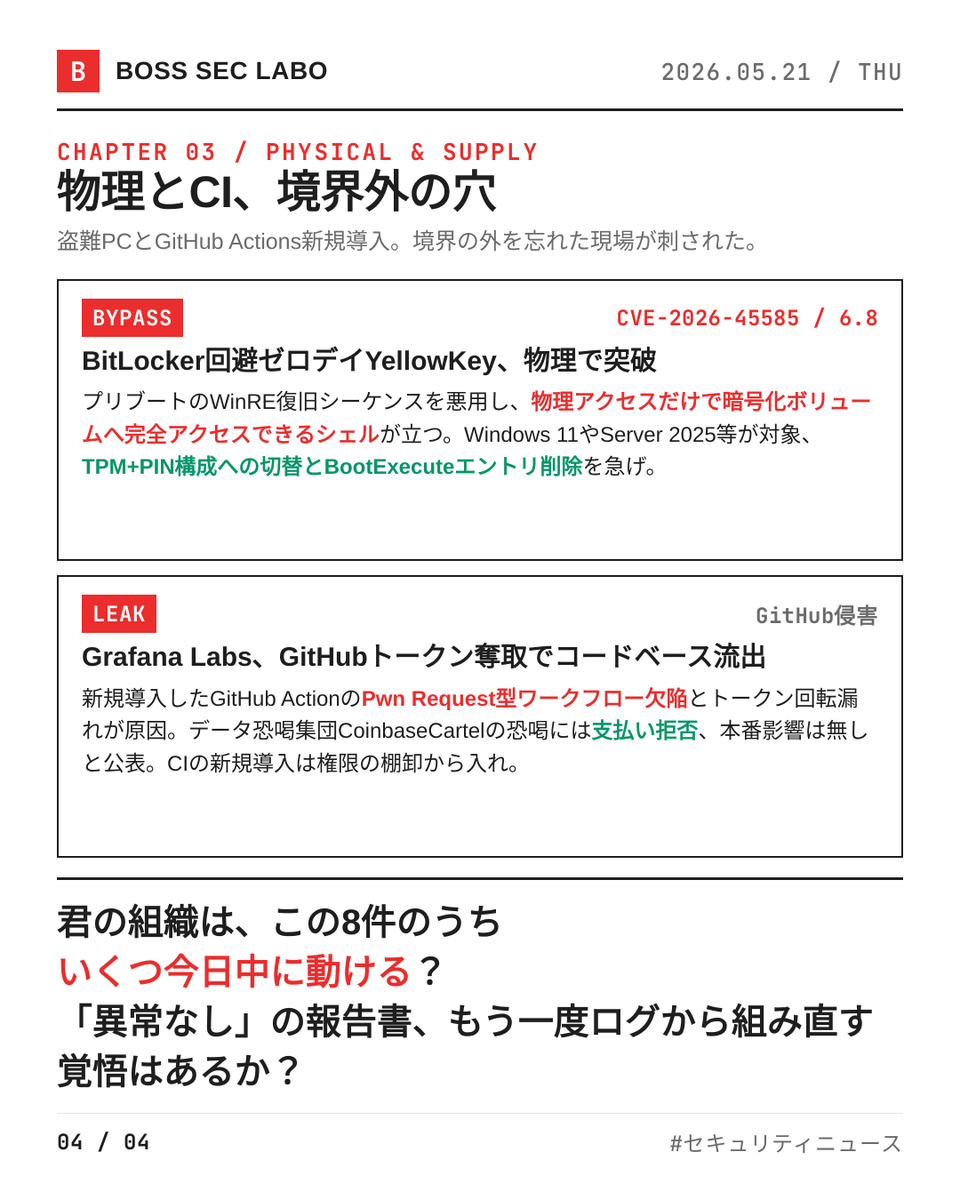
・BitLocker回避ゼロデイYellowKey、CVE-2026-45585
物理アクセスを持つ攻撃者がWinRE復旧シーケンスを悪用、暗号化ボリュームに完全アクセスできるシェルが立つ。Windows 11やServer 2025等が対象。TPM PIN構成への切替とBootExecuteエントリ削除を急げ。
・Grafana Labs、GitHub侵害でコードベース全件流出
新規導入したGitHub ActionのPwn Request型ワークフロー欠陥とトークン回転漏れが原因だ。データ恐喝集団CoinbaseCartelの恐喝には支払い拒否、本番影響は無しと公表。CIの新規導入は権限の棚卸から入れ。
君の組織は、この8件のうちいくつを今日中に動かせる?「異常なし」の報告書、もう一度ログから組み直す覚悟はあるか?今日のうちに動け、明日には先回りされている。
1
5
584

Okay Jie Grand Perpetual Taskmanager
1
1
21

May 18
Apache Flinkで深刻なRCE脆弱性CVE-2026-35194が公開された。SQL処理の欠陥を悪用すると、権限を持つ利用者が細工したクエリ経由で任意コードを実行できる。リアルタイム分析基盤やデータパイプラインが乗っ取られる危険がある。
問題はApache FlinkのSQLコード生成処理に存在する。JSON関数やESCAPE句付きLIKE式の入力値が適切にエスケープされず、そのまま生成Javaコードへ埋め込まれるため、攻撃者は文字列リテラルを突破して任意のJava式を注入できる。これによりTaskManager上でリモートコード実行が可能になる。
影響を受けるのは1.15.0〜1.20.x系と2.0.0〜2.x系で、特に1.20.4未満、2.0.2未満、2.1.2未満、2.2.1未満が危険とされる。JSON関数は1.15.0以降、LIKE ESCAPE処理は1.17.0以降で影響を受ける。攻撃にはクエリ送信権限が必要だが、分析基盤や共有クラスタでは内部不正や認証済みアカウント侵害による悪用が懸念される。
開発側はコード生成時のサニタイズを強化した修正版を公開済みで、1.20.4、2.0.2、2.1.2、2.2.1への更新を強く推奨している。
securityonline.info/apache-f…
7
1,884


May 15
It’s quite amazing to see the visual identity @vkrajacic and I worked on for Filepilot now becoming the standard look for another app, @thomasklemenc’s TaskManager, alongside its features.
May 12

Just found out an active File Pilot community member @thomasklemenc made a task manager inspired by it!
Handmade from scratch, C , win32, D3D custom renderer, 1.55 MB.
More of this in my feed, less AI slopware.
3
359

Congrats, filepilot and new taskmanager now all we need is a replacement for the taskbar.
3
432


May 9
IlovePDFみたいなのアクセスして試したらインチキ警告出て笑った
電源を切らないで、だって笑
ブラウザ閉じればいいんだけど、何ぞのDLLに感染とかフルスクリーンで閉じるボタンはない
スマホ広告みたいだ
と笑ってられるのはおら位かな
TaskBar or TaskManager で呼び出し閉じよ
5
60

That’s a thing since forever. Check taskmanager for system runtime and do every 4 weeks a manual restart, which will clean cache and makes the OS less „buggy“ in a sense (sudden crashes and alladat).
3
1,699
