
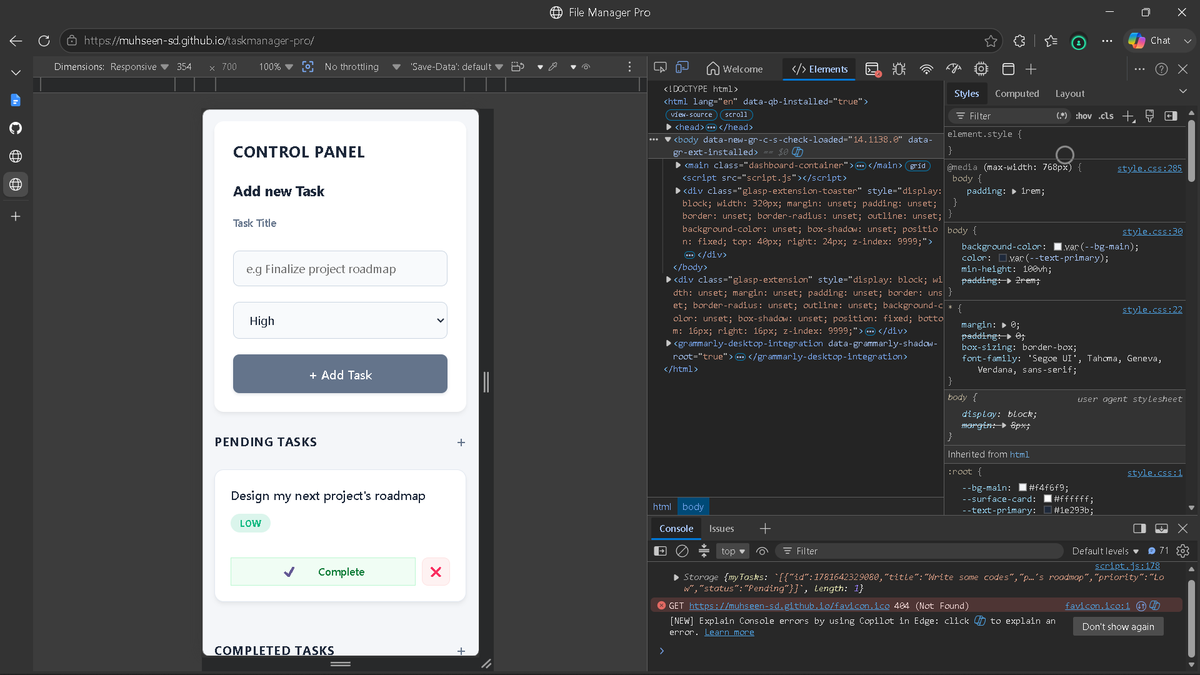
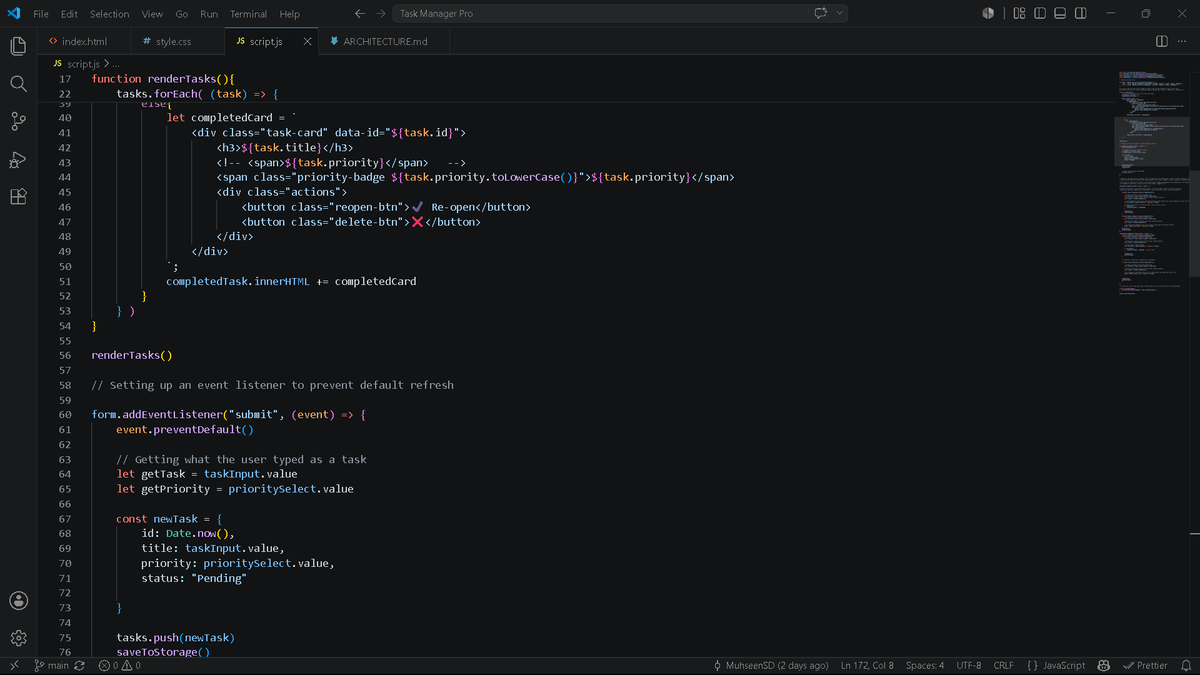
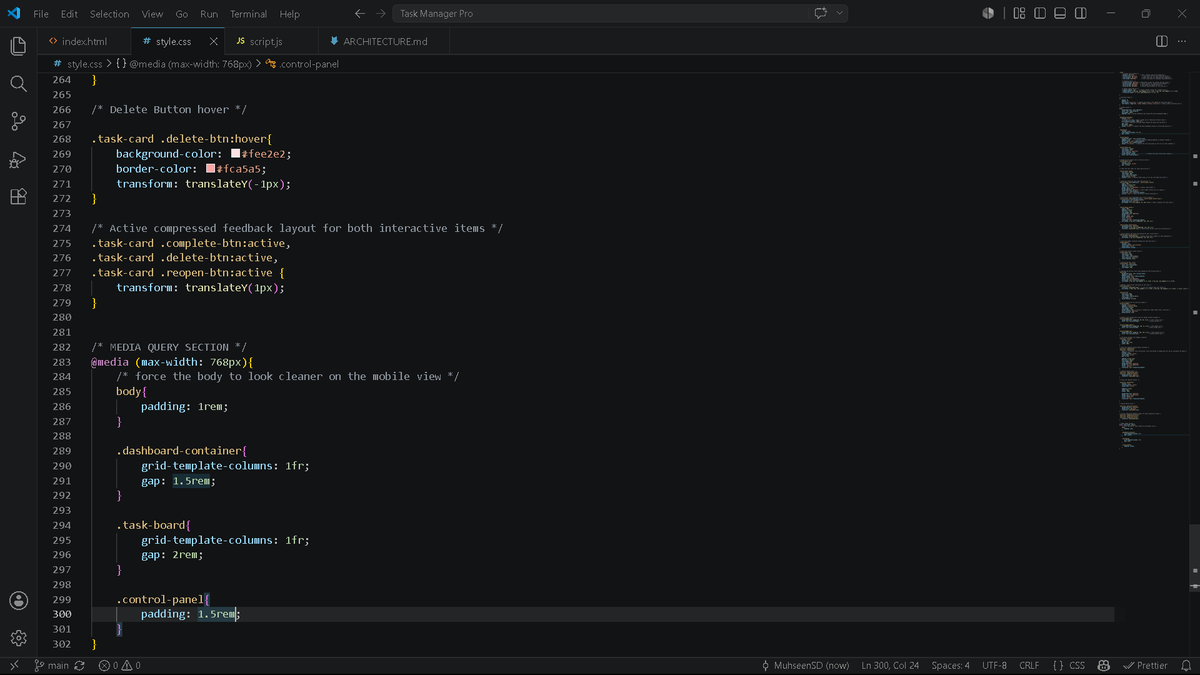
Back at the keyboard after a short break to level up my JavaScript! 💻🔥
Built TaskManager Pro from scratch, featuring data persistence via localStorage and full bidirectional state control (so you can re-open completed tasks smoothly).
Live: muhseen-sd.github.io/taskman…
#webDev
6

Der Energiesparmodus hat mehr Tasks gekillt, als der Taskmanager.
1
5

Btw not to mention the issue of it not closing in taskmanager so you're opening multiple instances, just using all your resources until you manually end it. Because it's a billion dollar company that can't get anything simple right anymore.
7

Jun 16
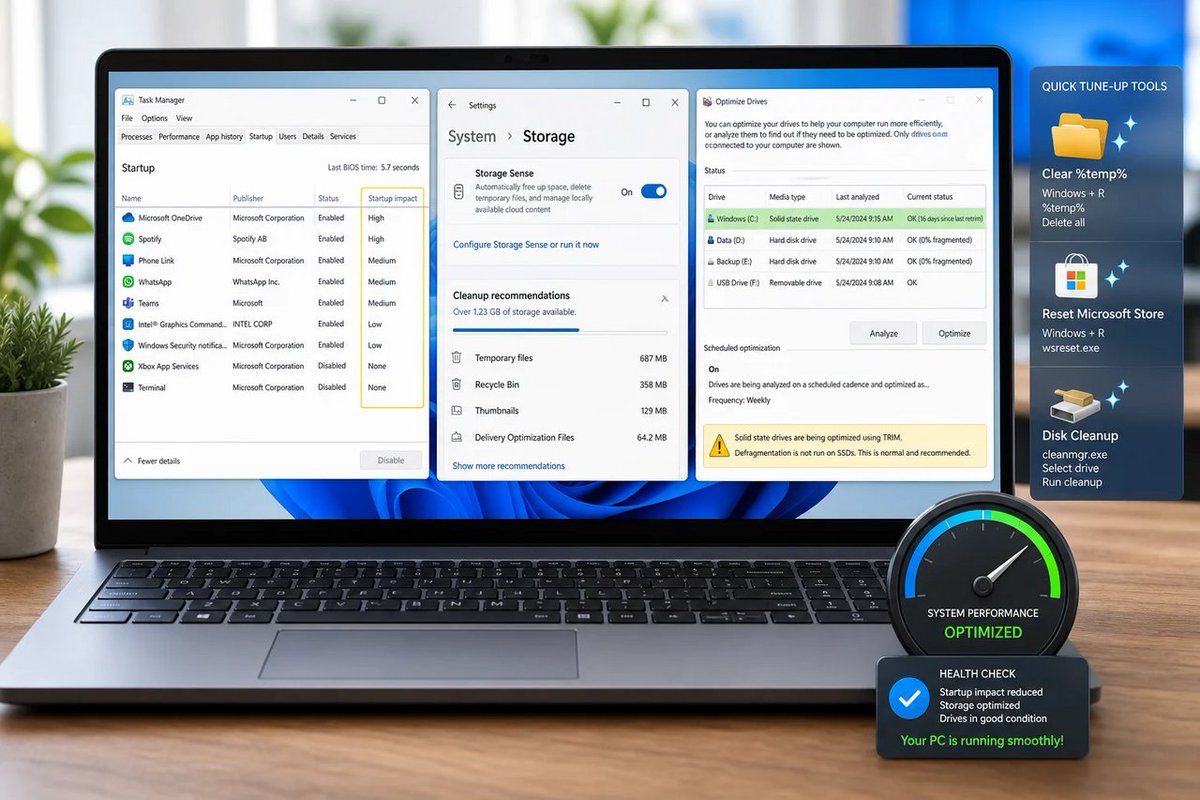
🪟 Slow Windows in 2026? Shocking: it’s still “too many startup apps stale caches.” Microsoft finally said the quiet part out loud: we don’t need magic boosters, just better defaults. #Windows #Microsoft #Windows11 #Windows10
windowsforum.com/threads/fix…
#Windows11 #TaskManager
1
8
Jun 16
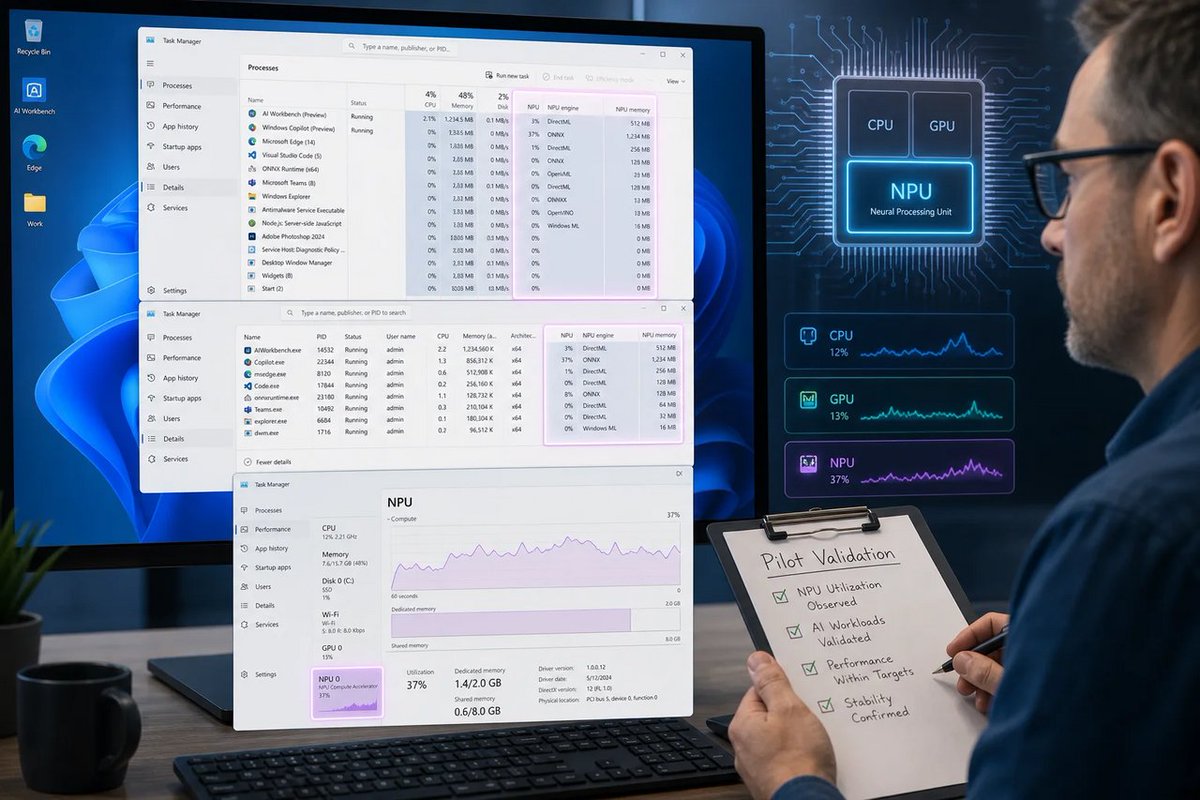
🪟 KB5094126 turning Task Manager into an NPU lie detector matters. “AI PC” badges aren’t proof—now admins can see if the silicon is actually awake. Microsoft: finally measuring, not marketing. #Windows #Microsoft #TaskManager #AI
windowsforum.com/threads/win…
#Windows11 #TaskManager
72

Jun 16
I tend to spend my energy and time on this instead of wasting on nonsense! Now you may think what it is, so think more.
import json
import os
from datetime import datetime
class Task:
def __init__(self, title, completed=False, created_at=None):
self.title = title
self.completed = completed
self.created_at = created_at or datetime.now().isoformat()
def complete(self):
self.completed = True
def to_dict(self):
return {
"title": self.title,
"completed": self.completed,
"created_at": self.created_at,
}
@classmethod
def from_dict(cls, data):
return cls(
title=data["title"],
completed=data["completed"],
created_at=data["created_at"],
)
class TaskManager:
def __init__(self, filename="tasks.json"):
self.filename = filename
self.tasks = []
self.load_tasks()
def add_task(self, title):
task = Task(title)
self.tasks.append(task)
self.save_tasks()
def list_tasks(self):
if not self.tasks:
print("No tasks available.")
return
for index, task in enumerate(self.tasks, start=1):
status = "✓" if task.completed else "✗"
print(f"{index}. [{status}] {task.title}")
def complete_task(self, index):
if 0 <= index < len(self.tasks):
self.tasks[index].complete()
self.save_tasks()
print("Task completed.")
else:
print("Invalid task number.")
def delete_task(self, index):
if 0 <= index < len(self.tasks):
removed = self.tasks.pop(index)
self.save_tasks()
print(f"Deleted: {removed.title}")
else:
print("Invalid task number.")
def search_tasks(self, keyword):
results = [
task for task in self.tasks
if keyword.lower() in task.title.lower()
]
if not results:
print("No matching tasks found.")
return
print("\nSearch Results:")
for task in results:
status = "Completed" if task.completed else "Pending"
print(f"- {task.title} ({status})")
def show_statistics(self):
total = len(self.tasks)
completed = sum(task.completed for task in self.tasks)
pending = total - completed
print("\nStatistics")
print("-" * 30)
print(f"Total Tasks : {total}")
print(f"Completed Tasks : {completed}")
print(f"Pending Tasks : {pending}")
if total > 0:
percentage = (completed / total) * 100
print(f"Completion Rate : {percentage:.2f}%")
def save_tasks(self):
with open(self.filename, "w", encoding="utf-8") as file:
json.dump(
[task.to_dict() for task in self.tasks],
file,
indent=4
)
def load_tasks(self):
if not os.path.exists(self.filename):
return
try:
with open(self.filename, "r", encoding="utf-8") as file:
data = json.load(file)
self.tasks = [
Task.from_dict(item)
for item in data
]
except Exception as error:
print(f"Failed to load tasks: {error}")
def print_menu():
print("\nTask Manager")
print("=" * 40)
print("1. Add Task")
print("2. List Tasks")
print("3. Complete Task")
print("4. Delete Task")
print("5. Search Tasks")
print("6. Show Statistics")
print("7. Exit")
def main():
manager = TaskManager()
while True:
print_menu()
choice = input("Select an option: ").strip()
if choice == "1":
title = input("Task title: ").strip()
oice == "
1
99

Jun 15
If you get it it have to be setup properly hehe :P
With autostart taskmanager disabled and admin removed hehe
1
22

Jun 14
Yeah getting FM'd, such a match where you go inte taskmanager and kill the fm.exe process and then restart the game and load the playthrough and redo the match.
225


Jun 10
Daily UI Challenge #042 — To-Do List or Manager
Sharing my latest concept for a daily task manager app 🗂️
Clean, minimal UI designed to help users stay on top of their day featuring task categorization,
#uidesign #uxdesign #mobileapp #taskmanager #productivityapp #appdesign #ios

9

Jun 9
If you open Taskmanager you will actually find you have resources, they are just on 99% running hidden.exe all day
1
1
6
PACT DISTRICT RAHIM YAR KHAN retweeted

Class 10 Computer Science Chapter 2 Lecture 2
*Task Manager, Resource Monitor & Event Viewer*
#TaskManager #EventViewer #ResourceMonitor #DiagnosticTools #SystemHealthMonitoring
youtu.be/IHnt-JG5328?si=D2T7…
1
1
11

May 31
on linux i can have discord, chrome and steam open, waydroid active and play a game on it with it using about 10-20% of my cpu
on windows moving a single taskmanager window with nothing else open pushed my cpu to 100%
switch to linux.
2
83


May 28
Getting the “Task Manager has been disabled by your administrator” error on Windows? ⚠️
This quick guide shows step-by-step methods to fix it on Windows 10/11. 💻
More details: minitool.com/news/task-manag…
#WindowsTips #TaskManager #Windows11
3
89

May 26
Connus pour le pire taskmanager existant et une des pires version de Windows, évidement je ne vais certainement pas l'écouter sur le climat.
1
107
4,299

May 22
Aunque en mi afirmacion estoy excluyendo el telemetria=malware si; Te das cuenta de es tan solo con revisar tus procesos y puertos abiertos abiertos. Algo que para mas comodidad se puede hacer con un taskmanager mejor que el original de Windows o usando CMD/Powershell.
1
8
2,952

May 21
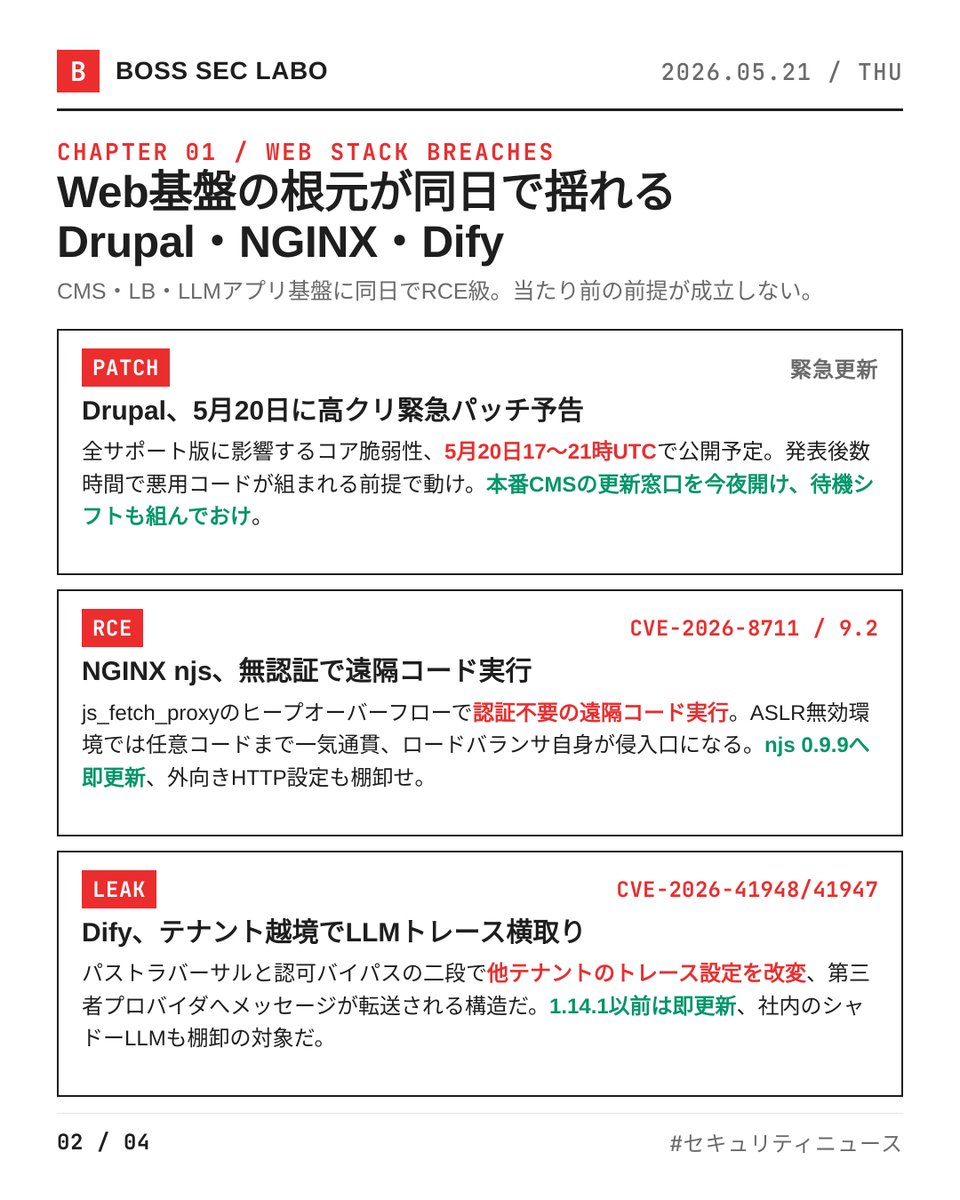
今日は8件、その全部が「基盤側」の崩落だ。Web・DB・ストリーム・LLM、信頼の根元が同日で削られている。深夜帯に出る話じゃない、今日の昼の話だ。みんな、ログだけ見て安心するなよ。
・Drupal、5月20日に高クリ緊急パッチ予告
全サポート版に影響するコア脆弱性、UTC17〜21時で公開予定だ。詳細は公開後に解禁、それまでは守りを固める時間だ。発表後数時間で悪用コードが組まれる前提で動け。本番CMSの更新窓口、今夜のうちに開けて待機シフトも組んでおけ。
・NGINX njs CVE-2026-8711、CVSSv4 9.2の無認証RCE
js_fetch_proxyディレクティブのヒープオーバーフローだ。ASLR無効環境では任意コード実行まで一気通貫。ロードバランサ自身が侵入口になる構図、njs 0.9.9へ即更新、外向きHTTP設定も棚卸せ。
・LLMアプリ基盤Dify、CVE-2026-41948と41947でテナント越境
パストラバーサルと認可バイパスの二段だ。他テナントのLLMトレース設定を改変・転送される構造で、機密プロンプトが第三者プロバイダへ流れ得る。1.14.1以前は即更新、社内のシャドーLLMも棚卸の対象だ。
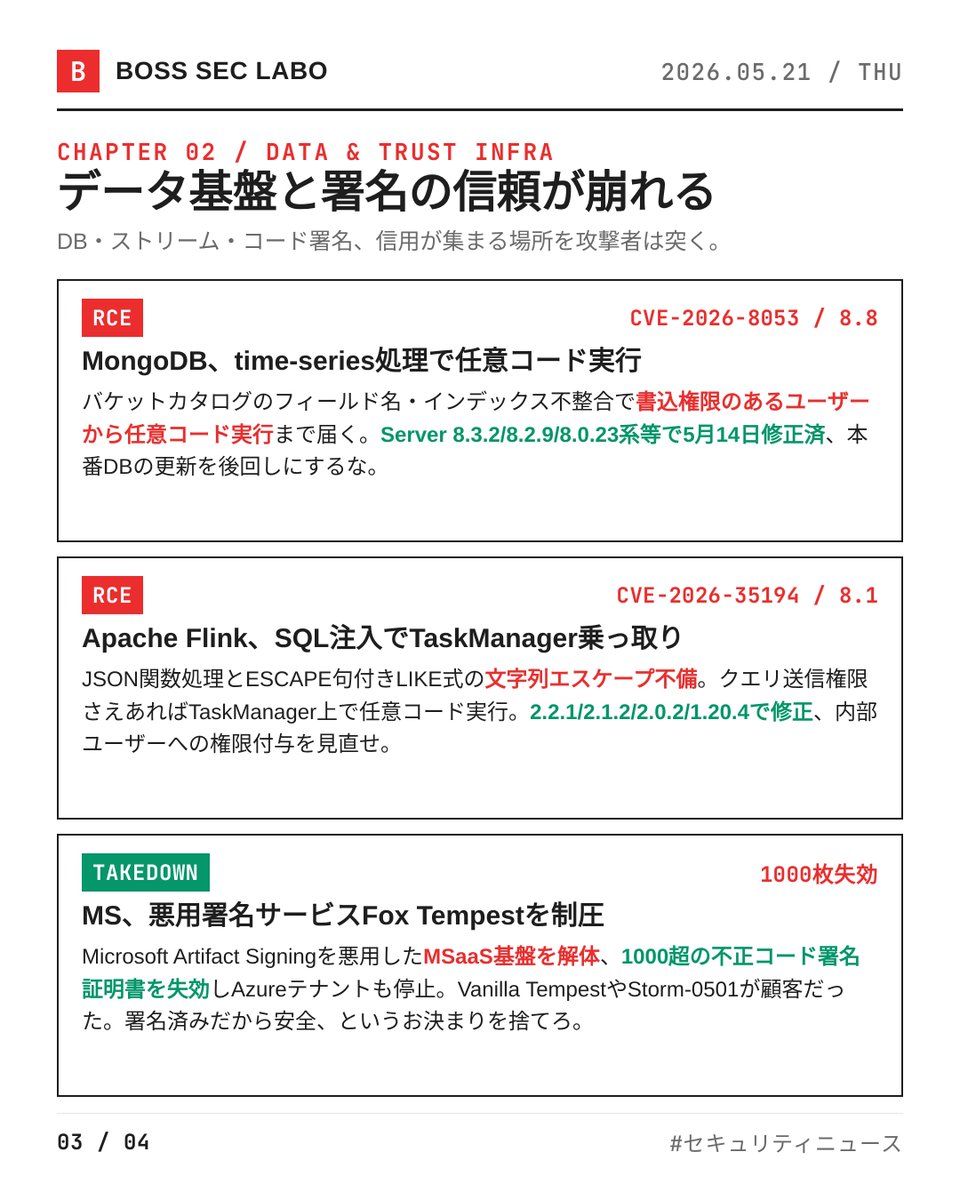
・MongoDB CVE-2026-8053、time-series処理でRCE
バケットカタログのフィールド名・インデックス不整合に起因する。書込権限のあるユーザーから任意コード実行まで届く。Server 8.3.2/8.2.9/8.0.23系等で5月14日修正済、本番DBの更新を後回しにするな。
・Apache Flink CVE-2026-35194、SQLコード注入でTaskManager乗っ取り
JSON関数処理とESCAPE句付きLIKE式の文字列エスケープ不備だ。クエリ送信権限さえあればTaskManager上で任意コード実行。2.2.1/2.1.2/2.0.2/1.20.4で修正、内部ユーザーへの権限付与を見直せ。
・Microsoft、悪用署名サービスFox Tempestを制圧
Microsoft Artifact Signingを悪用したMSaaS基盤を解体、1000超の不正コード署名証明書を失効。Vanilla TempestやStorm-0501が顧客だった。「Microsoft署名だから安全」というご立派なお決まりを捨てろ。
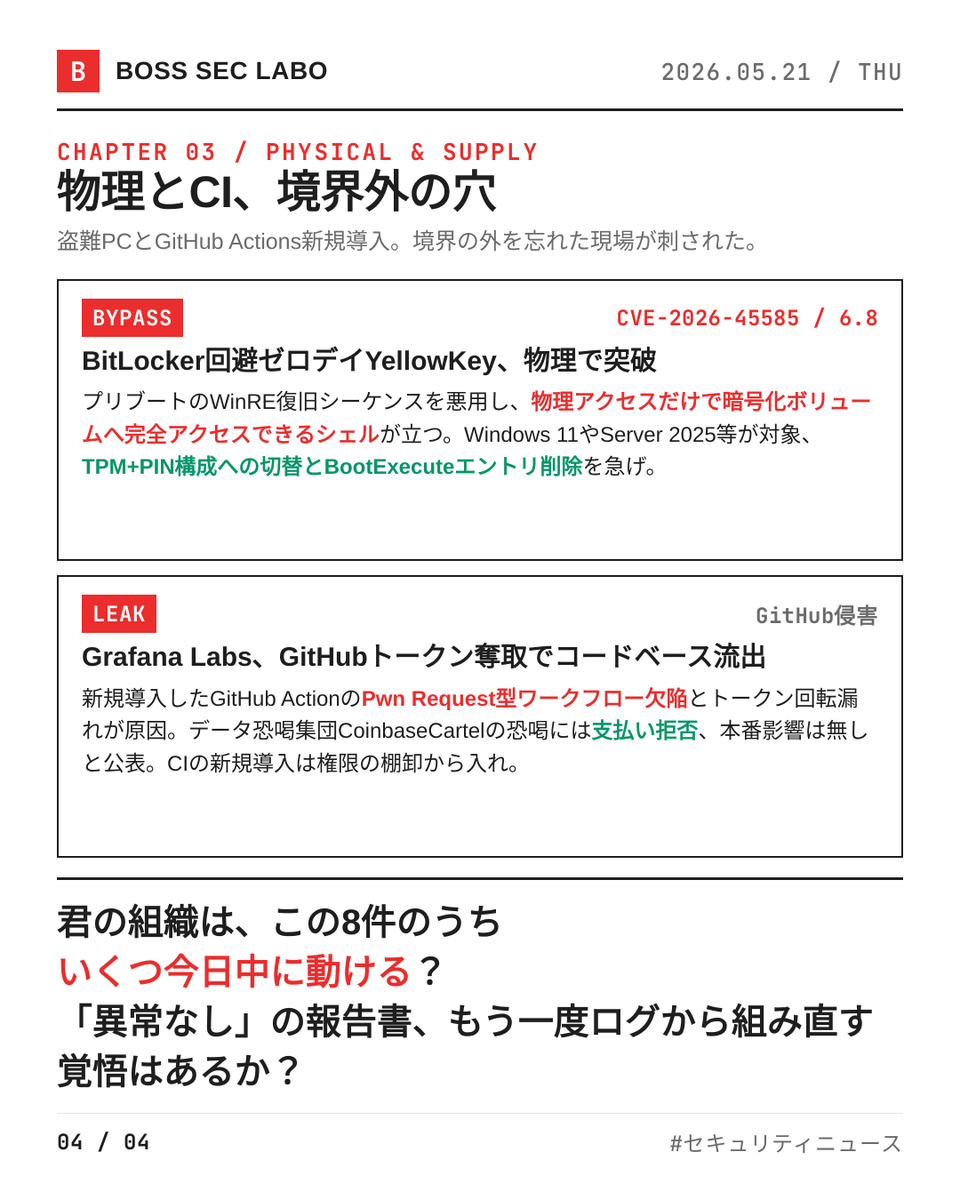
・BitLocker回避ゼロデイYellowKey、CVE-2026-45585
物理アクセスを持つ攻撃者がWinRE復旧シーケンスを悪用、暗号化ボリュームに完全アクセスできるシェルが立つ。Windows 11やServer 2025等が対象。TPM PIN構成への切替とBootExecuteエントリ削除を急げ。
・Grafana Labs、GitHub侵害でコードベース全件流出
新規導入したGitHub ActionのPwn Request型ワークフロー欠陥とトークン回転漏れが原因だ。データ恐喝集団CoinbaseCartelの恐喝には支払い拒否、本番影響は無しと公表。CIの新規導入は権限の棚卸から入れ。
君の組織は、この8件のうちいくつを今日中に動かせる?「異常なし」の報告書、もう一度ログから組み直す覚悟はあるか?今日のうちに動け、明日には先回りされている。

1
5
617

Okay Jie Grand Perpetual Taskmanager
1
1
21