
May 15
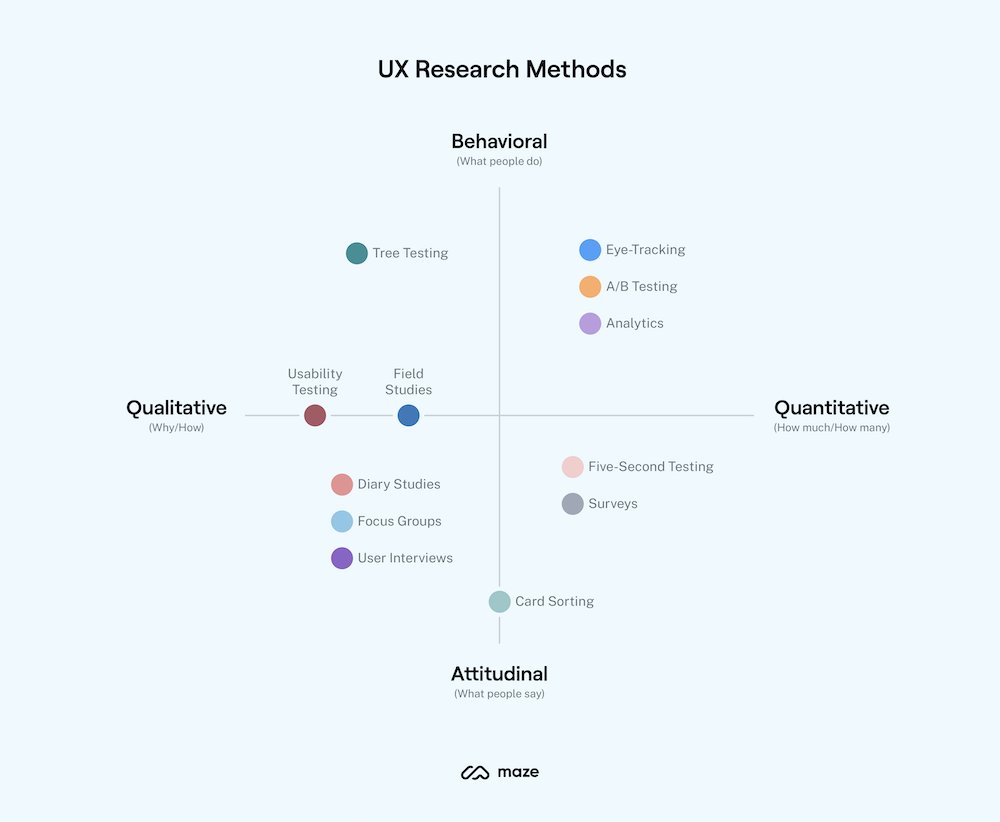
Learn about the Key UX research methods, how and when to use them! 😎🔖
What are UX research methods?
User experience (UX) research methods are different ways of generating insights about your users, their behavior, motivations, and needs. You can use methods like user interviews, surveys, focus groups, card sorting, usability testing to identify user challenges and turn them into opportunities to improve the user experience.
UX research methods include user interviews, card sorting, surveys, usability testing, and more. We’ll go into more detail about the top methods and when to use them later in this chapter. If you'd prefer a quick overview, check out the video below. Or, keep reading for an in-depth guide to each method (plus a bonus technique).
Overview:
The most common types of user research
Qualitative vs. quantitative
All research methods are either quantitative or qualitative. Qualitative research focuses on capturing subjective insights into users' experiences. It aims to understand the underlying reasons, motivations, and behaviors of individuals. Quantitative research, on the other hand, involves collecting and analyzing numerical data to identify patterns, trends, and significance. It aims to quantify user behaviors, preferences, and attitudes, allowing for generalizations and statistical insights.
Attitudinal vs. behavioral
Attitudinal research is about understanding users' attitudes, perceptions, and beliefs. It delves into the 'why' behind user decisions and actions. It often involves surveys or interviews where users are asked about their feelings, preferences, or perceptions towards a product or service. It's subjective in nature, aiming to capture people's emotions and opinions.
Behavioral research is about what users do rather than what they say they do or would do. This kind of research is often based on observation methods like usability testing, eye-tracking, or heat maps to understand user behavior.
Generative vs. evaluative
Generative research is all about generating new ideas, concepts, and insights to fuel the design process. You might run brainstorming sessions with groups of users, card sorting, and co-design sessions to inspire creativity and guide the development of user-centered solutions.
On the other hand, evaluative research focuses on assessing the usability, effectiveness, and overall quality of existing designs or prototypes. Once you’ve developed a prototype of your product, it's time to evaluate its strengths and weaknesses. You can compare different versions of a design or feature through A/B testing—ensuring your design meets user needs and expectations.
The best UX research type?
The best research type varies depending on your project; what your objectives are, and what stage you’re in. Ultimately, the ideal type of research is one which provides the insights required, using the available resources.
For example, if you're at the early ideation or product discovery stage, generative research methods can help you generate new ideas, understand user needs, and explore possibilities. As you move to the design and development phase, evaluative research methods and quantitative data become crucial.
Read the full post:
maze.co/guides/ux-rese…
by @mazedesignHQ
#ui #ux #uidesign #uxdesign #userexperience #uxui #productdesign #prototyping #uxresearch #usabilitytesting #usertesting #research #userresearch #design #designresearch #digital #designthinking #webdesign #appdesign #uxprocess #uxstrategy #agile #MVP
1
458

Apr 29
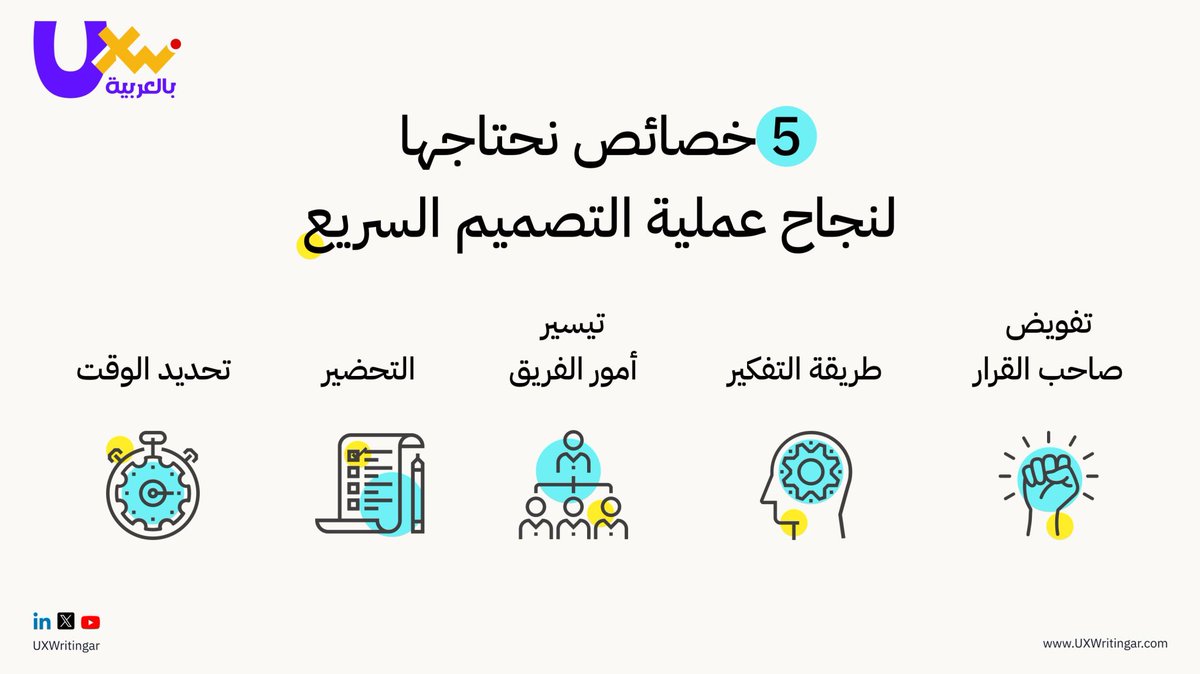
أهم 5️⃣ خصائص تجعل التصميم السريع أكثر تركيزًا وفعالية. ⚡
هل تستخدمها في عملك؟ 🧐
#UXWriting #UIUXDesign #UXDesigners #DesignSprint #UXProcess
3
7
266

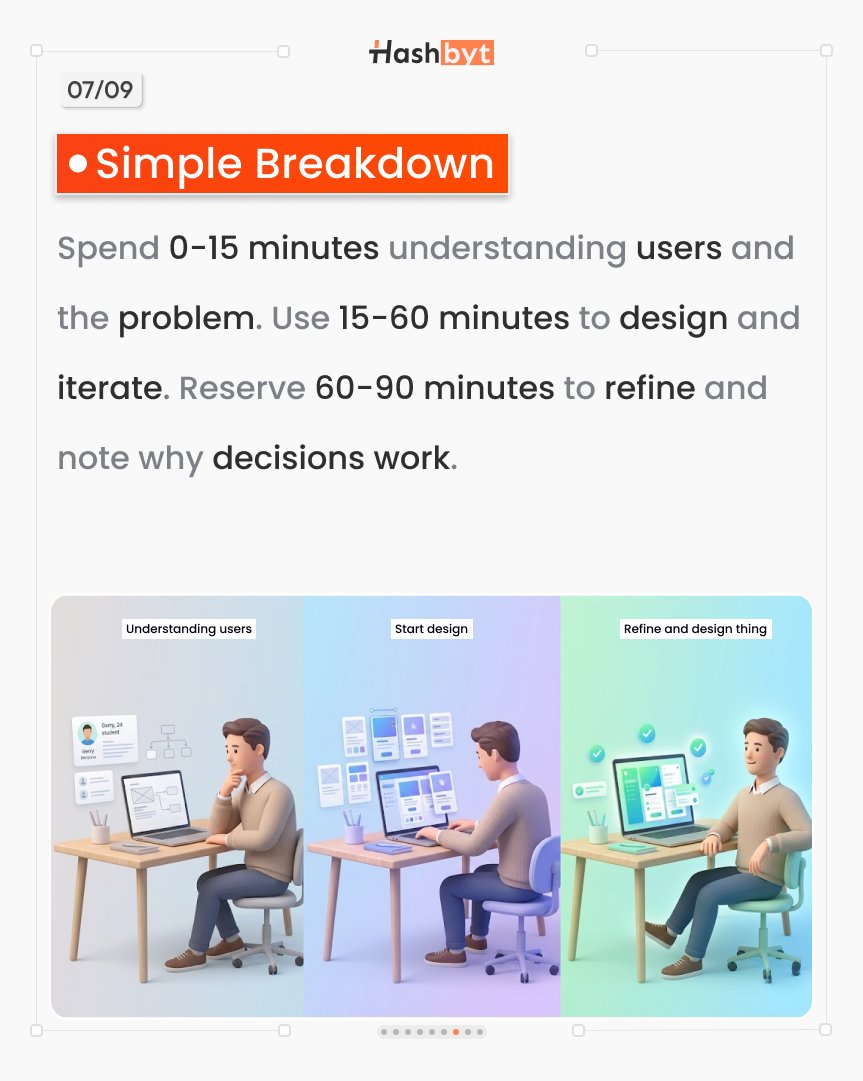
Break it down:
0–15 min → Understand
15–60 min → Build
60–90 min → Refine
Simple. Powerful. Repeatable.
#Framework #UXProcess
1
4
6
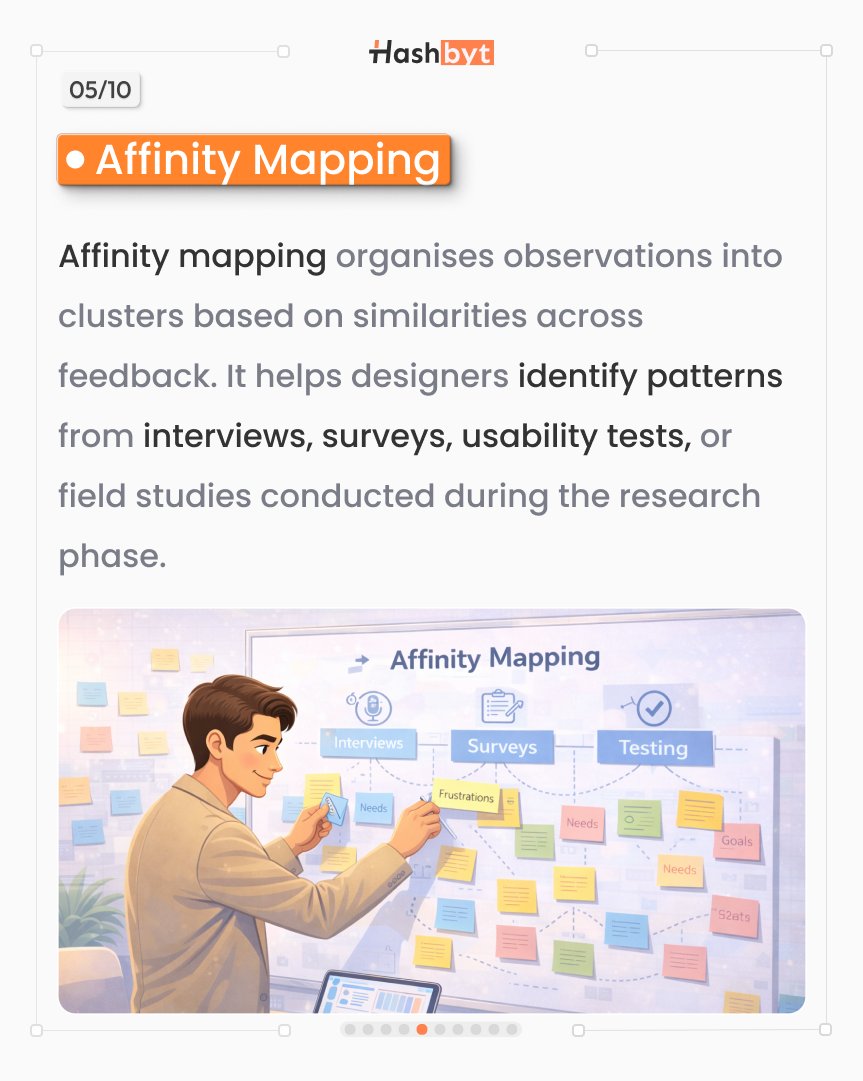
🧩 Affinity Mapping
Turn messy feedback into clear patterns
This is where insights are born
#UXProcess #DesignMethods
1
3
5

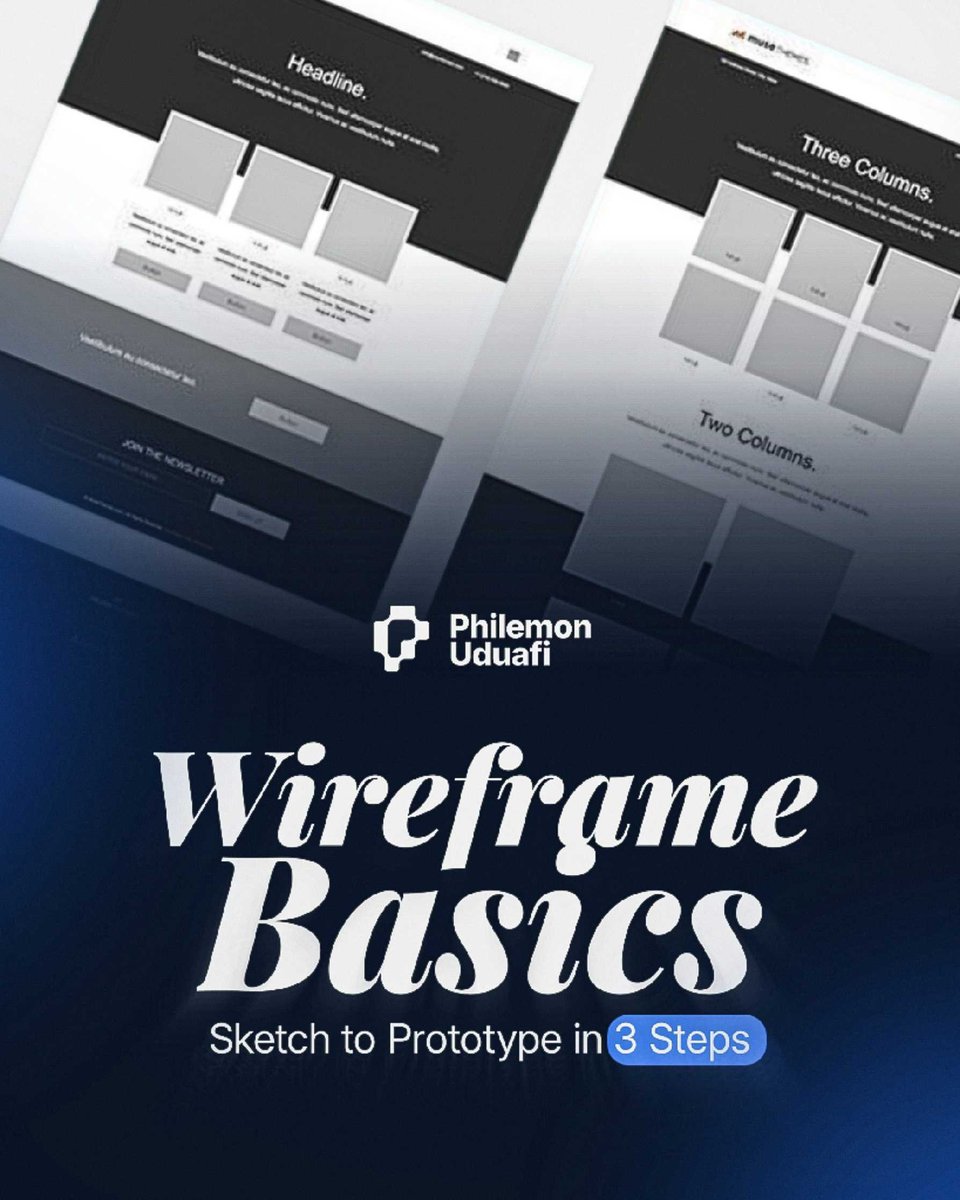
Wireframe to prototype in 3 steps:
1. Sketch the flow (paper works)
2. Low-fi in Figma (boxes and text)
3. Add interactions (make it click)
Start simple.
Refine later.
#Wireframing #UXProcess #DesignProcess #FigmaTips #ProductDesign
4
44
Feb 22
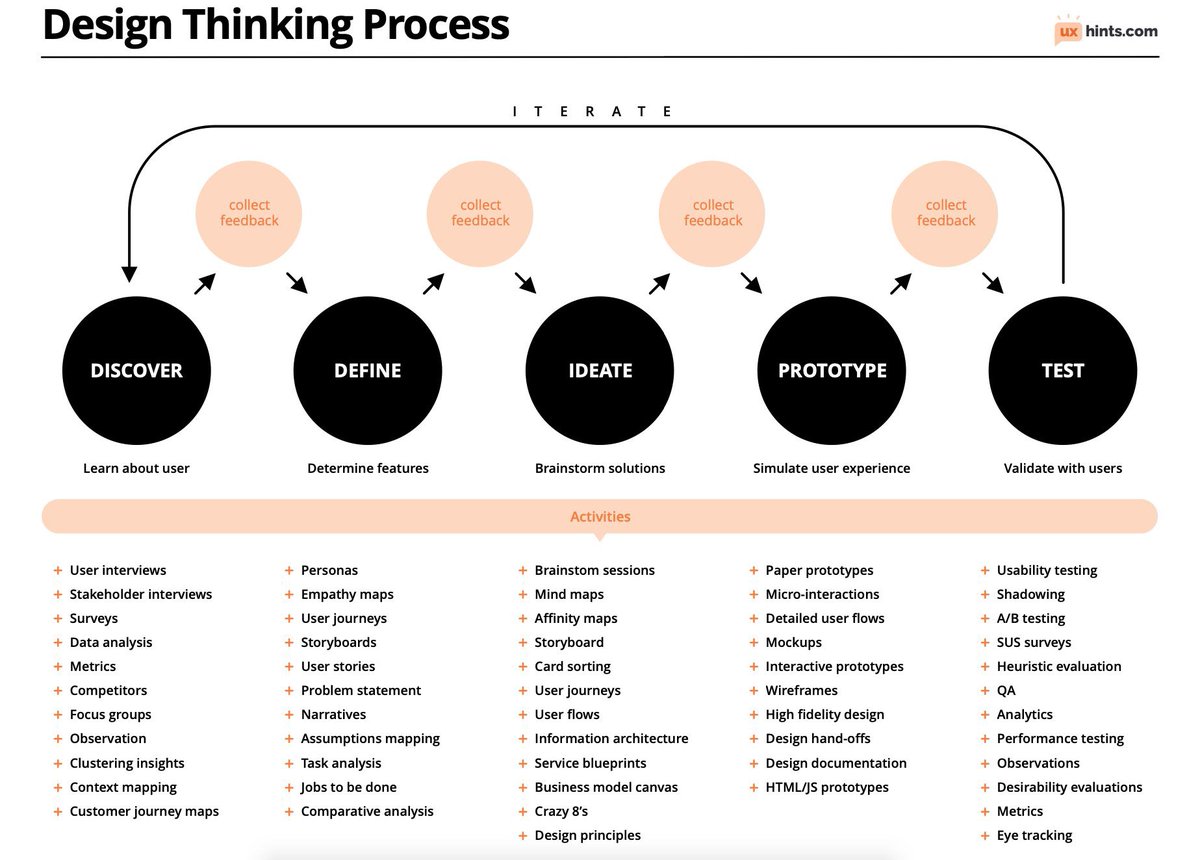
Learn about Design Thinking Process to improve your UX/UI Designs
With FREE PDF Cheatsheet!
What is Design Thinking?
Design Thinking is a design methodology that is used for solving design problems using human-centric approach. It allows to tackle ill-defined and complex user problems and provide creative and effective solutions to it through empathizing with the user.
Design thinking process is iterative
Discover:
- User interviews
- Stakeholder interviews
- Surveys
- Data analysis
- Metrics
- Competitors
- Focus groups Observation
- Clustering insights
- Context mapping
- Customer journey maps
Define:
- Personas
- Empathy maps
- User journeys Storyboards
- User stories
- Problem statement
- Narratives
- Assumptions mapping
- Task analysis
Jobs to be done- Comparative analysis
Ideate:
- Brainstom sessions
- Mind maps
- Affinity maps
- Storyboard
- Card sorting
- User journeys
- User flows
- Information architecture
- Service blueprints
- Business model canvas
- Crazy 8’s
- Design principles
Prototype:
- Paper prototypes
- Micro-interactions
- Detailed user flows
- Mockups
- Interactive prototypes
- Wireframes
- High fidelity design
- Design hand-offs
- Design documentation
- HTML/JS prototypes
Test:
- Usability testing
- Shadowing
- A/B testing
- SUS surveys
- Heuristic evaluation
- QA
- Analytics
- Performance testing
- Observations
- Desirability evaluations
- Metrics
- Eye tracking
Practical Tips:
- Design process is not linear, it has a parallel and iterative nature. Designer can dive into different phases depending on a situation.
- Use visual and object languages to communicate your ideas.
- Empathize with users to understand their psychological and emotional needs and what is meaningful to them.
- Generate ideas by alternating divergent and convergent thinking.
- Rapid prototyping is a powerful technique that allows to avoid a lot of debates and establish a shared understanding in the team. Use it all the time.
by @uxhints_com
#ux #uxdesign #ui #uidesign #productdesign #uxprocess #uxstrategy #design #designthinking #research #userresearch #uxresearch #usertesting #usability #usabilitytesting #prototyping #agile #mvp #startup #digital #ideation #usercentreddesign #userempathy #business #figms
1
7
68
3,528

Jan 24
Day 17/30
Client brief:
How I translate client goals into actionable design tasks.
Understanding the “why” is key to success.
#UXProcess
Jan 23

Day 16
Challenge:
Today’s challenge: balancing creativity with usability. Design is art that serves a purpose. #BuildInPublic
3
59

1 Dec 2025
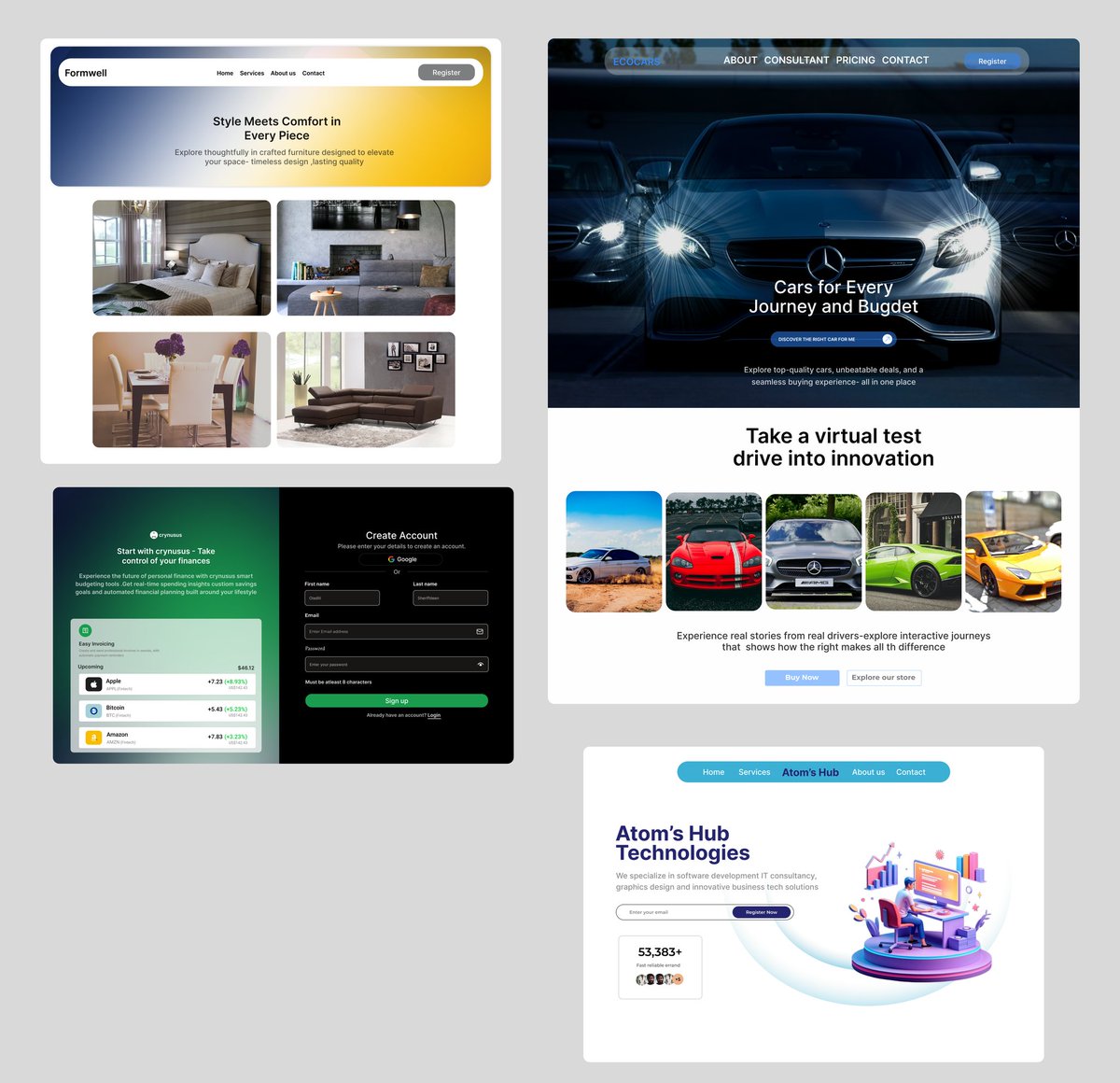
A few designs I've been working on lately - always learning, always interating
#UX #UI #ProductDesign
#Figma #DailyUI
#UXUI #UXProcess #UX #UI
#DesignCommunity #TechTwitter
#AppDesign
1
1
4
126
1 Dec 2025
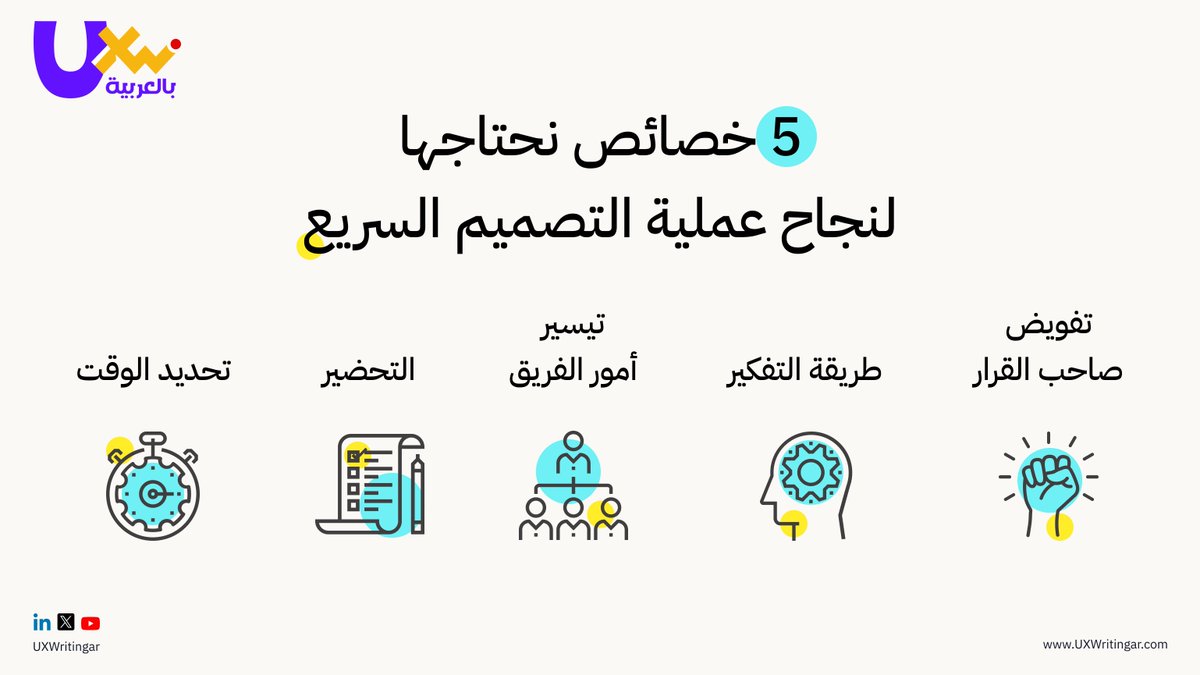
⚡ أهم 5 خصائص تجعل التصميم السريع أكثر تركيزًا وفعالية.
هل تستخدمها في عملك؟ 🧐
#UXWriting #UIUXDesign #UXDesigners #DesignSprint #UXProcess
1
1
4
300

23 Nov 2025
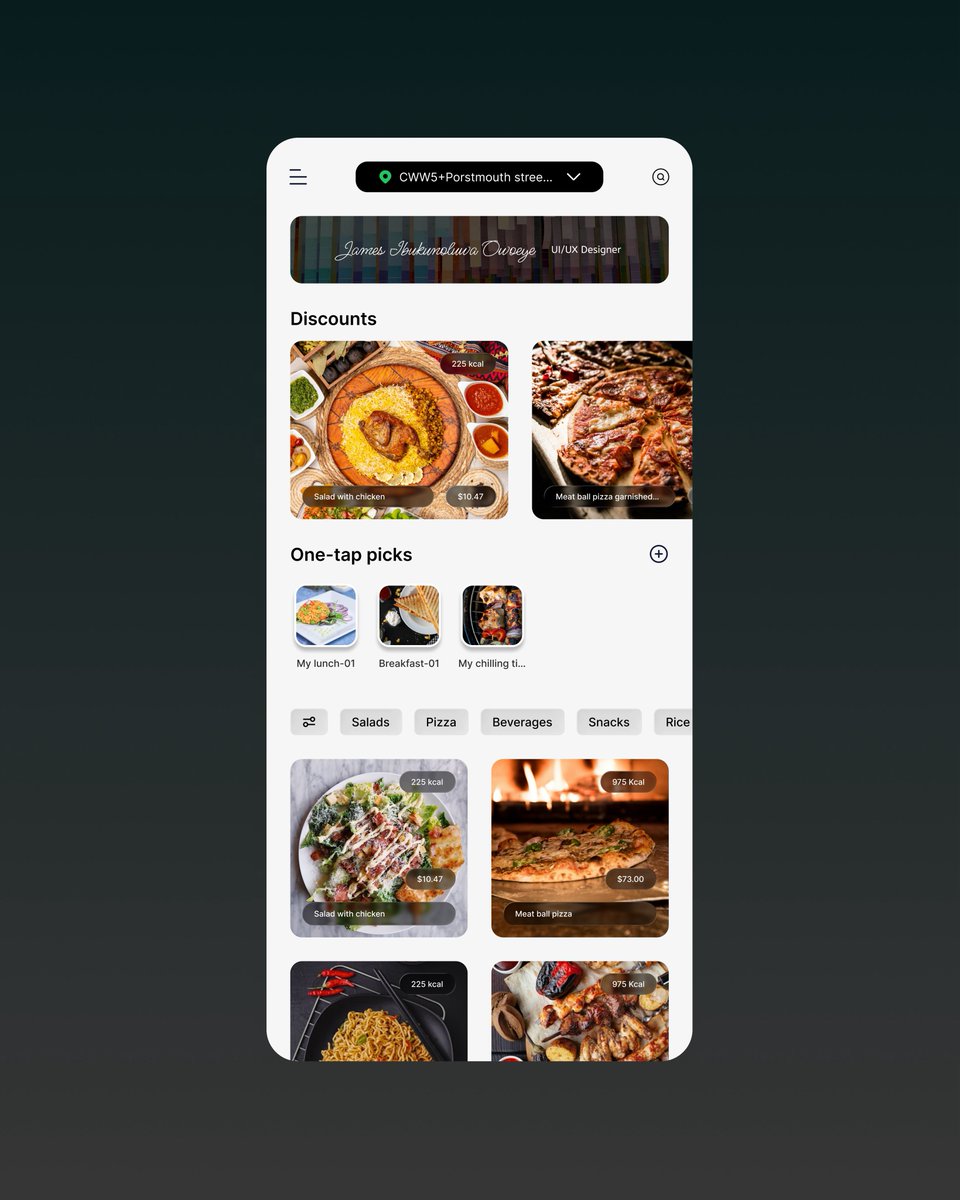
Day 12 of posting and putting my skill set out there till I land a job
Below is a food (restaurant) menu and delivery app
#uiuxdesign #DailydesignChallenge
#uxprocess #Designportfolio #opentowork
1
83
22 Nov 2025
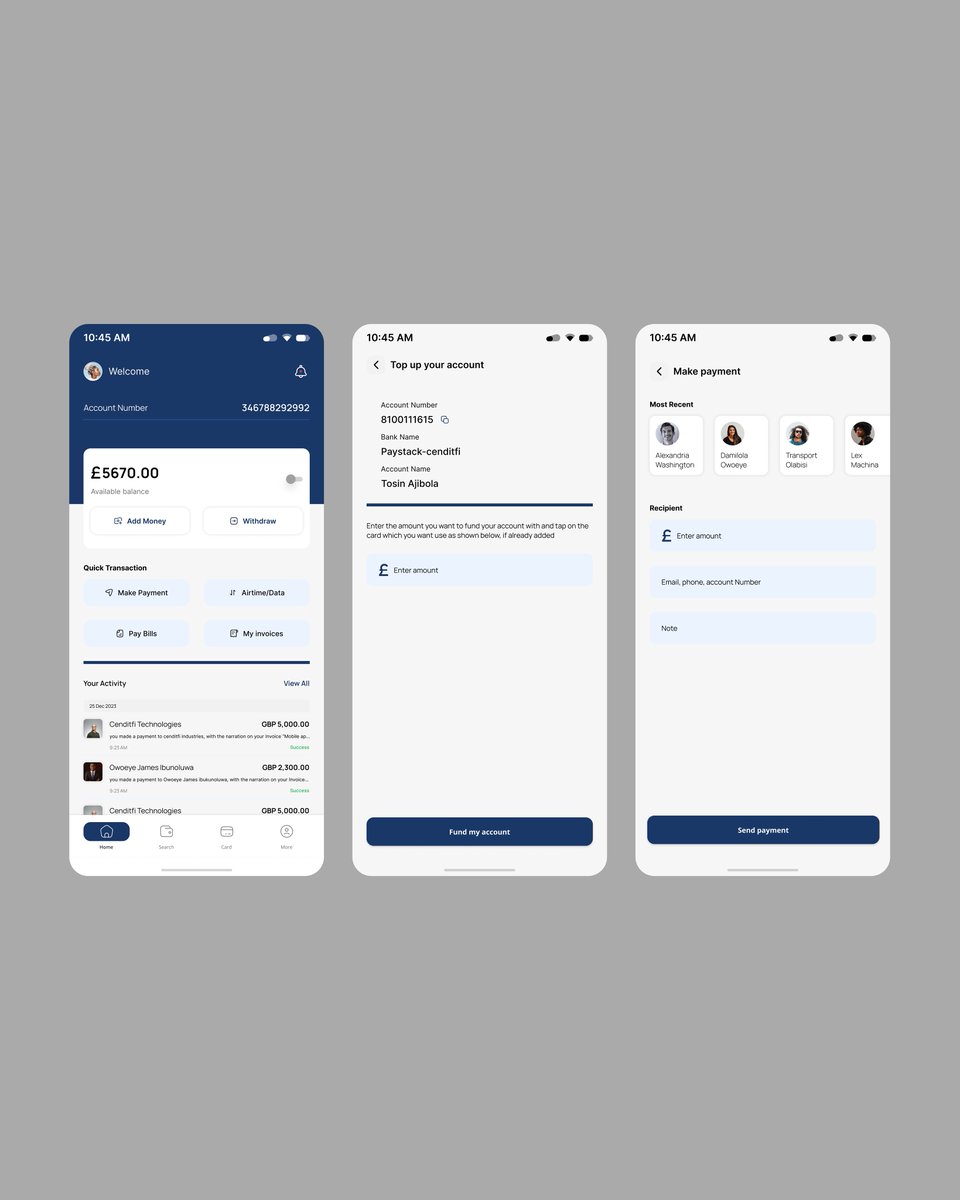
Day 11 of posting and putting my skill set out there till I land a job
Below is a payment app. For bills, airtime,merchant and so on
#uiuxdesign #DailydesignChallenge
#uxprocess #Designportfolio #opentowork
2
87
21 Nov 2025
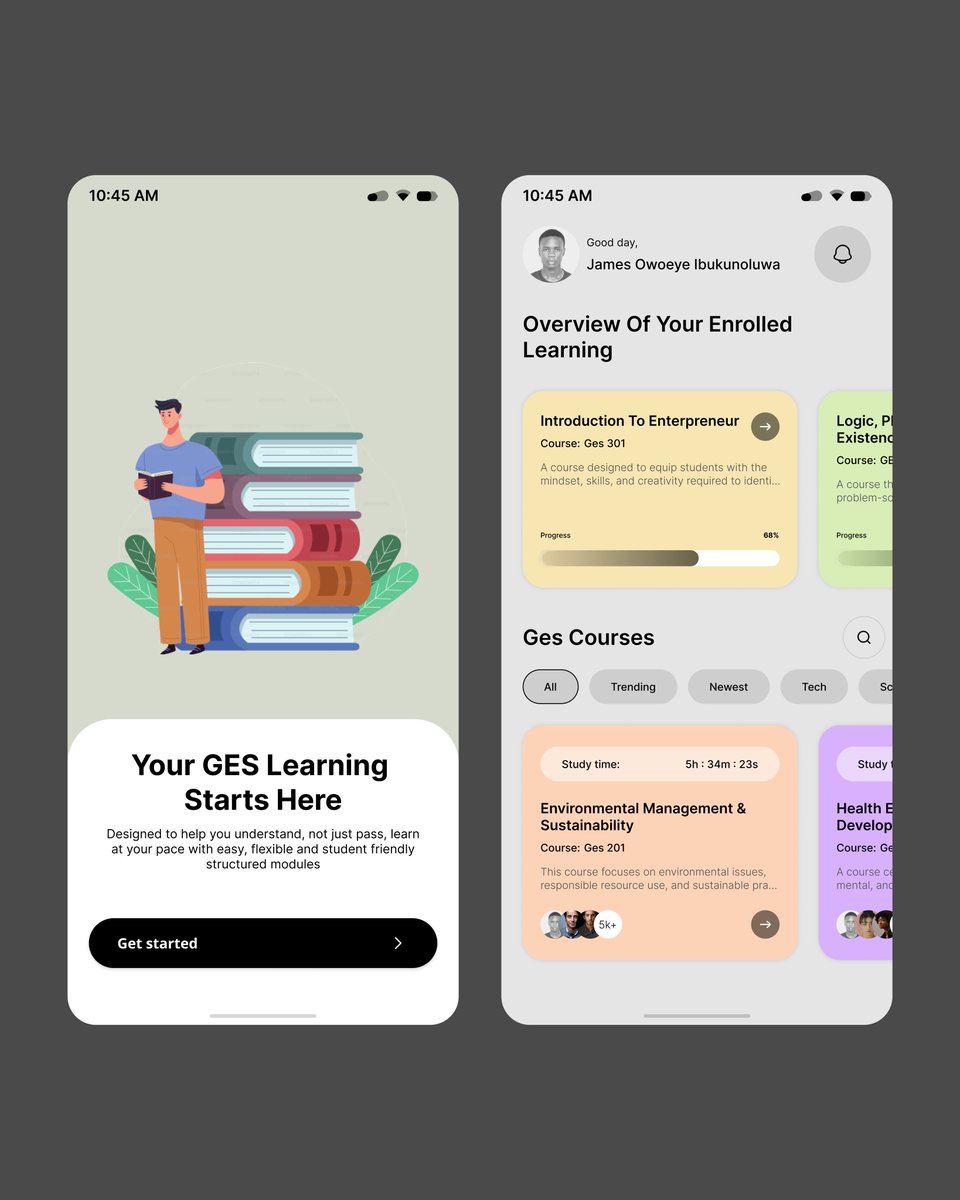
Day 10 of posting and putting my skill set out there till I land a job
Below is an E-learning mobile app
@ibadanuni @UnilagNigeria @CUHEBRON @OAUniversity @RedeemersUni
#uiuxdesign #DailydesignChallenge
#uxprocess #Designportfolio #opentowork
1
1
5
198

19 Nov 2025
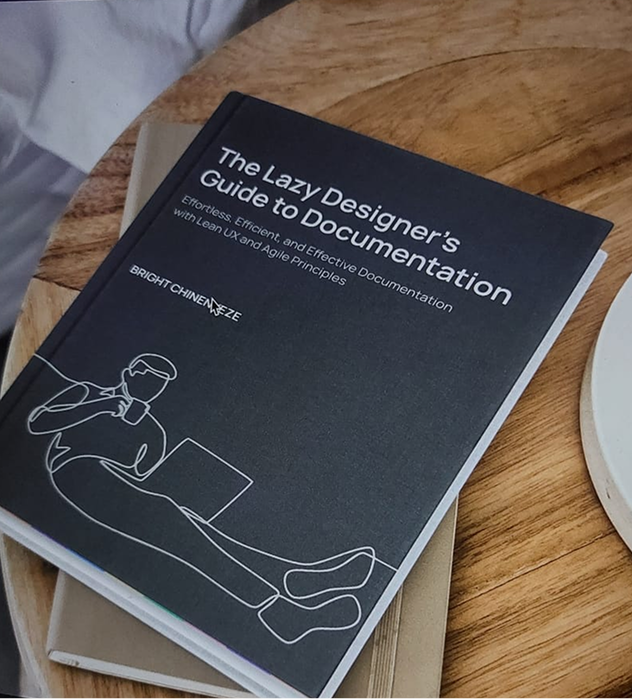
Chapter Six - The Lazy Designer’s Manifesto.
5 habits that make documentation effortless:
• Document as you go
• 10–15 min daily doc blocks
• Aim for clarity, not perfection
• Use templates
• Keep one source of truth
Design smarter, not stressed.
Full chapter → selar.com/lazydesigner
#LazyDesigner #UXProcess #DesignDocs Kwara Tinubu
1
4
74

14 Nov 2025
Focusing on the fixes that matter most ⚡
I’m prioritizing the high-severity, low-effort issues — quick changes with big impact.
Small tweaks, smoother freelancer experience.
#UXDesign #UXProcess #FreelancerApp
2
25

19 Oct 2025
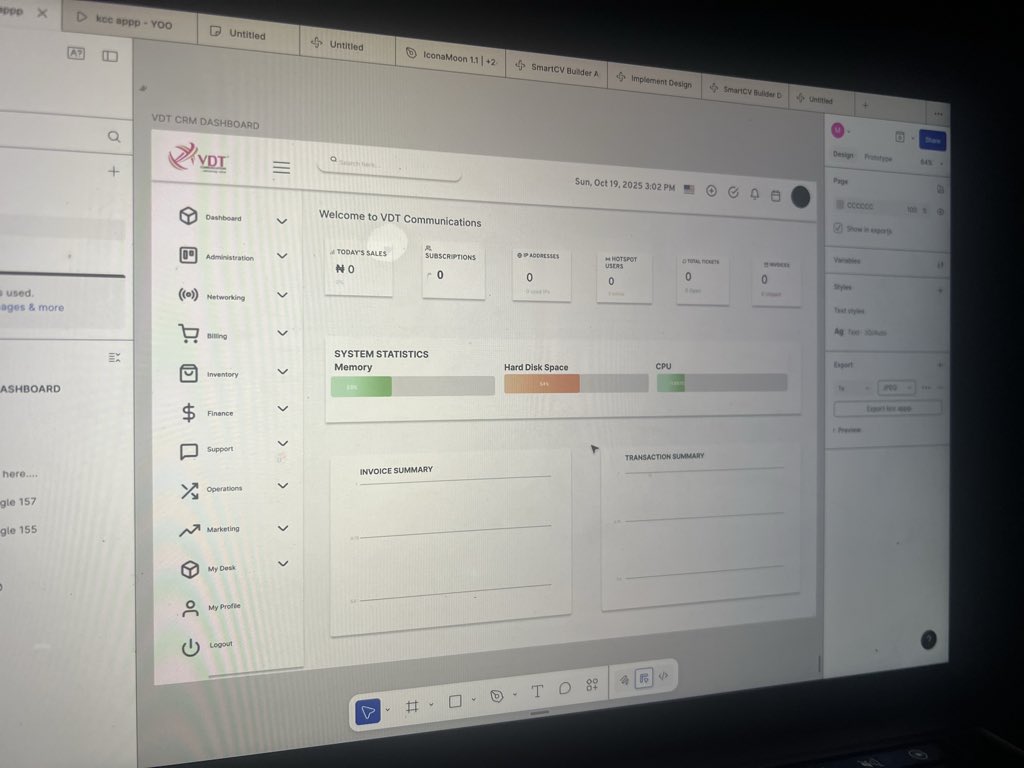
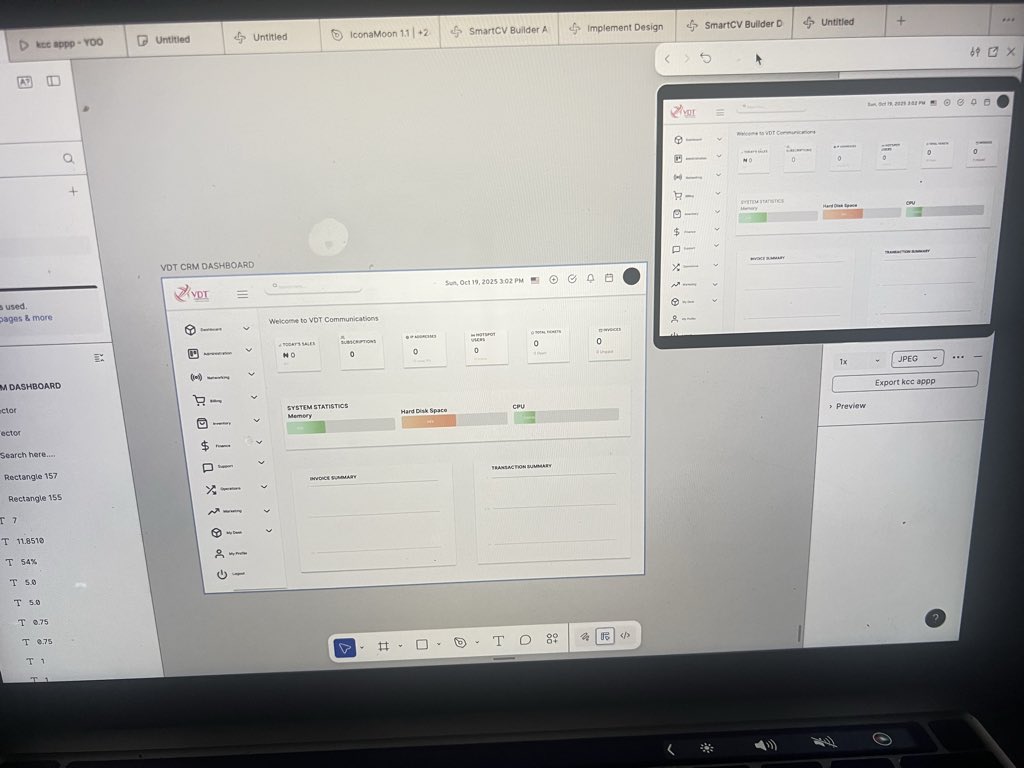
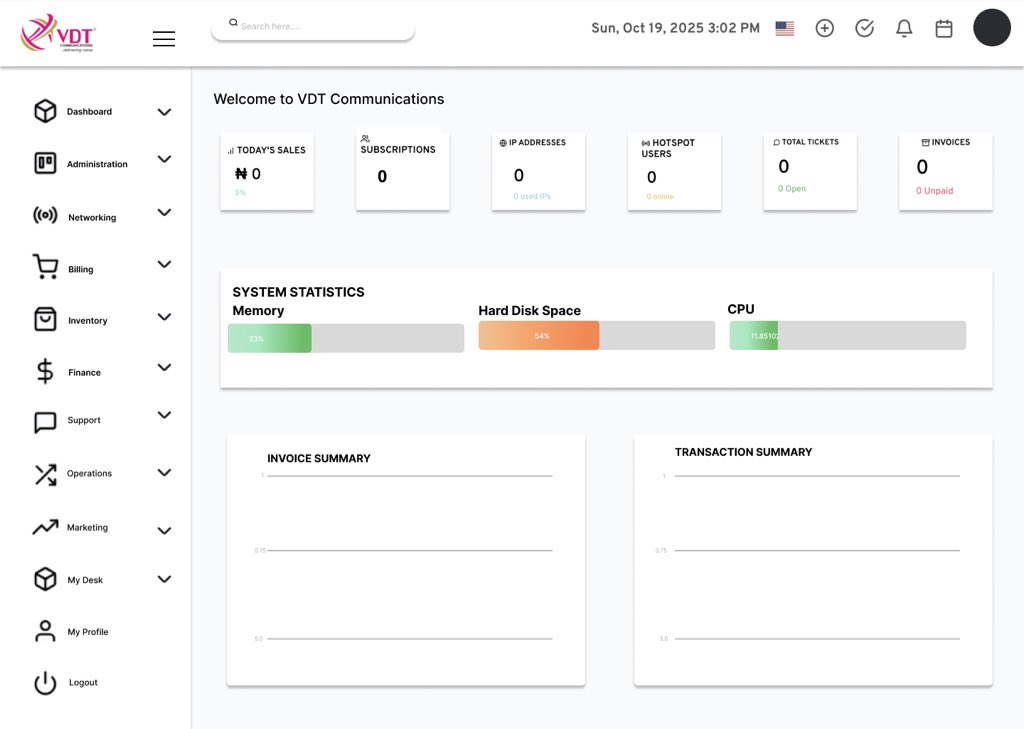
Recreated this dashboard to reflect how clear and intuitive I believe a CRM should look simple visuals, focused data, and a calm layout. 🎨💡
#UXDesign #UIDesign #DashboardUI #FigmaCommunity #DesignThinking #CRM #ProductDesign #UXProcess
@vdt4glte
3
12
433

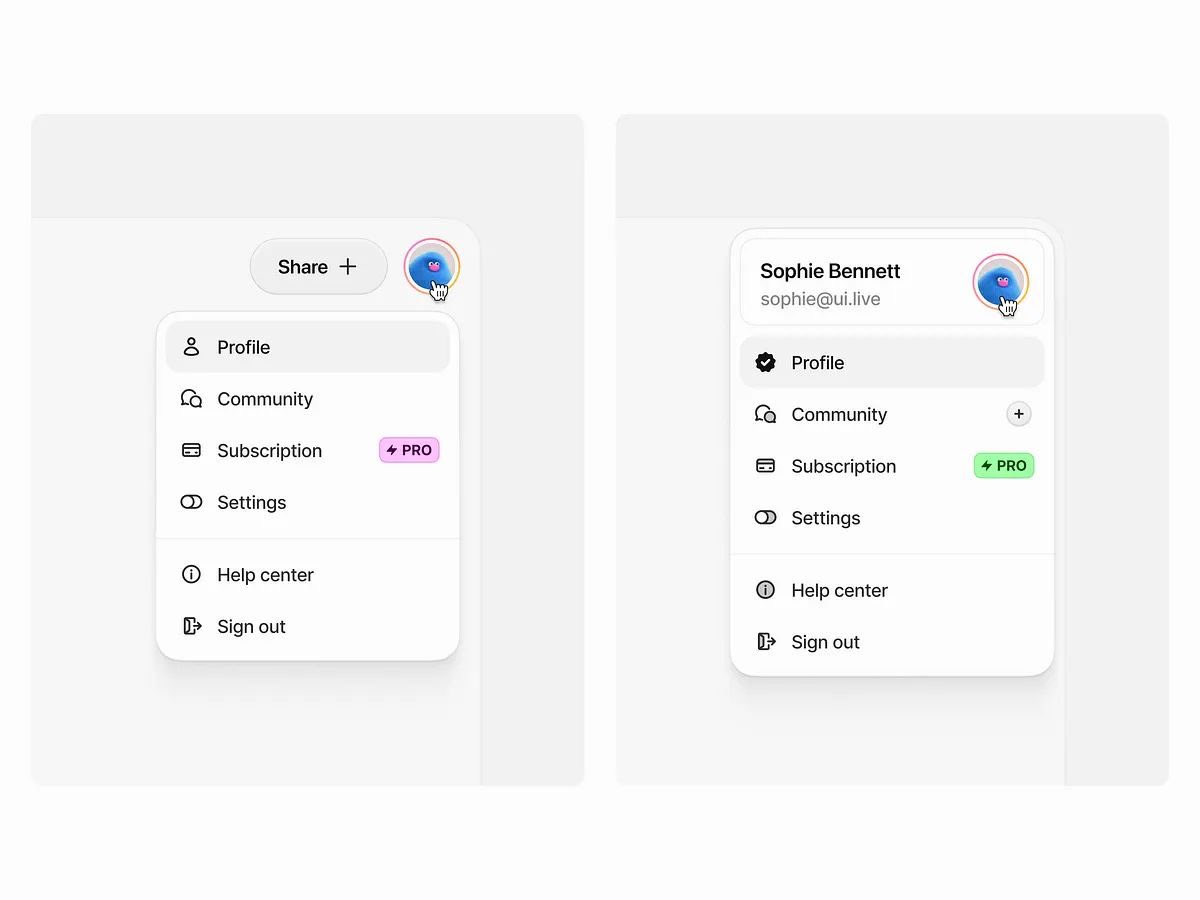

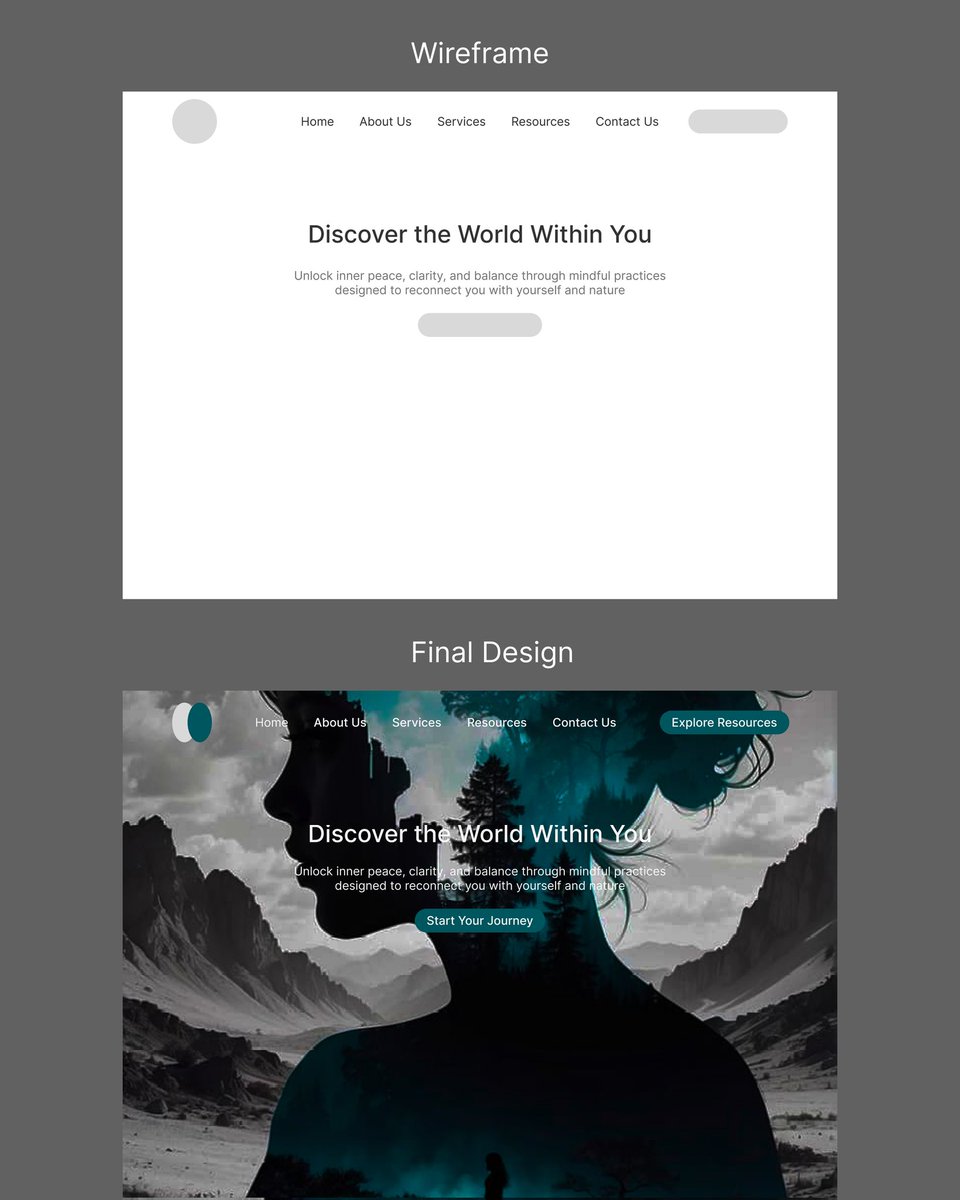
29 Aug 2025
From simple to efficiency to effectiveness.
My 3—steps Figma Workflow
1. Fast wireframe ideas
2. Add visual elements (pictures, color...)
3. Prototype interactions for smooth testing (for mobile App screes).
Designers, what's your figma workflow hacks?
#figmadesign #uxprocess
4
266

13 Aug 2025
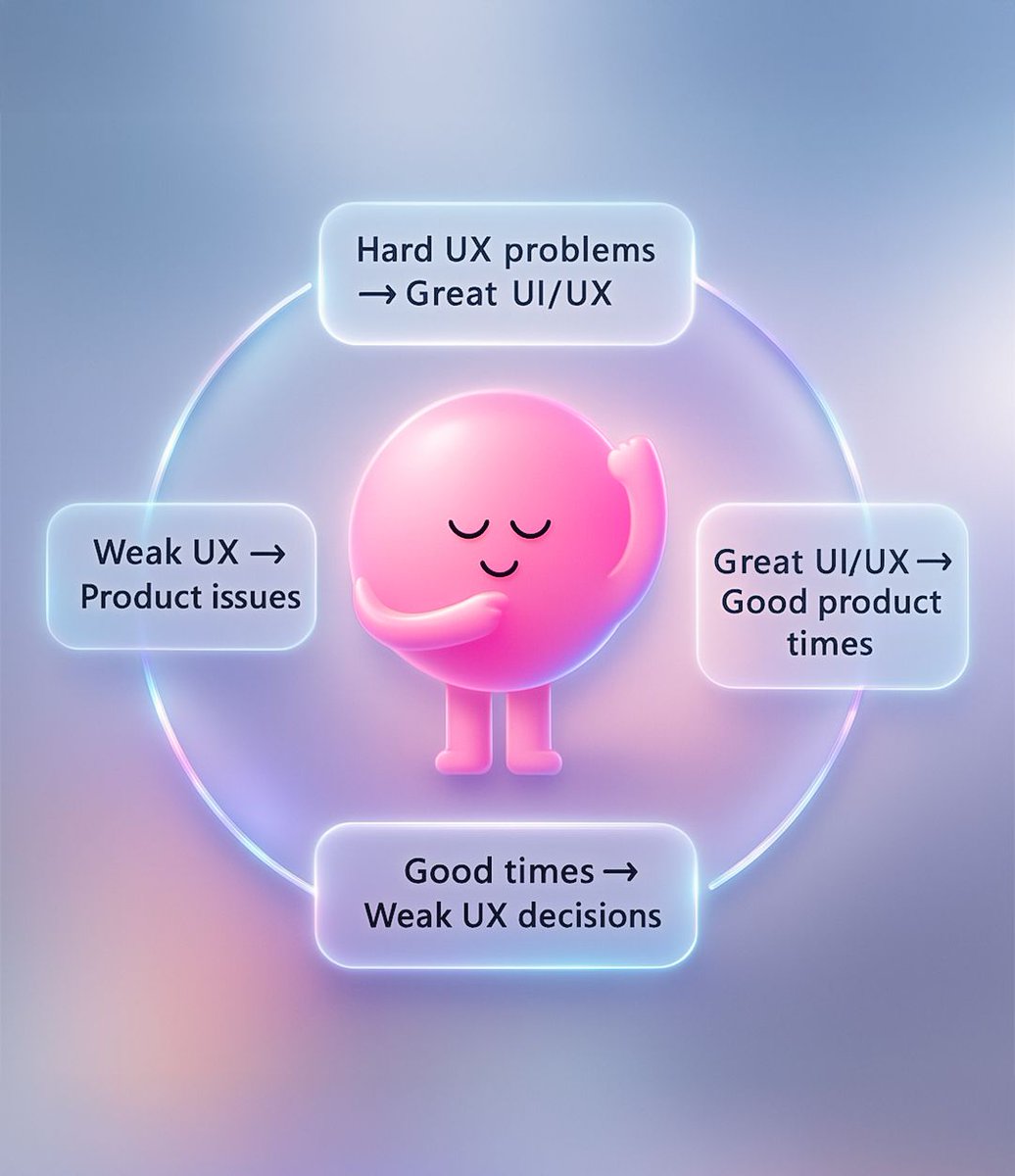
The UI/UX Design Cycle
Hard UX problems → Great designs
Great designs → Happy users
Good times → Complacency → Weak designs
Weak designs → Product issues → Hard times again
Constraints fuel creativity. Always validate & iterate.
#UXDesign #UIDesign #UXProcess
6
84

10 Aug 2025
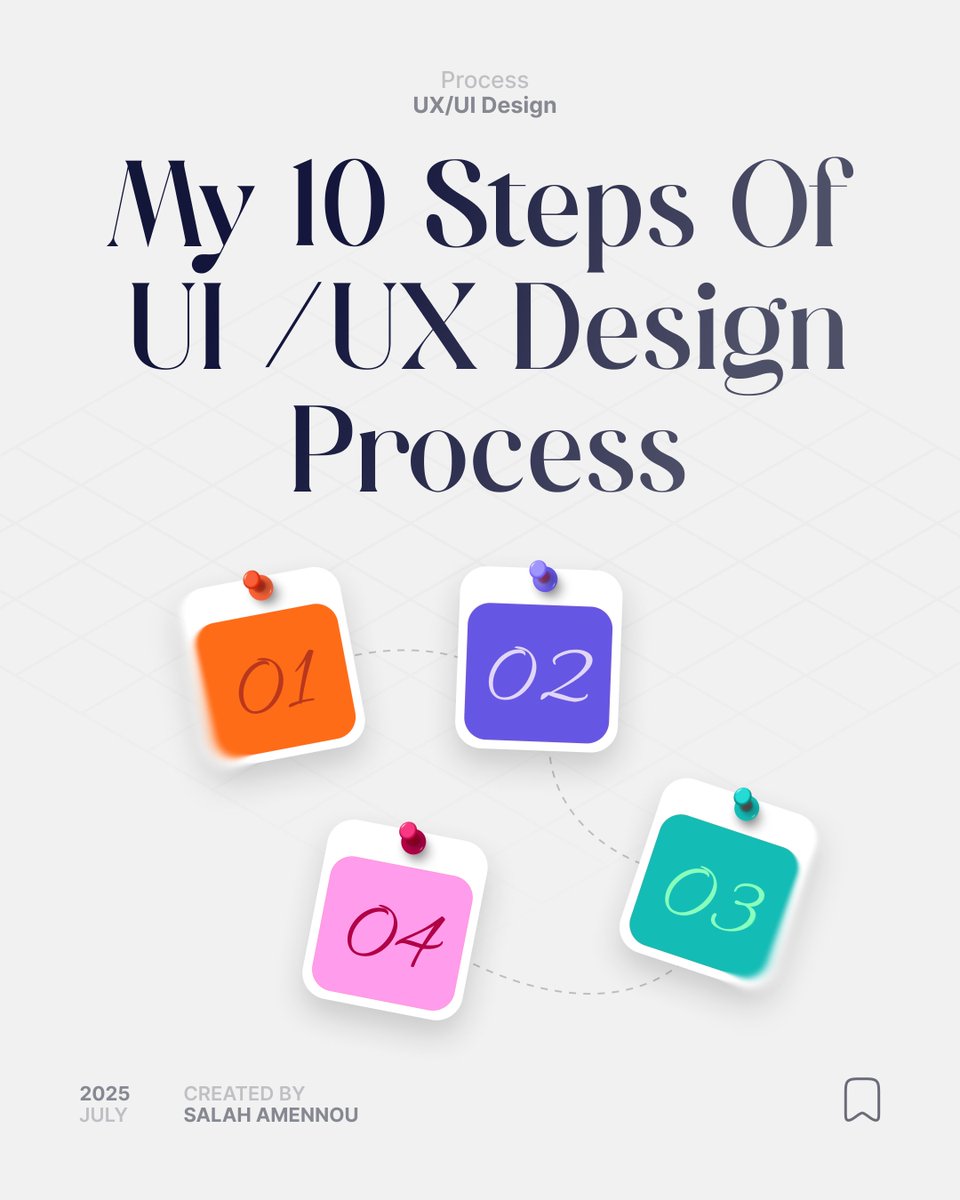
The 10 Steps I Use to Design Exceptional UI/UX 🚀
#UX #UI #DesignTips #UXProcess #UIDesignProcess #UIUX #FigmaDesign #UXCommunity #DesignerLife #UXInspiration
3
4
114

5 Aug 2025
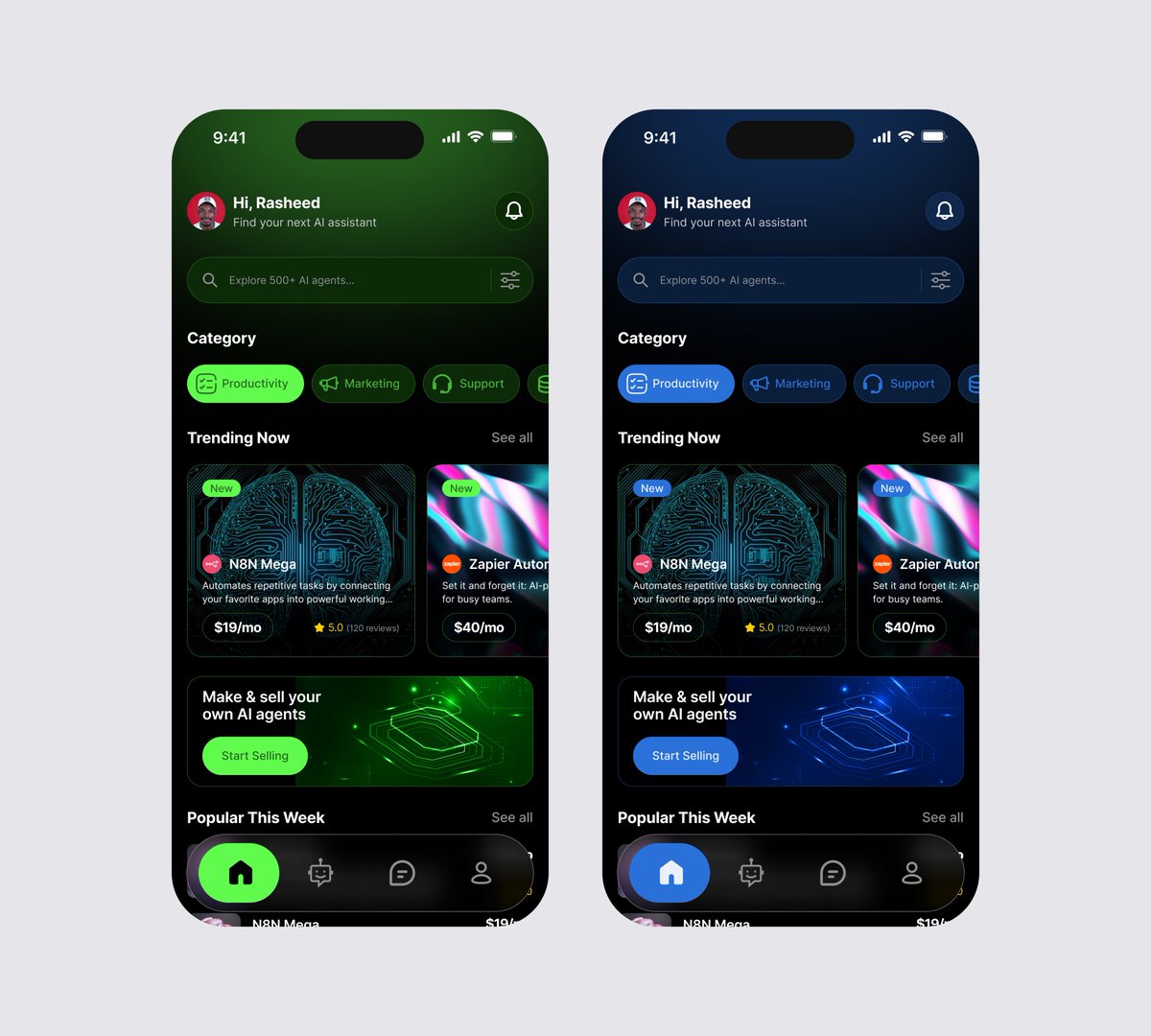
AI automation marketplace exploration, where you can buy or sell your AI agent.
One screen, two moods. Which direction do you prefer: calm blue or vibrant green?
#UIUXDesign #UIDesign #UXDesign #UXProcess #uiux #UIUX #DesignTwitter #BuildInPublic
4
2
6
191