
Jun 12
✨ Make your icons pop!
Soft gradients, subtle glows, clean shadows—Figma tips to level up your UI.
🌐 Grab free icons & try it yourself → metamorphlab.co
#FigmaTips #IconDesign #UIUX #GradientIcons #DesignHacks #MetamorphLab
2
18

May 18
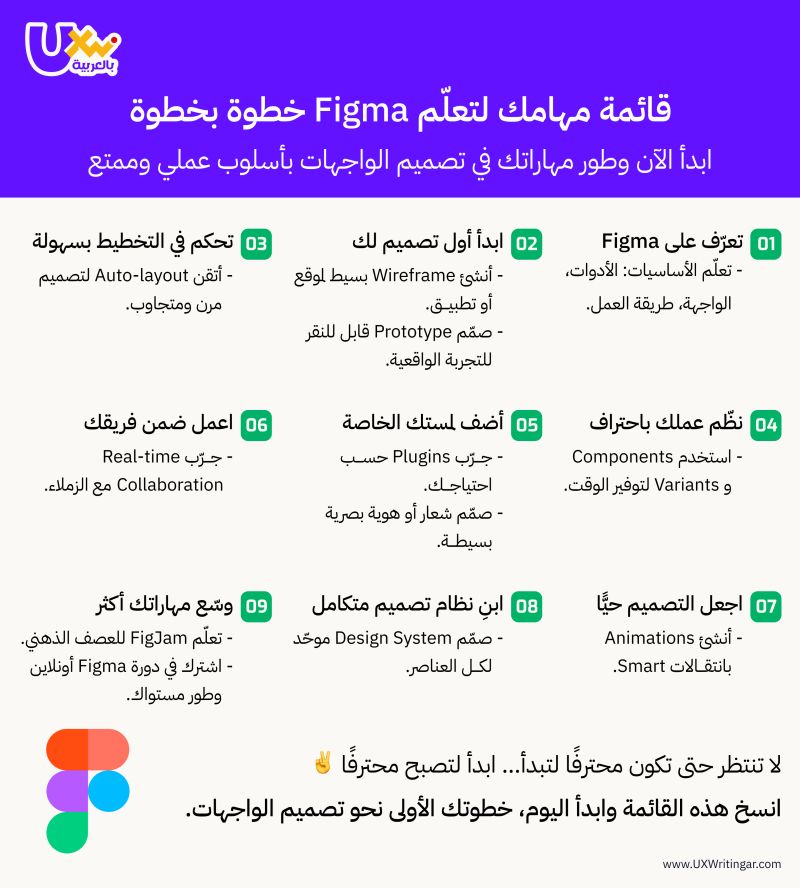
💡 لا تحتاج أن تكون محترفًا لتبدأ، لكن عليك أن تبدأ لتصبح محترفًا
هذه القائمة تساعدك على تعلّم Figma
تنظيم عملك، وبناء نظام تصميم متكامل بثقة وإبداع ✨
#FigmaTips #UIDesign
2
8
363

May 11
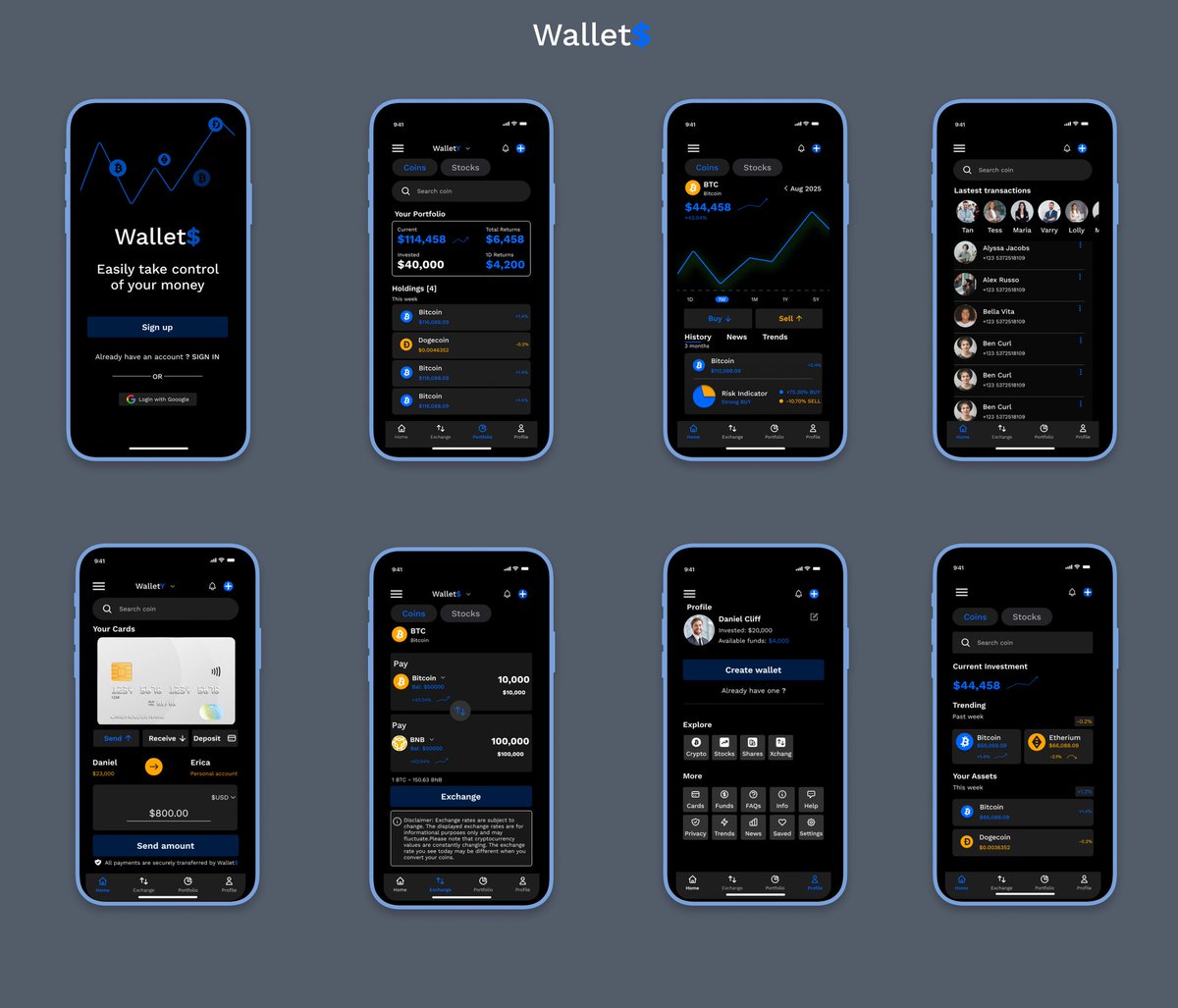
Designing a Fintech app like "Wallet$" isn't about pretty screens; it's about bulletproof logic.
Every single one of these blue lines represents a user decision I had to map out.
If they tap "Exchange," they must land exactly here. There is zero room for error in finance logic.
The benefit of building high-fidelity prototypes like this:
✅ Reduce Dev Friction: Devs see the exact user journey.
✅ Early Problem Detection: We find logic gaps before code.
✅ Stakeholder Buy-in: They can test the app before it's "real."
Process > Product.
#Figma #UXDesign #FigmaTips #Fintech
2
38
Apr 16
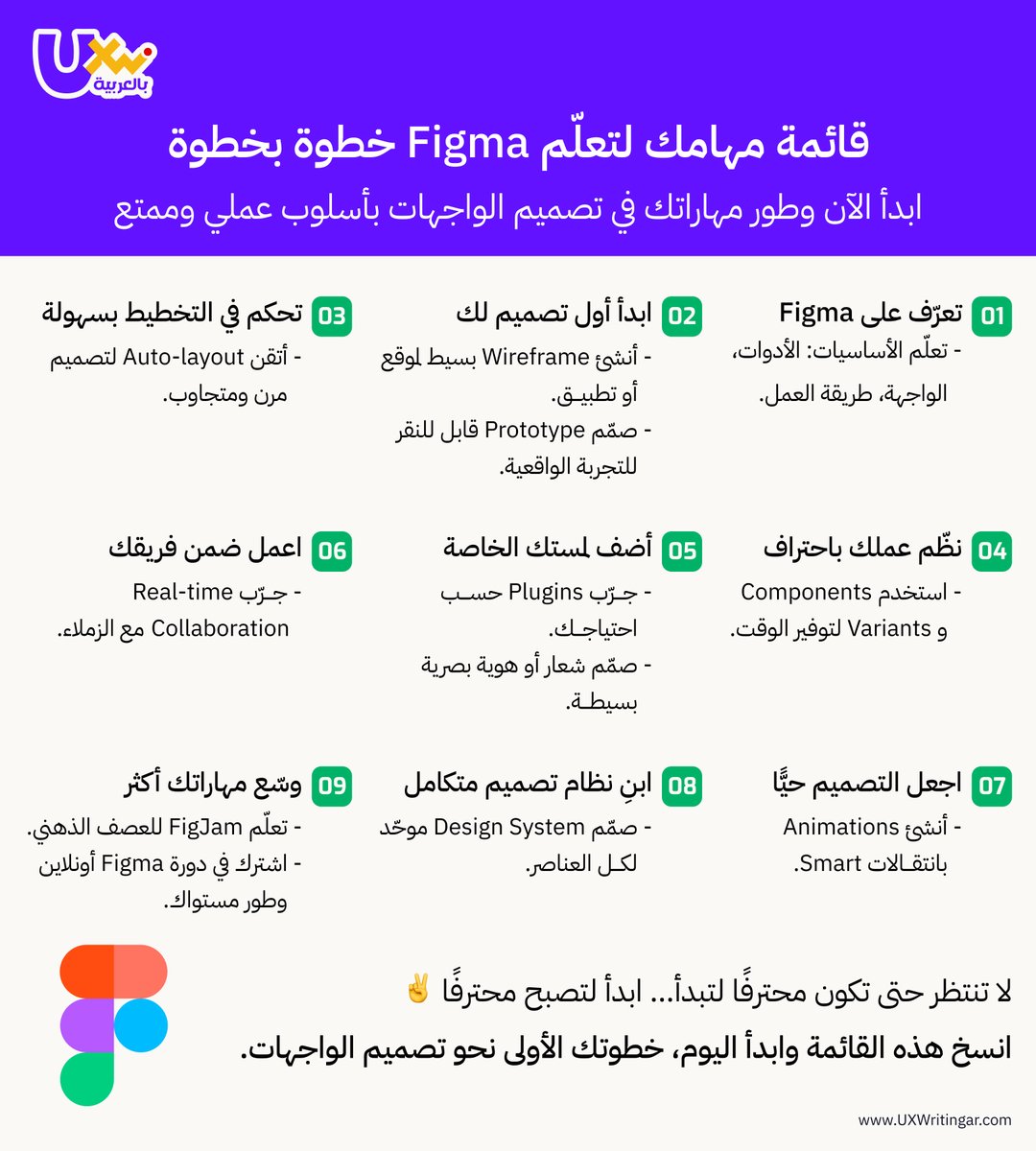
المشكلة ليست في تعلّم Figma،
بل في عدم معرفة من أين تبدأ 🤔
هذه القائمة تساعدك على تعلّم Figma وبناء نظام تصميم متكامل بثقة وإبداع ✨
وللتعلّم بشكل عملي ومنظّم،
تمنحك ورشة Figma بداية واضحة وخطوات تطبيقيرة مباشرة 🎯
🗓️ تبدأ الدفعة القادمة قريبًا جدًا
⚠️المقاعد المتبقية محدودة، احجز الآن⬇️
uxwritingar.com/workshop/fig…
#FigmaTips #UIDesign #UXWriting #FigmaWorkshop
2
8
342

Figma Magic Trick: Text to Icons 🪄⌨️
Why download icon packs when you can just type them?
🔥 The Font: Font Awesome 6 Brands
#figmahacks #uidesign #uxdesign #figmatips #fontawesom
instagram.com/reel/DWJjCcUgW…
2
47

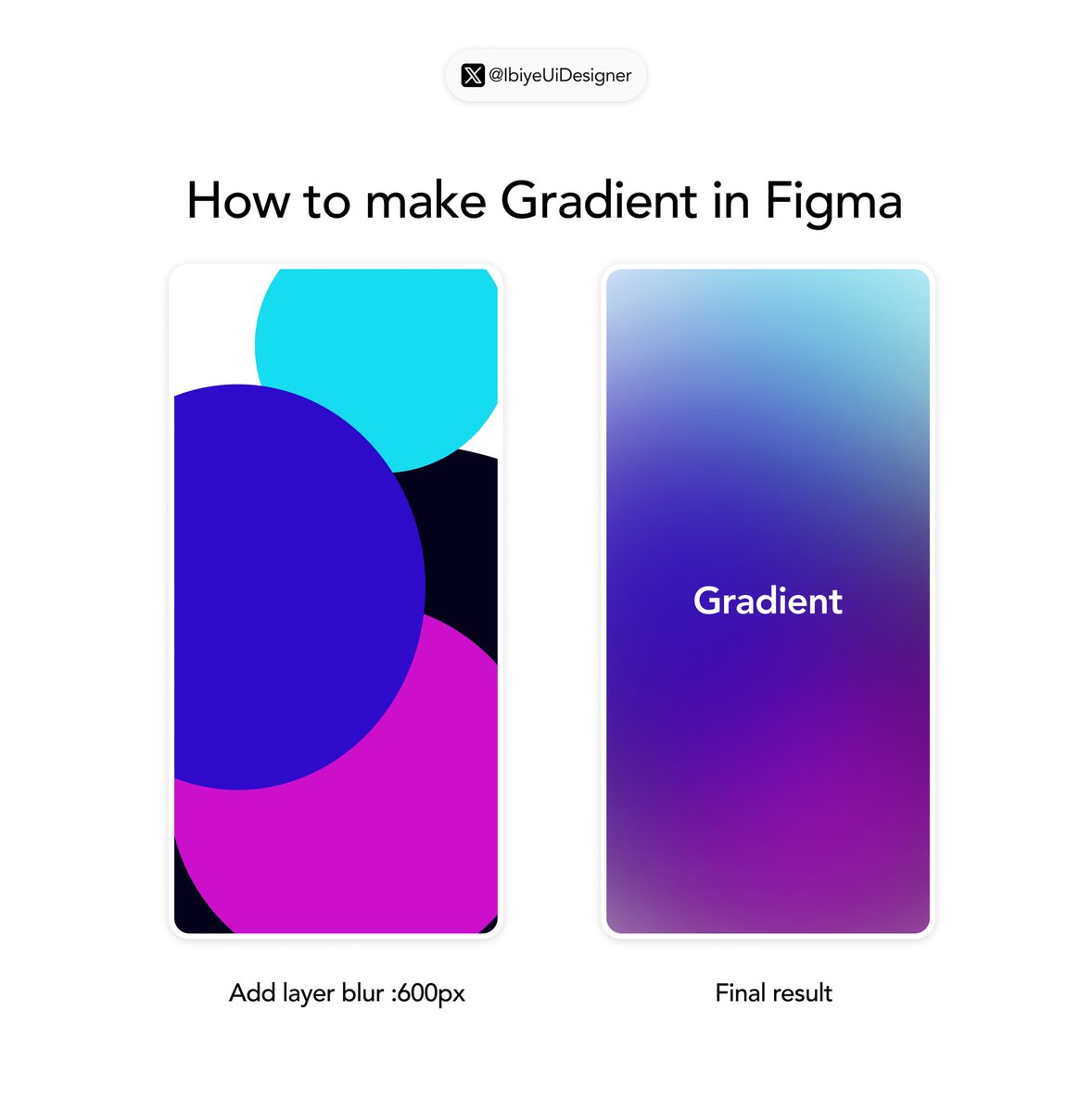
Steal this dreamy blurred gradient in 30 seconds
1. Draw overlapping colorful circles/blobs
2. Group them
3. Add Layer Blur → set to 600px (or more for softer)
Instant soft, modern background magic
Try it now what will you use it for? 👇
#FigmaTips #UIUX”
4
7
13
314

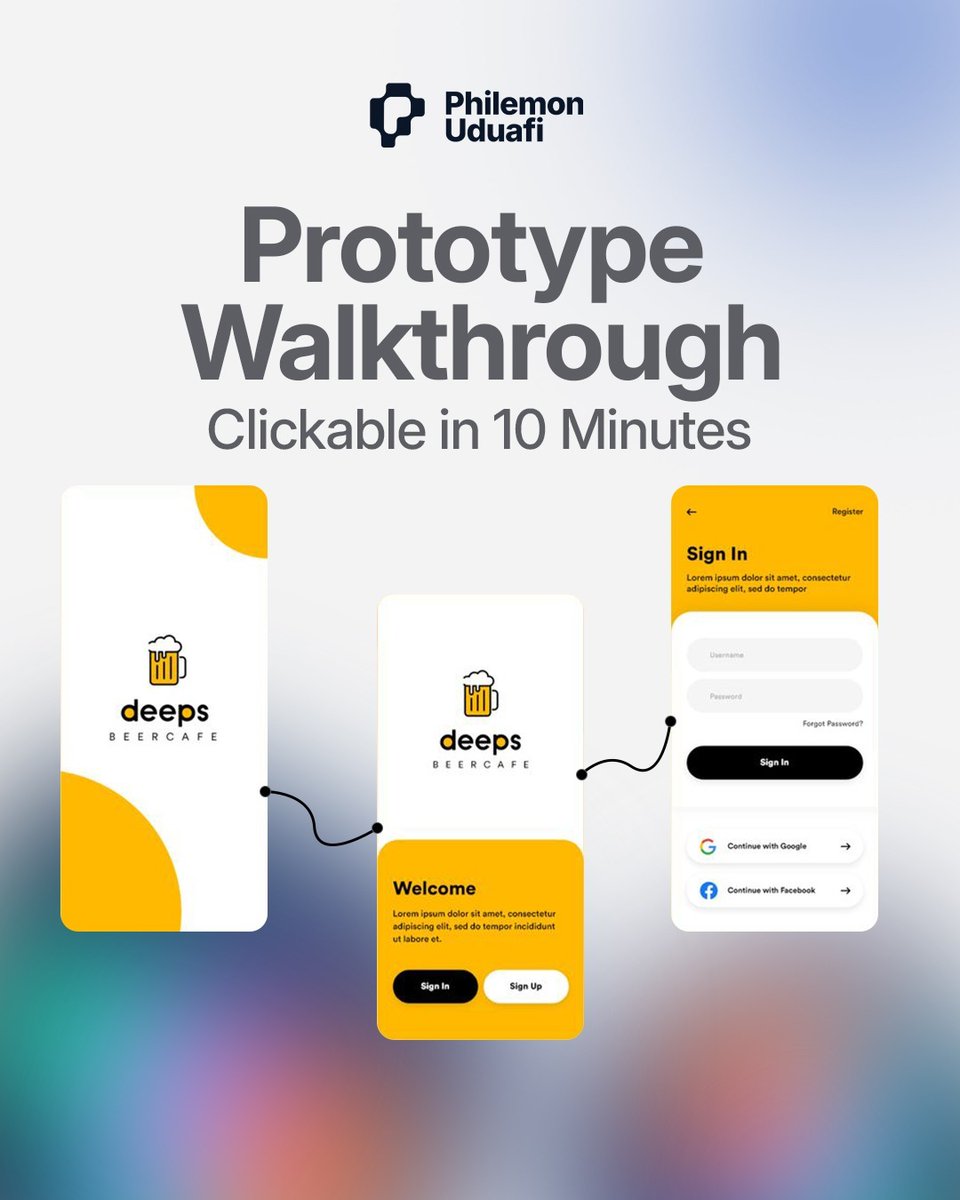
Make your designs clickable in Figma:
1. Select frame
2. Add prototype connection
3. Set interaction (click/hover)
4. Test in preview mode
10 minutes. That's it
#Prototyping #Figma #FigmaTips #ProductDesign #InteractiveDesign
#UXDesign
6
46

Mar 14
Safe areas, margins (16px), gutters (16px), nav bars, tab bars & more - side-by-side comparison for cross- platform mobile design.
Which platform do you design for most?👇
(Feel free to tweak the question or add emojis/hashtags like #UIDesign #MobileDesign #iOSvsAndroid #FigmaTips

1
15
5,938
Mar 11
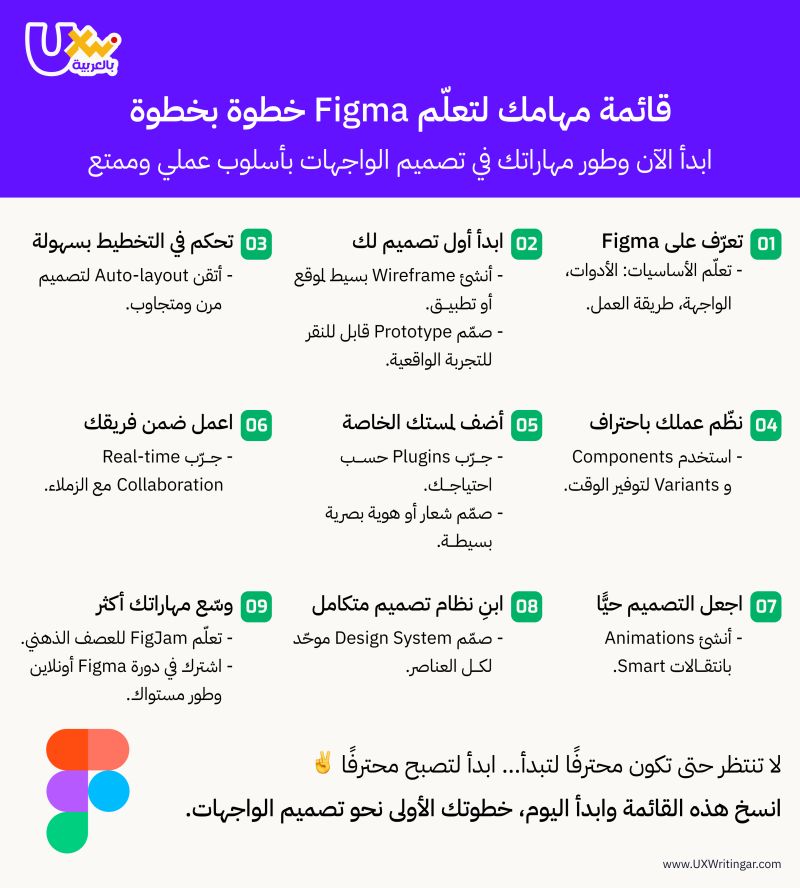
💡 لا تحتاج أن تكون محترفًا لتبدأ، لكن عليك أن تبدأ لتصبح محترفًا
هذه القائمة تساعدك على تعلّم Figma
تنظيم عملك، وبناء نظام تصميم متكامل بثقة وإبداع ✨
🗓️ تبدأ الدفعة القادمة في أبريل
⚠️المقاعد المتبقية محدودة احجز الآن ⬇️
uxwritingar.com/workshop/fig…
#FigmaTips #UIDesign #UXWriting #FigmaWorkshop
3
11
730
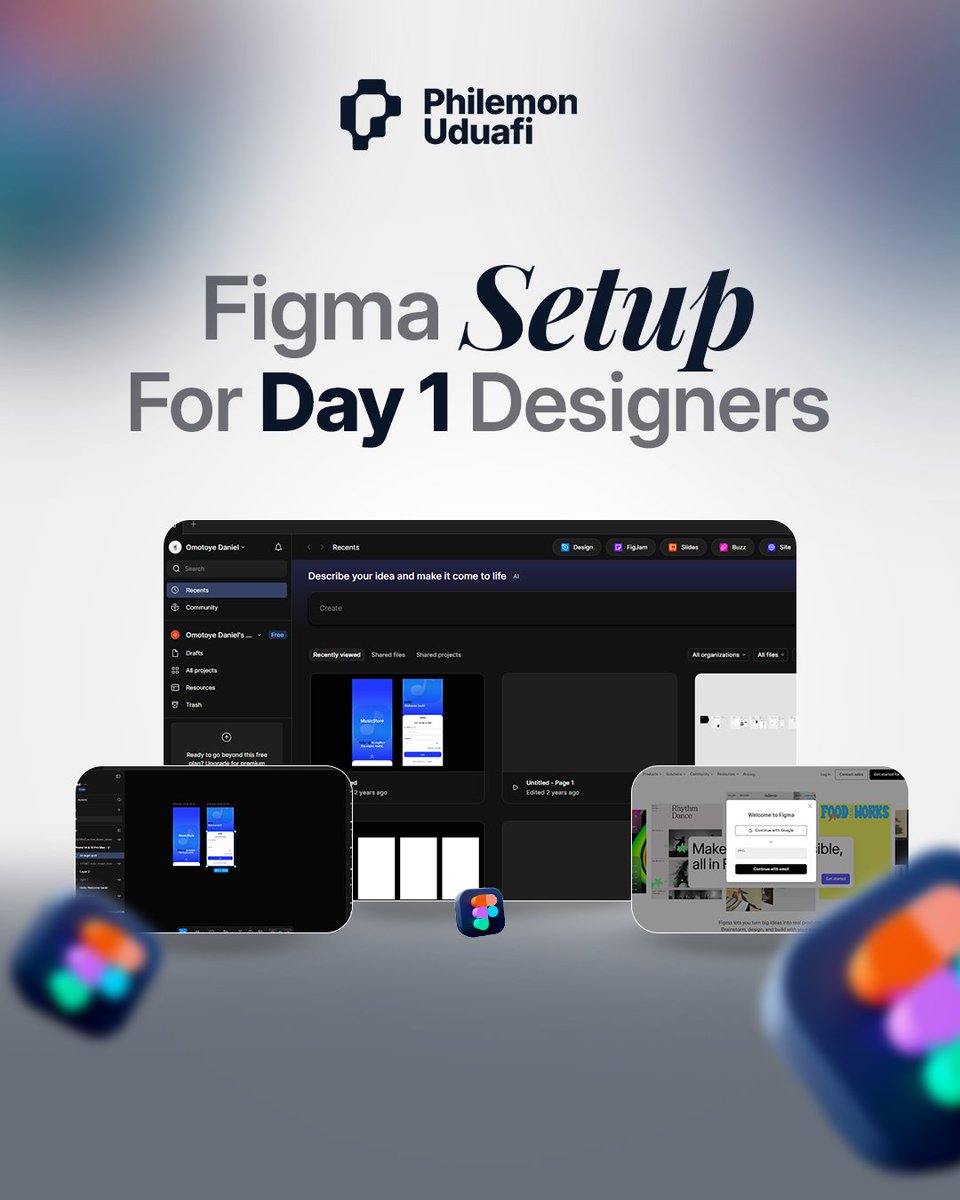
Free Figma setup for beginners:
1. Create an account (free forever)
2. Install desktop app
3. Browse community files
4. Start with UI kits You don't need Adobe.
Start here.
#FigmaTips #DesignTools #BeginnerDesigner #UIUXTools #FigmaDesign
4
37
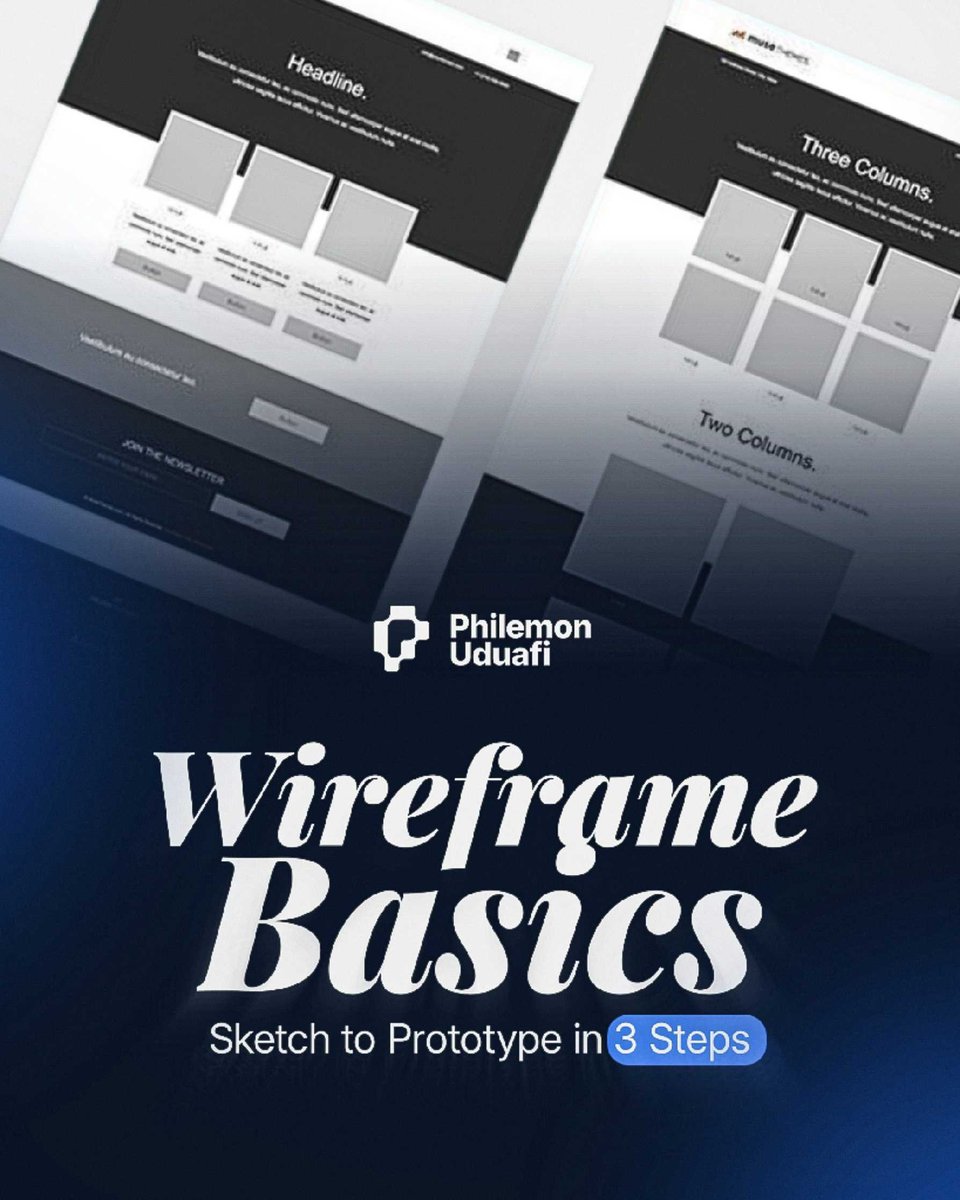
Wireframe to prototype in 3 steps:
1. Sketch the flow (paper works)
2. Low-fi in Figma (boxes and text)
3. Add interactions (make it click)
Start simple.
Refine later.
#Wireframing #UXProcess #DesignProcess #FigmaTips #ProductDesign
4
44

Feb 26
Figmaの「ガラス」エフェクトで作るタイポ
———————————
#Figma #figma初心者 #フィグマ #UIデザイン #Webデザイン #デザイン #グラフィックデザイン #タイポグラフィ #typography #ガラスエフェクト #glassmorphism #デザインtips #designtips #uidesign #webdesign #デザイン勉強中 #figmatips
3
229
Feb 20
Figmaで作るバブルパターン🫧
円を重ねて統合するだけ
バリエーションも無限
———————————
#Figma #フィグマ #UIデザイン #Webデザイン #デザイン #グラフィックデザイン #パターンデザイン #デザインtips #designtips #uidesign #webdesign #generativeart #ジェネラティブアート #figmatips
2
261

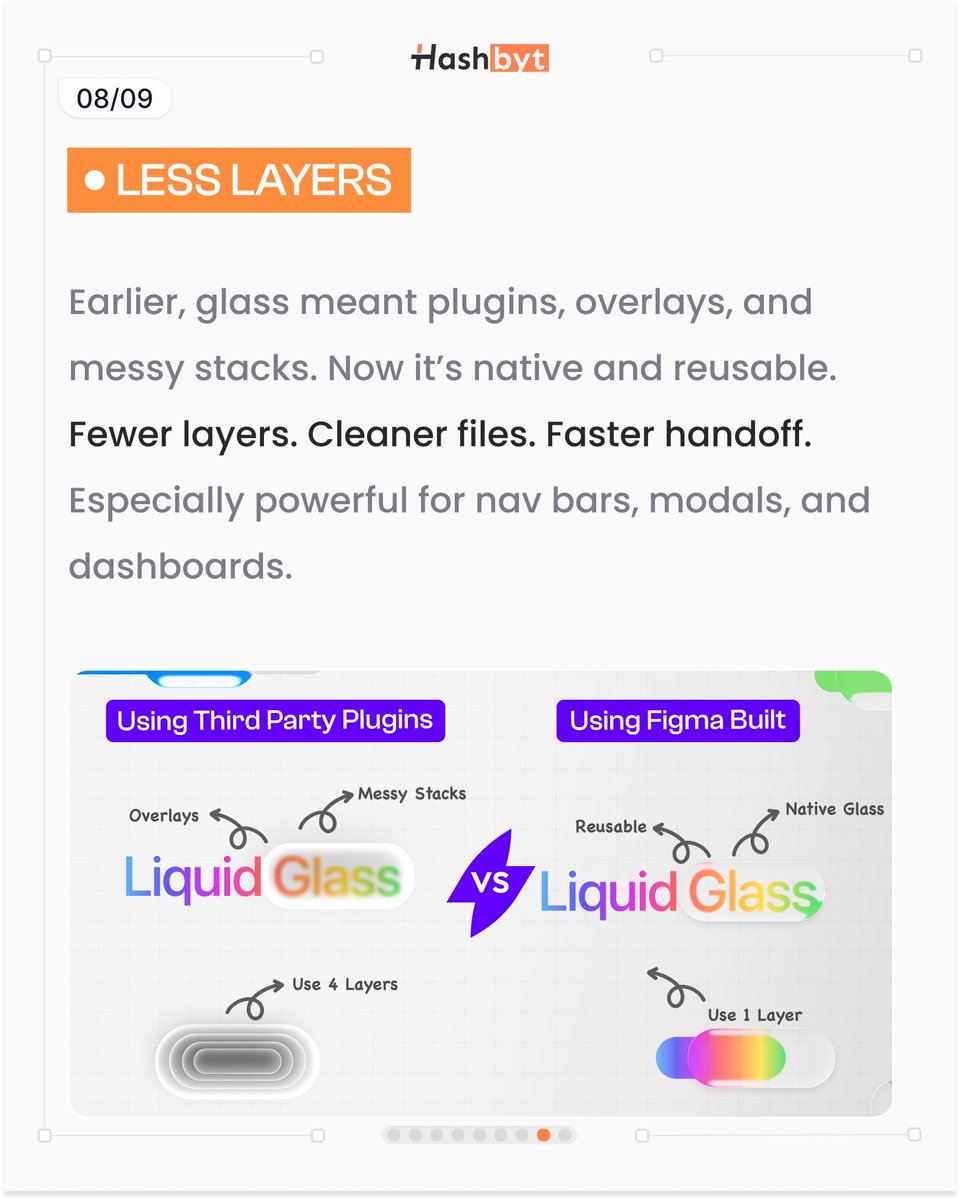

Using variables for colors and numbers makes your design cleaner, scalable, and easier to manage.
Design is not just what you see —
it’s how it’s built behind the scenes.
#UIUXDesigner #FigmaTips #DesignJourney #TechCreatives
2
30

Feb 10
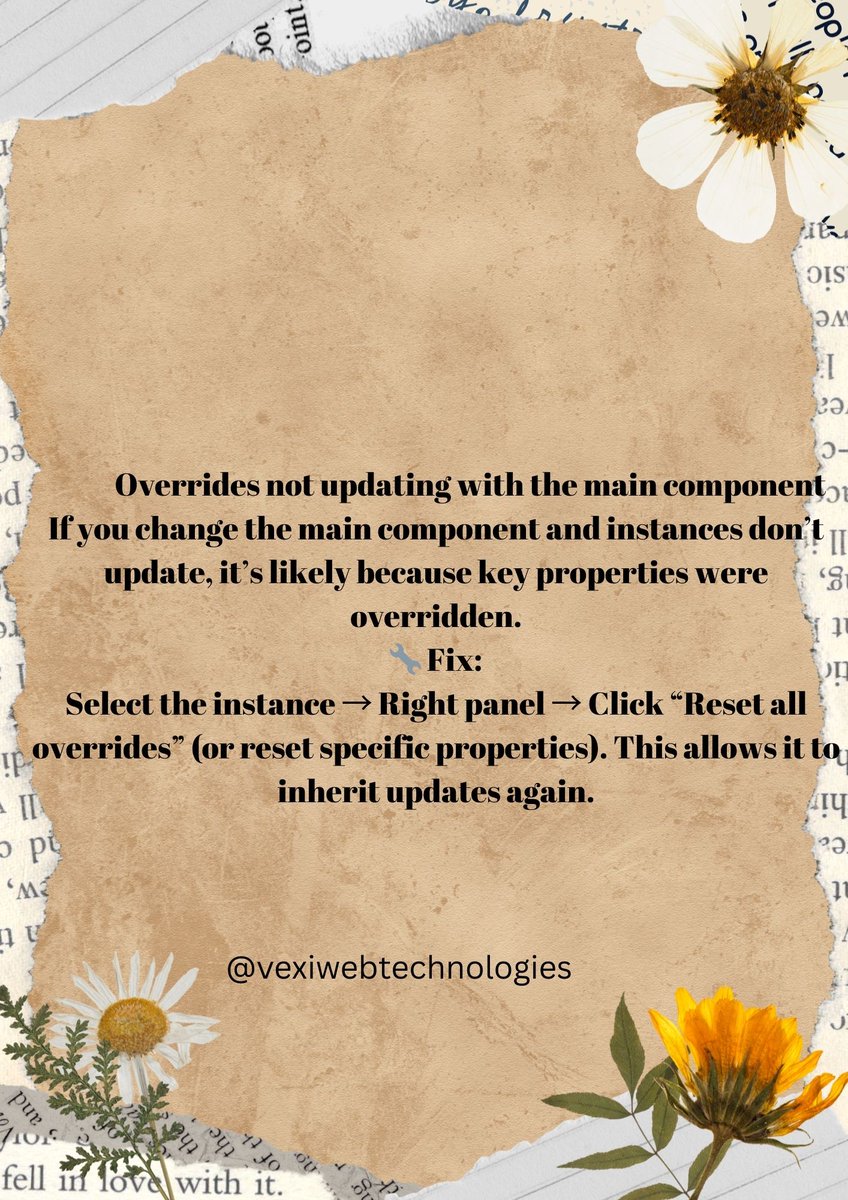
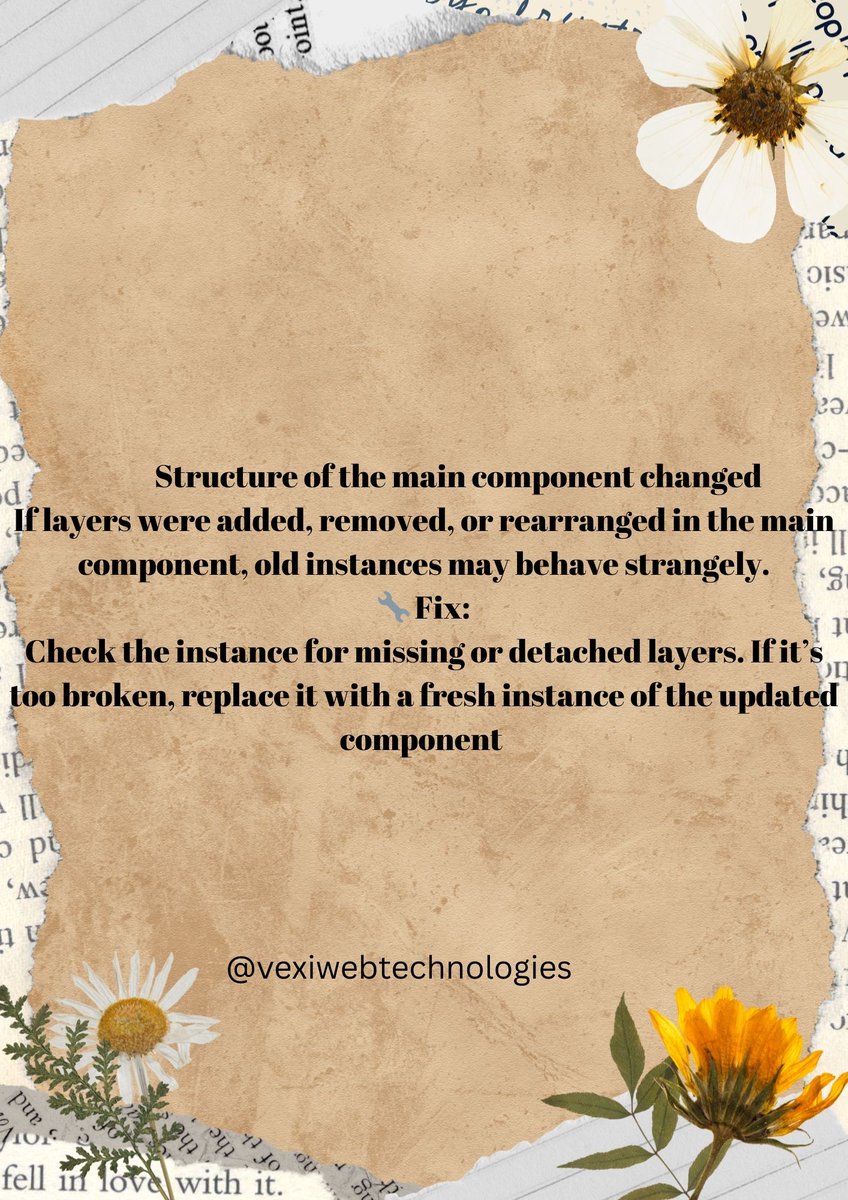
Component overrides in Figma are useful… until they break everything.
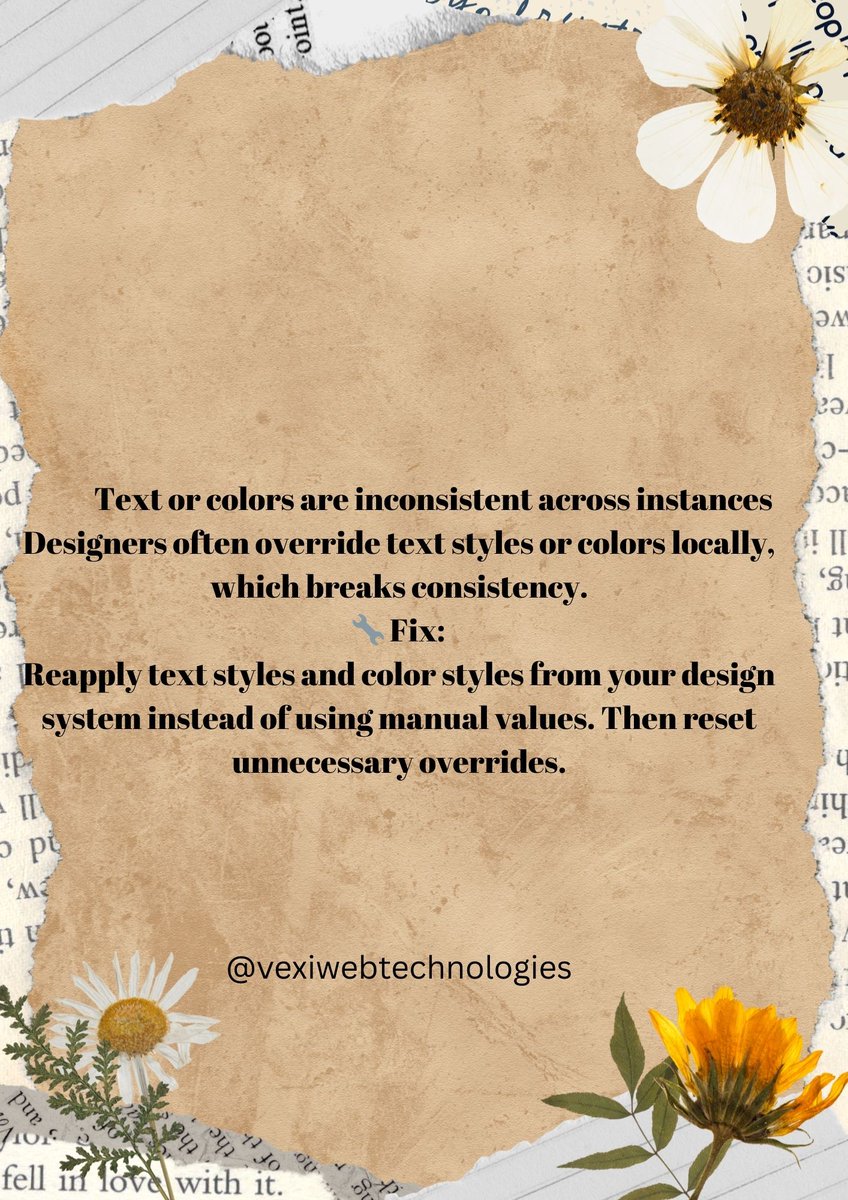
If instances stop updating or styles look inconsistent: • Reset unnecessary overrides
• Use styles instead of manual edits
• Use variants for states
Clean components = scalable systems.
A thread 🧵
#UIUX #UXDesign #FigmaTips #DesignSystems
4
2
38
Feb 10
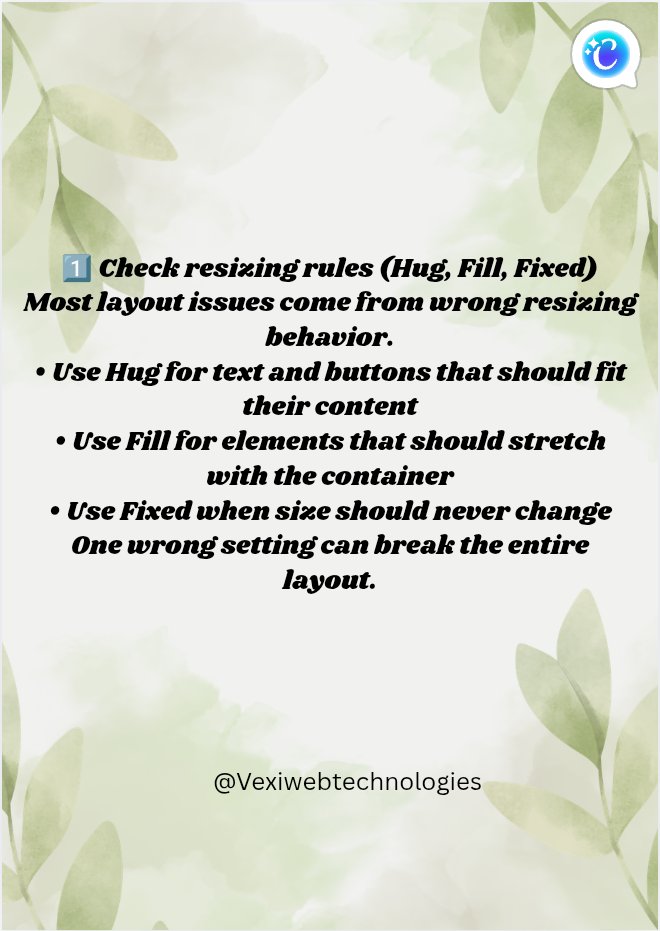
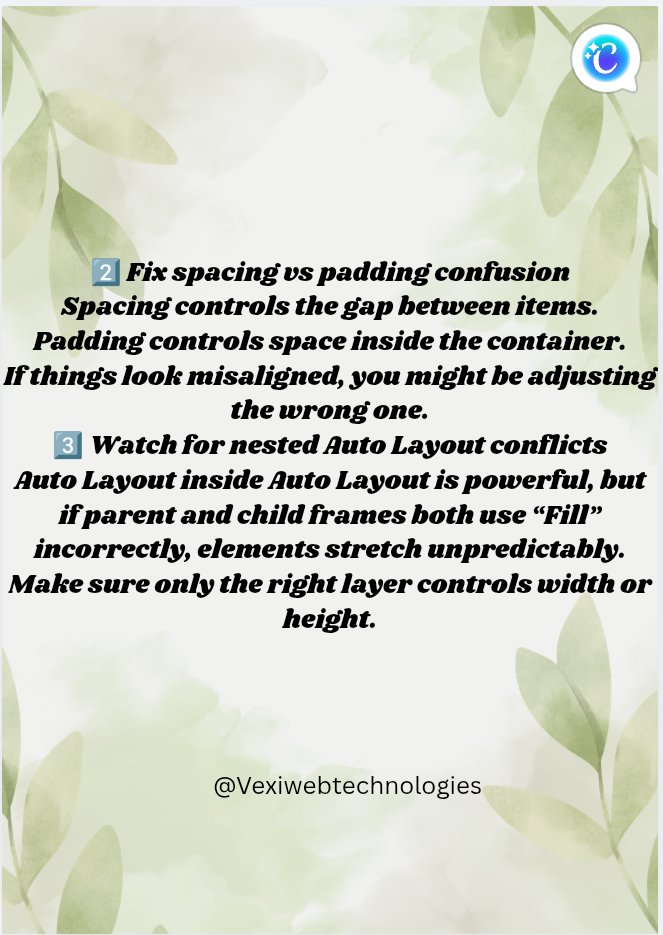
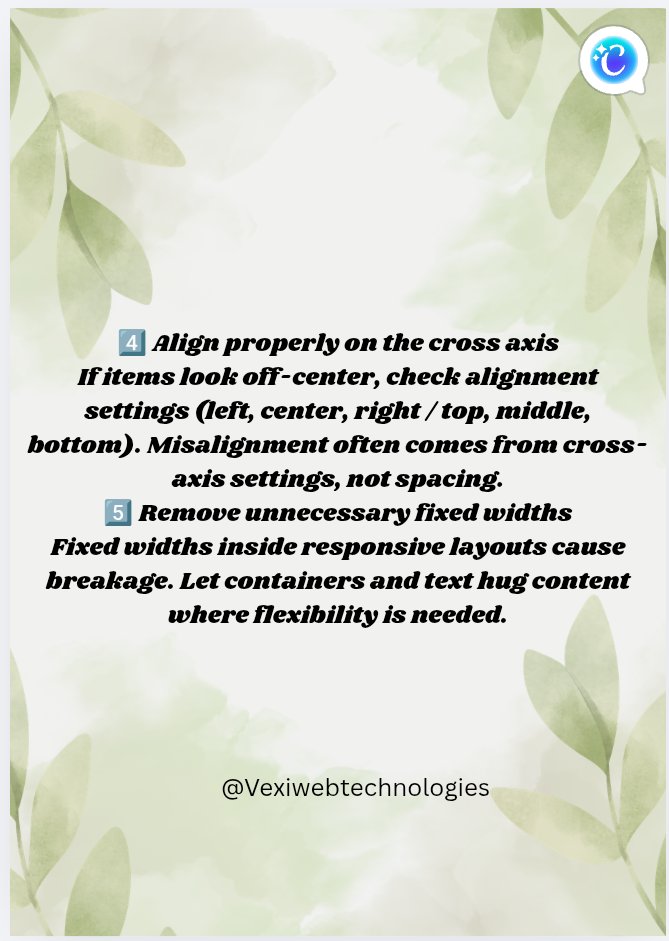
Auto Layout isn’t broken — it’s usually misconfigured.
Most issues come from: • Wrong Hug / Fill / Fixed settings
• Padding vs spacing confusion
• Nested frames fighting each other
Fix the rules, fix the layout.
#UIUX #UXDesign #FigmaTips #AutoLayout
2
14
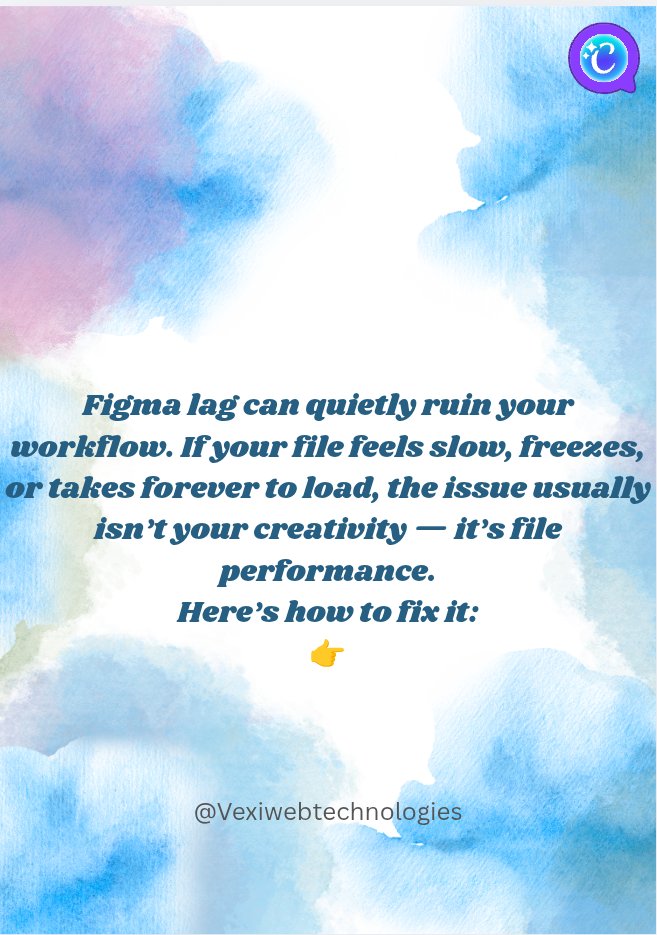
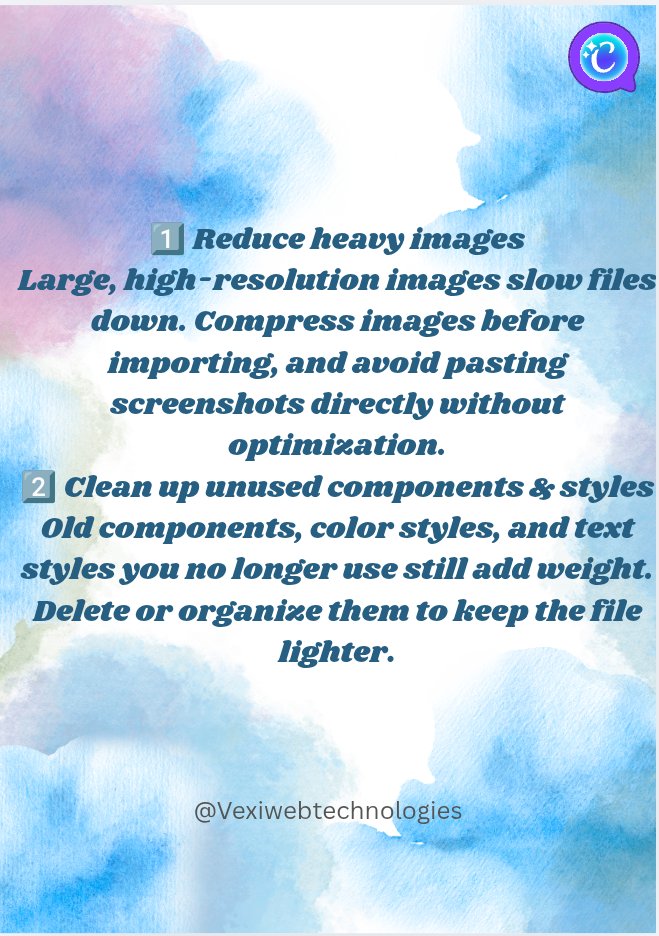
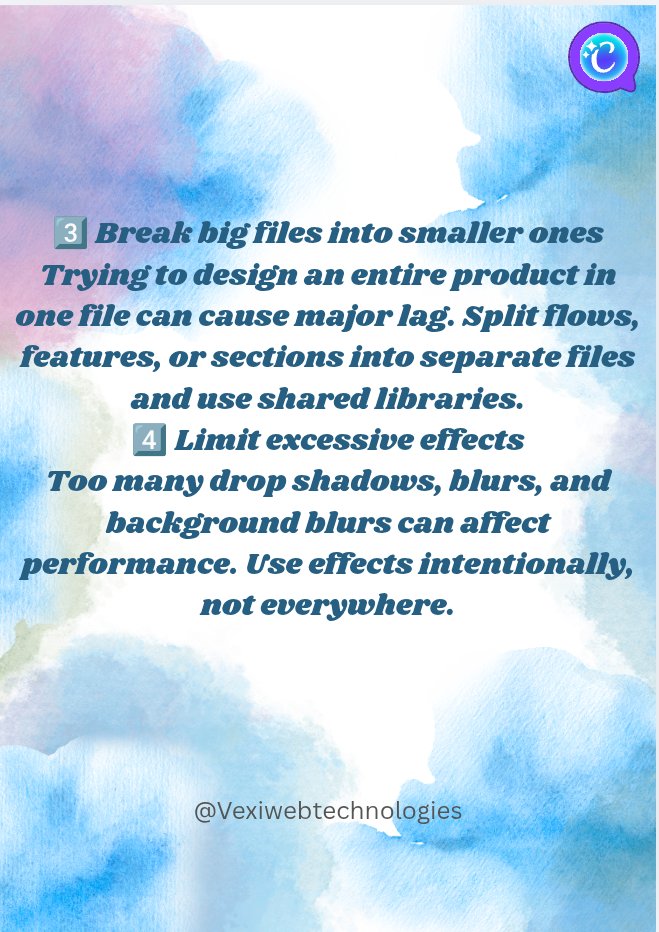
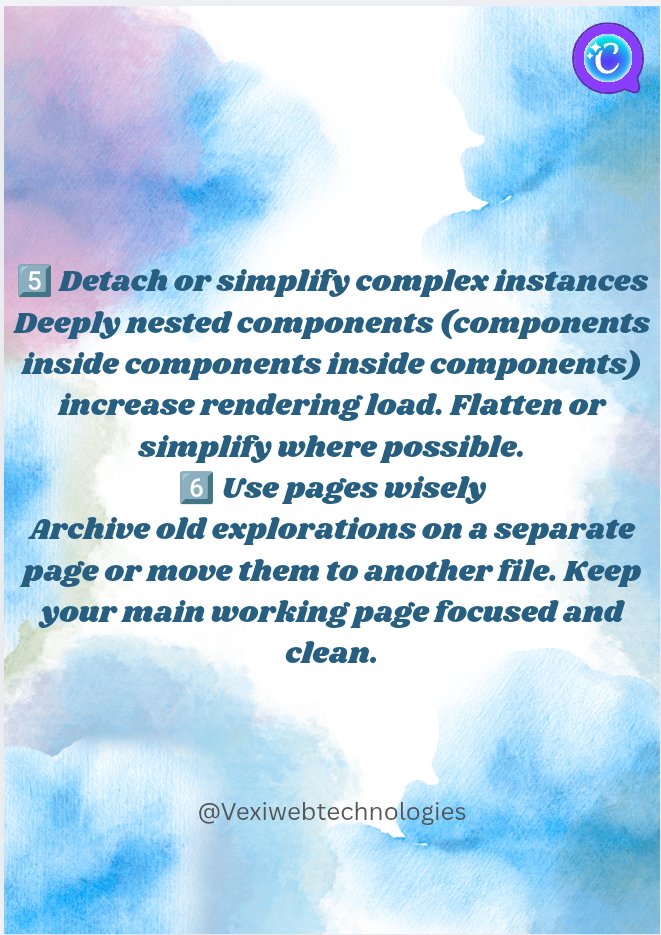
Figma lag usually isn’t random.
It’s often caused by: • Large uncompressed images
• Too many effects (blur/shadows)
• Deeply nested components
• Huge all-in-one files
Clean files = faster workflow.
Check for more 👇
#UIUX #UXDesign #FigmaTips #ProductDesign
2
2
19
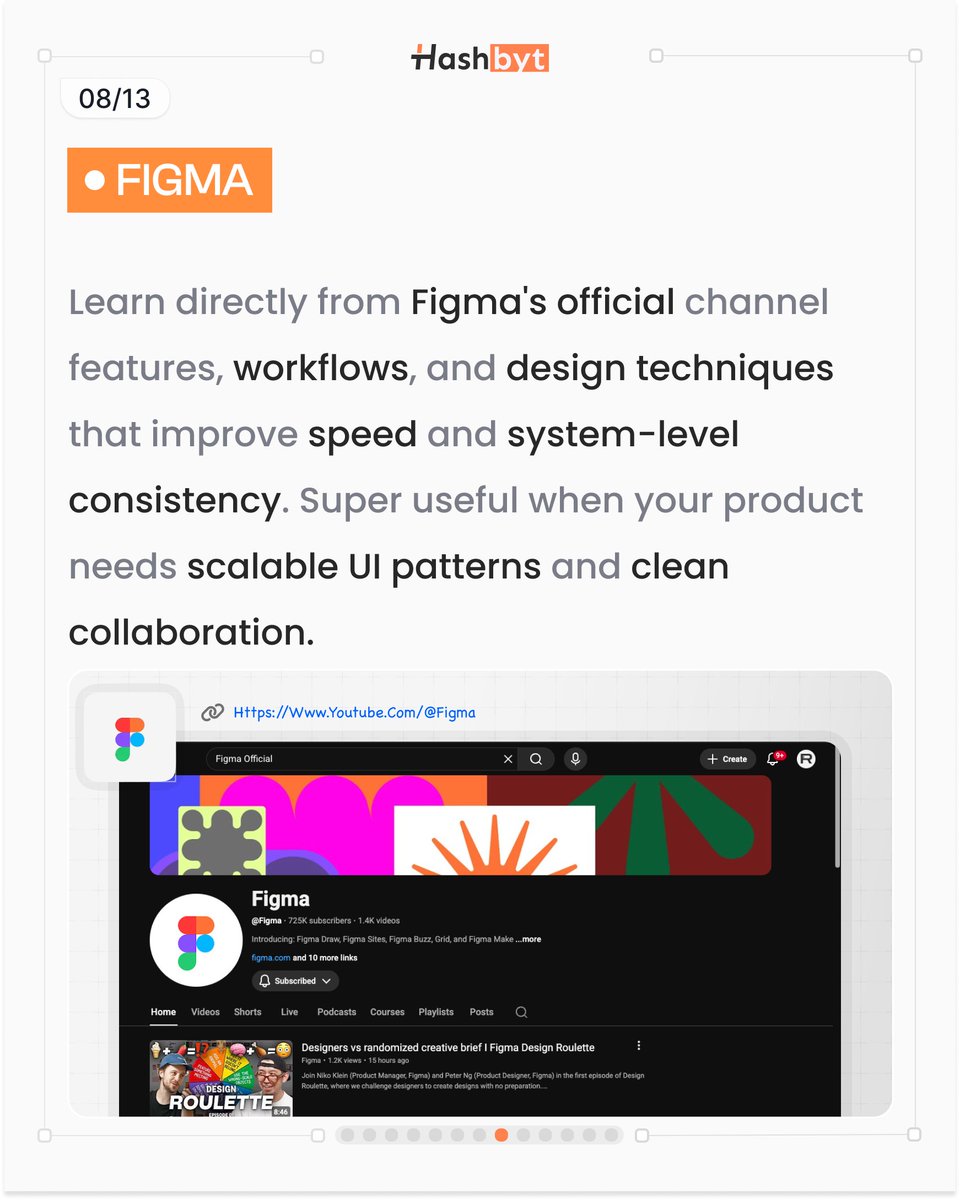
Figma → workflows, systems, and scalable UI patterns.
Learn to design faster with consistency.
#FigmaTips #DesignSystems
1
4
14

Here it is.
Skeleton loading is not just a visual effect, there's a reason why most apps use it. Instead of showing spinners or blank screens, skeletons give users a preview of the layout while content is loading.
It reduces perceived waiting time, keeps users oriented, and reassures them that the app is working
Why this matters:
Users don’t mind waiting, the issue is uncertainty, not knowing what’s happening.
So skeleton screens:
Reduce frustration during load times.
Set clear expectations for content structure
Make apps feel faster and more responsive
Improve overall user trust and experience
This is especially important for content heavy apps where loading delays are unavoidable.
Try it out and let me know what you think.
#UIUXDesign #Figmatips

Just found an easy way to turn your designs into skeleton screens (Facebook style loading).
I’ll share it soon.
1
2
5
175