
16 Oct 2025
🎉 Big thanks to @ZoomInfo for an amazing product!
We’ve added you to our Best Form Analytics Tools 2025 list — helping teams understand users and boost conversions like a pro. 👏
#FormAnalytics
2
2
120
16 Oct 2025
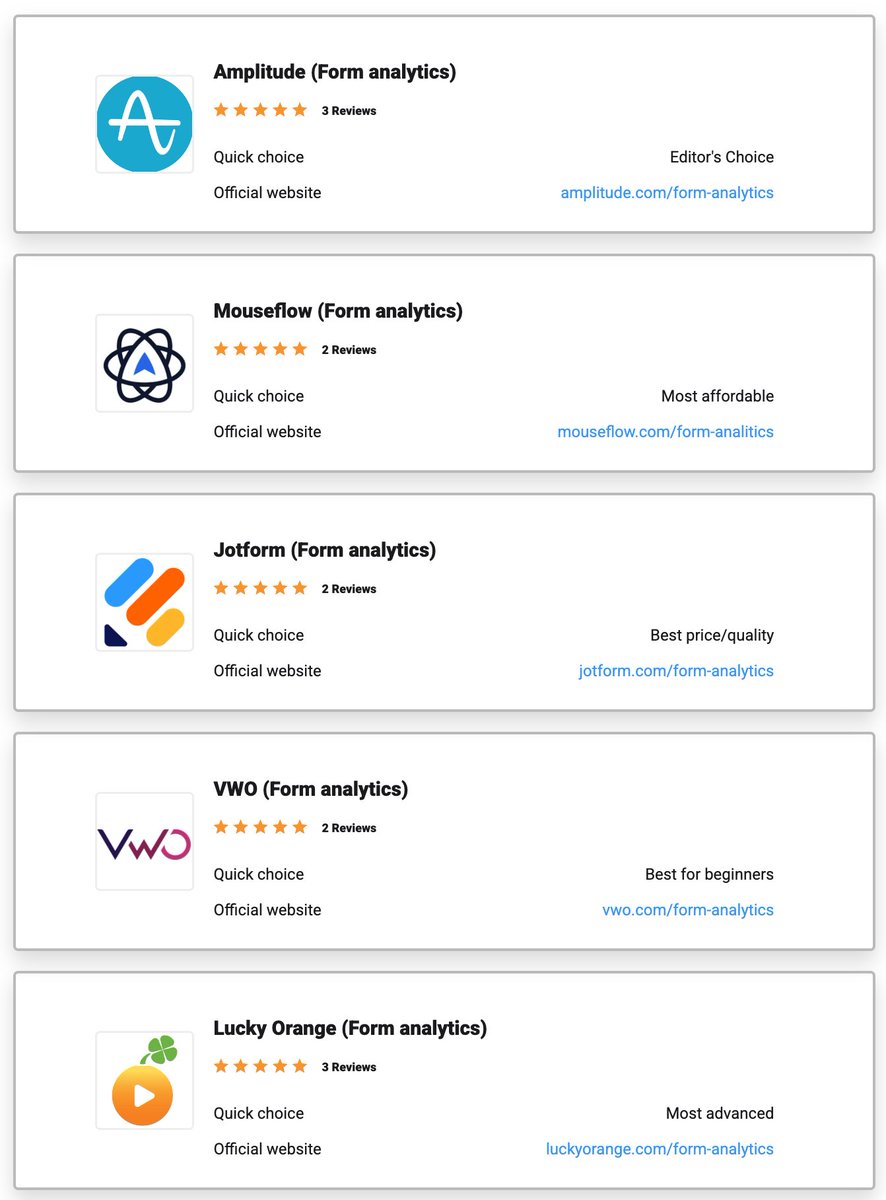
🚀 We’ve just released our expert Selection and Rating of the Best Form Analytics Tools 2025 — discover which platforms truly help you understand your users and boost conversions!
Check out who made the list 👇
digital-expert.online/en/for…
#FormAnalytics
1
2
2
23

Why is no one in the CRO space talking about Form Analytics Software?
Here’s my 5-step approach to using form analytics to pinpoint and solve user friction points:
1. Identify Drop-Offs
- Start with tools like Hotjar or Formisimo to track where users drop off in forms.
- Example: Noticed users abandoning a client’s checkout at the payment step? Identifying the exact field helps prioritize changes.
2. Analyze Time on Field
- If users hesitate on specific fields (e.g., address or phone), it’s usually a sign of confusion or friction.
- Quick Win: Shortening or clarifying form fields can reduce friction, leading to faster form completions and more conversions.
3. Monitor Field Refill Rates
- High refill rates (when users have to correct a field) often point to unclear instructions.
- Impact: Simple fixes, like changing “First Name” to “Full Name” where needed, can make a big difference in user flow and reduce frustration.
4. Use Multi-Step Forms When Necessary
- For longer forms, splitting fields into steps often boosts completion rates.
- Result: One of our clients saw a 25% increase in completions just by turning a single-page form into a multi-step flow.
5. Conduct Post-Form Surveys
- After form completion, a quick follow-up survey can reveal lingering issues or confusion.
- Tip: Keep it short (1–2 questions) to get valuable feedback on fields that might still be causing friction.
#CRO #FormAnalytics #UserExperience #ConversionOptimization
1
3
66
31 May 2024
🚀Discover the top-form analytics tools of 2024! Dive into our curated selection and find the perfect solution to boost your data insights and enhance user experience.
digital-expert.online/en/for…
#FormAnalytics
1
2
2
29


11 Apr 2022
👀
The 12 Most Effective Ways to Improve your Form Conversion Rate!
buff.ly/35yeBLw
#CRO #uxdesign #FormAnalytics
1
30 Mar 2022
Session replay or form analytics?
We look at the pros and cos of both 👀
buff.ly/3iAjav8
#FormAnalytics #CRO #uxdesign
1
2
25 Mar 2022
Vote for us!🙏🙃
We have been shortlisted in the
@EXelite22
Awards for Best Ideation tool 🙌🥳
buff.ly/3tvQj08
#FormAnalytics #CRO #uxdesign
2
3
23 Mar 2022
Did you miss our session with @GuessTheTest yesterday?
Fear not, you can catch the recording here:
zuko.io/blog/5-form-tests-to…
#CRO #uxdesign #webinar #formanalytics #abtest
1
2
22 Mar 2022
Can we ask for a cheeky little favour?
Please vote for us!🙏🙃
We have been shortlisted in the
@EXelite22 Awards for Best Ideation tool 🙌🥳
exptools.paperform.co
#FormAnalytics #CRO #uxdesign
1
2
18 Mar 2022
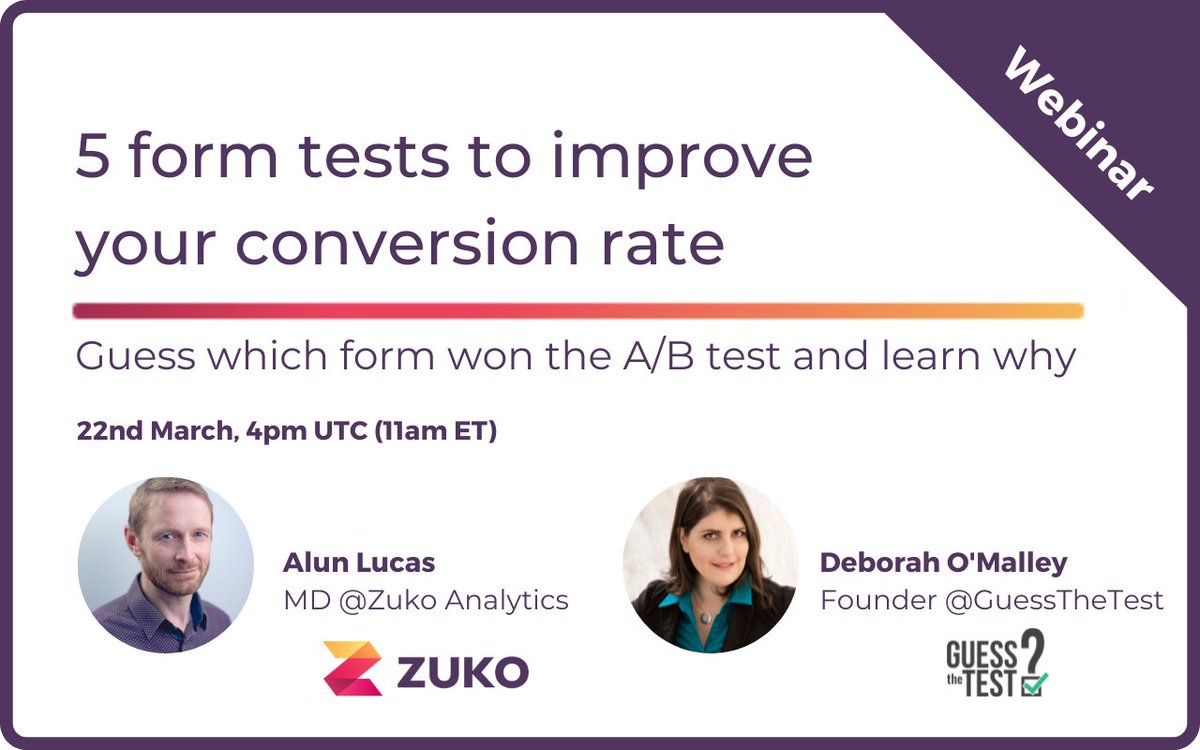
Join us and @GuessTheTest for a fun webinar were we look at 5 A/B tests and share insights to help you improve the conversion rate of your online forms 📈🙌
us02web.zoom.us/webinar/regi…
#webinar #FormAnalytics #uxdesign #abtesting
3
2
14 Mar 2022
Vote for us!🙏🙃
We have been shortlisted in the @EXelite22 Awards for Best Ideation tool 🙌🥳
exptools.paperform.co/
#FormAnalytics #CRO #uxdesign
2
2
10 Mar 2022
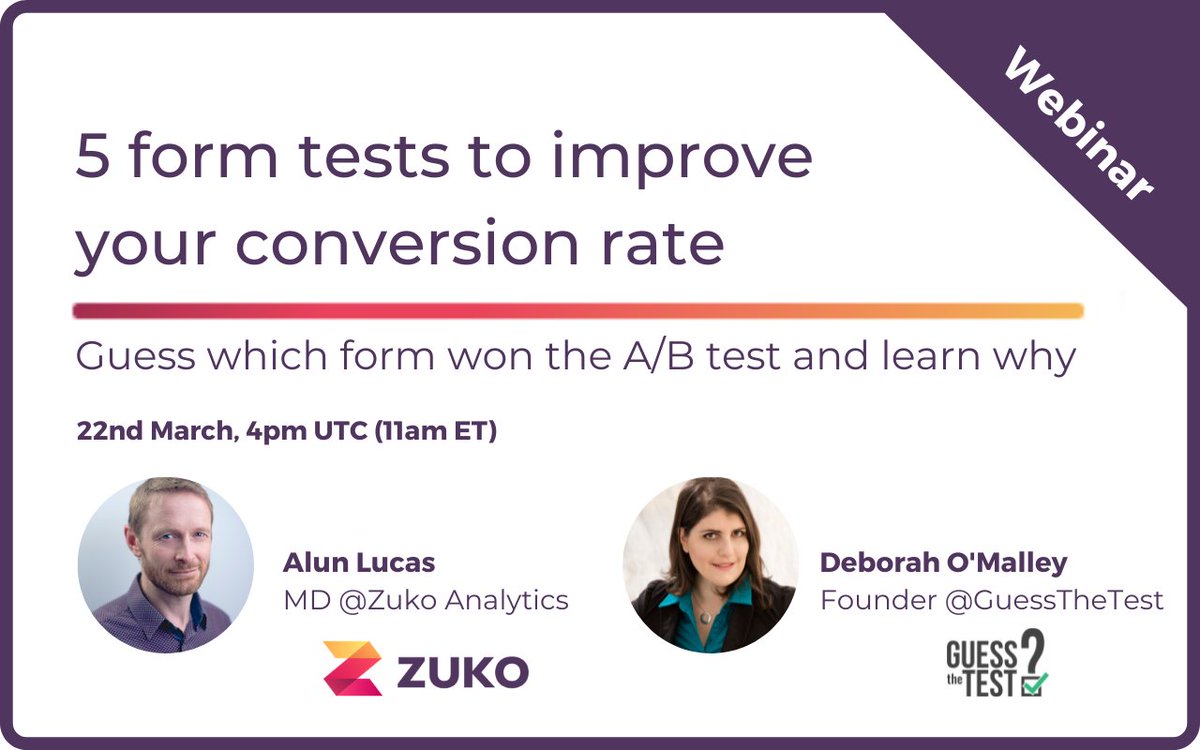
Join us and @GuessTheTest for a fun webinar were we look at 5 A/B tests and share insights to help you improve the conversion rate of your online forms 📈🙌
us02web.zoom.us/webinar/regi…
#webinar #FormAnalytics #uxdesign #abtesting
1
2
8 Mar 2022
A guest post by @h_zabalkanskaya from @newoldstamp
How can online forms help you grow your email lists? 📈
zuko.io/blog/how-online-form…
#CRO #uxdesign #FormAnalytics
2
2
2 Mar 2022
Do you use Shopify Plus?
Check out our guide on how to add Zuko to analyse and optimise your checkouts 💯🙌
zuko.io/guides/shopify-plus-…
#FormAnalytics #ecommerce #Shopify #CRO #uxdesign
1
2
18 Feb 2022
Join us next week as we share our top tips for optimizing financial sector forms to minimize dropout and maximize conversion rates 🙌
EMEA: us02web.zoom.us/webinar/regi………
Americas: us02web.zoom.us/webinar/regi………
#CRO #uxdesign #FormAnalytics #webinar

2
2

27 Jan 2022
In the words of our MD:
"we are delighted to be partnering with @WTOptimize in order to further enhance our customers online user experience and help them improve conversion rates" 🙌
webtrends-optimize.com/solut…
#partnership #CRO #FormAnalytics
2
2
21 Jan 2022
A study by @Baymard found that 26% of users have abandoned an order due to a "too complicated check out flow" 😱👀
baymard.com/blog/checkout-fl…
#CRO #uxdesign #ecommerce #FormAnalytics
3
2
20 Jan 2022
Our benchmarking stats show that the average form have a starter to completion rate of 65.99% 📈
How does your form compare to that? 🤔
See more benchmarking stats to use as a guide here: zuko.io/benchmarking/home
#CRO #uxdesign #FormAnalytics #DigitalMarketing
1
2