

Filter
Exclude
Time range
-
Near
Most developers overlook this powerful SwiftUI feature. Learn how @Entry can simplify your app architecture and improve your workflow. 🚀 Mentoring: rebeloper.com #SwiftUI #iOSDevelopment #SwiftProgramming #AppleDeveloper #CodeTips
61
App Store screenshots are still one of the parts of shipping an iOS app that almost every indie developer does by hand. XCUITest can handle the entire pass: launch the app per locale with a clean simulator status bar, navigate through every screen, dismiss permission alerts, and save PNGs ready for upload. Picking which screens to feature is still a judgment call. The automation makes refreshing every locale at once realistic. spaceport.build/blog/app-sto… #iOSDevelopment #Xcode #XCUITest #AppStore #SwiftUI
1
4
71
📅 SwiftUI-Lernreihe #46 – Sternzeichen-Finder In diesem Beispiel verwenden wir ein Textfeld, einen Button und eine Switch-Anweisung, um anhand der Benutzereingabe das Sternzeichen zu bestimmen. Ein einfaches Projekt zum Üben von Benutzerinteraktion und Zustandsverwaltung in SwiftUI. // // ZodiacSignFinderView.swift // PlayCode // // Created by Tufan Cakir on 12.06.26. // import SwiftUI struct ZodiacSignFinderView: View { @State private var month = "" @State private var result = "" var body: some View { VStack(spacing: 20) { TextField( "Monat eingeben", text: $month ) .textFieldStyle(.roundedBorder) Button("Bestimmen") { switch month.lowercased() { case "januar": result = "Steinbock" case "februar": result = "Wassermann" case "märz": result = "Fische" default: result = "Nicht hinterlegt" } } Text(result) .font(.title) } .padding() } } #Preview { ZodiacSignFinderView() } Welche SwiftUI-Themen würdet ihr gerne als Nächstes sehen? #TufanCakir #Swift #SwiftUI #iOS #iOSDevelopment #Code #Programming #Xcode #LearnToCode #AppleDeveloper
10
🎂 SwiftUI Learning Series #44 – Birthday Countdown In diesem Beispiel berechnen wir die verbleibenden Tage bis zu einem Geburtstag mit Calendar und DateComponents. Perfekt für Countdown-Apps, Event-Tracker oder persönliche Erinnerungen. // // BirthdayCountdownView.swift // PlayCode // // Created by Tufan Cakir on 12.06.26. // import SwiftUI struct BirthdayCountdownView: View { // Beispiel-Geburtstag let birthday = Calendar.current.date( from: DateComponents( year: 2027, month: 3, day: 15 ) )! var daysLeft: Int { // Berechnet die Differenz zwischen heute und Geburtstag Calendar.current.dateComponents( [.day], from: Date(), to: birthday ).day ?? 0 } var body: some View { VStack(spacing: 20) { Text("🎂") .font(.system(size: 100)) Text("Noch \(daysLeft) Tage") .font(.largeTitle) } } } #Preview { BirthdayCountdownView() } Welche SwiftUI-Themen würdet ihr gerne als Nächstes sehen? #TufanCakir #Swift #SwiftUI #iOS #iOSDevelopment #Code #Programming #Xcode #LearnToCode #AppleDeveloper

8
I just published Why I Migrated a Production Flutter App from RxDart to Riverpod (And Never Looked Back) medium.com/p/why-i-migrated-… #Flutter #RxDart #mobileAppDevelopment #Riverpod #Android #iOSDevelopment

1
2
29
🚀 Metia Digital: Transforming App Ideas into Powerful Flutter Solutions 📱✨ 🌍 metiadigital.com 💬 91-9289555402 #Flutter #FlutterDevelopment #AppDevelopment #MobileApp #FlutterApp #AndroidDevelopment #iOSDevelopment #UIUXDesign #MobileApps #CustomApp #MetiaDigital
1
3
📲 Create Powerful iOS Applications Deliver exceptional user experiences with custom iOS applications designed for performance, scalability, and business growth. ✅ Custom iPhone Apps ✅ Secure Development ✅ Seamless Performance ✅ User-Centric Design ✅ App Store Ready Let's Build Your Next Big App. 🌐 altusblock.co #iOSDevelopment #MobileAppDevelopment #iPhoneAppDevelopment #AppDevelopment #TechSolutions #AltusBlock
14
Most SwiftUI developers aren’t using @Entry to its full potential. Here’s a quick look at one of SwiftUI’s most underrated features. 🚀 Mentoring & Courses: rebeloper.com #SwiftUI #iOSDevelopment #AppleDeveloper #SwiftTips #MobileDev
1
1
58
Apple users expect speed, reliability, and elegant design. Taksh IT Solutions Pvt Ltd creates feature-rich iOS applications that deliver exceptional user experiences and business value. #iOSDevelopment #AppleApps #iPhoneApps #MobileAppDevelopment #TakshITSolutions
10
🎬 SwiftUI Learning Series #43 – Favorite Movies Heute zeige ich, wie man mit SwiftUI eine einfache Liste für Lieblingsfilme erstellt. 📚 Was man dabei lernt: ✅ @State verwenden ✅ Listen mit List erstellen ✅ Elemente mit ForEach anzeigen ✅ Daten über TextField hinzufügen ✅ Einträge per Swipe löschen ✅ NavigationStack nutzen // // FavoriteMoviesView.swift // PlayCode // // Created by Tufan Cakir on 11.06.26. // import SwiftUI struct FavoriteMoviesView: View { @State private var movies: [String] = [] @State private var newMovie = "" var body: some View { NavigationStack { VStack { HStack { TextField("Filmname", text: $newMovie) .textFieldStyle(.roundedBorder) Button("Add") { // Nur hinzufügen, wenn Text vorhanden ist if !newMovie.isEmpty { movies.append(newMovie) newMovie = "" } } } .padding() List { ForEach(movies, id: \.self) { movie in Text(movie) } .onDelete { indexSet in // Filme per Swipe löschen movies.remove(atOffsets: indexSet) } } } .navigationTitle("Filme") } } } #Preview { FavoriteMoviesView() } Welche SwiftUI-Themen würdet ihr gerne als Nächstes sehen? #TufanCakir #Swift #SwiftUI #iOS #iOSDevelopment #Code #Programming #Xcode #LearnToCode #AppleDeveloper
11
💰 SwiftUI Learning Series #42 – Wages Calculator In diesem Beispiel lernen wir: • @State für Benutzereingaben • Arbeiten mit mehreren TextFields • String-zu-Double-Konvertierung • Berechnete Properties • Dynamische UI-Aktualisierung // // WagesCalculatorView.swift // PlayCode // // Created by Tufan Cakir on 11.06.26. // import SwiftUI struct WagesCalculatorView: View { @State private var hours = "" @State private var hourlyRate = "" var salary: Double { let h = Double(hours) ?? 0 let rate = Double(hourlyRate) ?? 0 return h * rate } var body: some View { VStack(spacing: 20) { Text("Lohn Rechner") .font(.largeTitle) TextField("Stunden", text: $hours) .keyboardType(.decimalPad) .textFieldStyle(.roundedBorder) TextField("Stundenlohn €", text: $hourlyRate) .keyboardType(.decimalPad) .textFieldStyle(.roundedBorder) Text("Verdient: €\(salary, specifier: "%.2f")") .font(.title) } .padding() } } #Preview { WagesCalculatorView() } Welche SwiftUI-Themen würdet ihr gerne als Nächstes sehen? #TufanCakir #Swift #SwiftUI #iOS #iOSDevelopment #Code #Programming #Xcode #LearnToCode #AppleDeveloper
12
🌡️ SwiftUI Learning Series #40 – Temperature Converter In diesem Beispiel lernen wir: • @State für Benutzereingaben • TextField mit Zahlenwerten • String-zu-Double-Konvertierung • Berechnete Properties • Dynamische Aktualisierung der UI // // TemperatureConverterView.swift // PlayCode // // Created by Tufan Cakir on 11.06.26. // import SwiftUI struct TemperatureConverterView: View { @State private var celsius = "" var fahrenheit: Double { let c = Double(celsius) ?? 0 return c * 9 / 5 32 } var body: some View { VStack(spacing: 20) { Text("Temperatur") .font(.largeTitle) TextField("Celsius", text: $celsius) .keyboardType(.decimalPad) .textFieldStyle(.roundedBorder) Text("Fahrenheit: \(fahrenheit, specifier: "%.1f") °F") .font(.title) } .padding() } } #Preview { TemperatureConverterView() } Welche SwiftUI-Themen würdet ihr gerne als Nächstes sehen? #TufanCakir #Swift #SwiftUI #iOS #iOSDevelopment #Code #Programming #Xcode #LearnToCode #AppleDeveloper
13
🪙 SwiftUI Learning Series #39 – Coin Toss In diesem Beispiel lernen wir: • @State für dynamische Werte • Button-Aktionen • Zufallswerte mit Bool.random() • UI-Updates in Echtzeit // // CoinTossView.swift // PlayCode // // Created by Tufan Cakir on 11.06.26. // import SwiftUI struct CoinTossView: View { @State private var result = "🪙" var body: some View { VStack(spacing: 20) { Text("Münzwurf") .font(.largeTitle) Text(result) .font(.system(size: 100)) Button("Werfen") { // Bool.random() gibt zufällig true oder false zurück result = Bool.random() ? "Kopf" : "Zahl" } .buttonStyle(.borderedProminent) } } } #Preview { CoinTossView() } Welche SwiftUI-Themen würdet ihr gerne als Nächstes sehen? #TufanCakir #Swift #SwiftUI #iOS #iOSDevelopment #Code #Programming #Xcode #LearnToCode #AppleDeveloper
32
🚀Build a 100% FREE App in 60 Minutes — No Coding, Just Your Idea! 🚀 🚨 AI News Update: What if you could turn your app idea into a fully functional mobile app in just 60 minutes — without writing a single line of code? ✅ 100% FREE to start ✅ AI Agent builds your app automatically ✅ Live preview on your phone ✅ Publish to App Store & Google Play ✅ Works for both iOS & Android In this video, discover how Replit Agent is changing app development forever by allowing entrepreneurs, startups, marketers, freelancers, and business owners to build real mobile applications using plain English prompts. 💡 No developers. 💡 No coding skills. 💡 No expensive software. Just describe your idea and let AI do the heavy lifting. 🎥 Watch now and learn how to launch your next app faster than ever. 🔗 ztsindia.com/ #AINews #AIUpdate #ArtificialIntelligence #ReplitAgent #NoCode #NoCodeAppDevelopment #MobileAppDevelopment #BuildAnApp #AIApps #AITools #StartupTools #Entrepreneurship #BusinessGrowth #TechInnovation #AIAutomation #AndroidDevelopment #iOSDevelopment #AppStore #GooglePlay #FutureOfWork #ZTSInfotech
1
1
55
I built Sleep Island to fade out sleep sounds after I fall asleep. A 1-star review pushed it toward snore recording and sleep reports. #iosdevelopment #indiehackers...Show more
1
262
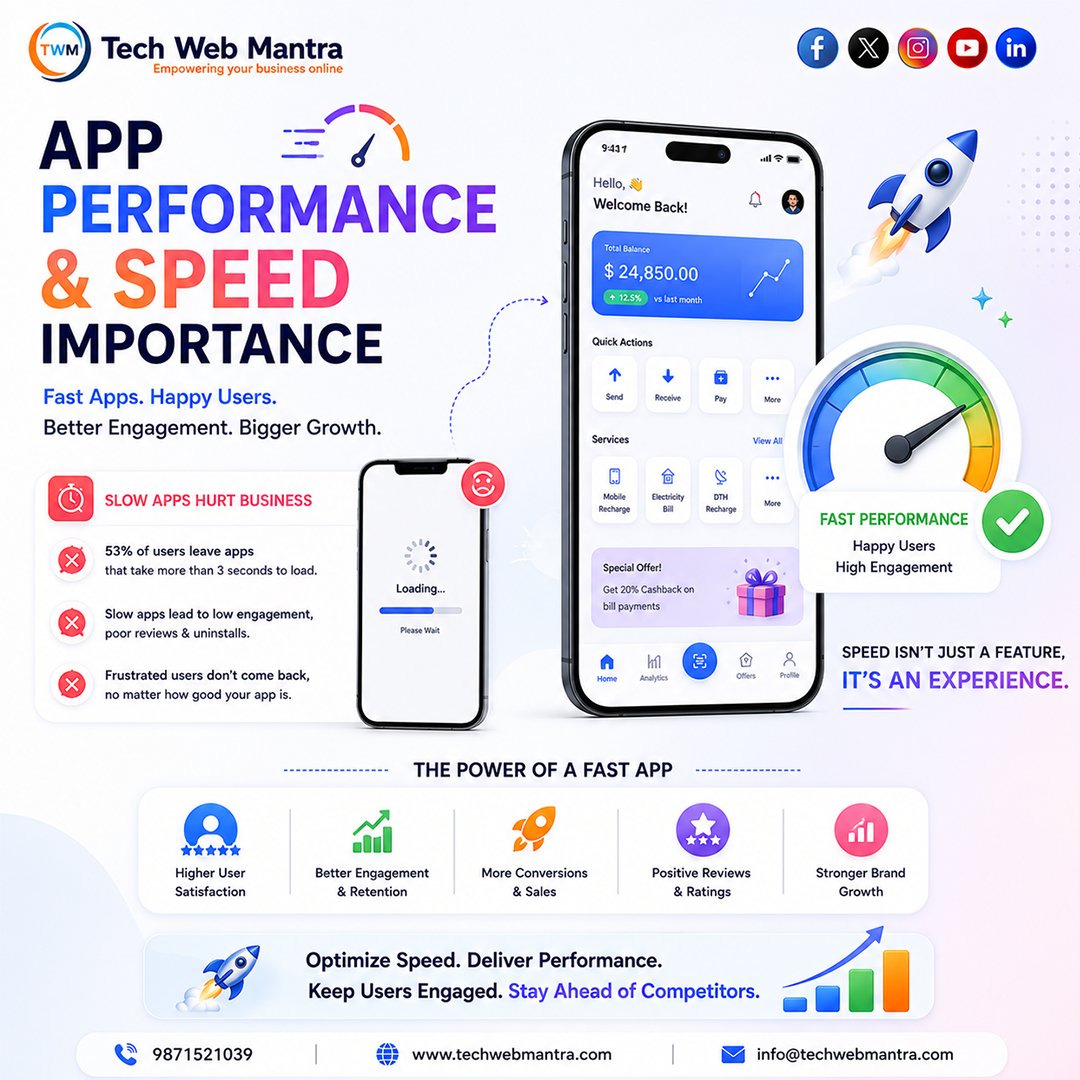
App Performance & Speed Matter More Than Ever Fast Apps. Better Experience. Higher Growth. Did you know that users often leave an app if it takes just a few seconds too long to load? App speed directly impacts user experience, engagement, retention, and revenue. A slow mobile app can lead to frustrated users, lower ratings, fewer conversions, and increased uninstall rates. At Tech Web Mantra, we develop high-performance mobile applications optimized for speed, stability, and seamless user experiences. From efficient coding and optimized databases to lightweight UI design and faster loading screens, every element is built to maximize performance. Why Fast App Performance Matters: ✅ Faster Loading Times ✅ Better User Experience ✅ Higher User Retention ✅ Increased Engagement ✅ More Conversions & Sales ✅ Positive App Reviews & Ratings ✅ Stronger Brand Reputation Users expect speed. Businesses need performance. A fast app keeps users engaged, improves satisfaction, and creates more opportunities for growth. Speed isn't just a feature—it's a competitive advantage. Looking to build a fast, scalable, and high-performing mobile application? Partner with Tech Web Mantra for custom Android and iOS app development focused on speed, performance, and user satisfaction. 📞 91 9871521039 🌐 techwebmantra.com 📧 info@techwebmantra.com 👉 Contact us today and build an app that users love to use.d #MobileAppDevelopment #AppPerformance #AppSpeed #FastApps #AndroidDevelopment #iOSDevelopment #CustomAppDevelopment #MobileAppDesign #AppOptimization #UserExperience #MobileTechnology #SoftwareDevelopment #BusinessApps #StartupApps #TechWebMantra #MobileSolutions #AppDevelopmentCompany #DigitalTransformation #PerformanceOptimization #MobileInnovation
2
23
🚨 Apple Just Declared War on Low-Quality Apps Apple's June 8, 2026 App Store update is one of the biggest policy shifts in years. 📱 What's changing? ❌ Copycat apps ❌ AI-generated filler apps ❌ Re-skinned templates ❌ Low-effort joke apps (fart, burp, drinking games, etc.) Apple says they no longer add value to the App Store. Even more importantly: ⚠️ Existing apps can now be removed if they're outdated, unmaintained, or fail to provide meaningful value. Categories under heavy scrutiny include: 🔦 Flashlight apps 💕 Dating apps 🎵 Sound effects & ringtones 🖼️ Wallpaper apps ⏱️ Basic timers 🔮 Fortune-telling apps To survive, new apps must offer something genuinely different or significantly better. Why now? The rise of AI coding tools and no-code platforms has made app creation easier than ever—but it has also flooded the App Store with thousands of low-quality clones. Apple's message is clear: 👉 Quality > Quantity For serious developers, this could be great news: ✅ Less spam competition ✅ Better app discovery ✅ More visibility for innovative products ✅ Stronger user trust To stay safe: ✔️ Ship meaningful updates ✔️ Improve UX and performance ✔️ Build real user engagement ✔️ Clearly explain your innovation during App Review This isn't just a guideline update. It's Apple's strongest move yet to clean up the App Store and reward developers building real products. 🔥 The era of "publish 100 clone apps and hope one sticks" may finally be ending. for more info refer this open.substack.com/pub/superp… #Apple #AppStore #iOSDevelopment @MicrosoftvApple @TechWhirlUlt Are u satisfied with changes of Apple IOS changes

1
4
140