
#KERNEL/USDT
Hit 0.06450 | 5% So Far 🚀✌️
#KERNELupdate:
Price is touched to around our Buy area and pumped back immediately

5
20

@malwrhunterteam and @smica83 both independently flagged kernelupdate[.]net. The domain serves a decoy page, but behind it is a Linux rootkit C2 that's been operational for five years.
FaceFish — first documented in 2021 by Juniper and Qihoo 360 NETLAB. Still active.
C2 on port 443 using Blowfish encryption Diffie-Hellman key exchange. Russian bulletproof hosting. Targets CWP servers for SSH credential theft.
Blog: intel.breakglass.tech/post/f…
IOCs: github.com/vuln/breakglass-i…
h/t @malwrhunterteam @smica83
#FaceFish #Linux #Rootkit #ThreatIntel
8
266

Also, take a look in a browser at http://kernelupdate[.]net/...
😂
5
1,371
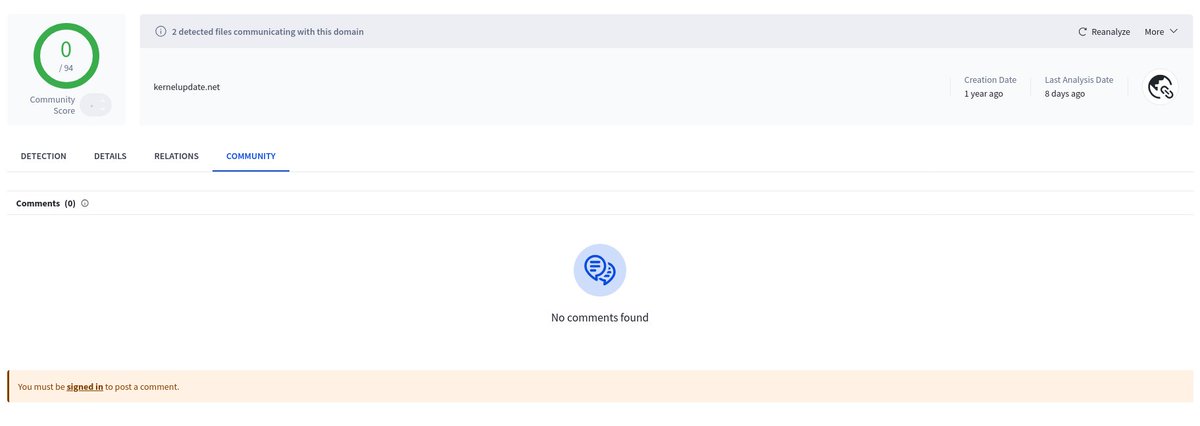
And @smica83 uploaded a FaceFish sample to Bazaar that is using the kernelupdate[.]net domain:
Apr 15

1
3
3,881

Feb 25
Ich hatte gestern ein Kernelupdate....
Ein Mausklick und Passwort, graphisch. Aber ein Update in Eigeninitiative läuft mit Sicherheit schneller über das Terminal.
1
2
14

9 Sep 2025
今週は不規則で⋯ず〜っと眠い🥱
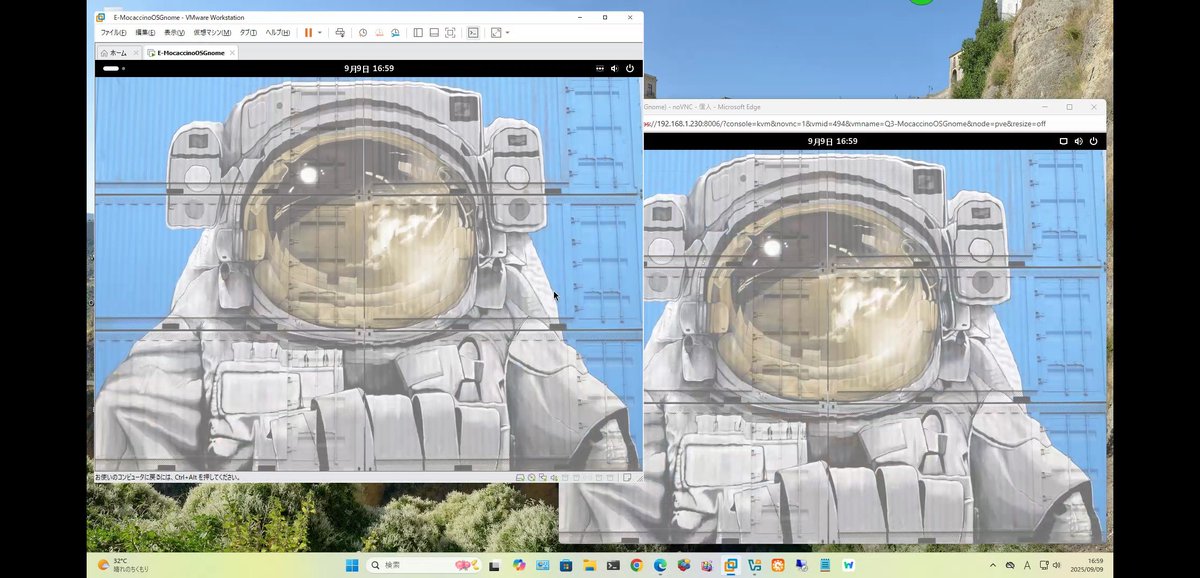
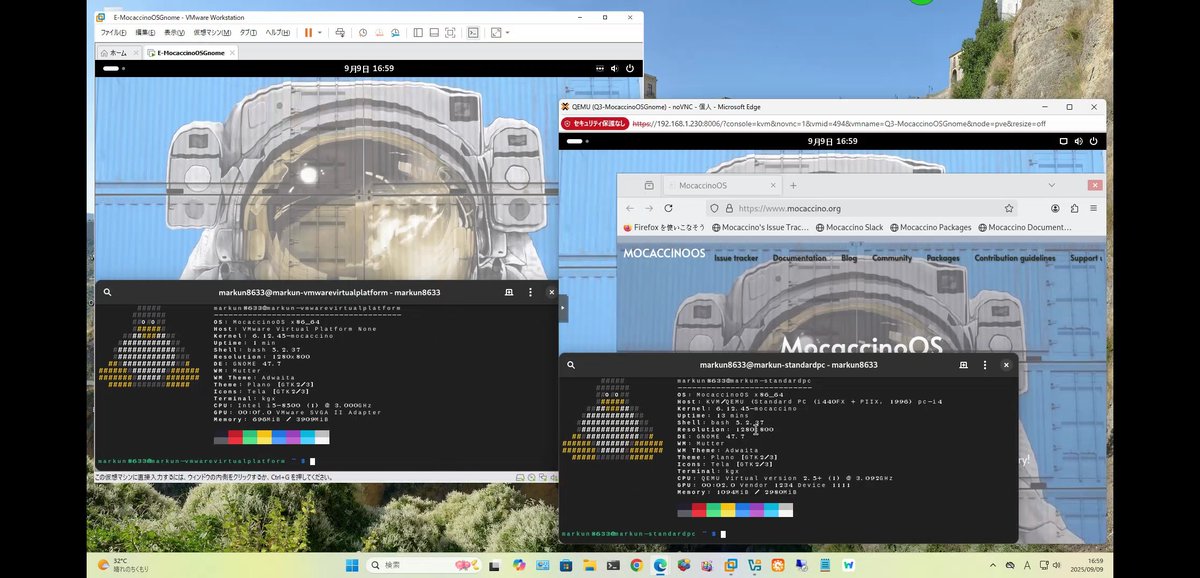
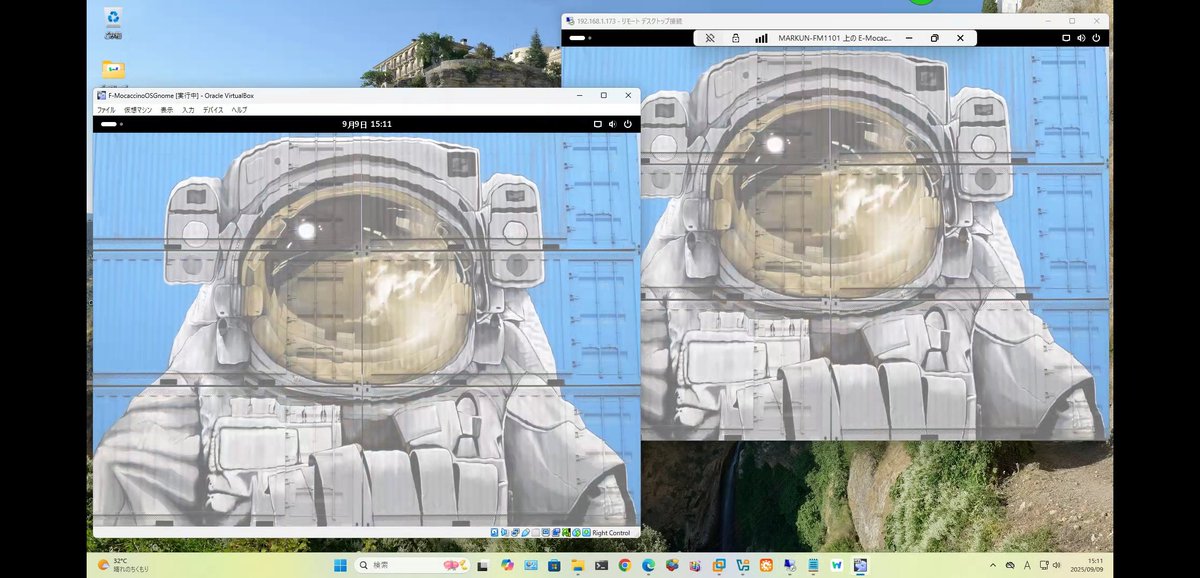
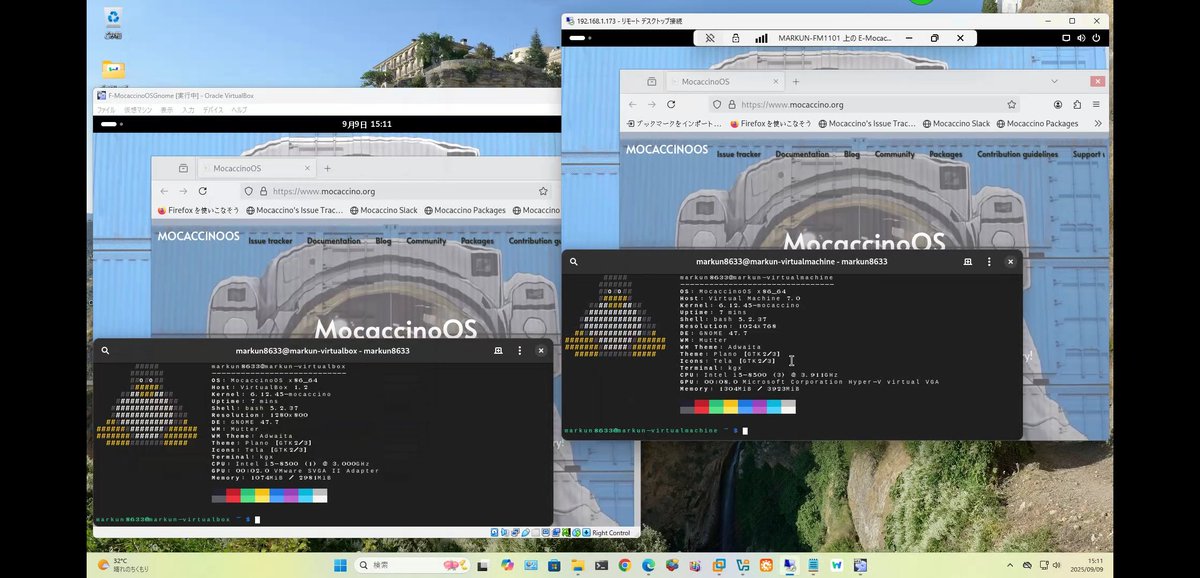
MocaccinoOS v25.09
0.20250908 Gnome
VMwareWorkstation-*、Proxmox、
Virtualbox、Hyper-V ⭕️
Updateなし、日本語表示、
ブラウザ、レスOK
*LiveNATでInstall
→起動後NAT,BridgeともNG⋯🐽
KernelUpdate他⋯
以前からVMwareはあるな⋯ 👻
他はOK〜😋
1
3
147

1 Jul 2025
Linux Kernel 6.16-rc4 is out, focusing on filesystem fixes (bcachefs, SMB, Btrfs) and driver improvements. Final release expected in ~1 month, with Nvidia Blackwell/Hopper GPU support.
#LinuxKernel #KernelUpdate #OpenSource #TechNews #Linux6_16
securityonline.info/linux-ke…
1
2
288

26 Jun 2025
🌟 Chromium Kernel Update
🌐 RoxyChrome 137 is now available!
Get more details 👉 roxybrowser.com/t/X
#RoxyBrowser #chrome #kernelupdate #antidetect

2
117
8 Apr 2025
🌟 Chromium Kernel Update
🚀 RoxyChrome 135 is now available.
The updated kernel boosts fingerprint simulation for anonymity & security.
🔒 Surf Anonymously, Stay Untracked.
👉 Download RoxyBrowser:roxybrowser.com/download
#roxybrowser #antidetect #chrome #kernelupdate

ALT Chromium Kernel Update
2
5
30
325

25 Mar 2025
🔄 AdsPower Feature Updates 🔄
✔️SunBrowser: Added Chrome 134 kernel
✔️FlowerBrowser: Added Firefox 135 kernel
✔️New "Disable TLS Features" Option
💡Update your AdsPower browser to take full advantage of these features!
adspower.com/blog/firefox-13…
#adspower #featureupdate #antidetect #firefox #chrome #kernelupdate
1
561

4 Jan 2024
🚀 Linux Kernel 4.13 is here! Revolutionizes Thunderbolt security and device integration. 🔒🔌 🚀 #LinuxSecurity #KernelUpdate
bit.ly/kernel-tbolt-sec
1
3
86

11 Nov 2023
Da wird mir ganz warm ums Herz. 😍
Vor 20 Jahren hatte ich auch ein Setup mit 3 PCs. 🖥️🖥️🖥️
Einen IRC-Server, eine Debian-Mühle mit KDE zum scripten und den guten alten Windowsrechner. Aber 17“ war das höchste der Gefühle. Für Dual-Screen war nach jedem Kernelupdate ein kompilieren des X-Servers nötig.
Die meiste Zeit brauchte ich für die Rechner selbst, nicht deren Benutzung. 🌃
1
558

7 Oct 2023
🐧 Linux Interview Guide! 📚
👩💼 Are you a mid-to-advanced level Linux administrator prepping for interviews? Check out this thread with essential interview questions and their answers!
Q: What is the purpose of the 'ulimit' command in Linux?
A: 'ulimit' is used to set or display user-level resource limits. It can control processes' resource consumption, like memory or file descriptors. #LinuxAdmin #InterviewQuestions
Q: Explain the difference between 'hard' and 'soft' limits in ulimit.
A: Hard limits are the maximum values a user can set, while soft limits can be set and changed by the user within the hard limit boundaries. #Linux #SysAdmin
Q: Explain the purpose of the 'chroot' command in Linux.
A: 'chroot' changes the apparent root directory for a process. It's often used for creating isolated environments or for system recovery purposes. #LinuxAdmin #Security
Q: How can you check which process is using a specific port in Linux?
A: The 'netstat' or 'ss' command can display a list of network connections, including the processes associated with specific ports. #LinuxNetworking #SysAdmin
Q: What is SELinux, and how does it enhance Linux security?
A: SELinux (Security-Enhanced Linux) is a security framework that enforces mandatory access controls, adding an extra layer of security by limiting access to resources. #Security #Linux
Q: Explain the purpose of 'strace' and 'ltrace' commands in Linux.
A: 'strace' traces system calls made by a process, while 'ltrace' traces library calls. They are helpful for debugging and profiling. #Debugging #LinuxTools
Q: How do you find and kill a process by its name in Linux?
A: You can use 'pgrep' to find the process ID (PID) by name and 'kill' or 'killall' to terminate it. Be cautious when killing processes. #LinuxCommands #SysAdmin
Q: What is 'systemd' in Linux, and how does it differ from 'init'?
A: 'systemd' is a modern init system and service manager, replacing traditional 'init'. It provides better control and management of services and dependencies. #Systemd #Linux
Q: What is 'swappiness' in Linux, and how can you adjust it?
A: 'Swappiness' is a kernel parameter that controls the tendency to use swap space. You can adjust it with 'sysctl' or by modifying '/etc/sysctl.conf'. Lower values reduce swapping. #LinuxMemory #SysAdmin
Q: Explain the concept of 'OOM Killer' in Linux.
A: The Out-of-Memory (OOM) Killer is a kernel feature that terminates processes when the system runs out of memory to prevent a complete system freeze. It prioritizes processes based on criteria. #LinuxOOM #SysAdmin
Q: What is a 'cgroup' in Linux, and how does it help in process management?
A: Control groups (cgroups) are a kernel feature that manages and limits system resource usage for processes. They help allocate CPU, memory, and other resources to groups of processes. #LinuxCgroups
Q: What is a 'kernel panic' in Linux, and how do you troubleshoot it?
A: A kernel panic is a critical error that causes the kernel to halt. To troubleshoot, review the panic message, check system logs, and analyze hardware or driver issues. #KernelPanic #Troubleshooting
Q: Explain the 'dmesg' command in Linux and its role in kernel troubleshooting.
A: 'dmesg' displays kernel messages, including boot-time diagnostics and hardware-related information. It's helpful for identifying hardware issues and driver problems. #LinuxKernel #SysAdmin
Q: How can you update the Linux kernel, and what precautions should you take?
A: Kernel updates can be done using package managers like 'yum' or 'apt'. Before updating, ensure backups and understand potential compatibility issues with existing drivers and modules. #KernelUpdate
Q: Explain 'strace' and 'gdb' in the context of kernel troubleshooting.
A: 'strace' traces system calls, while 'gdb' is a debugger for user-space processes. In kernel troubleshooting, tools like 'ftrace' and 'kgdb' are used for kernel-level debugging. #KernelDebugging
Q: Search for all occurrences of the word "error" in a set of log files located in the /var/log directory and its subdirs.
A: You can use the following grep command: grep -r "error" /var/log. This will recursively search for "error" in all files within /var/log and its subdirs.
Q: You have a CSV file named data.csv with columns: Name, Age, and City. Print only the names of people who are older than 30 years?
A: You can use this awk command: awk -F, '$2 > 30 {print $1}' data.csv. It sets the field separator as a comma and prints the names of people with an age greater than 30.
Q: Explain how to use 'find' to locate and delete files older than a certain date.
A: To find and delete files older than a specific date, use 'find' with '-mtime' and '-exec' options. For example: 'find /path/to/search -type f -mtime 7 -exec rm {} ;'
Q: What is 'kdump' in Linux, and how does it aid in kernel debugging?
A: 'kdump' is a mechanism that captures kernel crash dumps when a system experiences a kernel panic. It helps in post-mortem analysis to diagnose and fix kernel issues. #Kdump #KernelDebugging
Q: What are Linux namespaces?
A: Linux namespaces provide resource/process isolation, making them appear isolated. They are crucial for containers like Docker. In Docker, namespaces include PID for process isolation, network for network separation, and mount for filesystem isolation.
Boost your Linux knowledge and ace those interviews! 🚀 #LinuxAdmin #InterviewQuestions
3
11
644

4 Oct 2023
14/20 Q: How can u update the Linux kernel, and what precautions should u take?
A: Kernel updates can be done using package managers like 'yum' or 'apt'. Before updating, ensure backups, & understand potential compatibility issues with existing drivers & modules. #KernelUpdate
1
4
1,410

15 Nov 2022
AMD users, do not upgrade your kernel to 6.0. it destroyed my lightDM [FAILED]
had to switch back to 5.19.
#Linux #kernelupdate will check on updates @nixcraft @itsfoss @linuxopsys @LinuxHandbook
1
15 Oct 2022
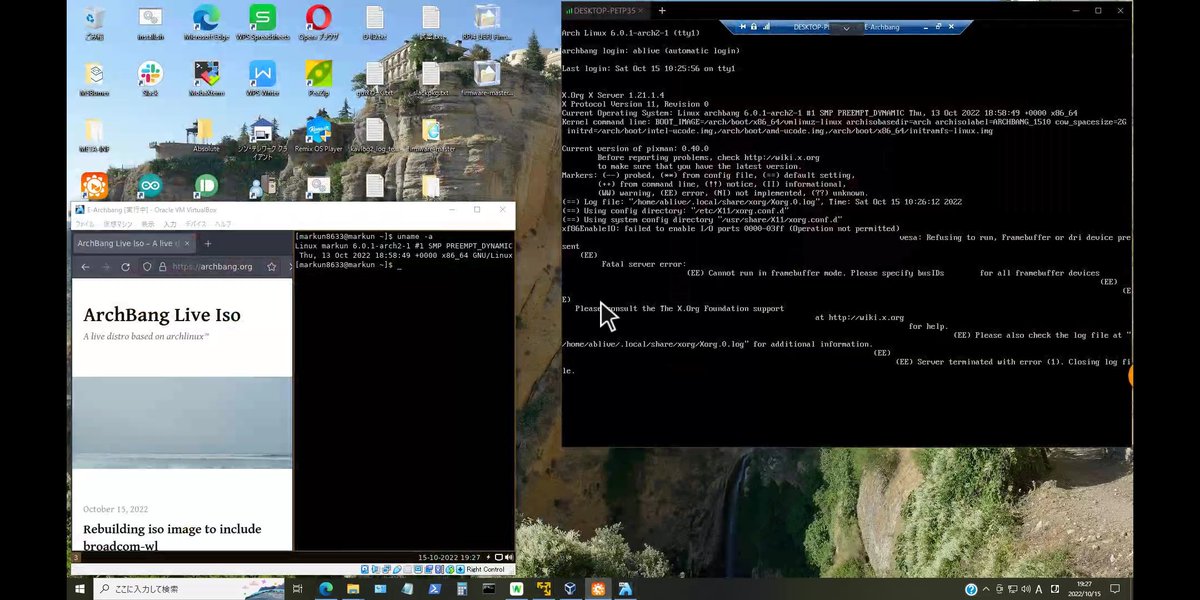
わかんない天気で
モチベ落ち…12kmOut…😑
明日ガンバる❗️
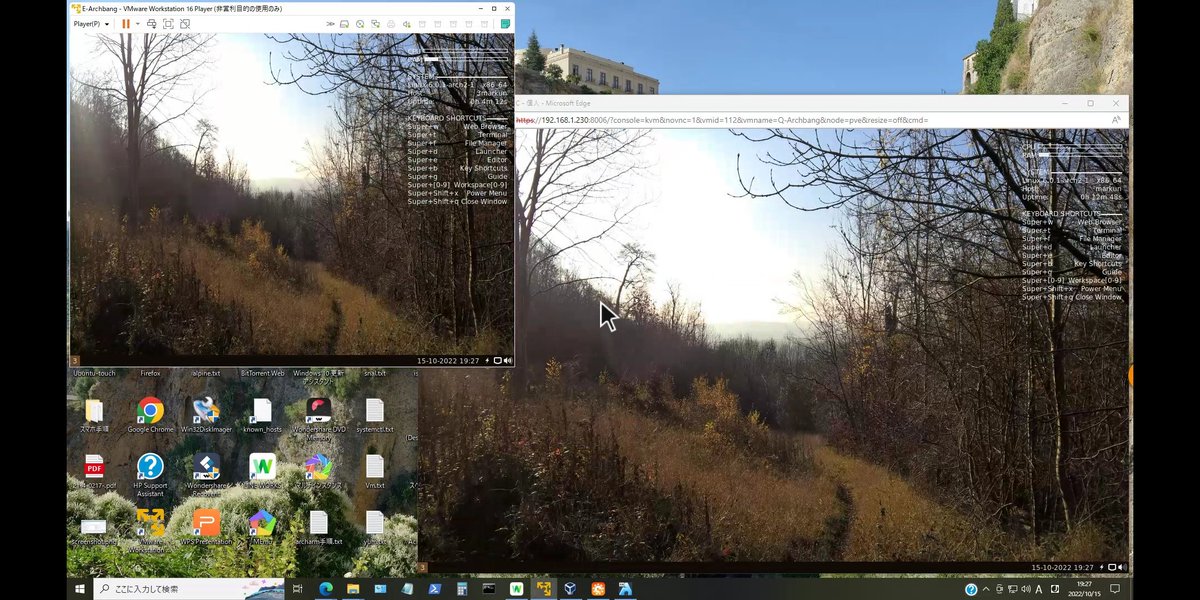
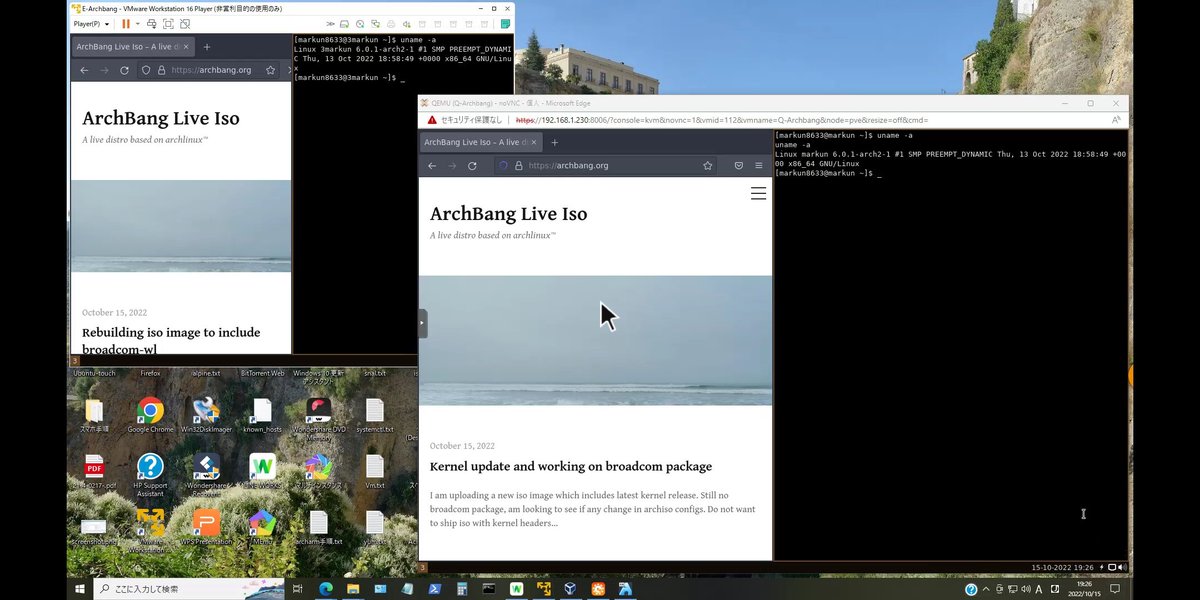
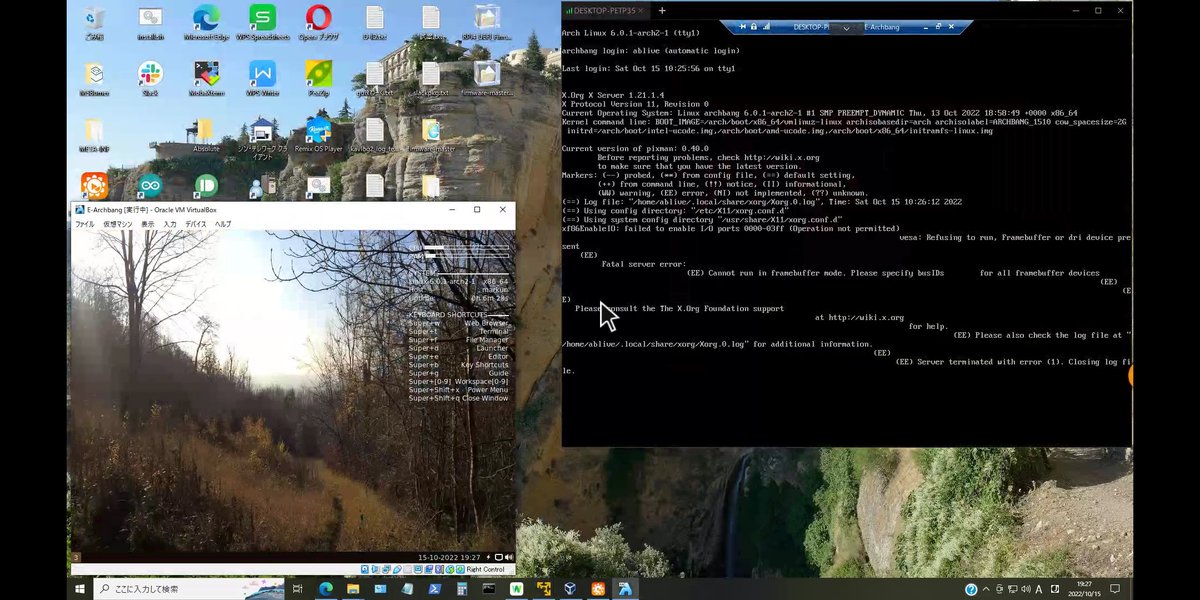
Archbang1510
VMwarePlayer ⭕️、
Proxmox、Virtualbox ⭕️*
*RTC=Local
Updateなし、日本語なし
ブラウザ、レスOK
@NBOX_L_Turboさんが呟かれて
ましたが、-arch2-ですね…🙄
blogでは
KernelUpdate&
BroadcomPackageと…😅❓️
1
4

2 Sep 2022
glaub ein raspi von mir hat das nich so gut aufgenommen als meine ssh sitzung mittem im kernelupdate abgebrochen ist
1
3


26 Jun 2022
Ist von allem das neuste installiert. Aber 12th Gen scheint unter Linux noch paar Probleme zu machen. Habs ohne Kernelupdate auch vorher gar nicht zum Laufen gebracht.
1
1
2