
Mar 31
If you use `presentationBackground` with a solid color, the system removes the glassy sheet background. And once that happens, all glass content on top of the sheet becomes fully glass instead of translucent.
2
18
575

Feb 11
SwiftUIのSheetって前まではpresentationBackgroundで透明にできてたけど、どこからかできなくなっちゃった?
qiita.com/SNQ-2001/items/f83…
fullScreenCoverなら透明にできてる
2
6
860

18 Nov 2025
Yea those separators looks awful now.
Think I was having to use .presentationBackground(.clear) on iOS 26.0 to get a glass background. But seems it’s for free now.
1
2
58

13 Nov 2025
Nope. Using `.presentationBackground(.clear)` didn't work for removing the glass effect in 26.0.
This might have changed in 26.1 given that this behaviour is now supported in UIKit as official API.
5
572

2 Oct 2025
What do you mean, like the presentationBackground kind of stuff?
1
61

24 Sep 2025
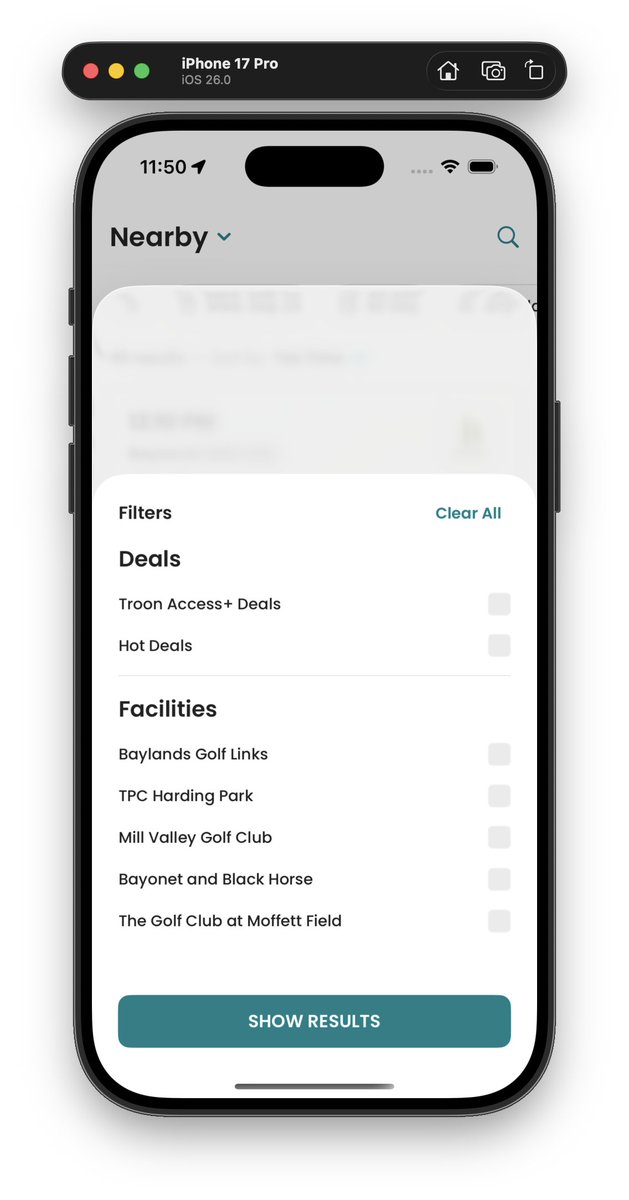
Anyone know how to remove the default glass effect sheet background in ios26?
Was previously using .presentationBackground(.clear) but looks like that broke in ios26 :(
3
370

23 Sep 2025
Use `.presentationBackground(.clear)` to make a SwiftUI presentation (i.e. `.sheet` or `.fullScreenCover`) transparent, showing the view behind it.

2
87


22 Aug 2025
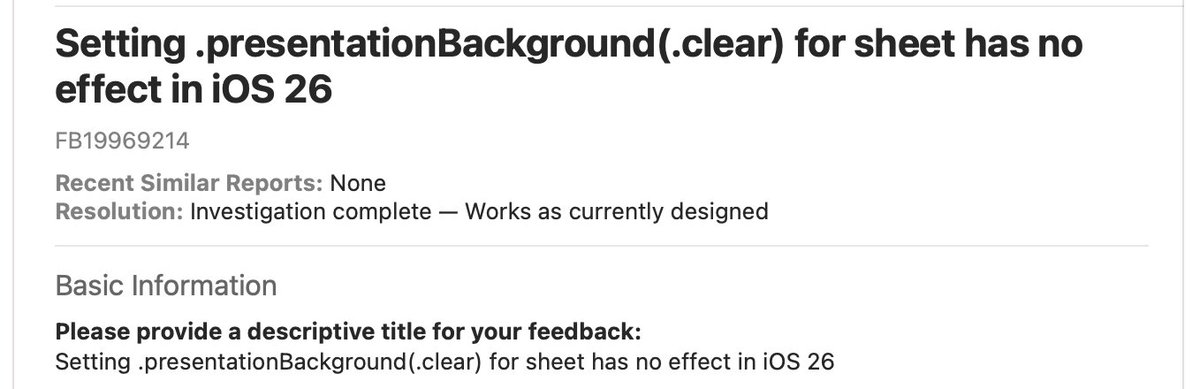
I haven’t tried on iOS 26, but does `presentationBackground(Color.clear)` work?
2
2
574

16 Jul 2025
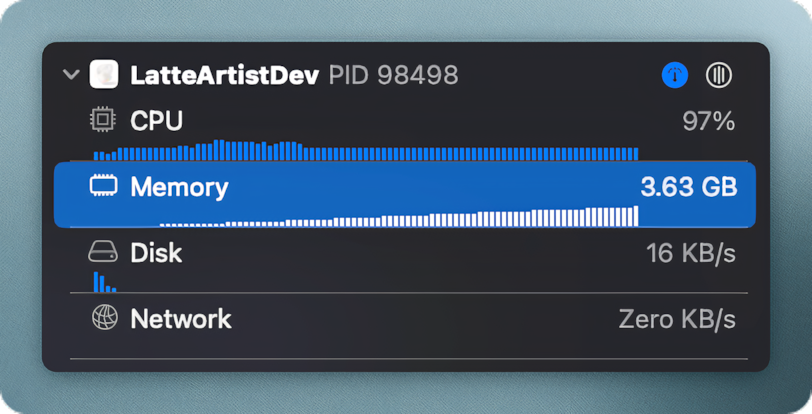
tried and true recipe for simulator death 👨🍳
ingredients:
- ios 17.0
- .presentationBackground
- .photosPicker (any flavor)
mix together and serve immediately to your unsuspecting simulator. pairs well with tears and stackoverflow searches
55

5 Jul 2025
Pretty sure this is by design. In one of the sessions they say we should remove .presentationBackground() and let the system handle it
1
1
360

4 Jul 2025
I need .scrollContentBackground(.hidden) to get the glass effect when the sheet is small and the WWDC session I referenced discourages the use of .presentationBackground 😕
4
694

4 Jul 2025
Does .presentationBackground or .scrollContentBackground do the trick?
1
2
717

31 May 2025
Have you tried presentationBackground(_:) with a clear color?
Not sure if this API is relevant actually when using transition.
developer.apple.com/document…
1
1
1,413

presentationBackground(alignment:content:)
のalignmentのところに
The alignment that the modifier uses to position the implicit ZStack that groups the background views.
って書いてあってへぇーってなってる。
developer.apple.com/document…
#SwiftUI
97

16 May 2025
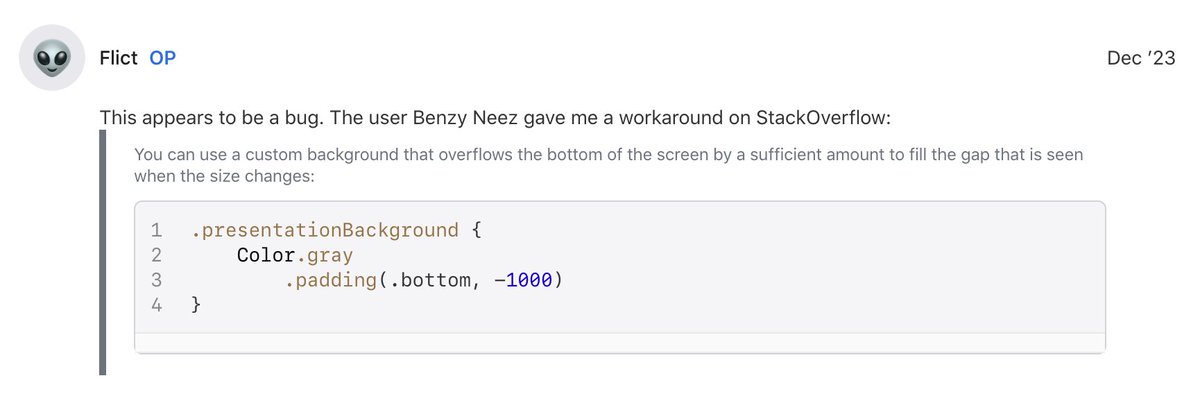
update: turns out it's a bug that occurs when using .presentationBackground()
thankfully there's a hacky fix for it 🥴 developer.apple.com/forums/t…
1
250

24 Apr 2025
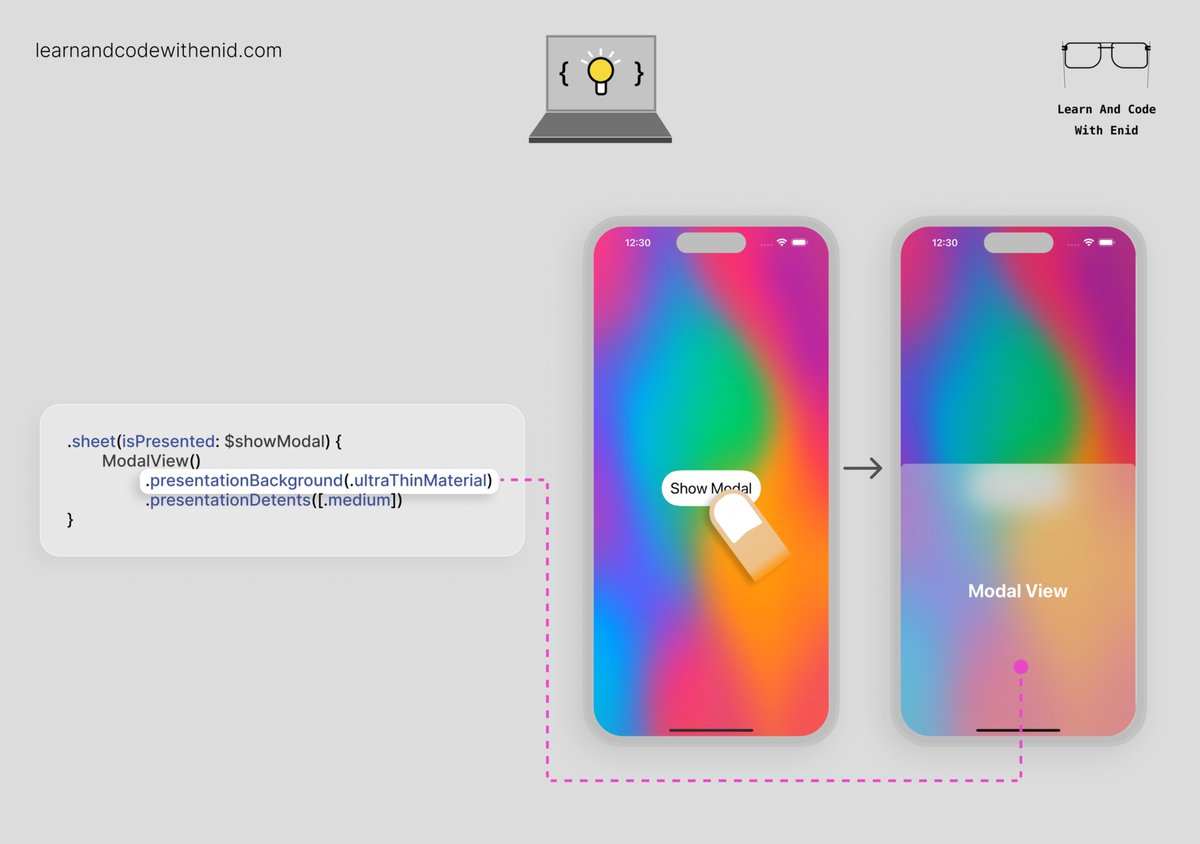
SwiftUI Tip 💡
Apply a blurred background to a sheet using the .presentationBackground() modifier.
iOS 16.4
→ learnandcodewithenid.com
2
10
168
12,528