
@shrutikapoor08 A React 19 feature that you will regret ignoring
What slows your React app down most often?
#React19 #ReactPerformance #WebDev
1
1
5
560

Jan 10
💡 Unleash your creativity with Next.js! 🚀 Did you know you can dynamically import components? This can significantly boost your app's performance. Try it out and watch your Next.js projects soar! #NextJs #ReactPerformance 🛸🚀
2
17

15 May 2025
I made this image myself — no AI involved.
But you know what’s really out of control? When devs stuff everything into a single context provider and wreck app performance.
I break it down in the article. Don’t let this be your app.
#reactjs #reactperformance #webdev
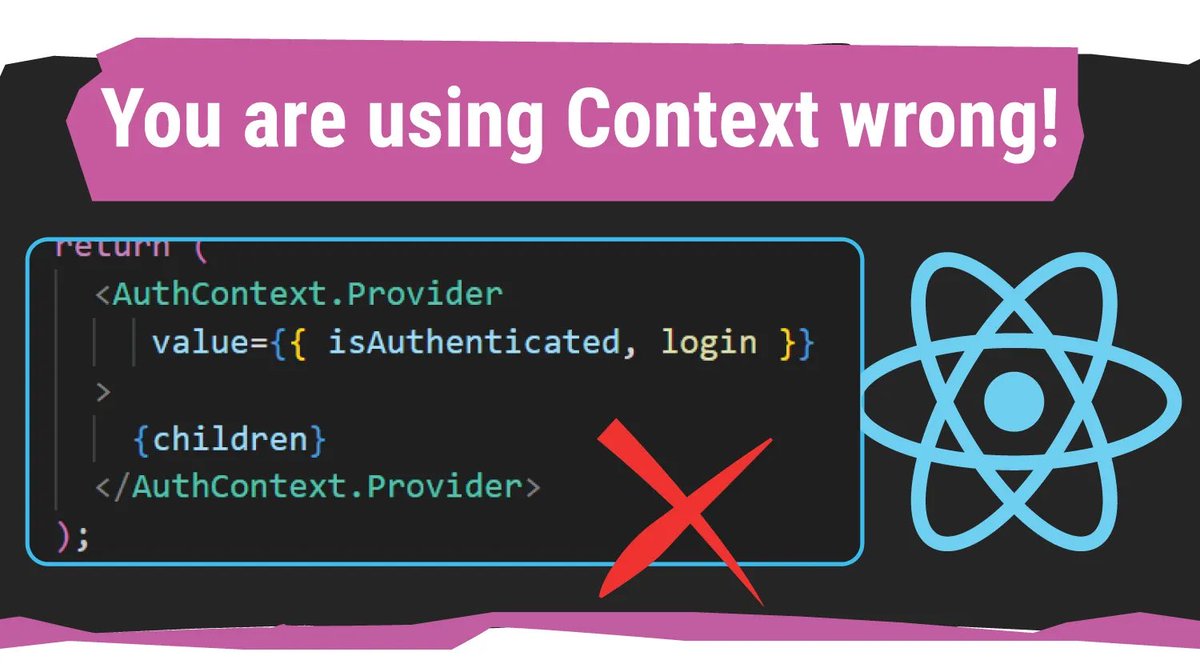
ALT A React-themed graphic with the headline “You are using Context wrong!” It shows a code snippet where <AuthContext.Provider> includes both isAuthenticated and login in the value prop. A large red X marks the code as incorrect, hinting at a common React Context anti-pattern.
1
3
6
364

1 May 2025
1/
Virtual DOM
React doesn't touch the real DOM directly.
It uses a "virtual DOM" a JS object that mirrors the real DOM.
Changes are calculated in memory first, then efficiently synced to the real DOM.
Result? Blazingfast UI updates 🔥
#ReactPerformance #ReactJS
1
3
27

16 Feb 2025
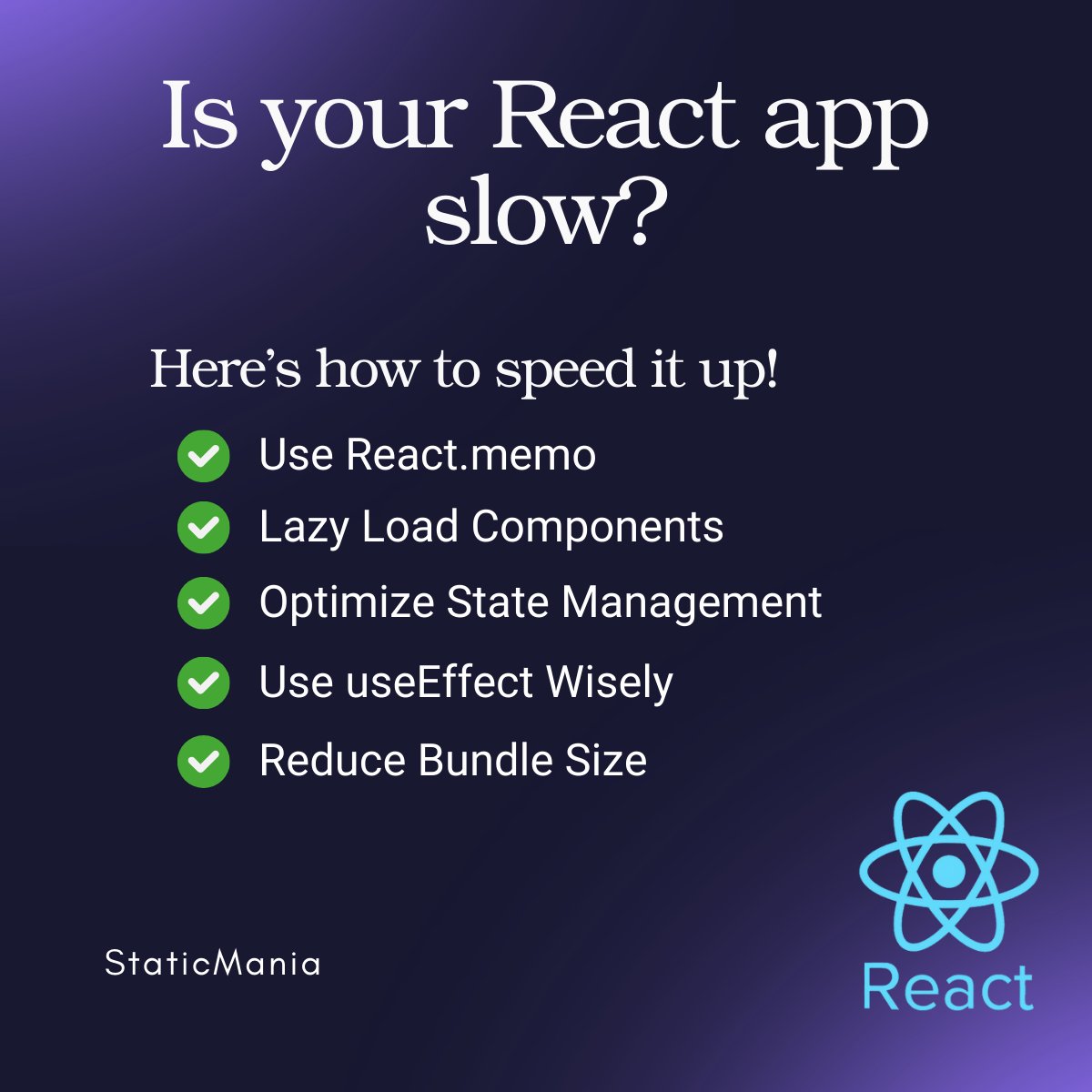
⚡ React Performance Optimization Tips:
✅ Use React.memo
✅ Lazy Load Components
✅ Optimize State Management
✅ Use useEffect Wisely
✅ Reduce Bundle Size
#ReactPerformance #WebOptimization #FrontendDevelopment #ReactJS
2
57

24 Dec 2024
1
14

19 Dec 2024
Limited seats—grab yours now! 🎟️
🔗 buff.ly/3ZUYBQt
#ReactParis #ReactJS #ReactPerformance #WebPerformance

2
5
3,095

27 Nov 2024
We have started with our #ReactPerformance workshop with @farisaziz12 a fully packed workshop as always #CityJSAthens
If you didn't make it London is next!
london.cityjsconf.org

1
3
354
24 Nov 2024
10 Days for CityJSAthens second edition for 2024.
We got you covered with
✅ 20 talks in #Accessibility, #GenAI, #React
✅ 2 Workshops in #TypeScript, #ReactPerformance
✅ A free meetup
Register now
athens.cityjsconf.org
#athens #greece
2
2
428

4 Nov 2024
REACT PRO TIPS! ✅
Boost performance with:
1. memoization
2. lazy loading
3. code splitting
4. React.FC
5. React Query
Share your favorite optimization trick! 💬
#ReactPerformance #WebDevelopment
2
136

25 Mar 2024
Read how our Hootsuite Publishing team investigated and tackled latency regression in their Planner app, using tools like Grafana, Prometheus, and Git. Don't miss these valuable insights and remediation strategies! #ReactPerformance #SLO #Monitoring
ow.ly/EvgE30sB4y2

1
29

26 Jan 2024
Master useCallback Like a Pro Developer ⬇️
- Understand `useCallback` fundamentals
- Learn dependency array manipulation
- Optimize your React components
- Avoid common `useCallback` mistakes
#React #JavaScript #WebDev #Frontend #ReactHooks #DependencyArray #ReactPerformance #CodeOptimization
2
3
94
26 Jan 2024
Unlock React's Potential with Fragments ⬇️
- Simplify JSX
- Keyed Fragments
- Composition Techniques
- Avoiding Common Errors
#React #WebDev #JSX #CodeTutorial #ReactPerformance #ReactComponents #FrontendTips #SoftwareEngineering
3
4
179

4- 🌐 Virtual DOM Magic 🌐
Ever wondered how React efficiently updates the UI? It's the Virtual DOM! An in-memory representation of the actual DOM elements, it allows React to batch updates and minimize manipulations in the real DOM. #VirtualDOM #ReactPerformance
1
1
7

26 Nov 2023
The Need for Memoization: Imagine a scenario: a React component rendering the square of a number. Without useMemo, the square gets recalculated on every render, even if the number prop hasn't changed. That's where useMemo steps in to optimize. #ReactPerformance #Optimization
1
3
15

22 Nov 2023
Good Morning React Explorers! Let’s talk about enhancing your app’s performance with Lazy Loading and Code-Splitting in #ReactJS. 📦
As your app grows, so does your bundle size. Large bundles can lead to longer loading times. React offers a solution: Lazy Loading and Code-Splitting. Here’s how they help:
1. Code-Splitting: It’s the practice of splitting your code into smaller chunks, which the browser can then load on demand.
• Use React.lazy() for dynamic imports of components.
const OtherComponent = React.lazy(() => import('./OtherComponent'));
2. Lazy Loading: It’s a technique that defers loading of non-critical resources at page load time. Instead, these resources are loaded when needed.
• Wrap your dynamic imports in Suspense component to handle the loading state.
<React.Suspense fallback={<div>Loading...</div>}>
<OtherComponent />
</React.Suspense>
3. Reducing Initial Load Time: This approach can significantly reduce the initial load time of your app, as users only load the chunks they need for their current route.
4. Use Cases: Ideal for larger apps with many routes and components, where different parts of the app are only visited by certain users.
5. Server-Side Rendering: Combine this with server-side rendering for even faster initial loads.
🏎️ By implementing Lazy Loading and Code-Splitting, you enhance user experience, especially for those with slower internet connections.
Stay tuned for more advanced techniques and performance optimization tips!
#ReactPerformance #LazyLoading #CodeSplitting
1
3
188

15 Oct 2023
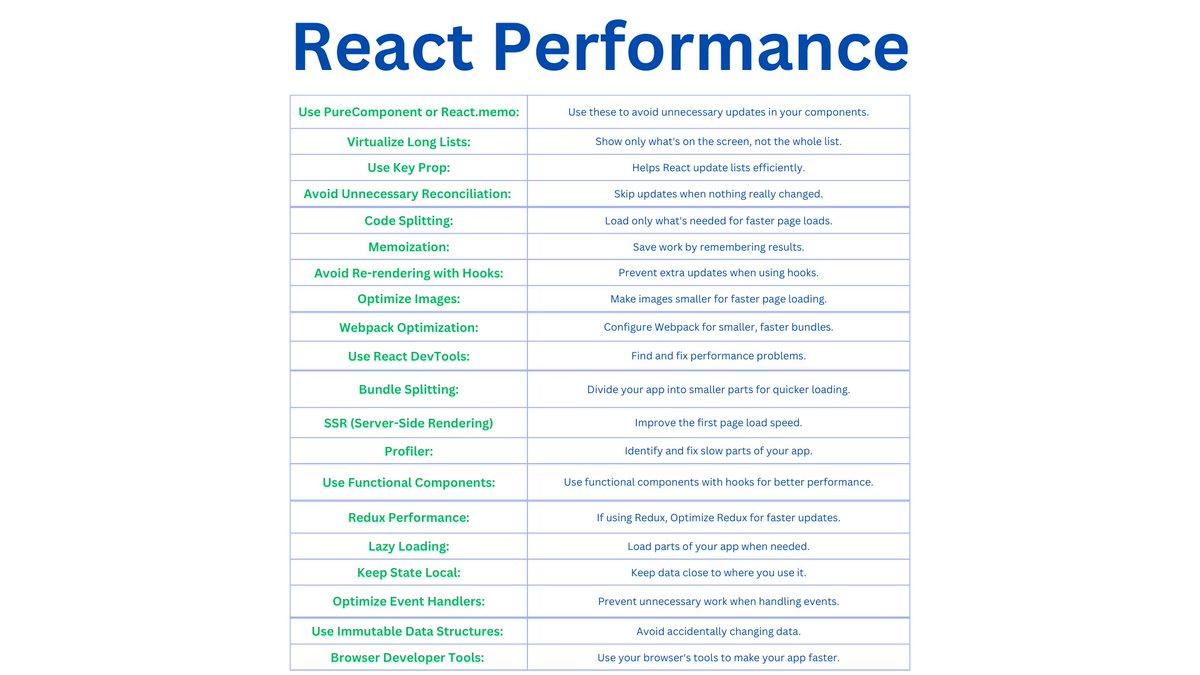
🚀 "Boost Your React App: The Performance Master Cheat Sheet" 🚀
Get ready for a game-changing React performance cheat sheet.
Ready to supercharge your React projects & make them lightning-fast?
Stay tuned! 💡🚀💻 #ReactPerformance #CheatSheet #ReactJS
5
289

🧵2/2
🚀 React Performance:
⏳ Lazy Loading
⚡️ Eager Loading
🧠 Memoizing React Functional Components
#FullstackRoadmap #ReactPatterns #ReactPerformance #LearningInProgress 🙌🏻🚀
3
27

13 May 2023
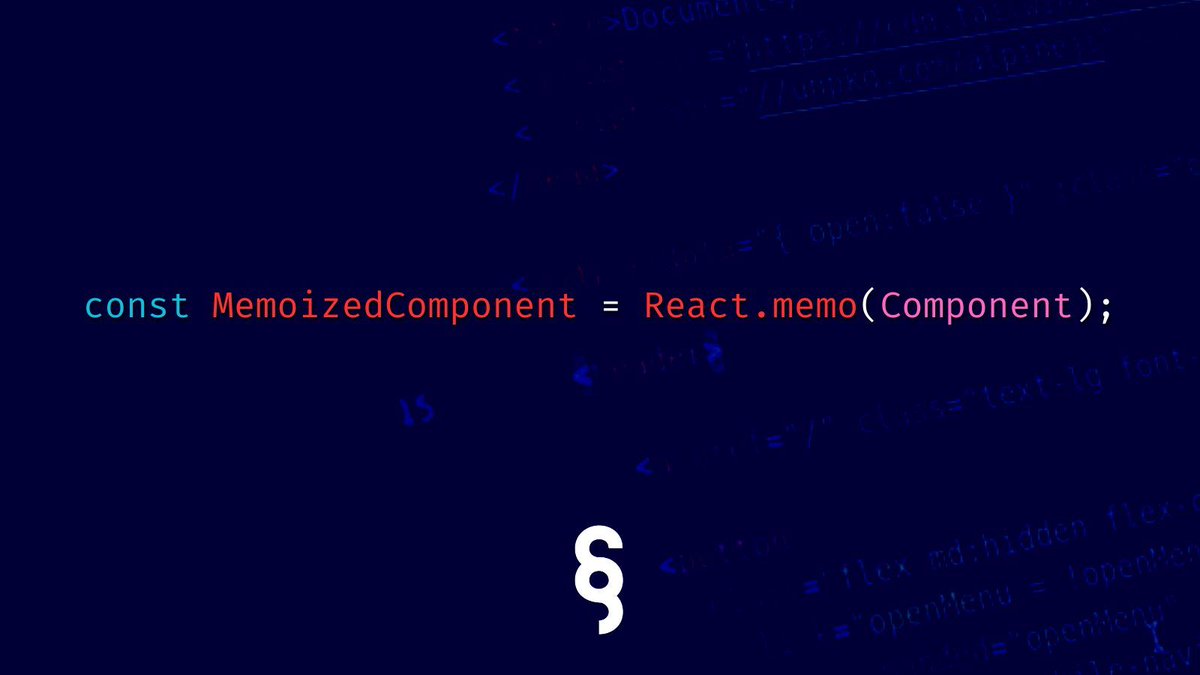
And the React.memo() function is a higher-order component that is used to memoize functional components. So why do we use MEMO in React applications? There are a few reasons: #ReactPerformance #ReactMemo
1
2
49

24 Mar 2023
10 Strategies to Improve Performance in Your React Native App
#react #reactnative #reactnativeappdevelopment #reactnativeapp #reactdevelopment #reactdevelopmentservices #aspiresoftserv #react #reactperformance
linkedin.com/feed/update/urn…
2
2
120