
Beyond the Northern Horizon... 🌌✨
Thrilled to share Astral Couture for #FigmaMakeathon!
🚀 A vision of future space settlers via bio-responsive fashion.
📺 Video: youtu.be/XHV8HmJsqyQ
🔗 Prototype: solid-pecan-01126499.figma.s…
CC: @figma @contra #SpatialUI #Figma
1
4
88

29 Dec 2025
To be clear, I love the Liquid Glass era and I wouldn't go back to the old style—this feels like the right evolution. But are we at the "peak" yet, or are we still finding the perfect balance between beauty and pure function? What do you guys think? tell me I’m not the only one obsessed with getting this right!
#AppleDesign #LiquidGlass #SpatialUI #UIUX #ProductDesign #Glassmorphism #iOSDev #SwiftUI #BuildInPublic #SwiftLang #iOS26 #AppleDeveloper #AppleEcosystem
3
196

A forward-thinking domain that perfectly blends spatial computing, artificial intelligence (AI), and innovative digital experiences. This name is ideal for AR/VR platforms, AI-powered spatial analytics tools, metaverse projects, and immersive tech solutions. #ai #Space #spatialui
4
115

27 Jun 2025
Back at it! 💪🏽
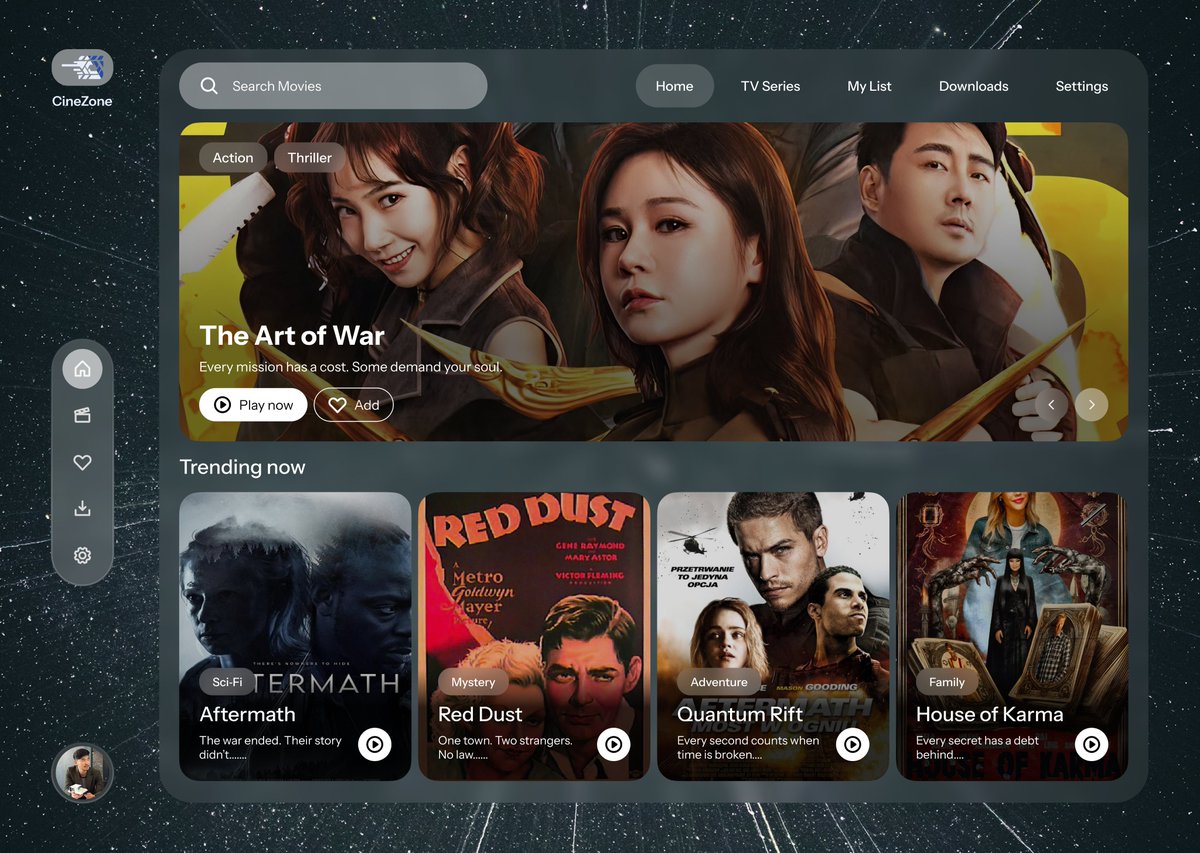
Day 21 – #DailyUI: TV App – Cine Zone 📺
Designed with a spatial layout inspired by VisionOS — aiming for that depth.
Still wondering though… is it accessible enough? 👀
Would love your thoughts!
#uiuxdesign #FigmaDesign #figma #spatialui #ProductDesign
7
341

11 Jun 2025
🤯 Just dropped a Web demo of Apple’s Liquid Glass UI in a fully spatial 3D world; powered by Three.js WebGPU AR magic. Think ultra-reflective, fluid glass surfaces bending light in real-time, right in your browser. This isn’t just UI; it’s next‑gen immersive computing 🚀 #ThreeJS #WebGPU #AR #LiquidGlass #SpatialUI #Apple
20
17
175
22,589

9 Jun 2025
🚨 WWDC 2025 Starts Today. Here's What Founders Need to Know.
Every June, Apple doesn’t just reveal new features — they reset the standard for how users interact with apps, devices, and brands.
This year? The shift is bigger than ever. Think:
👓 Vision Pro-style UI
🧠 Context-aware AI
🎨 Deep personalization
💆 Wellness-integrated UX
📱 Seamless cross-device continuity
At Orizon, we don’t just watch the keynote—we design for what comes after.
👉 Read our breakdown of what’s coming in iOS 26—and what your product team needs to do now to stay ahead: orizon.co/blog/ios-26-heres-…
#WWDC2025 #iOS26 #UXDesign #ProductDesign #MobileDesign #UITrends #AppleDesign #OrizonDesign #VisionPro #AIUX #SpatialUI #Apple #TimCook #Founders #Startups #AppDesign
1
5
1,103

22 Dec 2024
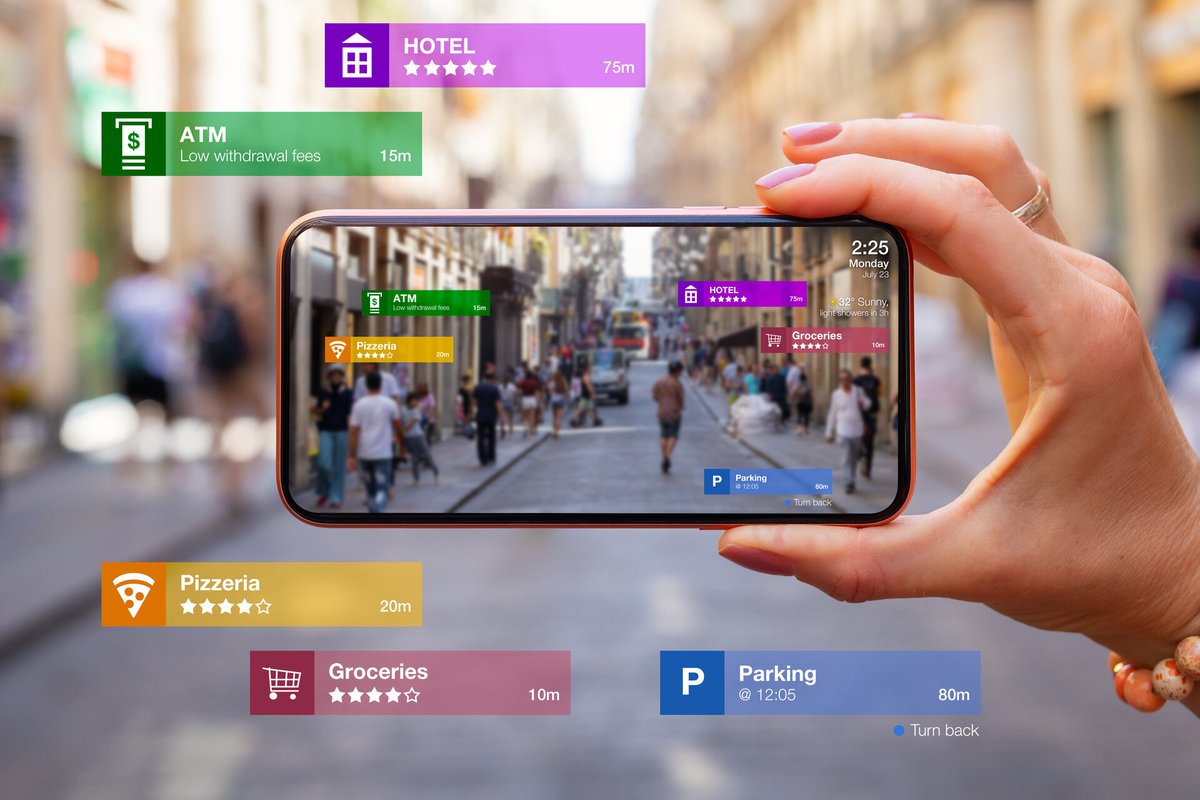
Augmented Reality (AR) is Shaping the Future of UI/UX
Article Links ➝ cutt.ly/1eNLoraY
#AugmentedReality #ar #vr #virtualreality #meta #visionpro #spatialui #ui #ux #uidesign #uxdesign #appdesign #webdesign #metaverse #spatialcomputing #ai #fhysicaldesign #usability
3
179

4 Nov 2024
Thought about leveraging the third dimension (depth) and stacking several different sliders to get multimode input in a compact form.
This approach works well with naturally distinguished properties like RGB channels that are easy to visualize based on their innate semantic traits (color coding, in our case: red channel represented by red, green by green, etc.) to quickly identify in which mode you are.
Another example is a controller for cold/hot water. It can be a good candidate for this type of interaction since cold/hot labeling has a strong convention around its semantics (red for hot, blue for cold).
#metaquest #virtualreality #spatialcomputing #spatialdesign #xr #xrdesign #prototyping #ui #interactiondesign #unity3d #3dmath #spatialui
7
11
122
9,122
8 Jul 2024
Here is another experiment with a spatial pie menu. This time, I tried to see how different types of buttons would live together.
In this prototype, there are three types:
— Action Button. Invokes some functions of the system. Media, Settings, Apple Intelligence;
— Binary Toggle. Changes the state of the system and reflects the changes. Passthrough Mode On/Off, Microphone On/Off;
— App Button. Incapsulates some system functions inside itself, reflecting its states. Recorder.
Observation: Reducing the dimensions of interaction is the simplest way to increase its accessibility and decrease the number of possible error cases. Using polar coordinates in the pie menu allows you to restrict the item selection to angular movement (1D) and control the selection states (hover, selected, active, default) with radius (1D), which makes the interaction easier and more forgiving to perform (compare it to Quest OS's action menu with 2D selection approach).
Also, the Pie Menu is idle when the radius between the center of the menu and your pinch position projected on the UI is under a certain threshold. This helps prevent false positive selections when you accidentally trigger the menu or change your mind.
#handtracking #quest #virtualreality #unity3d #spatialcomputing #spatialdesign #spatialui #spatialux #vrdesign #prototyping #uxengineering #csharp #piemenu #xrdesign #interactiondesign
8
8
108
8,305


21 Jun 2024
Exclusive @XREAL_Global Beam Pro First Look at #AWE2024
HUGE Thank you to XREAL for inviting me and giving me the opportunity to demo the device! Getting an exclusive on a new product has been a long time goal for me 😁 This thing is so cool
Say goodbye to battery anxiety and hello to a user-friendly experience. Featuring a 6.5-inch LCD touchscreen, Android 14, and a myriad of apps, this device is a game-changer. With Wi-Fi 6 and Bluetooth 5.2, it’s perfect for game streaming. Just sync an Xbox controller and enjoy your favorite games and applications.
We demonstrate its seamless integration with XREAL's XR glasses, transforming into a pointer for a true spatial UI experience. Equipped with dual 50MP 3D cameras, directional audio, cellular connectivity, and expandable storage, the Beam Pro is packed with cutting-edge technology.
Available for pre-order now, with shipping starting July 18th. Don’t miss the limited-time offer for first-generation Beam owners!
#XRealBeamPro #AR #TechInnovation #GameStreaming #SpatialUI #GadgetReview
1
4
9
1,575
4 Jun 2024
Redesigned the previous prototype with visual mechanics inspired by Blender.
The circular selection interaction pattern is a great way to enhance accessibility and improve accuracy by restricting item selection to a single dimension and, therefore, reducing noise in user input.
For a circular menu, one may describe spatial transformations using polar coordinates components: Radius and Angle. I used Radius to set selection availability and Angle to define the selected item.
Plus, this particular pattern allows you to expose the names of the items, which might be helpful in cases when the functions of the items are not self-obvious.
Feel free to test the prototype on your own and share your thoughts :)
#handtracking #xrinteraction #xri #xr #virtualreality #unity3d #prototyping #spatialcomputing #spatialdesign #spatialui #ux #ui #xrdevelopment #spatialprototype #interactiondesign
18
48
396
38,219
8 Apr 2024
Prototyped another iteration of a hand-tracking-based BoxelXR toolbar. This time, it's a circular menu spawned in front of a user once the index pinch is triggered.
Notes:
1) It works great with four elements, but it's hard to scale for a higher number;
2) The selection interaction is forgiving for spatial positioning errors. This is because a 3D hand span is interpreted through a 1D angle range (a 1D subspace in the polar coordinate system of 2D projection space, which is a subspace of the 3D space of the experience, respectively). This prevents false positives and makes it easy for users to execute. Precise muscle coordination is not required, either. Design tip: Lower the dimensionality of your interaction to reduce cognitive loads and make it more accessible.
3) Using depth-based animations to show different UI states is a great way to leverage the third dimension and add something interesting to the experience. But be careful. When the UI faces a user's face, the contrast in the motion might be low, so use it only as an additional layer. In this prototype, color coding is the primary way to mark changes in a UI state.
⬇️🐙🐱 Download the prototype — github.com/Volorf/xr-prototy…
#handtracking #xrinteraction #xri #xr #virtualreality #csharp #unity3d #prototyping #spatialcomputing #spatialdesign #spatialui #ux #ui #xrdevelopment
5
11
119
11,744
11 Mar 2024
Added a bunch of builds to the XR prototypes collection on GitHub. If you have a Quest device, please enjoy :)
Spatial Prototypes — github.com/Volorf/xr-prototy…
#spatialcomputing #spatialdesign #vr #virtualreality #xr #unity3d #xri #spatialui #interactiondesign #prototyping
1
21
1,371
4 Mar 2024
Explored the finger menu with a depth-based layout. Felt fun. Microinteractions/UI motion helped to compensate for the lack of haptic feedback by providing rich visual clues and reinforcing the user's intentions (all these subtle micro-movements).
Based on the prototype, here are a few things to consider when you use this interaction pattern:
1) Perspective visual distortion. It might take more time to recognize visually distorted signs when they are arranged by depth. It's a good idea to use well-known sign sequences where the current selected element gives you a hint about the previous and next ones. A user should have an embedded knowledge of how the elements in the menu are sorted. A number selector might work well with it dribbble.com/shots/18072951-…
2) Low range of hand movement in stationary mode. Because you need to keep visual contact with the UI, the useful range of possible hand movement is very limited. You must position your hand in front of your eyes, maintaining a comfortable distance. It restricts the number of items you can have on the menu. Plus, the trigger distance (30-40mm) also reduces the amount of menu elements you can use. Two or three items work the best (four is max).
Download APK [Meta Quest] — github.com/Volorf/xr-prototy…
#spatialdesign #spatialui #spatialux #vr #unity3d #prototyping #handtracking #interactiondesign #virtualreality #productdesign #xr #xrdesign #xrinteractiontoolkit #xrdevelopment #spatialcomputing
4
24
211
22,202

1 Mar 2024
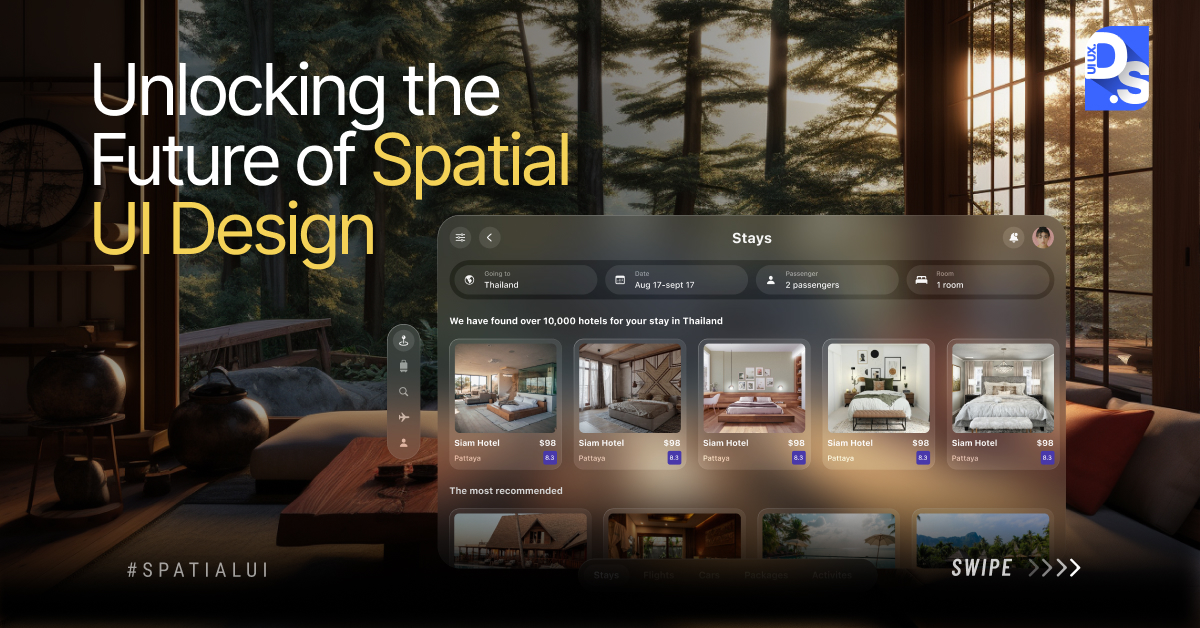
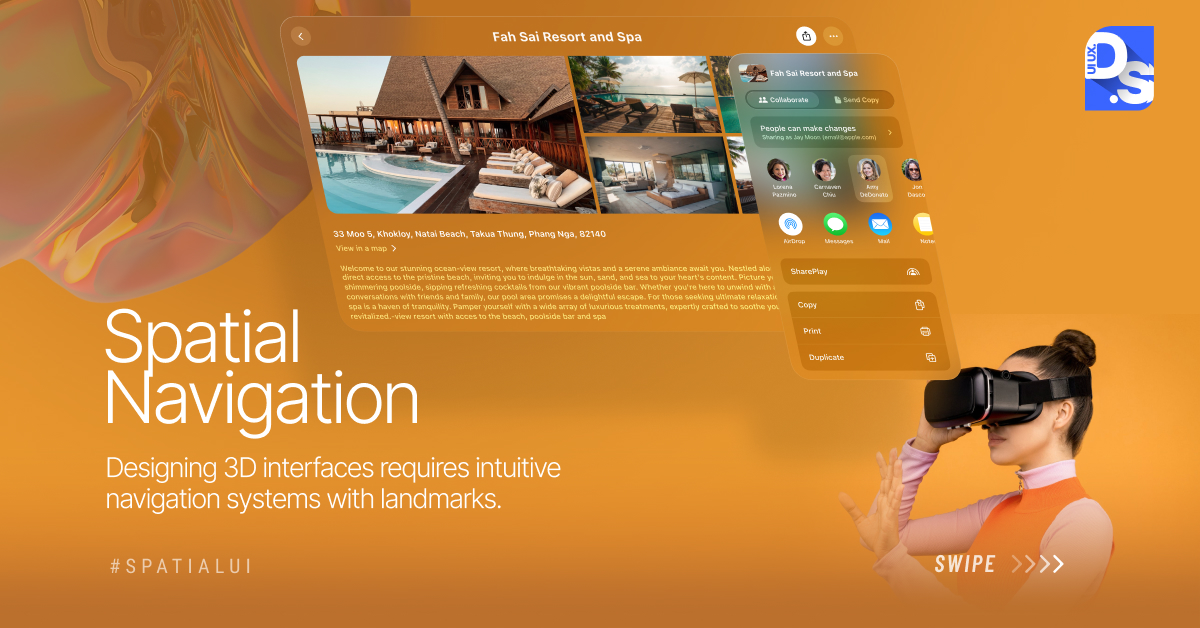
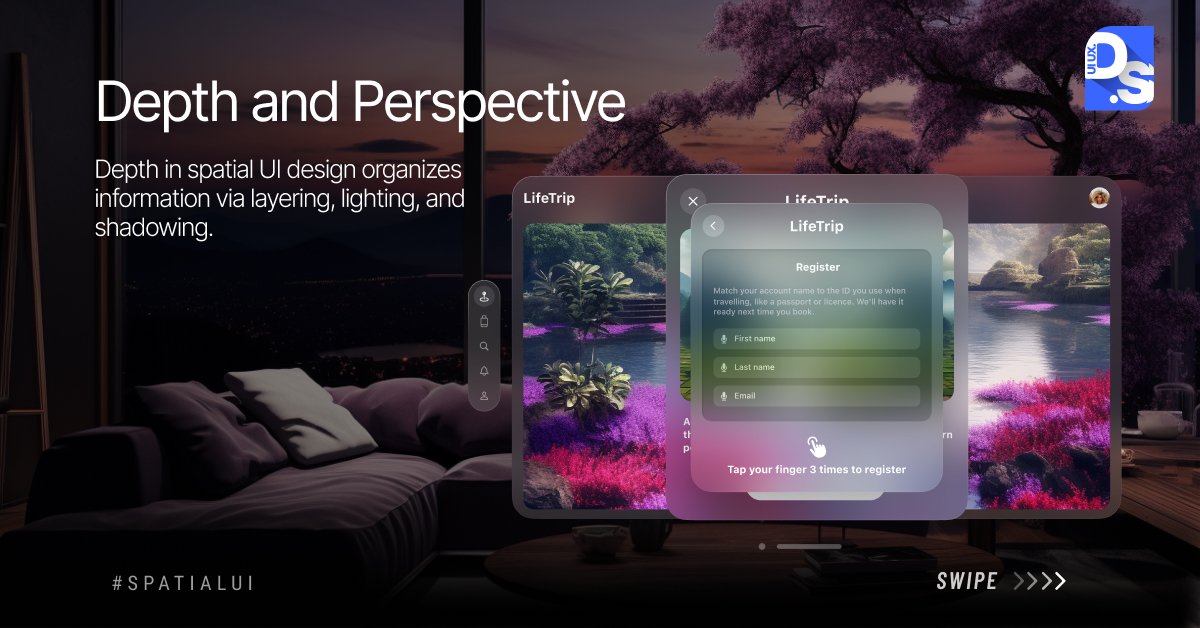
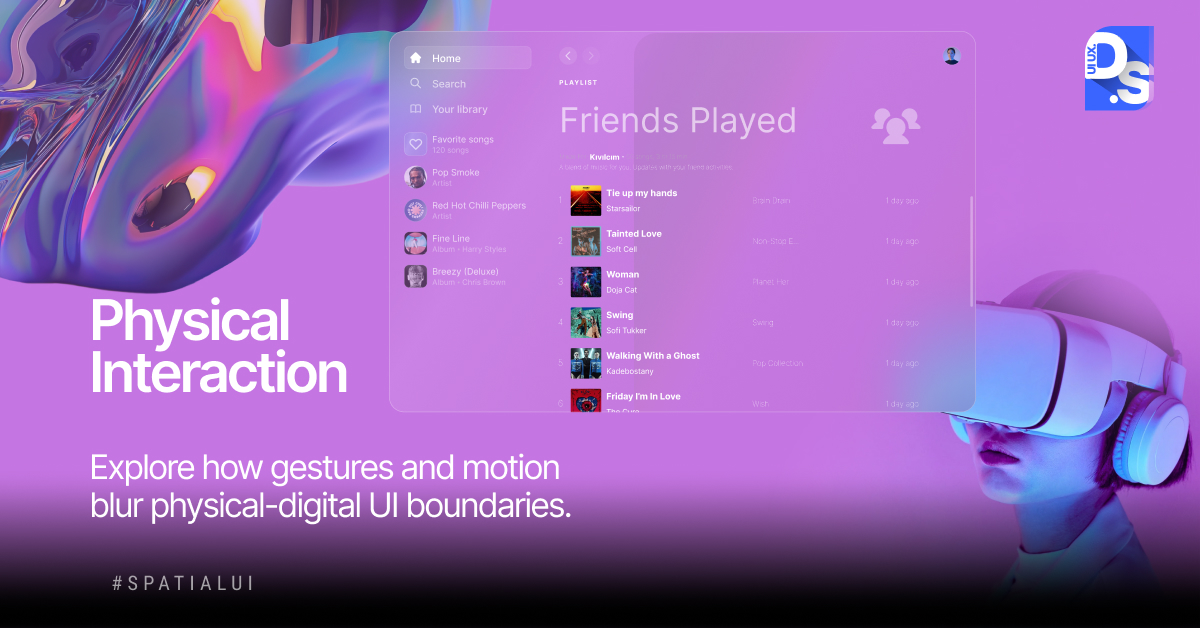
Uncover the secrets of Spatial UI Design: learn how to captivate users with immersive interfaces, and craft compelling designs that engage and delight.
.
.
.
#spatialui #uiux #UserExperience #digitaldesign #uidesign
7
4
502

23 Feb 2024
Discover visually stunning UI & immersive AR elements redefining music experiences with Vision Pro Music Player.
#musicplayer #musicapp #appui #design #visionpro #applevisionpro #spatial #spatialui #interactivedesign #uxui #dribbble #dribble
dribbble.com/shots/23689925-…
3
134

23 Feb 2024
Discover visually stunning UI & immersive AR elements redefining music experiences with Vision Pro Music Player.
dribbble.com/shots/23689925-…
#musicplayer #musicapp #appui #design #visionpro #applevisionpro #spatial #spatialui #interactivedesign #uxui #dribbble #dribble
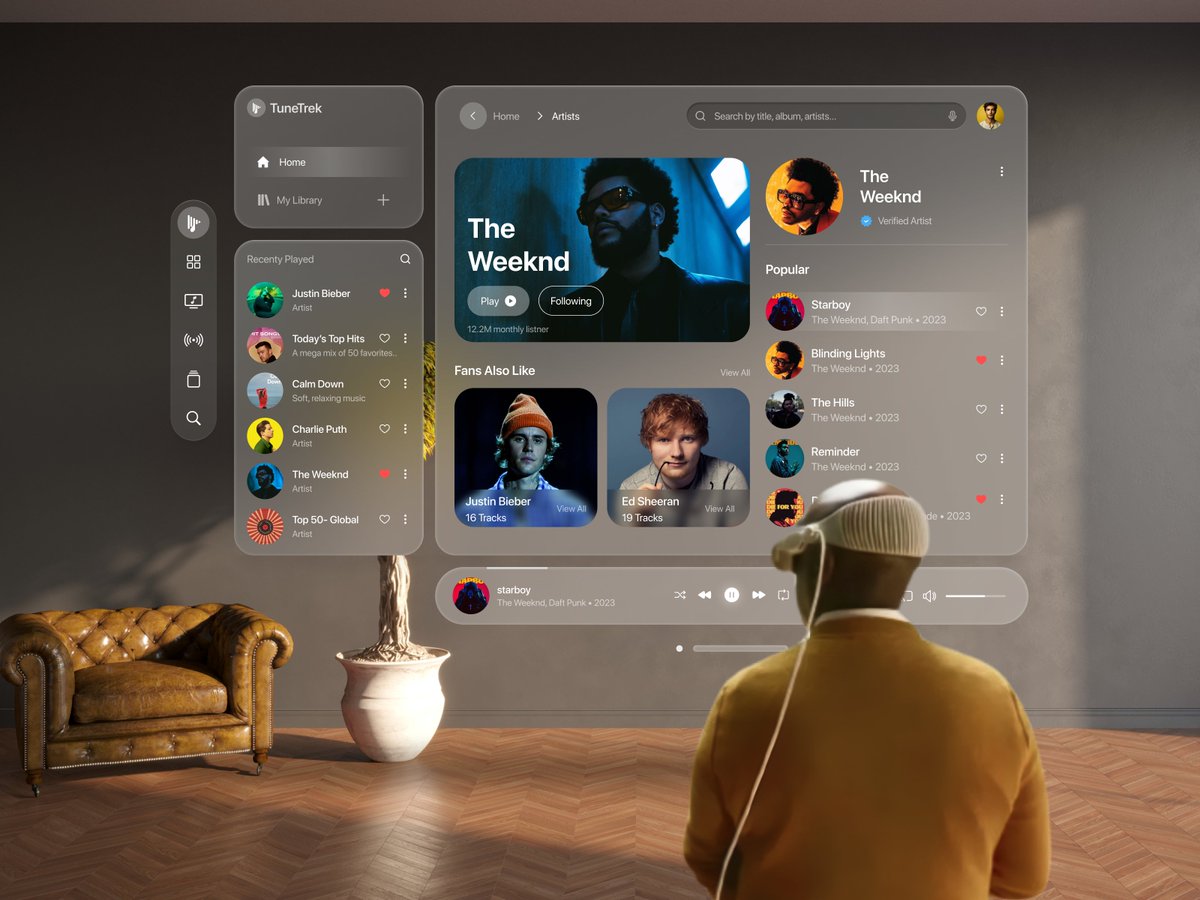
ALT Introducing TuneTrek – an exceptional music player app that reimagines the auditory experience with the innovative Spatial UI Design concept, crafted exclusively for the Apple Vision Pro product line.
4
218

23 Feb 2024
Discover visually stunning UI & immersive AR elements redefining music experiences with Vision Pro Music Player.
dribbble.com/shots/23689925-…
#musicplayer #musicapp #appui #design #visionpro #applevisionpro #spatial #spatialui #interactivedesign #uxui #dribbble #dribble
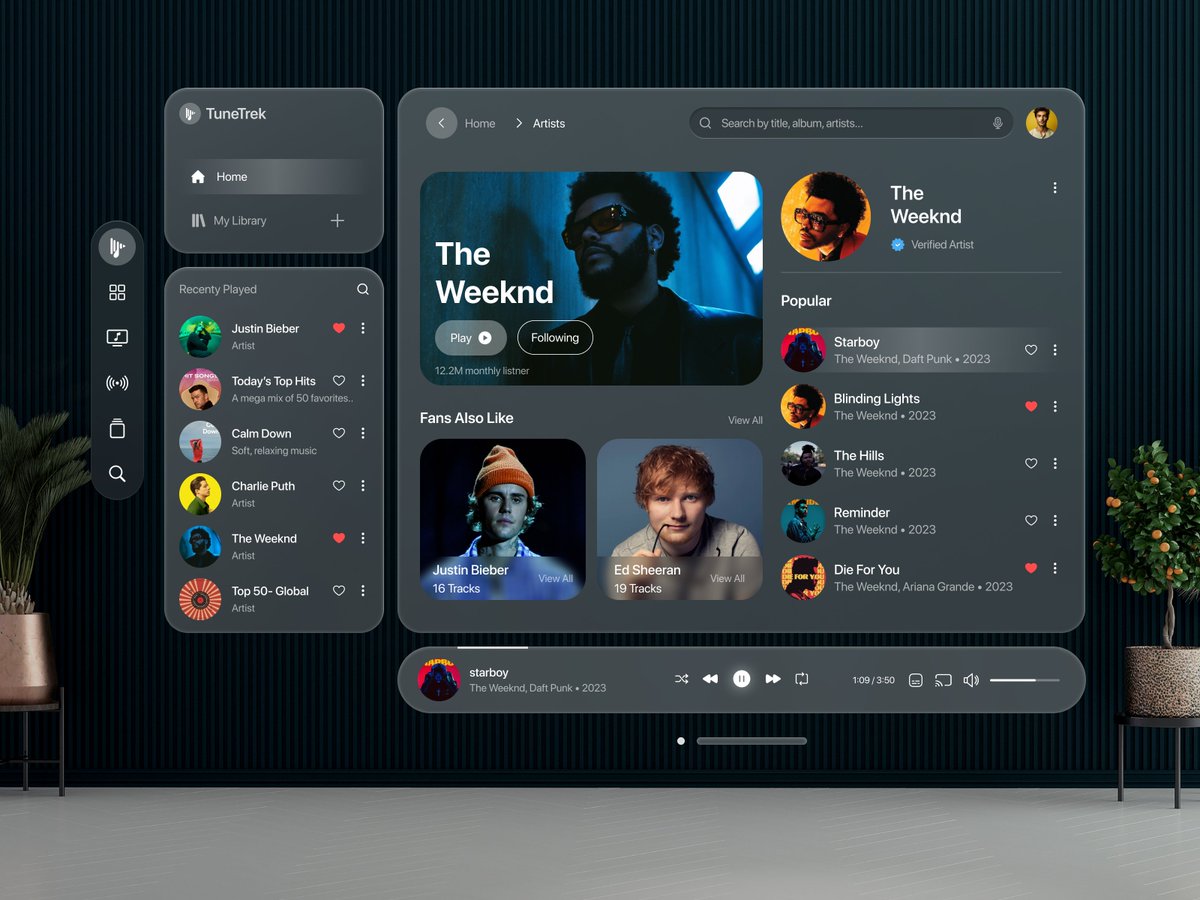
ALT Introducing TuneTrek – an exceptional music player app that reimagines the auditory experience with the innovative Spatial UI Design concept, crafted exclusively for the Apple Vision Pro product line.
7
334

22 Feb 2024
Discover visually stunning UI & immersive AR elements redefining music experiences with Vision Pro Music Player.
#musicplayer #musicapp #appui #design #visionpro #applevisionpro #spatial #spatialui #interactivedesign #uxui #dribbble #dribble
dribbble.com/shots/23689925-…
2
99