
Tired of your IoT battery draining in days? It’s time to talk about bistable displays. 🔋
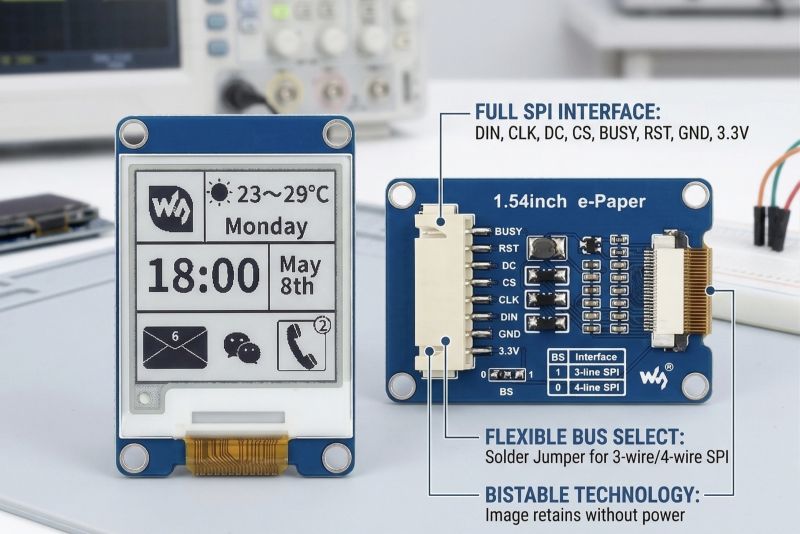
If you are building low-power monitoring nodes, desktop dashboards, or smart home interfaces, your choice of display dictates your entire power budget. Recently, I’ve been working with this 1.54-inch e-Paper (e-Ink) module, and it is an absolute game-changer for battery-operated setups.
Unlike OLEDs or LCDs that require constant refreshing and backlighting, e-Paper displays are bistable. They only consume power during a state change. Once the image is drawn, you can completely cut power to the display, and it will retain the image indefinitely.
Here is a deep dive into the hardware of this specific module and why it's so great for rapid prototyping:
🛠️ The Hardware Breakdown
The Interface (SPI): It communicates via a fast SPI interface. If you look at the back of the PCB, there’s a BS (Bus Select) solder jumper. By default, it operates in 4-wire SPI (BS=0), but you can bridge it to 1 to switch to 3-wire SPI if you are extremely strapped for GPIO pins.
Logic Levels: It’s designed for standard 3.3V logic, making it a direct, safe connection to modern microcontrollers like the ESP32, ESP8266, or STM32 without needing external level shifters.
The Pinout Explained:
VCC / GND: Standard 3.3V power.
DIN / CLK: Your standard SPI MOSI and Clock lines.
CS (Chip Select): Allows you to share the SPI bus with other peripherals (like an SD card reader).
DC (Data/Command): Crucial for telling the display controller whether the incoming SPI bytes are configuration commands or actual pixel data.
RST (Reset): A hardware reset pin to wake the display controller.
BUSY: My favorite pin on this board. e-Ink displays take hundreds of milliseconds to physically move the ink particles. Instead of guessing with delay(), you can tie the BUSY pin to an interrupt to know exactly when the display is ready for the next command.
💡 The Software Architecture
Wiring this up to an ESP32 is incredibly straightforward using libraries like GxEPD2. Because these microcontrollers have Wi-Fi, you can easily pull JSON data from a REST API—perhaps data managed by an Angular web dashboard—parse it, push the pixel buffer to the e-Paper via SPI, and immediately put the microcontroller into deep sleep.
What is your go-to display for low-power projects? Have you integrated e-Paper into your builds yet? Let’s discuss in the comments! 👇
📕 ebokify.com/esp32
📕 ebokify.com/stm32
#HardwareEngineering #IoT #EmbeddedSystems #ESP32 #STM32 #Arduino #eInk #Electronics #PCB #MakerCommunity #LowPowerDesign
2
37

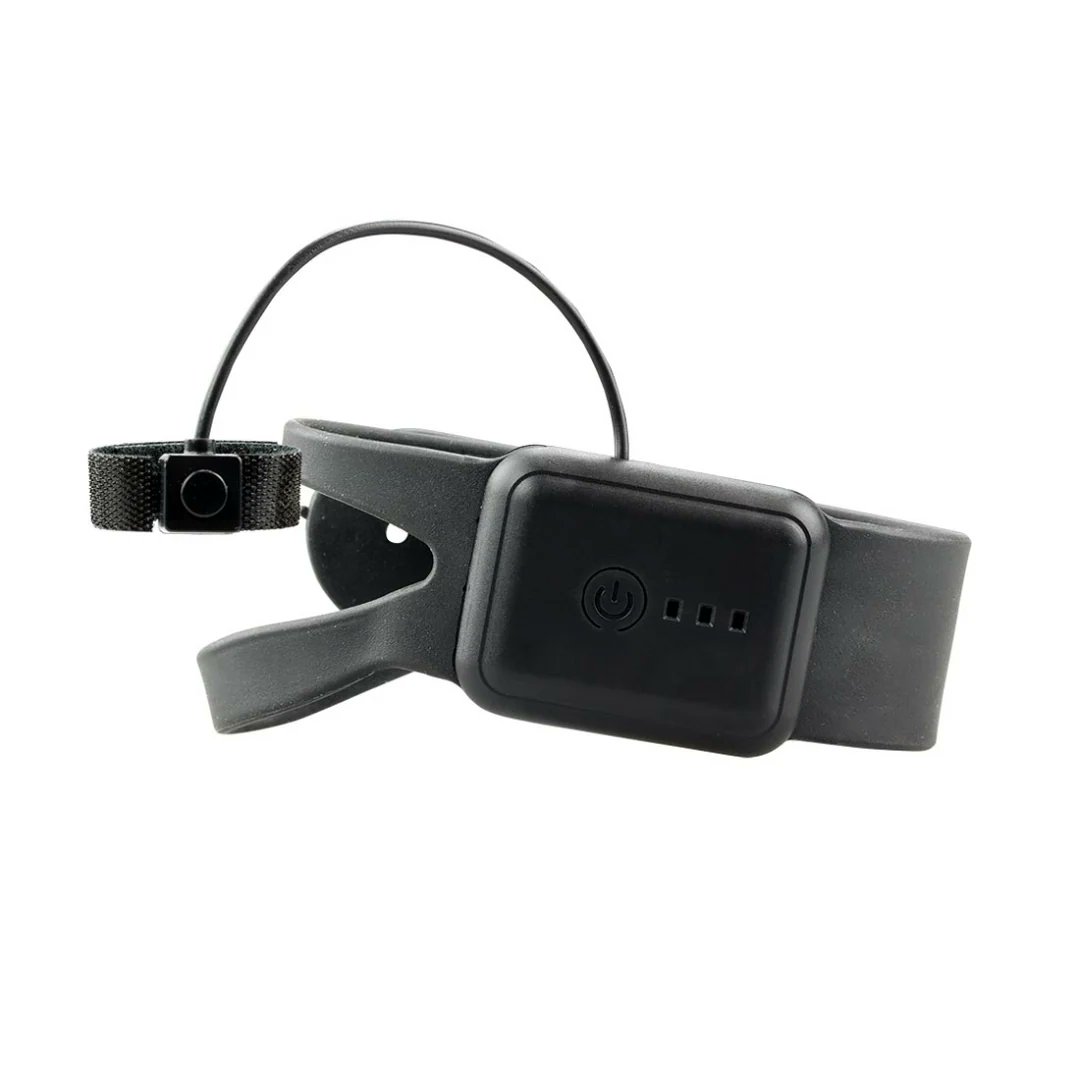
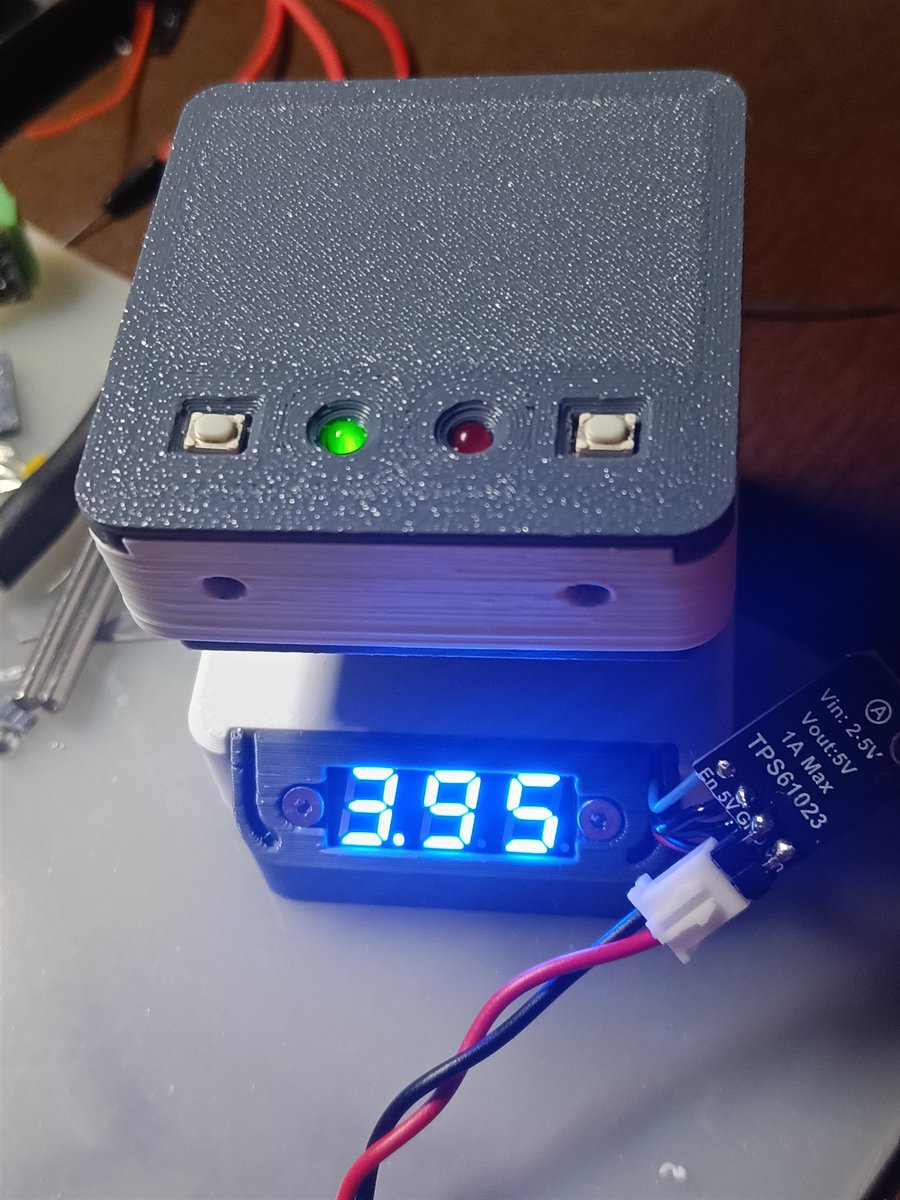
Designing battery powered devices is less about the battery and more about the system.
Every µA matters sleep currents, regulator quiescent current, sensor duty cycles, RF transmit bursts, and leakage paths you didn’t expect.
#LowPowerDesign #EmbeddedSystems #HardwareDesign
2
36

Feb 22
1
3
109

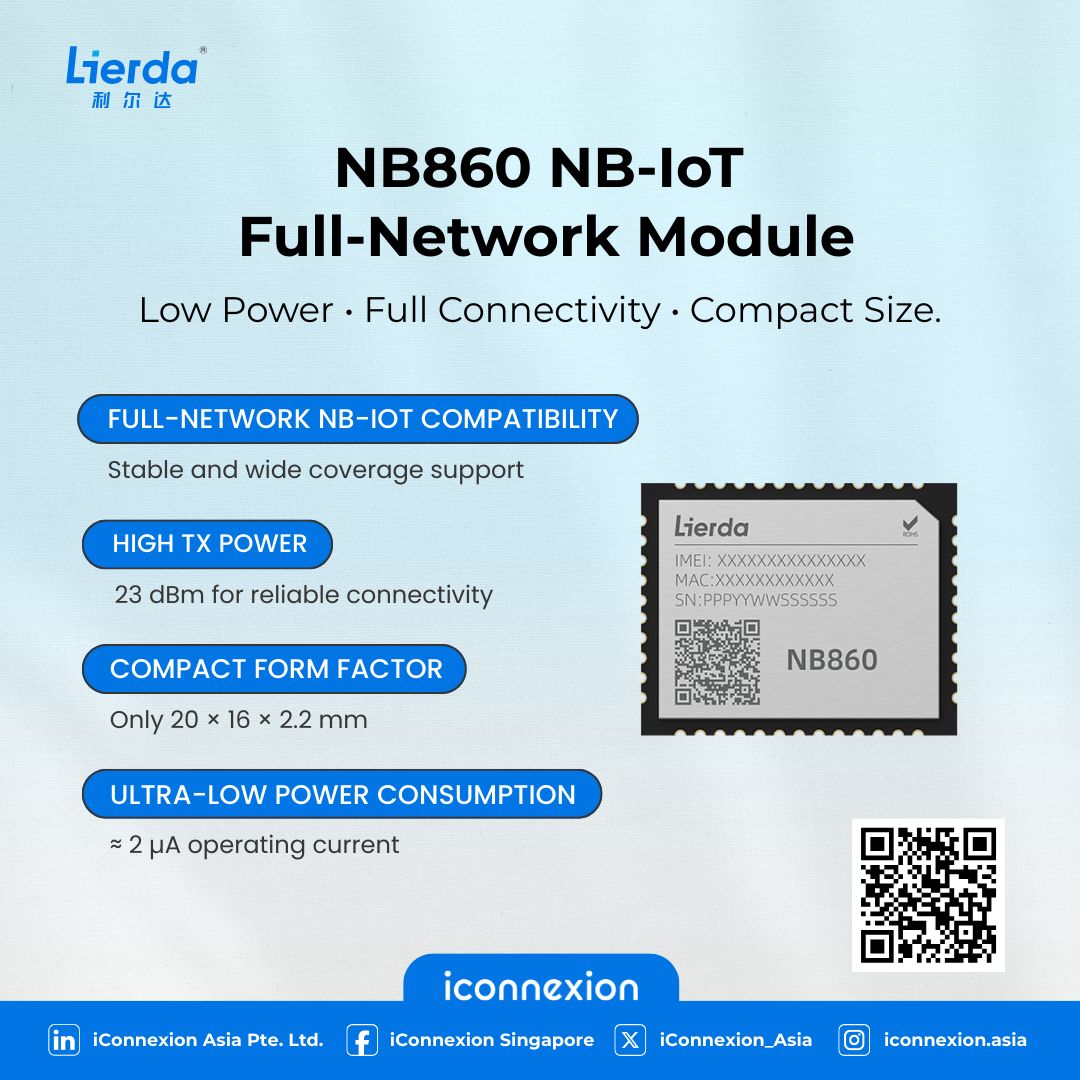
Looking for a compact NB-IoT module?
Lierda NB860 delivers stable connectivity & low power.
Ideal for smart city, metering & industrial IoT.
👉 Learn More: buff.ly/16PjfKT
🤳Scan to request free sample
#iConnexion #Lierda #IoTSolutions #NBIoTModule #LowPowerDesign
5
6
19

28 Aug 2025
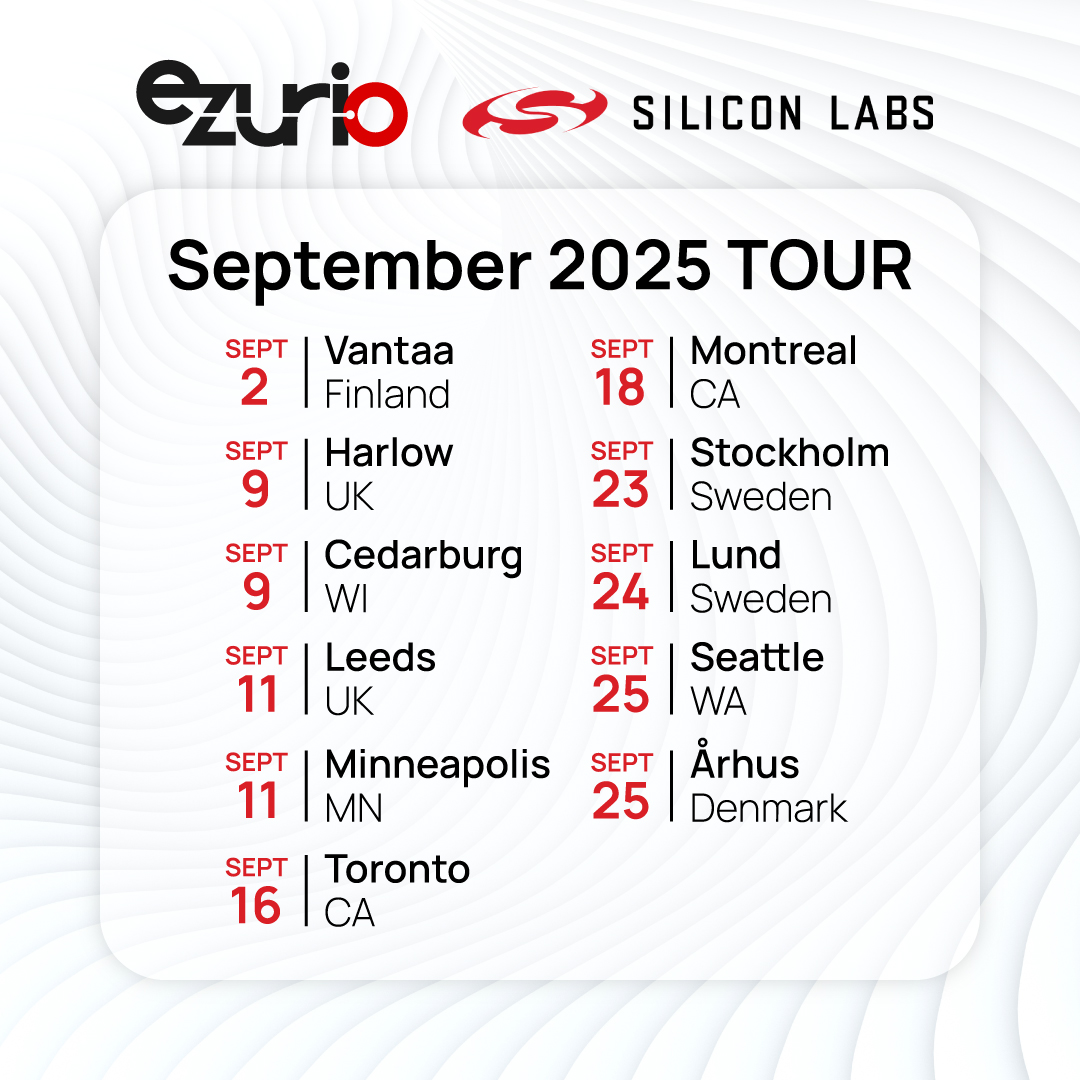
We’re teaming up with @ArrowGlobal and @siliconlabs for an exclusive hands-on technical workshop series.
These full-day events dive into building real-world IoT applications with the Veda SL917 Explorer Board, powered by the SiWx917 SoC with Wi-Fi 6 Bluetooth LE. You’ll learn directly from the experts, code in Canvas MicroPython and Simplicity Studio, and take home your own dev kit to keep building after the workshop.
Seats are limited – Register now to secure your spot! bit.ly/4mzyW8q
#IoT #WirelessDevelopment #WiFi6 #BluetoothLE #EmbeddedSystems #TechWorkshop #LowPowerDesign
2
4
266
13 Aug 2025
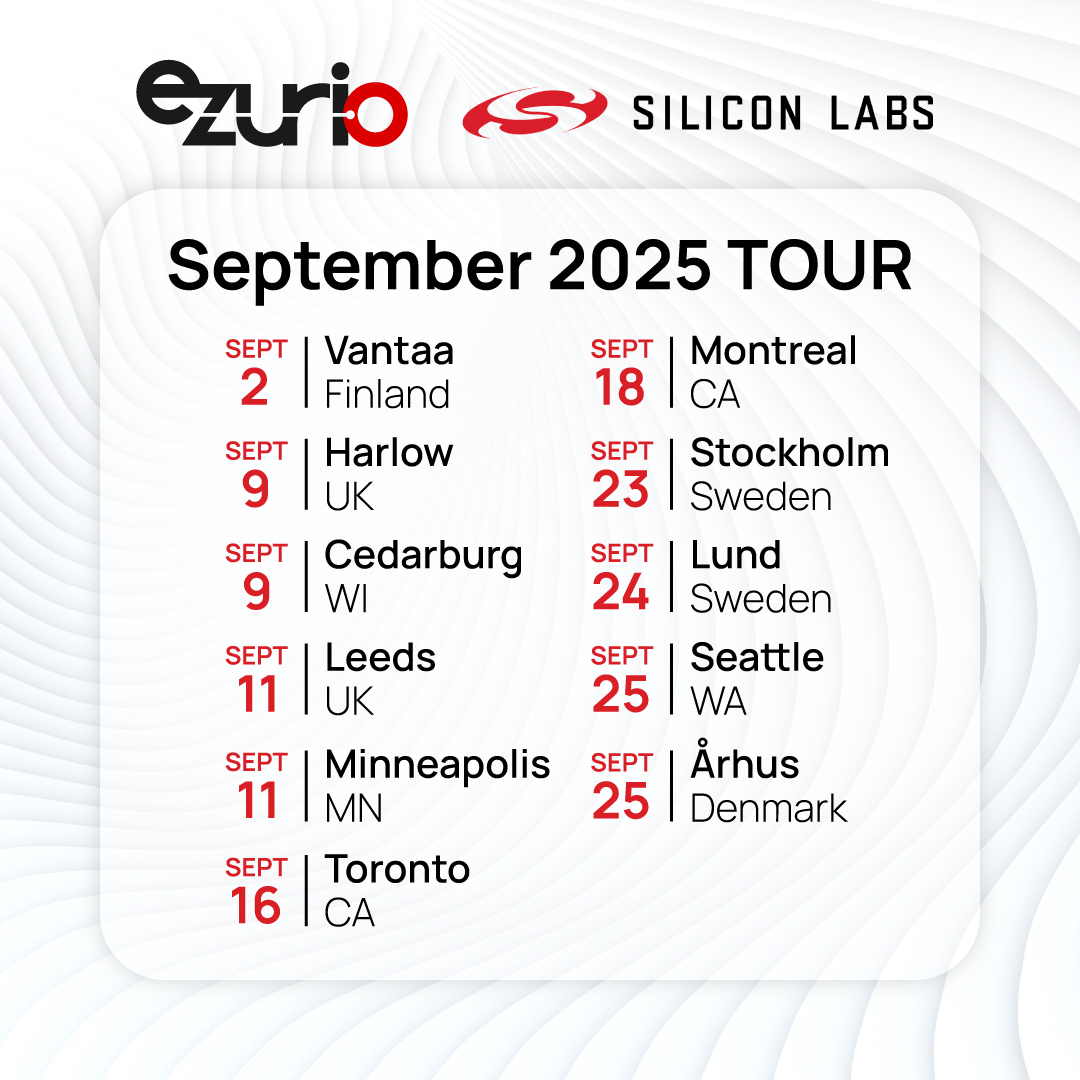
We’re inviting engineers, developers, and innovators to an exclusive in-person technical workshop hosted by @ArrowGlobal, featuring experts from Ezurio and @siliconlabs. Build low power IoT applications using Canvas MicroPython & take home your own Veda SL917 explorer development kit!
What to Expect:
✔️ Deep dive into the Veda SL917, based on the cutting-edge SiWx917 SoC
✔️ Build real-world ultra-low power IoT applications using Wi-Fi 6 Bluetooth LE v5.4
✔️ Learn how to develop with Canvas MicroPython and Simplicity Studio
✔️ Get direct instruction from the teams who built the technology
Don’t miss this chance to expand your IoT expertise and connect with industry leaders.
Register now to secure your spot! bit.ly/4mjtEhG
#IoT #WirelessDevelopment #WiFi6 #BluetoothLE #EmbeddedSystems #TechWorkshop #LowPowerDesign
1
3
308

6 Aug 2025
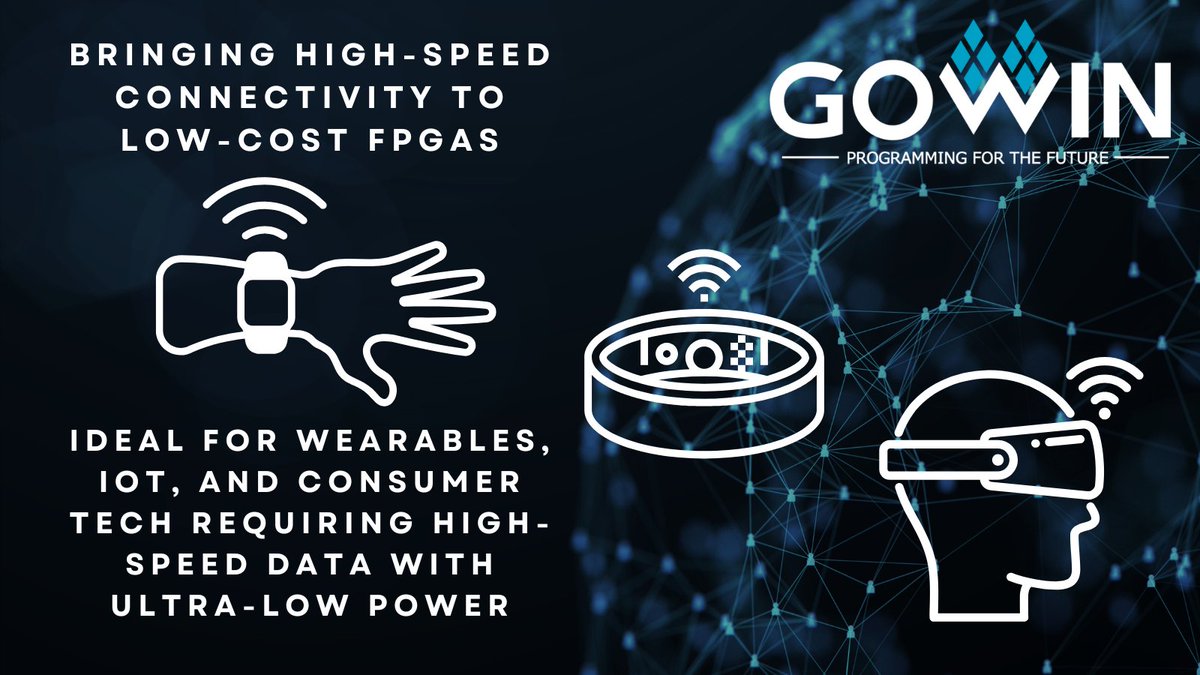
Redefining What’s Possible with Low Power FPGAs: Why settle for trade-offs in speed, power, or cost?
With GOWIN’s Arora V FPGA family, you don’t have to.
Featuring integrated SerDes capabilities, Arora V delivers the high-speed interfaces once reserved for high-end FPGAs, while keeping power and cost in check. It’s a game-changer for next-generation wearables, consumer electronics, and portable edge devices.
Explore how we’re bridging performance and efficiency at the edge:
gowinsemi.com/en/about/detai…
#FPGA #EdgeDevices #GOWIN #SerDes #LowPowerDesign #TechInnovation #Semiconductors
2
5
283

21 Jul 2025
#IoT #BLE #nRF52832 #ESP32S3 #LowPowerDesign #BatteryLife #EmbeddedSystems #WirelessTech #ProductDesign #PowerConsumption
21 Jul 2025

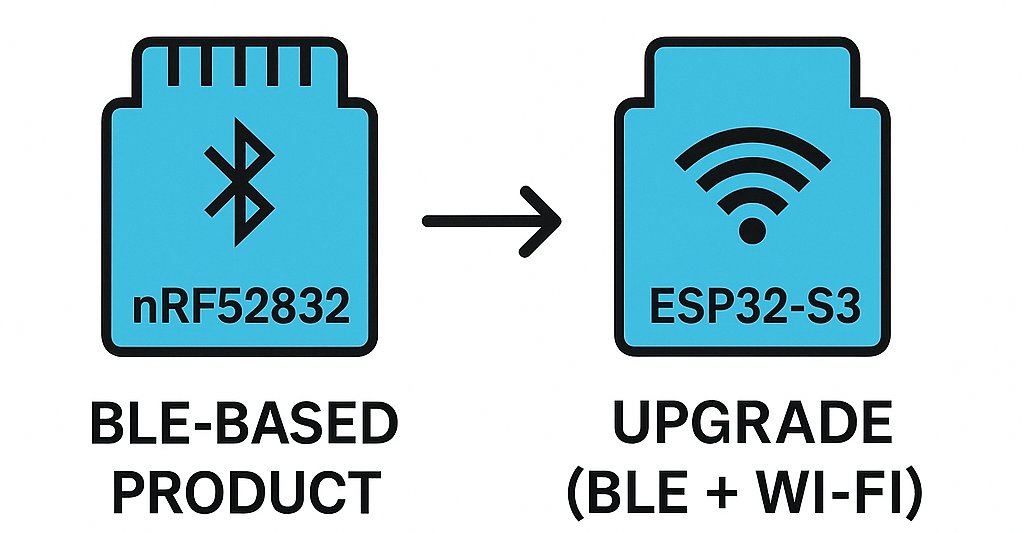
One of our customers had a BLE-based product using nRF52832. The battery life was amazing.
But in the next revision, he made a switch to ESP32-S3 to add Wi-Fi…
…and things took a sharp turn. 🧵
4
71
15 Jul 2025
9/
Need help with Wi-Fi BLE low power optimization on Nordic platforms?
At ByteSpectrum, we live & breathe embedded wireless.
Let’s talk — DMs open!
#nRF7002 #LowPowerDesign #IoTDev #nRF5340 #nRF
3
14

1 Jul 2025
🚀 New Publication Alert! 🎉
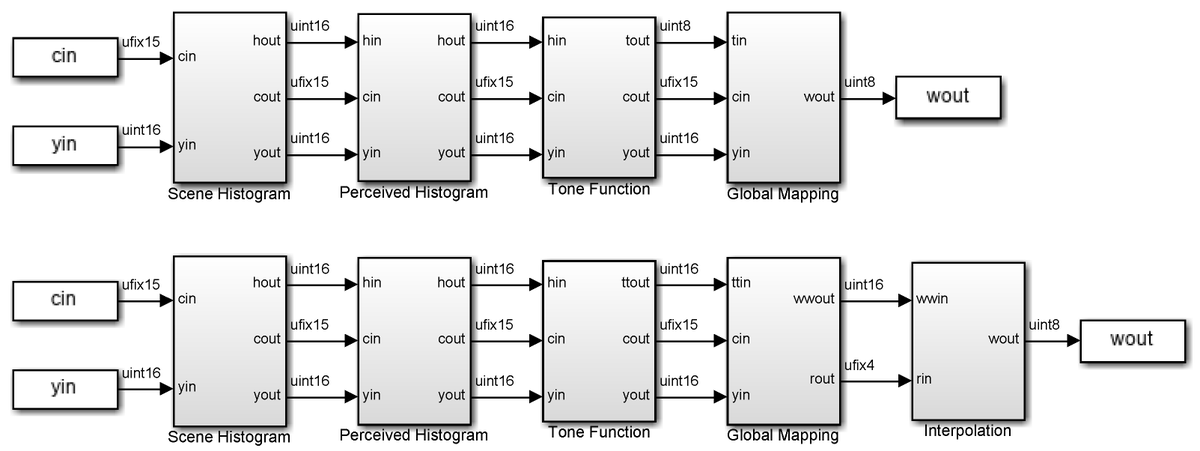
"Model-based Design of Contrast-Limited #Histogram Equalization for Low Complexity, High Speed, and Low Power Tone-Mapping Operation"
📄 Read the full paper here:
mdpi.com/2079-9292/14/12/241…
#ImageProcessing #HistogramEqualization #LowPowerDesign
1
2
76

19 Jun 2025
🧠 V HARDWARIO nasloucháme – a váš názor nás inspiruje.
Chystáme další články a webináře a chceme vědět, co zajímá právě vás.
❓ Jaké téma byste si nejraději přečetli nebo poslechli?
✅ Reálné příklady nasazení CHESTERu
✅ Tipy pro optimalizaci IoT sítí (NB-IoT / LTE-M)
✅ Jak propojit CHESTER s backendem
✅ Jak snížit spotřebu a prodloužit výdrž na baterii
👇 Máte jiný nápad? Napište nám ho do komentářů – opravdu nás to zajímá!
#IoT #CHESTER #NB_IoT #LowPowerDesign #IoTCommunity #HARDWARIO #SmartSolutions
3
10
196
20 May 2025
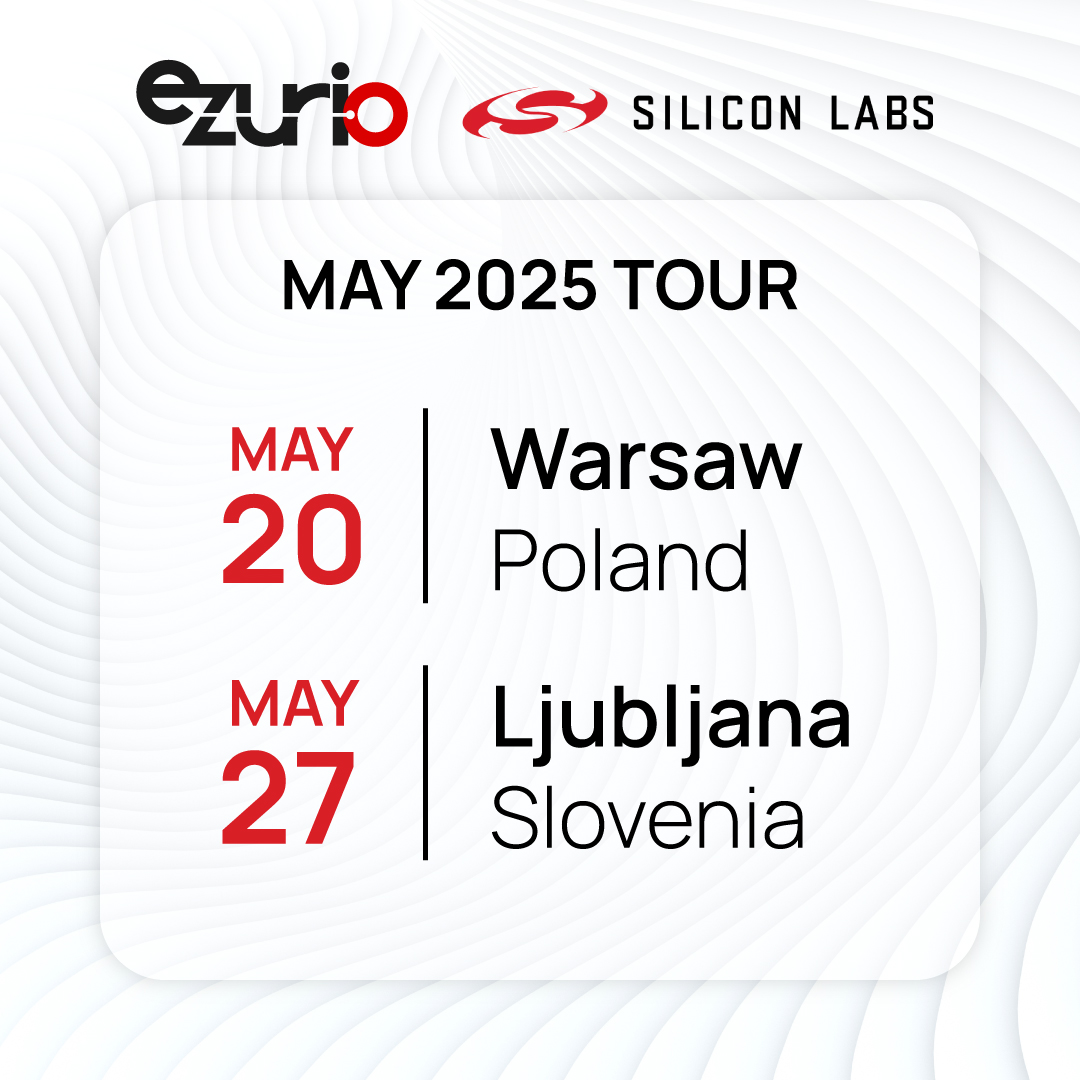
Join Ezurio (formerly Laird Connectivity) & Silicon Labs for a Hands-On Workshop with the Veda SL917 – Build Low Power IoT Applications using Canvas MicroPython & Take Home Your Own Veda SL917 Explorer development Kit!
We’re inviting engineers, developers, and innovators to an exclusive in-person technical workshop hosted by Arrow, featuring experts from Ezurio (formerly Laird Connectivity) and Silicon Labs.
What to Expect:
✔️ Deep dive into the Veda SL917, based on the cutting-edge SiWx917 SoC
✔️ Build real-world ultra-low power IoT applications using Wi-Fi 6 Bluetooth LE v5.4
✔️ Learn how to develop with Canvas MicroPython and Simplicity Studio
✔️ Get direct instruction from the teams who built the technology
Don’t miss this chance to expand your IoT expertise and connect with industry leaders.
Register now to secure your spot! bit.ly/4kdn5M5
#IoT #WirelessDevelopment #WiFi6 #BluetoothLE #EmbeddedSystems #TechWorkshop #LowPowerDesign
2
58
3 Apr 2025
Enabling High-Speed MIPI Interfaces in Compact, Low-Power Designs with GOWIN FPGAs
Modern embedded systems—ranging from automotive displays to industrial vision—demand high-speed video and sensor interfaces while maintaining power efficiency and board space constraints. Traditional solutions often struggle to balance performance, flexibility, and cost.
GOWIN FPGAs provide a cutting-edge solution:
🔹 High-speed MIPI CSI-2 & DSI interfaces for seamless video and sensor integration
🔋 Ultra-low power consumption for battery-sensitive applications
📏 Compact form factor to fit the most space-constrained designs
⚡ Flexible reconfiguration for evolving design needs
Our free white paper explores how GOWIN FPGAs optimize MIPI-based designs, providing an efficient and scalable alternative to ASICs and traditional microcontrollers.
Read the full white paper here:
gowinsemi.com/en/market/mark…
#FPGA #EmbeddedSystems #MIPI #LowPowerDesign #IoT #AI #EdgeComputing #HardwareDesign #Electronics #Semiconductors #MachineVision #AutomotiveTech #ARVR #SmartDevices #Innovation #Engineering
2
4
192

13 Mar 2025
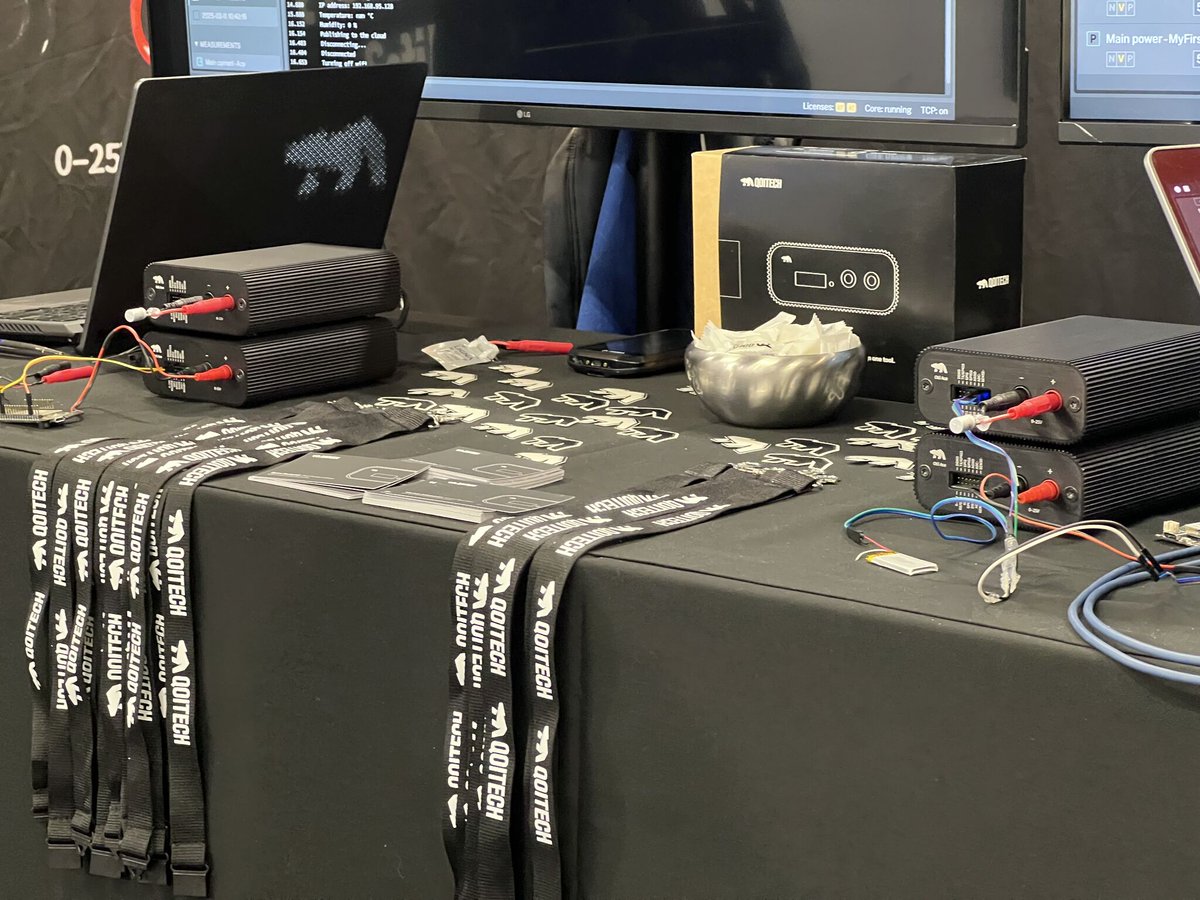
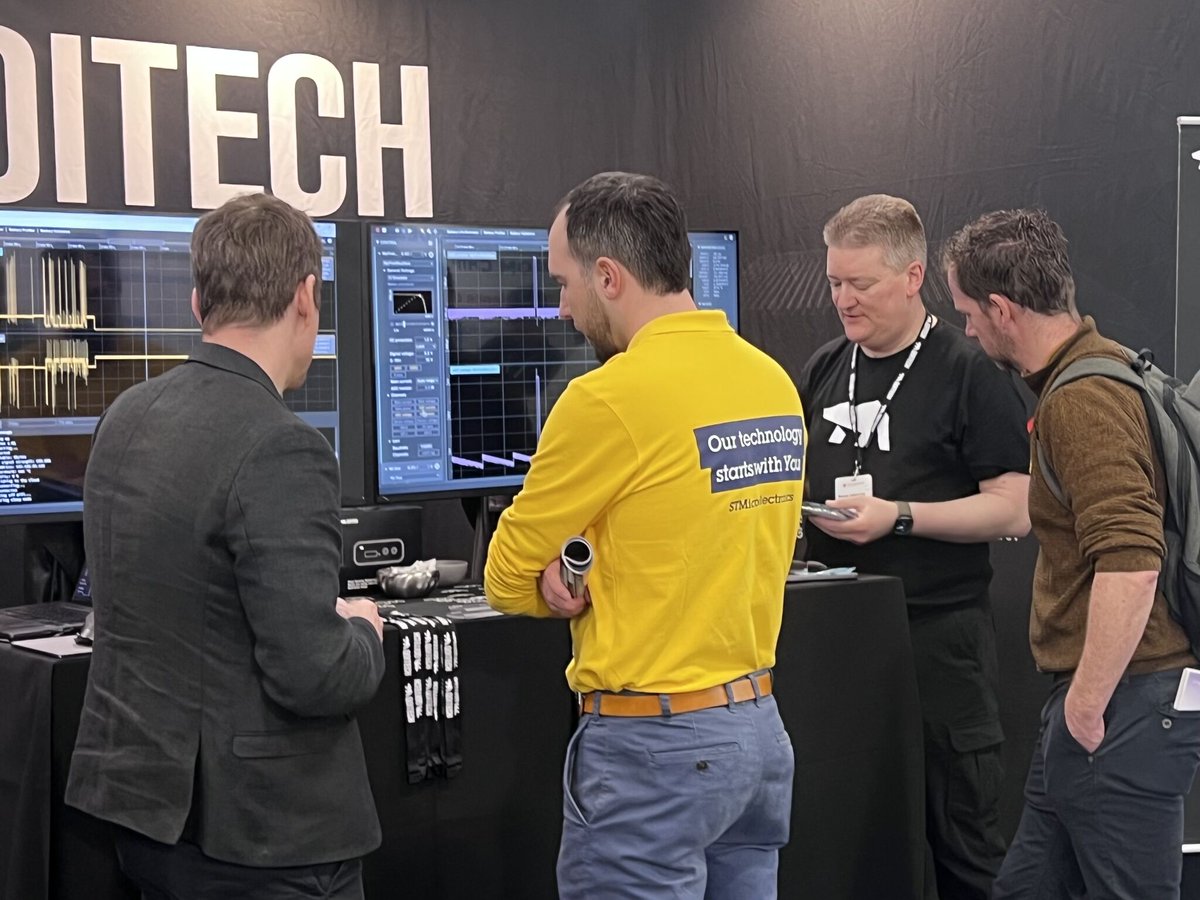
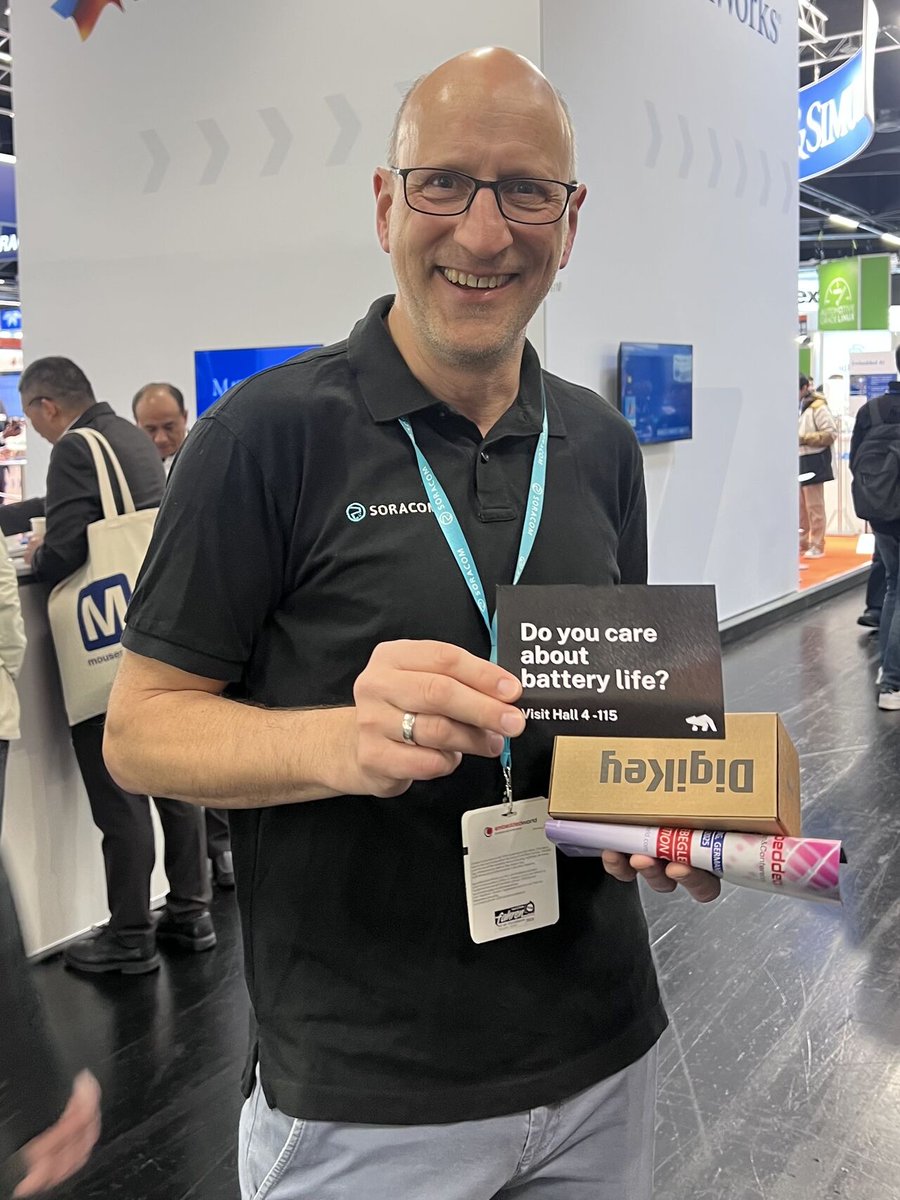
Loving the energy (pun intended ⚡) from Qoitech at Embedded World! 🔋
Their dedication to helping developers and engineers optimize power measurements and make more intelligent #battery and #energyharvesting choices is game-changing.
Seeing the #OtiiProductSuite in action is amazing—delivering real insights and efficiency! 🙌
🇩🇪 If you’re at #EmbeddedWorld, stop by Booth 4-115 and see it for yourself!
#Otii #Qoitech #EnergyOptimization #LowPowerDesign #BatteryTesting

10
304

5 Oct 2024
Low-Power Design — Maximizing Efficiency in Embedded Devices
Read more: link.medium.com/XbutpYljsNb
#LowPowerDesign #EmbeddedDevices #EnergyEfficiency #IoT #Microcontrollers #Electronics #BatteryLife #SustainableTech #Engineering #Automation #Hardware #CircuitDesign #STEM #Tech
4
155

27 Mar 2024
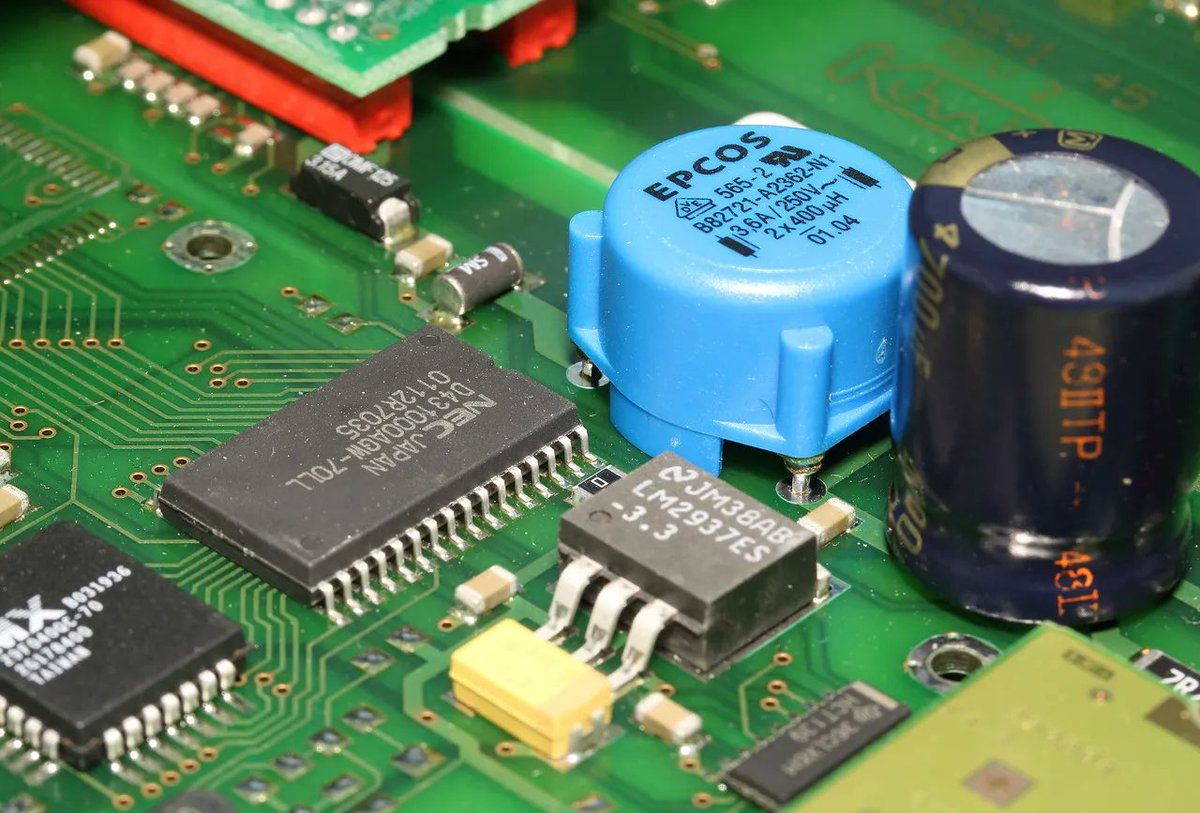
🔋 Dive into the world of Low Power Embedded System Design with these 10 crucial tips! 🔌
🔄 Learn from @aggarwal_pallav and ace your next project: pallavaggarwal.in/10-tips-fo…
#EmbeddedSystems #LowPowerDesign #EngineeringExcellence #devheads
2
5
638

18 Aug 2023
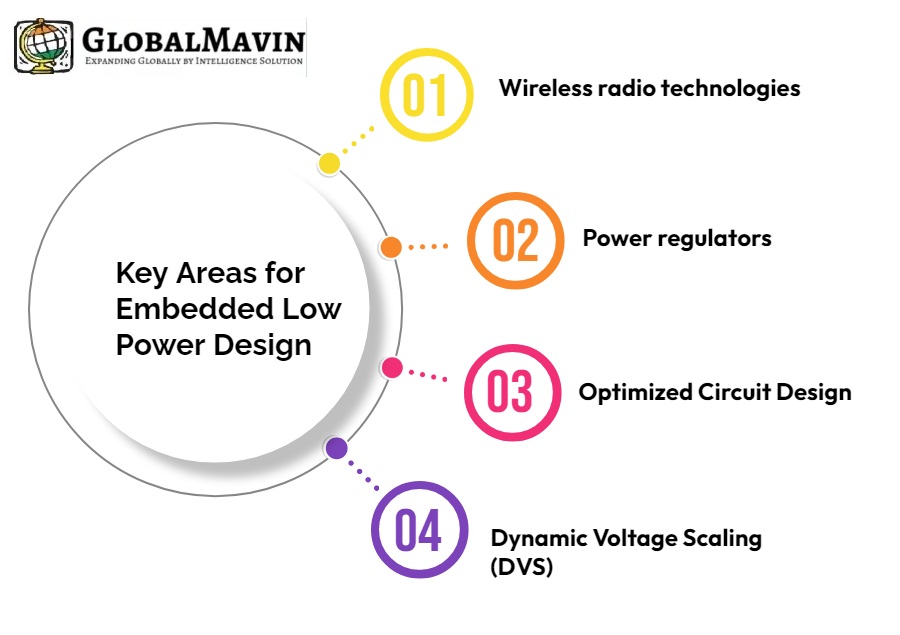
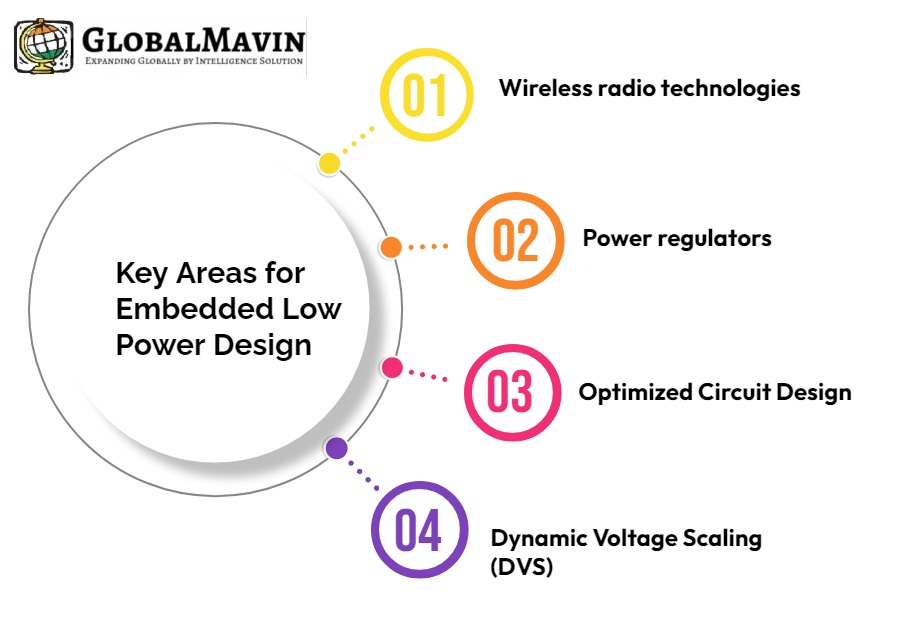
In our dynamic world of embedded systems and technology, efficient power management fuels innovation. Join us as we push the boundaries of low power design in motion control and software services. 🌍🚀 #EmbeddedSystems #Innovation #LowPowerDesign #GreenerFuture #technolgy
1
13

18 Aug 2023
In our dynamic world of embedded systems and technology, efficient power management fuels innovation. Join us as we push the boundaries of low power design in motion control and software services. 🌍🚀 #EmbeddedSystems #Innovation #LowPowerDesign #GreenerFuture #technolgy
1
12

29 Dec 2021
List of 9 #EnergyHarvesting PMIC manufacturers:
pallavaggarwal.in/2021/12/29…
if you want to add energy harvesting to your #embedded product, you must read this article
#batteryfree #lowpowerdesign #wearables #embedded
1
6

15 Dec 2021
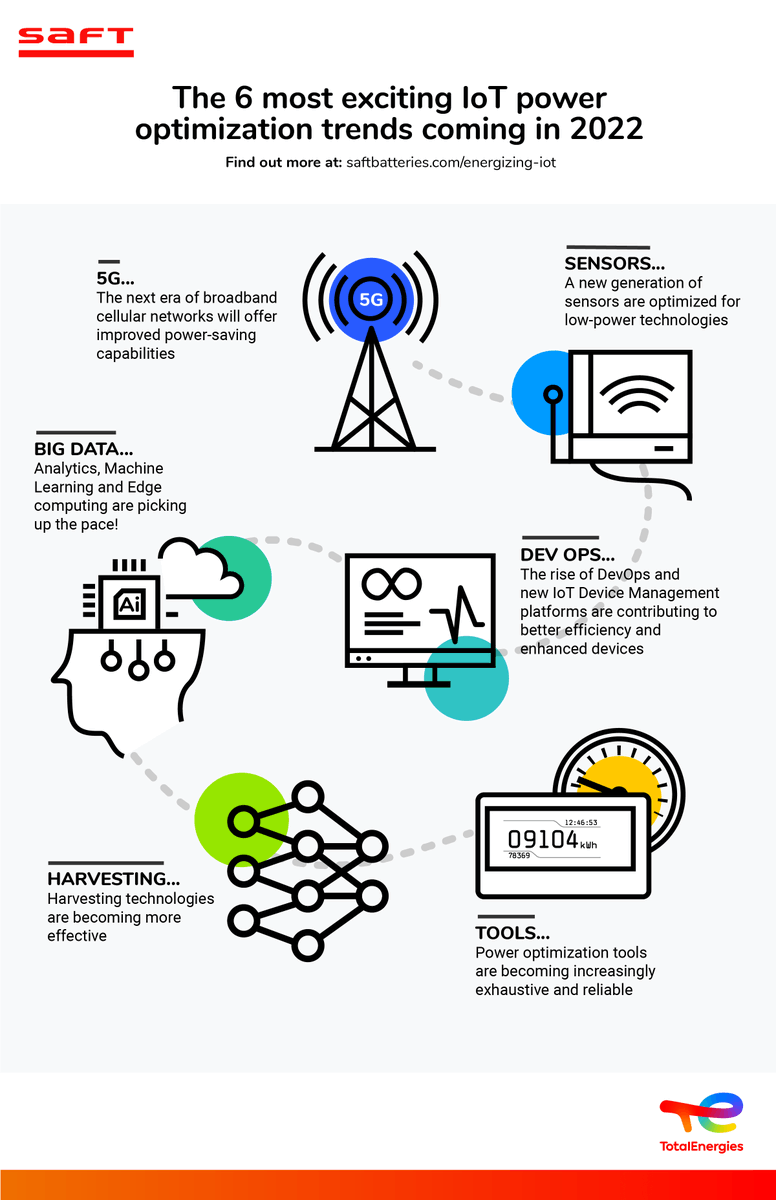
2022 looks bright for power optimization! Vibrant research & development in the Internet of Things #IoT is fueling the expansion of wireless monitoring solutions. We dive deeper on our blog here:👇 bit.ly/Saft_Blog_IoT_Trends_…
#devops #sensors #5G #lowpowerdesign #infographic #battery
6
9