Powerful #AI chatbot, available 24/7 to perform your #PDF processing tasks. Convert, secure, merge, etc. — whatever you need, just ask! pdfAssistant.ai
Joined January 2024
- Tweets 409
- Following 34
- Followers 29
- Likes 29
394 Photos and videos








Pinned Tweet

18 Apr 2024
Stop wasting time with complex PDF editors. @pdfAssistant uses AI to turn your commands into results. Get FREE credits to experience the magic for yourself! Visit: pdfassistant.ai/
#PDF #AI #PDFeditor #productivityhacks
1
1
14
65,921
Stop playing digital assembly line with PDFs.
With @pdfAssistant.ai, you build complex, multi-step processes just by chatting with the AI. Save your custom Workflows and run them anytime with zero manual clicking.
Automate smarter: pdfassistant.ai/
#Automation #Workflow
4
1 platform. 3 modes for any document task:
✔️ AI Studio: Don't just chat. Modify, rewrite & create PDFs from scratch.
✔️Workflows: Build multi-step chains in plain language, save & repeat.
✔️ Batch Processing: Run workflows on thousands of files at once.
pdfassistant.ai
2
May 29
Don't let a compliance audit ruin your Friday afternoon.
Try now: pdfassistant.ai/
#HRTech #Compliance #OfficeHacks #ProductivityTips #BusinessOperations
4
May 22
@pdfAssistant gives you deep visibility into document metadata without needing a specialized technical setup. In seconds, you can verify:
🛡️ Hidden security configurations
🔍 Author, title, and creation origin
🔒 Exact encryption status
Try now: pdfassistant.ai/
2
May 20
When a client sends a document formatted for a screen, but you need it ready for print.
Learn more: pdfassistant.ai/blog/pdf-dee…
#OfficeHacks #LifeAtWork #GraphicDesign #AdminTips #Productivi
2
Apr 29
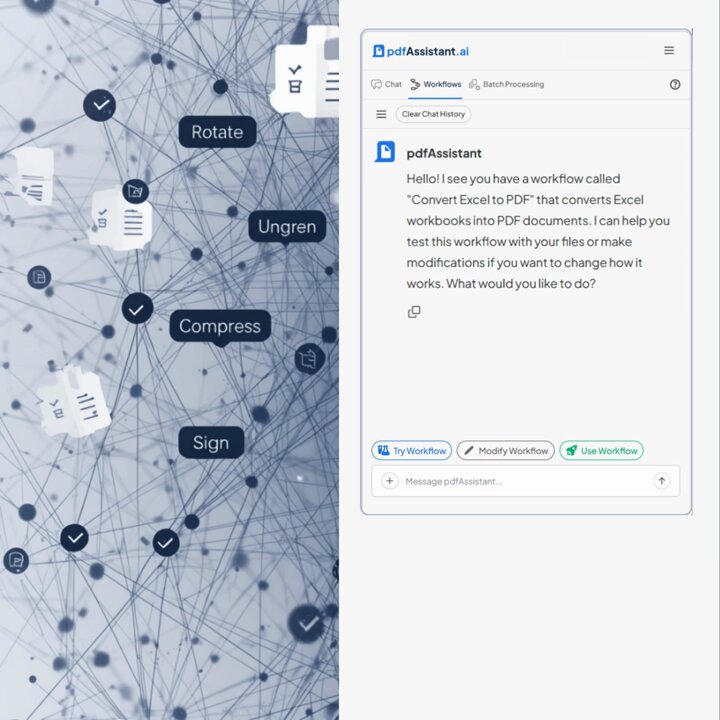
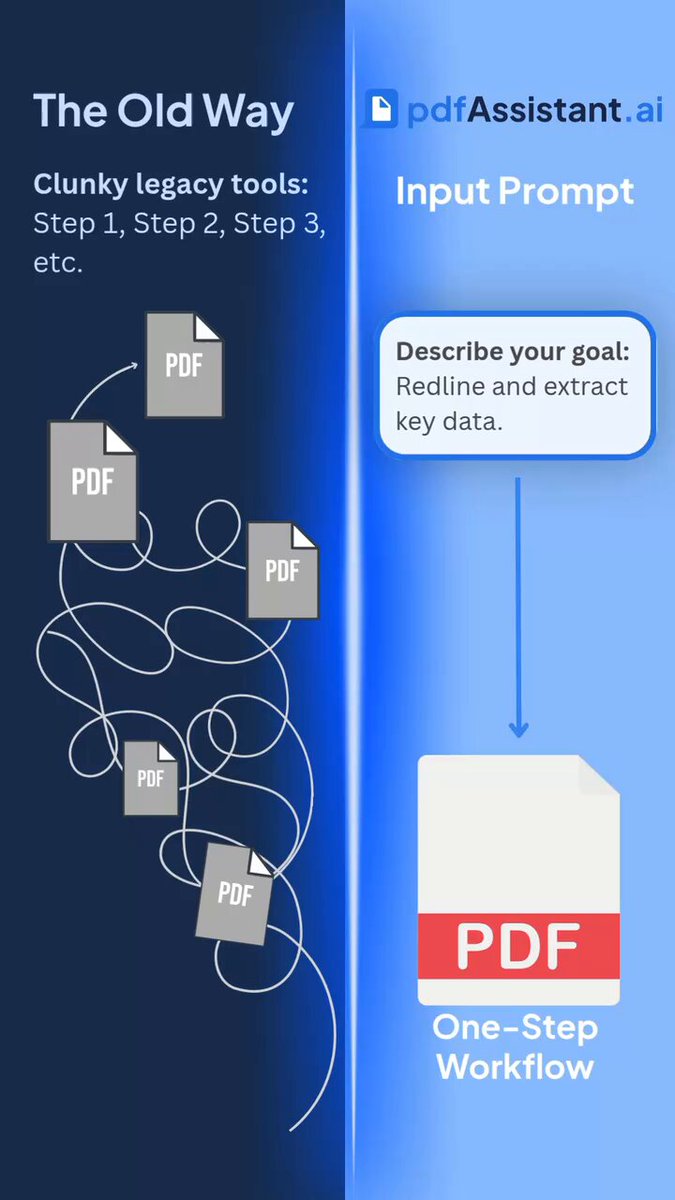
Most PDF tools are just digital staplers. You tell them: "Rotate page 2, then compress, then sign." That isn't a workflow; it’s a chore.
With @pdfAssistant, you just describe the outcome.
pdfassistant.ai/
1
Apr 23
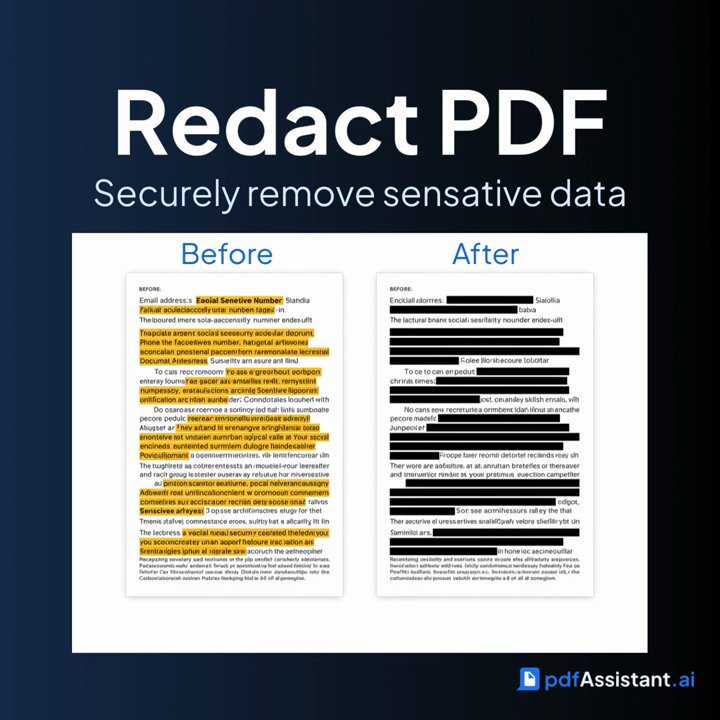
Your PDF has sensitive data in it.
Search → preview → permanently remove.
Emails, SSNs, phone numbers, dates — @pdfAssistant finds them. You approve. They're gone.
pdfassistant.ai
#Redaction #LegalTech #DataPrivacy #PDFSecurity
1
Apr 21
The thing Acrobat can't do without a plugin and a prayer:
Describe it in plain English. Runs automatically. No plugins. No desktop software. No friction.
pdfassistant.ai
#WorkflowAutomation #LegalOps #AccountingAutomation #HRTools #pdfAssistant
3
Apr 15
ChatGPT gives you text. AI Studio gives you the file.
Describe the document. It creates the PDF.
Not a summary. Not a draft to copy. A finished file.
See what AI Studio can do: pdfassistant.ai/
#LegalTech #HRDocuments #DocumentCreation #AIStudio #pdfAssistant
18
Apr 13
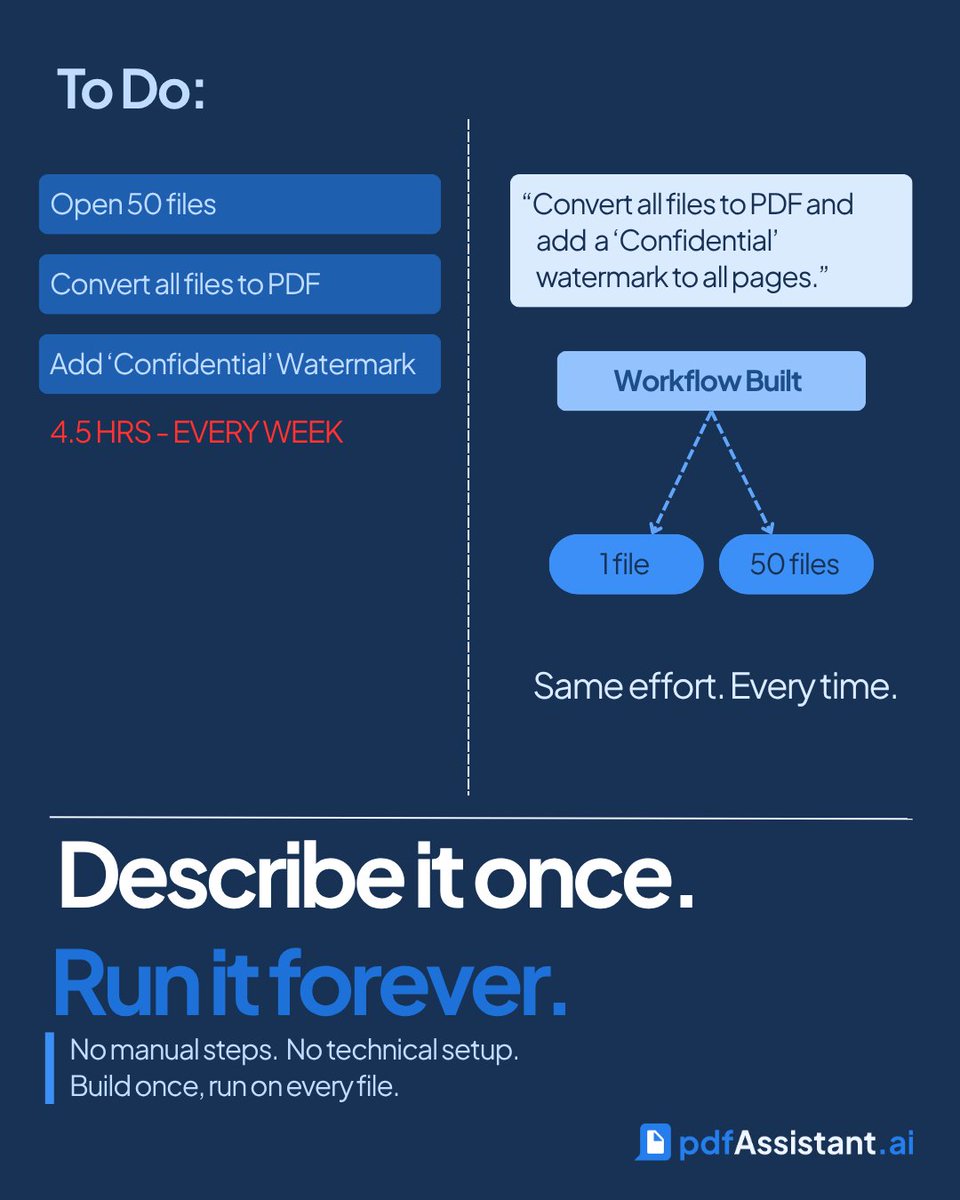
Most PDF tools: here's a button. Click it 800 times. @pdfAssistant: describe what you want done. It builds the workflow. You run it on everything, forever. One is a tool. The other is infrastructure.
Start your free trial: pdfassistant.ai/
#PDFAutomation #WorkflowTools
10
When you drag a 200-page contract into @pdfAssistant and get back a clean redline summary in 30 seconds, that moment is supposed to feel effortless and it does.
Try for yourself: pdfassistant.ai/
#BuildInPublic #ProductDesign #PDFNerds #DocumentAI
3
Mar 30
With @pdfAssistant, you describe the goal: "Redline this contract, extract the key dates into a summary PDF, and save it as a reusable template."
One is a utility. The other is infrastructure. Try today: ow.ly/5mo350YATsq
#DocumentAutomation #LegalTech #WorkSmart
Mar 24
"I know I read that somewhere..." Stop wasting time scrolling through archives. Ask @pdfAssistant to find the needle in the haystack.
Try now: pdfassistant.ai/
#DataExtraction #WorkSmarter #AITools #DocumentManagement #Efficiency
2
Mar 20
Spring has sprung! 🌸 Use @pdfAssistant to wrap up your weekly reporting early so you can actually enjoy the first weekend of the new season.
Try now: pdfassistant.ai/
#FirstDayOfSpring #FridayFeeling #WorkLifeBalance #pdfAssistant #Done
16
Mar 18
Stop "Control F"-ing your life away. Ask your document questions directly—like it's a teammate.
Try for yourself: pdfassistant.ai/
#WorkSmarter #LegalTech #AcademicTwitter #AIPrompts #NoMoreControlF
8
Mar 16
If you repeat the same document steps every day:
Convert → Merge → Rename → Export
It’s a workflow waiting to happen.
Build it once with @pdfAssistant and run it anytime.
👉 pdfassistant.ai/
#DocumentAutomation #BatchProcessing
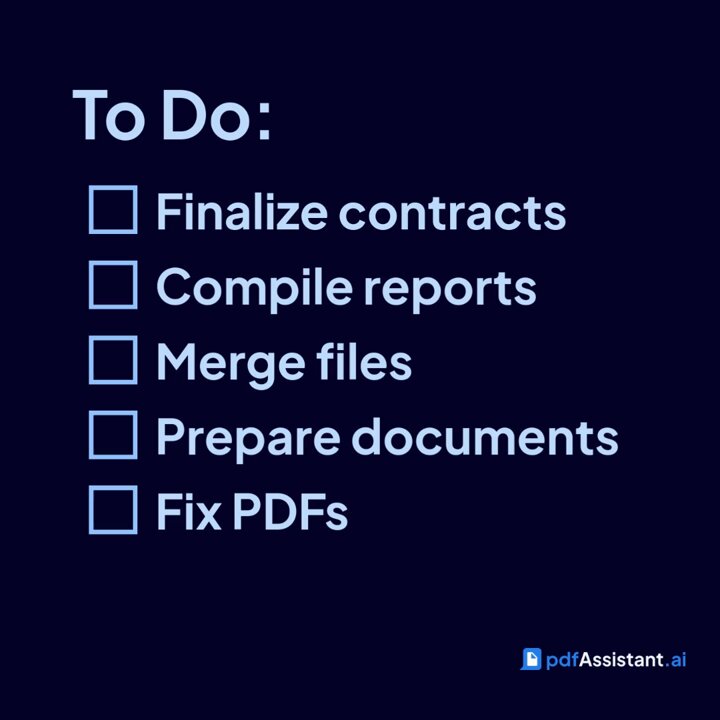
End of the week checklist:
• Contracts finalized
• Reports compiled
• Files merged
• Documents ready to share
@pdfAssistant handles the document tasks that always seem to appear at the last minute.
Tyr now: pdfassistant.ai/
#WorkSmart #PDFTools #ProductivityHacks
1
Every PDF carries more than what you see.
Author info.
Creator tools.
Document origin.
Metadata.
@pdfAssistant surfaces what’s beneath the surface — giving you visibility into your document ecosystem.
👉 Discover what your PDFs reveal: pdfassistant.ai/
#PDFInsights
1
Most PDFs just sit there.
@pdfAssistant transforms PDFs into editable formats, structured data, and usable outputs — so documents stop being dead weight.
👉 Make your PDFs work harder: pdfassistant.ai/
#PDFEditing #ProductivityTools #DocumentManagement
Feb 28
Your PDFs don’t have to stay static.
Add logos.
Attach supporting files.
Embed visuals directly into documents.
@pdfAssistant lets you enhance PDFs so they carry more context, branding, and value.
👉 Upgrade your documents: pdfassistant.ai/