
May 26
Unleash the Power of Python! Discover the top 7 libraries that'll supercharge your large-scale data processing workflows and take your analytics to the next level!
kdnuggets.com/top-7-python-l…
#PythonForData #DataScience
2
57

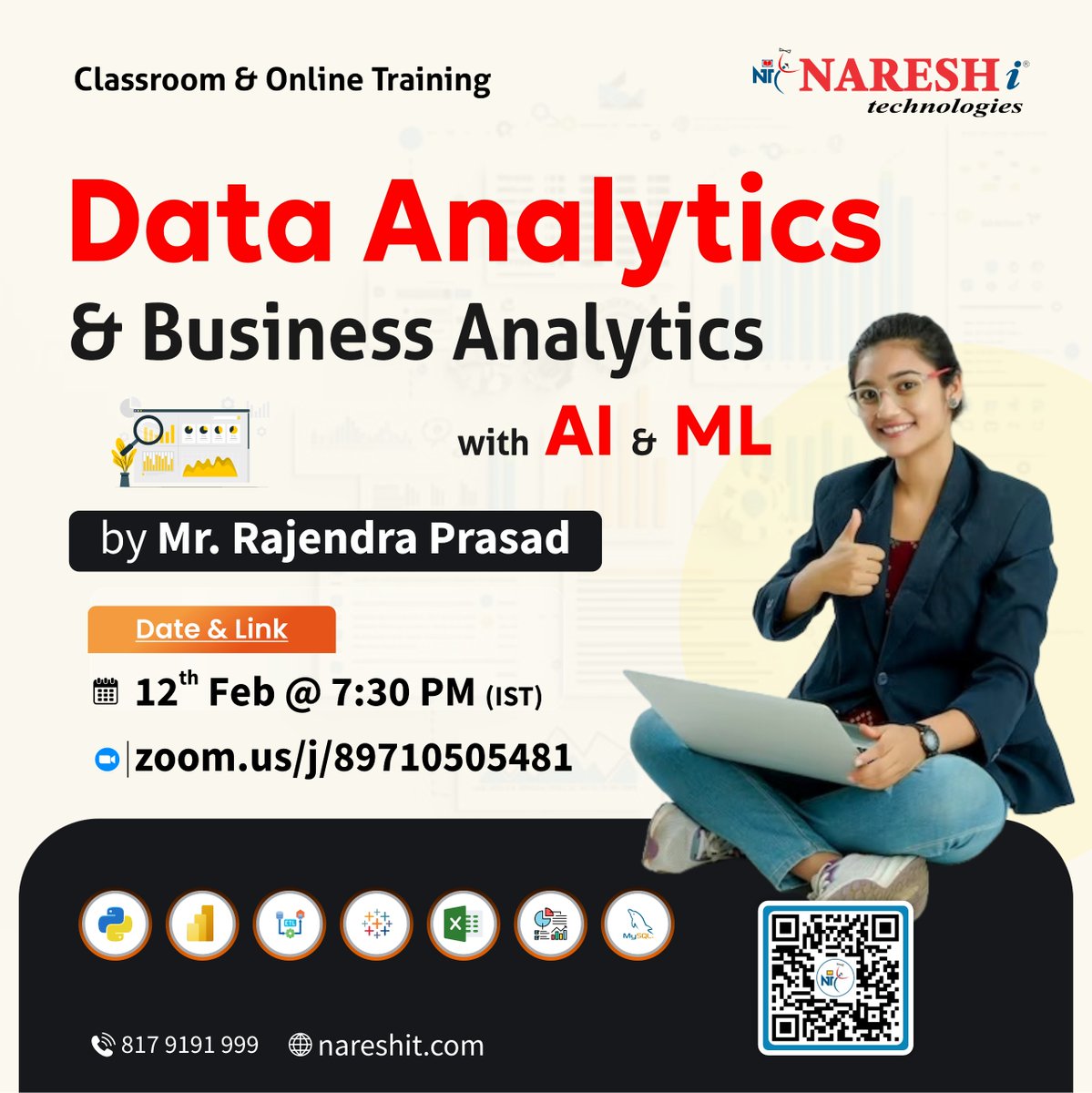
📊 Turn data into decisions with Data Analytics & Business Analytics powered by AI & ML 🤖
Register Now: t.ly/DATAANALY-12F
👨🏫 Mr. Rajendra Prasad
🗓 Date: 12th Feb | 7:30 PM (IST)
#DataAnalytics #BusinessAnalytics #AnalyticsCareers #DataDriven #PythonForData
1
1
82

28 Jul 2025
To all like me who deal with Excel files that come with 5 sheets and no instructions —
Here’s a trick I use in Python:
import pandas as pd
xls = pd.ExcelFile("report.xlsx")
print(xls.sheet_names) # list all sheet names
It saves time and sanity.
Always check before loading the wrong sheet 🙃
#PythonForData #PandasTips
1
3
43
27 Jul 2025
You don’t need a 10-page model to create value.
Sometimes all it takes is:
→ One question
→ Clean data
→ A clear story
That’s where Python shines.
How do you turn raw data into insights?
#DataWorkflow #PythonForData
1
14
26 Jul 2025
If you’re like me, you know the vibe —
Building automated pipelines sounds rich…
Until you’re staring at a massive Excel file:
🔸 Multiple worksheets
🔸 No unique IDs
🔸 And everything hurts 😩
Let me paint a picture:
You agree to head to an event with 5 friends.
It’s 7pm. Gate closes at 8:30.
Each friend lives an hour apart…
And the venue’s another hour away.
Yeah — it’s chaos.
That’s what messy processes feel like.
Automation?
It’s like skipping traffic and showing up on time.
Feels like time travel. 🌀
If your workflow makes you numb, automate it once.
You’ll never go back. 😉
#PythonForData #AutomationWins
1
5
40
26 Jul 2025
I just cracked the pipeline
That feeling when your Python script finally works after hours of debugging?
Pure magic. ✨
You forget the frustration…
And remember why you love solving problems with code.
What was your most satisfying “finally got it!” Python moment?
#PythonForData #DataJourney #RealWins
6
51
26 Jul 2025
To all like me who’ve been stuck on a data pipeline that dragged on for hours… then days —
Trying to wrangle messy sheets, clean inconsistencies, and make sense of it all — just to get to the insights.
Felt more like SQL… but with extra chaos.
If you’ve been there, how did you push through?
#DataStruggles #PythonForData #RealTalk
3
39
26 Jul 2025
To all like me who got tired of copy-pasting the same report every week
I built a Python script that:
📥 Pulled the latest google forms file
📊 Cleaned and reshaped the data
📤 Sent it to the team’s inbox automatically
Ran it Monday morning.
Saved 2 hours. Every week.
That’s how automation pays you back. 💸
And I'm currently working on automating cleaning and reporting on a dataset with multiple sheets
What are you working on automating?
#PythonForData #WorkSmarter
3
31

9 Jul 2025
🐍 Python isn’t scary! Learn how to clean, visualize & analyze data with Python libraries like Pandas & Matplotlib. #PythonForData #PandasPython #DataScienceTraining #PythonSkills
1
2
78

17 Jun 2025
Python is the duct tape of data.
Start with pandas and csv, then explore SQLAlchemy and requests.
\#PythonForData
3
478

6 Mar 2025
Register For Data Analytics For Business Intelligence Master Class
Call/SMS/WhatsApp at 2348105426284, or 2348105443207
#BusinessIntelligence #TrainingAndCertification #DataScience #AnalyticsTraining #PythonForData #DataAnalytics #TechSkills #CareerGrowth
2
12

9 Feb 2025
Python Week 3 ✅ The fun begins!, I learned to import datasets into Python using pandas. It’s like unlocking a treasure chest of data waiting to be explored! 🐼✨ #PythonForData #DataAnalytics #KeepLearning @DabereNnamani @TDataImmersed @JacobAjala
1
5
98

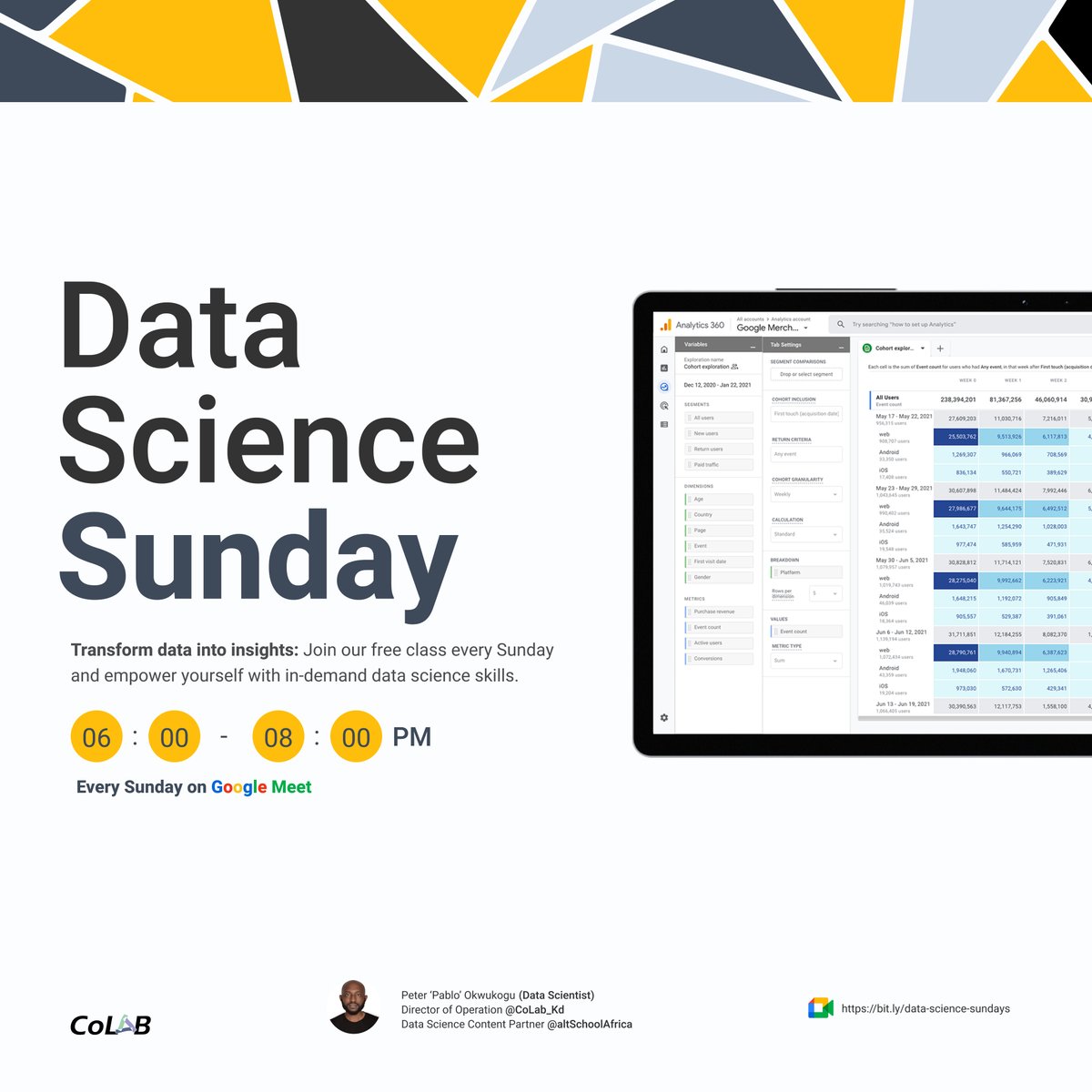
Get ready for the 2nd episode of #DataScienceSunday of the year. In today’s session, we’ll dive into Python programming for data science—perfect for beginners and enthusiasts alike. Don’t miss out!
👉 Register now: forms.gle/LPZScimW7RedGmG67
#LearnDataScience #PythonForData
3
330

10 Dec 2024
A Day in the Life of a Data Analyst
#DayInTheLife #DataAnalyst #LifeOfAnAnalyst #DataDriven #SkillUpAcademy #DataStorytelling #CareerInAnalytics #TechCareers #LearnDataAnalytics #SQL #PythonForData #DataVisualization #AnalyticsLife
3
14

7 Dec 2024
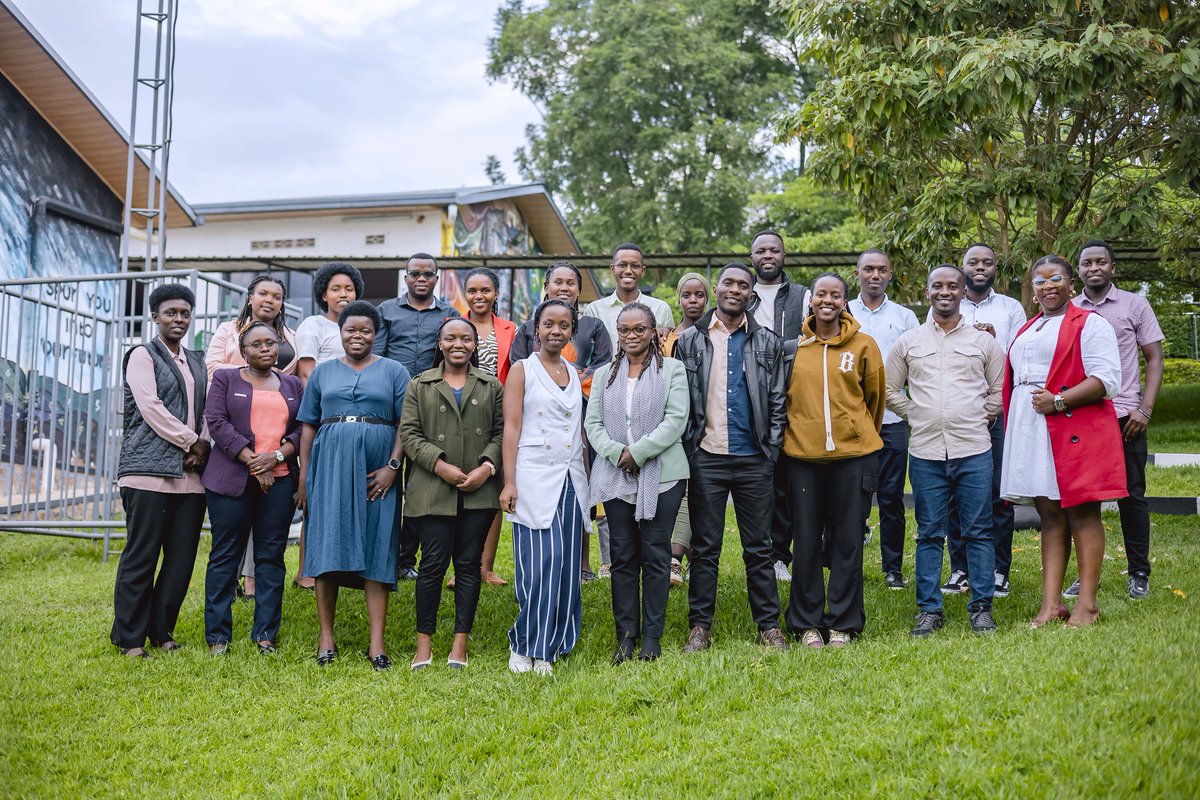
💻"Empowering researchers with Python for data analysis"J.Paul Mbabazi.Python is a gateway to uncovering patterns, insights, and solutions.Equipping researchers with this skill unlocks limitless possibilities in their quest for impactful discoveries.#PythonForData #STEMInnovation

2
3
48

7 Dec 2024
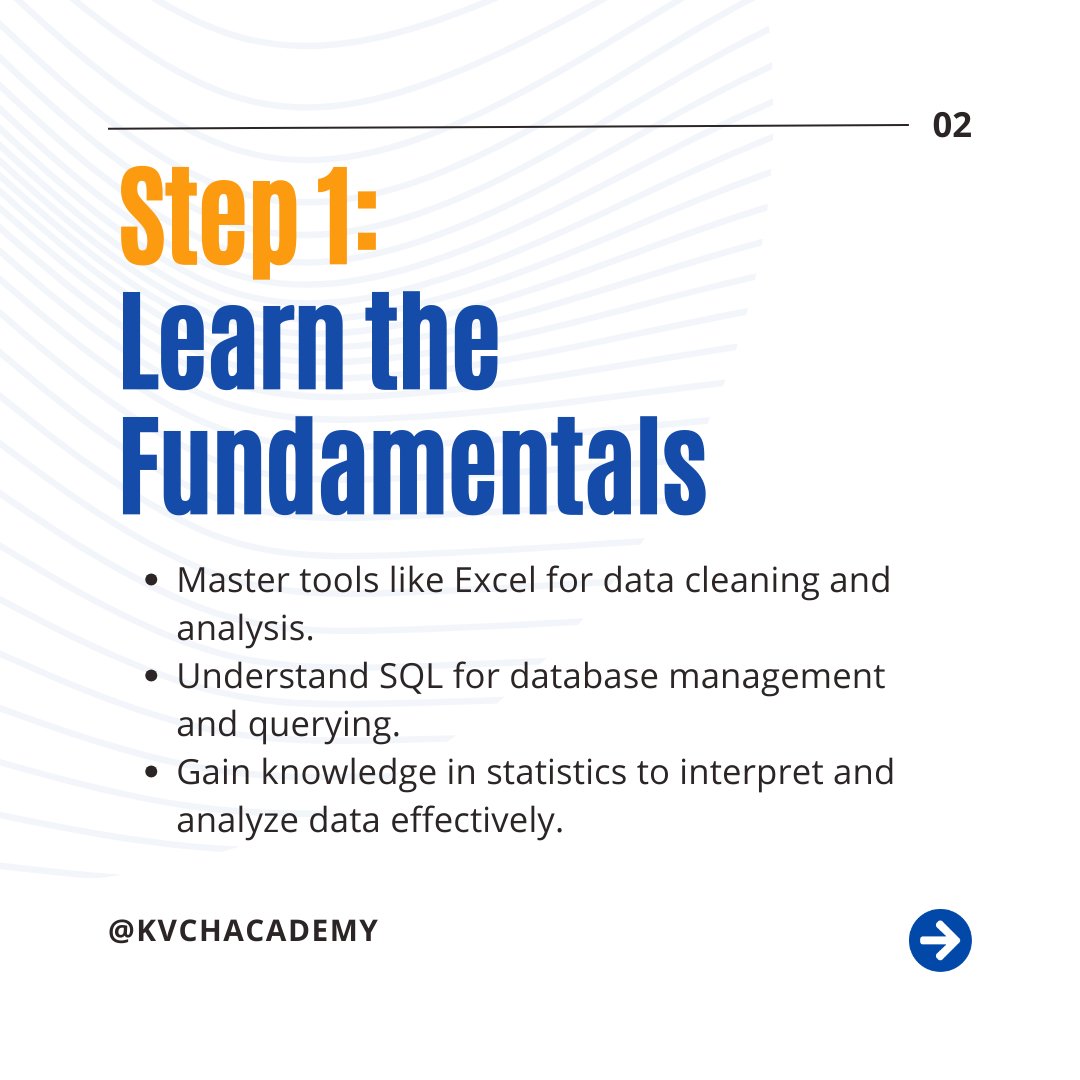
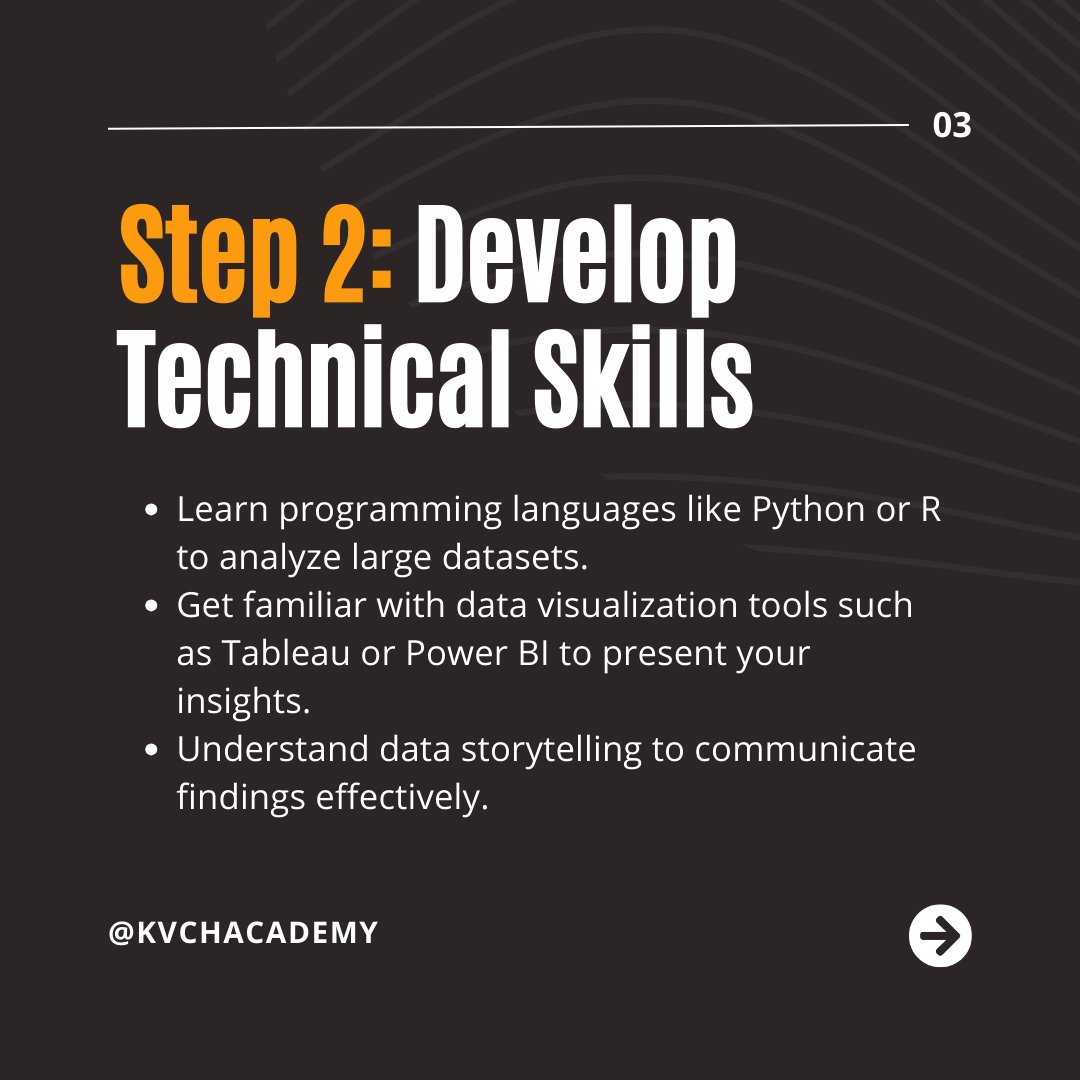
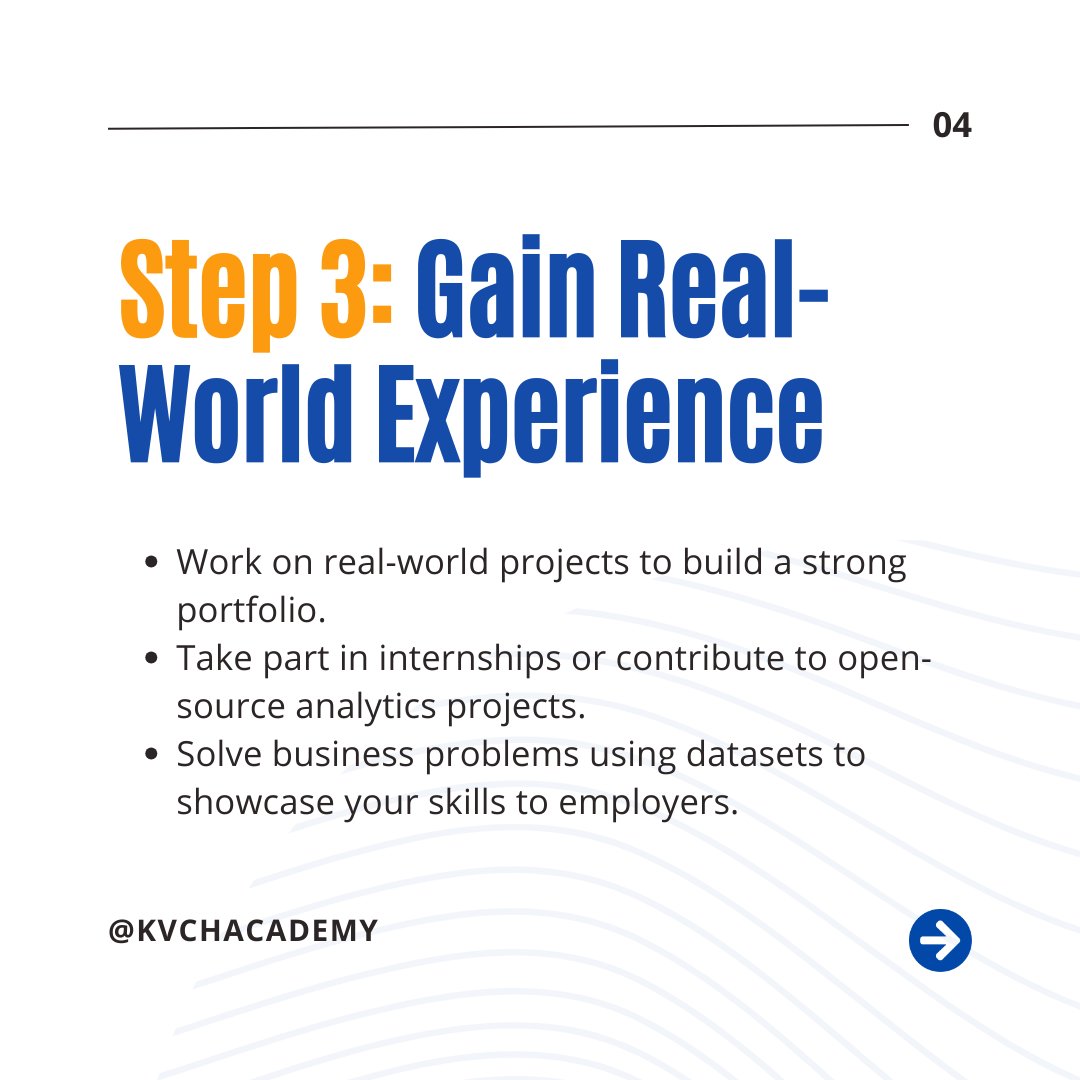
🚀 Your Step-by-Step Guide to Becoming a Data Analyst!
#DataAnalytics #DataAnalyst #LearnAnalytics #CareerGrowth #AnalyticsTraining #KVCH #ExcelForAnalytics #SQLTraining #PythonForData #DataVisualization #Tableau #CareerInData #DataScience #DataScienceTraining #DataDriven
1
6

18 Nov 2024
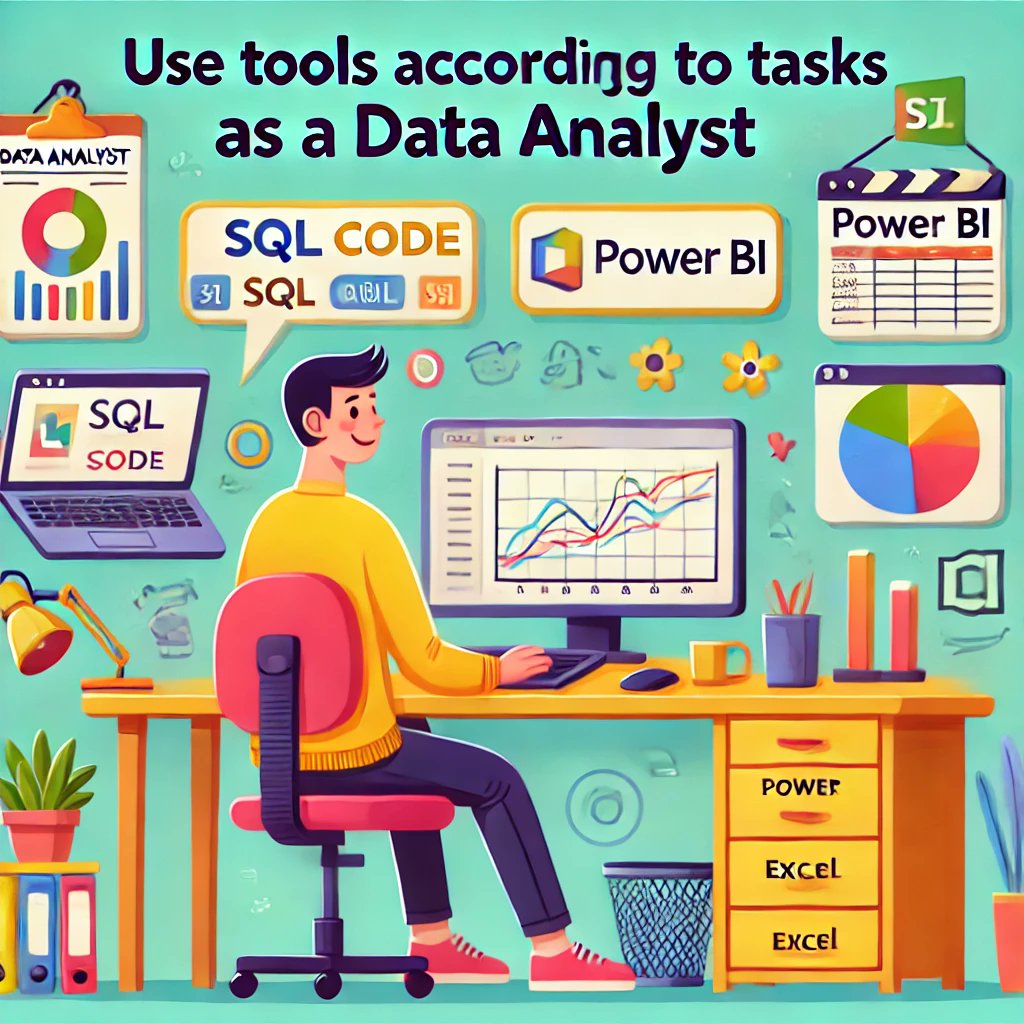
You must understand which tool is good for which task as a data analyst.
This will allow you to deliver projects on time, ensuring optimal quality. Switching between tools according to tasks becomes easier once you get enough experience with each tool.
𝗟𝗲𝘁 𝗺𝗲 𝗴𝗶𝘃𝗲 𝘆𝗼𝘂 𝗮𝗻 𝗲𝘅𝗮𝗺𝗽𝗹𝗲:
• You have a large dataset to clean, preprocess, and transform. SQL is the best choice here.
• You may want to summarize data, you can do that in SQL using the "Pivot" command (in some RDBMS like Oracle, or SQL Server). If you don't know how to do that, you can summarize it in Excel very easily using pivot tables.
• If you want to perform EDA, I will again recommend SQL because it is great for that.
• Now, if you want to visualize data, you may use Power BI, Excel, Tableau, or Python according to the needs of the client or company you are working for.
• If you want to create automated data analysis scripts with visuals, then Python is the best choice.
Again, I am not saying that you cannot perform certain tasks with certain tools. I am just saying that these are the tools that I feel are optimal according to tasks.
Also, in my experience as a data analyst working with worldwide start-ups and clients, especially from the US, and UK, this is how I use these tools for data analytics tasks.
Enjoy. Follow for more!
#DataAnalytics #DataAnalyst #DataTools #AnalyticsBestPractices #SQLForData #PythonForData #PowerBI #ExcelTips #DataVisualization #EDA #PivotTables #AnalyticsSkills #DataInsights #USDataAnalyst #UKDataAnalyst #EuropeDataAnalyst #GlobalDataCareers #AnalyticsCommunity #HiringDataAnalysts #DataJobs #AnalyticsEfficiency #DataScienceTools #BusinessAnalysis #DataCareers #DataStrategy
2
30
17 Nov 2024
Being a data analyst, I have worked with multiple tools in my career.
𝗧𝗼𝗱𝗮𝘆, 𝗜 𝘄𝗮𝗻𝘁 𝘁𝗼 𝘁𝗲𝗹𝗹 𝘆𝗼𝘂 𝘄𝗵𝘆 𝘆𝗼𝘂 𝘀𝗵𝗼𝘂𝗹𝗱 𝗹𝗲𝗮𝗿𝗻 𝗣𝘆𝘁𝗵𝗼𝗻 𝗮𝘀 𝗮 𝗱𝗮𝘁𝗮 𝗮𝗻𝗮𝗹𝘆𝘀𝘁 👇
Follow for more!
#DataAnalytics #DataAnalyst #PythonForData #LearnPython #PythonLibraries #Pandas #NumPy #DataVisualization #AutomationInData #DataManipulation #PythonForAnalytics #GlobalDataCareers #USDataAnalyst #UKDataAnalyst #EuropeDataAnalyst #DataJobsWorldwide #AnalyticsTools #PythonSkills #CareerInData #DataScience #DataEngineering #HiringDataAnalysts #DataInsights #DataAutomation #DataVisualizationTools #AnalyticsLearning
2
1
5
69
16 Nov 2024
You don't need to learn a lot of tools to land a data analyst role. Just focus on the tools that are really necessary, which I will tell you about in this post.
𝗟𝗲𝗮𝗿𝗻:
• SQL
• Excel
• Visualization tool (Tableau or Power BI)
• Cloud Data Warehouse like Snowflake or Redshift
• Python (if you are up for it)
The roadmap to learn the tools of data analytics is not tough, you just need to focus on important tools, start learning them, and build real-world projects on them.
Enjoy. Follow for more.
#DataAnalytics #DataAnalyst #AnalyticsCareers #LearnAnalytics #SQLSkills #ExcelTips #Tableau #PowerBI #Snowflake #Redshift #PythonForData #AnalyticsTools #DataAnalyticsTips #RealWorldProjects #TechCareers #GlobalDataCareers #USDataAnalyst #UKDataAnalyst #EuropeDataAnalyst #DataSkills #AnalyticsCommunity #AnalyticsJobsWorldwide #HiringDataAnalysts #VisualizationTools #DataLearning #CareerInAnalytics #DataDrivenCareers #AnalyticsRoadmap #LearnSQL #DataWarehouse #DataVisualization
1
44
9 Nov 2024
When you are working as a data analyst, you need to be really adaptable in learning new skills, there is no other option.
Data is a constantly changing field and it is not like you can stick to one tool for years (not including SQL and Excel here).
You will 100% use SQL and Excel for years and may Power BI also but what I am trying to say is tools include new features constantly and you need to keep up with that.
𝗙𝗼𝗿 𝗘𝘅𝗮𝗺𝗽𝗹𝗲: We got Co-Pilot in Power BI which allows us to do various things such as write DAX formulas and all.
There can be a new Python library over the years that makes data analysis more efficient in Python. Who knows!
My point is don't stick to traditional methods and tools only, stay open to learning new things.
It will make you much more versatile as a data analyst.
I used to work with visualization libraries like Bokeh, matplotlib and Seaborn in Python but with a US client, I got introduced to plotly because he mentioned, we use plotly and want you to use it as well.
After using it for a while, I love plotly and now use it more than other visualization libraries.
This is what I am talking about.
Enjoy. Follow for more.
#DataAnalyst #DataSkills #DataScience #AnalyticsCareers #DataAnalytics #DataInsights #TechLearning #DataAnalysisTools #AnalyticsSkills #PythonForData #PowerBI #SQLTips #ExcelTips #Adaptability #LearningMindset #TechAdaptation #SkillsUpgrade #DataProficiency #ContinuousLearning #DataVisualization #DataCommunity #DataAnalyticsUSA #DataAnalyticsUK #AnalyticsEurope #GlobalAnalytics #DataCareersUS #DataCareersUK #DataJobsEU #AnalyticsWorldwide #CareerGrowth #TechTrends #DataDriven
2
26