
• Slow queries are often execution-plan problems, not missing-index problems.
Big takeaway:
Database performance is often about reducing work, not adding hardware.
#PostgreSQL #MongoDB #DatabaseInternals #DatabaseIndexing #QueryOptimization #BackendEngineering #SystemDesign
12

Your database crashes mid-transaction.
Which rows got saved? Which didn't?
How does Postgres even know?
The answer is WAL 🧵
#PostgreSQL #DataEngineering #DatabaseInternals
#WAL #BackendDev #SQL
#PostgresSQL #PythonDeveloper #DatabaseDesign #SystemDesign #100DaysOfCode
18

Jun 7
Understanding the write path in Apache IoTDB database: multi-level memtable buffering → async WAL → sequential TsFile flush.
Every layer is optimized for write throughput, which is why single-node ingestion reaches tens of millions of points per second.
#DatabaseInternals
1
36

Feb 28
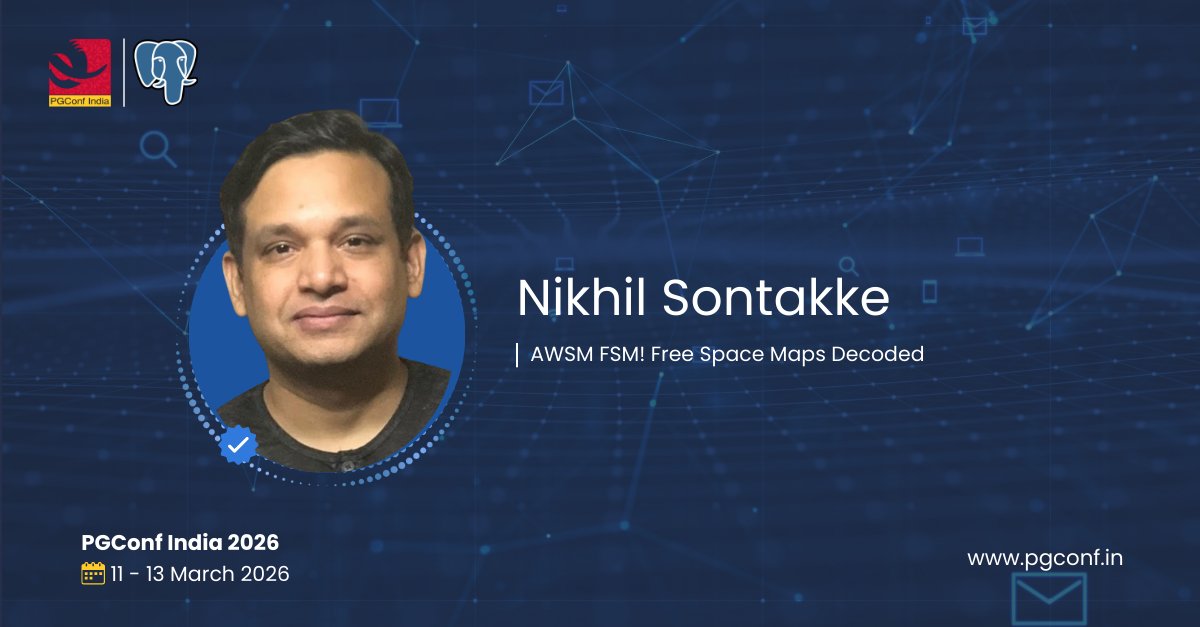
Get to know PostgreSQL’s Free Space Map (FSM)! 🧠 Nikhil Sontakke explains why the FSM is critical for efficient storage management. **"AWSM FSM!"** #PostgreSQL #FSM #DatabaseInternals
1
147

Feb 25
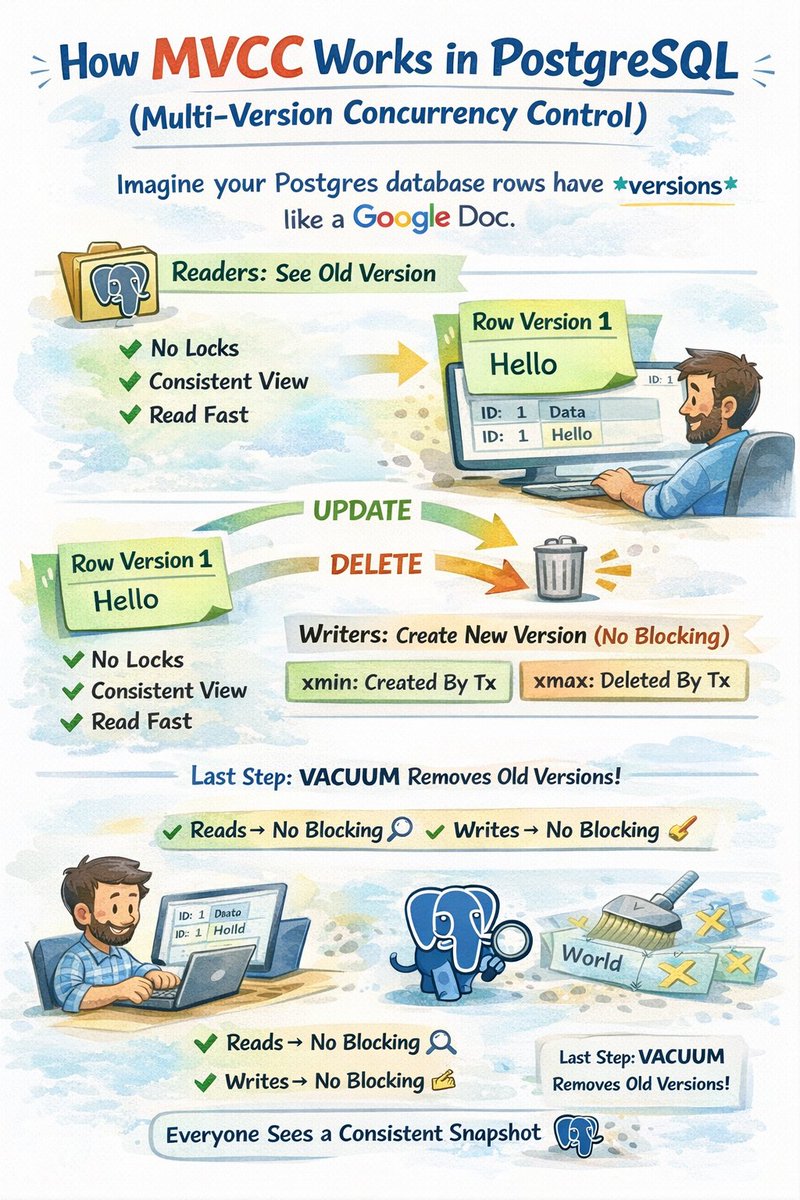
🚨 Your Postgres database is at 95% disk usage.
You delete 1 million rows… and disk space doesn’t decrease.
What’s going on?
Most engineers expect:
Delete rows → disk frees up
But in PostgreSQL, deletes don’t immediately reclaim space.
Because of 👉 MVCC (Multi-Version Concurrency Control)
Here’s the key idea:
PostgreSQL never overwrites or instantly removes rows.
Instead:
• UPDATE → creates a new row version
• DELETE → marks the row as dead (not visible)
So when you deleted 1M rows, PostgreSQL basically said:
“Got it 👍 I’ll just mark them invisible.”
The data is gone logically
…but the physical space is still occupied by dead row versions.
Why?
Because other transactions might still need the old snapshot.
MVCC guarantees every transaction sees a consistent view of data in time.
Only later does PostgreSQL actually free that space via:
👉 VACUUM
VACUUM:
• removes dead row versions
• makes space reusable inside the table
• prevents table/index bloat
Important nuance most devs miss:
Regular VACUUM usually does not shrink the file size on disk.
It just marks space reusable for future rows.
To return space to the OS you need:
👉 VACUUM FULL
(or table rewrite operations like CLUSTER)
Mental model:
PostgreSQL tables are like append-only logs with cleanup.
Deletes don’t erase, they invalidate versions.
💡 So your 95% disk mystery = MVCC dead tuples no cleanup yet.
Once you understand this,
Postgres storage behavior stops feeling “weird”
…and starts feeling brilliantly safe.
#PostgreSQL #DatabaseInternals #Backend #Tech
3
3
17
6,581

Jan 8
I just proved MongoDB's binary format is up to 529x slower than @OracleDatabase. 🔥
That is NOT a typo. Five hundred twenty-nine times slower.
Here's the thing about BSON (MongoDB) vs OSON (Oracle) that nobody talks about:
📍 BSON scans field names sequentially. O(n).
📍 OSON hashes and jumps to offsets. O(1).
Computer Science 101. I had talked about it, but nobody had benchmarked it. Until now.
I built DocBench — an open-source framework that isolates pure field access performance. No network noise. No server overhead. Just raw binary format traversal.
The results? 📊
→ Position 1 in a document? OSON 2.5x faster
→ Position 100? OSON 62x faster
→ Position 1000? OSON 529x faster
That's not a rounding error. That's algorithmic complexity playing out exactly as the theory predicts.
But here's what really got me: 🤔
BSON was designed in 2007-2009 by startup founders racing to ship. Good enough for the moment.
OSON was designed in 2017 by database research veterans with nearly 100 published papers — who had the luxury of learning from BSON's limitations.
Hindsight is a powerful engineering tool.
The full article breaks down:
✅ Client-side field access benchmarks (71x OSON advantage overall)
✅ Server-side update tests (OSON wins 22 of 25 tests)
✅ The offset recalculation penalty MongoDB pays on updates
✅ Where MongoDB actually wins (spoiler: large homogeneous arrays)
✅ Why your Document class is hiding the O(n) cost from you
The benchmark is MIT-licensed. The methodology is documented. The results are reproducible.
Don't take my word for it. Prove it to yourself. 💪
linkedin.com/pulse/why-binar…
---
#MongoDB #Oracle #BSON #OSON #JSON #DatabasePerformance #Benchmarking #OpenSource #DataEngineering #SoftwareArchitecture #DocumentDatabase #Performance #DeveloperExperience #TechDebt #DatabaseInternals

2
8
46
5,517

20 Dec 2025
Storage Engines: LSM Trees vs. B-Trees 🌳
In Advanced HLD, your choice of database isn't about "SQL vs NoSQL" it's about the Storage Engine.
B-Trees (MySQL/Postgres): Update data "in-place." Excellent for Read-Heavy workloads. Suffer on massive write ingestion due to random I/O and page splitting.
LSM Trees (Cassandra/RocksDB): "Append-only" writes. Data is flushed to disk sequentially and merged later (Compaction). The king of Write-Heavy ingestion (Logs, IoT, Chat).
Rule: If you are building a system ingesting 100k events/sec, a B-Tree will likely choke. Choose an LSM-based store.
#DatabaseInternals #SystemDesign #LSMTree #Engineering #HLD
7
381

7 Sep 2025
Another day of digging interesting facts from open-source codebases!
💡 I just discovered how ClickHouse stores Arrays efficiently using values offsets
ClickHouse has a reputation for being ridiculously fast at analytical queries. Part of that speed comes from its columnar storage design, but one detail that surprised me is how it stores arrays and nested data structures.
Instead of keeping each row’s array as is, ClickHouse explodes arrays into two separate columns:
👉🏻 Values column: a flat sequence of all elements from all arrays.
👉🏻 Offsets column: an array of integers marking where each row’s array ends.
📋 A Naive Approach (Why Not Just Store JSON?)
Imagine you have a table with arrays:
CREATE TABLE example (
id UInt32,
tags Array(String)
) ENGINE = MergeTree();
And you insert some rows:
id tags
1 [ "db", "metrics" ]
2 [ "ai", "ml", "genai" ]
3 [ "infra" ]
A naive database might:
👉🏻 Store each row’s array as a blob (["db", "metrics"]), bad for compression.
👉🏻 Store each row in a separate subtable, bad for query speed.
✅ The ClickHouse Way: Exploding Arrays
ClickHouse stores the same data in this format:
tags.values = [ "db", "metrics", "ai", "ml", "genai", "infra" ]
tags.offsets = [ 2, 5, 6 ]
👉🏻 tags.values holds all elements in sequence, concatenated across rows.
👉🏻 tags.offsets tells you how many elements belong to each row, by marking the ending index.
So how do you reconstruct the original row arrays?
✓ Row 1: take values from index 0 to 1 (offset 2) → [ "db", "metrics" ]
✓ Row 2: take values from index 2 to 4 (offset 5) → [ "ai", "ml", "genai" ]
✓ Row 3: take values from index 5 to 5 (offset 6) → [ "infra" ]
That’s it! Two flat columns, but the ability to map back to nested arrays.
✅ Why This Is Brilliant
1. Append-friendly
Adding a new row is just appending more values and a new offset. No reshuffling required.
2. Cache-friendly scans
Columnar queries (like arrayJoin(tags)) only need to scan the flat tags.values, which is contiguous in memory.
3. Compression wins
Flat columns compress better than row-level blobs because similar data (like repeated tags) sit close together.
4. Vectorized execution
Queries operate on contiguous memory regions, enabling SIMD acceleration and fast parallel scans.
📋 Attaching the exact source code for reference:
github.com/ClickHouse/ClickH…
#DatabaseInternals #Clickhouse
1
9
564

23 Aug 2025
Hey Folks !!
Do join today's community call where I with my friend @akshayktwt would be discussing PostgreSQL architecture, best scaling strategies approaches.
@GrowInComm #Postgres #DatabaseArchitecture #DatabaseInternals
#ScalingDatabases
23 Aug 2025

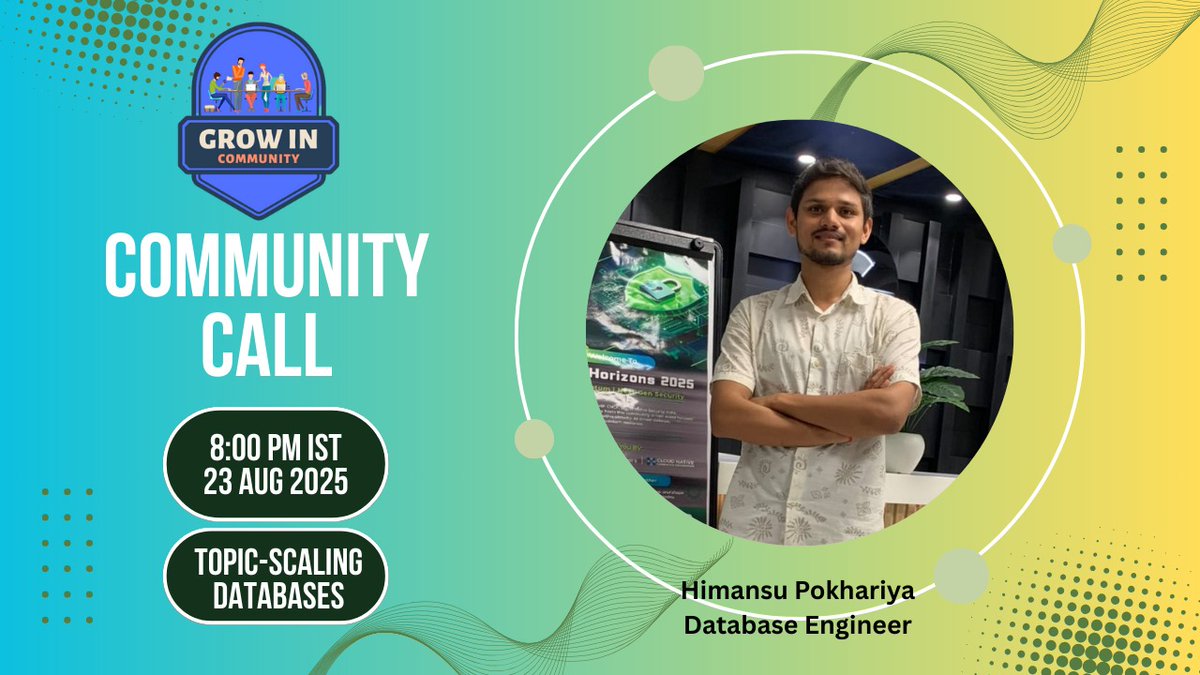
Excited for today’s @GrowInComm Call!
Topic: Scaling Databases
Speaker: @pokhariyahiman1
Host: @akshayktwt
Time: 8:00 PM (IST)
Join us to explore strategies, insights, and best practices on scaling databases effectively. Don’t miss out!
Discord link below in comment 👇
2
2
3
306

22 Jul 2025
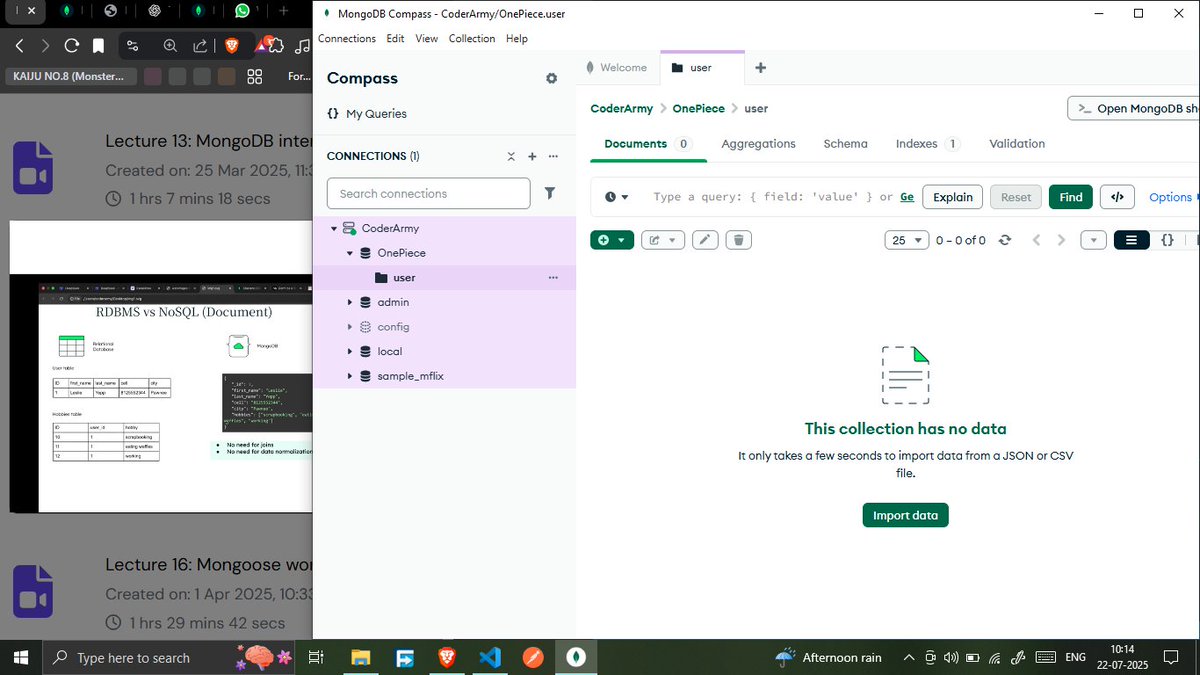
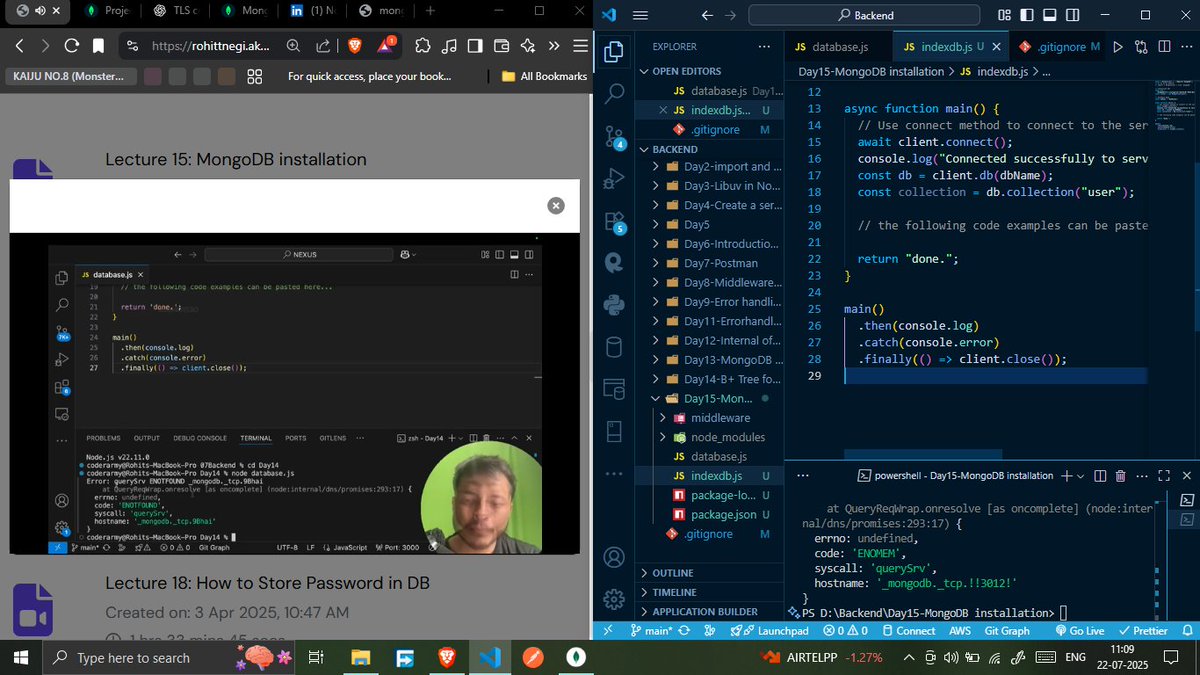
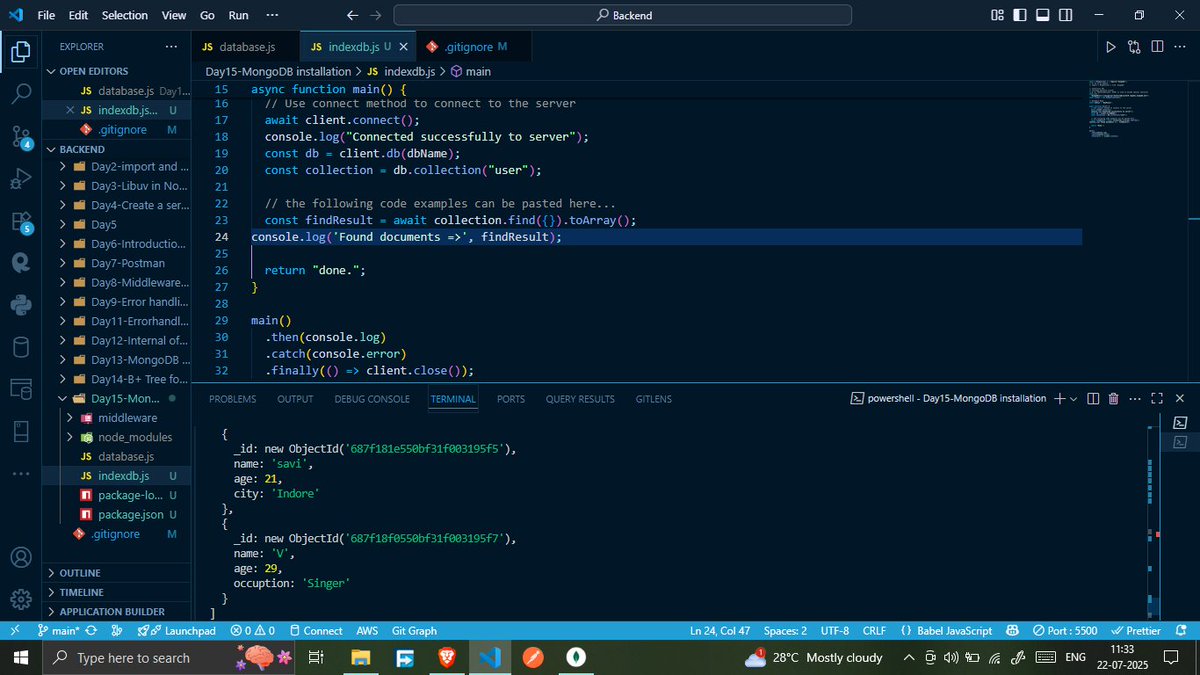
Topic: Backend
Lecture 15: MongoDB Installation
@rohit_negi9
#CoderArmy #RohitNegiBhaiya #Backend #MongoDB #DatabaseInternals #LearningJourney
1
1
13
290

21 Jul 2025
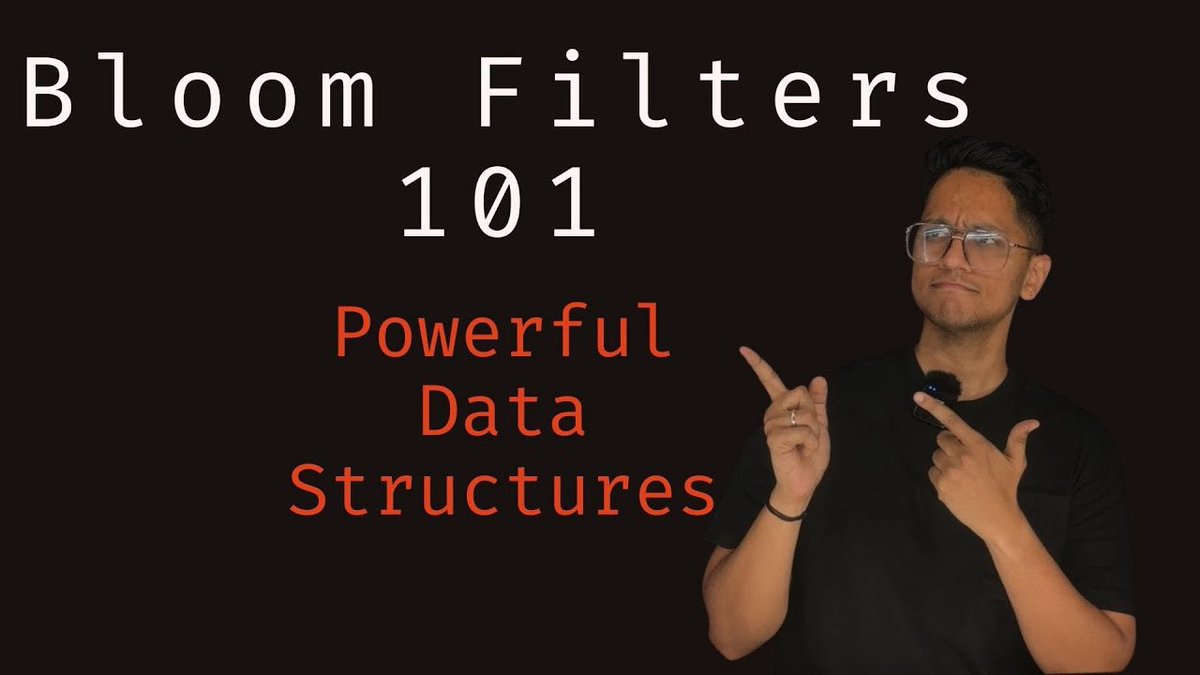
Bloom filters is a very powerful data structure that is used in many databases.
It’s also an important data structure to understand when it comes to designing high scale systems.
Here we are with our next video in the #DatabaseInternals series - Bloom Filters 101
In the next video we will talk about some advanced features such as deleting items, scalable bloom filters, cuckoo filters etc.
Like, repost and share it for the love of Databases and Data structures. Link below 👇
1
11
146
5,907
20 Jul 2025
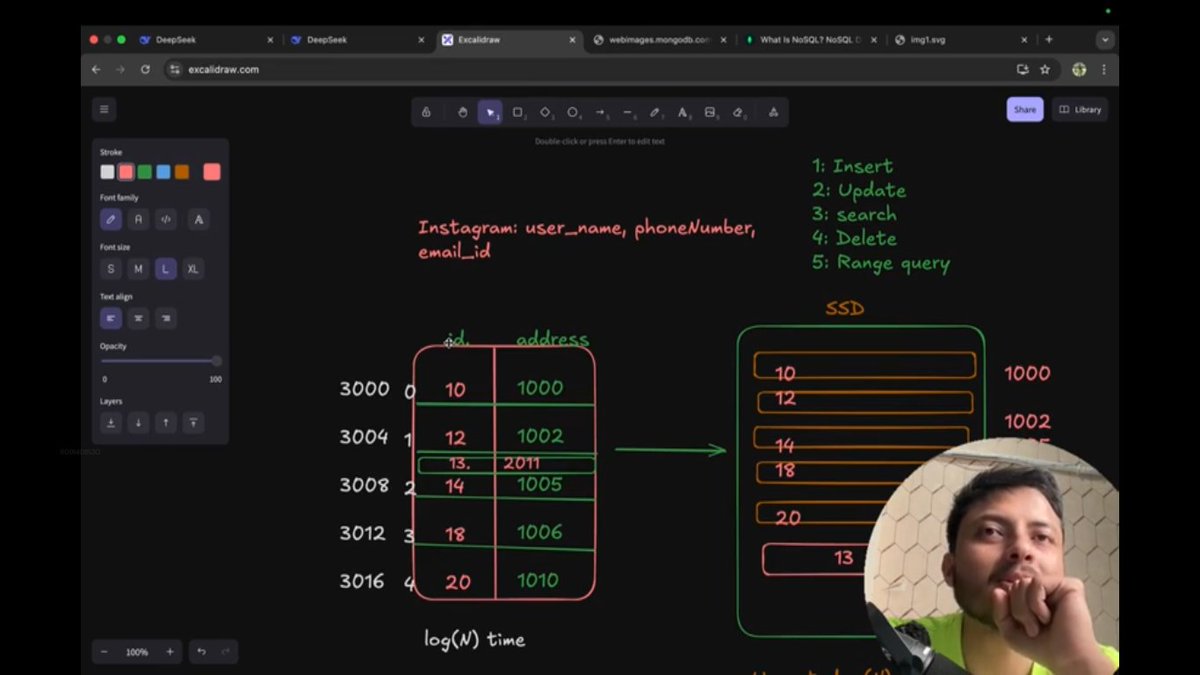
Topic: Backend
Lecture 13: MongoDB Internals
@rohit_negi9
#CoderArmy #rohitnegibhaiya #Backend #MongoDB #DatabaseInternals #LearningJourney
7
186
19 Jan 2025
Just released the episode on pg_duckdb with @JelteF on The GeekNarrator. If you love #Postgres or #DuckDb or just #DatabaseInternals, this episode will be interesting for you.
Give it a watch here and learn, how DuckDB can make your Postgres better..
youtu.be/Qn9_J_HI53o

1
10
3,798

28 Nov 2024
There is one compression algorithm that is very widely used to compress time-series data across all databases.
Time-series databases are supposed to ingest large amounts of numerical data, but storing them without compression will bloat the entire disk, increasing the cost and making retrieval much slower.
Sometime back, I published a video as part of my Practical Database Fundamentals series talking about a simple yet effective compression algorithm that is used across all time series databases. I have not only covered how it works but also implemented it in Golang and benchmarked the results.
give it a watch - youtu.be/J7VJtuRCkuI
implementation - github.com/arpitbbhayani/dat…
ps: enroll in my sys design dec cohort - arpitbhayani.me/course
#AsliEngineering #DatabaseInternals
2
2
139
10,805
14 Nov 2024
I am on a spree to explore PostgreSQL internals and today I explored how it handles JSONB data with GIN (Generalized Inverted Index) indexes.
When I was digging deeper, I found two operator classes, `jsonb_ops` and `jsonb_path_ops`, each serving different purposes and optimizing different types of queries. Here's a quick write-up about it
1. `jsonb_ops`
By default, when you create a GIN index on your JSONB column, PostgreSQL uses the `jsonb_ops` class. This class indexes every attribute of the JSON object, literally every single key value, including nested objects and arrays.
You can pass this class when you are creating your index as shown below
```sql
CREATE INDEX idx_users_addr ON users USING gin (addr jsonb_ops);
```
Because it indexes broadly, it supports all types of queries on the column, like, checking the existence of keys inside the JSON or checking if a particular value is present on a specific JSON path.
The breadth of its support makes it incredibly versatile, but it comes with the downside of larger index sizes which can slow down data insertion and modifications.
2. `jsonb_path_ops`
If your primary use case is to make quick containment checks, `jsonb_path_ops` is what you should prefer. This class optimizes specifically for such queries by indexing only the paths to terminal values (the ultimate leaf nodes in the JSON structure).
You can pass this class when you are creating your index as shown below
```sql
CREATE INDEX idx_users_addr ON users USING gin (addr jsonb_path_ops);
```
It is not suitable for queries checking key existence or array memberships as those aren't supported by this class i.e. you cannot get all the documents in which the key "status" exists using this operator because it indexes only the terminal values <status = "active">.
Digging deeper into nuances is always fun :)
enrollments for Dec cohort - arpitbhayani.me/course
#DatabaseInternals #AsliEngineering
5
3
213
19,689
12 Nov 2024
For the last few weeks, I have been spending time implementing WAL for DiceDB and hence spent a ton of time exploring how other databases have implemented it. I stumbled upon selective logging, and here are some interesting details about it.
WAL is all about safeguarding data integrity and recoverability by ensuring changes are logged before they are applied. But should we log every single operation? probably not.
Although appending to a file is fast, it is still an overhead. So, most databases do not log all the operations, instead, they pick and choose critical operations and log them. This is called `selective logging` and it helps to tune and ensure that vital changes are recoverable while still
1. maximizing the performance
2. minimizing the logging overhead
PostgreSQL does not WAL following the following two things - unlogged tables and bulk operations.
PostgreSQL has a notion of an `unlogged table` where the data changes are not logged. Unlogged tables offer three key benefits
- massive improvements to write performance
- minimal impact on vacuum
- minimal load on WAL, leading to smaller backups
The only disadvantage of unlogged tables is - No durability! So, if the system crashes, the data in these tables vanishes since there’s no log to fall back on. You can create an unlogged table like this
```
CREATE UNLOGGED TABLE users (id int);
```
By the way, PostgreSQL also does not log massive data imports where logging each row would be overkill. Digging a level deeper is always fun :)
#AsliEngineering #DatabaseInternals
6
4
83
7,939
3 Nov 2024
Today, I spent some time digging deeper into K-D trees and exploring how they fit within spatial databases. K-D trees also find a solid use in ML and geo-proximity use cases. Let's dig deeper ...
K-D Trees optimizes for both the depth and accessibility of the data stored. Here's a quick 2 pointer gist on how it works
1. it starts from a root node
2. it recursively splits data across nodes depending on a specific dimension X or Y coordinate.
The split stops when a certain condition is met and this prompts the formation of leaf nodes. Different stopping conditions drive different use cases and here are some of them
1. stop when there's only a single point left in the node
This precision is particularly helpful for operations like pinpointing a nearest neighbor, streamlining the search process dramatically.
2. stop when the number of points in a node hits some limit
This ensures a balanced k-d tree and is hence useful when you need queries to be completed in consistent time while taking up minimal resources.
3. stop when all points in a node show minimal variance along the split dimension.
This stopping strategy is leveraged to build decision trees and power unsupervised clustering algorithms where the leaf nodes form well-defined almost homogeneous clusters.
Trees are quite an interesting data structure and there are a ton of other variants, each optimized to solve a certain class of problems really well. It’s always amusing and interesting to explore such nuances :) Sunday was well spent!
System Design December Cohort - arpitbhayani.me/course
#AsliEngineering #SystemDesign #DatabaseInternals
2
5
139
22,806
26 Oct 2024
While exploring deadlock management in databases, I stumbled upon an interesting aspect involving descending indexes and slow-function implementations. Let's dig deeper ...
When databases perform operations like `SELECT`, `UPDATE`, or `DELETE`, the way rows are accessed and locked is critical.
Imagine we've indexed a column, say `amount`, in descending order. The natural consequence here is that whenever an `UPDATE` operation kicks in using this index, the database starts dealing with the highest `amount` values first and progresses downward.
Here's where it gets tricky:
If another operation begins accessing the same dataset but starts from the lowest value upward, the overlap in accessed rows can lead to a deadlock. Essentially, one transaction waiting indefinitely for a lock held by another, and vice versa; a classic deadlock :) To prevent we need to
1. make sure that the access of rows/index entries/resources happens uniformly (either low to high or high to low). This drastically reduces conflicts and thus deadlocks.
2. keep your transactions to a bare minimum making sure that the locks are released as quickly as possible. This cuts down potential deadlock instances.
⚡ I keep writing and sharing my practical experience and learnings every day, so if you resonate then follow along. I keep it no fluff.
youtube.com/c/ArpitBhayani
#AsliEngineering #DatabaseInternals #SystemDesign
5
7
155
10,511
22 Oct 2024
Trees are not just limited and useful to solving your LeetCode questions, but they form the crux of most databases.
Every variant of Tree is designed to be optimized for a certain class of operations and query pattern. A database typically implements a subset of these depending on the operations it supports.
Depending on the indexes you have created or the queries you fire, the database engine loads (or keeps data pre-loaded) in the right tree variant and executes the query. Some of the variants that are commonly found across databases are
1. B-tree - range queries and equality searches on sorted data
2. B tree - range queries over large datasets based on disk
3. R-tree - spatial and multidimensional range queries
4. T-tree - range queries with a high locality of reference
5. Trie - prefix queries and auto-complete searches
6. Suffix tree - substring queries and sequence matching
7. Segment tree - Range queries and point updates in interval data
8. Fenwick tree - Cumulative frequency table queries and prefix sum queries
9. KD-tree - Multidimensional range queries in spatial and nearest neighbor queries
10. Merkle tree - Verifying data integrity and content efficiently in distributed systems
11. Quadtree: 2D spatial queries in geographic databases
12. UB-tree - Multidimensional range queries in very large databases with high dimensional spaces
13. M-tree - Metric space queries ex: nearest neighbor searches in distance-based data
So, if you have just started with Tree data structures, or if this post sparked some curiosity about them, try to build a deeper understanding of the trade-off each variant took. It will help you build your first principles of thinking.
⚡ I keep writing and sharing my practical experience and learnings every day, so if you resonate then follow along. I keep it no fluff.
youtube.com/c/ArpitBhayani
#AsliEngineering #DatabaseInternals #Trees
5
16
416
20,663
17 Oct 2024
PostgreSQL implements an interesting optimization to make some scans index-only and execute the query faster. Let's explore the implementation.
An index-only scan is when PostgreSQL retrieves data entirely from the index without needing to access the actual rows (the heap). This is much faster as it avoids the extra step of reading rows from the disk.
For index-only scans to work, PostgreSQL needs to ensure that the index data is current and up-to-date. Because of MVCC implementation, there may be multiple versions of the same row in use by multiple active transactions.
In a non-optimized implementation, PostgreSQL needs to read the actual row to confirm its visibility and get the latest version if required. Thus your index-only scans are not as fast as you'd like them to do. To make this performant, PostgreSQL leverages the Visibility Map.
Visibility Map is an internal data structure that PostgreSQL maintains to track which pages (a block of rows) in a table contain only tuples (rows) that are visible to all transactions. If a page is marked in the visibility map as `all-visible`, the engine knows that it doesn't need to check the visibility of the individual rows on that page.
Hence, during an index-only scan, PostgreSQL first computes the rows that need to be part of the result set and then it checks on the visibility map to see if the page is marked as `all-visible`. If yes, then it skips getting the actual page from the heap; thus making the entire execution faster and more performant.
In PostgreSQL, because of MVCC, update and delete operations lead to dead tuples, and vacuuming is required to clear them out. Thus, as part of vacuuming
1. the dead tuples are removed
2. and the visibility map is updated to mark pages as `all-visible`.
This implies that every row on that page is visible to all transactions and can now be leveraged to skip the heap fetch and complete index-only scans faster.
⚡ I keep writing and sharing my practical experience and learnings every day, so if you resonate then follow along. I keep it no fluff.
#AsliEngineering #DatabaseInternals #PostgreSQL
4
16
170
11,031