
May 25
Collective Appeal from the Blind Community: Google TTS Needs Action, Not Just Acknowledgment.
This is a comprehensive public report on "Speech Services by Google" (Google TTS).
We are posting this publicly because these issues are not new. They have been reported by multiple users over a long period, and many have already been accepted by your teams through standard feedback channels.
We do not need to "DM for details" or "provide audio recordings." We need these long-standing issues and accepted feature requests to be fixed and implemented.
The post is clear to avoid any confusion:
PART 1: ACKNOWLEDGED FEATURE REQUESTS (NOT IMPLEMENTED)
1. User Dictionary: We still have no ability to create a user dictionary to fix custom pronunciations (e.g., for names or technical words).
2. Uninstall Default Voices: We still cannot uninstall the default English (US) voice pack, which wastes storage and clutters the menu.
3. Number Processing: We still have no feature to choose how numbers are read. The default "millions, billions" format is annoying, and we need options (like digit-by-digit).
4. Date Processing: We still have no feature to customize date formats. We need to be able to set regional standards (e.g., DD/MM/YYYY for India).
PART 2: LONG-STANDING BUGS (NOT FIXED)
1. "Zero" Pronunciation Bug: The digit "0" is still incorrectly read as the letter "O" (e.g., "one O five" instead of "one zero five"). This affects all English variants (US, UK, IN, AU, NG).
2. Poor Audio Quality: The voices are not "clear, crisp, and crystal." They are muffled and sound nasally, "like somebody is speaking in the nose."
3. High Latency (Accessibility Failure): The TTS has "huge latency" and is "sluggish." This makes accessibility services like Explore by Touch (TalkBack) "pathetic" and unusable. The "quick responsive" feedback needed for scrolling and swiping is completely absent.
4. No Expressiveness: The engine ignores punctuation. A sentence ending in a question mark (?) is read with the same flat, declarative tone as a period, failing to convey intent.
5. Broken Auto-Language Switching: The auto-language detection "is not working properly." When it does try to switch, it introduces a "huge delay" that disrupts the flow of reading.
6. Incorrect Voice Switching: The system ignores the user's selected "desire voice." For example, a user sets Voice A for English and Voice B for a regional language. When reading, the system will suddenly use a random Voice C for the regional language, creating inconsistency and confusion.
7. Unsolicited Voice Downloads: Google TTS is still automatically downloading unnecessary voices that the user never requested. Even after being manually uninstalled, the system forcibly re-downloads them, wasting data and storage against the user's explicit wishes.
These are not new reports requiring investigation. They are well-documented failures requiring action. We request escalation and a timeline for these fixes.
@Google
@GoogleAccess
@Android
@sundarpichai
@MissionAccess_
@dequesystems
@accessibility00
@LevelAccessA11y
@IAAPOrg
@A11yNews
@MSFTEnable
@acbnational
@NFB_voice
@BlindUnion
@IDA_CRPD_Forum
@socialpwds
@GoI_MeitY
@_DigitalIndia
@ncpedp_india
@Ncpwds
@BeMyEyes
@DisabRights_Ind
@FreedomSci
@APHfortheBlind
@fbaccess
@NVAccess
@DisabilityRepor
@BlindDroidUsers
@AndroidDev
@AndroidAuth
@androidcentral
@AndroidPolice
@_ShivamBhatt
@Sindhuvasini
@VGTtweets
@ppranava68
@NirendraNagar
@amarjain2006
@mtonykurian
@Rahul400
@istemtech
@yatinpanchal143
@PrakashWKamatPK
@drvj70
@GyanTherapy
@iamasagar
@friendsofeyeway
@ScoFoIndia
@MishaalRahman
#GoogleTTS
#SpeechServicesByGoogle
#TalkBack
#AndroidAccessibility
#Accessibility
#BlindCommunity
#ScreenReaderUsers
#UserDictionary
#CustomPronunciation
#NumberProcessing
#LowLatency
#FixGoogleTTS
#AccessibilityMatters
#DisabilityRights
#InclusionMatters
#AccessibilityForAll
#DigitalInclusion
#TechForAll
#EqualAccess
#FixAccessibility
#AccessibleTech
33
May 24
Collective Appeal from the Blind Community: Google TTS Needs Action, Not Just Acknowledgment.
This is a comprehensive public report on "Speech Services by Google" (Google TTS).
We are posting this publicly because these issues are not new. They have been reported by multiple users over a long period, and many have already been accepted by your teams through standard feedback channels.
We do not need to "DM for details" or "provide audio recordings." We need these long-standing issues and accepted feature requests to be fixed and implemented.
The post is clear to avoid any confusion:
PART 1: ACKNOWLEDGED FEATURE REQUESTS (NOT IMPLEMENTED)
1. User Dictionary: We still have no ability to create a user dictionary to fix custom pronunciations (e.g., for names or technical words).
2. Uninstall Default Voices: We still cannot uninstall the default English (US) voice pack, which wastes storage and clutters the menu.
3. Number Processing: We still have no feature to choose how numbers are read. The default "millions, billions" format is annoying, and we need options (like digit-by-digit).
4. Date Processing: We still have no feature to customize date formats. We need to be able to set regional standards (e.g., DD/MM/YYYY for India).
PART 2: LONG-STANDING BUGS (NOT FIXED)
1. "Zero" Pronunciation Bug: The digit "0" is still incorrectly read as the letter "O" (e.g., "one O five" instead of "one zero five"). This affects all English variants (US, UK, IN, AU, NG).
2. Poor Audio Quality: The voices are not "clear, crisp, and crystal." They are muffled and sound nasally, "like somebody is speaking in the nose."
3. High Latency (Accessibility Failure): The TTS has "huge latency" and is "sluggish." This makes accessibility services like Explore by Touch (TalkBack) "pathetic" and unusable. The "quick responsive" feedback needed for scrolling and swiping is completely absent.
4. No Expressiveness: The engine ignores punctuation. A sentence ending in a question mark (?) is read with the same flat, declarative tone as a period, failing to convey intent.
5. Broken Auto-Language Switching: The auto-language detection "is not working properly." When it does try to switch, it introduces a "huge delay" that disrupts the flow of reading.
6. Incorrect Voice Switching: The system ignores the user's selected "desire voice." For example, a user sets Voice A for English and Voice B for a regional language. When reading, the system will suddenly use a random Voice C for the regional language, creating inconsistency and confusion.
7. Unsolicited Voice Downloads: Google TTS is still automatically downloading unnecessary voices that the user never requested. Even after being manually uninstalled, the system forcibly re-downloads them, wasting data and storage against the user's explicit wishes.
These are not new reports requiring investigation. They are well-documented failures requiring action. We request escalation and a timeline for these fixes.
@Google
@GoogleAccess
@Android
@sundarpichai
@MissionAccess_
@dequesystems
@accessibility00
@LevelAccessA11y
@IAAPOrg
@A11yNews
@MSFTEnable
@acbnational
@NFB_voice
@BlindUnion
@IDA_CRPD_Forum
@socialpwds
@GoI_MeitY
@_DigitalIndia
@ncpedp_india
@Ncpwds
@BeMyEyes
@DisabRights_Ind
@FreedomSci
@APHfortheBlind
@fbaccess
@NVAccess
@DisabilityRepor
@BlindDroidUsers
@AndroidDev
@AndroidAuth
@androidcentral
@AndroidPolice
@_ShivamBhatt
@Sindhuvasini
@VGTtweets
@ppranava68
@NirendraNagar
@amarjain2006
@mtonykurian
@Rahul400
@istemtech
@yatinpanchal143
@PrakashWKamatPK
@drvj70
@GyanTherapy
@iamasagar
@friendsofeyeway
@ScoFoIndia
@MishaalRahman
#GoogleTTS
#SpeechServicesByGoogle
#TalkBack
#AndroidAccessibility
#Accessibility
#BlindCommunity
#ScreenReaderUsers
#UserDictionary
#CustomPronunciation
#NumberProcessing
#LowLatency
#FixGoogleTTS
#AccessibilityMatters
#DisabilityRights
#InclusionMatters
#AccessibilityForAll
#DigitalInclusion
#TechForAll
#EqualAccess
#FixAccessibility
#AccessibleTech
2
7
6
313

Dear @AndroidDev @Google, as a blind IT student, I’m revolted by the new verification policies. The 24h sideloading delay is NOT security; it’s infantilization. It harms my accessibility by blocking independent tools like Jieshuo. Stop this! #KeepAndroidOpen #AndroidAccessibility
3

Heads up we have #googlechrome and #androidaccessibility
as manual updates
Make sure you do it as Googleplay has been corrupted by not allowing automatic updates
#tech #technews #phone #android

16

6 Nov 2025
Collective Appeal from the Blind Community: Google TTS Needs Action, Not Just Acknowledgment.
This is a comprehensive public report on "Speech Services by Google" (Google TTS).
We are posting this publicly because these issues are not new. They have been reported by multiple users over a long period, and many have already been accepted by your teams through standard feedback channels.
We do not need to "DM for details" or "provide audio recordings." We need these long-standing issues and accepted feature requests to be fixed and implemented.
The post is clear to avoid any confusion:
PART 1: ACKNOWLEDGED FEATURE REQUESTS (NOT IMPLEMENTED)
1. User Dictionary: We still have no ability to create a user dictionary to fix custom pronunciations (e.g., for names or technical words).
2. Uninstall Default Voices: We still cannot uninstall the default English (US) voice pack, which wastes storage and clutters the menu.
3. Number Processing: We still have no feature to choose how numbers are read. The default "millions, billions" format is annoying, and we need options (like digit-by-digit).
4. Date Processing: We still have no feature to customize date formats. We need to be able to set regional standards (e.g., DD/MM/YYYY for India).
PART 2: LONG-STANDING BUGS (NOT FIXED)
1. "Zero" Pronunciation Bug: The digit "0" is still incorrectly read as the letter "O" (e.g., "one O five" instead of "one zero five"). This affects all English variants (US, UK, IN, AU, NG).
2. Poor Audio Quality: The voices are not "clear, crisp, and crystal." They are muffled and sound nasally, "like somebody is speaking in the nose."
3. High Latency (Accessibility Failure): The TTS has "huge latency" and is "sluggish." This makes accessibility services like Explore by Touch (TalkBack) "pathetic" and unusable. The "quick responsive" feedback needed for scrolling and swiping is completely absent.
4. No Expressiveness: The engine ignores punctuation. A sentence ending in a question mark (?) is read with the same flat, declarative tone as a period, failing to convey intent.
5. Broken Auto-Language Switching: The auto-language detection "is not working properly." When it does try to switch, it introduces a "huge delay" that disrupts the flow of reading.
6. Incorrect Voice Switching: The system ignores the user's selected "desire voice." For example, a user sets Voice A for English and Voice B for a regional language. When reading, the system will suddenly use a random Voice C for the regional language, creating inconsistency and confusion.
7. Unsolicited Voice Downloads: Google TTS is still automatically downloading unnecessary voices that the user never requested. Even after being manually uninstalled, the system forcibly re-downloads them, wasting data and storage against the user's explicit wishes.
These are not new reports requiring investigation. They are well-documented failures requiring action. We request escalation and a timeline for these fixes.
@Google
@GoogleAccess
@Android
@sundarpichai
@MissionAccess_
@dequesystems
@accessibility00
@LevelAccessA11y
@IAAPOrg
@A11yNews
@MSFTEnable
@acbnational
@NFB_voice
@BlindUnion
@IDA_CRPD_Forum
@socialpwds
@GoI_MeitY
@_DigitalIndia
@ncpedp_india
@Ncpwds
@BeMyEyes
@DisabRightsFund
@accessible_apps
@FreedomSci
@APHfortheBlind
@fbaccess
@NVAccess
@DisabilityRepor
@BlindDroidUsers
@AndroidDev
@AndroidAuth
@androidcentral
@AndroidPolice
@_ShivamBhatt
@Sindhuvasini
@VGTtweets
@ppranava68
@NirendraNagar
@amarjain2006
@mtonykurian
@Rahul400
@istemtech
@yatinpanchal143
@PrakashWKamatPK
@drvj70
@GyanTherapy
@iamasagar
@friendsofeyeway
@ScoFoIndia
@MishaalRahman
#GoogleTTS
#SpeechServicesByGoogle
#TalkBack
#AndroidAccessibility
#Accessibility
#BlindCommunity
#ScreenReaderUsers
#UserDictionary
#CustomPronunciation
#NumberProcessing
#LowLatency
#FixGoogleTTS
#AccessibilityMatters
#DisabilityRights
#InclusionMatters
#AccessibilityForAll
#DigitalInclusion
#TechForAll
#EqualAccess
#FixAccessibility
#AccessibleTech
5
27
23
635

29 Oct 2025
👤🟢 Welcome Maxim Malişciuc to Droidcon Italy 2025!
Senior Android Developer 🇮🇹🎙️
🔎 “Navigating the Roadblocks to EAA Compliance”
Dc25 Agenda: it.droidcon.com/2025/agenda/
The EU Accessibility Act (EAA) is no longer just on the horizon, it's a deadline. Starting June 28, 2025, apps must meet accessibility standards, but getting there isn’t as simple as adding contentDescription = "arrow button".
In this talk, Maxim shares his deep-dive journey into making his company’s app EAA-compliant. From WCAG 2.2 guidelines to the legal and practical nuances of disability-aware design, this session is packed with actionable advice, honest lessons learned, and real examples that go beyond theory.
👉🏻 Curious who else is speaking at #DroidconItaly25? Explore the lineup → it.droidcon.com/2025/speaker…
📅 November 19–20, 2025
📍 Turin, Italy
#DroidconItaly #EAACompliance #AndroidAccessibility #EUAccessibilityAct #InclusiveApps #WCAG #MobileDev #AndroidDev #Droidcon2025 #AccessibilityMatters #DevTalks

1
6
101

9 Jun 2025
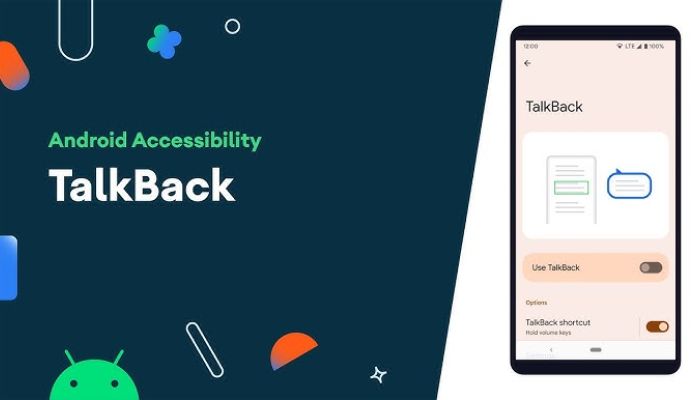
ફોનમાં ટોકબેક ફીચર કેવી રીતે બંધ કરવું, તેનો સરળ અને સાચો રસ્તો કયો છે? જાણો
tv13gujarati.com/news/how-to…
#TalkBack #AndroidAccessibility #DisableTalkBack #SmartphoneTips #ScreenReader #TechGuide #tv13gujarati
63

9 Feb 2025
Android sta rivoluzionando l'accessibilità con TalkBack! Grazie alle scorciatoie da tastiera, ora puoi navigare senza guardare lo schermo, migliorando efficienza e sicurezza. Hai già provato queste funzionalità? Condividi la tua esperienza! #AndroidAccessibility #TalkBack
13

1 Feb 2025
Boost your Android accessibility! 📱✨
🔹 Use TalkBack for screen reading
🔹 Try Voice Access for hands-free control
🔹 Enable Live Caption for instant subtitles
🔹 Adjust font & magnification for better visibility
Tech for everyone! #AndroidAccessibility #InclusiveTech
21
1 Feb 2025
Android offers powerful accessibility features like TalkBack for screen reading, Live Caption for real-time subtitles, and Voice Access for hands-free control. Making tech more inclusive for everyone! #AndroidAccessibility #InclusiveTech
16

18 May 2024
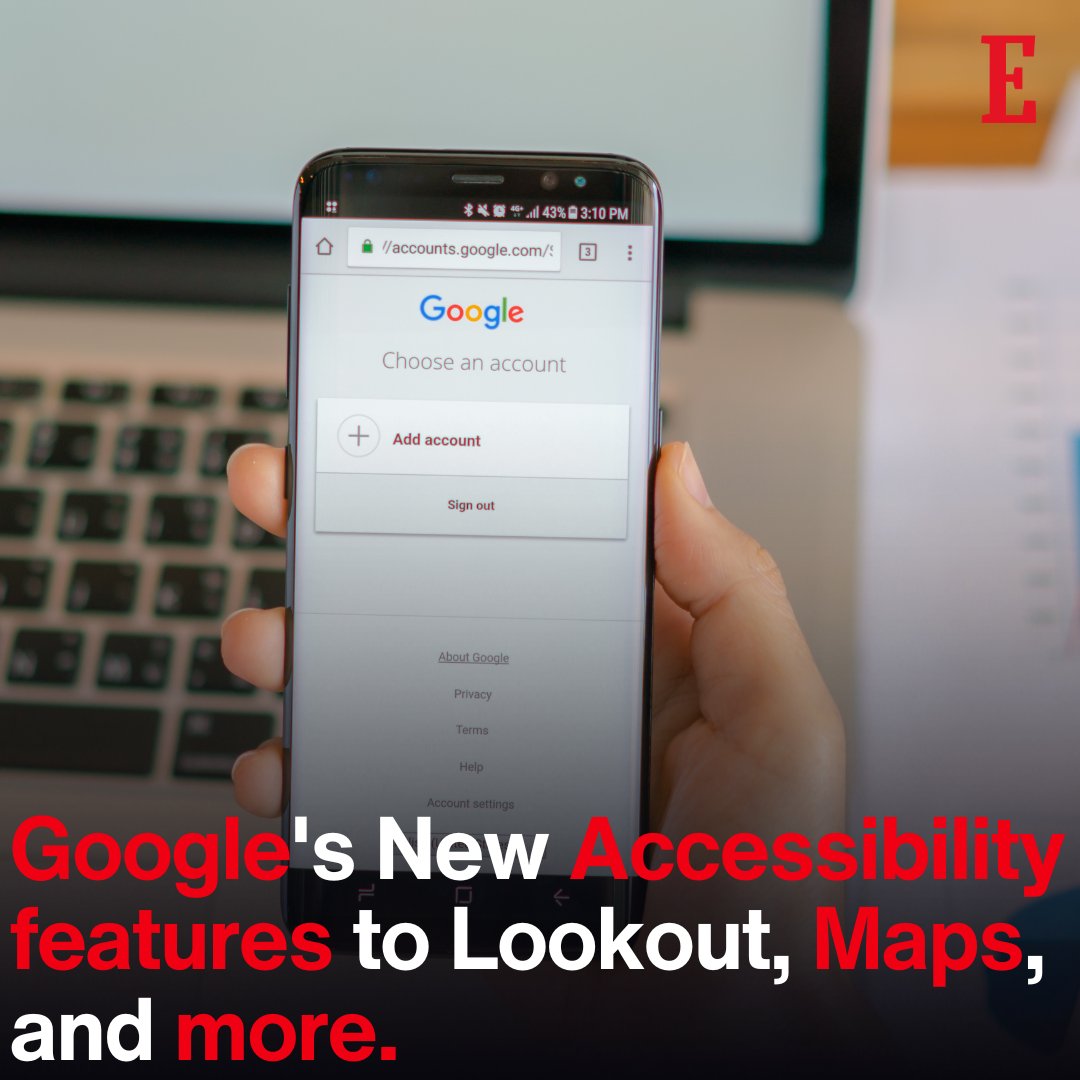
@Google's New Accessibility features to Lookout, Maps, and more
Read the story: ow.ly/k5cO50RLtcB
#LowVisionSupport #BlindCommunity #MapsUpdate #AndroidAccessibility #LookoutApp #AccessibilityTech #GoogleUpdate #GlobalAccessibilityDay
48

11 Dec 2023
Major Accessibility Updates for Android Users bbeb.com/post/102iut1/major-… #android #blind #AccessibilityApps #AndroidAccessibility #BeMyEyes #SeeingAI #AssistiveTechnology #DigitalInclusion
43

5 Dec 2023
Microsoft’s Seeing AI app for low-vision and blind users comes to Android
#SeeingAI #MicrosoftApp #AccessibilityForAll #VisualImpairment #AndroidAccessibility #AIAssistance #GooglePlayStore #GenerativeAI #AssistiveTechnology #Empowerment
newseurope24.com/microsofts-…
16

19 Sep 2023
Making tech inclusive! Accessibility is a must in Android app development. How do you incorporate accessibility features into your apps, and what are your tips for making technology more inclusive? Share your insights and champion accessibility in tech! #AndroidAccessibility
9

12 Sep 2023
Android Dévoile Sa Nouvelle Identité Visuelle Et Des Fonctionnalités Pour Les Malvoyants: labomobile.net/google-transf… #AndroidAccessibility
1
1
39

25 Apr 2023
Enhance the accessibility of your Android native app by implementing alternative text for images. By adding concise and accurate descriptions through the 'android:contentDescription' attribute or the 'setContentDescription' method. #AndroidAccessibility #AlternativeText
37

14 Mar 2023
Cool stuf on #AndroidAccessibility. You can record a sound and be notified about it, and on #Pixel7 you can transcribe audio messages. #CSUNATC23
1
2
124

27 Jan 2023
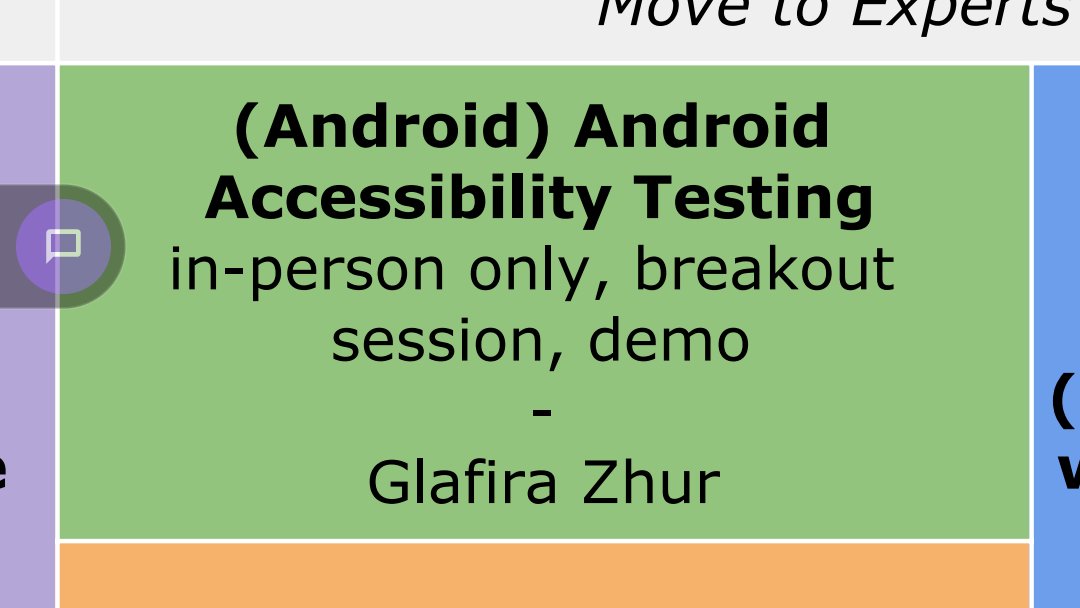
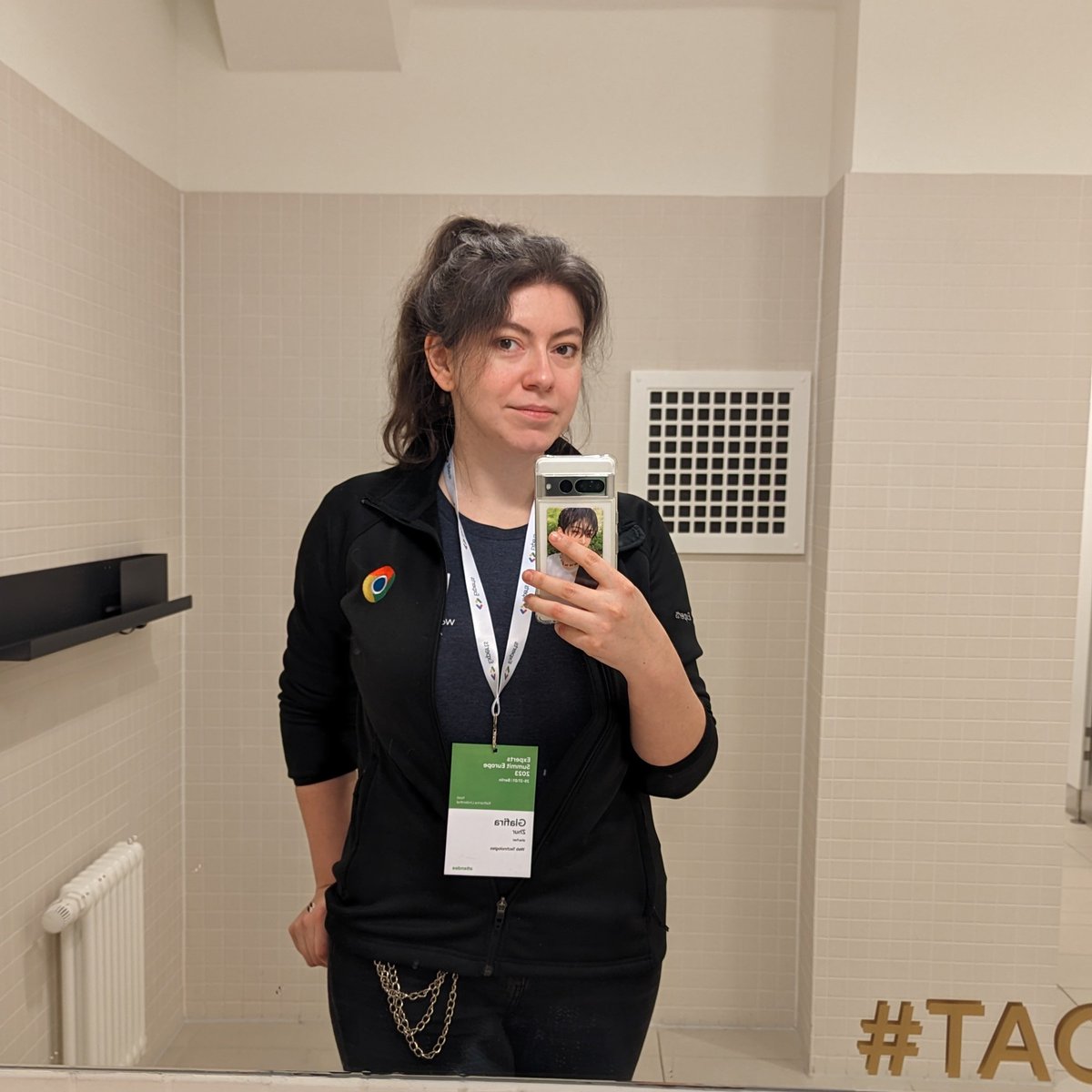
Today is the day for me 😅
Hope I will show you some good stuff and will inspire you to check your apps on accessibility!
#AndroidAccessibility #gdesummit @GoogleDevEurope
ALT The screenshot of my talk in the conference agenda
ALT A photo of me in the wc mirror 😁
4
2
46
3,083

android accessibility suite apk download | Alamin Computer alamincomputer.com/2022/07/a… #androidAccessibility #apk #apps #app #Download

Android is giving IPhone a run for their money on accessibility features.
ow.ly/ULBr50Kzgb3
#AndroidAccessibility #IPhoneAccessibility #AccessibleTech #MobileAccess #DigitalInclusion #Android13 #a11y #TechForGood #InclusiveMobile #BlindUsers #LowVisionUsers